Previsualiza tus diseños en alfombrillas extendidas XXL
Usa el formato ancho para valorar logotipos, estampados e ilustraciones panorámicas sobre toda la alfombrilla. Mantén los detalles clave dentro del recorte final.
202 mockups
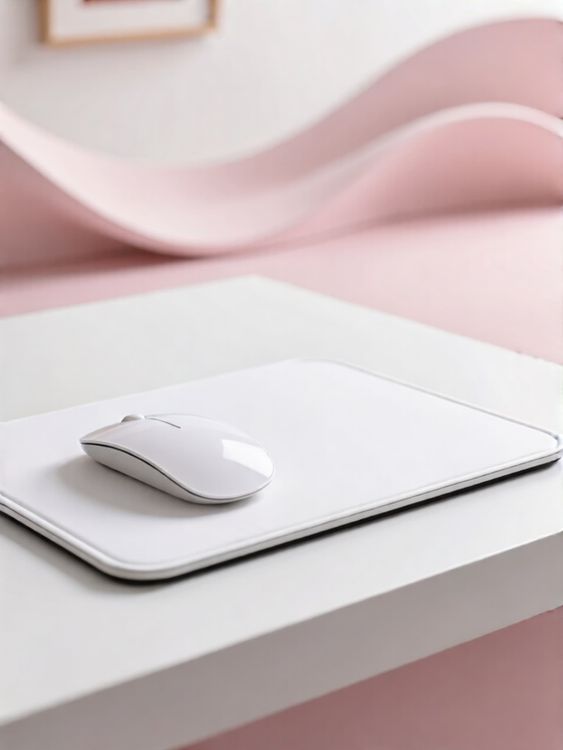
Xxl extended mouse pad mockup of white computer mouse pad on white table with pink chair background
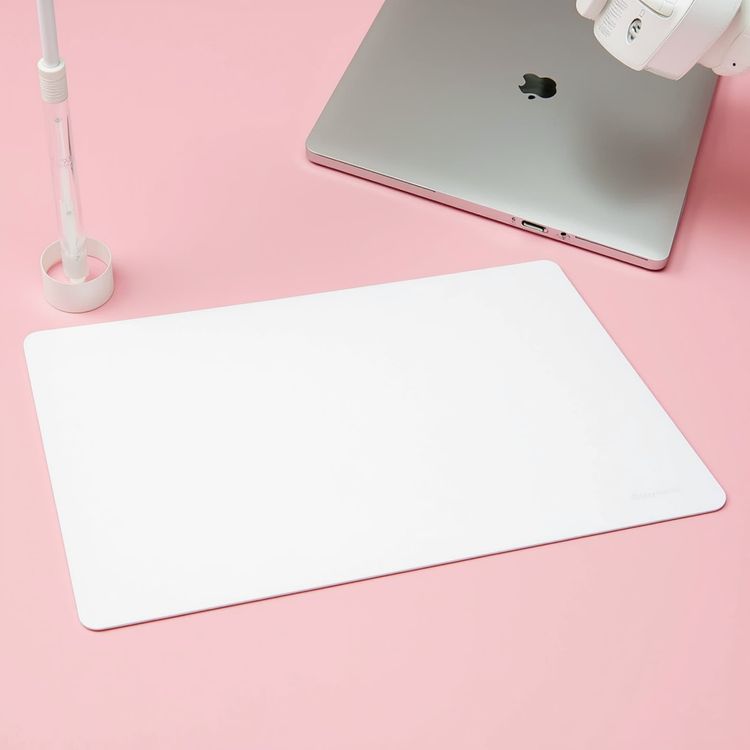
Product shot mouse pad mockup laptop with minimal desk setup
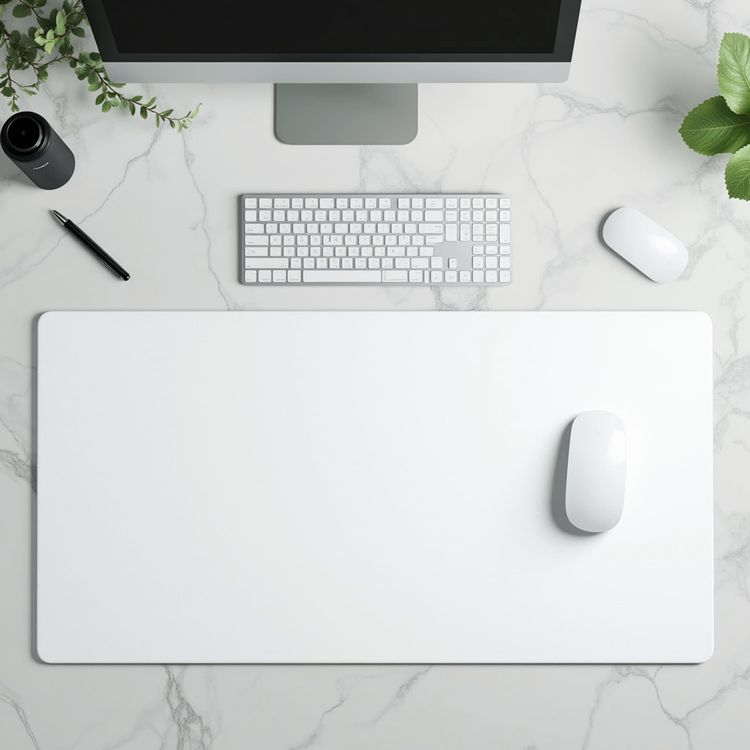
Product shot xxl extended mouse pad mockup desk setup with greenery
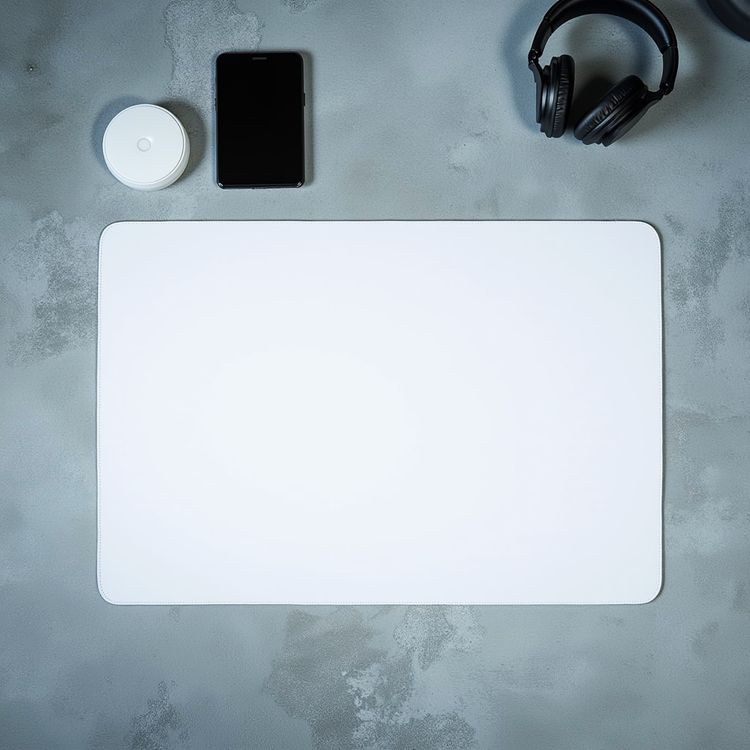
Product shot mouse pad mockup top view with accessories
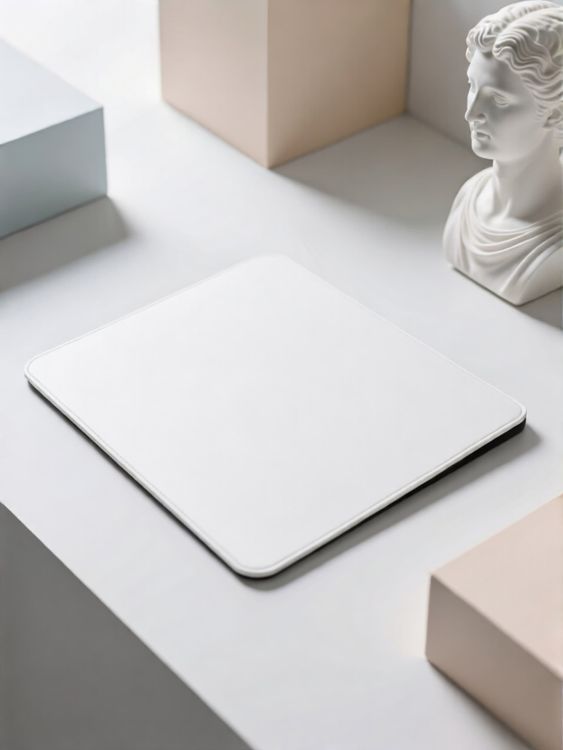
Xxl extended mouse pad mockup of white mouse pad on white minimalistic desk with plaster bust and pastel colored boxes
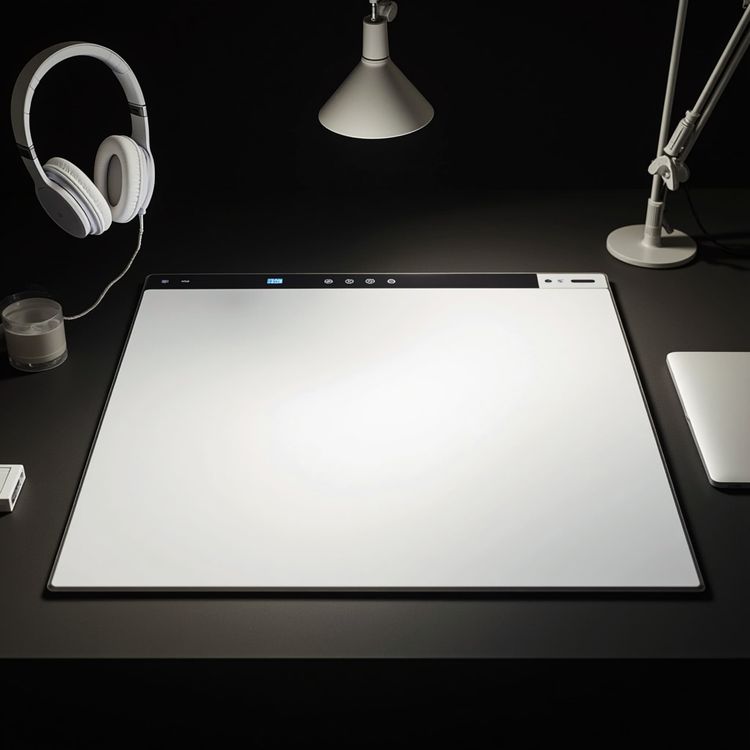
Product shot mouse pad mockup desk with headphones and lamp
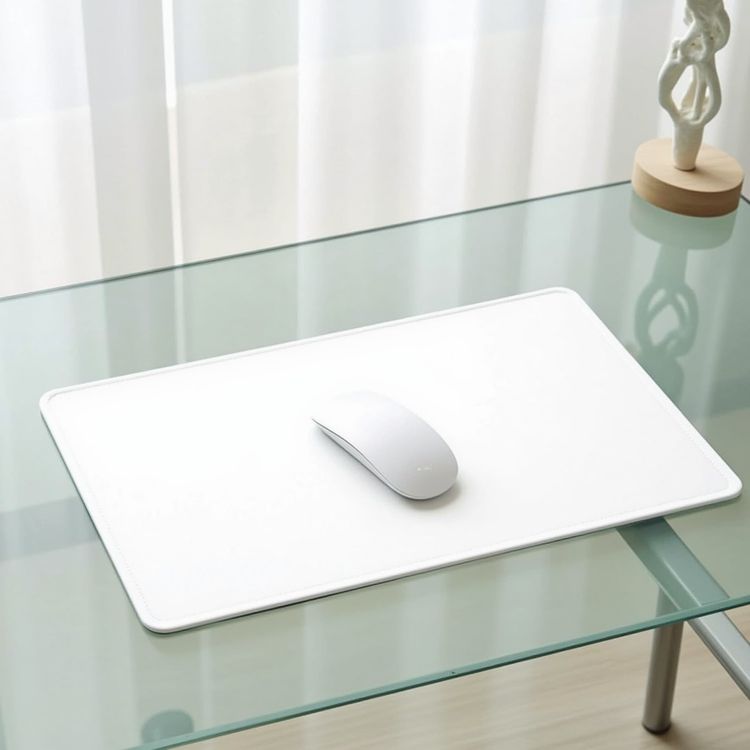
Product shot mouse pad mockup white pad on glass table
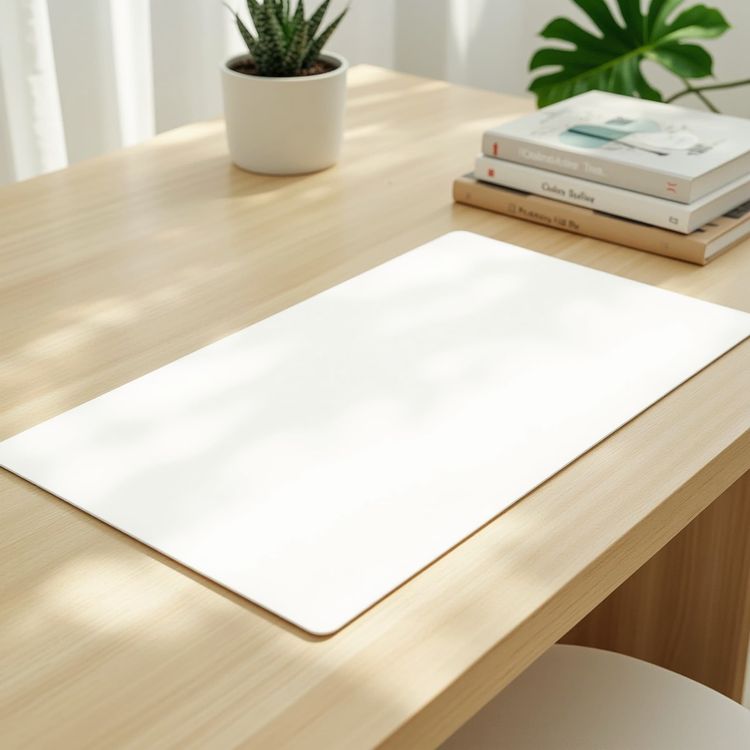
Product shot mouse pad mockup desk with plant and books

Hand held mouse pad mockup man holding blank board
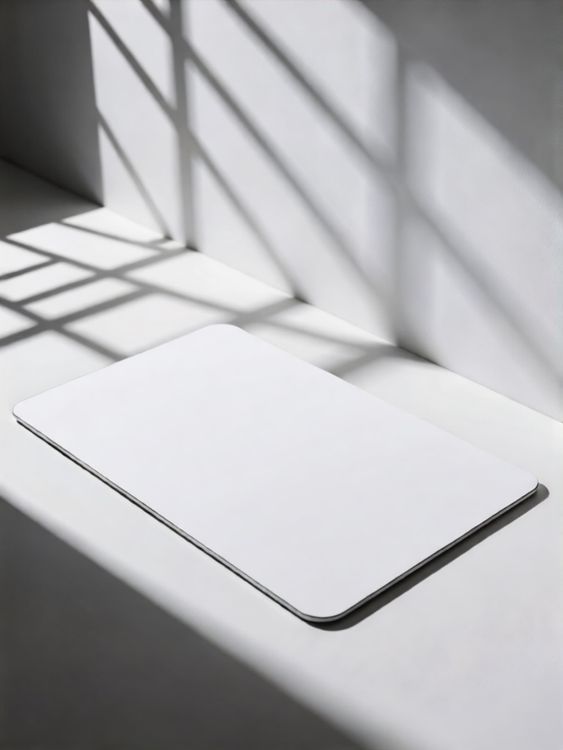
Xxl extended mouse pad mockup of white mouse pad with shadow from window on white surface
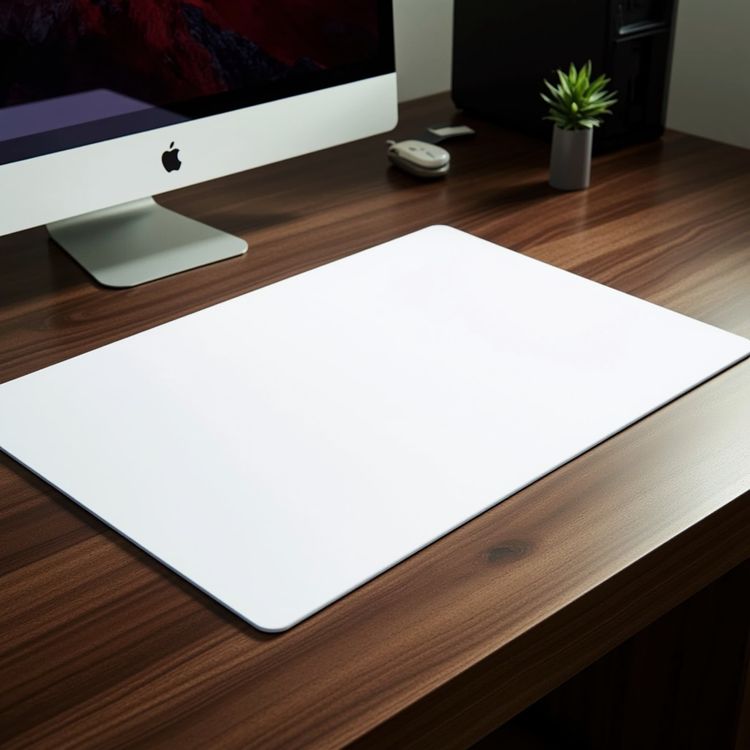
Product shot xxl extended mouse pad mockup wooden desk modern workspace
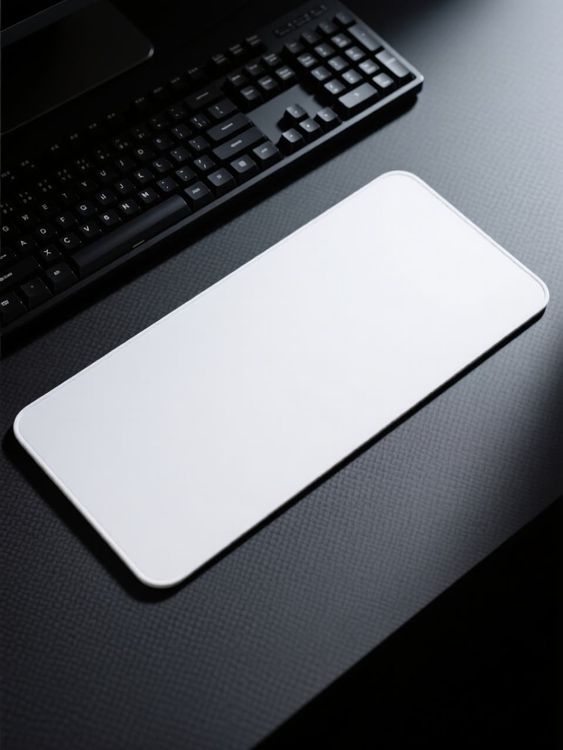
Lifestyle xxl extended mouse pad mockup colorful music and rhythm theme on desk background
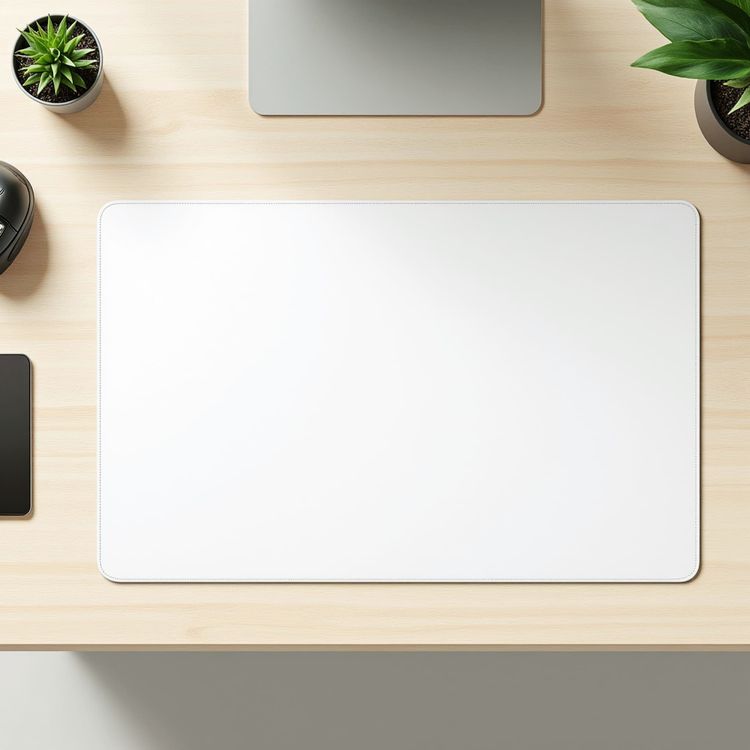
Product shot xxl extended mouse pad mockup minimal desk setup scene

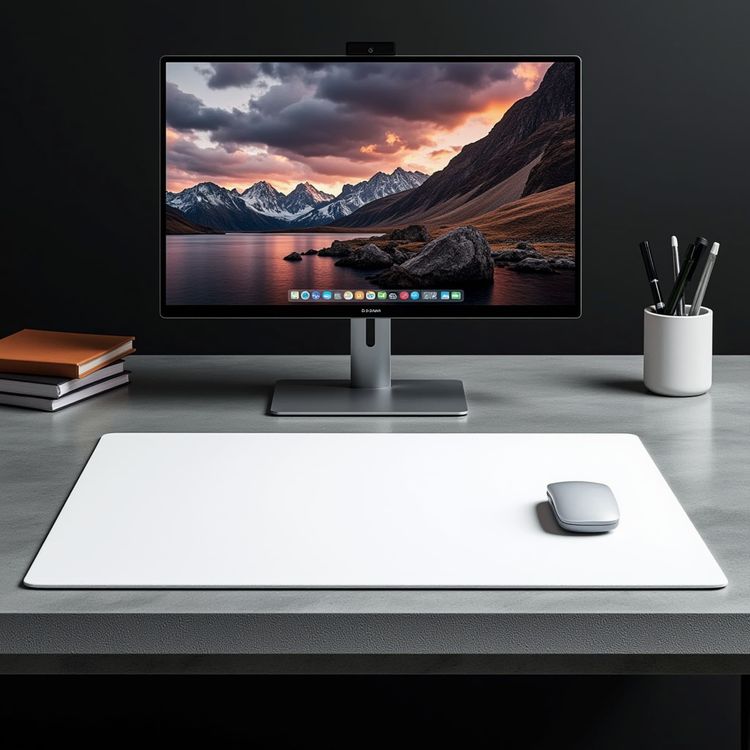
Product shot xxl extended mouse pad mockup on sleek modern office desk

Product shot mouse pad mockup marble desk plant speaker

Product shot mouse pad mockup minimal desk plants mouse

Product shot mouse pad mockup desk with computer mouse
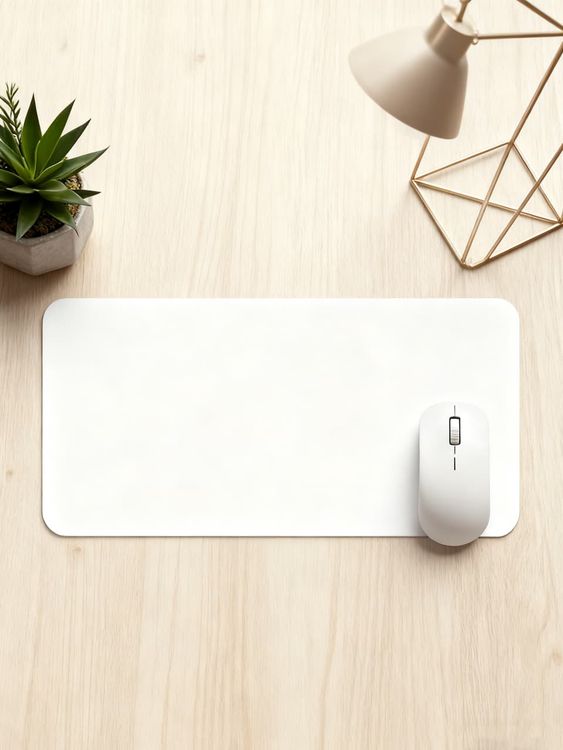
Lifestyle xxl extended mouse pad mockup white mouse on modern workspace with decor

Hand held mouse pad mockup overhead scene with two hands

Product shot mouse pad mockup wooden desk with succulent
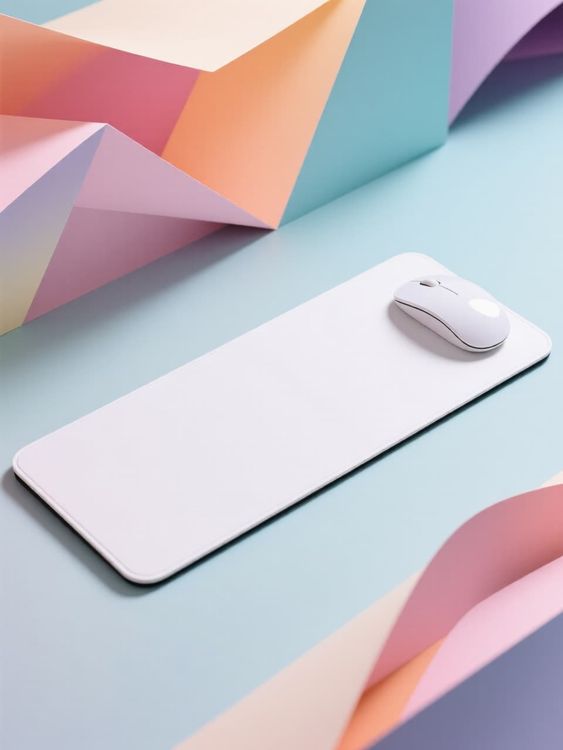
Lifestyle xxl extended mouse pad mockup colorful paper geometric shapes with mouse placed on desk

Product shot mouse pad mockup white minimalist scene styled

Product shot mouse pad mockup minimalist workspace with tablet
Revisa los detalles que hacen que un mockup sea útil.
Una buena plantilla hace más que contener un diseño. Conserva la forma del producto, reserva un espacio pensado para la gráfica y se adapta al canal donde aparecerá el resultado.
Colocación realista del diseño
La iluminación, los pliegues, las costuras y la perspectiva siguen visibles alrededor del diseño.
Espacio para contar la historia del producto
Elige una imagen principal limpia, un primer plano detallado o una escena cotidiana según la función de la imagen.
Pensado para formatos de comercio electrónico
Empieza con un encuadre que funcione en fichas de producto, campañas, redes sociales y escaparates digitales.
Previsualiza tu diseño y después elige una plantilla
- 01
Explorar o añadir tu diseño
Explora las plantillas o sube tu diseño desde el control de arriba para comparar las vistas previas de las tarjetas compatibles.
- 02
Abrir una plantilla para ajustarla
Abre la plantilla elegida para ver sus opciones de edición. Las plantillas compatibles te permiten colocar tu diseño y usar los controles de color disponibles.
- 03
Descarga o sigue creando
Descarga la imagen terminada o abre una plantilla editable en el editor en línea de Mockuplabs para seguir creando en su lienzo infinito.
1317 valoraciones843 reseñas


Imágenes de producto, más fáciles de crear
Ya sea que lances un producto, desarrolles una marca o crees contenido a gran escala, Mockuplabs te ayuda a dar vida a cada producto más rápido.

Callum Hayes
The Mockuplabs templates look polished without taking attention away from my design. The lighting and product details make the finished mockup feel like something I can actually use in a presentation.
Bianca Lopez
Seeing my design across a batch of templates in Mockuplabs makes the choice much easier. A few options I liked in the library didn't suit the artwork, so the previews are more useful to me than the thumbnails.

drewandco
For a basic mockup, the simple Mockuplabs editor is a good fit. I can get the design looking right without feeling like I need to learn a whole design app first.

Aisha Bennett
The cleaner Mockuplabs scenes are my favourites. The product is well presented, and the background doesn't compete with the artwork I'm trying to show.

Mateo Garcia
The simple editor in Mockuplabs covers most of my mockups. When a client needs a fuller layout around the product, having the main editor canvas available makes the template feel like a useful starting point.
sophie.makes
I usually need a few mockup options for a client, not just one image. The batch template previews in Mockuplabs let me compare the same design in different settings. It's easier to pick a set that works together.
Jordan Brooks
The artwork sits naturally on the product instead of looking like a flat overlay. That's the part that makes these templates useful for showing a design to someone else.

Eva Novak
Good-looking templates, and the little editor is easy to get along with.

Theo Baker
I like the range of product categories in Mockuplabs. I can find different ways to present my designs without every mockup ending up on the same kind of product.
Mina Cho
The templates I keep coming back to have clear product views and backgrounds that leave the design room to stand out. A mockup can look impressive on its own and still be wrong for the artwork.
Ruby Ellis
I don't need all the editing tools for every preview, so the smaller editor suits me. Being able to continue in the main canvas is handy when a quick mockup turns into a bigger piece of work.

alexd_23
Mockuplabs feels approachable when all I want is to put a design on a template. The editor stays focused on that job, which is a big part of why I'd use it again.
Preguntas frecuentes sobre Mockups de alfombrilla de ratón extendida XXL
¿Necesitas ayuda para preparar tu diseño o exportar la imagen final? Visita el Centro de ayuda.
Crea tu próximo Mockup de alfombrilla de ratón extendida XXL.
Vuelve a las plantillas de arriba para comparar escenas y elegir una para tu diseño.