Présentez vos créations avec des Mockups d’affiche murale
Comparez les décors muraux pour votre affiche. Prévoyez assez d’espace autour pour que l’attention reste sur l’imprimé.
22 mockups
Wall poster mockup of white wall poster frame minimalistic pink wall corner
Hand held wall poster mockup hand holding credit card
Wall poster mockup of blank wall poster in dark concrete room with spotlight
Product shot wall poster mockup bell tower brick wall

Product shot wall poster mockup military shooting range scene

Product shot wall poster mockup ski gear shop doorway
Hand held wall poster mockup climber holding blank poster
Product shot wall poster mockup art studio easel setting
Wall poster mockup of blank frame on multicolor geometric wall
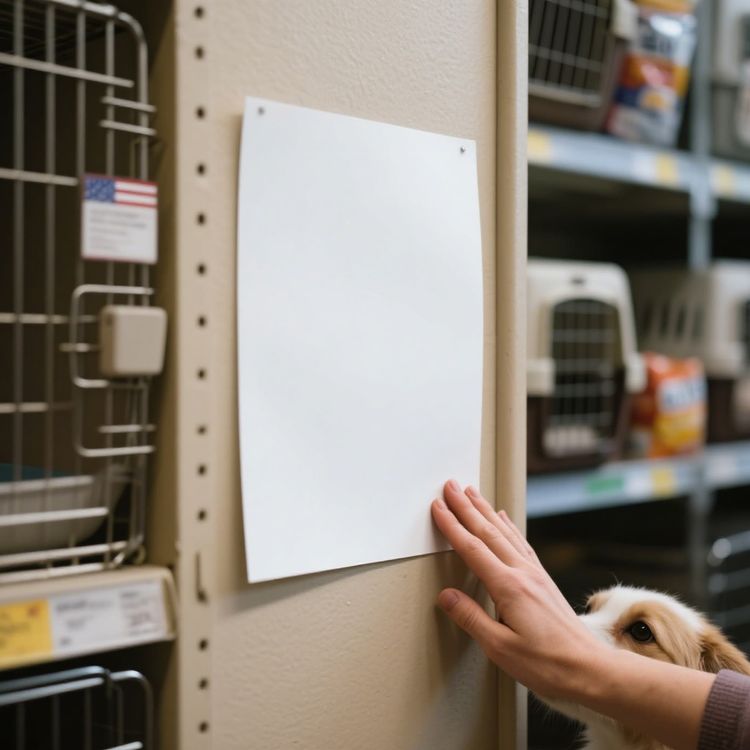
Hand held wall poster mockup hand holding pet store
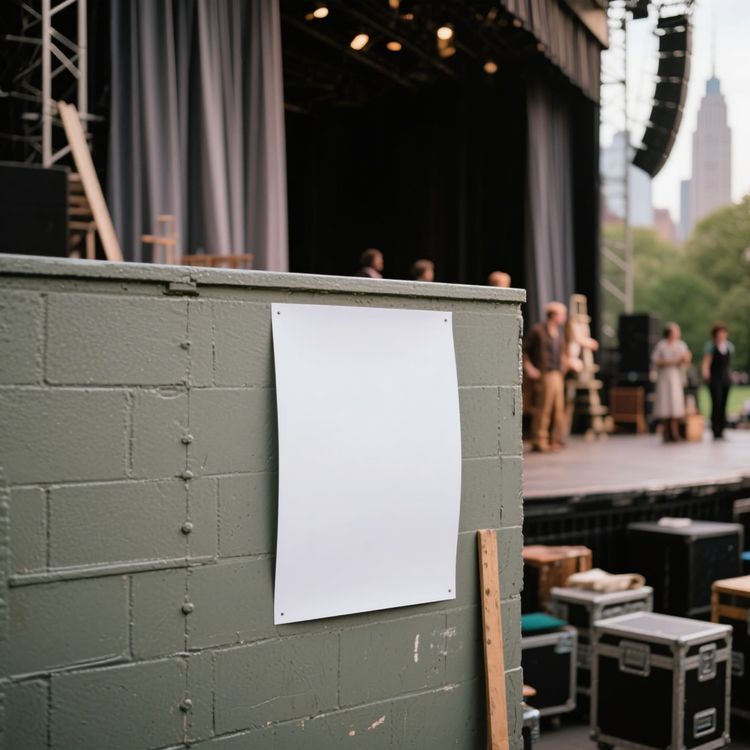
Product shot wall poster mockup outdoor concert venue scene
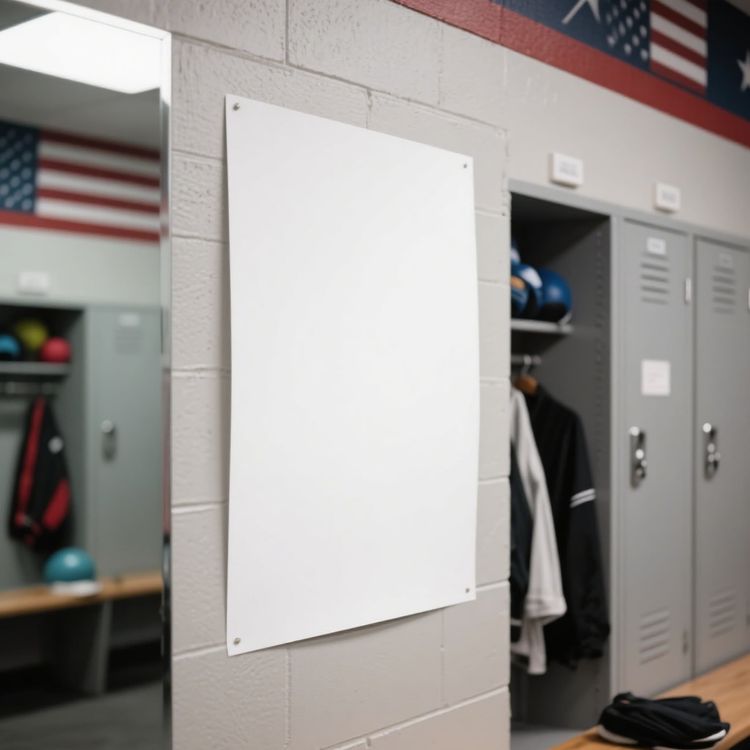
Product shot wall poster mockup locker room athletic decor
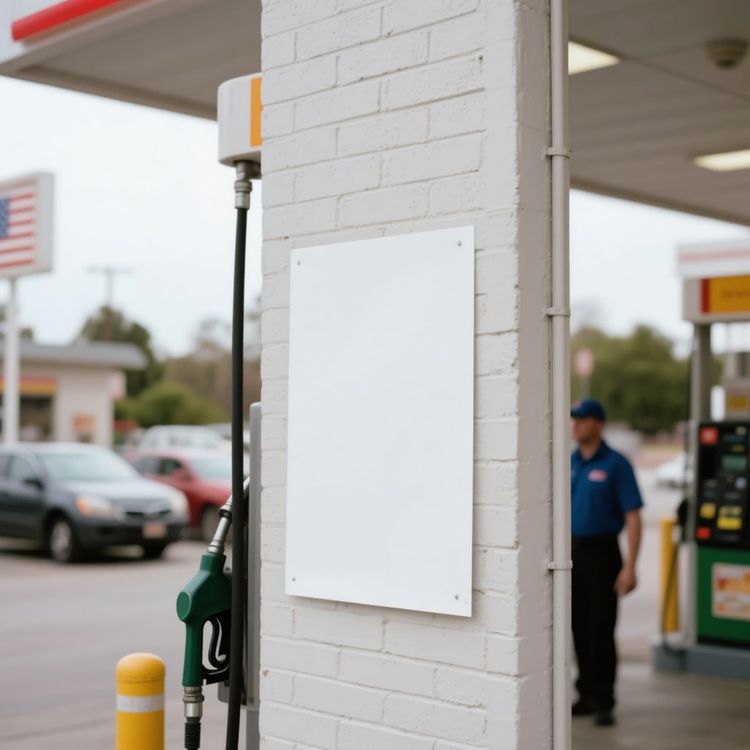
Product shot wall poster mockup gas station pump scene
Wall poster mockup of blank wall poster on wooden slat wall with shadow of plant
Wall poster mockup of blank wall poster in black frame minimal dark room
Product shot wall poster mockup coffee at brick cafe
Wall poster mockup of blank wooden frame poster on wall with plant in foreground
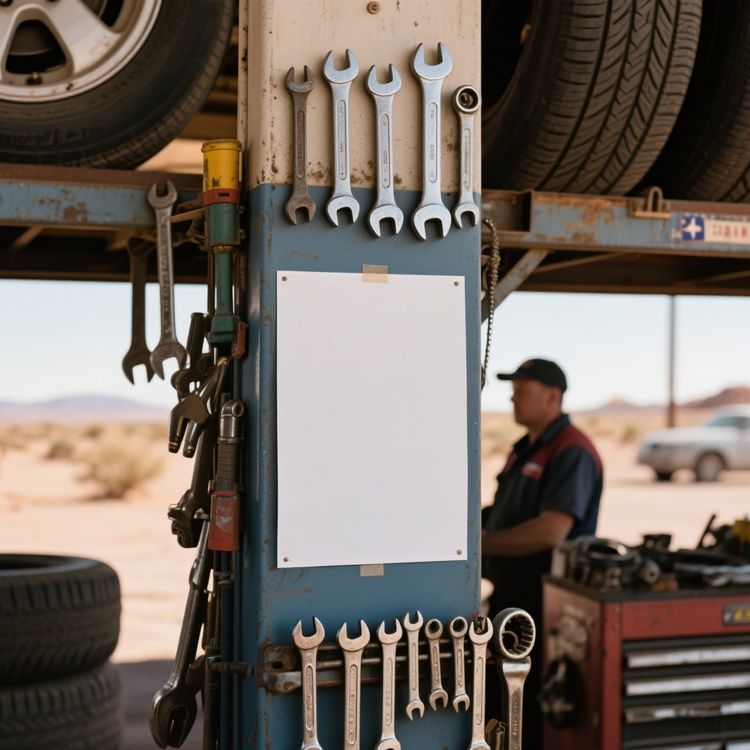
Product shot wall poster mockup garage tools underneath tire
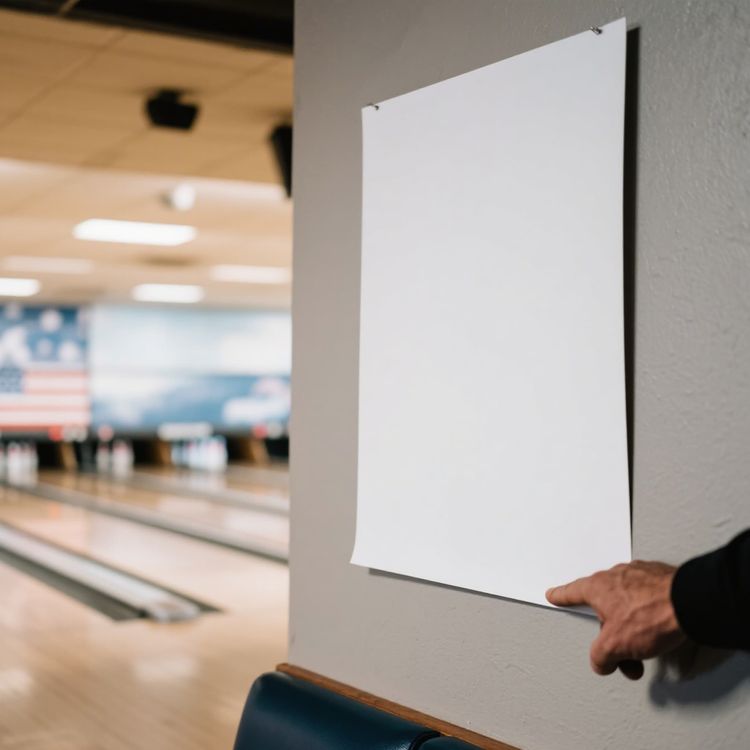
Hand held wall poster mockup bowling alley background scene
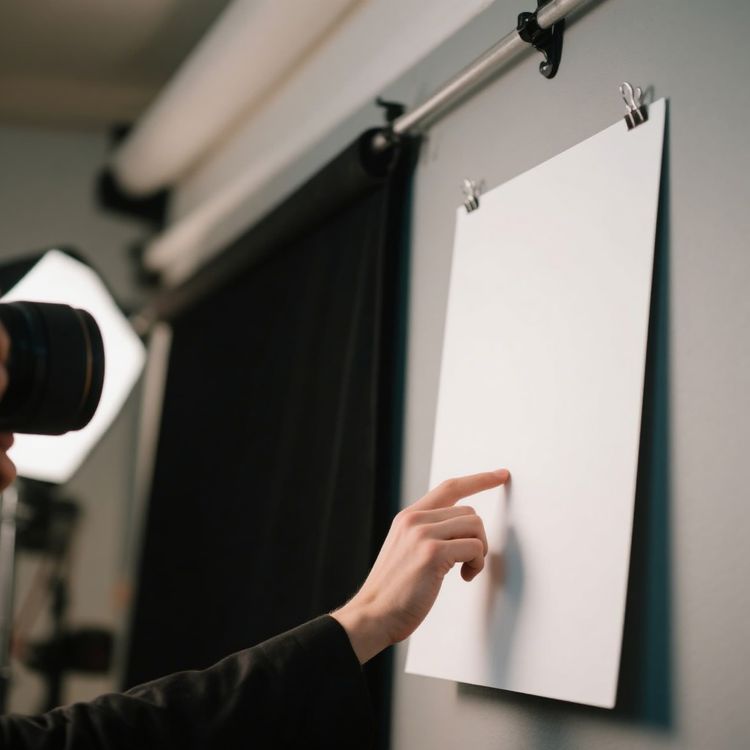
Product shot wall poster mockup hand pointing camera focus
White background wall poster mockup angled front view display
Vérifiez les détails qui rendent un mockup exploitable.
Un bon modèle ne se contente pas d’accueillir un visuel. Il préserve la forme du produit, réserve un espace réfléchi à votre création et convient au canal de diffusion prévu.
Un positionnement crédible du visuel
La lumière, les plis, les coutures et la perspective restent visibles autour du visuel.
De la place pour raconter votre produit
Choisissez une image principale épurée, un gros plan détaillé ou une scène de vie selon le rôle de l’image.
Pensé pour les formats e-commerce
Partez d’un cadrage adapté aux fiches produit, aux campagnes, aux réseaux sociaux et aux vitrines en ligne.
Prévisualisez votre design, puis choisissez un modèle
- 01
Parcourir les modèles ou ajouter votre design
Parcourez les modèles ou importez votre design ci-dessus pour comparer les aperçus sur les fiches compatibles.
- 02
Ouvrir un modèle pour l’ajuster
Ouvrez le modèle choisi pour consulter ses options de modification. Les modèles compatibles vous permettent de positionner votre visuel et d’utiliser les réglages de couleur disponibles.
- 03
Téléchargez ou poursuivez votre création
Téléchargez l’image terminée ou ouvrez un modèle modifiable dans l’éditeur en ligne de Mockuplabs pour poursuivre votre création sur sa toile infinie.
1 317 notes843 avis


Des visuels produit, plus simplement
Que vous lanciez un produit, développiez une marque ou créiez du contenu à grande échelle, Mockuplabs vous aide à donner vie à chaque produit plus rapidement.

Callum Hayes
The Mockuplabs templates look polished without taking attention away from my design. The lighting and product details make the finished mockup feel like something I can actually use in a presentation.
Bianca Lopez
Seeing my design across a batch of templates in Mockuplabs makes the choice much easier. A few options I liked in the library didn't suit the artwork, so the previews are more useful to me than the thumbnails.

drewandco
For a basic mockup, the simple Mockuplabs editor is a good fit. I can get the design looking right without feeling like I need to learn a whole design app first.

Aisha Bennett
The cleaner Mockuplabs scenes are my favourites. The product is well presented, and the background doesn't compete with the artwork I'm trying to show.

Mateo Garcia
The simple editor in Mockuplabs covers most of my mockups. When a client needs a fuller layout around the product, having the main editor canvas available makes the template feel like a useful starting point.
sophie.makes
I usually need a few mockup options for a client, not just one image. The batch template previews in Mockuplabs let me compare the same design in different settings. It's easier to pick a set that works together.
Jordan Brooks
The artwork sits naturally on the product instead of looking like a flat overlay. That's the part that makes these templates useful for showing a design to someone else.

Eva Novak
Good-looking templates, and the little editor is easy to get along with.

Theo Baker
I like the range of product categories in Mockuplabs. I can find different ways to present my designs without every mockup ending up on the same kind of product.
Mina Cho
The templates I keep coming back to have clear product views and backgrounds that leave the design room to stand out. A mockup can look impressive on its own and still be wrong for the artwork.
Ruby Ellis
I don't need all the editing tools for every preview, so the smaller editor suits me. Being able to continue in the main canvas is handy when a quick mockup turns into a bigger piece of work.

alexd_23
Mockuplabs feels approachable when all I want is to put a design on a template. The editor stays focused on that job, which is a big part of why I'd use it again.
FAQ sur les Mockups d’affiche murale
Besoin d’aide pour préparer votre visuel ou exporter une image finale ? Consultez le Centre d’aide.
Créez votre prochain Mockup d’affiche murale.
Revenez aux modèles ci-dessus pour comparer les scènes et en choisir une pour votre design.