MockuplabsMockuplabs

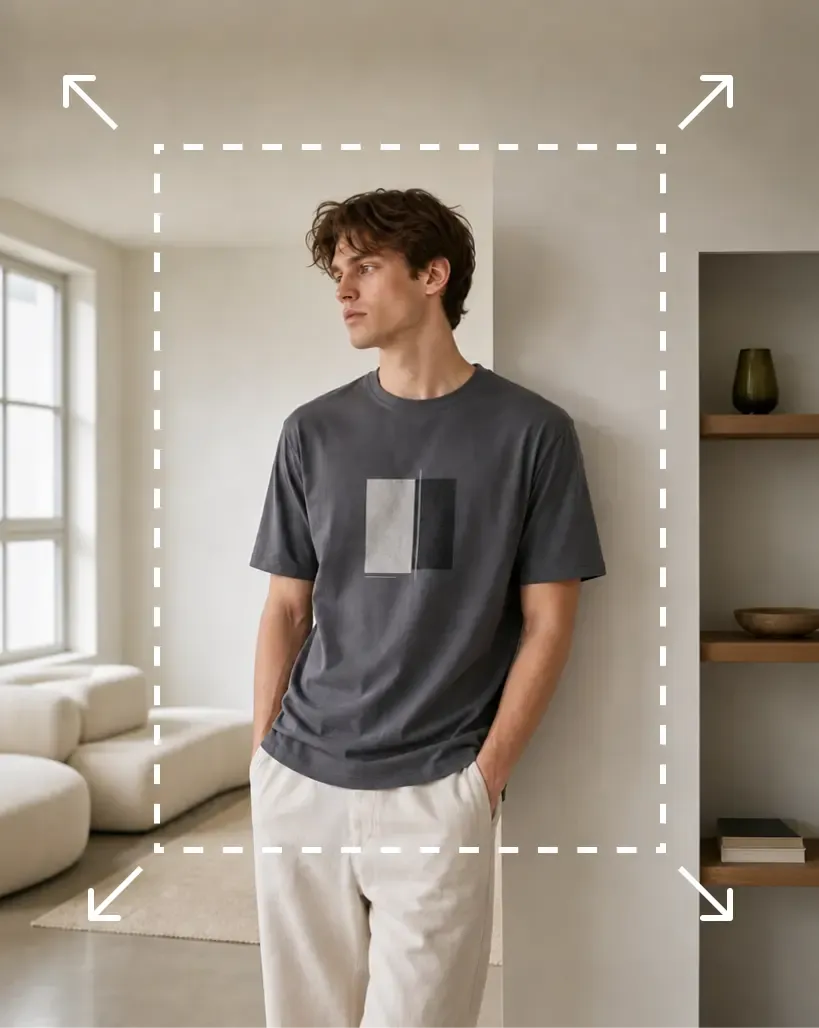
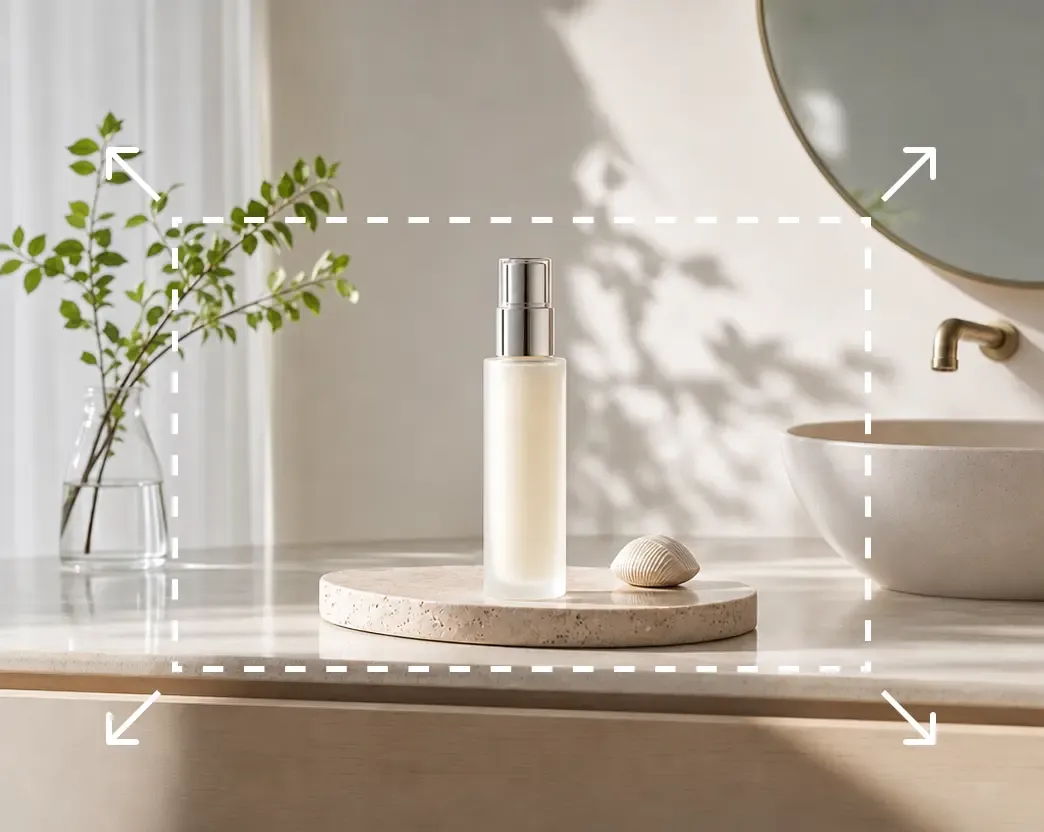
Perluas foto tanpa memotong produk

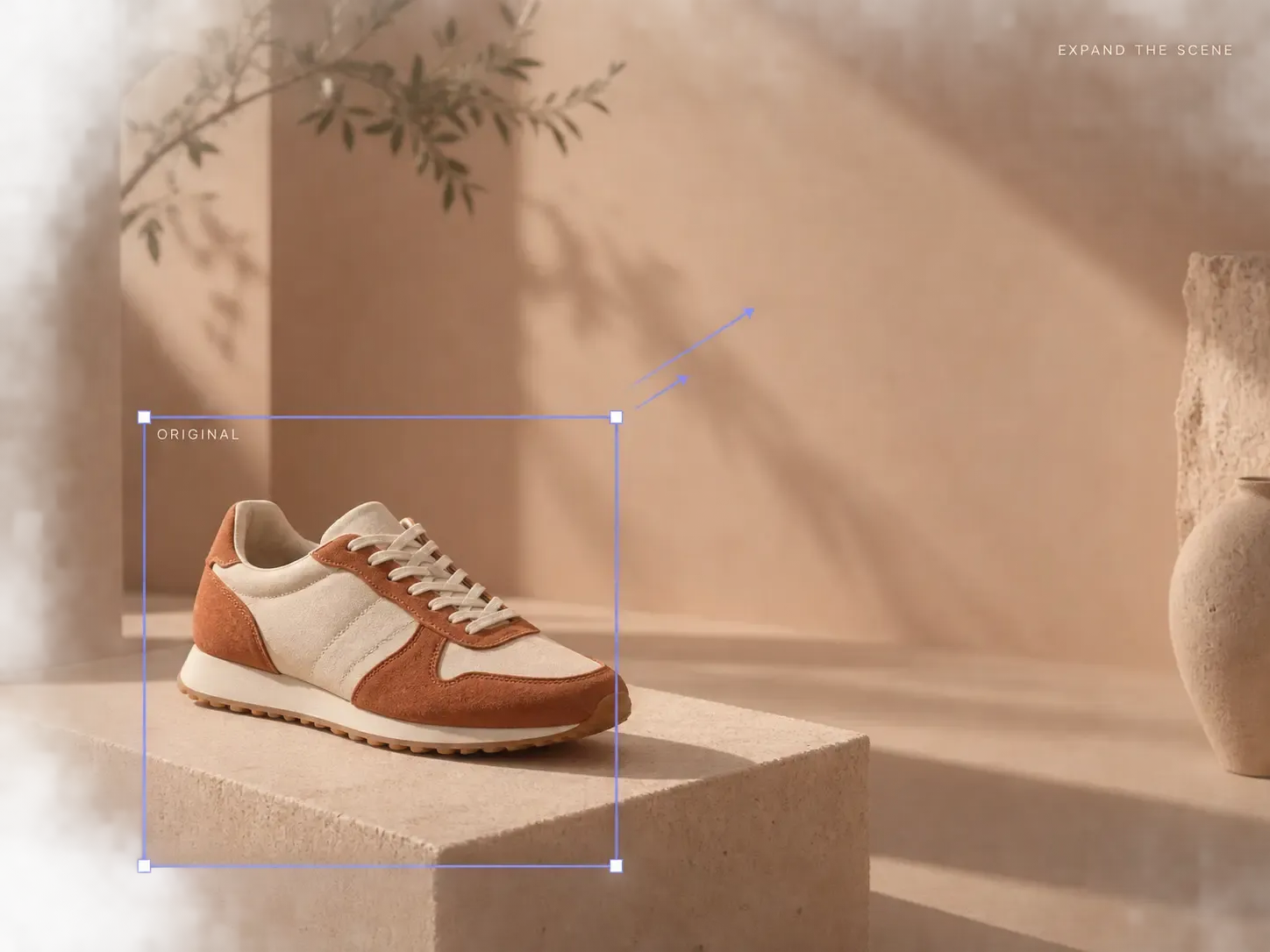
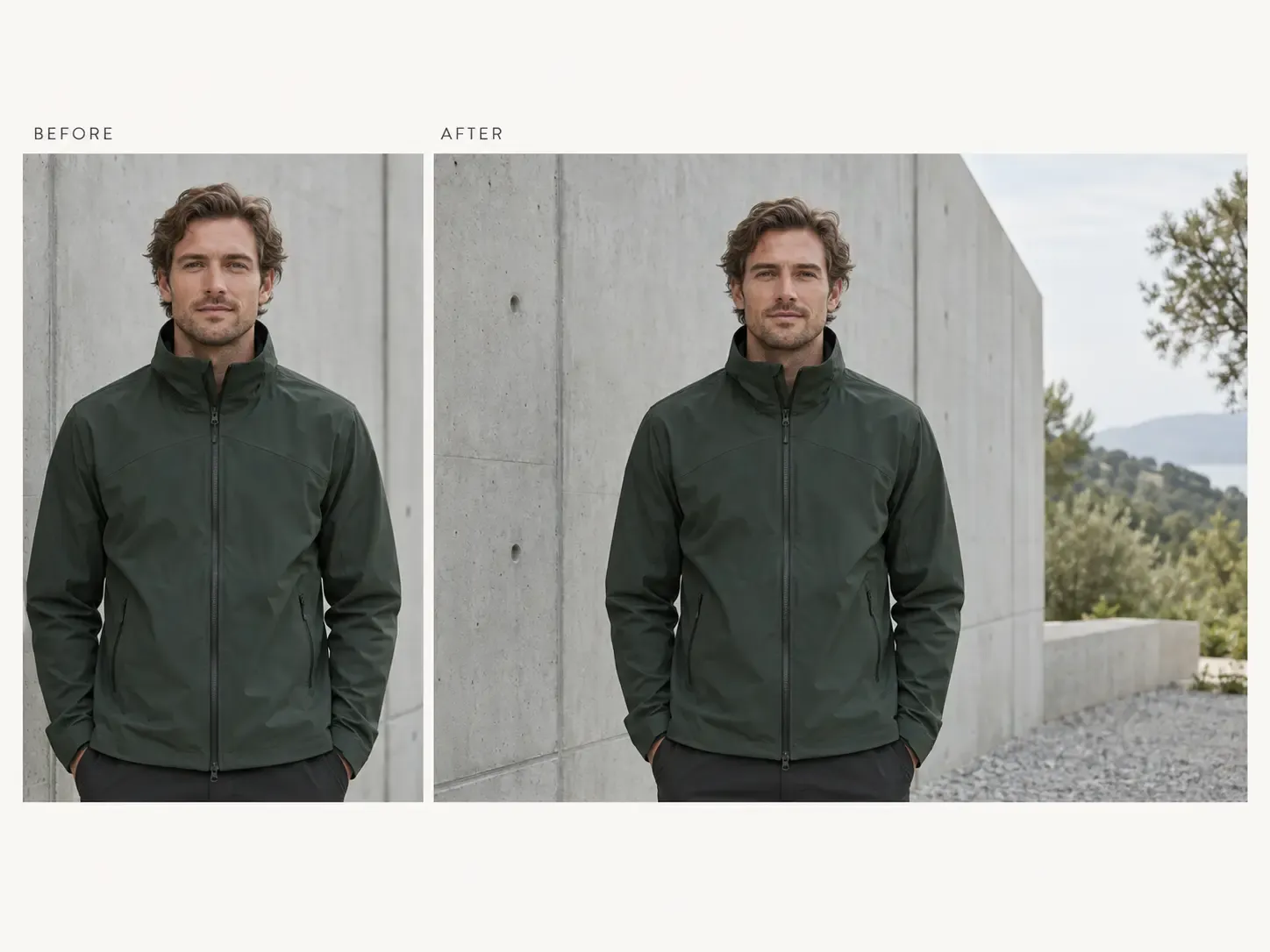
Adaptasikan foto yang ada ke rasio dan tata letak baru tanpa memotong produk, sambil menjaga hubungan visual area perluasan dengan adegan asli.

  • Gunakan foto produk Anda sendiri
  • Perluasan adegan alami
  • Sesuaikan proporsi gambar

Tambahkan ruang tanpa mengorbankan produk

Perluas gambar di sekitar objek asli agar satu foto yang disetujui dapat digunakan dalam lebih banyak rasio, tata letak, dan kanal.

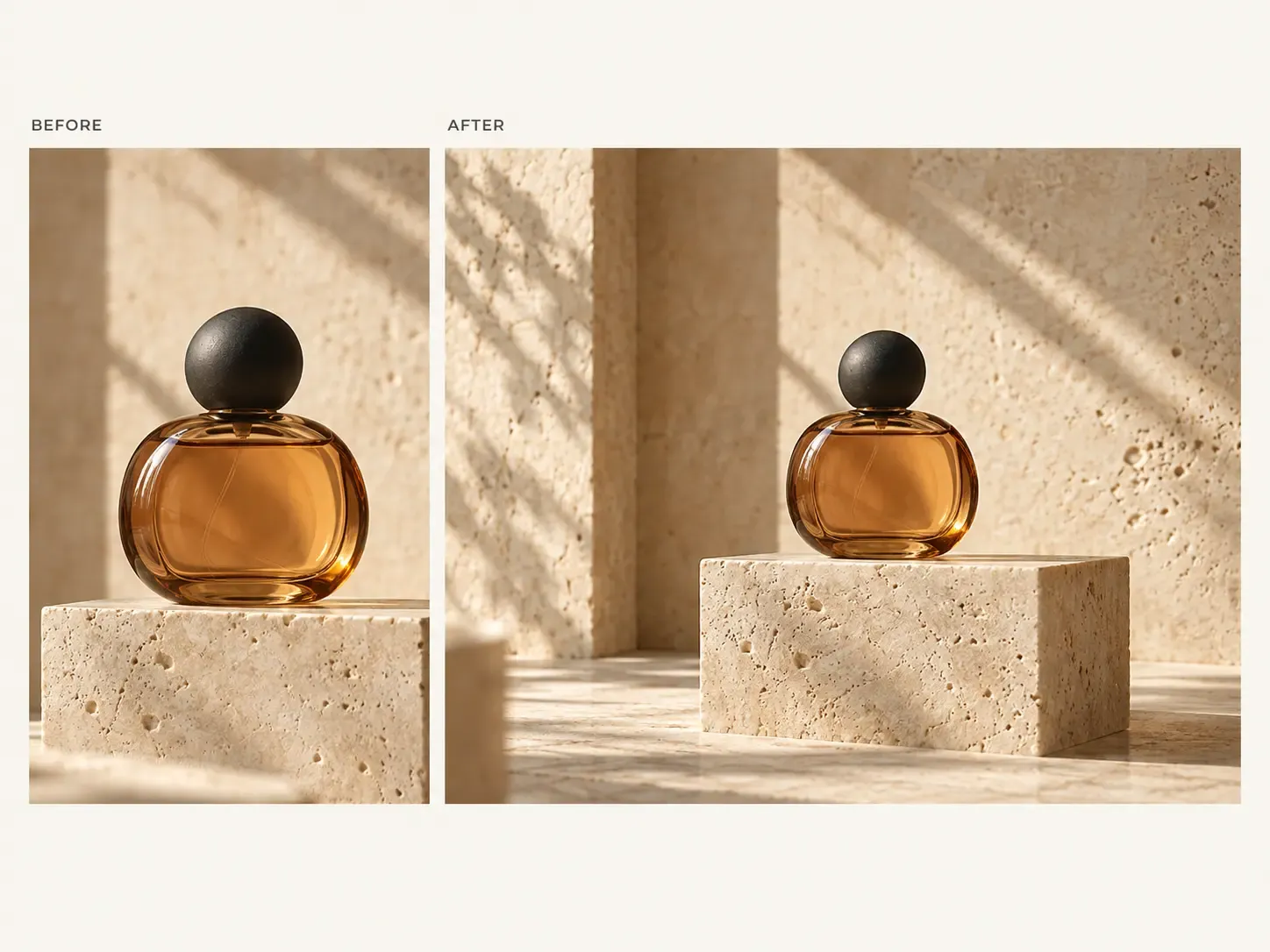
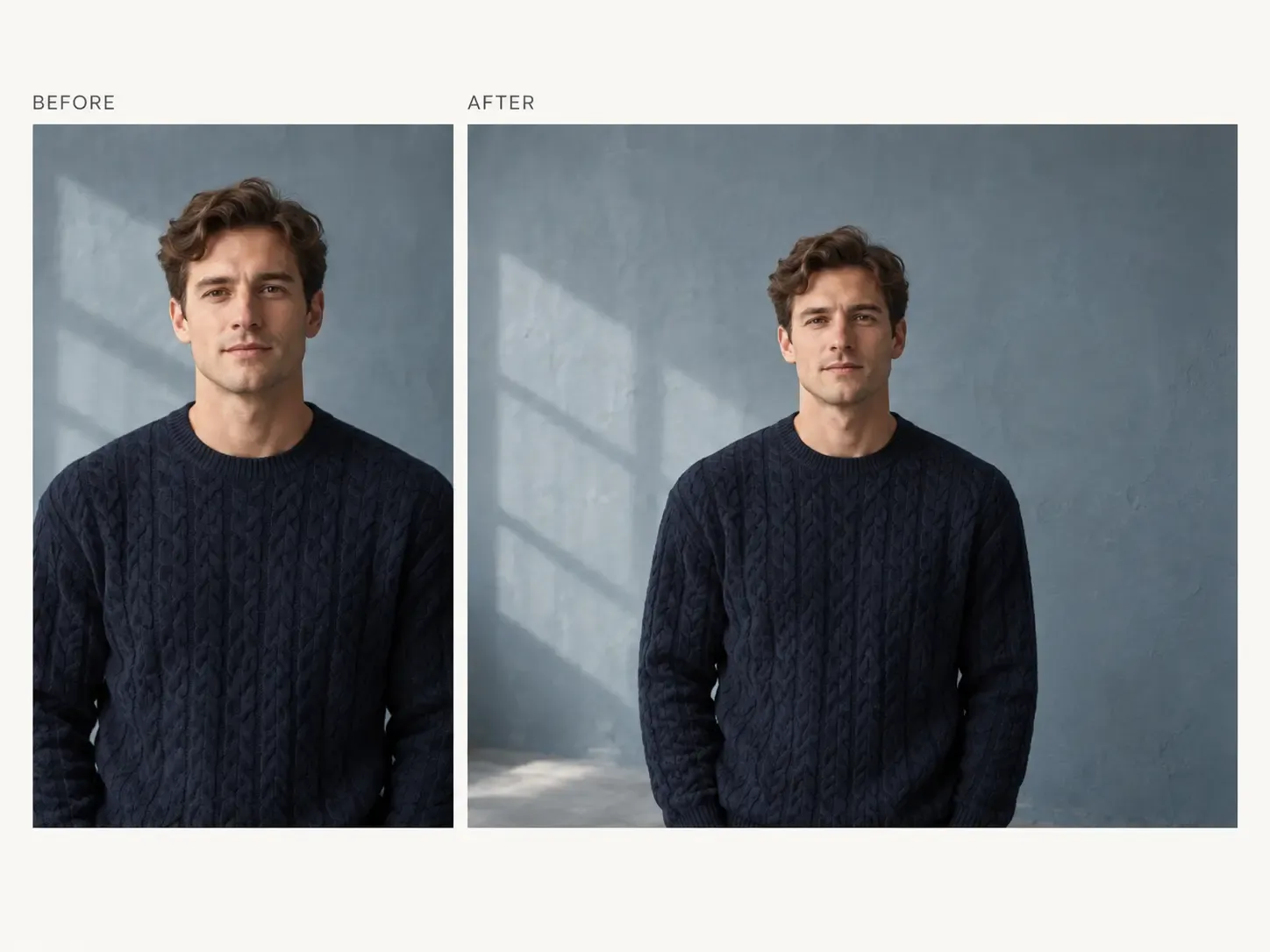
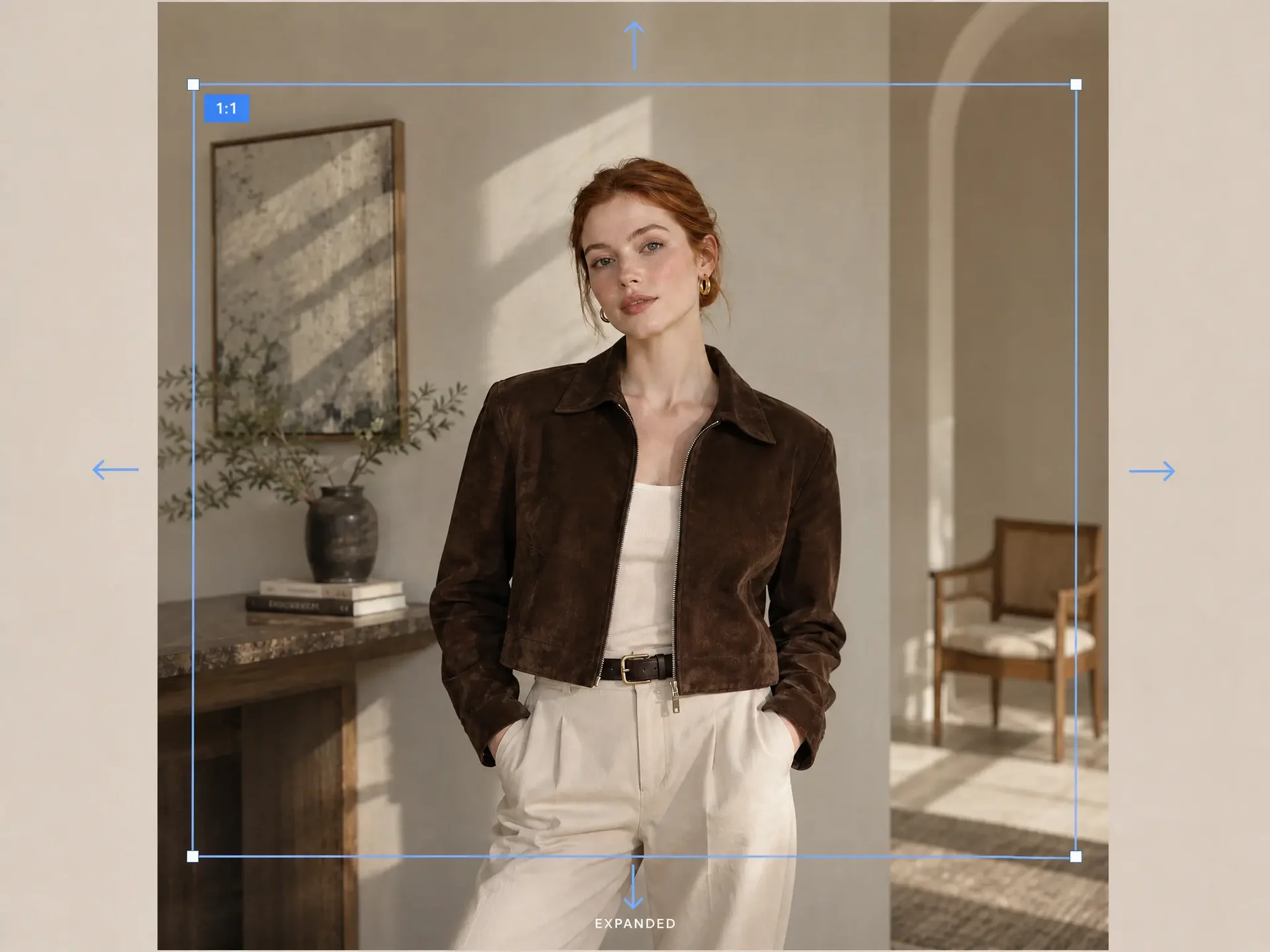
Ubah rasio tanpa memotong bagian produk

Gambar produk yang bagus mungkin terlalu tinggi, sempit, atau rapat pembingkaiannya untuk penempatan berikutnya.

Perluas area sekitar alih-alih memotong objek hanya untuk memaksakan gambar ke rasio lain.

Produk asli tetap menjadi pusat komposisi, sementara kanvas mendapat ruang yang dibutuhkan untuk format lebih lebar, tinggi, atau proporsi berbeda.
Ubah rasio tanpa memotong bagian produk

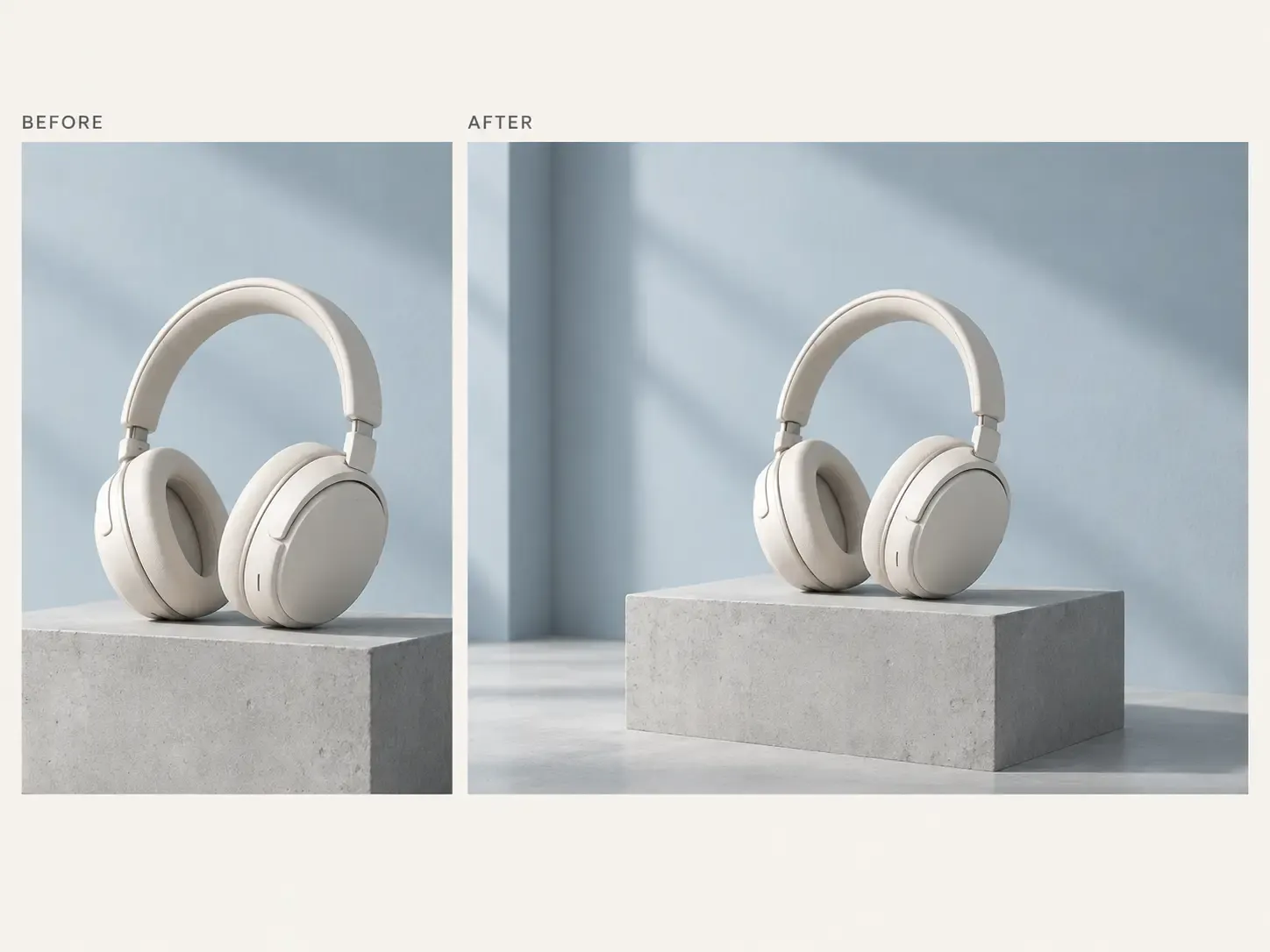
Perluas adegan agar terasa sebagai bagian dari foto asli

Perluasan gambar yang baik tidak seharusnya terlihat seperti konten baru yang sekadar ditempelkan pada tepi foto asli.

Mockuplabs dirancang untuk melanjutkan latar, permukaan, pencahayaan, dan struktur visual secara lebih alami, sehingga membantu mengurangi sambungan mencolok, elemen berulang, atau area yang tidak konsisten.

Gambar yang diperluas pun terlihat lebih menyatu dalam tata letak e-commerce, kampanye, atau merek yang ditata dengan cermat.

Perluas adegan agar terasa sebagai bagian dari foto asli

Untuk setiap penempatan yang membutuhkan bentuk gambar berbeda

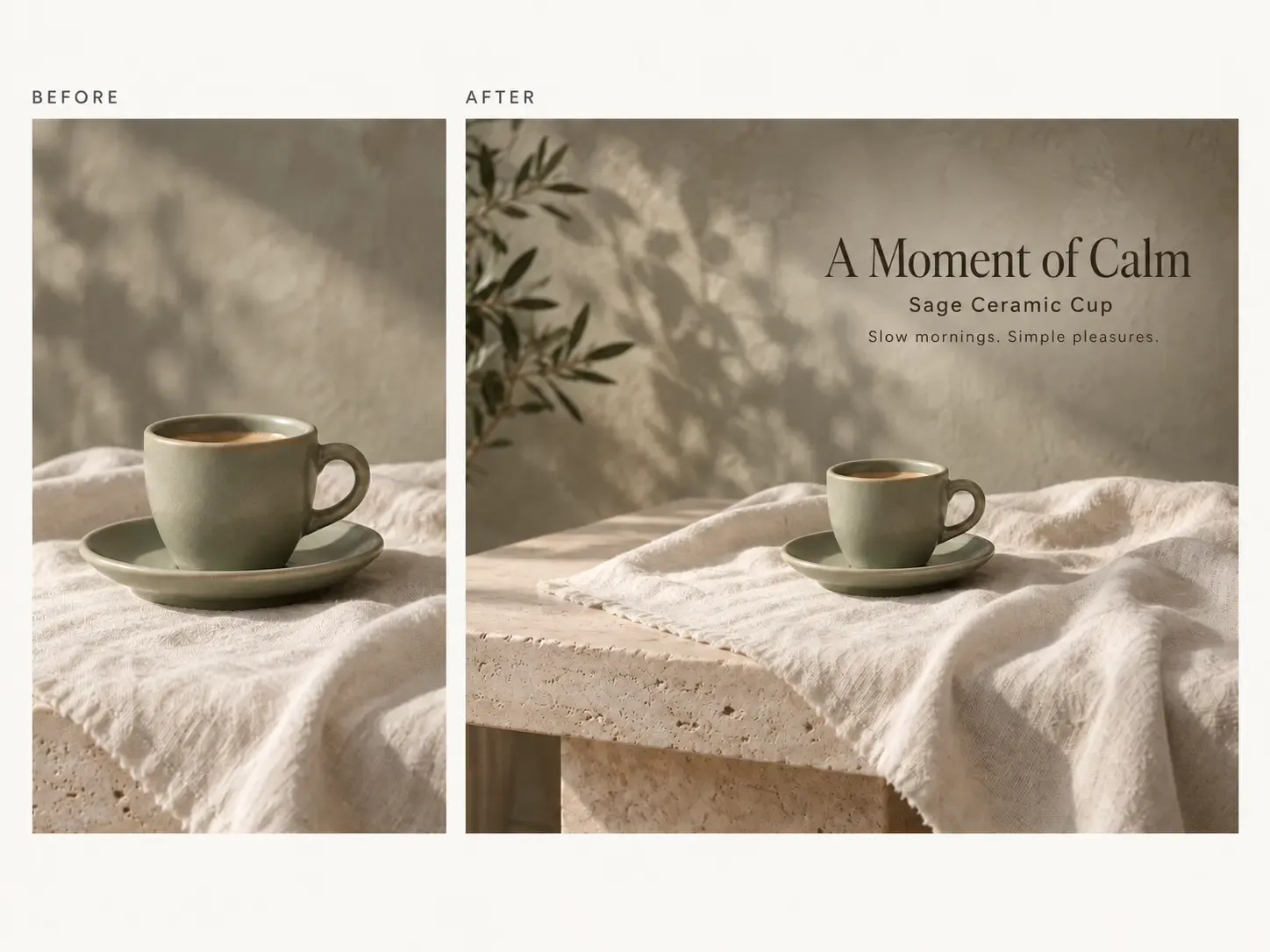
Adaptasikan foto yang disetujui untuk halaman detail produk, banner, kampanye, marketplace, iklan, dan format media sosial tanpa mengorbankan produk karena pemotongan.

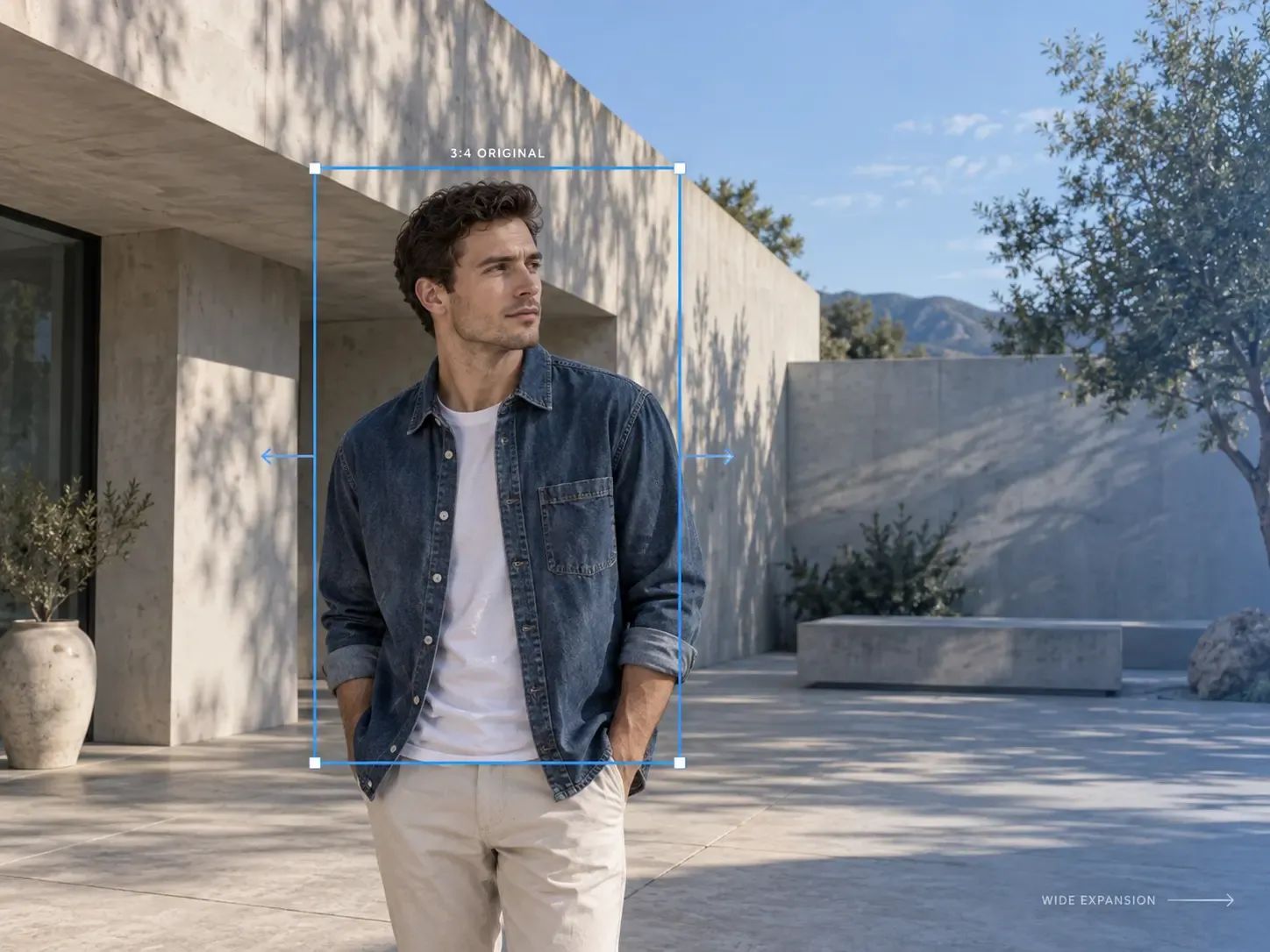
Ubah foto produk vertikal menjadi tata letak lebih lebar

Ubah foto produk vertikal menjadi tata letak lebih lebar

Foto produk vertikal mungkin cocok untuk halaman detail produk, tetapi tidak bisa dipakai sebagai visual utama halaman arahan atau bagian kampanye yang lebar. Perluas lingkungan sekitar untuk membentuk komposisi lebih lebar sambil mempertahankan produk asli secara utuh.

  • Cocok untuk: visual utama beranda, banner halaman arahan, halaman kampanye, header email, materi iklan display
1.317 penilaian843 ulasan

Visual produk, lebih mudah dibuat

Baik Anda meluncurkan produk, mengembangkan merek, maupun membuat konten dalam jumlah besar, Mockuplabs membantu Anda menghidupkan setiap produk lebih cepat.

Hannah Park

Hannah Park

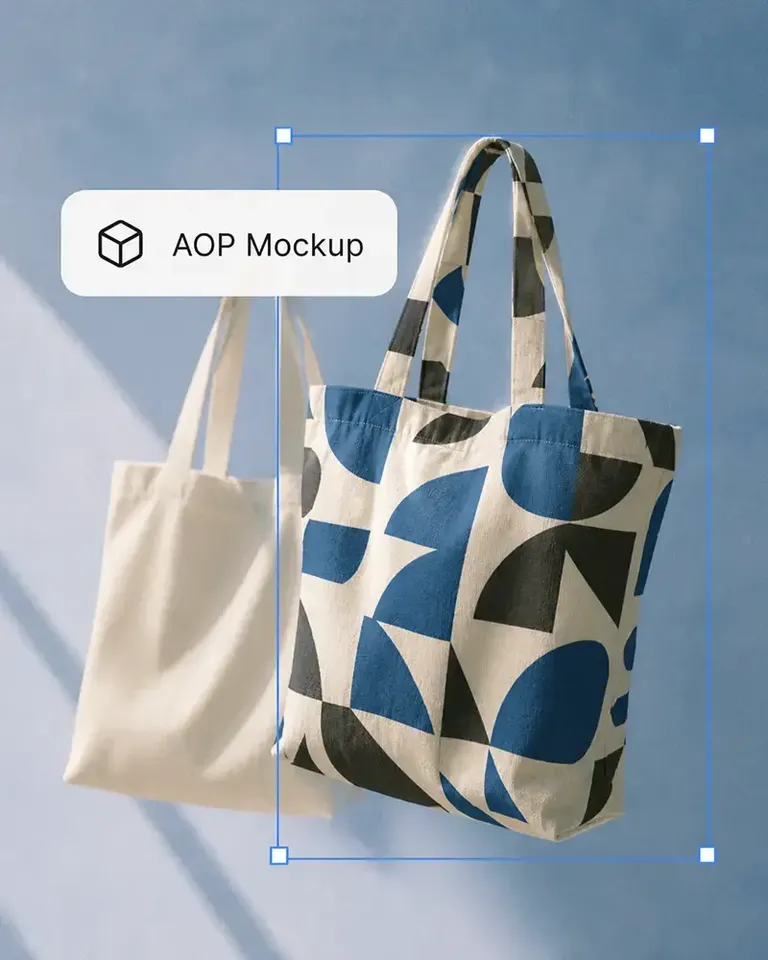
The design fitting is the standout feature in Mockuplabs for me. The artwork follows the curves and folds, and I can still adjust the size and position until it looks right.

Marc Vogel

Marc Vogel

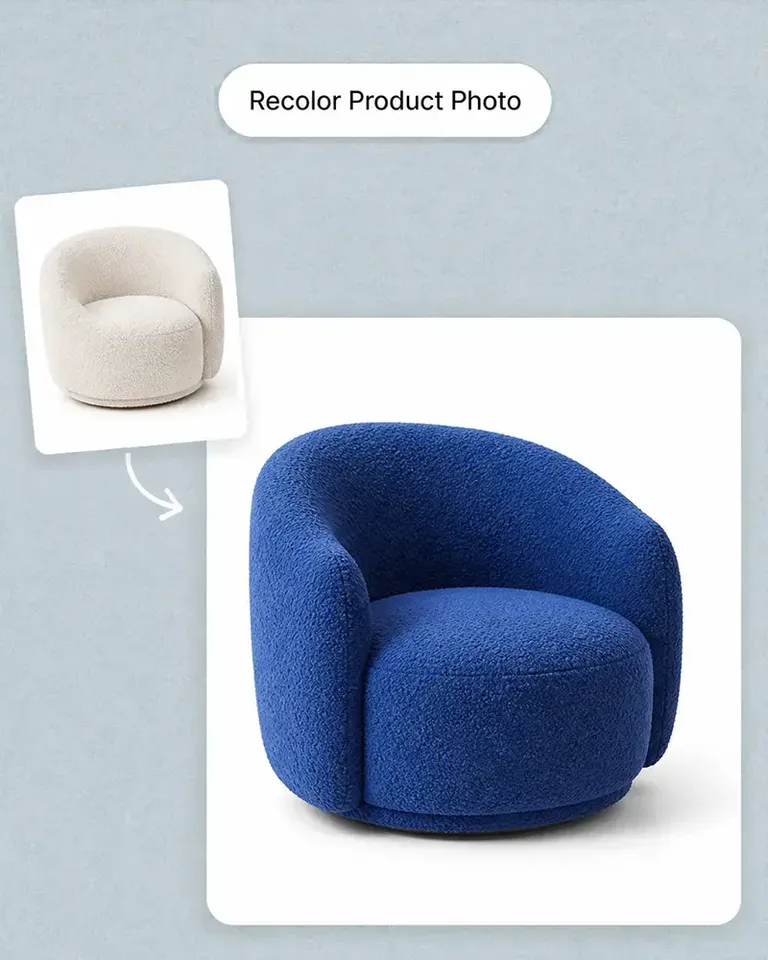
What I like about Mockuplabs' recolor tool is the control over separate color areas. I can change the part I mean to change and still see the fabric texture, shadows, and printed details.

Leo Martinez

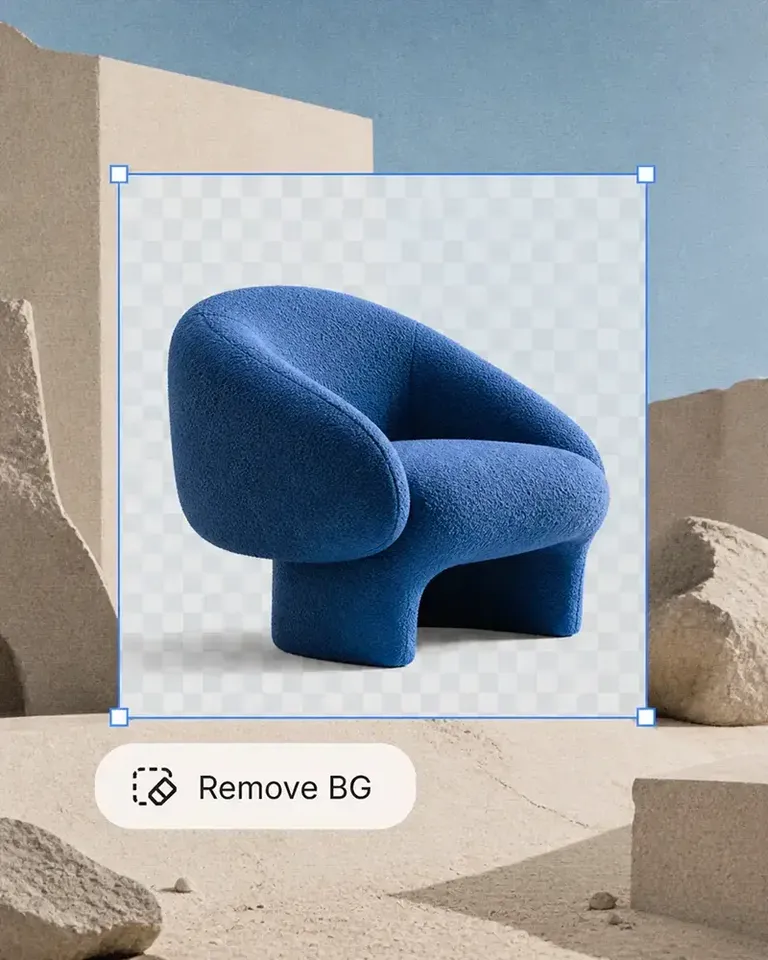
The background remover is useful on its own, but I like it more as part of Mockuplabs. A clean product image can become a mockup or another visual without another round of file juggling.

Chloe Martin

Turning my own product photo into a mockup is the Mockuplabs feature I value most. I'm not limited to a template that only vaguely resembles what I'm selling.

Adam Campbell

Adam Campbell

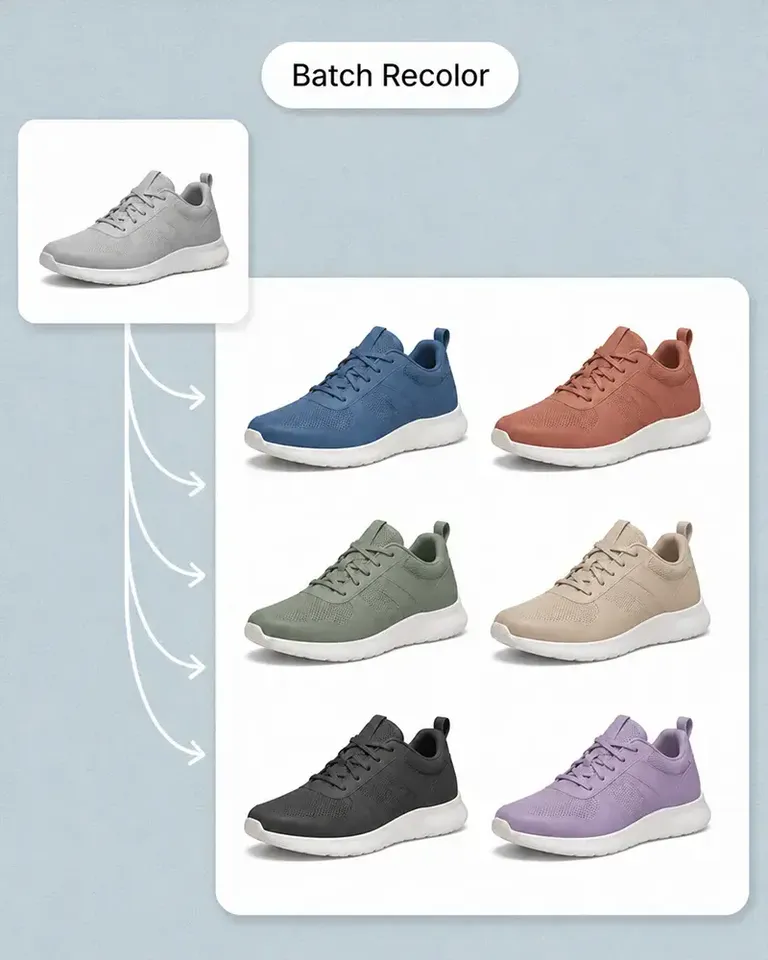
For our catalog work, Mockuplabs' batch recolor is more useful than changing one photo at a time. I like seeing a color live before adding it to the batch, especially when a darker shade makes the print harder to read.

rorymadeit

The live recolor preview in Mockuplabs makes comparing shades feel much more direct. The folds and highlights are still visible, so I'm judging the color on a product rather than on a flat swatch.

Grace Evans

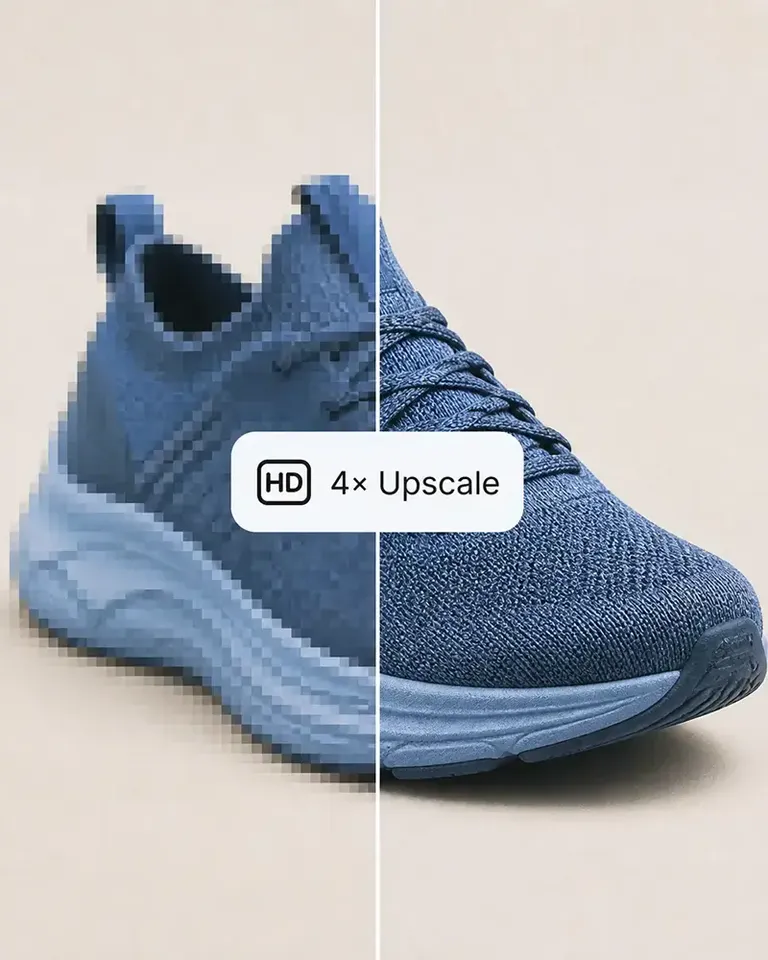
The upscaler made a small product photo more usable for a larger layout. It isn't a replacement for a good source image, but I'm glad I didn't have to discard the photo.

Yuki Tanaka

Yuki Tanaka

Mockuplabs gets the artwork close to where I want it, and the position and size controls let me finish the job. That last bit of adjustment matters when the design needs to sit neatly on the product.

Niko Petrov

Niko Petrov

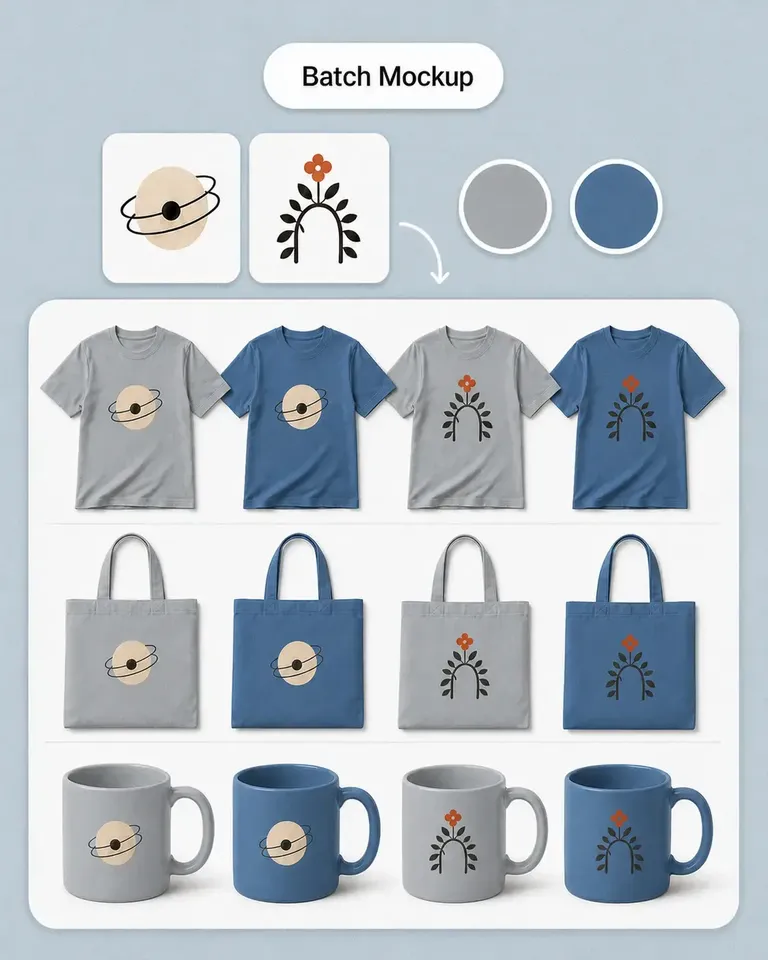
I make POD listings with several designs and product views. Mockuplabs' batch mockups let me reuse the placements I've already checked, which is the part I most wanted to stop repeating.

Isabel Moreno

The cutout looked clean enough for my product layout. The handle details were still there, which was the part I was concerned about.

Tom Sullivan

Tom Sullivan

For a catalog with several photos per item, batch recolor is the useful part. I still check the logos and color boundaries in the results, but having the whole photo set together makes the review easier.

lena.draws

lena.draws

I came to Mockuplabs for mockups, but the background removal and image tools have been just as useful. It feels like a practical product-image editor rather than a single-purpose generator.

Pertanyaan tentang Expand

Lihat Luncurkan Produk Baru untuk memahami seluruh proses, atau kunjungi Pusat Bantuan untuk mendapatkan bantuan.

Perluasan gambar AI menambah area di sekitar foto yang ada, menciptakan ruang visual tambahan atau mengadaptasikan gambar ke rasio berbeda.

Jadikan satu foto produk cocok untuk lebih banyak tempat

Perluas adegan secara alami, jaga produk asli, dan adaptasikan foto yang disetujui ke format yang dibutuhkan konten e-commerce Anda.