Buat dan setujui arah animasi pertama
Mulai dengan gambar buku yang disetujui dan tentukan gaya animasi pertama. Tinjau produk, komposisi, dan detail penting sepanjang klip sebelum membuat versi lainnya.
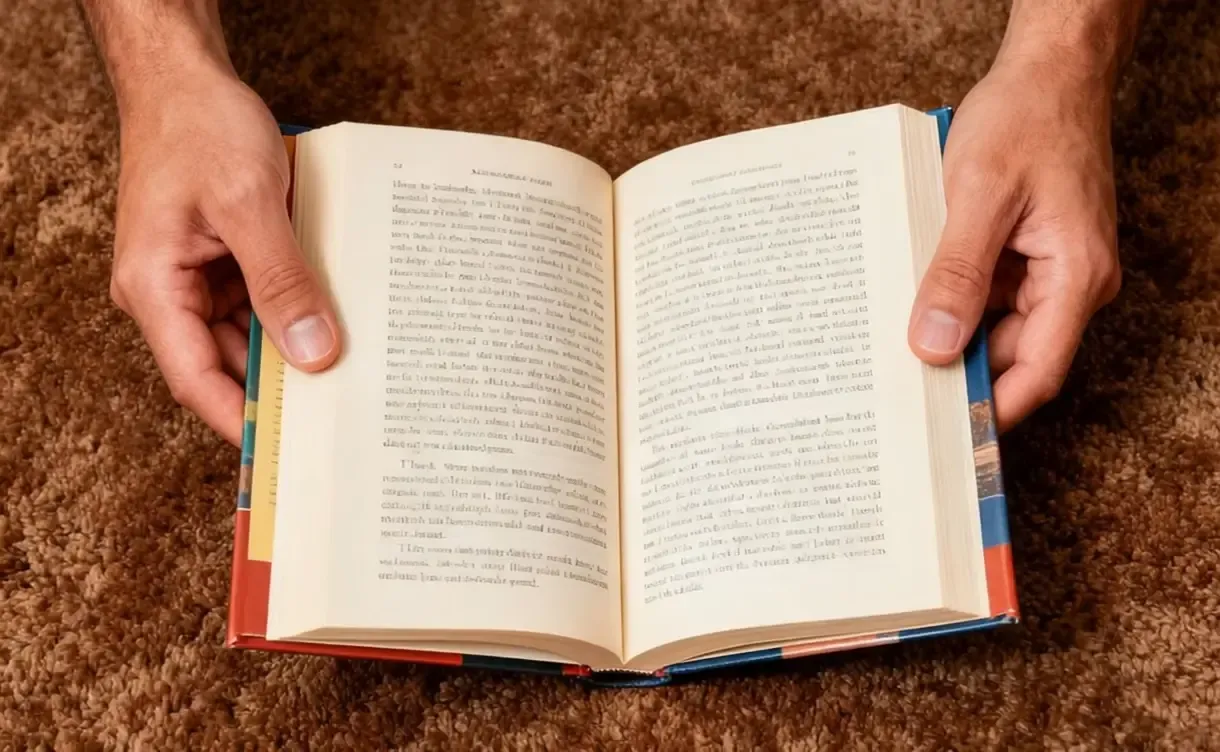
Mulai dari sampul buku, mockup produk, atau visual penerbitan yang sudah Anda percayai dan kembangkan menjadi video pendek untuk peluncuran, konten sosial, dan pemasaran.
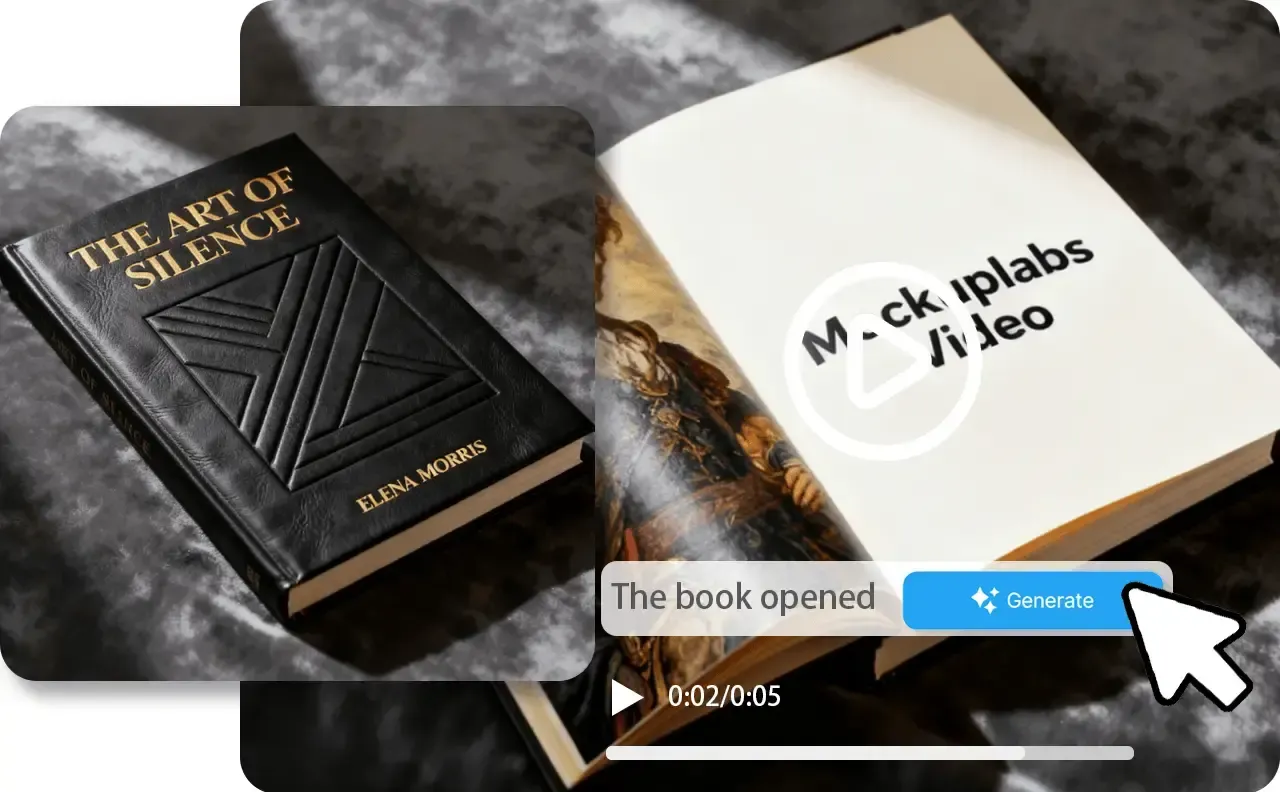
Mulai dengan gambar buku yang disetujui dan tinjau arah animasi pertama. Presentasi produk yang sama kemudian dapat mendukung lebih banyak klip, format, peluncuran, dan materi kampanye.
Mulai dengan gambar buku yang disetujui dan tentukan gaya animasi pertama. Tinjau produk, komposisi, dan detail penting sepanjang klip sebelum membuat versi lainnya.
Pertahankan presentasi buku yang sama dan sudah disetujui saat mengganti arah animasi, konteks kampanye, format, atau pesan. Buat rangkaian terkait tanpa membuat ulang visual produk awal.
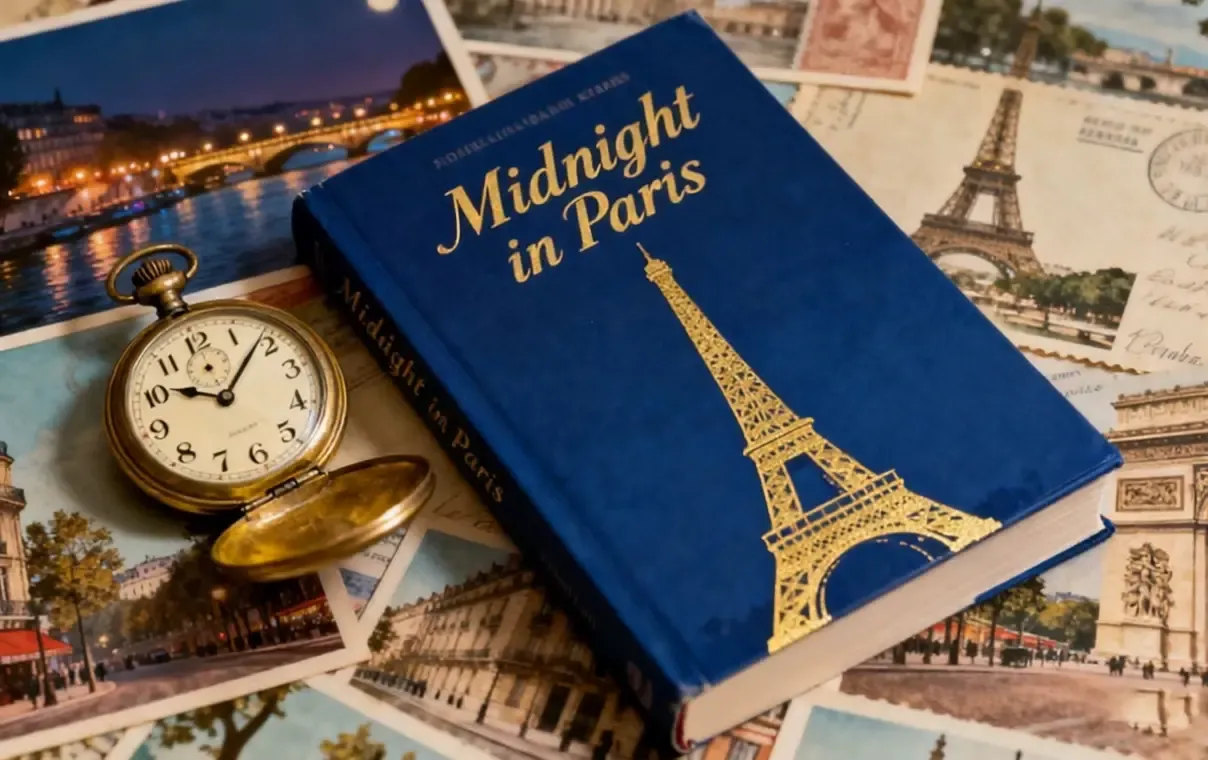
Kembangkan animasi produk yang disetujui menjadi klip peluncuran, format sosial, materi kampanye, dan gambar diam pendukung melalui alur kerja yang tetap terhubung.
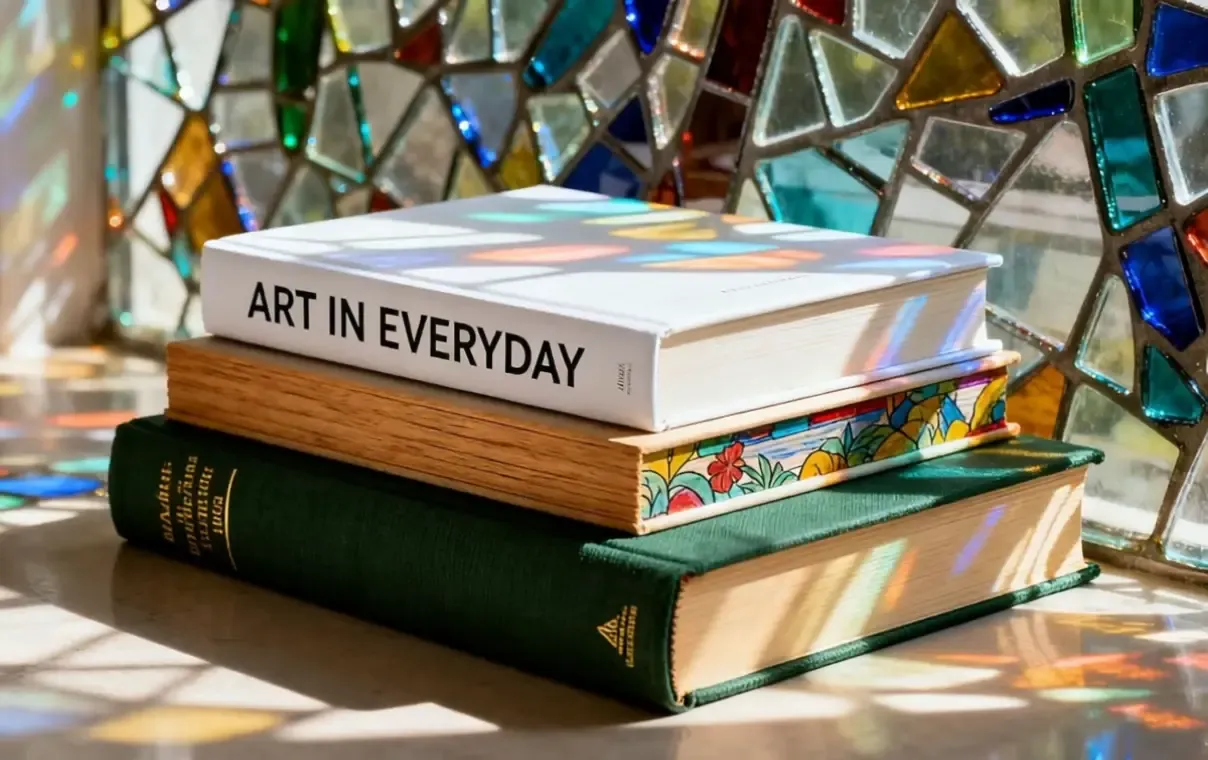
Lanjutkan dari sumber yang disetujui ke mockup, variasi, dan konten pemasaran yang dibutuhkan untuk produk atau kampanye saat ini.
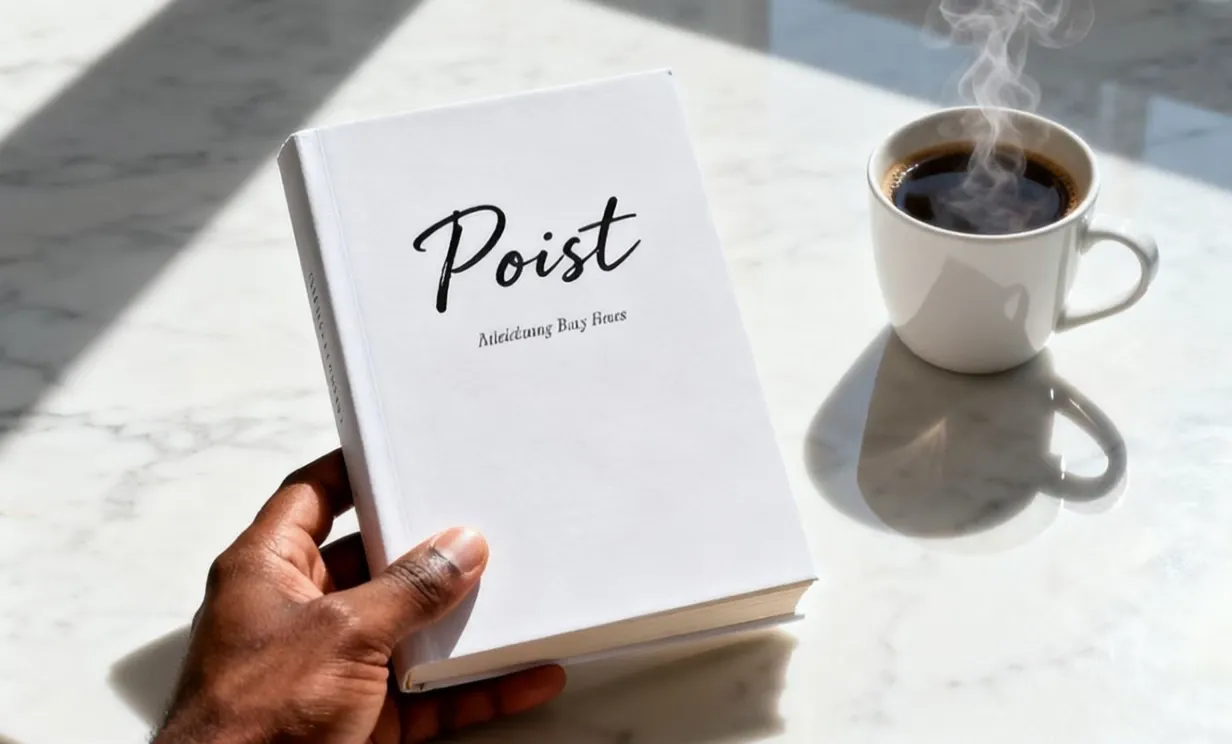
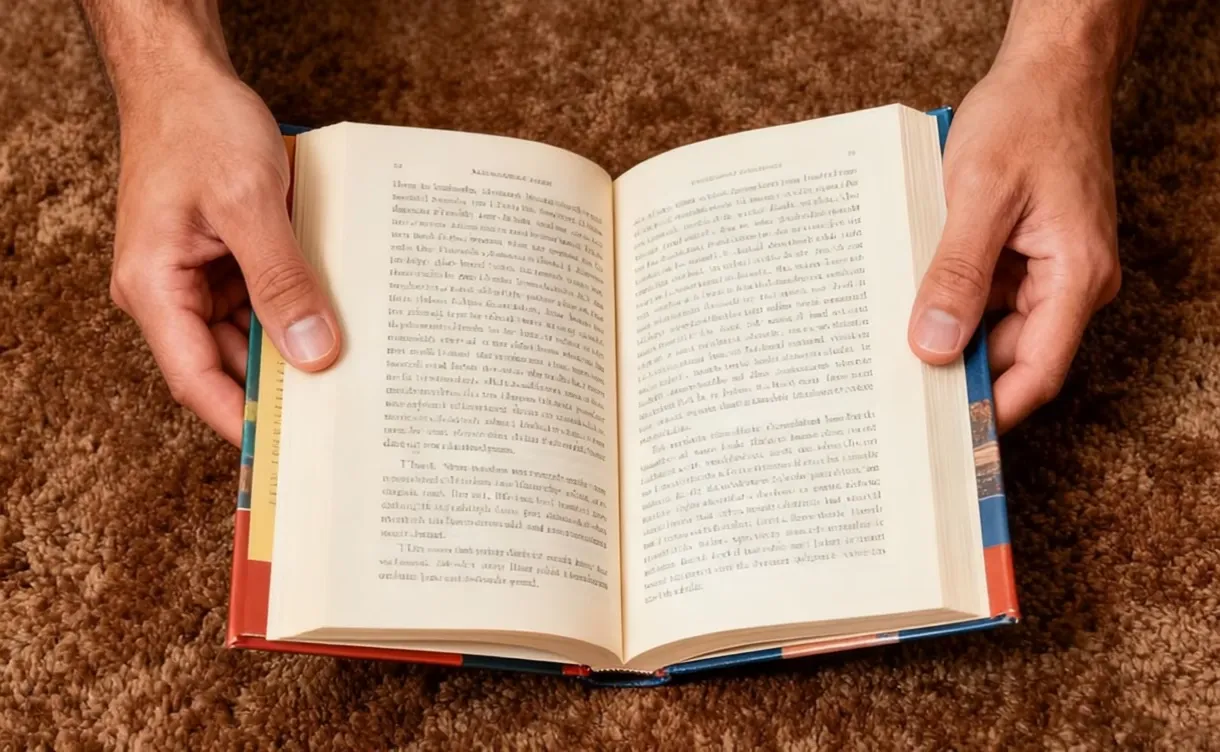
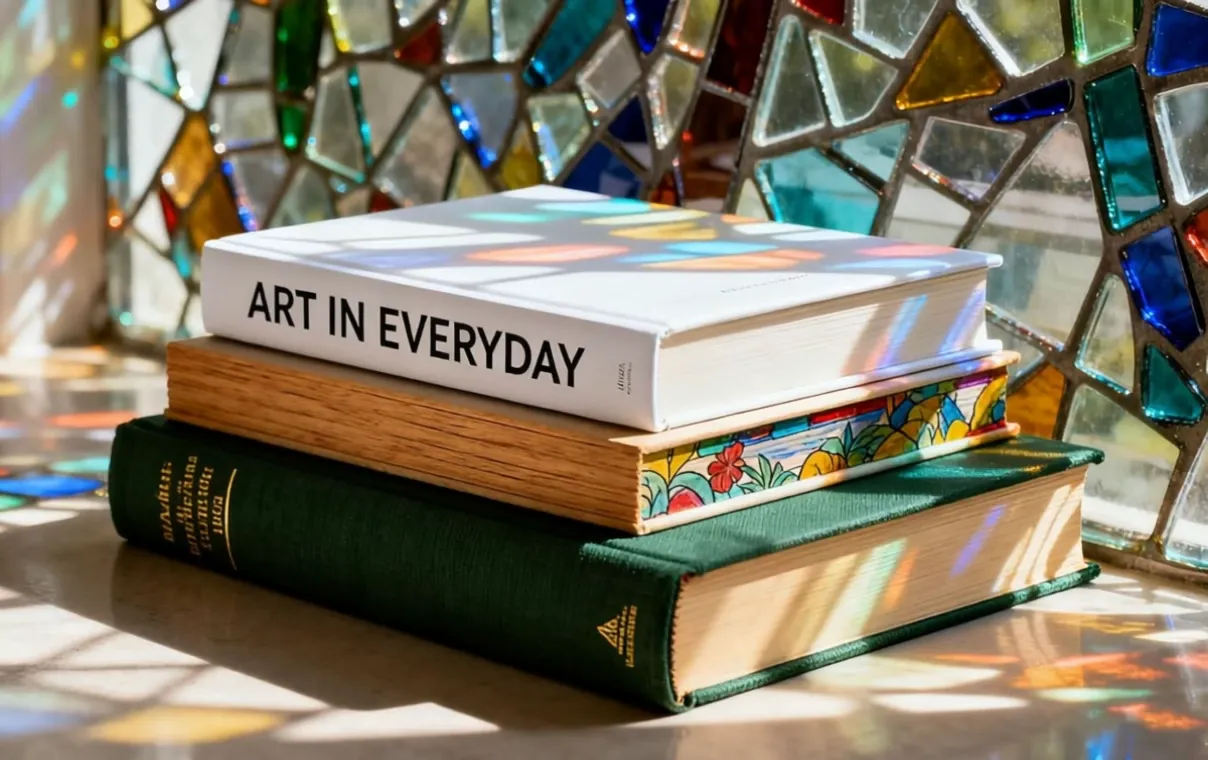
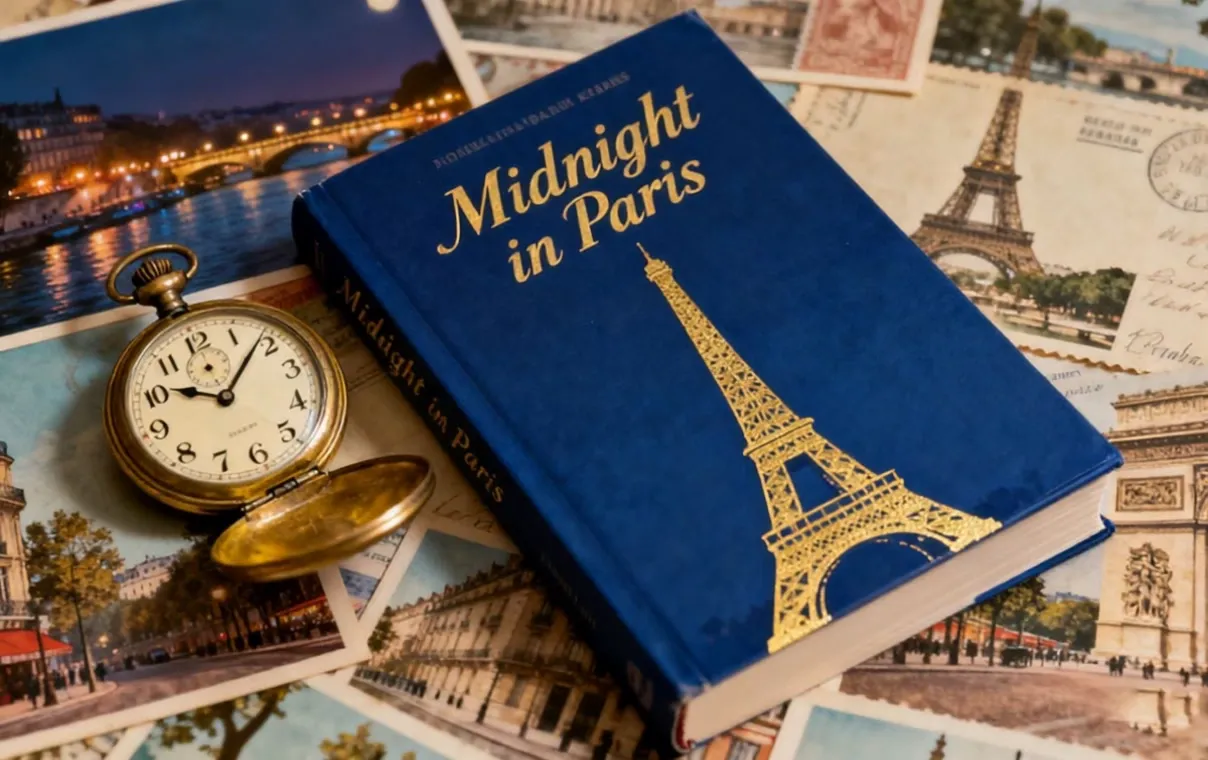
Gunakan presentasi sampul, mockup buku, gambar halaman produk, atau visual kampanye yang disetujui. Jika materi awal belum siap menampilkan produk, gunakan Book Mockup untuk menyetujui presentasi buku fisik sebelum menambahkan animasi.
Setujui gambar produk sekali, lalu gunakan kembali seiring bertambahnya rangkaian animasi dan kampanye.
Mulai dengan visual buku yang sudah menampilkan produk, komposisi, dan detail penting dengan benar.
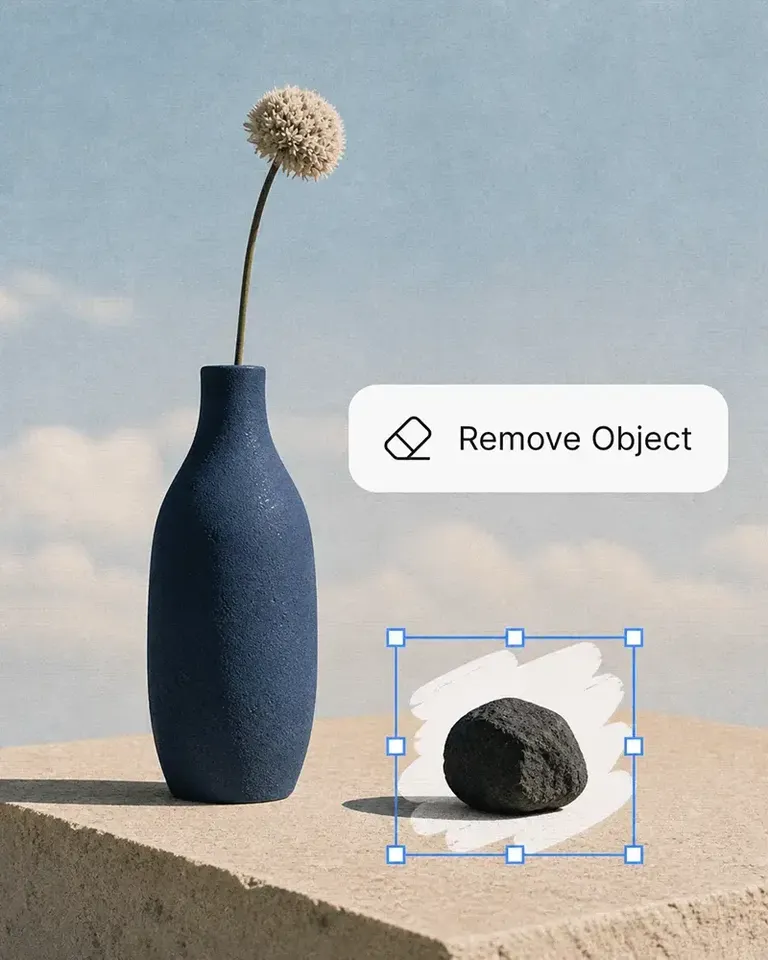
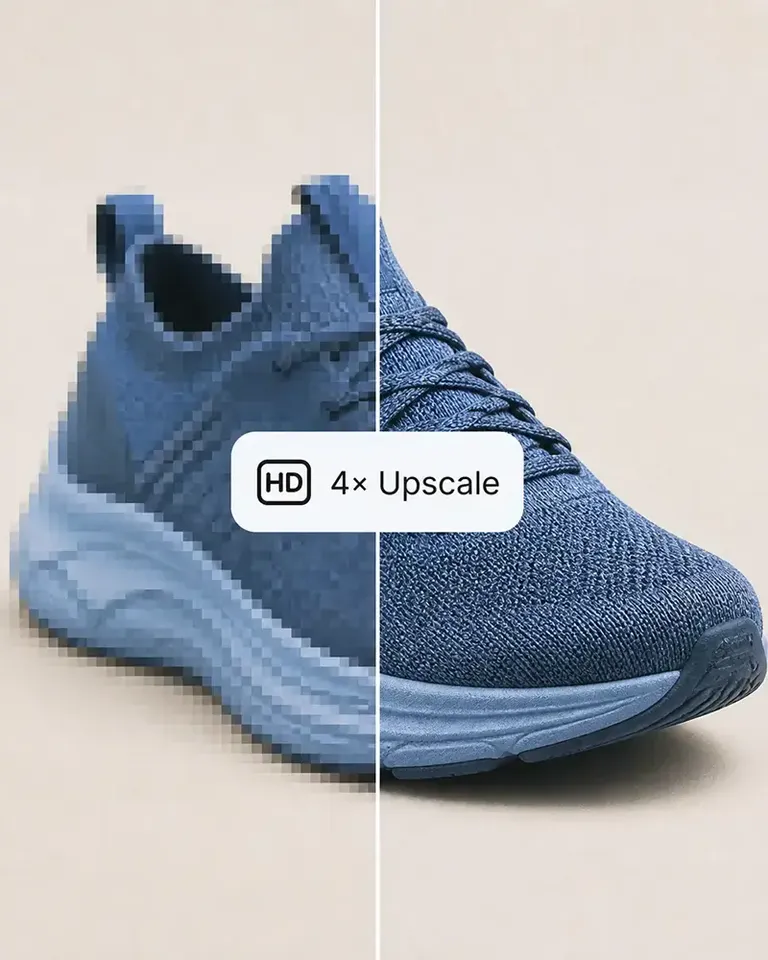
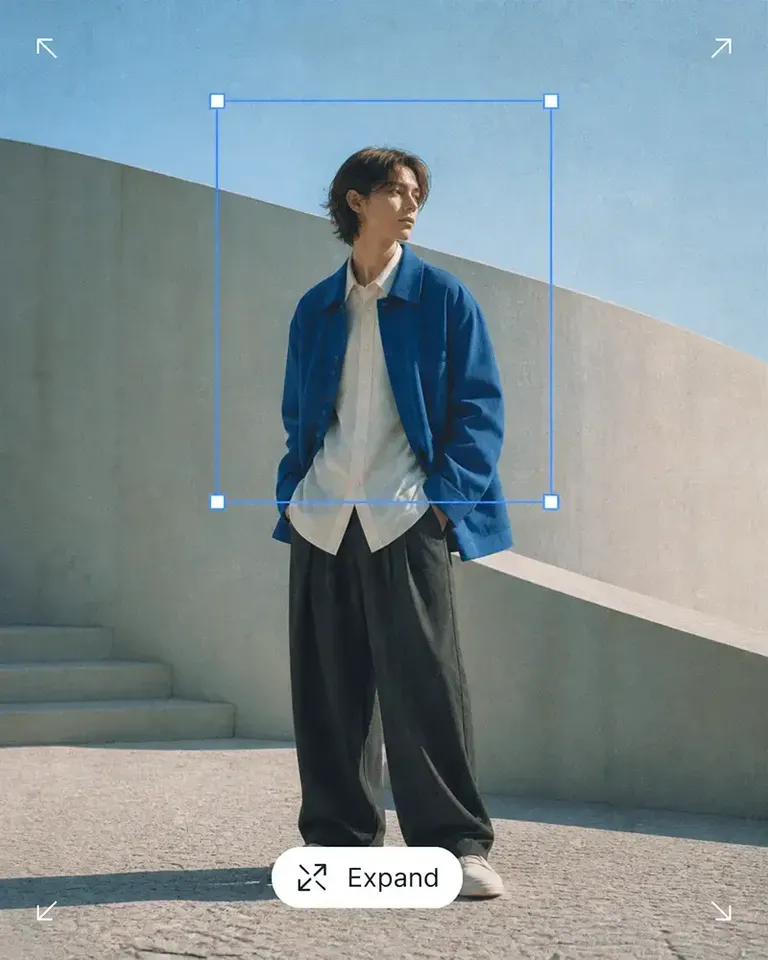
Bersihkan, perluas, atau sempurnakan gambar awal bila diperlukan, lalu konfirmasikan produk dan komposisi sebelum menambahkan animasi.
Tentukan arah animasi, lalu tinjau konsistensi produk, detail yang terlihat, keterbacaan teks, dan potongan gambar sepanjang klip.
Simpan visual awal yang disetujui agar siap untuk versi peluncuran, sosial, dan kampanye baru tanpa membuat ulang presentasi produk.
Lanjutkan dengan kategori produk yang paling relevan sambil mempertahankan pendekatan berbasis sumber yang sama untuk desain, variasi, dan konten pemasaran.
Baik Anda meluncurkan produk, mengembangkan merek, maupun membuat konten dalam jumlah besar, Mockuplabs membantu Anda menghidupkan setiap produk lebih cepat.

Sarah Bennett
Mockuplabs makes the image side of running a small shop feel more manageable. I can put together a decent product visual without turning every update into a separate design job.

Zoe Lawson
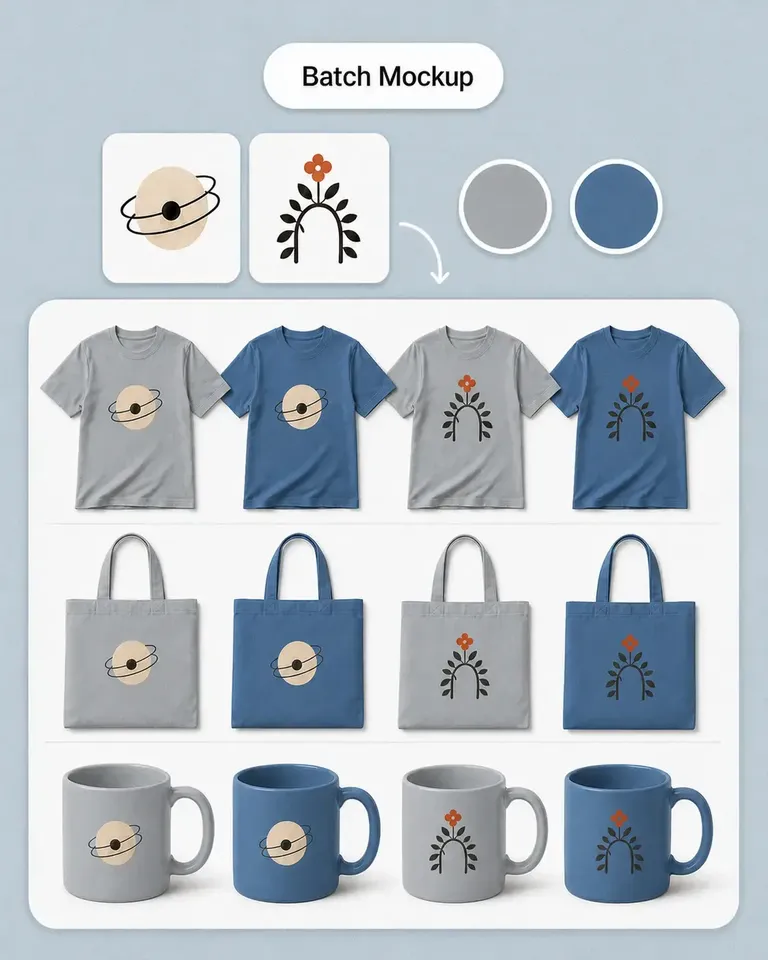
Our store has a growing mix of products and designs. Batch mockups in Mockuplabs make those updates more manageable, and reusing the setups helps the new images feel like part of the same catalog.

northside.mia
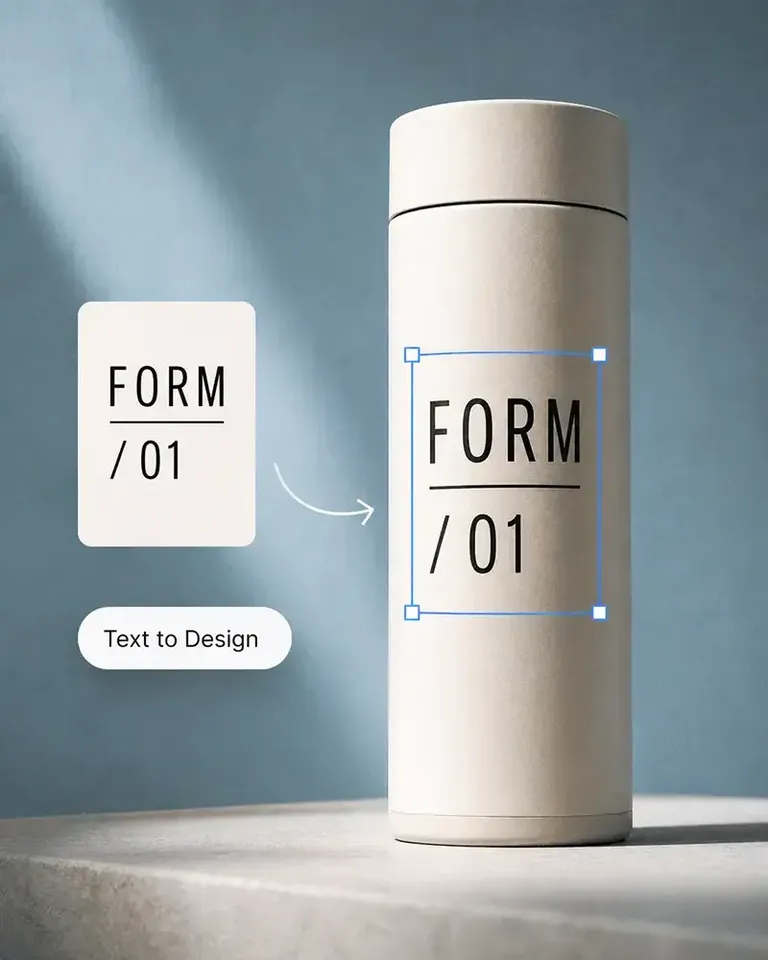
Client feedback is much clearer with the mockups I make in Mockuplabs. People can judge the artwork's size and placement on the actual product instead of trying to imagine it from the design file.

Omar Hassan
Mockuplabs is useful for getting more out of photos I already have. A new layout or setting can give an existing product image another job without needing a completely new shoot.
Aaron Davies
Mockuplabs is good for getting product visuals ready when the design work is done but the marketing images aren't. That gap used to hold things up for me.
Ellen Brooks
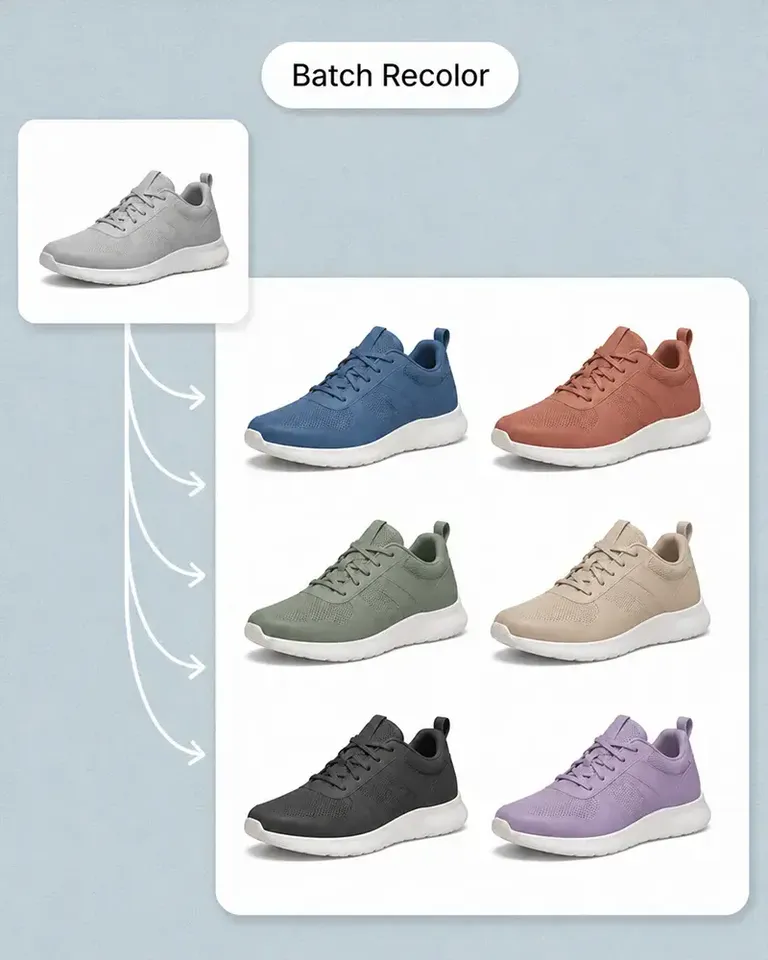
When we add a color option, we need the other product views as well as the main image. Batch recolor in Mockuplabs is useful for that whole set. We're not left with one updated picture and the rest still showing the old color.
Freya Nielsen
I'm the person who ends up doing the images as well as everything else. This is approachable enough for me to use without asking a designer to handle every small adjustment.

Mei Chen
The previews I make in Mockuplabs give my ideas a much more finished presentation. They're easier to share with a client than a flat logo and a description of where it should go.

samir.creates
A practical tool for the ordinary image work behind a store. Not every picture needs to be an elaborate campaign visual; sometimes clean and consistent is exactly what I need.

Diego Ramos
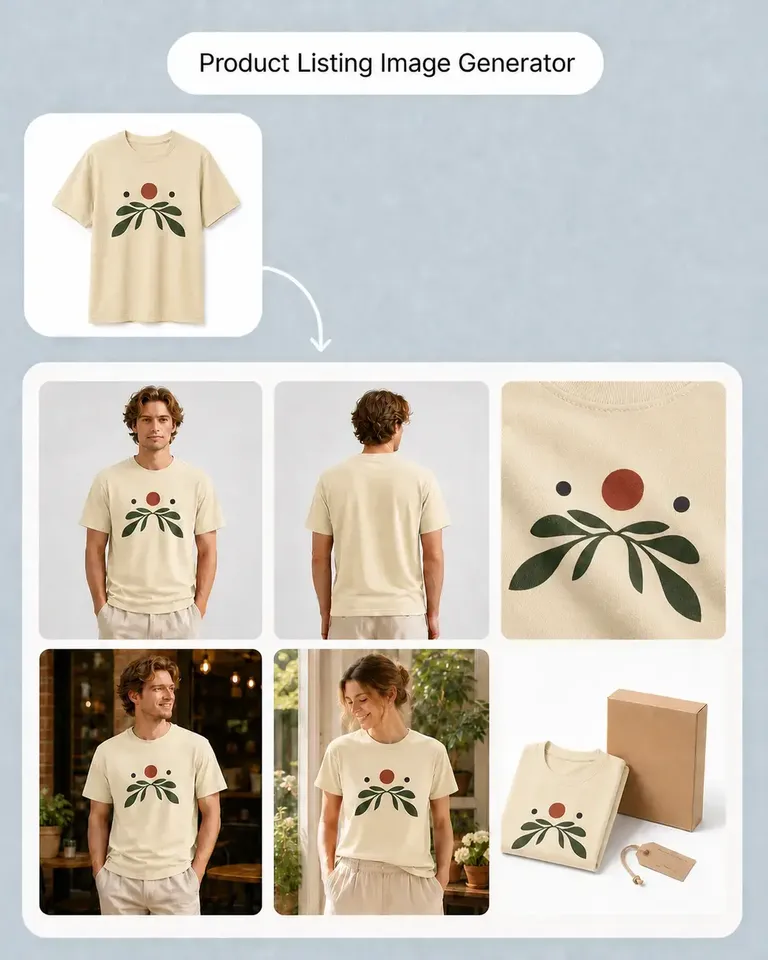
I prepare product images for clients with several designs and views to show. Mockuplabs' batch mockups are useful when an approved product setup needs to support the rest of the collection, rather than just one presentation image.
James Porter
The scene options are useful for deciding on a direction before committing to new photography. Some ideas look much better in my head than they do around the actual product.
Anika Sharma
This suits the day-to-day image jobs I do for our shop. I'd like more complete examples of product-image sets, but the tools themselves have already been useful.
Setujui gambar buku awal dan arah animasinya, lalu gunakan kembali visual produk yang sama untuk lebih banyak klip, format, dan kampanye.