

Оцените свои дизайны на компьютерах и MacBook
Сравните сцены с компьютерами и MacBook по видимости экрана, углу устройства и окружающему рабочему пространству перед выбором презентации.
286 мокапов
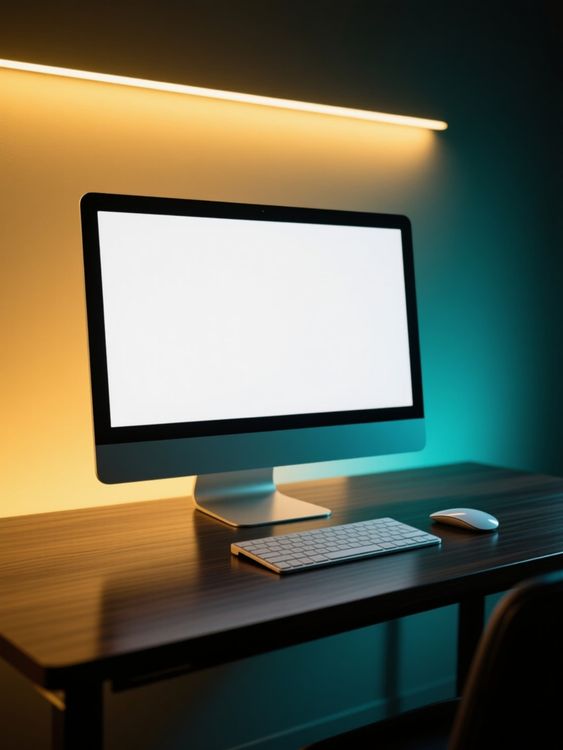
Computer mockup of desktop setup with warm lighting

Hand model computer mockup typing on keyboard with futuristic background

Hand model macbook mockup typing on keyboard indoors
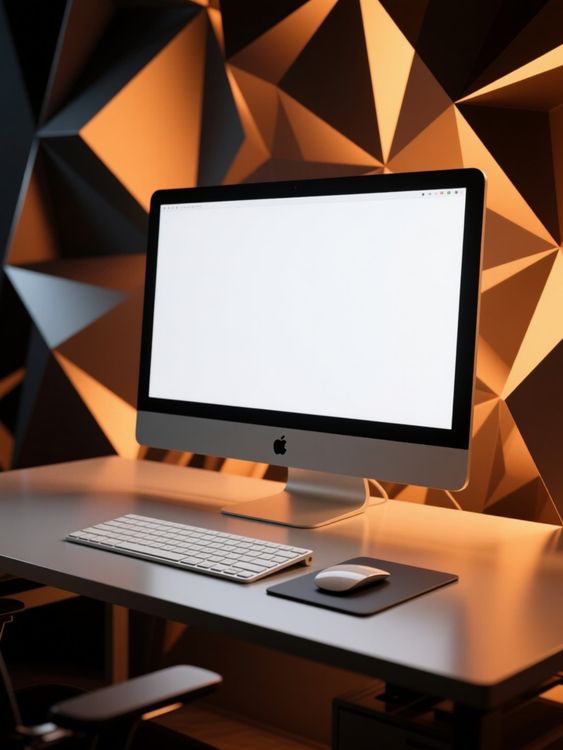
Computer mockup of blank screen with geometric background
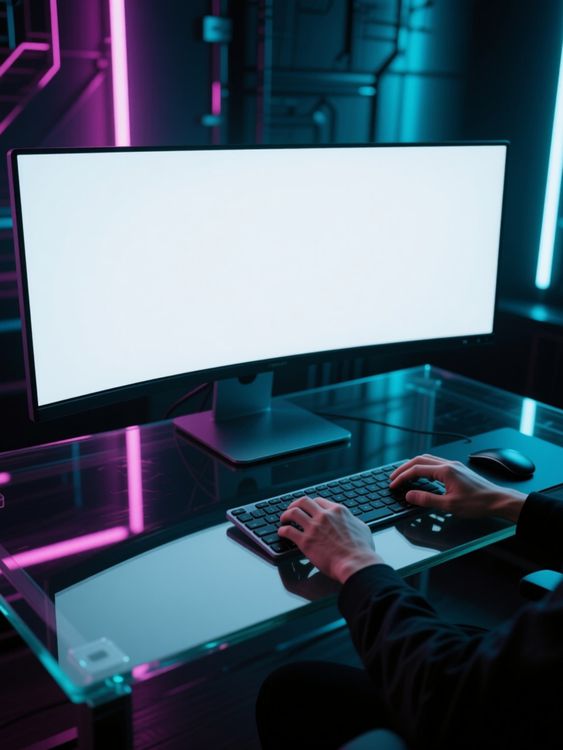
Male model computer mockup typing hands on keyboard close-up

Hand model computer mockup typing on keyboard at night
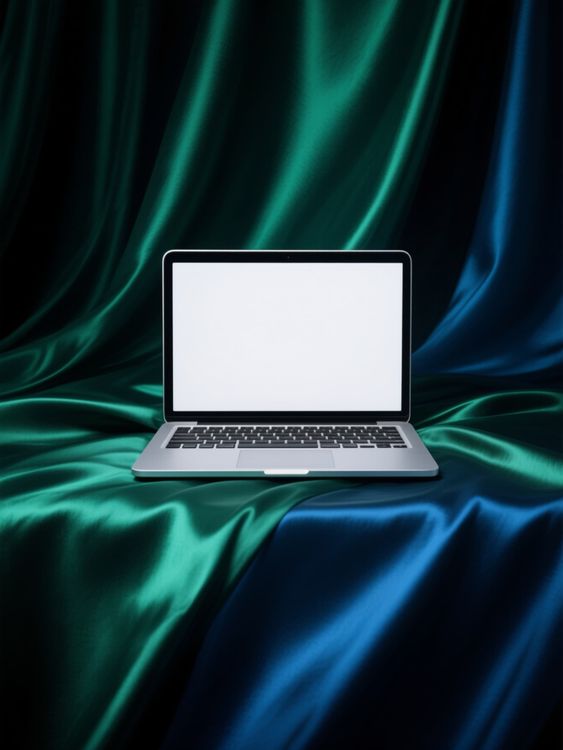
Macbook mockup of laptop placed on vibrant fabric
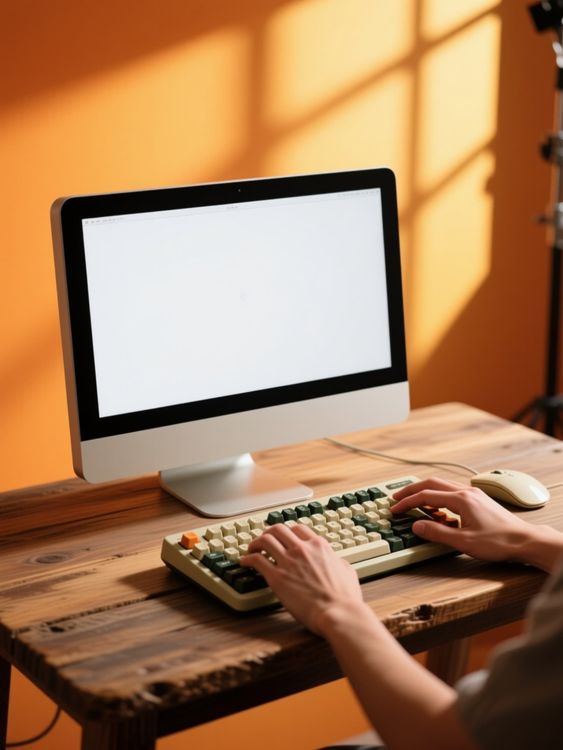
Hand model computer mockup typing on keyboard at desk 1

Male macbook mockup typing on laptop outdoors
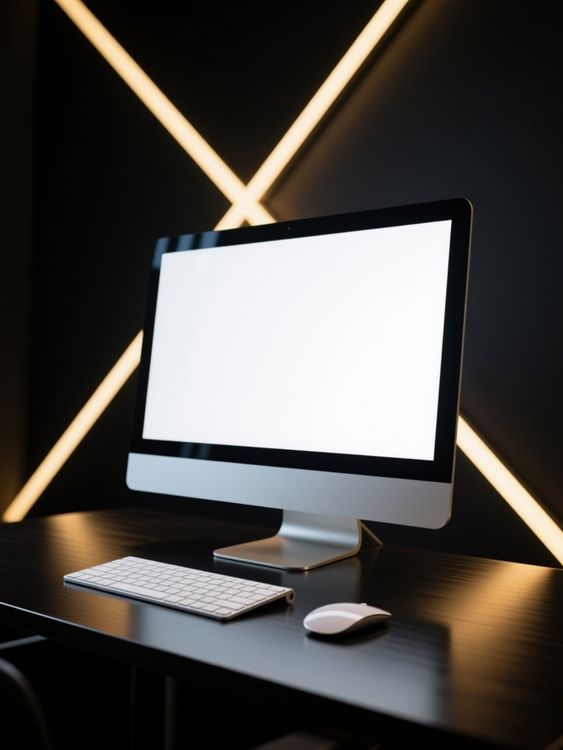
Computer mockup of desktop setup with keyboard and mouse
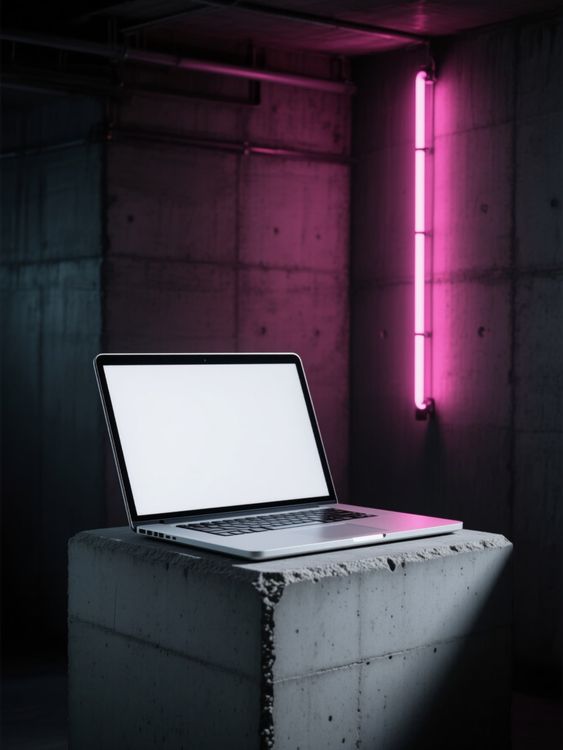
Macbook mockup of laptop open on concrete block
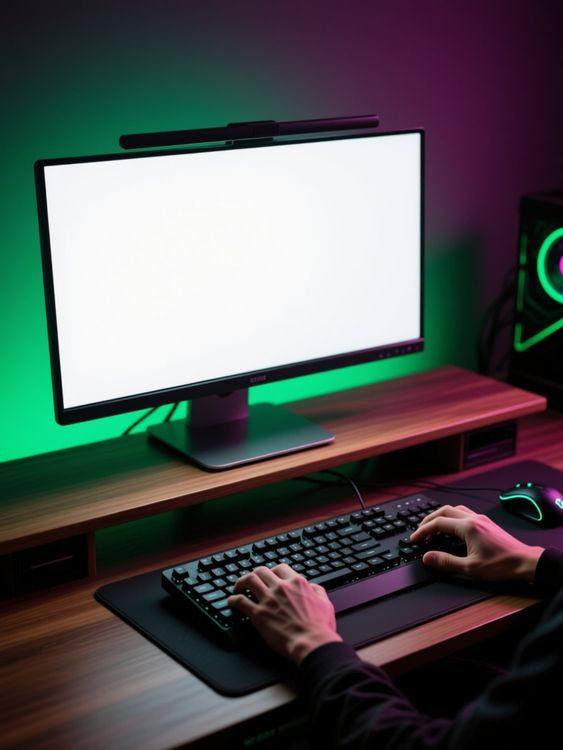
Hand model computer mockup typing on keyboard and mouse 2
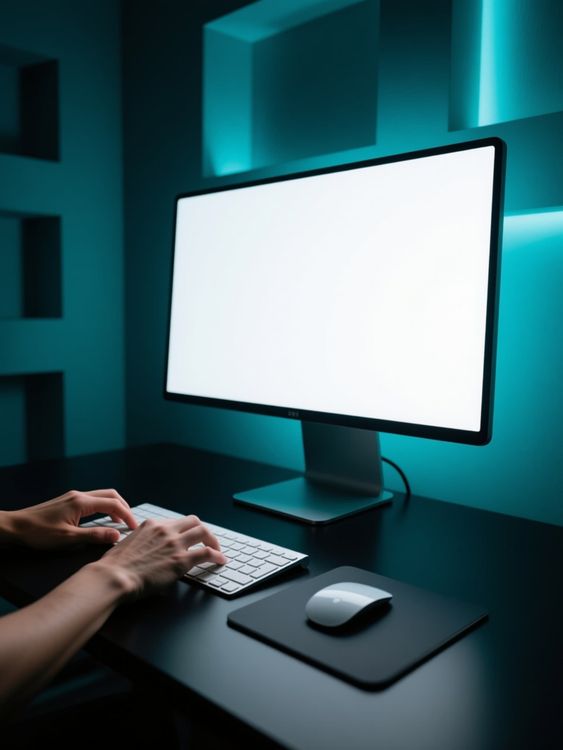
Hand model computer mockup typing on keyboard with focus
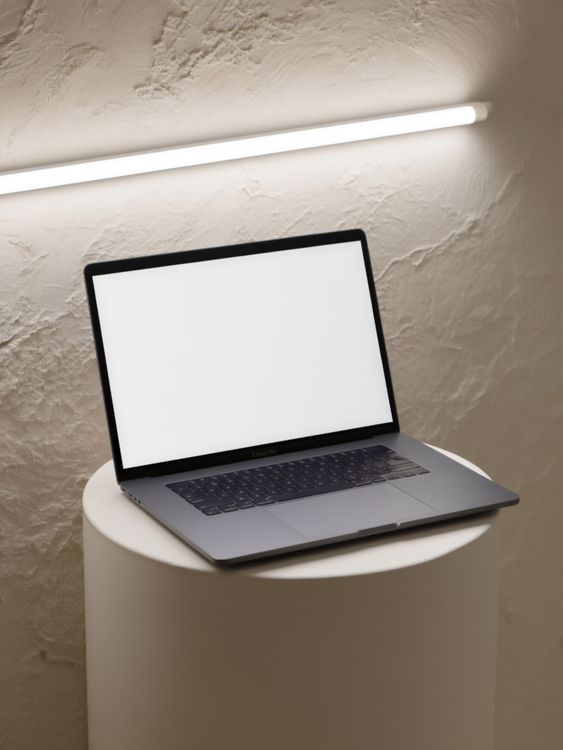
Macbook mockup of laptop open on round pedestal
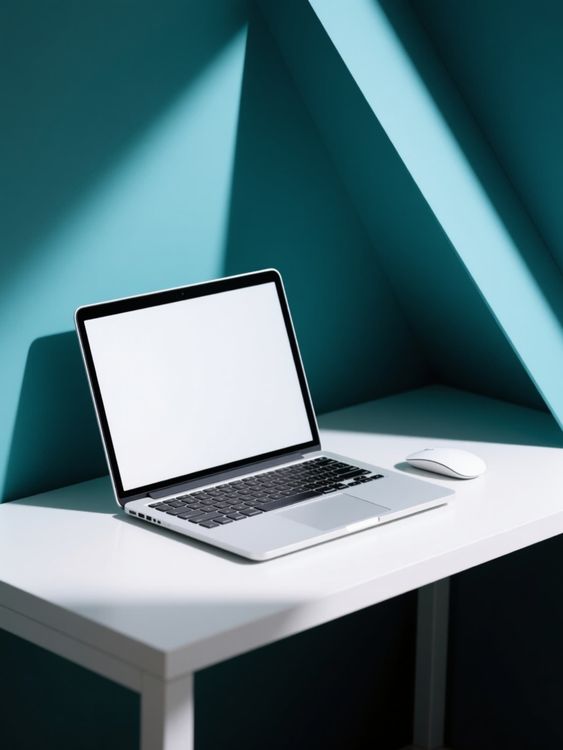
Macbook mockup of laptop and mouse on table
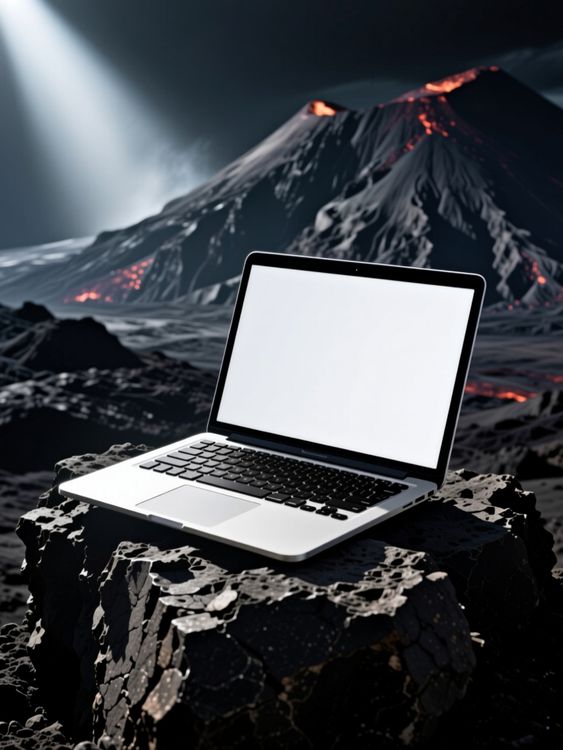
Macbook mockup of volcano erupting with lava flowing
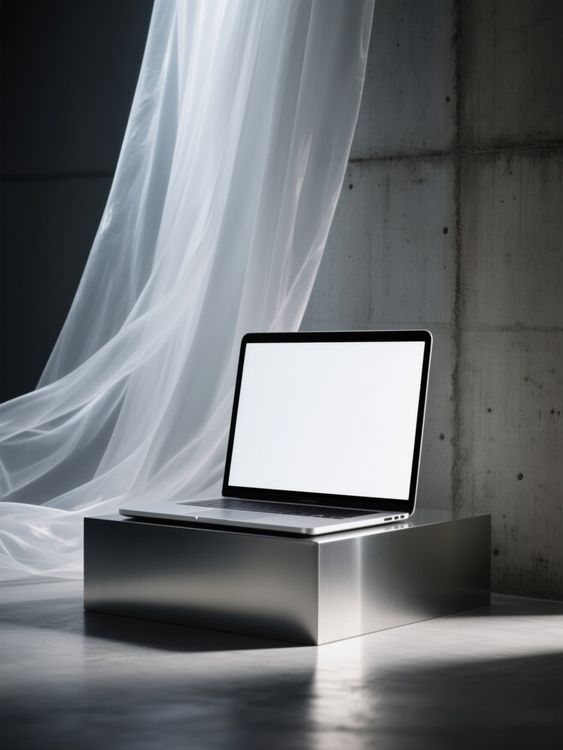
Macbook mockup of laptop sitting on metal platform
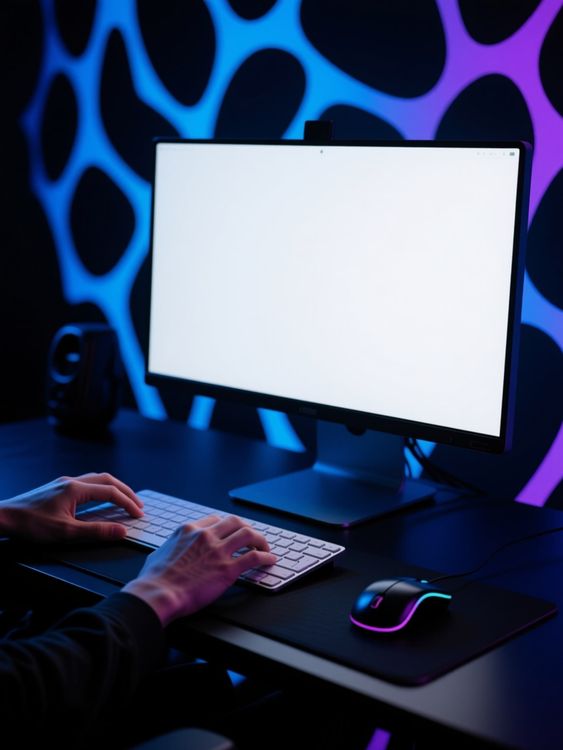
Male model computer mockup typing hands on keyboard scene 1
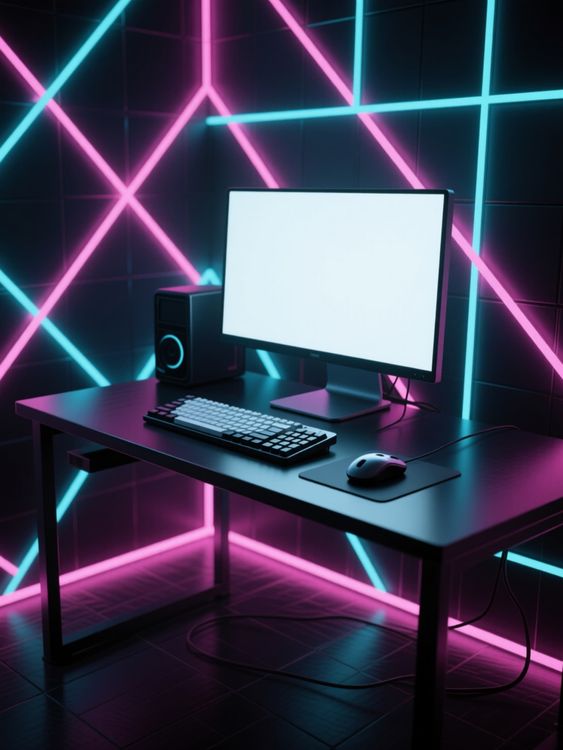
Computer mockup of glowing neon light wall background
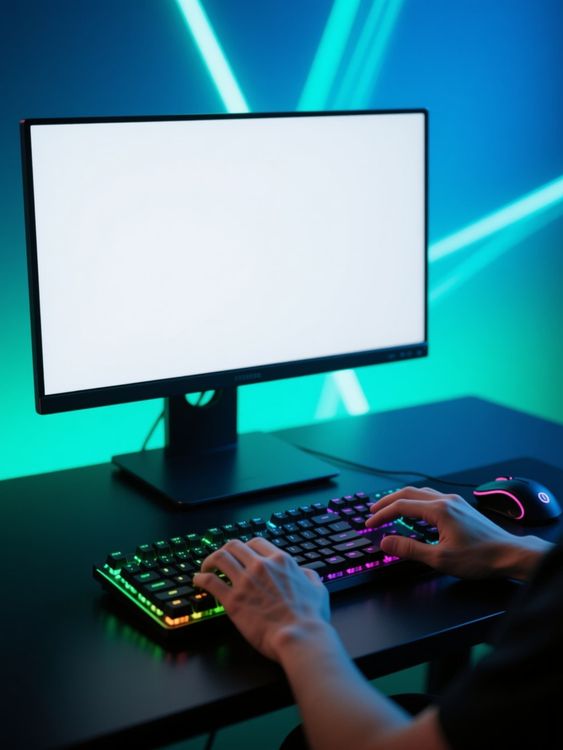
Hand model computer mockup typing on colorful keyboard

Hand model macbook mockup typing on keyboard in laboratory
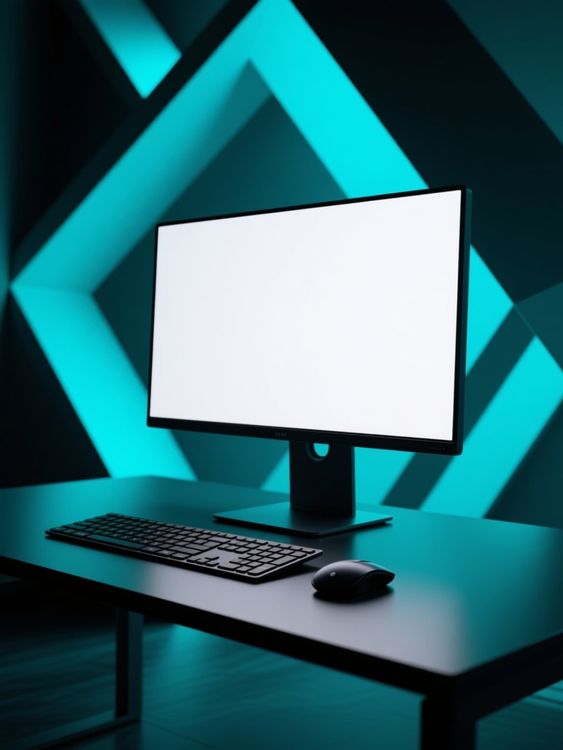
Computer mockup of blank screen with blue geometric background
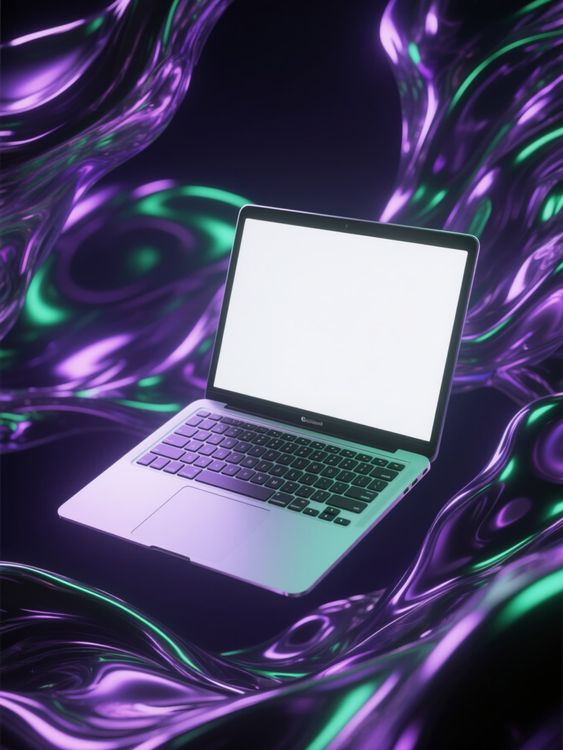
Macbook mockup of laptop floating in purple green waves
Проверьте детали, которые делают мокап пригодным к использованию.
Хороший шаблон не просто вмещает дизайн. Он сохраняет форму товара, оставляет продуманное пространство для оформления и подходит для канала, где появится результат.
Реалистичное размещение дизайна
Освещение, складки, швы и перспектива остаются видимыми вокруг дизайна.
Пространство для истории товара
Выберите чистое главное изображение, подробный крупный план или жизненную сцену в зависимости от роли изображения.
Для форматов электронной торговли
Начните с кадрирования, которое подходит для карточек товаров, кампаний, соцсетей и витрин магазинов.
Сначала примерьте дизайн, затем выберите шаблон
- 01
Просмотрите или добавьте дизайн
Просмотрите шаблоны или загрузите дизайн выше, чтобы сравнить предпросмотры на поддерживаемых карточках.
- 02
Откройте шаблон для настройки
Откройте выбранный шаблон и изучите возможности редактирования. Поддерживаемые шаблоны позволяют менять положение рисунка и использовать доступные настройки цвета.
- 03
Скачайте или продолжите работу
Скачайте готовое изображение или откройте редактируемый шаблон в онлайн-редакторе Mockuplabs, чтобы продолжить работу на бесконечном холсте.
1 317 оценок843 отзыва


Создавать изображения товаров стало проще
Запускаете ли вы товар, развиваете бренд или создаёте контент в большом объёме — Mockuplabs помогает быстрее представить каждый товар.

Callum Hayes
The Mockuplabs templates look polished without taking attention away from my design. The lighting and product details make the finished mockup feel like something I can actually use in a presentation.
Bianca Lopez
Seeing my design across a batch of templates in Mockuplabs makes the choice much easier. A few options I liked in the library didn't suit the artwork, so the previews are more useful to me than the thumbnails.

drewandco
For a basic mockup, the simple Mockuplabs editor is a good fit. I can get the design looking right without feeling like I need to learn a whole design app first.

Aisha Bennett
The cleaner Mockuplabs scenes are my favourites. The product is well presented, and the background doesn't compete with the artwork I'm trying to show.

Mateo Garcia
The simple editor in Mockuplabs covers most of my mockups. When a client needs a fuller layout around the product, having the main editor canvas available makes the template feel like a useful starting point.
sophie.makes
I usually need a few mockup options for a client, not just one image. The batch template previews in Mockuplabs let me compare the same design in different settings. It's easier to pick a set that works together.
Jordan Brooks
The artwork sits naturally on the product instead of looking like a flat overlay. That's the part that makes these templates useful for showing a design to someone else.

Eva Novak
Good-looking templates, and the little editor is easy to get along with.

Theo Baker
I like the range of product categories in Mockuplabs. I can find different ways to present my designs without every mockup ending up on the same kind of product.
Mina Cho
The templates I keep coming back to have clear product views and backgrounds that leave the design room to stand out. A mockup can look impressive on its own and still be wrong for the artwork.
Ruby Ellis
I don't need all the editing tools for every preview, so the smaller editor suits me. Being able to continue in the main canvas is handy when a quick mockup turns into a bigger piece of work.

alexd_23
Mockuplabs feels approachable when all I want is to put a design on a template. The editor stays focused on that job, which is a big part of why I'd use it again.
Частые вопросы о мокапах настольных компьютеров
Нужна помощь с подготовкой дизайна или экспортом готового изображения? Посетите Справочный центр.
Настройте свой следующий мокап настольных компьютеров.
Вернитесь к шаблонам выше, сравните сцены и выберите подходящую для дизайна.