Die erste Markenanwendung erstellen und freigeben
Wende das erste Logo, Schild oder Identitätskonzept auf einen realen Schaufenster-Kontext an. Prüfe vor der Freigabe Maßstab, Platzierung, Kontrast sowie das umgebende Material oder Umfeld.
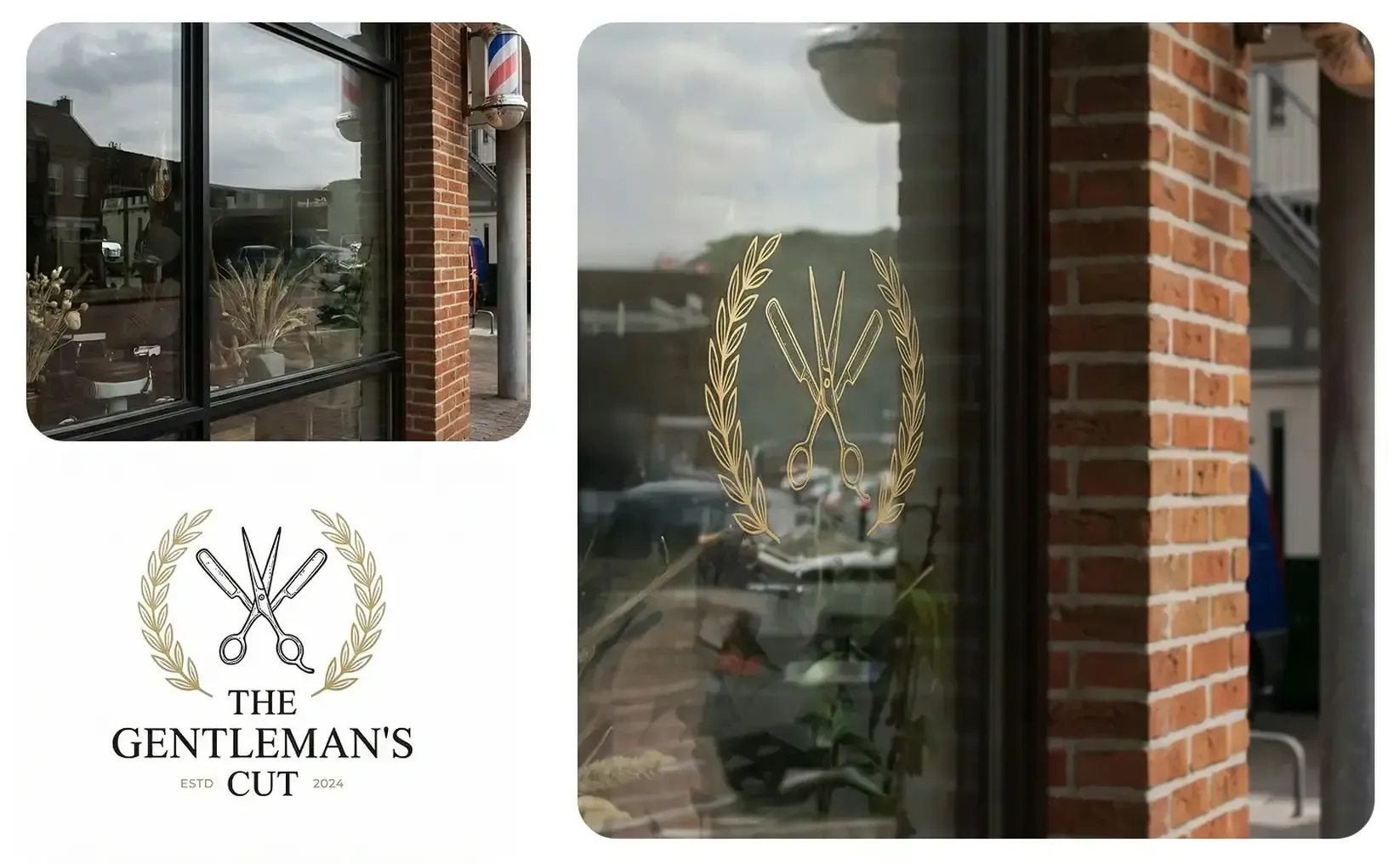
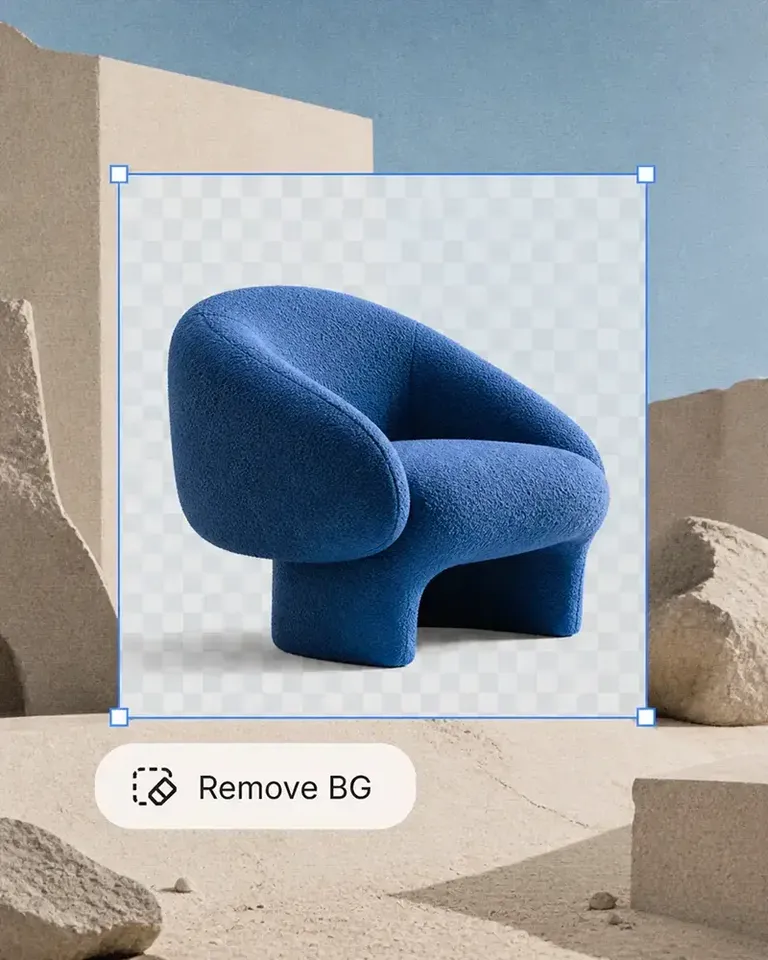
Verwandle dein eigenes Schaufenster-Foto in ein bearbeitbares Mockup, prüfe Logos, Beschilderung, Fenstergrafiken und Markenplatzierung und nutze das freigegebene Bild für Einführungs- und Marketinginhalte erneut.
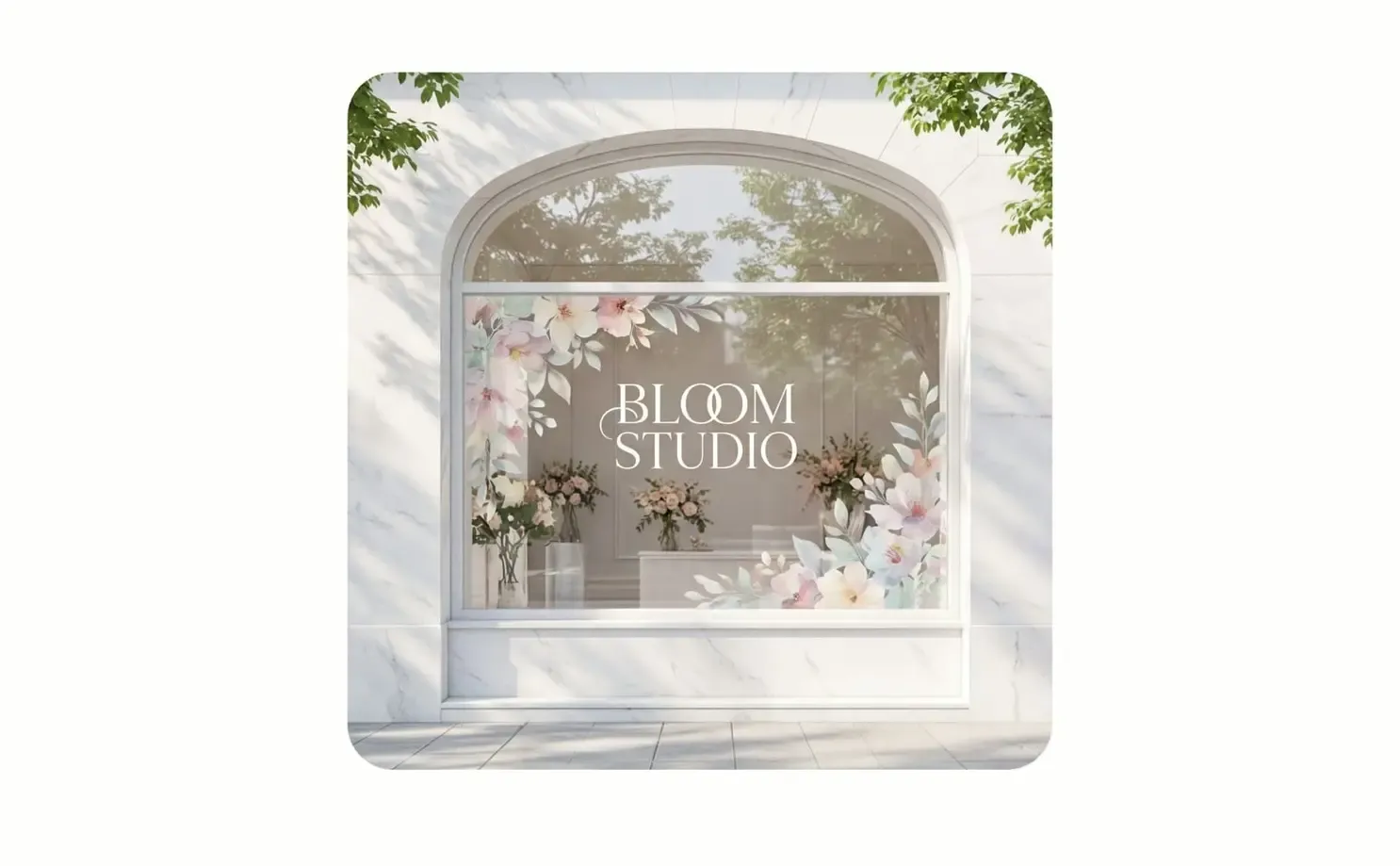
Beginne mit einem realen Schaufenster-Kontext und gib die erste Identitätsrichtung frei. Dieselbe Vorlage kann weitere Anwendungen, Präsentationen, Kampagnen und Bewegtbilder unterstützen.
Wende das erste Logo, Schild oder Identitätskonzept auf einen realen Schaufenster-Kontext an. Prüfe vor der Freigabe Maßstab, Platzierung, Kontrast sowie das umgebende Material oder Umfeld.
Behalte die freigegebene Vorlage bei und ändere Logos, Farben, Texte oder visuelle Gestaltungen. Vergleiche Alternativen im gleichen Kontext, ohne die Präsentation neu aufzubauen.
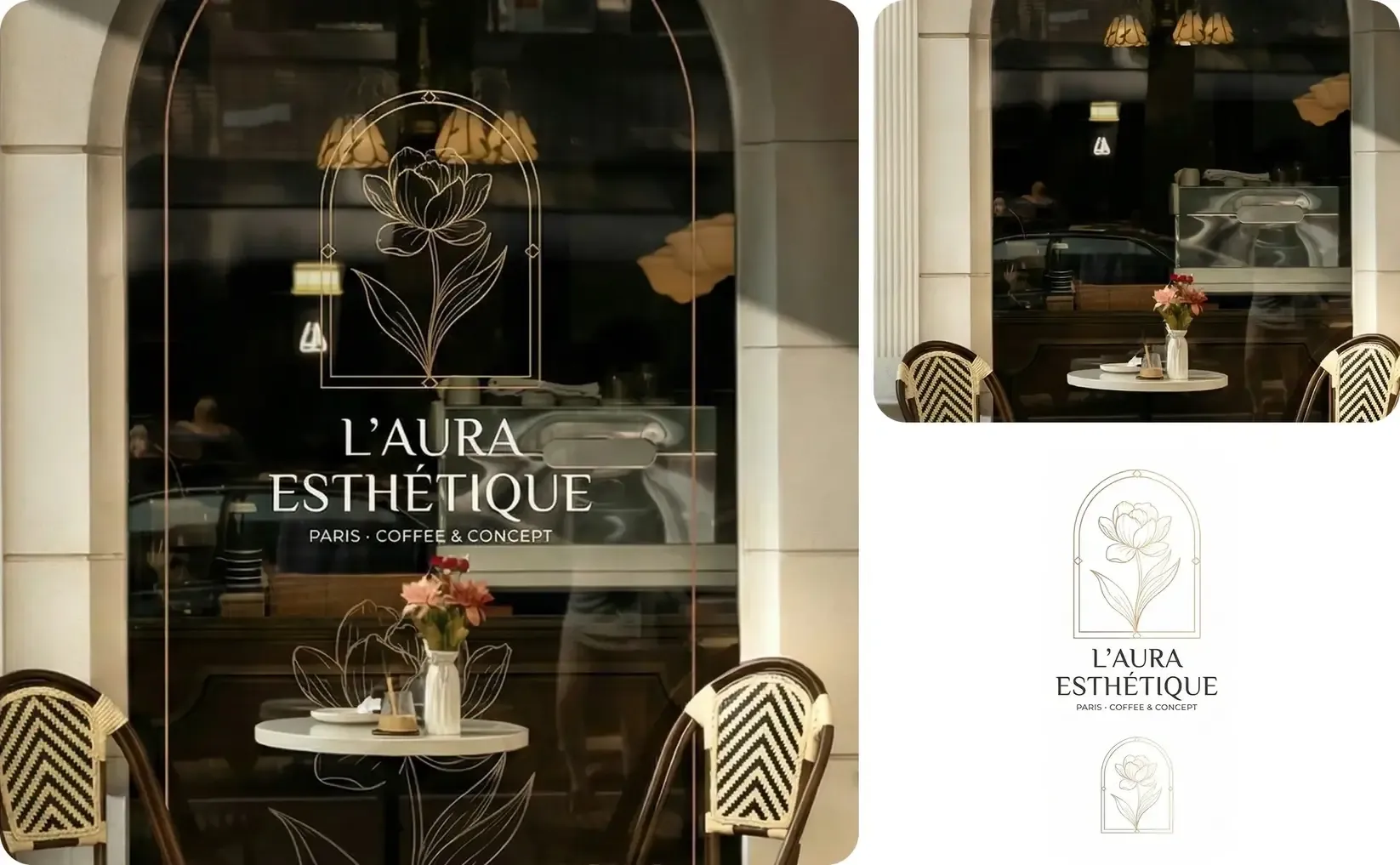
Entwickle aus der freigegebenen Anwendung Entwurfstafeln zur Prüfung, Einführungsbilder, Kampagnenformate, Social-Media-Motive und Videos und halte den realen Markenkontext erkennbar.
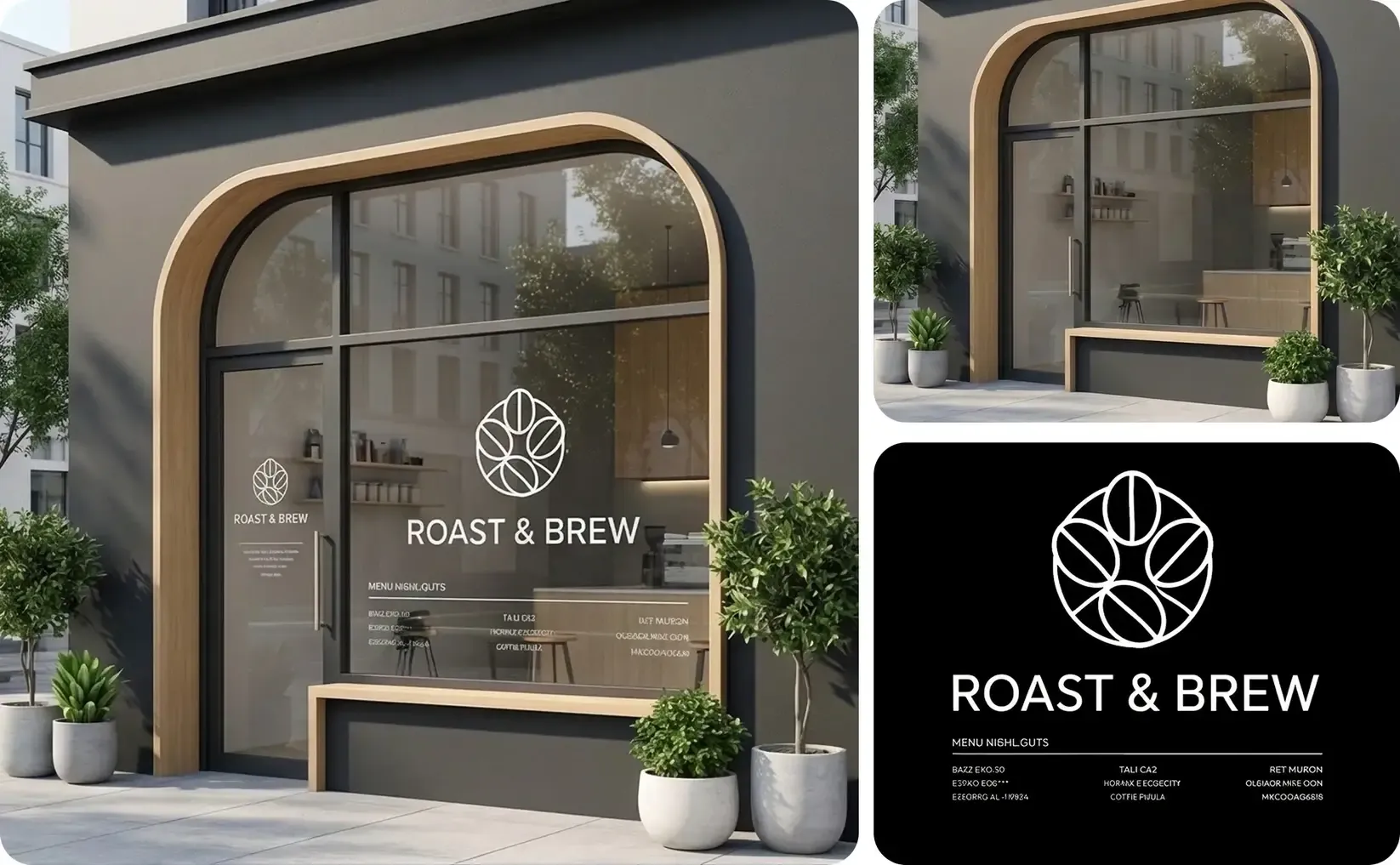
Erstelle aus der freigegebenen Vorlage die Mockups, Varianten und Marketinginhalte, die du für das aktuelle Produkt oder die Kampagne benötigst.
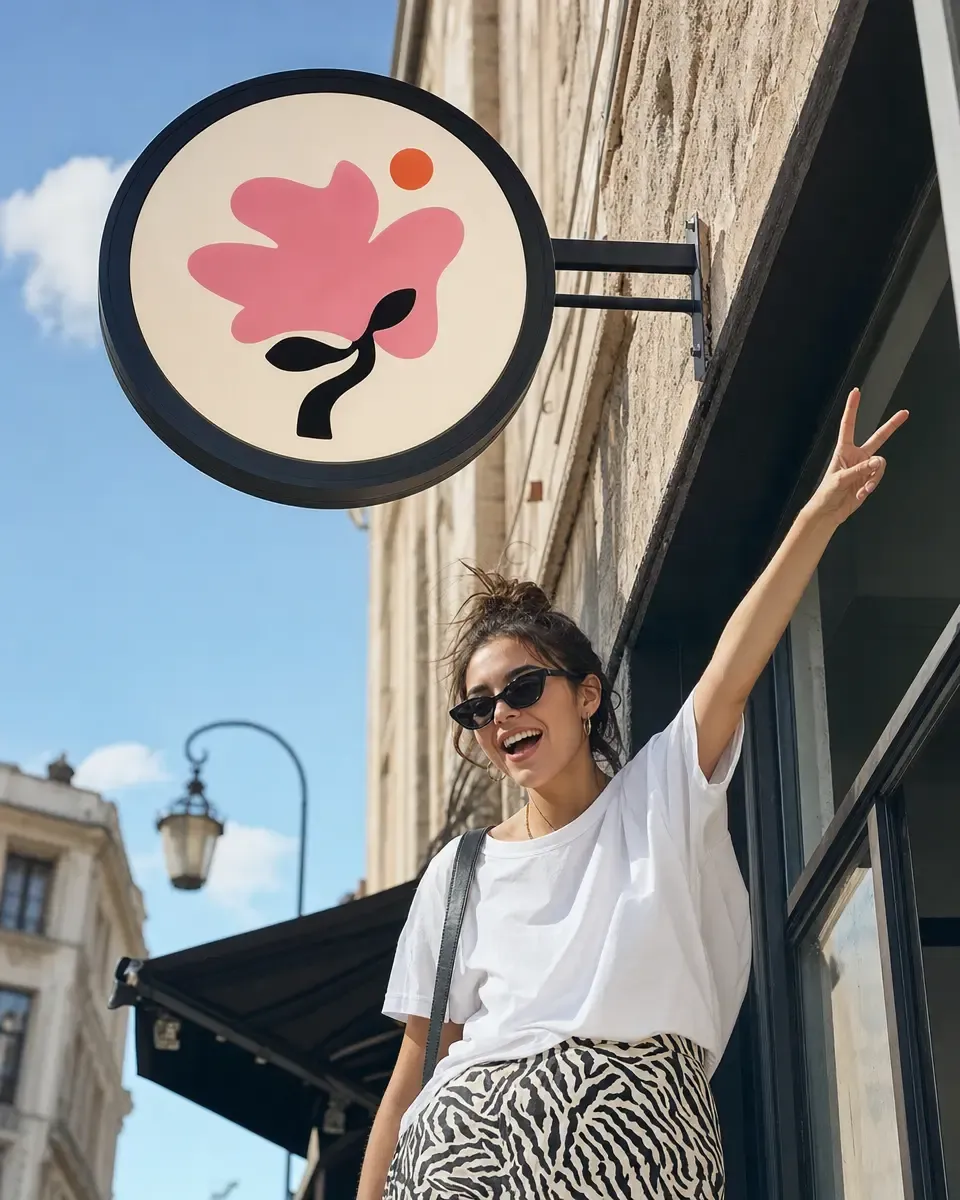
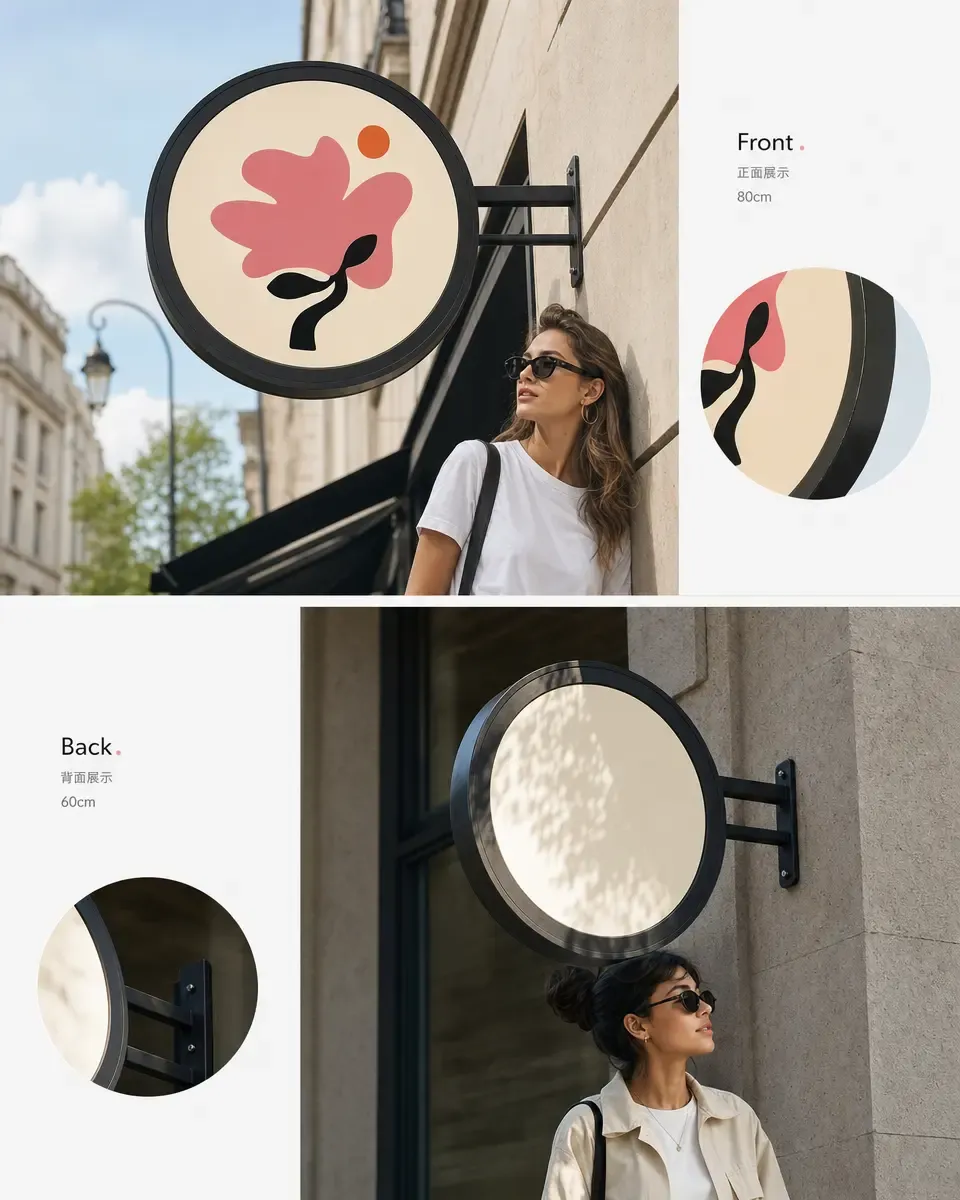
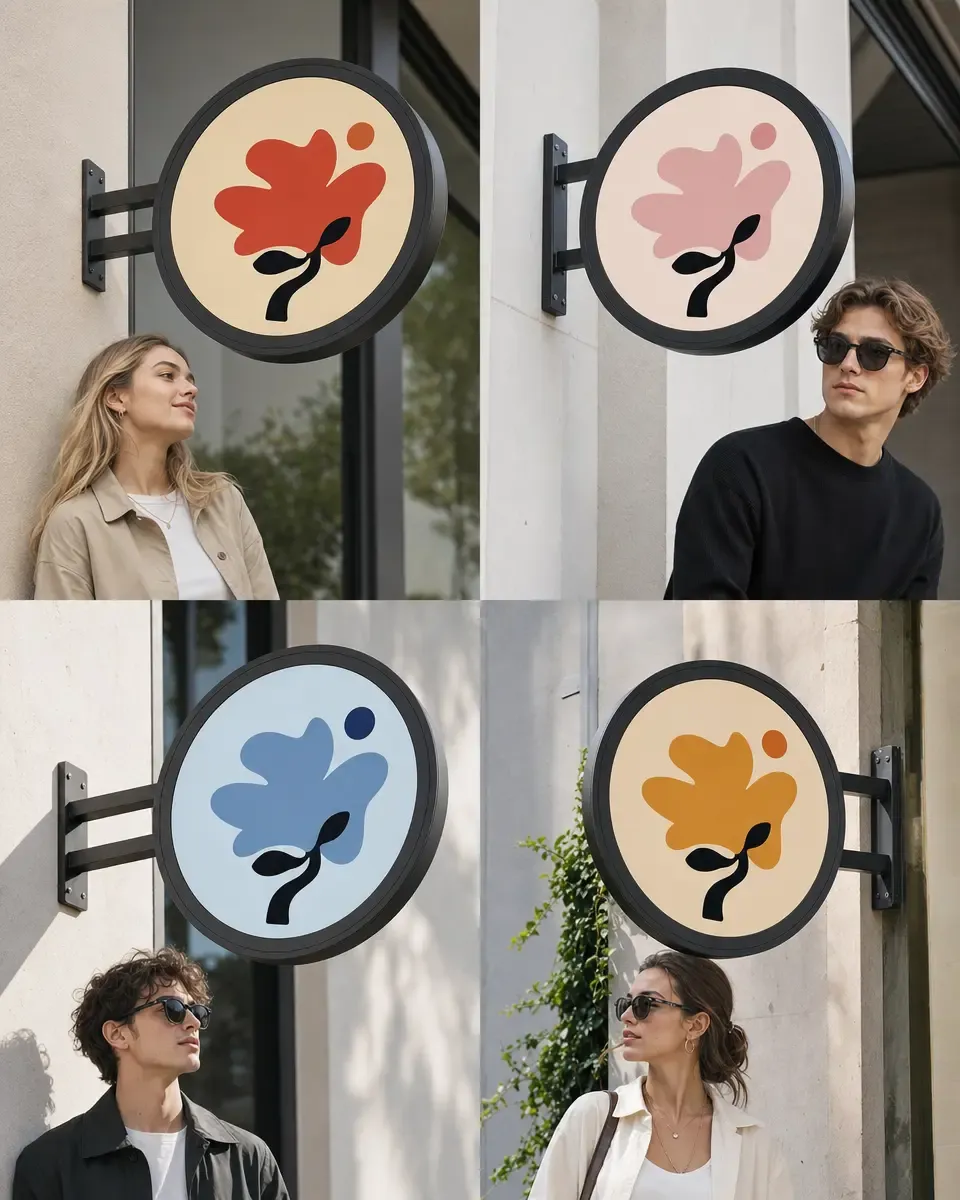

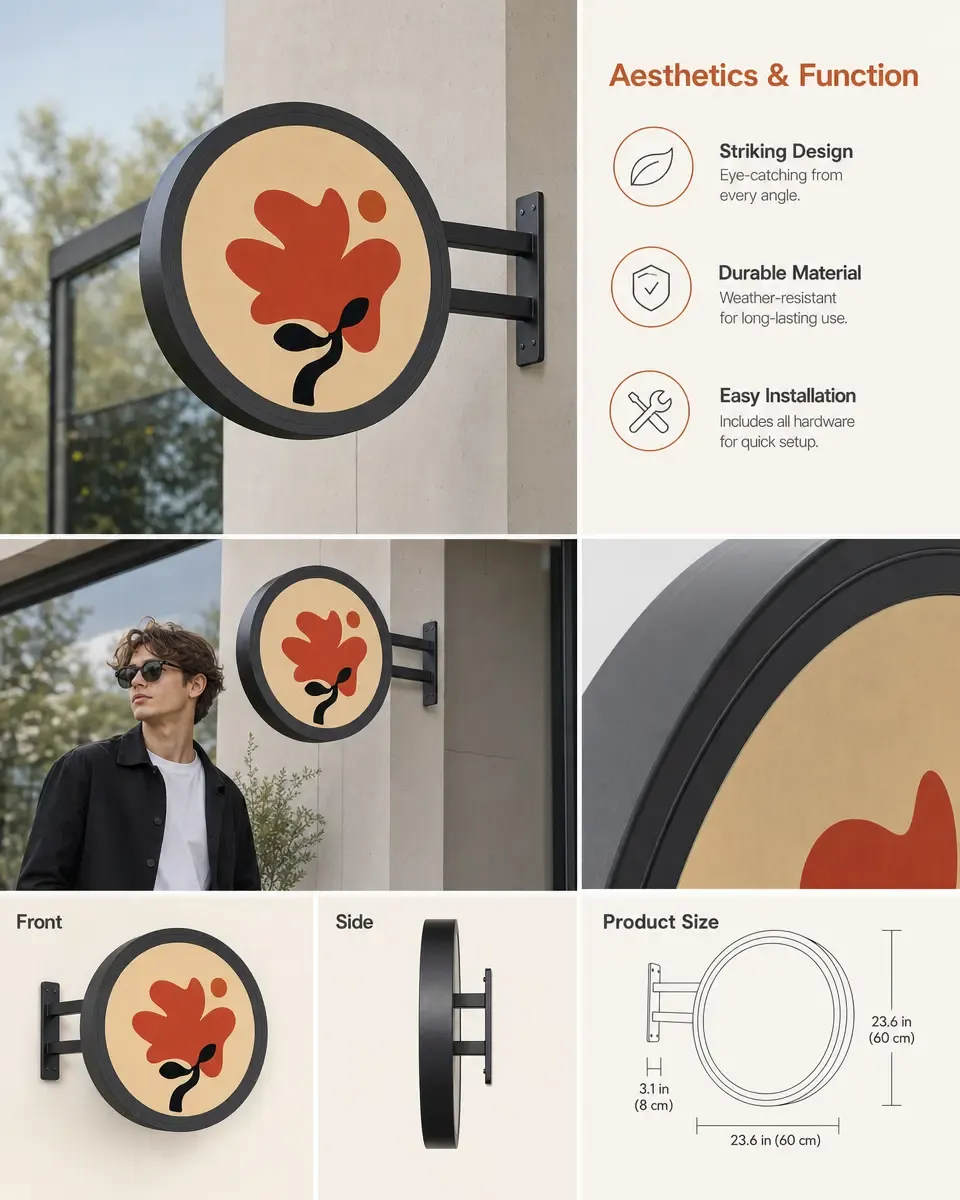
Erhalte beim Hinzufügen des Brandings Fassade, Fenster, Türen, Materialien, Perspektive, Licht und Umgebung. Beginne mit einem realen Bild des Ladens, Cafés, Restaurants, der Boutique oder Verkaufsstelle.
Gib die Vorlage einmal frei und verwende dieselbe Einrichtung weiter, wenn Produktsortiment und Marketinginhalte wachsen.
Beginne mit einem realen Schaufenster-Kontext, dessen Materialien, Proportionen, Perspektive und Umgebung erkennbar bleiben sollen.
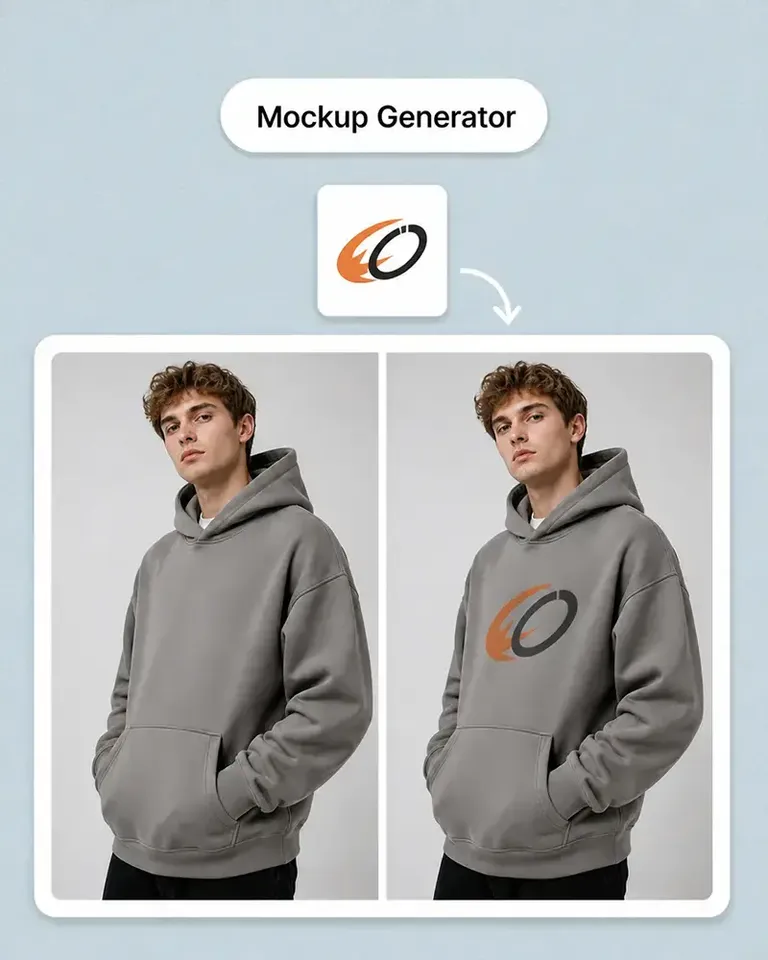
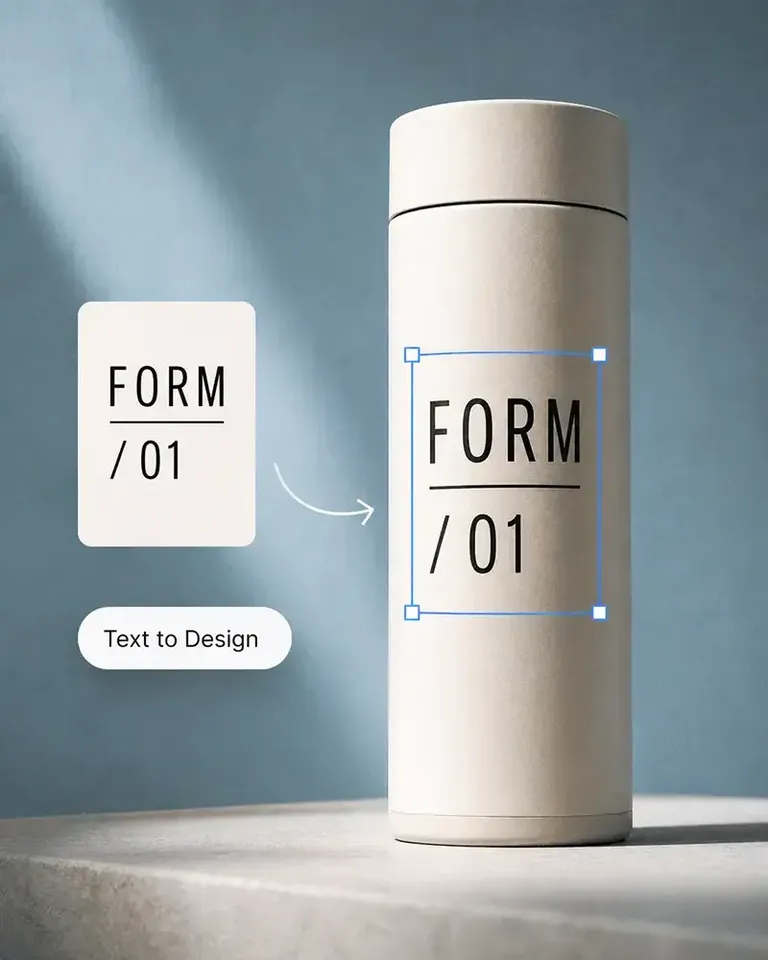
Füge Logo, Beschilderung, Text oder Identitätsgestaltung hinzu und prüfe Maßstab, Platzierung, Kontrast und visuelle Hierarchie im Kontext.
Verwende die freigegebene Vorlage erneut und ändere Identitätsversionen, Farben, Botschaften oder Präsentationsrichtungen.
Entwickle aus der freigegebenen Markenrichtung Entwurfstafeln zur Prüfung, Einführungsbilder, Kampagnenformate, Social-Media-Motive und Bewegtbilder.
Arbeite mit den relevantesten Produktkategorien weiter und behalte denselben vorlagenbasierten Ansatz für Designs, Varianten und Marketinginhalte bei.
Ob du ein Produkt einführst, eine Marke aufbaust oder Inhalte in großem Umfang erstellst: Mockuplabs hilft dir, jedes Produkt schneller zum Leben zu erwecken.

Sarah Bennett
Mockuplabs makes the image side of running a small shop feel more manageable. I can put together a decent product visual without turning every update into a separate design job.

Zoe Lawson
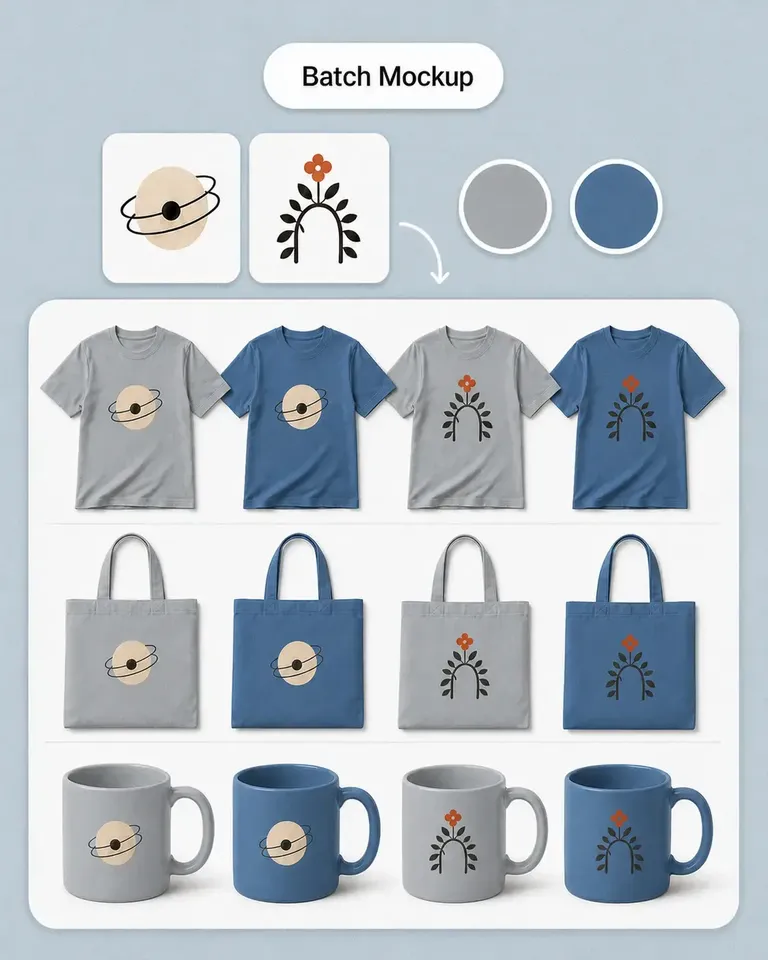
Our store has a growing mix of products and designs. Batch mockups in Mockuplabs make those updates more manageable, and reusing the setups helps the new images feel like part of the same catalog.

northside.mia
Client feedback is much clearer with the mockups I make in Mockuplabs. People can judge the artwork's size and placement on the actual product instead of trying to imagine it from the design file.

Omar Hassan
Mockuplabs is useful for getting more out of photos I already have. A new layout or setting can give an existing product image another job without needing a completely new shoot.
Aaron Davies
Mockuplabs is good for getting product visuals ready when the design work is done but the marketing images aren't. That gap used to hold things up for me.
Ellen Brooks
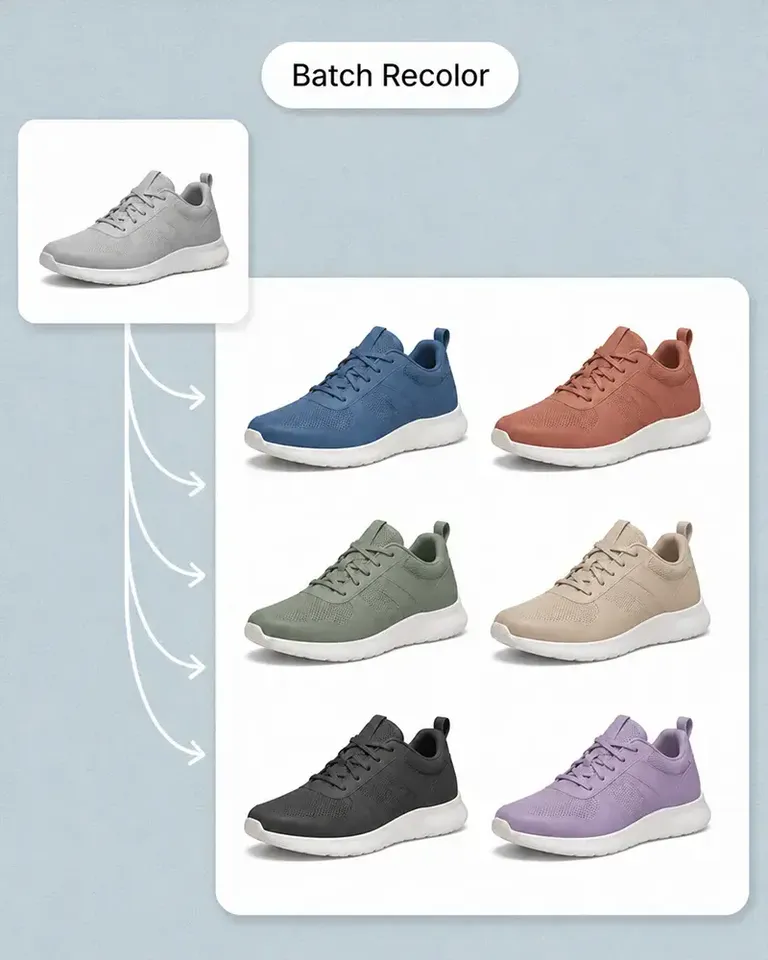
When we add a color option, we need the other product views as well as the main image. Batch recolor in Mockuplabs is useful for that whole set. We're not left with one updated picture and the rest still showing the old color.
Freya Nielsen
I'm the person who ends up doing the images as well as everything else. This is approachable enough for me to use without asking a designer to handle every small adjustment.

Mei Chen
The previews I make in Mockuplabs give my ideas a much more finished presentation. They're easier to share with a client than a flat logo and a description of where it should go.

samir.creates
A practical tool for the ordinary image work behind a store. Not every picture needs to be an elaborate campaign visual; sometimes clean and consistent is exactly what I need.

Diego Ramos
I prepare product images for clients with several designs and views to show. Mockuplabs' batch mockups are useful when an approved product setup needs to support the rest of the collection, rather than just one presentation image.
James Porter
The scene options are useful for deciding on a direction before committing to new photography. Some ideas look much better in my head than they do around the actual product.
Anika Sharma
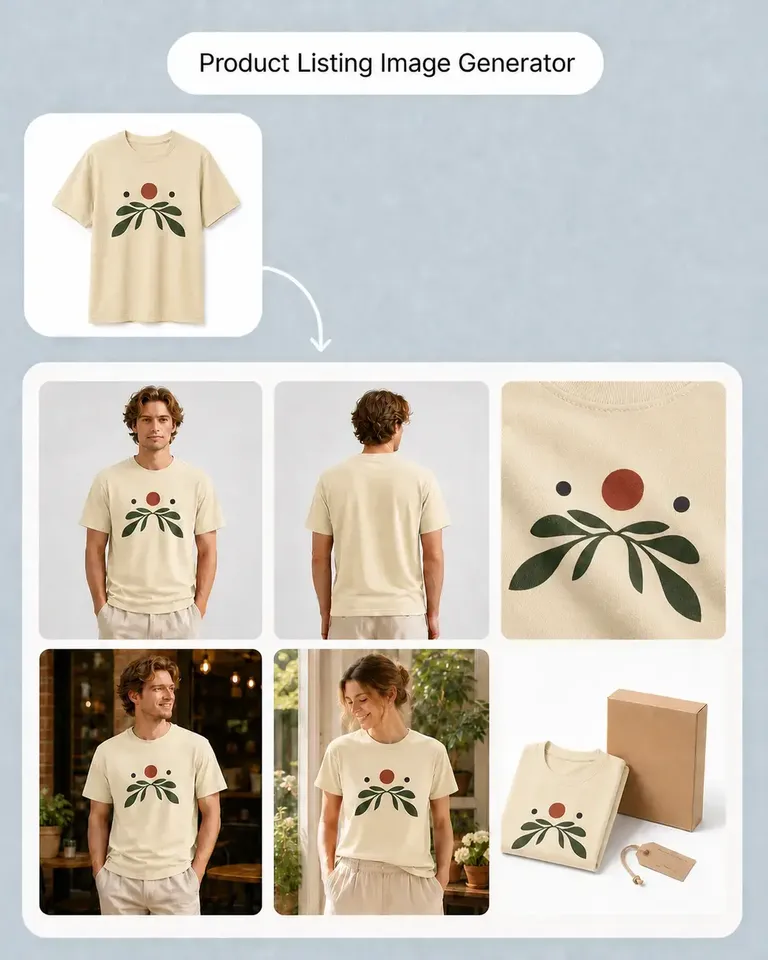
This suits the day-to-day image jobs I do for our shop. I'd like more complete examples of product-image sets, but the tools themselves have already been useful.
Wende das erste Design an, gib die Produkteinrichtung frei und nutze dasselbe Produkt für weitere Schaufenster-Motive, Varianten, Listings und Kampagnen.