Tampilkan desain Anda dengan Mockup topi
Pilih model topi sebelum menentukan adegan. Bandingkan bagian mahkota, pinggiran, dan panel depan untuk logo atau gambar; beanie, visor, dan topi berlidah memiliki bentuk berbeda.
639 mockup

Bucket hat mockup a man is sitting and smiling at a table

Beanie hat mockup of white beanie hat floating in soft light background

Lifestyle beanie hat mockup urban colorful wall with sharp artistic shapes background
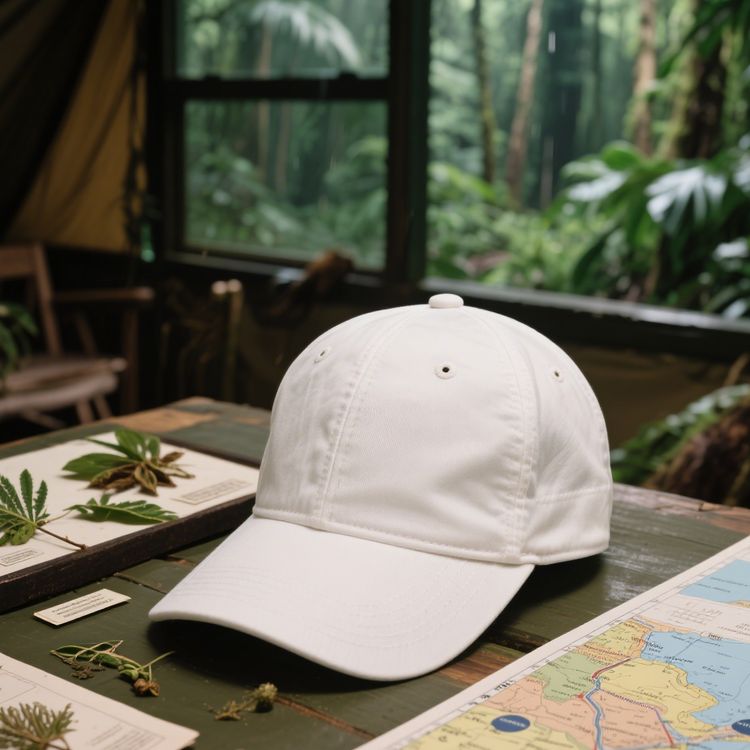
Dad hat mockup the product is placed on a wooden table
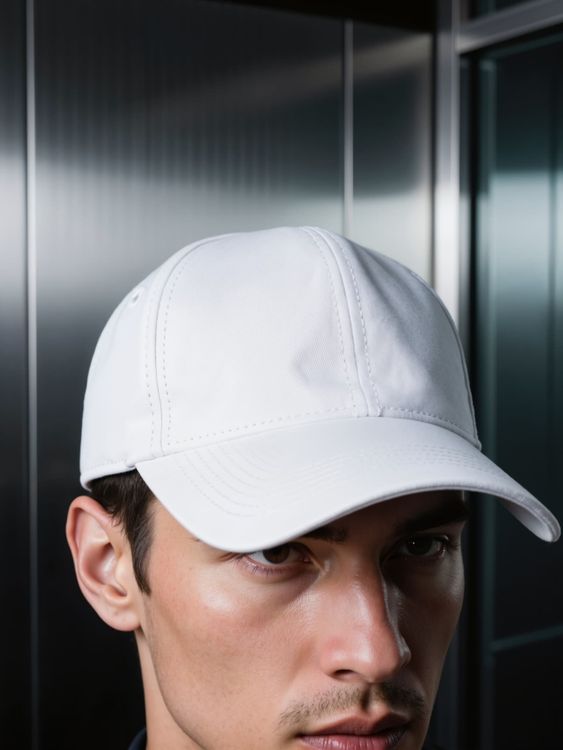
Dad hat mockup of close up shot of model wearing white hat
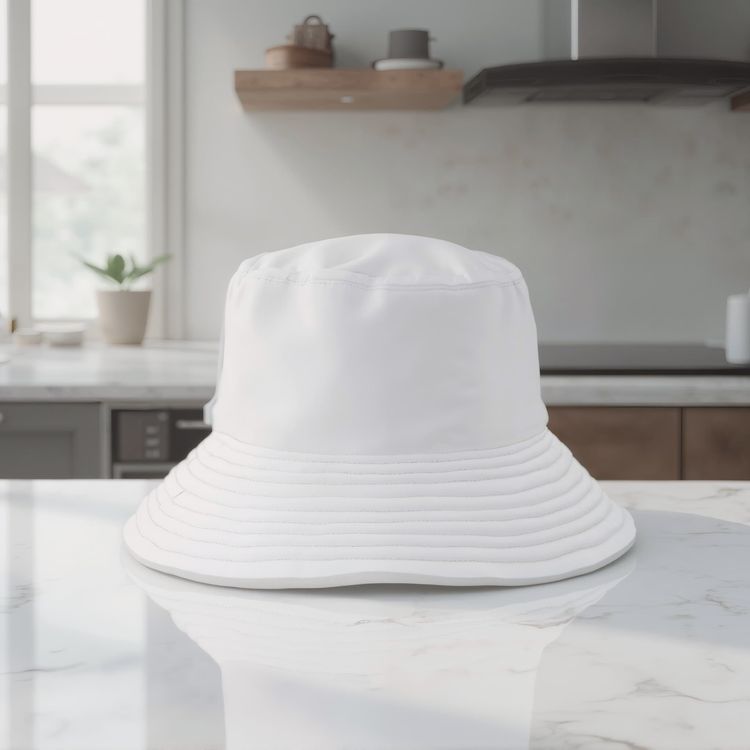
Bucket hat mockup on a marble countertop in a kitchen
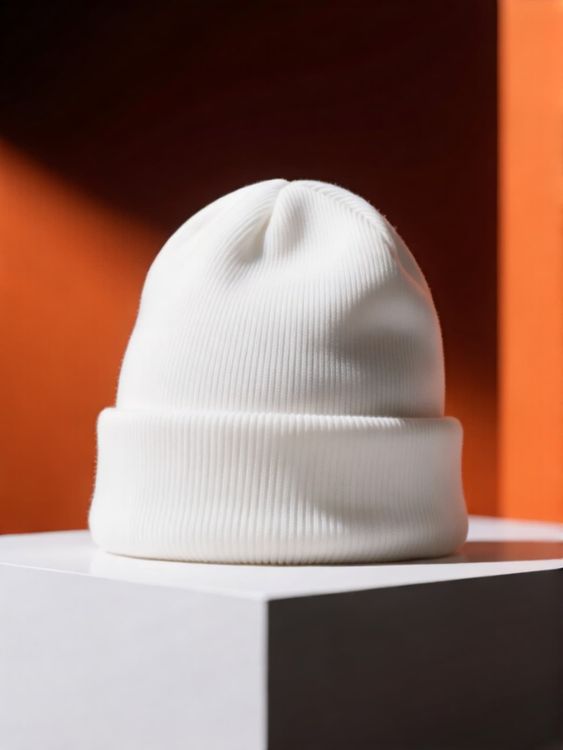
Lifestyle beanie hat mockup futuristic star graphic on black textile background

Bucket hat mockup a man is smiling while standing in a kitchen

Beanie hat mockup of white beanie hat on black mannequin head with blue and pink gradient background

Dad hat mockup a man is wearing a cap in an art gallery
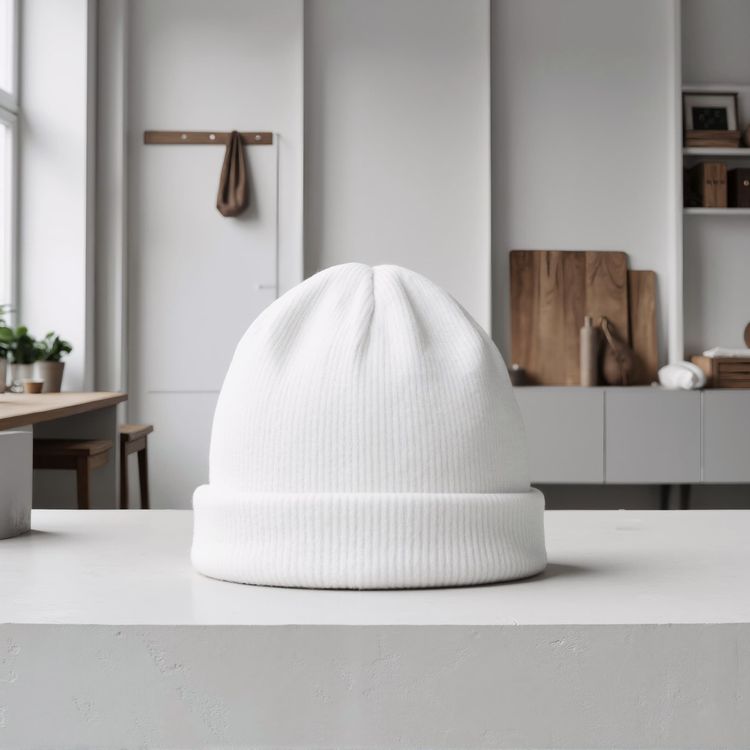
Beanie hat mockup on a clean minimalist table surface
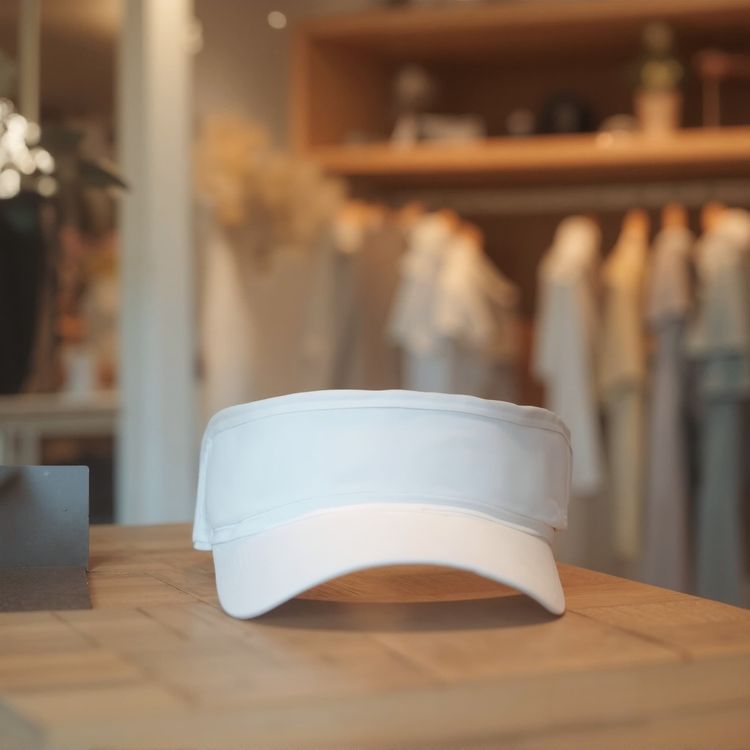
Visor hat mockup on a wooden table in a store setting
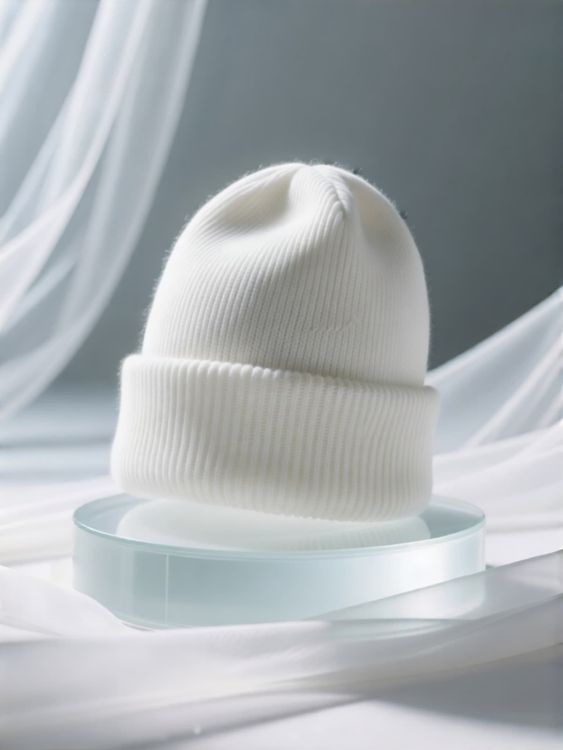
Lifestyle beanie hat mockup floating hat on round platform sheer fabric background
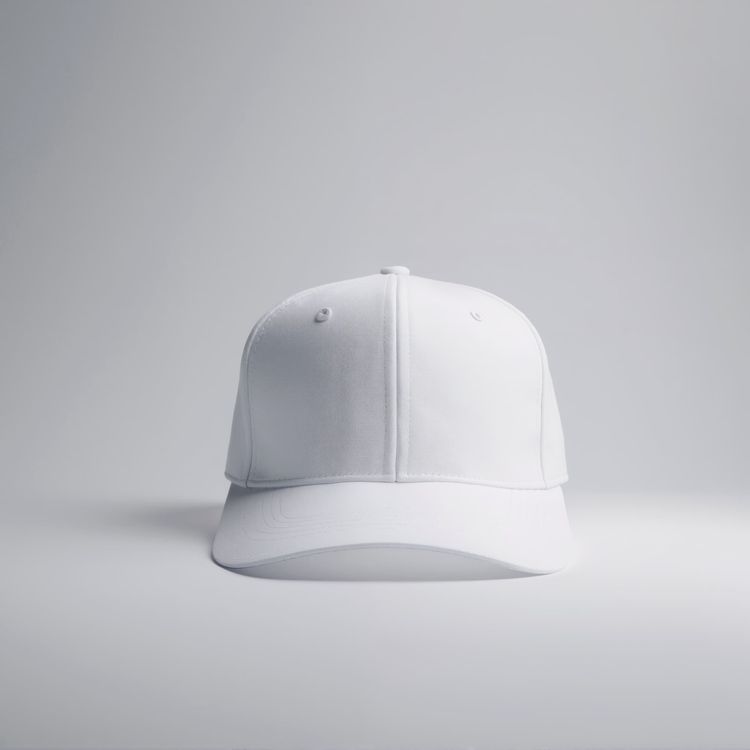
Dad hat mockup on a simple flat surface

Beanie hat mockup a man is smiling while sitting indoors
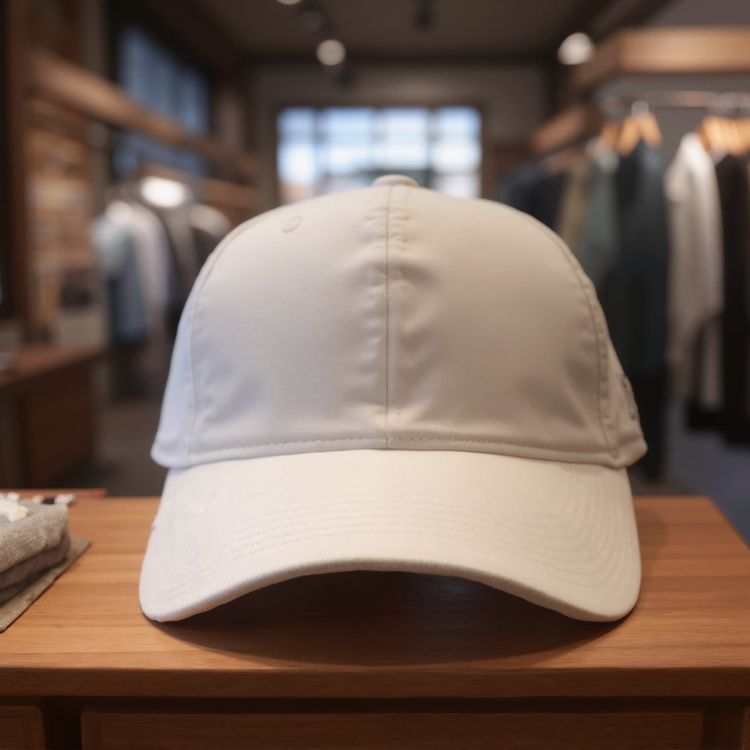
Dad hat mockup on a wooden display in a store
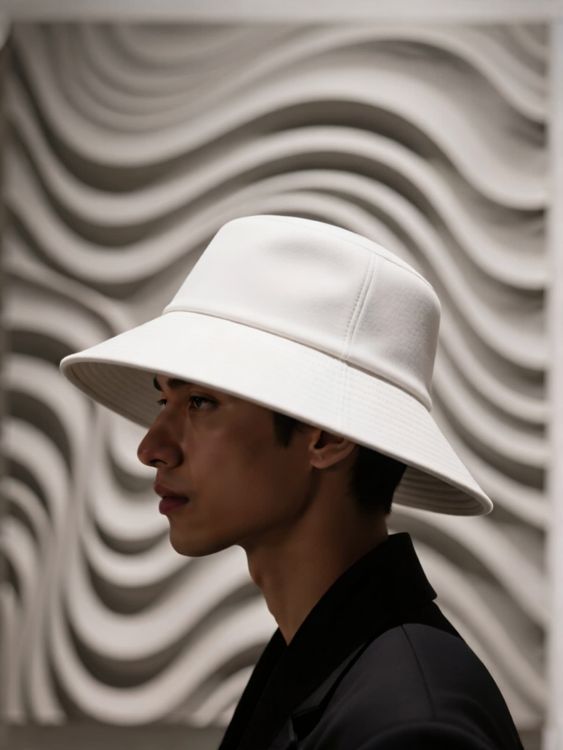
Lifestyle bucket hat mockup model wearing leaf patterned hat with wavy background
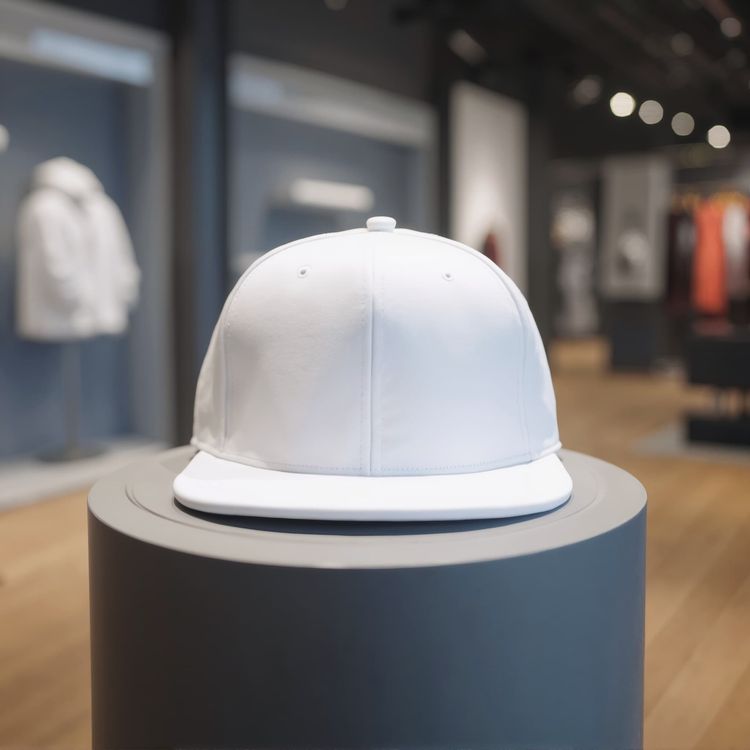
Snapback hat mockup on a circular display stand in a store
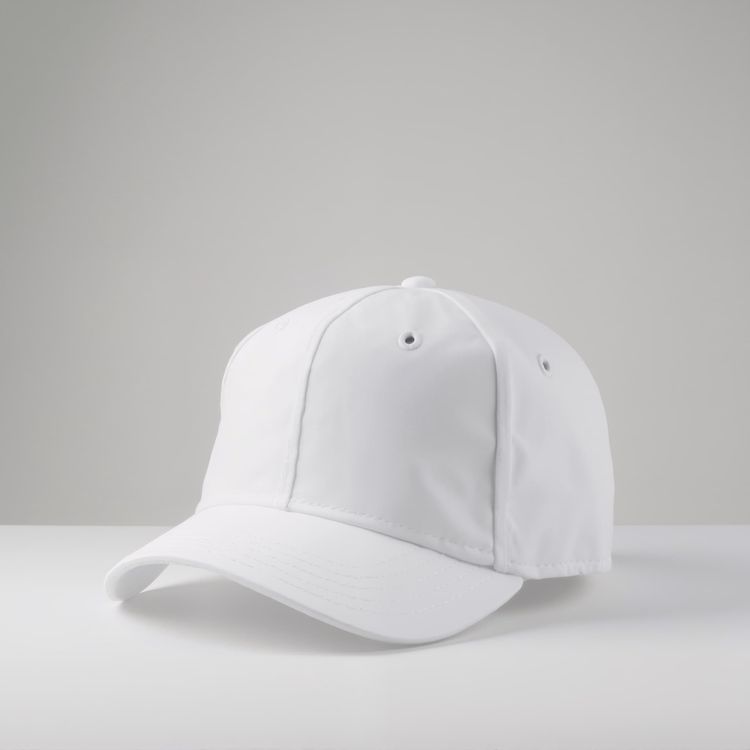
Dad hat mockup on a clean flat white surface

Lifestyle bucket hat mockup man wearing pastel purple hat studio background abstract shapes
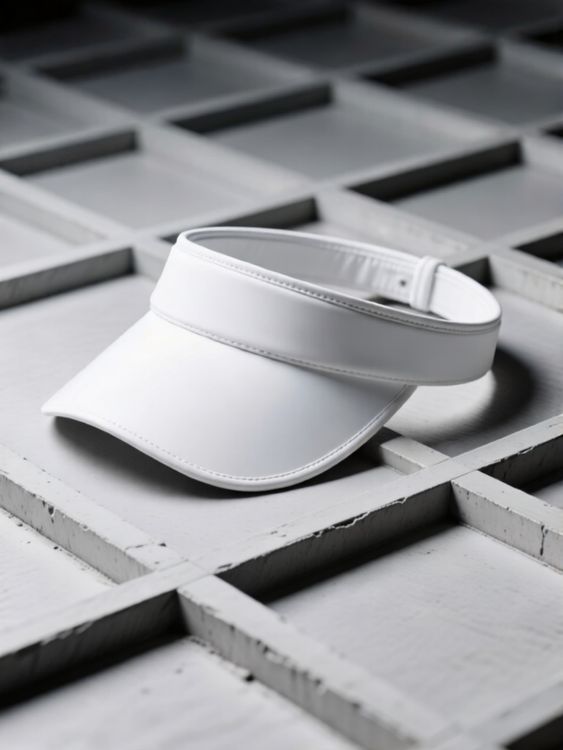
Visor hat mockup of white visor hat on textured grid surface
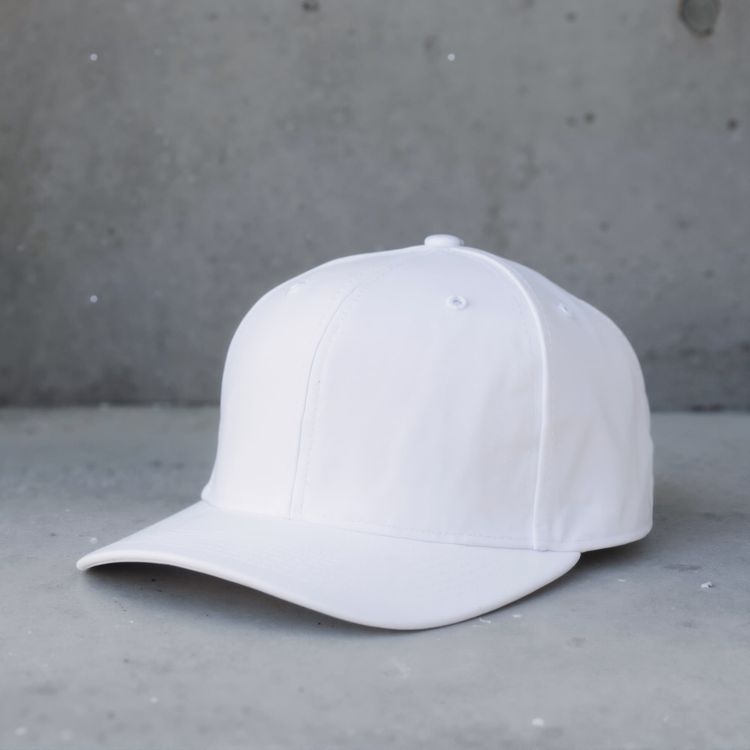
Dad hat mockup on a smooth concrete surface 2

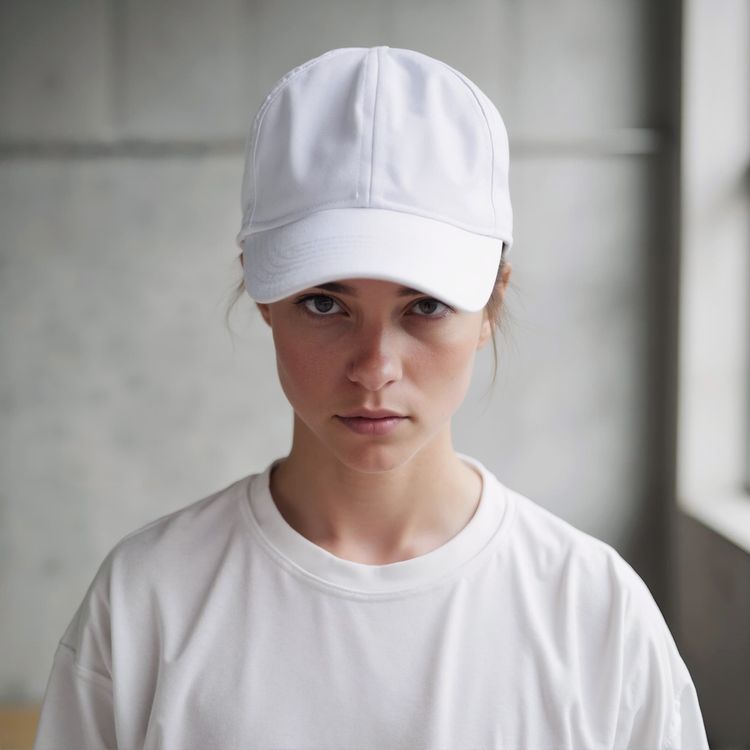
Bucket hat mockup a woman is smiling while facing the camera
Periksa detail yang membuat mockup layak digunakan.
Templat yang baik bukan sekadar menampung desain. Templat mempertahankan bentuk produk, menyediakan ruang desain yang terencana, dan sesuai dengan kanal tempat hasilnya ditampilkan.
Penempatan desain yang realistis
Pencahayaan, lipatan, jahitan, dan perspektif tetap terlihat di sekitar desain.
Ruang untuk cerita produk
Pilih gambar utama yang bersih, detail jarak dekat, atau suasana gaya hidup sesuai peran gambar.
Dibuat untuk format perdagangan
Mulai dengan potongan gambar yang dapat digunakan di halaman produk, kampanye, media sosial, dan etalase toko.
Pratinjau desain, lalu pilih templat
- 01
Jelajahi atau tambahkan desain Anda
Jelajahi templat, atau gunakan unggahan desain di atas untuk membandingkan pratinjau pada kartu yang mendukungnya.
- 02
Buka templat untuk menyesuaikannya
Buka templat pilihan untuk melihat opsi pengeditannya. Templat yang mendukung pengeditan memungkinkan Anda mengatur posisi desain dan memakai kontrol warna yang tersedia.
- 03
Unduh atau lanjutkan berkarya
Unduh gambar yang sudah selesai atau buka templat yang dapat diedit di editor online Mockuplabs untuk terus berkarya di kanvas tanpa batas.
1.317 penilaian843 ulasan


Visual produk, lebih mudah dibuat
Baik Anda meluncurkan produk, mengembangkan merek, maupun membuat konten dalam jumlah besar, Mockuplabs membantu Anda menghidupkan setiap produk lebih cepat.

Callum Hayes
The Mockuplabs templates look polished without taking attention away from my design. The lighting and product details make the finished mockup feel like something I can actually use in a presentation.
Bianca Lopez
Seeing my design across a batch of templates in Mockuplabs makes the choice much easier. A few options I liked in the library didn't suit the artwork, so the previews are more useful to me than the thumbnails.

drewandco
For a basic mockup, the simple Mockuplabs editor is a good fit. I can get the design looking right without feeling like I need to learn a whole design app first.

Aisha Bennett
The cleaner Mockuplabs scenes are my favourites. The product is well presented, and the background doesn't compete with the artwork I'm trying to show.

Mateo Garcia
The simple editor in Mockuplabs covers most of my mockups. When a client needs a fuller layout around the product, having the main editor canvas available makes the template feel like a useful starting point.
sophie.makes
I usually need a few mockup options for a client, not just one image. The batch template previews in Mockuplabs let me compare the same design in different settings. It's easier to pick a set that works together.
Jordan Brooks
The artwork sits naturally on the product instead of looking like a flat overlay. That's the part that makes these templates useful for showing a design to someone else.

Eva Novak
Good-looking templates, and the little editor is easy to get along with.

Theo Baker
I like the range of product categories in Mockuplabs. I can find different ways to present my designs without every mockup ending up on the same kind of product.
Mina Cho
The templates I keep coming back to have clear product views and backgrounds that leave the design room to stand out. A mockup can look impressive on its own and still be wrong for the artwork.
Ruby Ellis
I don't need all the editing tools for every preview, so the smaller editor suits me. Being able to continue in the main canvas is handy when a quick mockup turns into a bigger piece of work.

alexd_23
Mockuplabs feels approachable when all I want is to put a design on a template. The editor stays focused on that job, which is a big part of why I'd use it again.
Pertanyaan umum tentang mockup topi
Perlu bantuan menyiapkan desain atau mengekspor gambar akhir? Kunjungi Pusat Bantuan.
Personalisasi mockup topi Anda berikutnya.
Kembali ke templat di atas untuk membandingkan latar dan memilih yang sesuai dengan desain Anda.