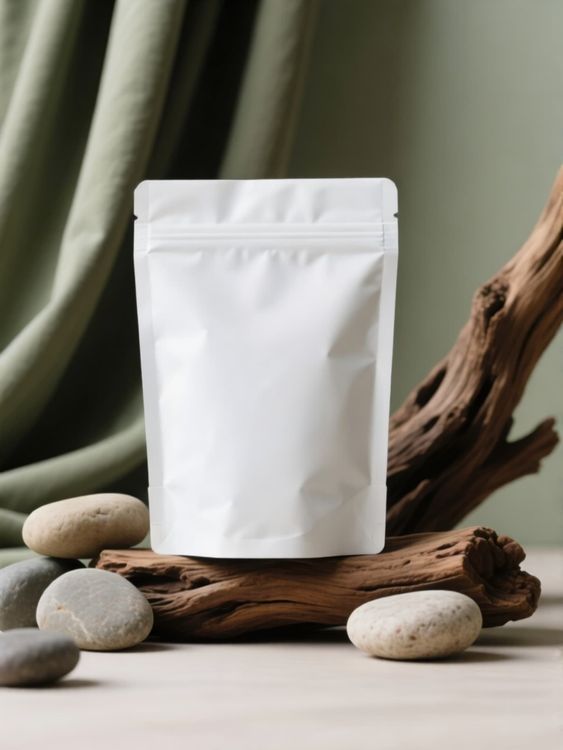
Präsentiere deine Designs mit Beutel-Mockups
Wähle eine bearbeitbare Mockup-Vorlage für Lebensmittel- oder Kaffeebeutel, füge dein Verpackungsdesign hinzu und passe die Platzierung an. Lade ein Bild für Produktpräsentationen herunter.
111 Mockups

Food pouch mockup of white spout pouch on beige fabric waves

Food pouch mockup of white spout pouch on beige pedestal
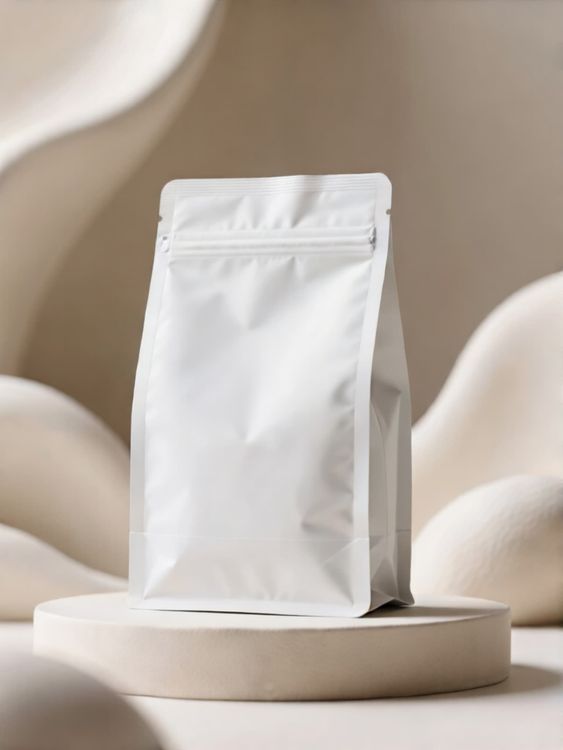
Lifestyle coffee pouch mockup neutral abstract shapes soft lighting showcase

Food pouch mockup of white pouch with spout on abstract pink and blue background
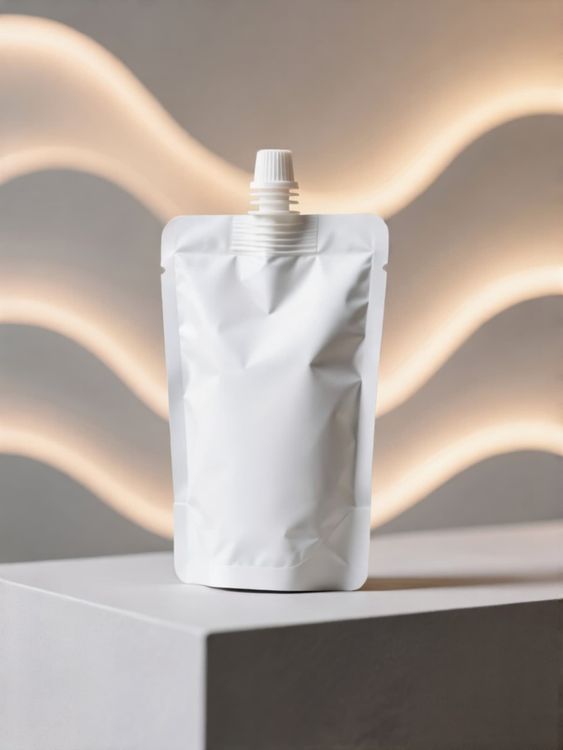
Lifestyle food pouch mockup modern waves glowing background on pedestal

Coffee pouch mockup of white sealed coffee bag with zipper closure on natural stone background

Coffee pouch mockup of white coffee pouch standing on textured stone slab in soft natural light

Food pouch mockup of white spout pouch against abstract background

Coffee pouch mockup of white coffee pouch with label standing on surface with colorful abstract background

Food pouch mockup of white standing pouch with cap minimalistic background

Food pouch mockup of white spout pouch minimalistic bright scene 1

Coffee pouch mockup of white resealable pouch with blank label in front of stacked concrete blocks

Food pouch mockup of white spout pouch on blue round pedestal with abstract white shapes background

Coffee pouch mockup of white coffee pouch against blue and pink background

Coffee pouch mockup of white resealable coffee pouch with brown boxes on surface

Coffee pouch mockup of white coffee pouch standing on peach satin fabric background

Food pouch mockup of white spouted pouch on natural rock surface

Coffee pouch mockup of white sealed coffee pouch on smooth surface with dark gradient background

Food pouch mockup of white spout pouch on white surface with window background

Coffee pouch mockup of white coffee pouch standing on wooden board with fabric background

Coffee pouch mockup of white stand up coffee pouch abstract paper background

Food pouch mockup of white spouted pouch on tiled surface

Food pouch mockup of cap sealed pouch with beige geometric background
Prüfe die Details, die ein Mockup nutzbar machen.
Eine gute Vorlage bietet mehr als Platz für eine Grafik. Sie bewahrt die Produktform, lässt gezielt Raum für dein Design und passt zum Kanal, auf dem das Ergebnis erscheint.
Realistische Platzierung der Grafik
Licht, Falten, Nähte und Perspektive bleiben rund um das Design sichtbar.
Raum für die Produktgeschichte
Wähle je nach Verwendungszweck ein klares Hauptbild, eine detaillierte Nahaufnahme oder eine Lifestyle-Szene.
Für E-Commerce-Formate gemacht
Starte mit einem Bildausschnitt, der sich für Produktangebote, Kampagnen, Social Media und Shopseiten eignet.
Sieh dir dein Design in der Vorschau an und wähle dann eine Vorlage
- 01
Stöbere oder füge dein Design hinzu
Stöbere in den Vorlagen oder lade oben dein Design hoch, um die Vorschauen auf unterstützten Karten zu vergleichen.
- 02
Öffne eine Vorlage, um sie anzupassen
Öffne die gewählte Vorlage, um ihre Bearbeitungsoptionen zu sehen. Unterstützte Vorlagen lassen dich dein Motiv platzieren und die verfügbaren Farbeinstellungen nutzen.
- 03
Herunterladen oder weitergestalten
Lade dein fertiges Bild herunter oder öffne eine bearbeitbare Vorlage im Online-Editor von Mockuplabs, um auf der unbegrenzten Arbeitsfläche weiterzugestalten.
1.317 Bewertungen843 Rezensionen


Produktvisuals, einfacher erstellt
Ob du ein Produkt einführst, eine Marke aufbaust oder Inhalte in großem Umfang erstellst: Mockuplabs hilft dir, jedes Produkt schneller zum Leben zu erwecken.

Callum Hayes
The Mockuplabs templates look polished without taking attention away from my design. The lighting and product details make the finished mockup feel like something I can actually use in a presentation.
Bianca Lopez
Seeing my design across a batch of templates in Mockuplabs makes the choice much easier. A few options I liked in the library didn't suit the artwork, so the previews are more useful to me than the thumbnails.

drewandco
For a basic mockup, the simple Mockuplabs editor is a good fit. I can get the design looking right without feeling like I need to learn a whole design app first.

Aisha Bennett
The cleaner Mockuplabs scenes are my favourites. The product is well presented, and the background doesn't compete with the artwork I'm trying to show.

Mateo Garcia
The simple editor in Mockuplabs covers most of my mockups. When a client needs a fuller layout around the product, having the main editor canvas available makes the template feel like a useful starting point.
sophie.makes
I usually need a few mockup options for a client, not just one image. The batch template previews in Mockuplabs let me compare the same design in different settings. It's easier to pick a set that works together.
Jordan Brooks
The artwork sits naturally on the product instead of looking like a flat overlay. That's the part that makes these templates useful for showing a design to someone else.

Eva Novak
Good-looking templates, and the little editor is easy to get along with.

Theo Baker
I like the range of product categories in Mockuplabs. I can find different ways to present my designs without every mockup ending up on the same kind of product.
Mina Cho
The templates I keep coming back to have clear product views and backgrounds that leave the design room to stand out. A mockup can look impressive on its own and still be wrong for the artwork.
Ruby Ellis
I don't need all the editing tools for every preview, so the smaller editor suits me. Being able to continue in the main canvas is handy when a quick mockup turns into a bigger piece of work.

alexd_23
Mockuplabs feels approachable when all I want is to put a design on a template. The editor stays focused on that job, which is a big part of why I'd use it again.
Häufige Fragen zu Beutel-Mockups
Brauchst du Hilfe beim Vorbereiten deiner Grafik oder beim Exportieren des fertigen Bildes? Besuche das Hilfecenter.
Gestalte dein nächstes Beutel-Mockup nach deinen Wünschen.
Kehre zu den Vorlagen oben zurück, vergleiche die Szenen und wähle eine für dein Design.