
기기 및 화면 Mockup으로 디자인을 선보이세요
노트북, 휴대폰, 태블릿, 데스크톱, 웹사이트 Mockup을 찾아보세요. 편집 가능한 템플릿에 디자인을 추가하고 위치를 조정한 후 이미지를 다운로드합니다.
디자인 준비 중…
목업 735개
Mobile phone mockup of blank screen smartphone on beige textured fabric background
Computer mockup of desktop setup with warm lighting
Ipad mockup of tablet standing on wooden table 2
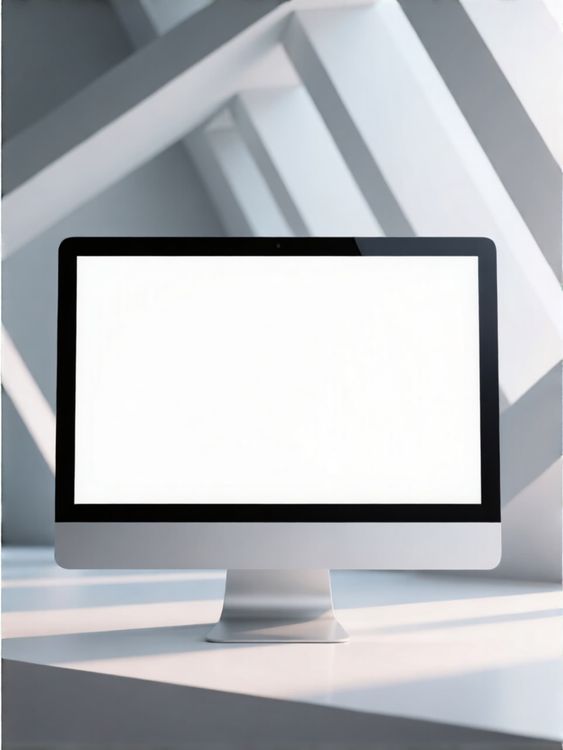
Desktop mockup of computer monitor with clean white screen in geometric indoor setting
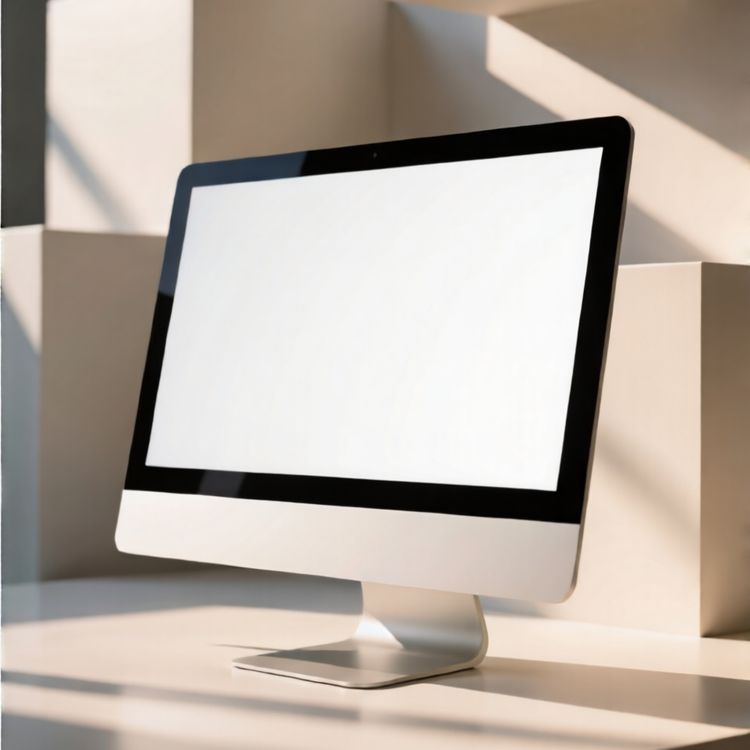
Desktop mockup of computer monitor on minimalistic beige background
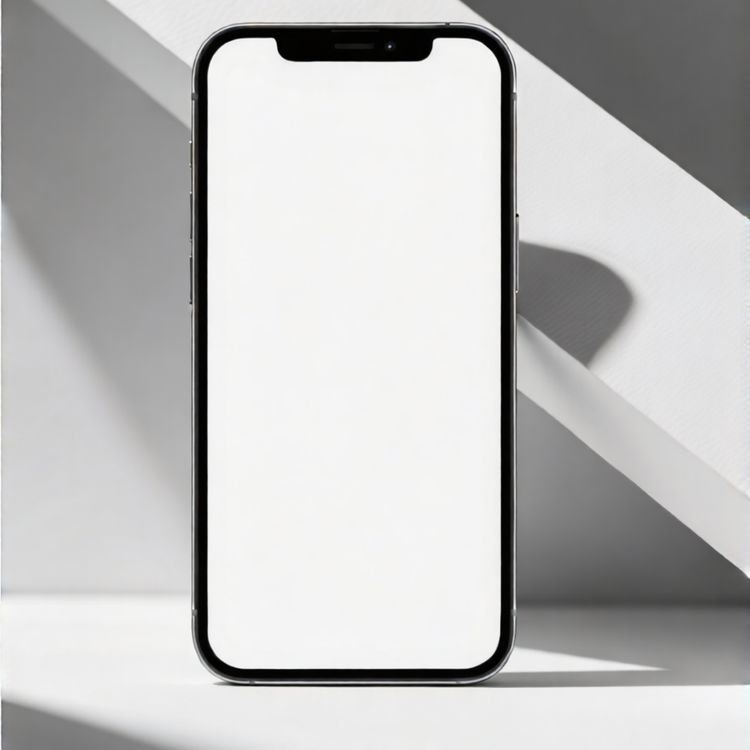
Mobile phone mockup of blank screen standing on white surface with geometric shadow background
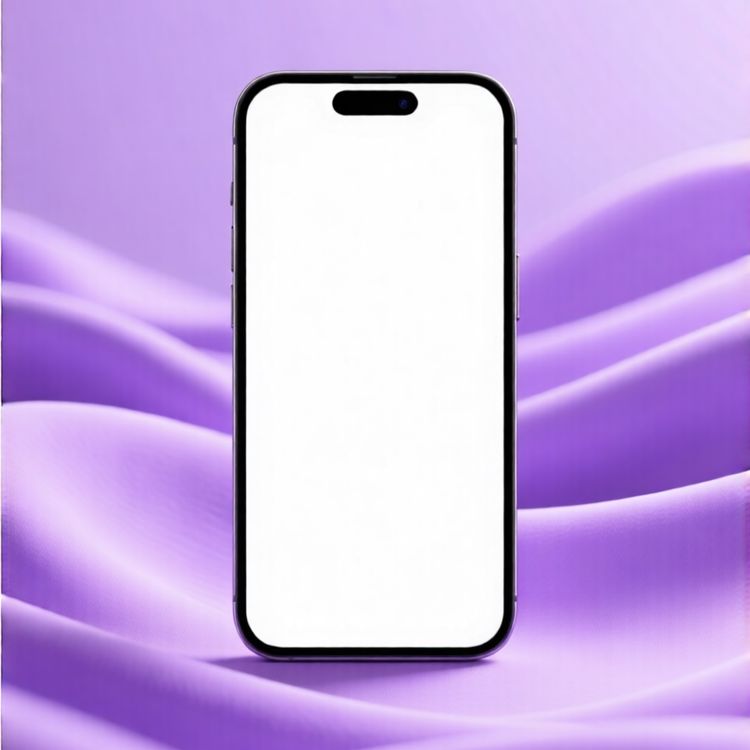
Mobile phone mockup of modern smartphone front view purple fabric background
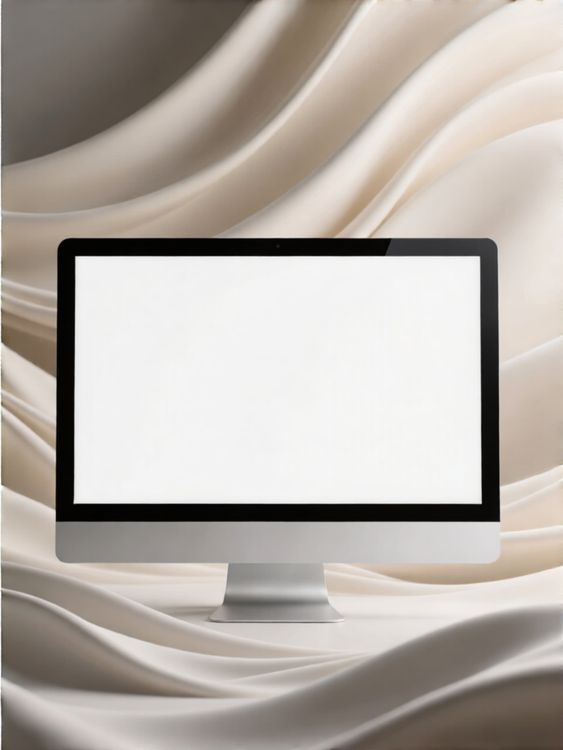
Lifestyle desktop mockup tech that works the way you do background
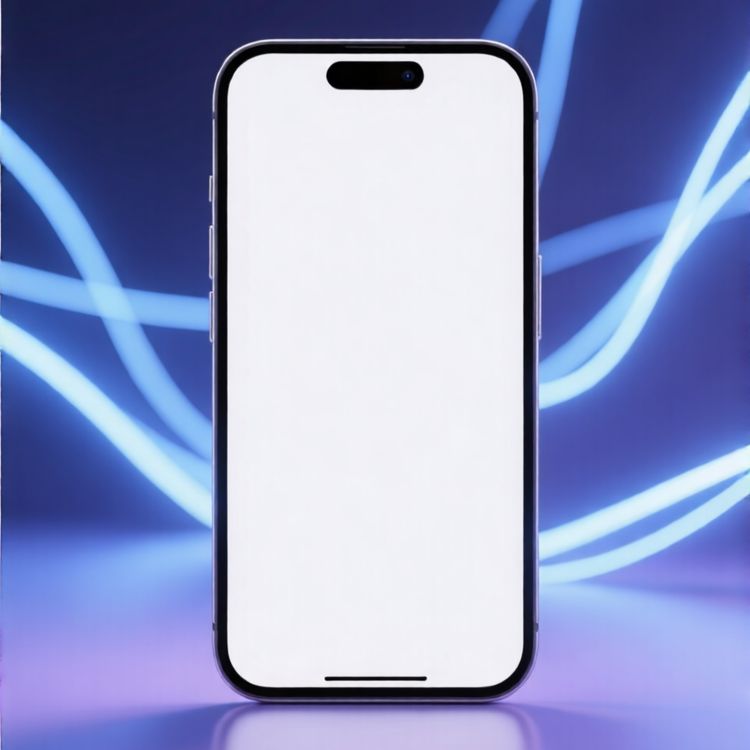
Mobile phone mockup of blank screen technology device with blue light streaks background
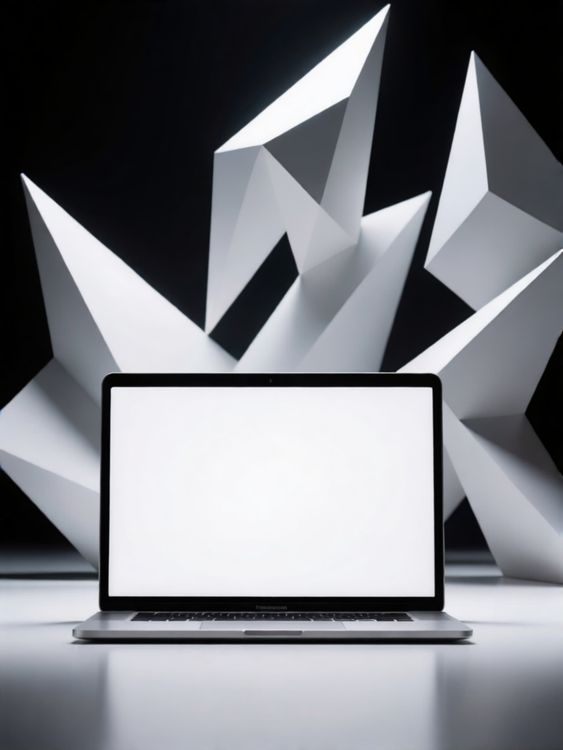
Laptop screen mockup of laptop with blank screen geometric white paper shapes background
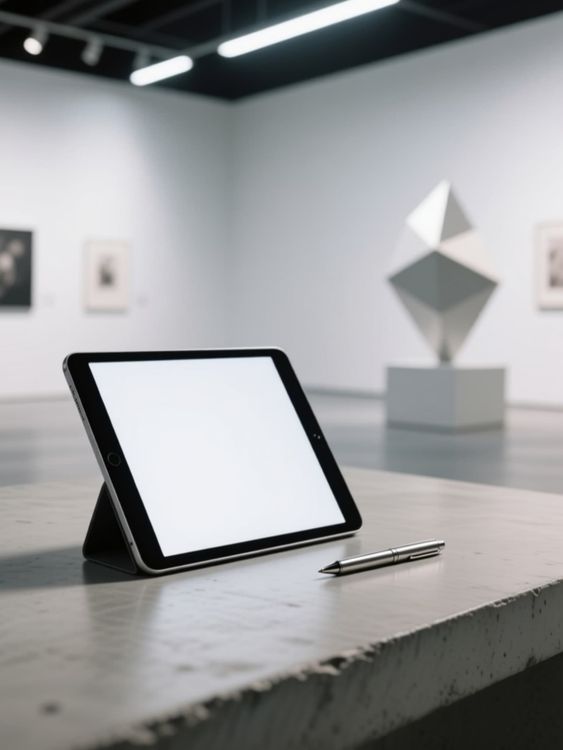
Ipad mockup of tablet standing next to pen
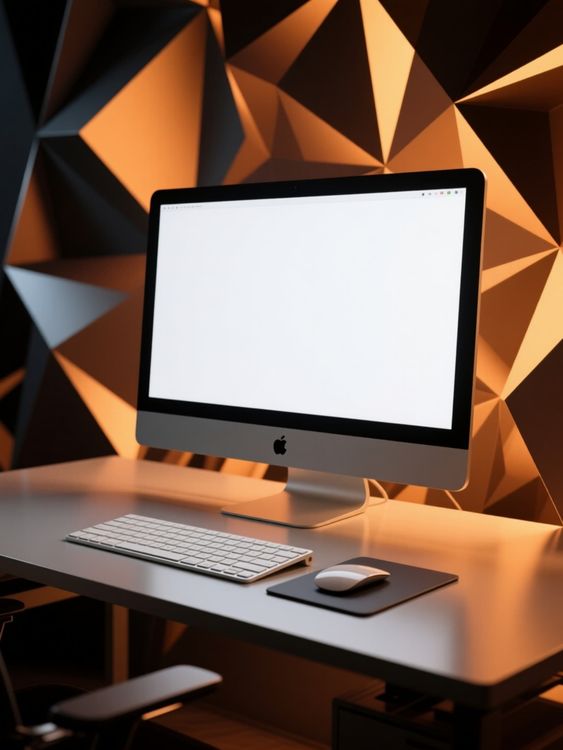
Computer mockup of blank screen with geometric background
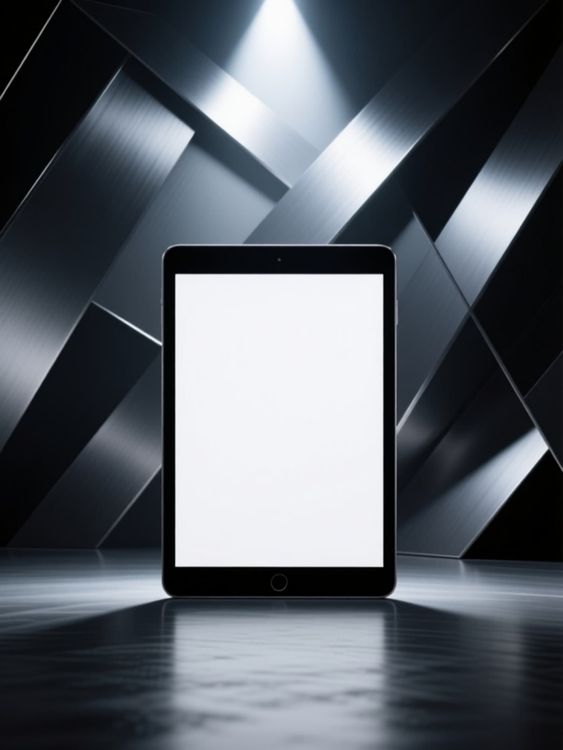
Ipad mockup of device standing on reflective floor
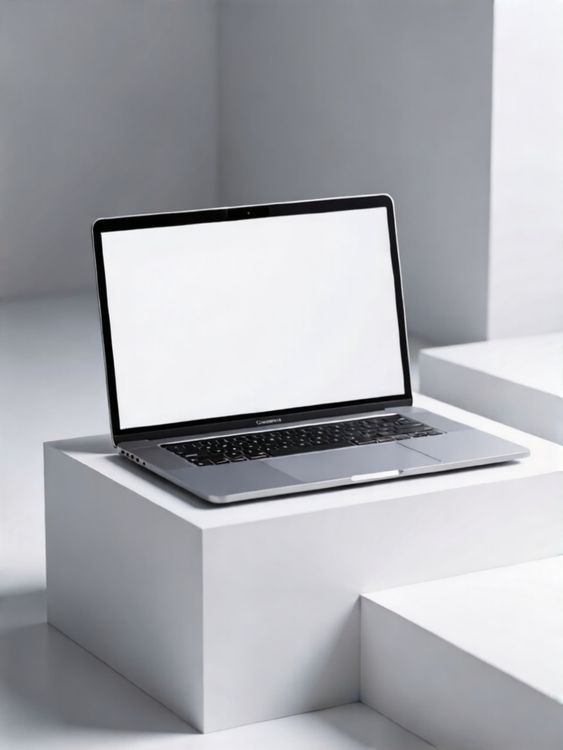
Laptop screen mockup of laptop on white cube minimalistic scene
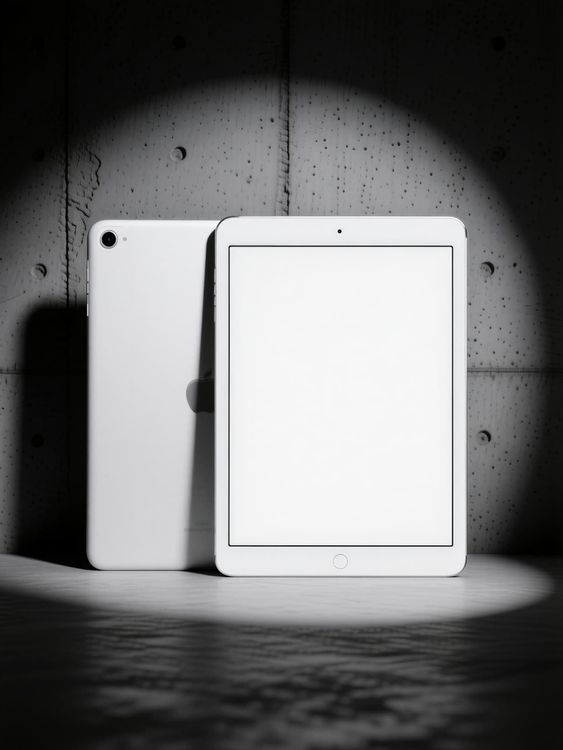
Ipad mockup of two white ipads standing vertically
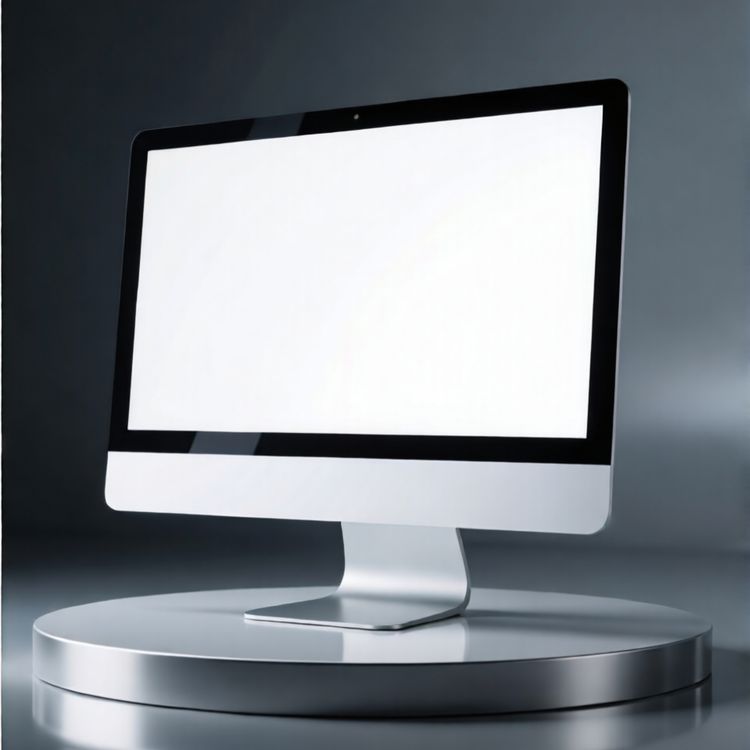
Desktop mockup of imac computer on metallic round pedestal
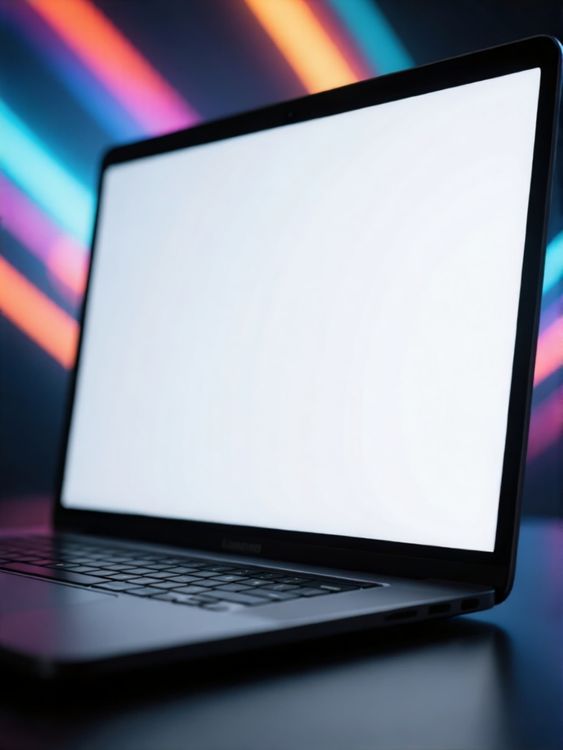
Laptop screen mockup of blank screen laptop with colorful neon lights background
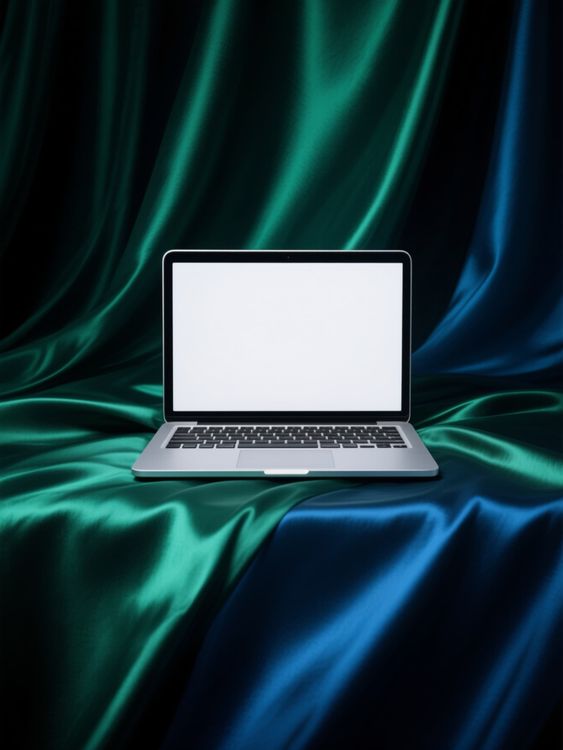
Macbook mockup of laptop placed on vibrant fabric
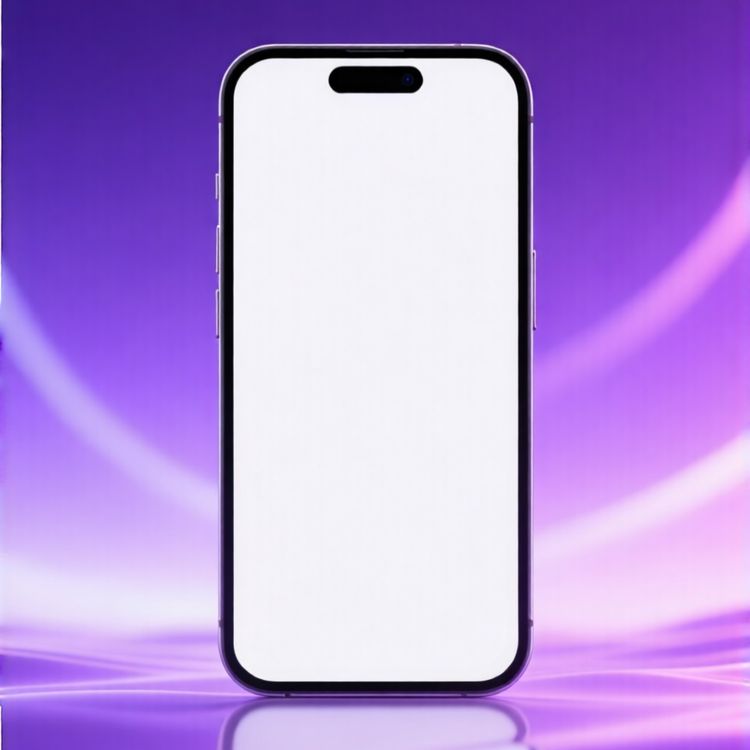
Mobile phone mockup of app interface purple gradient background
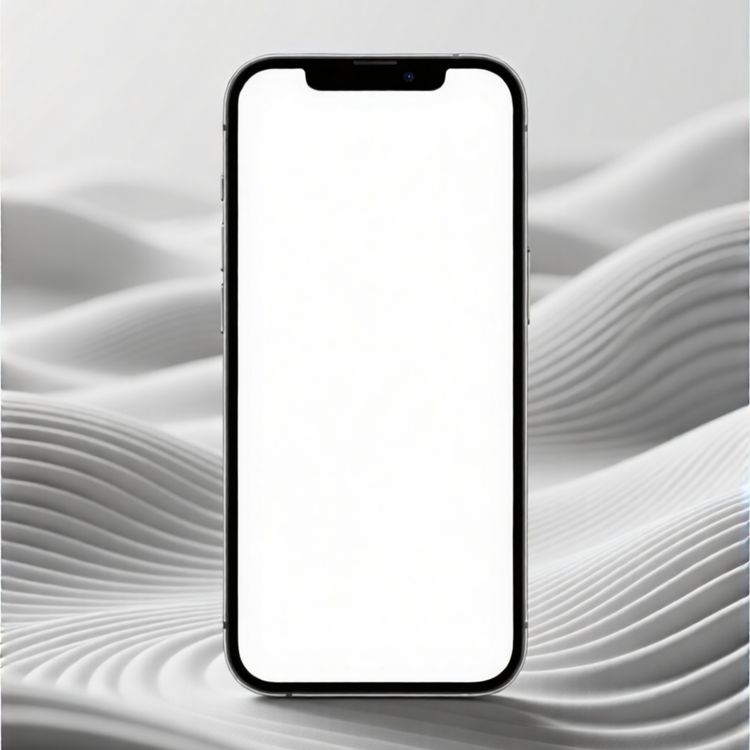
Mobile phone mockup of blank screen digital device on wavy abstract background
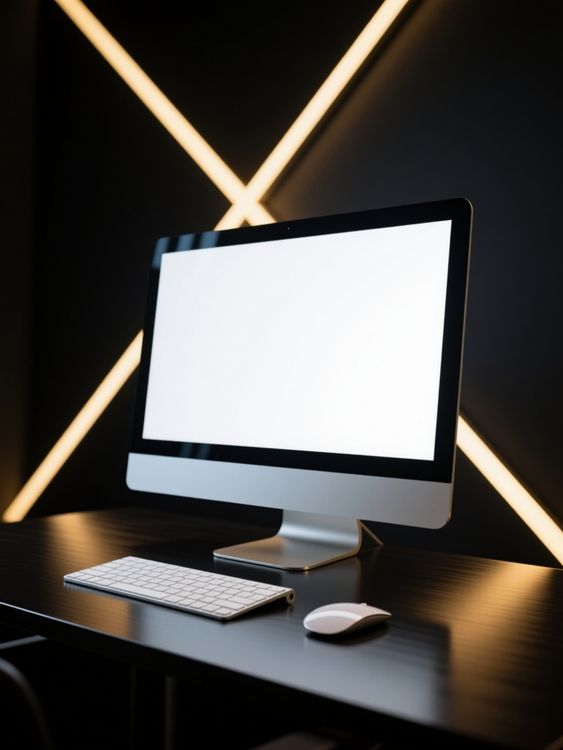
Computer mockup of desktop setup with keyboard and mouse
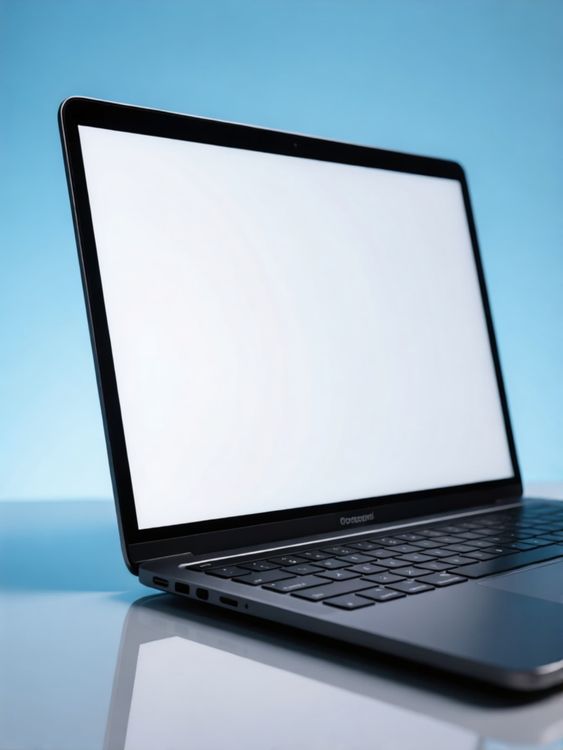
Laptop screen mockup of laptop on reflective surface with blue background
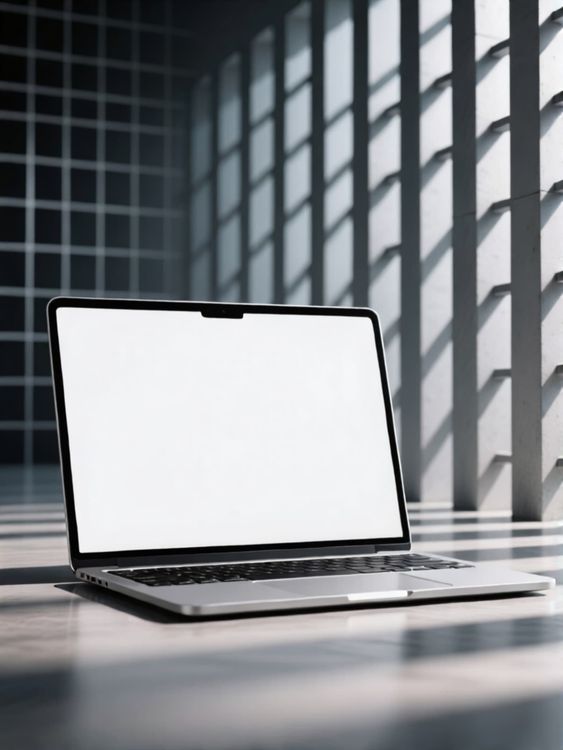
Lifestyle laptop screen mockup minimal laptop on marble table with shadows
목업의 활용도를 결정하는 세부 사항을 확인하세요.
좋은 템플릿은 단순히 디자인을 담는 데 그치지 않습니다. 제품 형태를 유지하고 적절한 디자인 공간을 확보하며 결과물이 사용될 채널에 맞아야 합니다.
자연스러운 디자인 배치
디자인 주변의 조명, 주름, 봉제선과 원근감이 그대로 보입니다.
제품 이야기를 담을 공간
이미지 용도에 따라 깔끔한 대표 이미지, 세부 클로즈업 또는 라이프스타일 장면을 선택합니다.
이커머스 이미지 형식에 맞게
상품 페이지, 캠페인, 소셜 미디어와 스토어에 활용할 수 있는 크롭 구도부터 선택하세요.
디자인을 미리 본 뒤 템플릿 선택
- 01
둘러보거나 디자인 추가
템플릿을 둘러보거나 위의 디자인 업로드 영역을 이용해 지원되는 카드에서 미리 보기를 비교할 수 있습니다.
- 02
템플릿을 열어 조정
선택한 템플릿을 열어 편집 옵션을 확인합니다. 지원되는 템플릿에서는 그래픽 위치와 사용 가능한 색상 설정을 조정할 수 있습니다.
- 03
다운로드하거나 작업 이어가기
완성된 이미지를 다운로드하거나 편집 가능한 템플릿을 Mockuplabs 온라인 편집기에서 열어 무한 캔버스에서 작업을 이어갈 수 있습니다.
디지털 기기 목업 자주 묻는 질문
디자인 파일 준비나 최종 이미지 내보내기에 도움이 필요하면 도움말 센터를 방문하세요.
기기와 화면 Mockup 템플릿
- 평점
- 4.5 / 5
- 평가 횟수
- 2,505
- 서면 리뷰 수
- 228
- 집계일
