

用电脑与 MacBook Mockup 呈现数字设计
浏览电脑环境与 MacBook 模板,用于展示设备或屏幕设计。选择可编辑模板加入设计,下载图片,或在 Mockuplabs 在线编辑器的无限画布上继续创作。
62 个样机
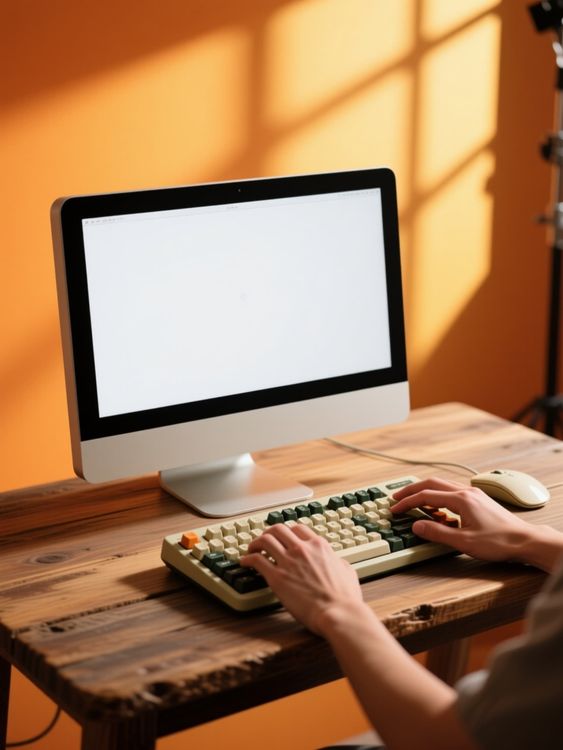
Hand model computer mockup typing on keyboard at desk 1

Computer mockup of desktop setup with keyboard and mouse
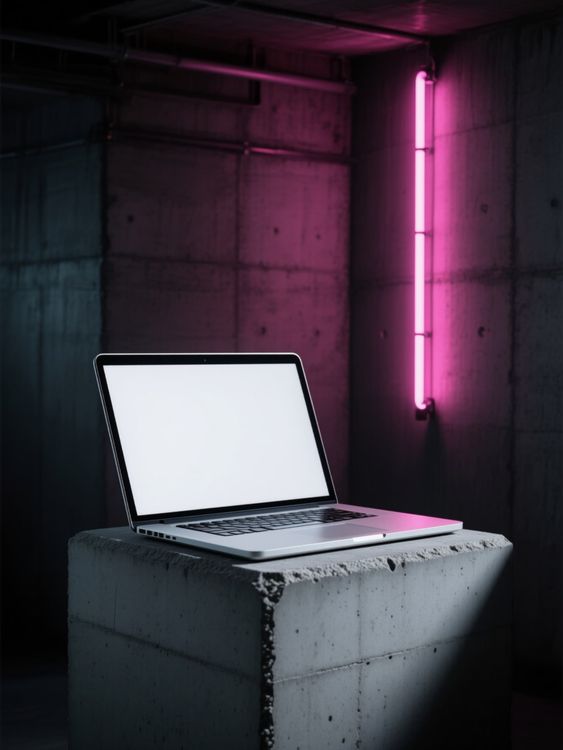
Macbook mockup of laptop open on concrete block
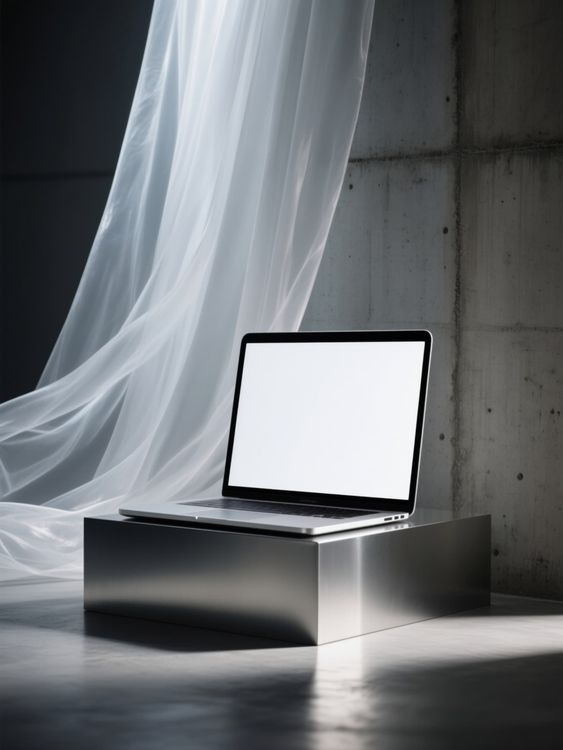
Macbook mockup of laptop sitting on metal platform

Computer mockup of hands typing with mouse usage
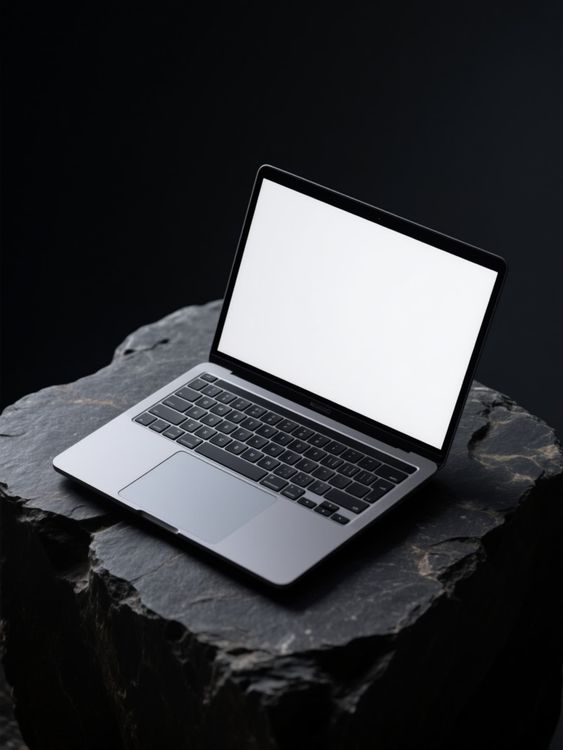
Macbook mockup of laptop placed on stone surface

Macbook mockup of laptop open resting on knitted blanket
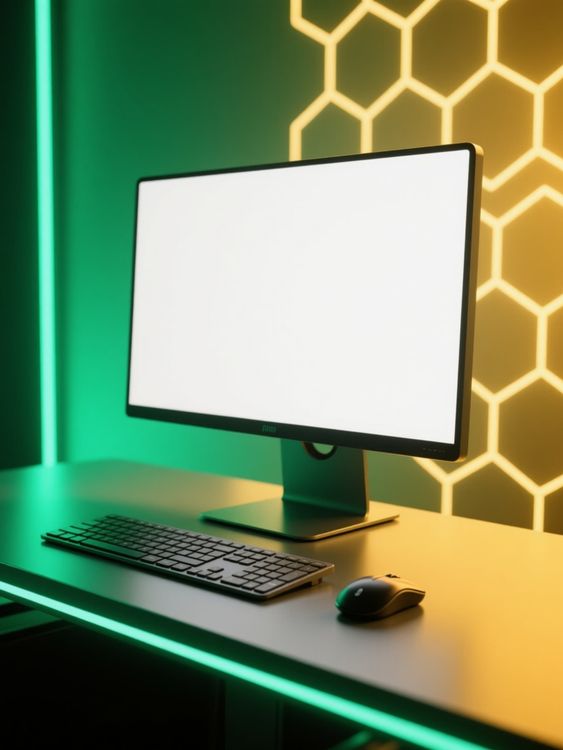
Computer mockup of desktop setup with glowing lights

Macbook mockup of laptop floating inside futuristic tunnel
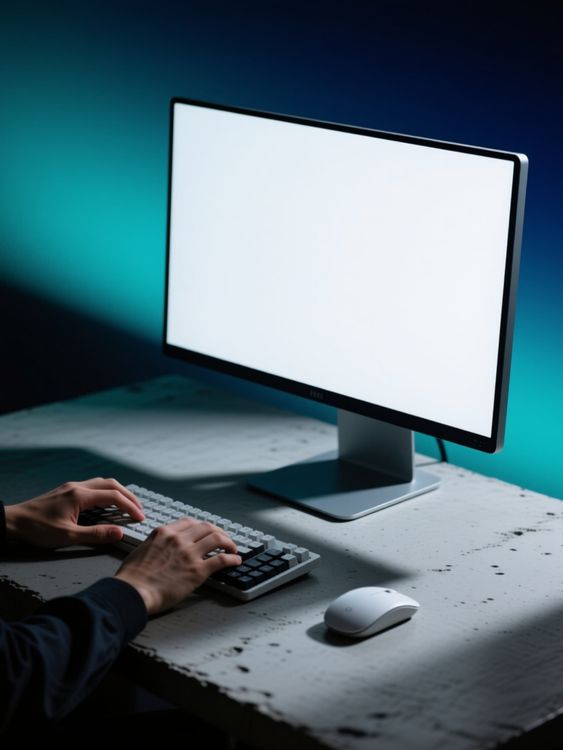
Male model computer mockup typing on keyboard calmly
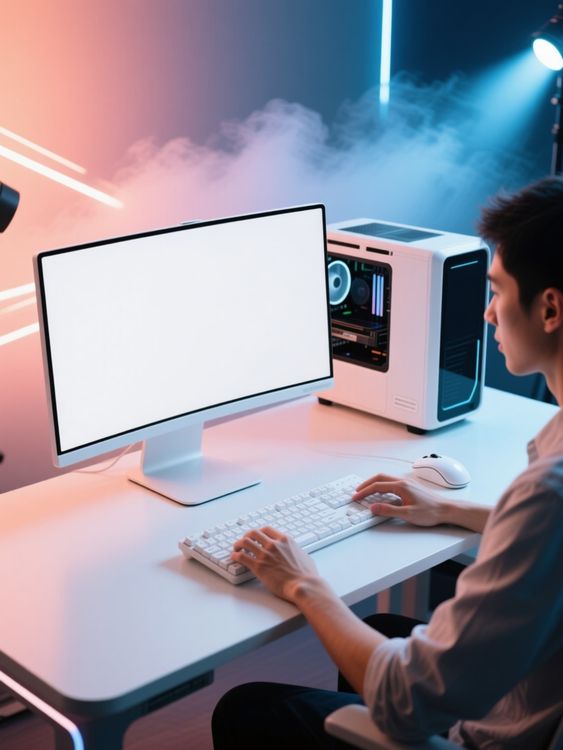
Male model computer mockup typing on keyboard pc
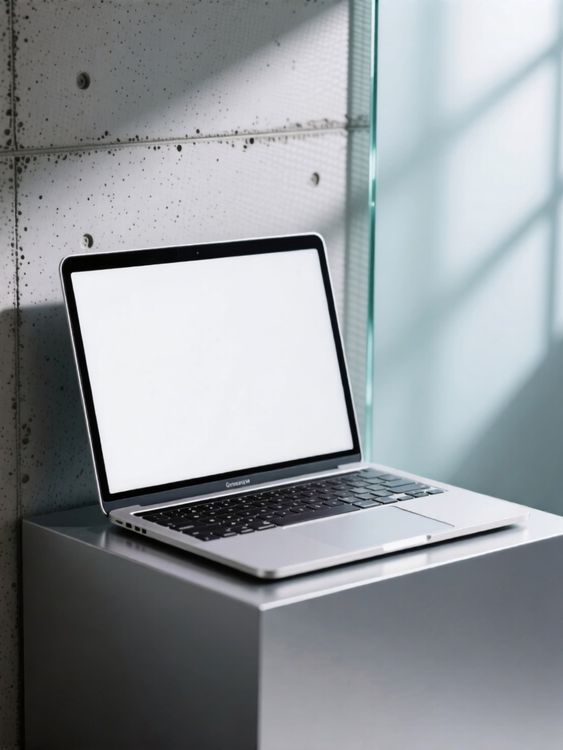
Macbook mockup of laptop standing on pedestal surface

Macbook mockup of laptop open resting on wrinkled bedspread

Hand model computer mockup typing and mousing on desk

Hand model computer mockup typing on keyboard in dark room 1

Male model macbook mockup hand resting on trackpad

Macbook mockup of laptop standing on construction debris
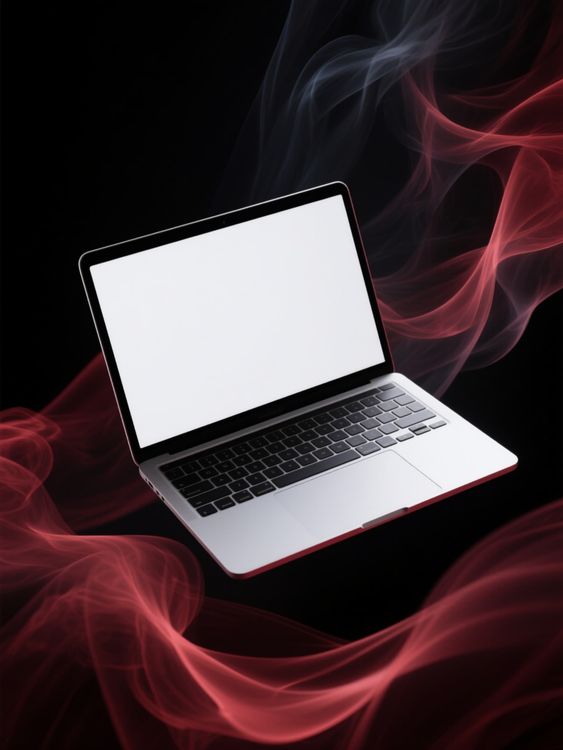
Macbook mockup of floating laptop above red smoke
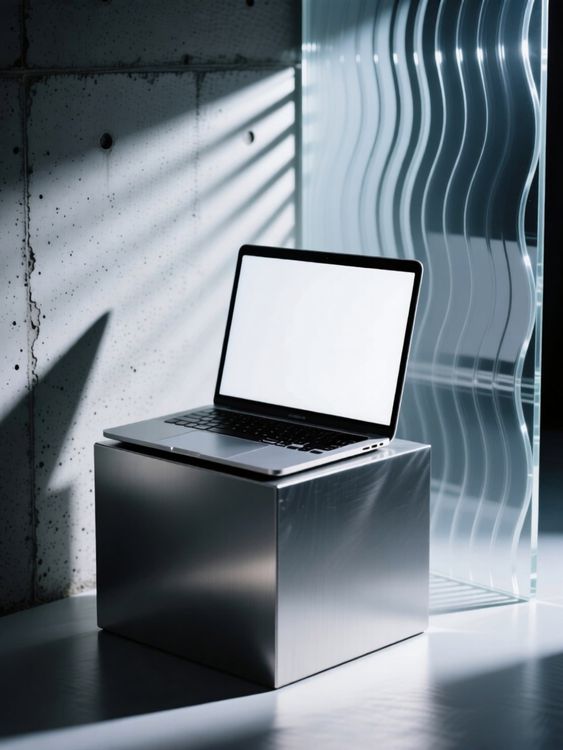
Macbook mockup of laptop resting on a metal cube
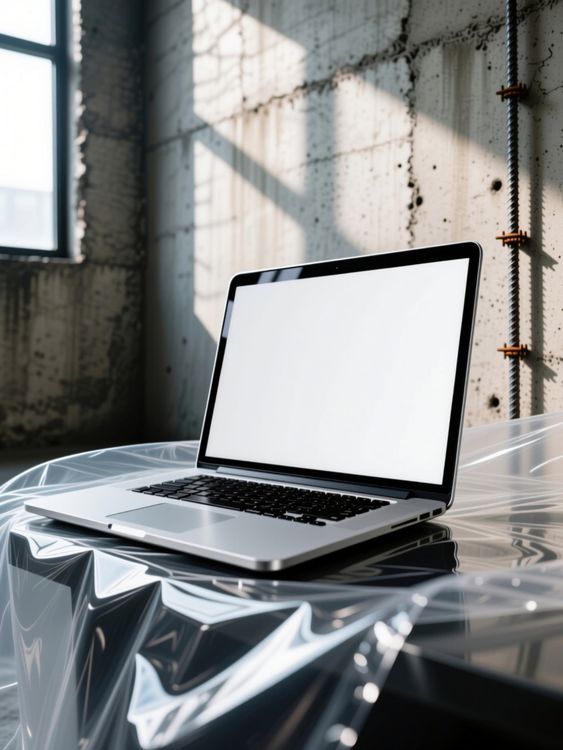
Macbook mockup of laptop resting on shiny plastic cover

Macbook mockup of laptop floating above neon grid

Male model computer mockup hands typing on keyboard and mouse
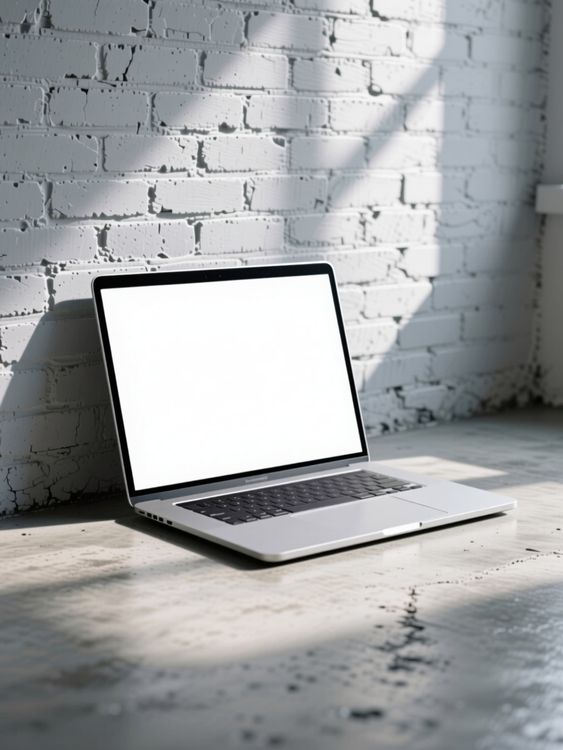
Macbook mockup of laptop resting on rough concrete ground
检查样机是否可用,细节很关键。
好的模板不只是承载设计稿。它应保留产品外形、留出合适的设计空间,并适用于图片最终展示的渠道。
自然贴合的设计位置
设计周围的光影、褶皱、接缝和透视依然清晰可见。
为产品故事留出空间
根据图片用途,选择简洁主图、细节特写或生活场景。
适配电商图片格式
先选好裁切比例,让图片能够用于商品页面、营销活动、社交媒体和店铺。
先预览设计,再挑选模板
- 01
浏览模板或加入设计图
直接浏览模板,或使用上方的设计图上传区,在支持的卡片中比较预览效果。
- 02
打开模板进行调整
打开选中的模板查看编辑选项。支持编辑的模板可调整图案位置,并使用其中可用的颜色控件。
- 03
下载图片,或继续创作
下载完成的图片,或将可编辑模板带入 Mockuplabs 在线编辑器,在无限画布上继续完善设计。
台式电脑样机常见问题
需要帮助准备设计稿或导出最终图片?请访问帮助中心。
电脑与 MacBook Mockup 模板
- 分数
- 4.8 / 5
- 评分次数
- 91
- 文字评价数
- 37
- 统计日期
