使いたい言葉を使えるデザインに
既存グラフィックを探したり、別の画像ファイルを作ってから試したりせず、自分の文字から始められます。
使いたい文章を入力し、最終画像にする前に調整できる文字デザインに変換します。
名前、スローガン、フレーズ、キャンペーンコピー、イベントの文字、グッズのアイデアなど、言葉自体がデザインになる商品に役立ちます。
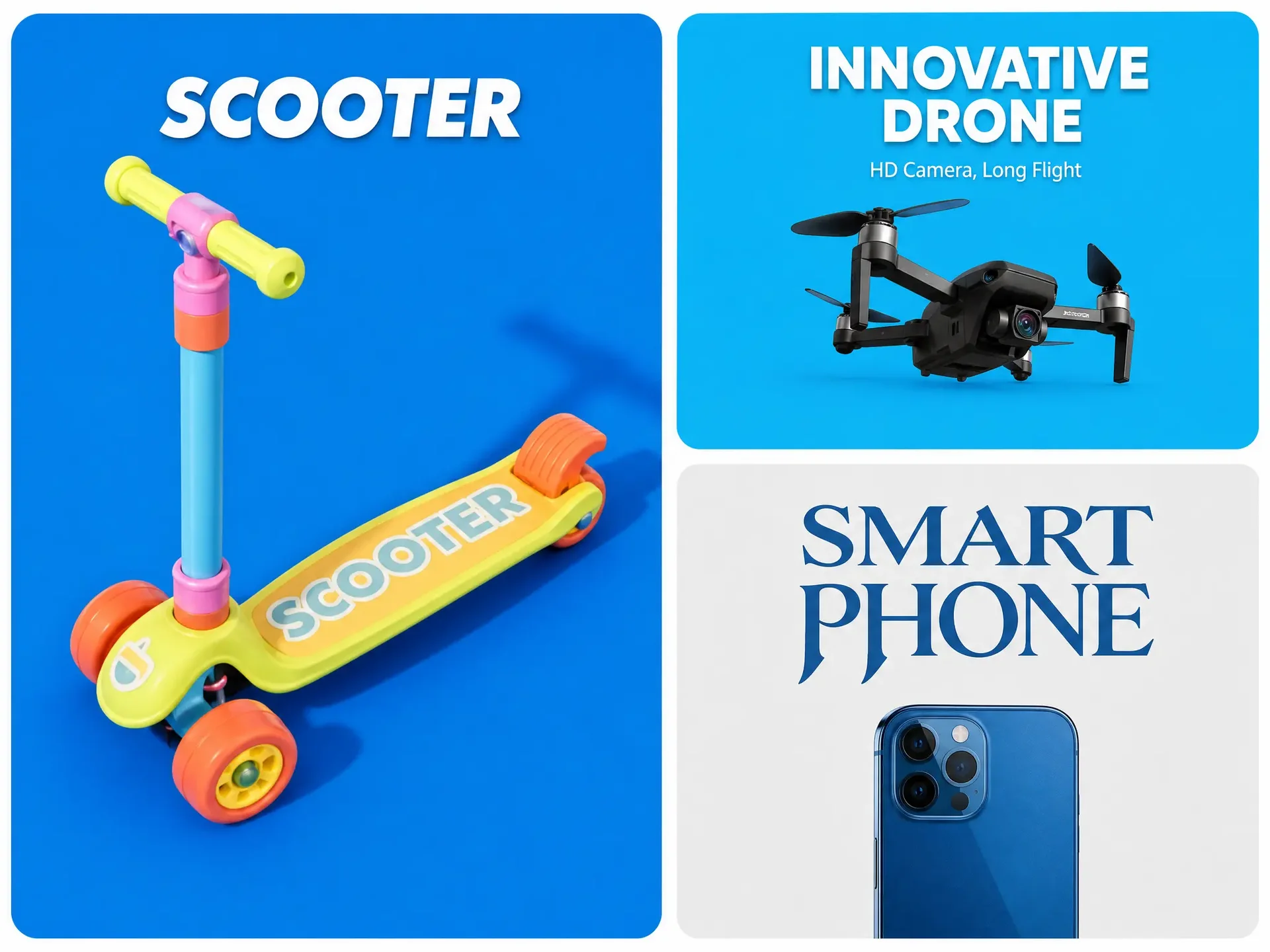
使いたい言葉を正確に入力してデザインを調整し、同じキャンバスで自分の商品モックアップに直接表示できます。
画像に文字を追加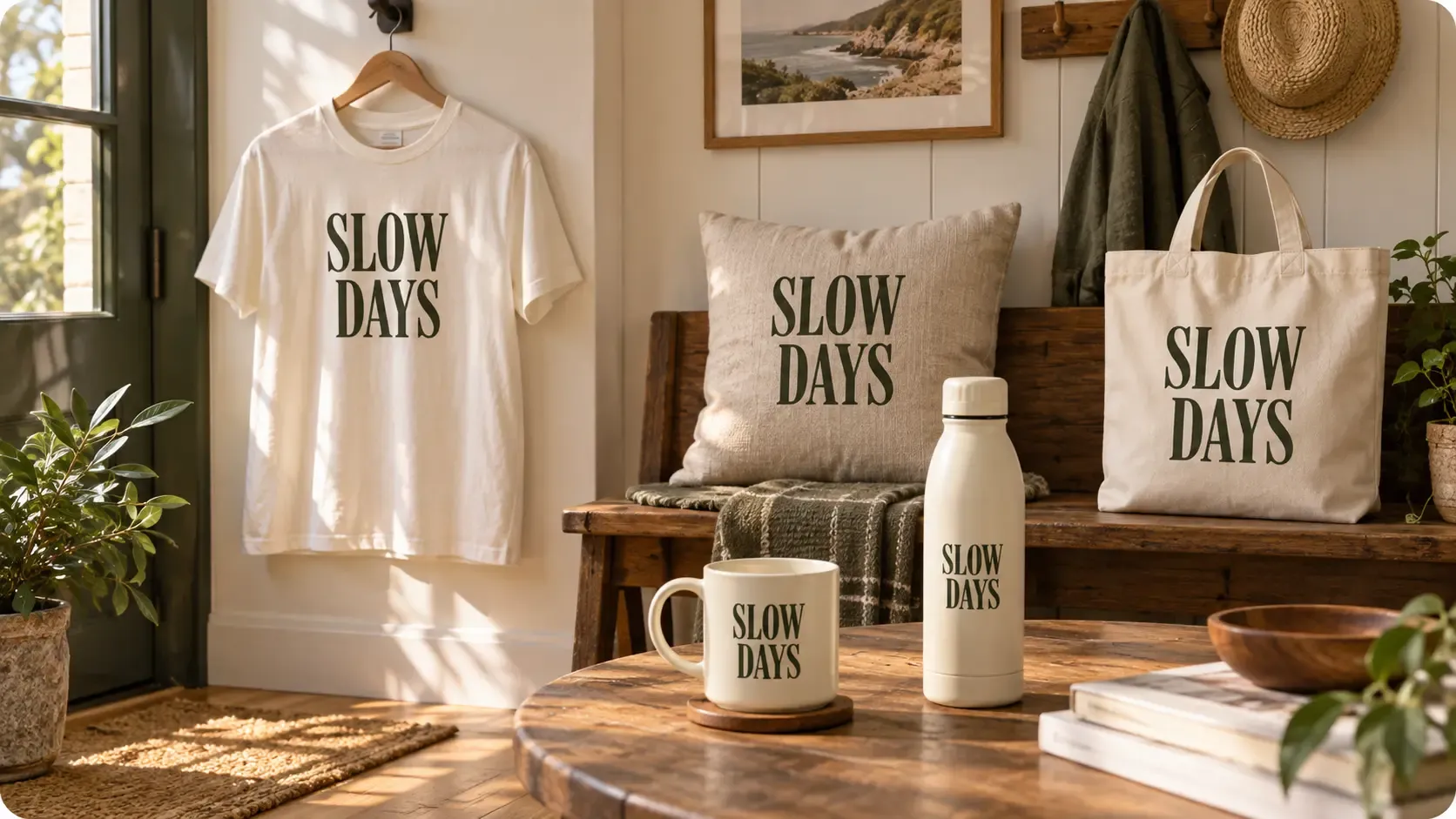
文字を使ったアートワークを作成して調整し、そのまま実際の商品でプレビューできます。
既存グラフィックを探したり、別の画像ファイルを作ってから試したりせず、自分の文字から始められます。
使いたい文章を入力し、最終画像にする前に調整できる文字デザインに変換します。
名前、スローガン、フレーズ、キャンペーンコピー、イベントの文字、グッズのアイデアなど、言葉自体がデザインになる商品に役立ちます。
方向性が整うまで文字デザインを調整し、画像に変換して、自分の商品写真から作ったモックアップに直接適用します。
空白のキャンバスだけでタイポグラフィを判断せず、商品に配置した際のバランスを確認できます。
採用する前に、言葉、全体の視覚的な重み、位置、商品との組み合わせを評価しやすくなります。
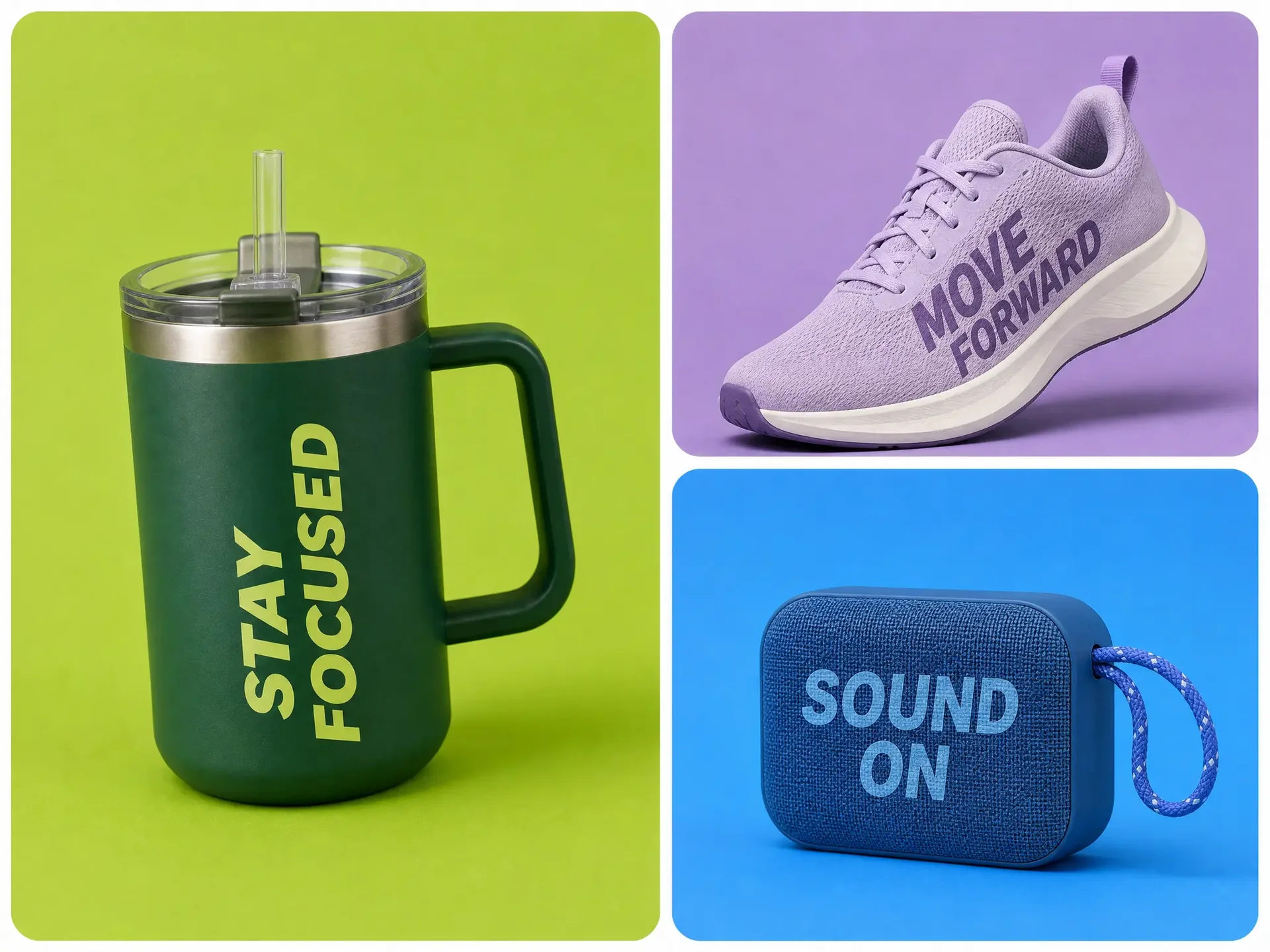
文字デザインと商品の組み合わせを承認したら、同じ Mockuplabs キャンバスで作業を続けられます。
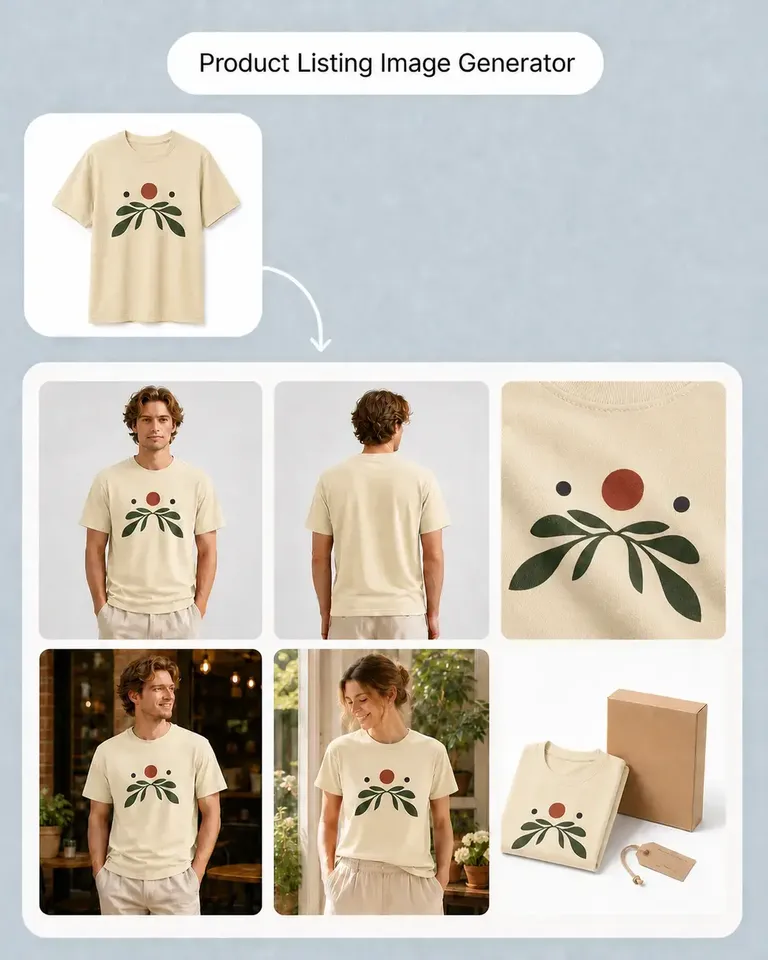
デザインを書き出し、別の商品 Mockup 生成ツールを開き、商品を再アップロードして設定を繰り返す必要はありません。同じ承認済み商品を 商品ページ用画像生成ツール、AI 商品画像生成ツール、AI 画像から動画を生成 などへ引き継げます。
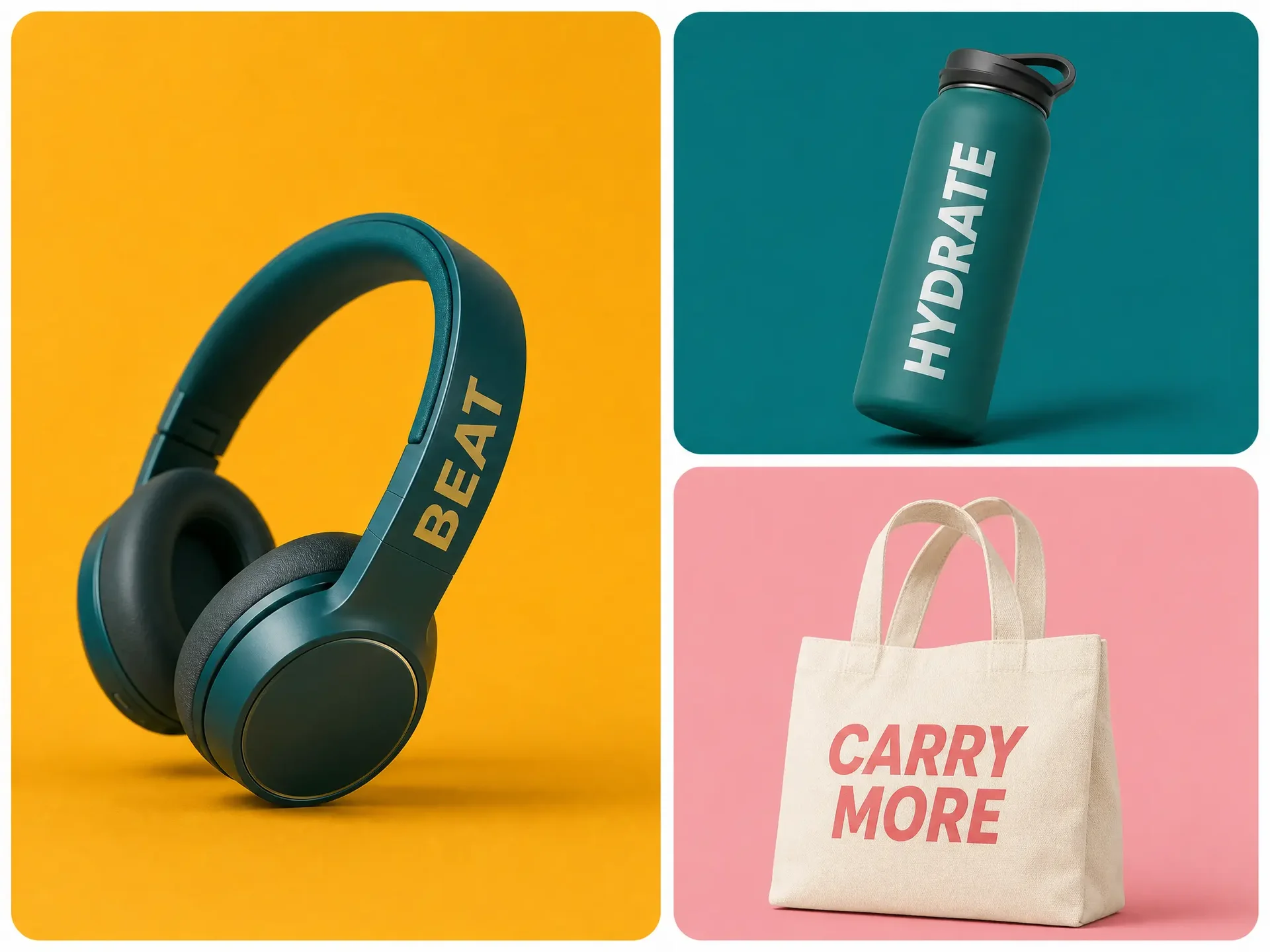
デザイン作成とモックアップ制作を分断せず、自分の言葉から商品プレビューへ進めます。
デザインにしたい文字を入力します。
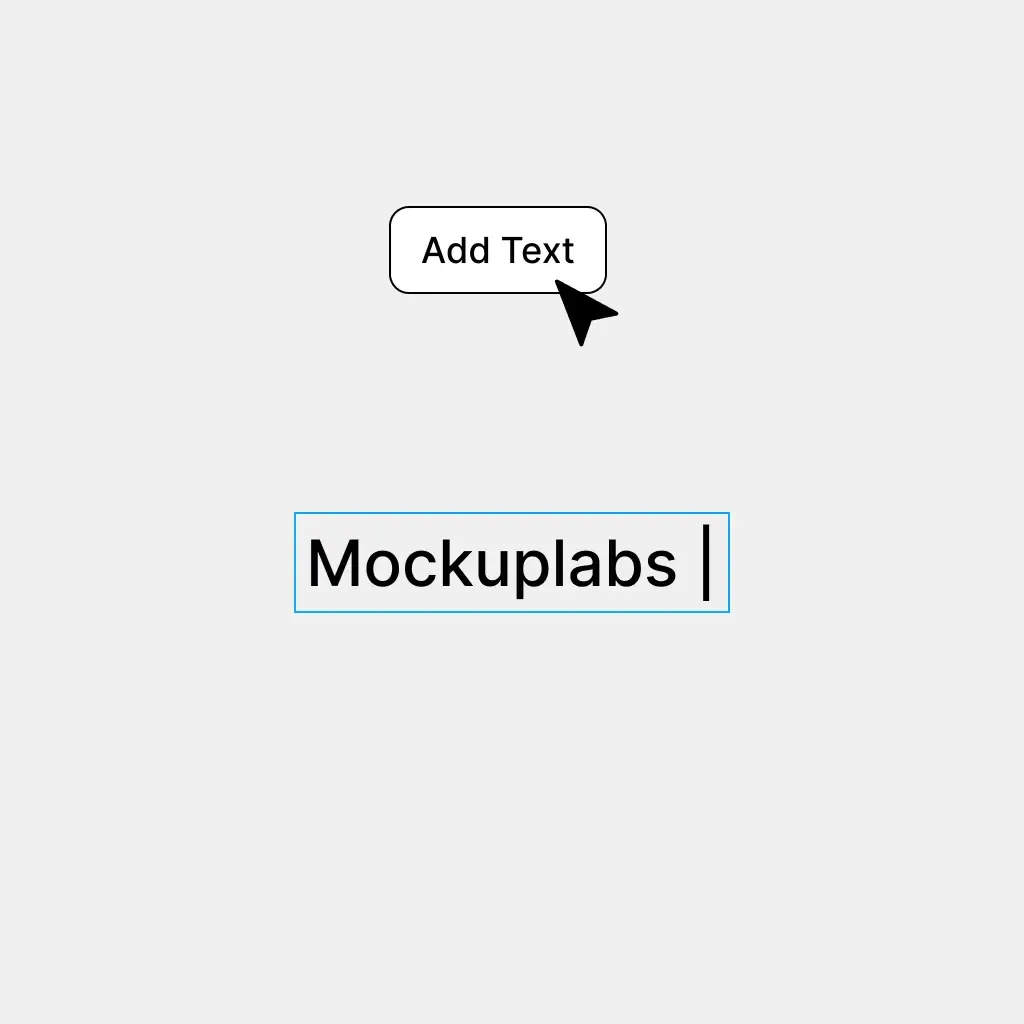
文字のスタイルを調整し、Convert to Image をクリックしてデザインを画像に変換します。
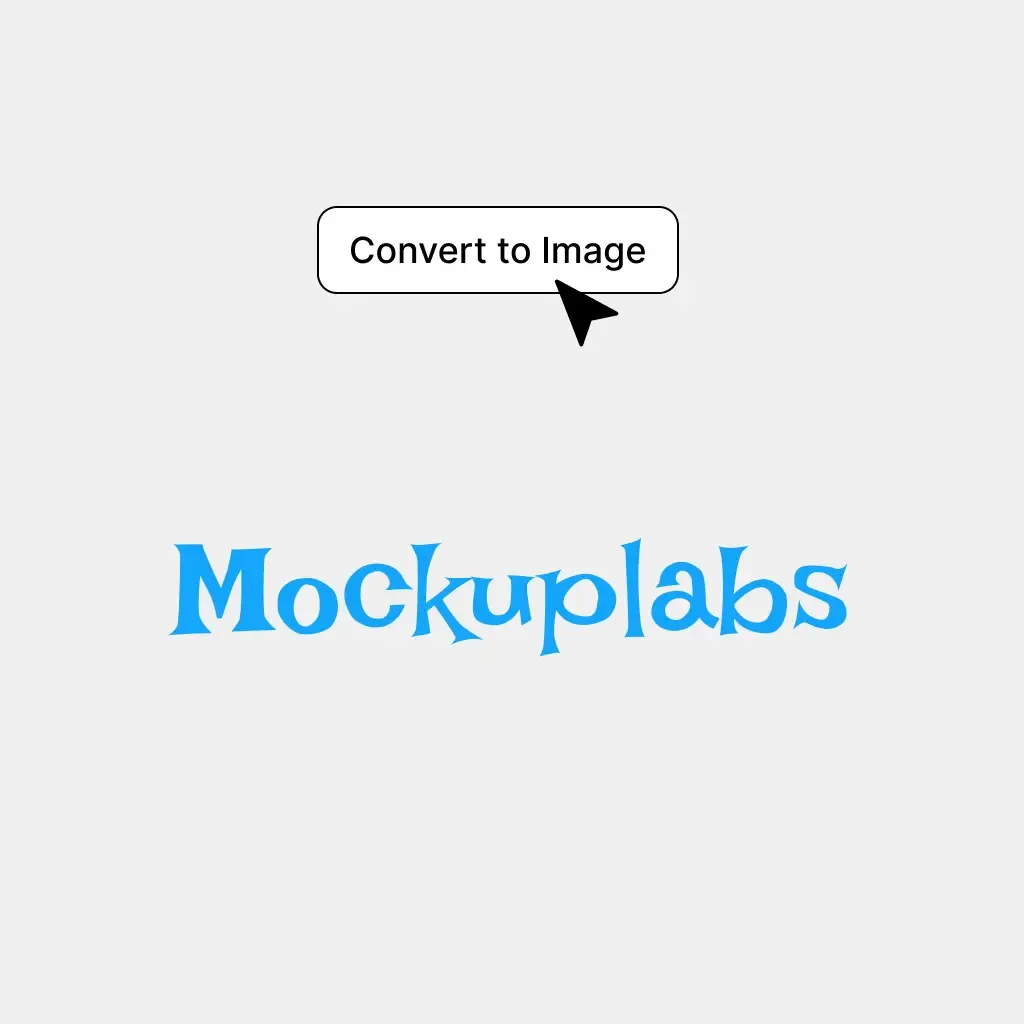
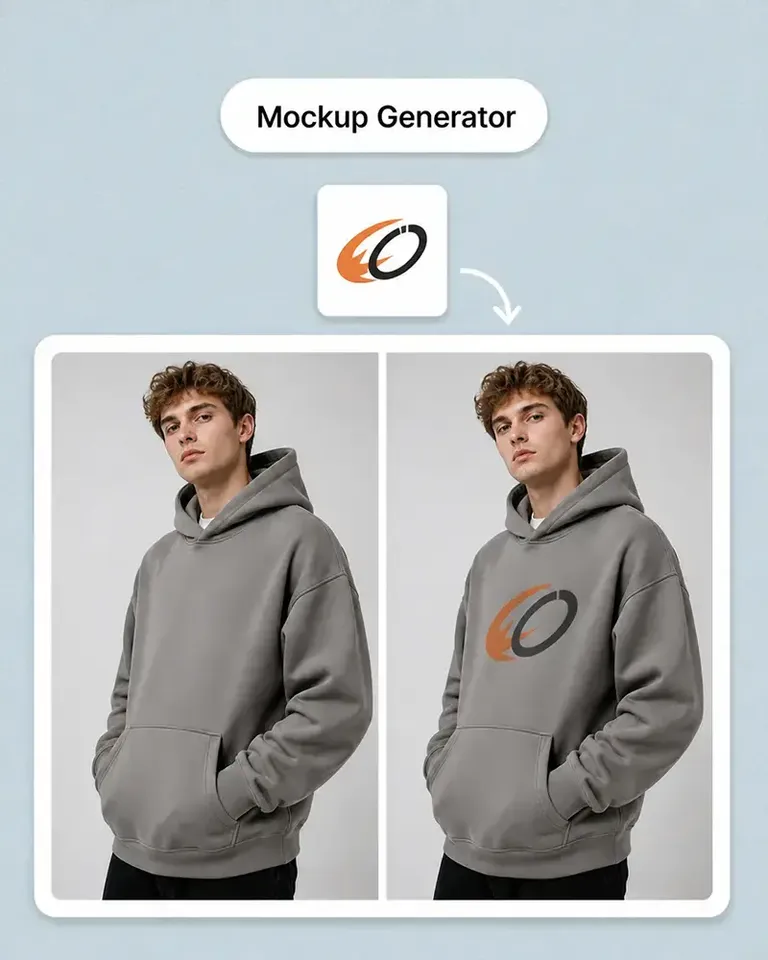
自分の商品写真から作成したモックアップに画像をドラッグし、配置をプレビューします。
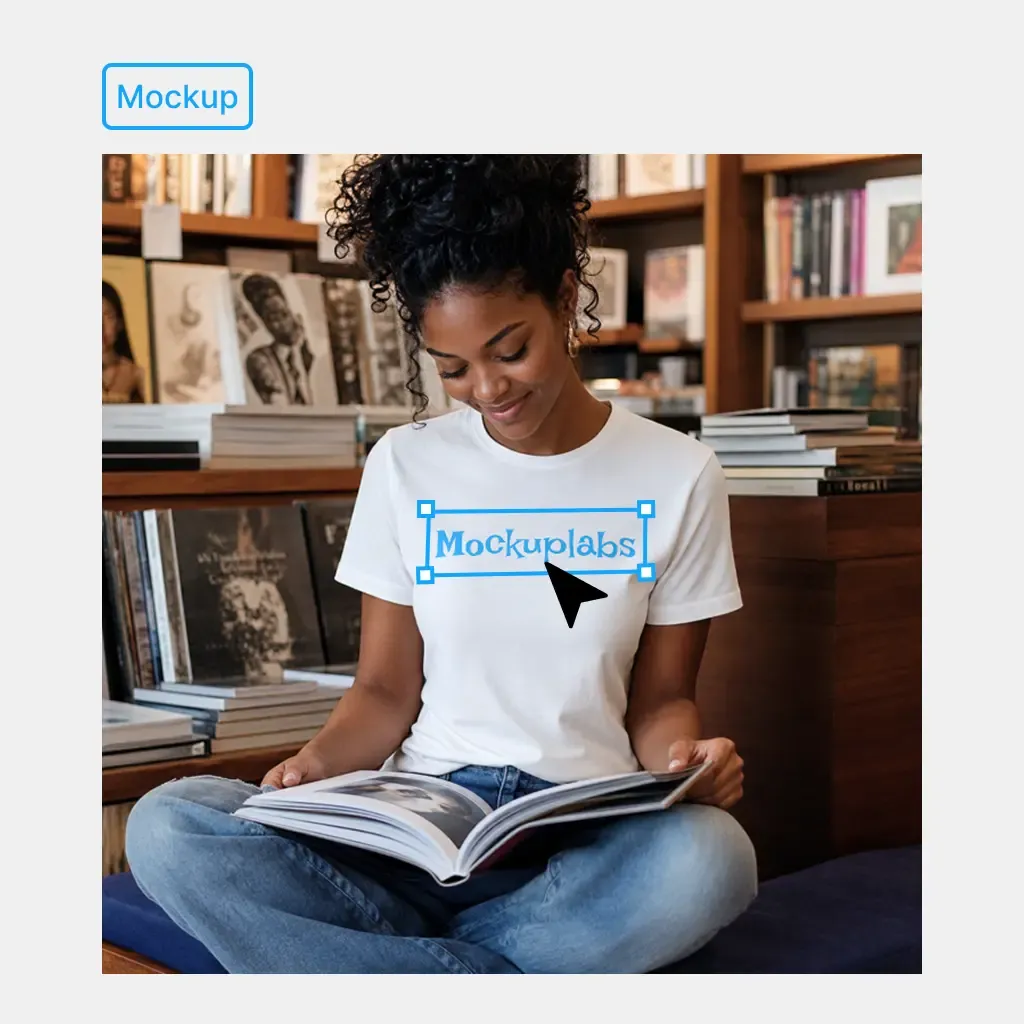
名前、スローガン、キャンペーンのフレーズ、イベントの言葉などを、デザインと商品プレビューを分けずに商品向けデザインへ変換できます。
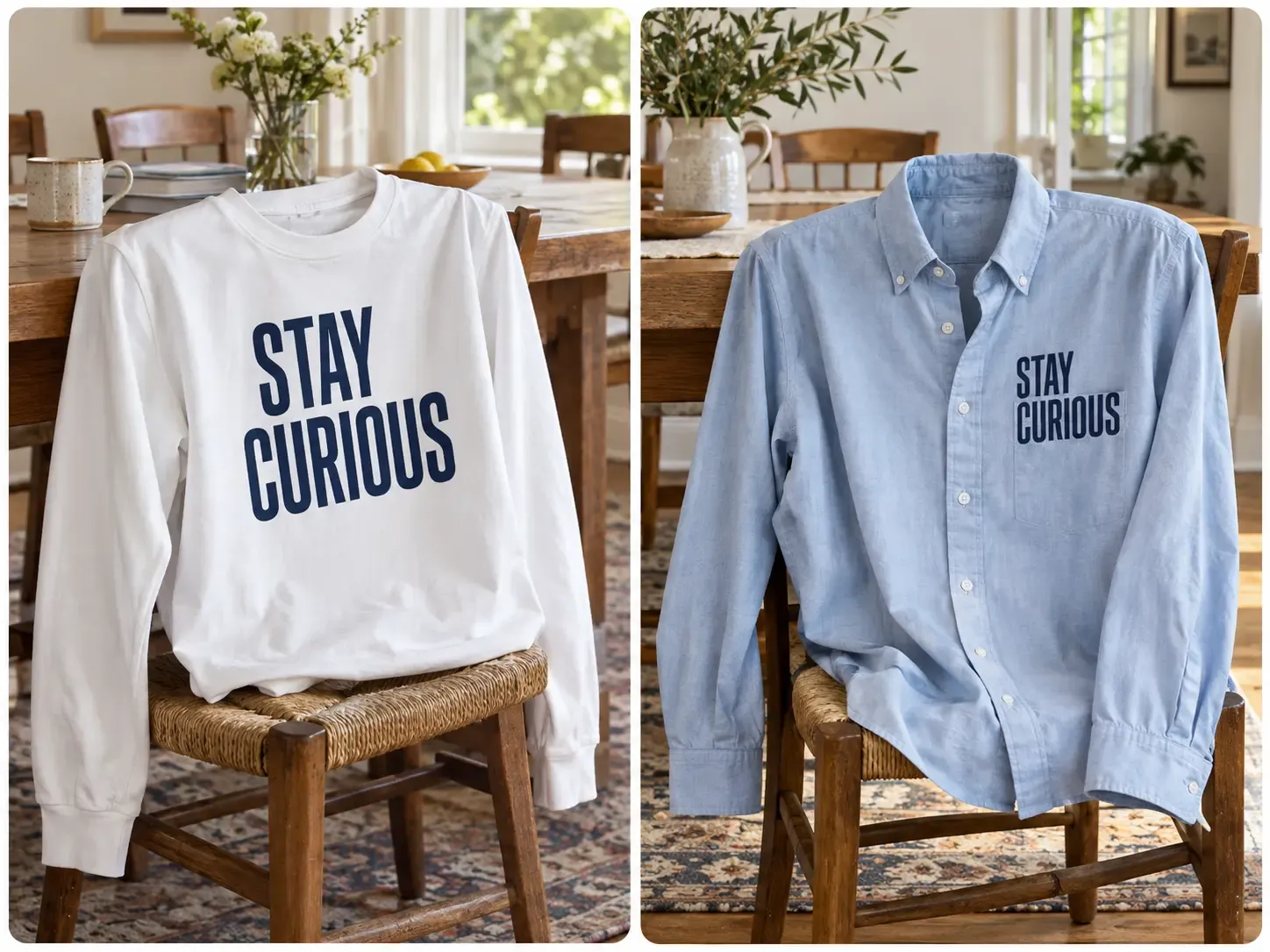
言葉そのものが主なアイデアなら、別の場所でアートワークを用意せず、フレーズから直接商品デザインへ進めます。完成した文字を実際の商品で確認し、掲載できるアイデアか判断できます。
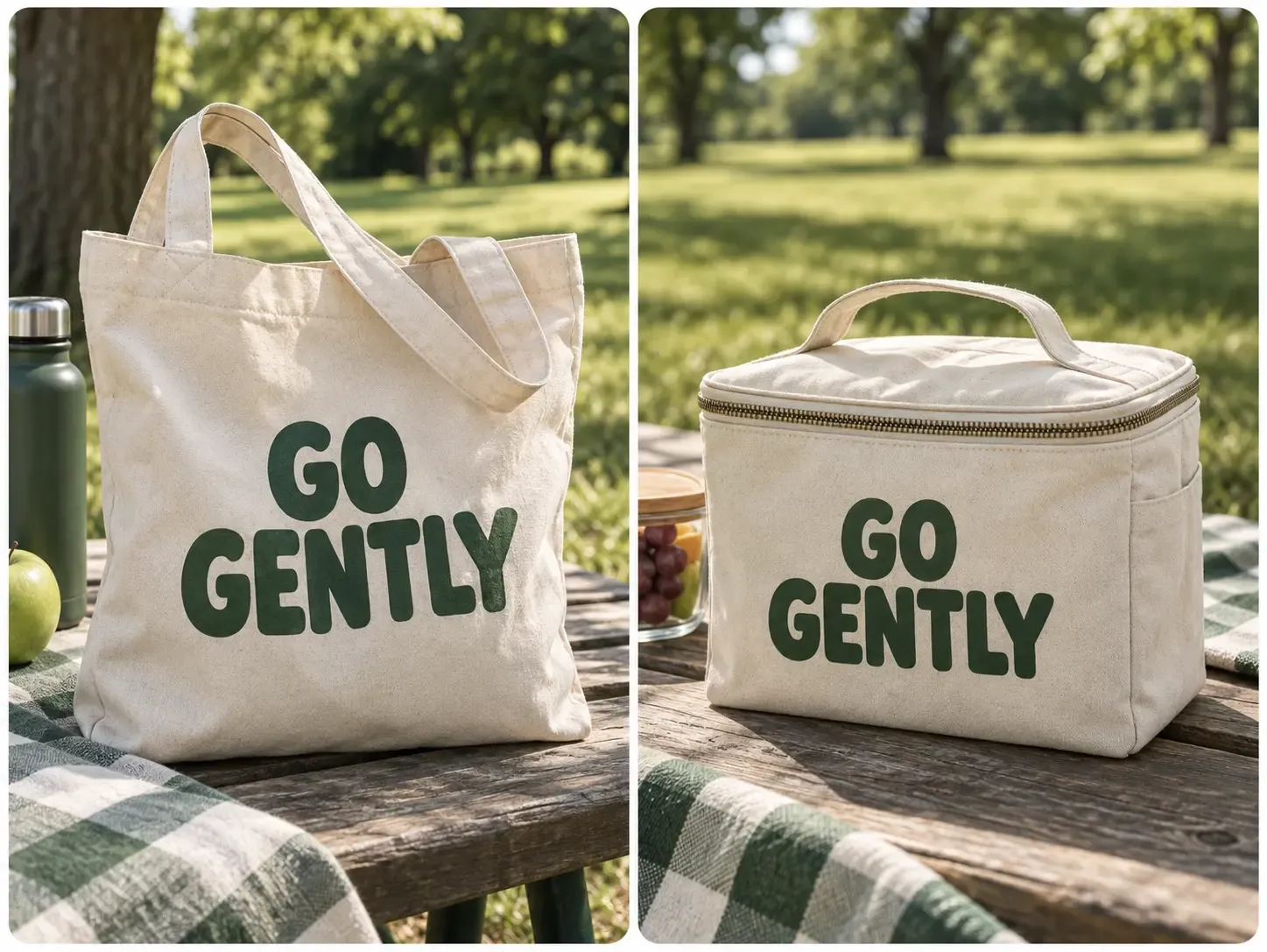
名前、短いメッセージ、チーム名、イベントの文字などを、パーソナライズグッズの商品デザインにできます。そのまま商品に適用でき、使う前にカスタム文字の実際の見え方を評価しやすくなります。
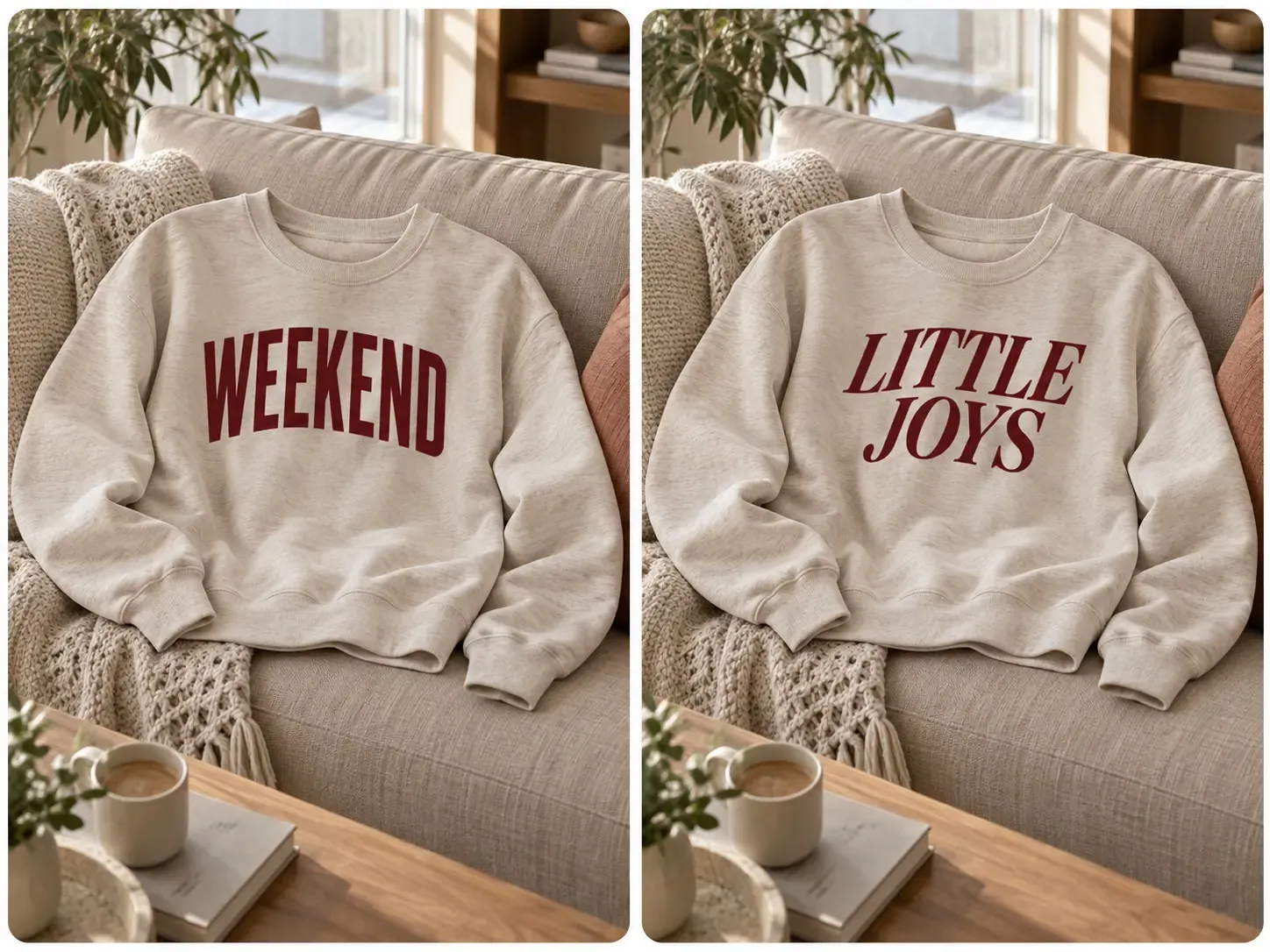
響きのよいフレーズも、商品の一部になると長すぎたり、重すぎたり、バランスが悪くなったりします。複数の文字案を作り、お客様が実際に見る場所で判断できます。
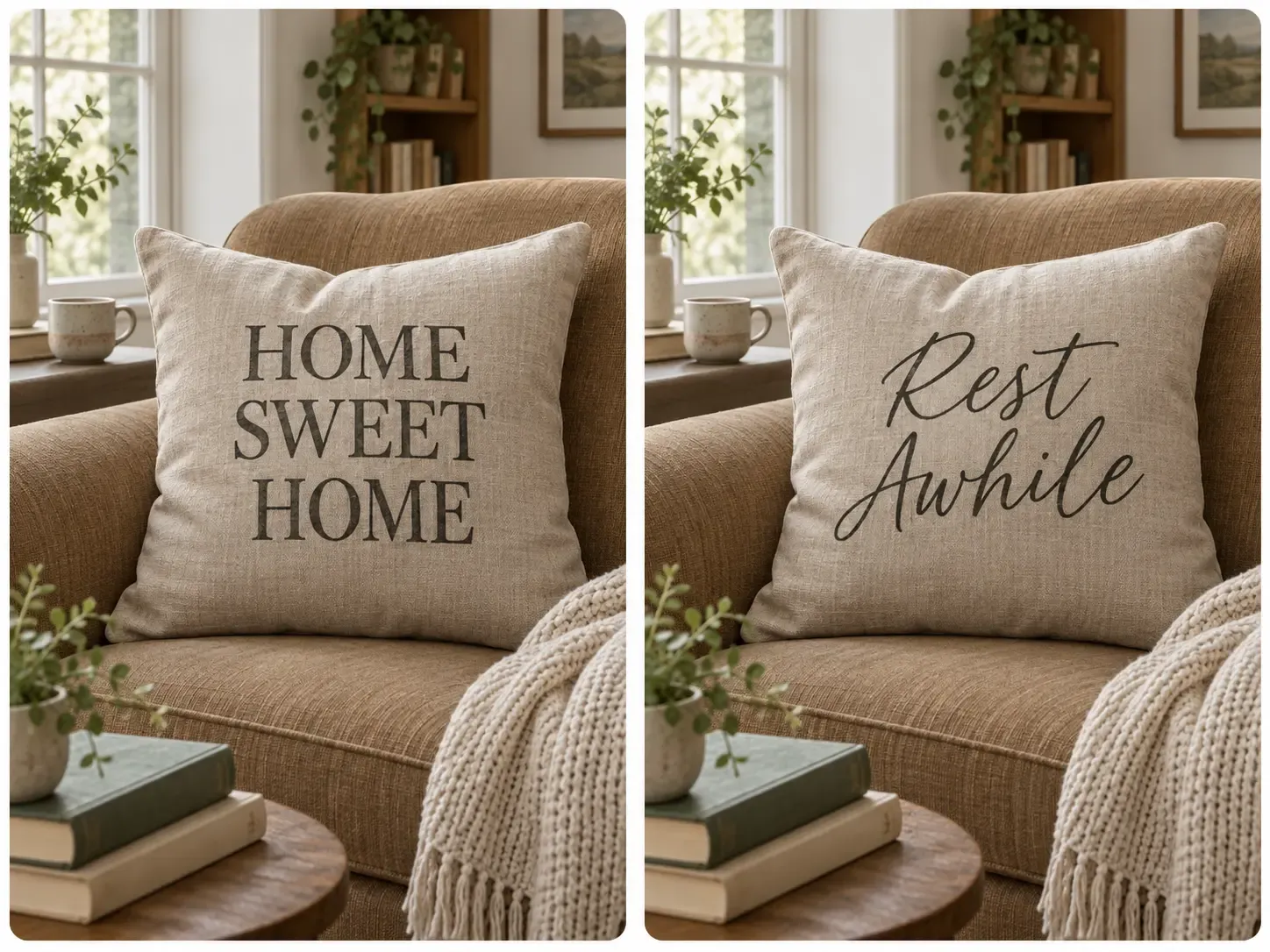
アイデアが新鮮なうちに、キャンペーンの言葉、イベント名、季節のフレーズ、販促コピーを商品デザインにできます。文字デザインとモックアップがつながるため、各段階で別の工程を作らず、コピーから使える商品ビジュアルへ進めます。
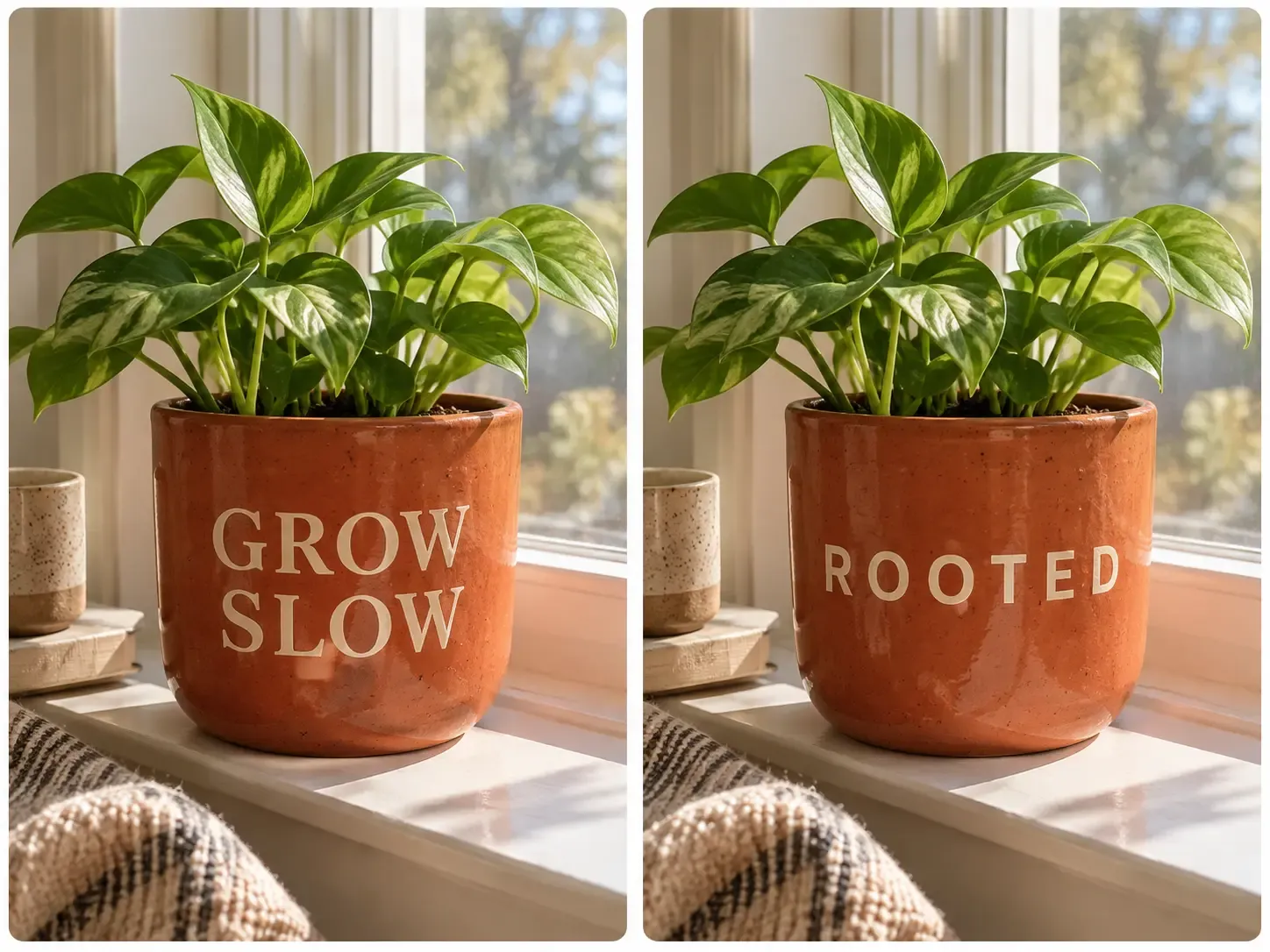
文字を使った商品デザインを承認したら、同じ商品とアートワークを EC 制作全体で使い続けられます。独立したデザインファイルで終わらず、掲載画像、生活シーン、その他の販促素材の出発点になります。
文字デザインの制作を、実際の商品モックアップとその後の EC コンテンツに直接つなげます。
使いたい文字を正確に入力
空白のデザインファイルから開始
欲しい画像を説明
自分の言葉をデザインの基準に保持
完全に調整できるが手動デザインが必要
生成文字が正確でない場合がある
文字デザインを作成・調整してから画像に変換
アートワークを別途作成して書き出す
通常は完成画像を生成
完成した文字デザインを自分の商品モックアップに直接適用
別のモックアップ工程が必要
商品と文字の両方が再生成される場合がある
自分の商品写真から作ったモックアップを使用
商品素材を手動で取り込む必要がある
商品の細部が変わる場合がある
同じキャンバスで文字 → デザイン → 商品 → EC コンテンツへ
デザインとモックアップのツール間で書き出し・移動
生成ごとに工程が再開する場合がある
掲載画像、生活シーン、動画、その他のツールへ展開
別アプリや別のワークフローが必要
通常は新たな生成を開始
文字から商品へ素早く進める EC デザイン
完全に手動のグラフィックデザイン
クリエイティブな画像探索
全 14 件中 1–1 件
商品の発売、ブランドの成長、大量のコンテンツ制作まで、Mockuplabsがすべての商品をよりすばやく魅力的に伝えるお手伝いをします。

Hannah Park
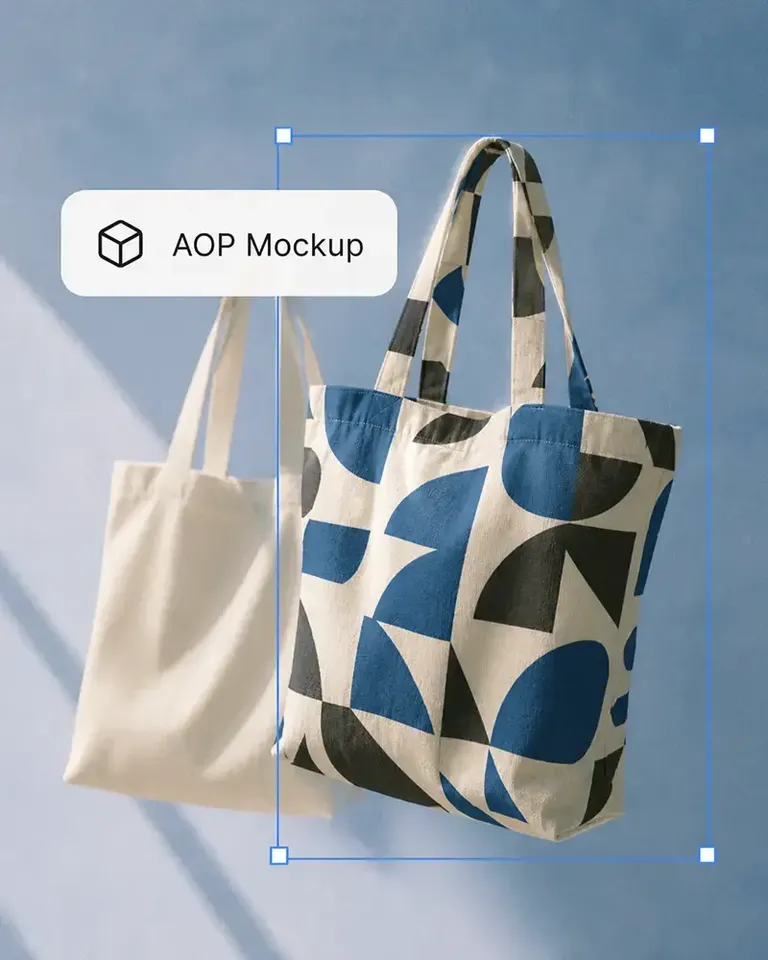
The design fitting is the standout feature in Mockuplabs for me. The artwork follows the curves and folds, and I can still adjust the size and position until it looks right.

Marc Vogel
What I like about Mockuplabs' recolor tool is the control over separate color areas. I can change the part I mean to change and still see the fabric texture, shadows, and printed details.
Leo Martinez
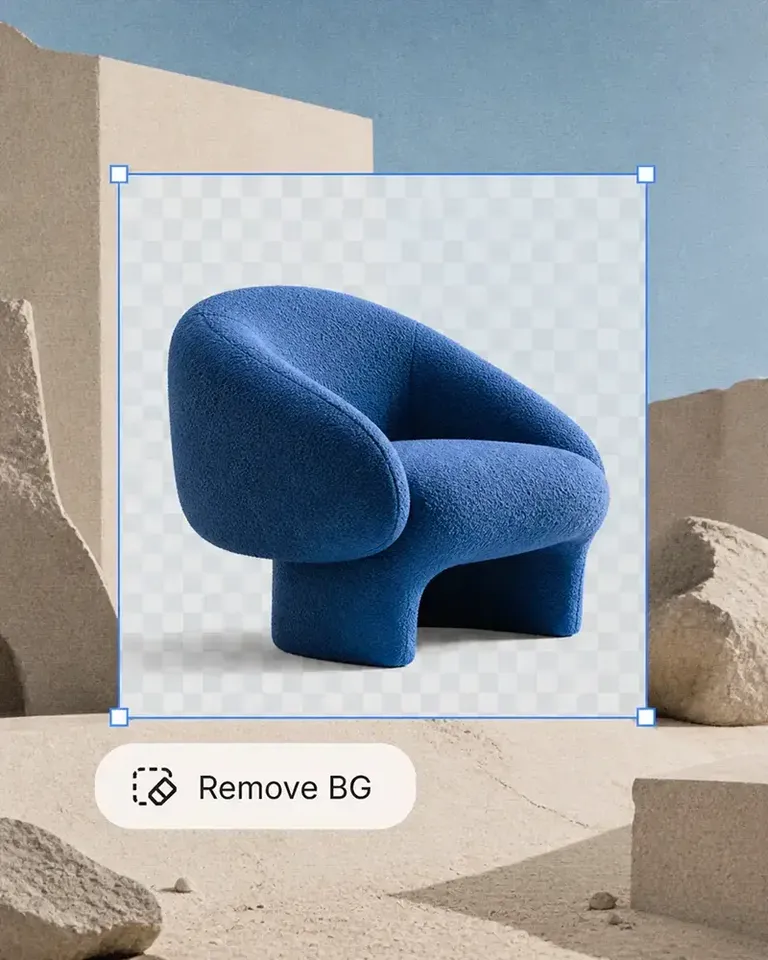
The background remover is useful on its own, but I like it more as part of Mockuplabs. A clean product image can become a mockup or another visual without another round of file juggling.
Chloe Martin
Turning my own product photo into a mockup is the Mockuplabs feature I value most. I'm not limited to a template that only vaguely resembles what I'm selling.

Adam Campbell
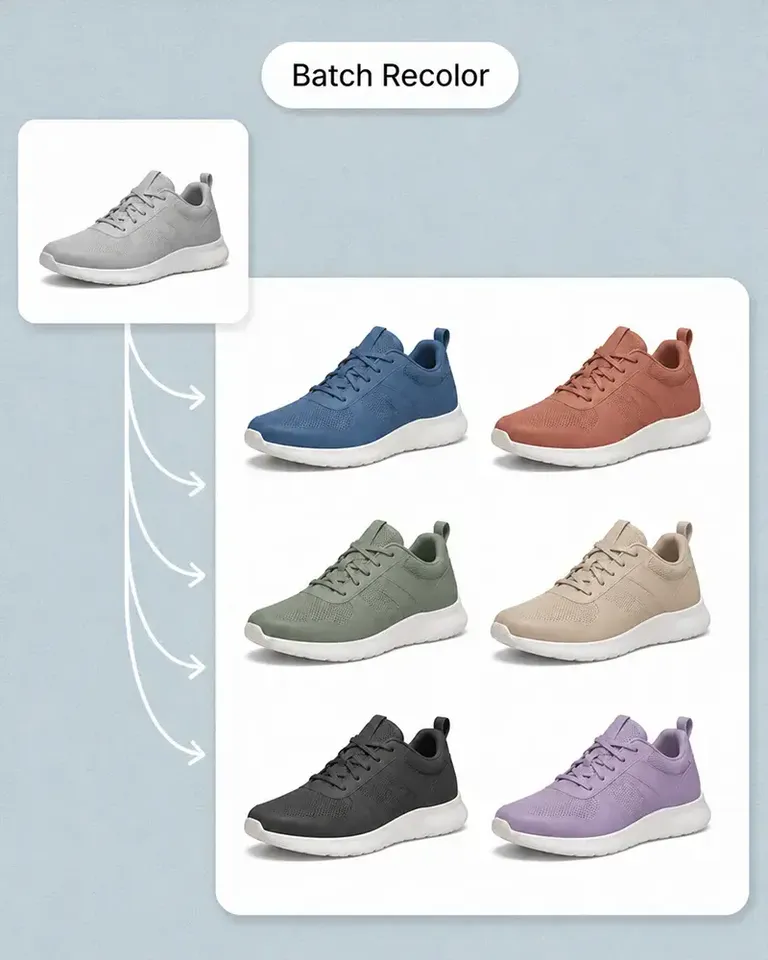
For our catalog work, Mockuplabs' batch recolor is more useful than changing one photo at a time. I like seeing a color live before adding it to the batch, especially when a darker shade makes the print harder to read.
rorymadeit
The live recolor preview in Mockuplabs makes comparing shades feel much more direct. The folds and highlights are still visible, so I'm judging the color on a product rather than on a flat swatch.
Grace Evans
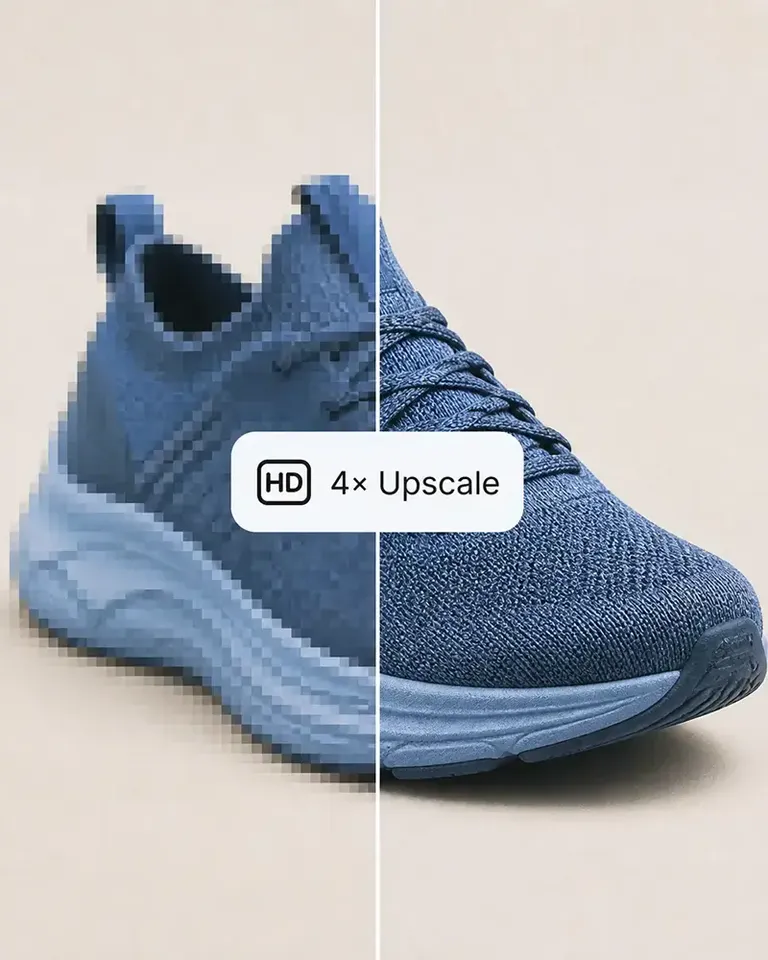
The upscaler made a small product photo more usable for a larger layout. It isn't a replacement for a good source image, but I'm glad I didn't have to discard the photo.

Yuki Tanaka
Mockuplabs gets the artwork close to where I want it, and the position and size controls let me finish the job. That last bit of adjustment matters when the design needs to sit neatly on the product.

Niko Petrov
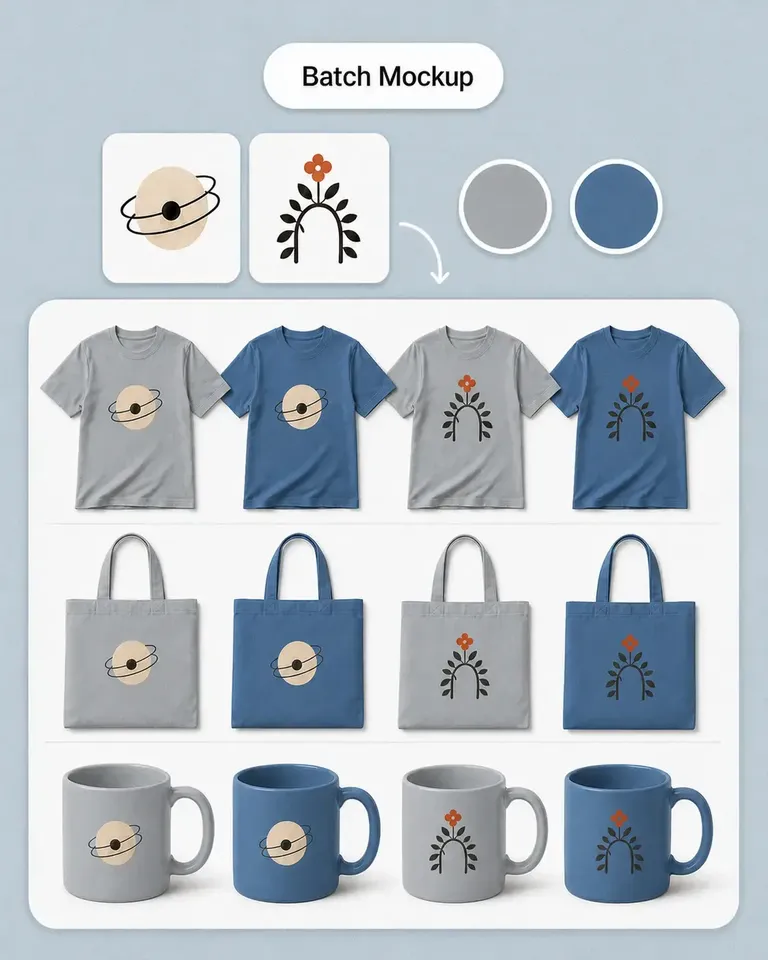
I make POD listings with several designs and product views. Mockuplabs' batch mockups let me reuse the placements I've already checked, which is the part I most wanted to stop repeating.
Isabel Moreno
The cutout looked clean enough for my product layout. The handle details were still there, which was the part I was concerned about.

Tom Sullivan
For a catalog with several photos per item, batch recolor is the useful part. I still check the logos and color boundaries in the results, but having the whole photo set together makes the review easier.

lena.draws
I came to Mockuplabs for mockups, but the background removal and image tools have been just as useful. It feels like a practical product-image editor rather than a single-purpose generator.