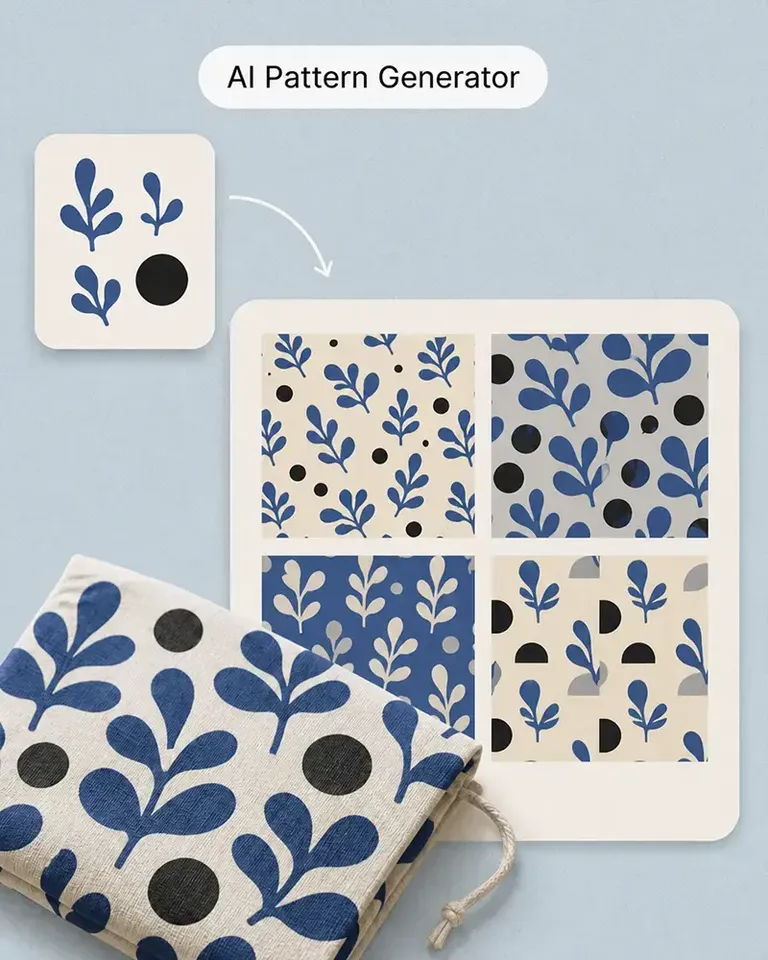
必要な成果から始める
新商品の紹介や販促の準備など、ビジネス上の目標から始められます。AIデザインアシスタントが依頼を制作物に落とし込むお手伝いをするので、コンテンツで何を伝えるべきかに集中できます。
Agentはデフォルトでブランドキットを参照し、ビジュアルや文章の作成に活用します。同じ指示を繰り返さなくても、ブランドに合ったコンテンツを作成しやすくなります。
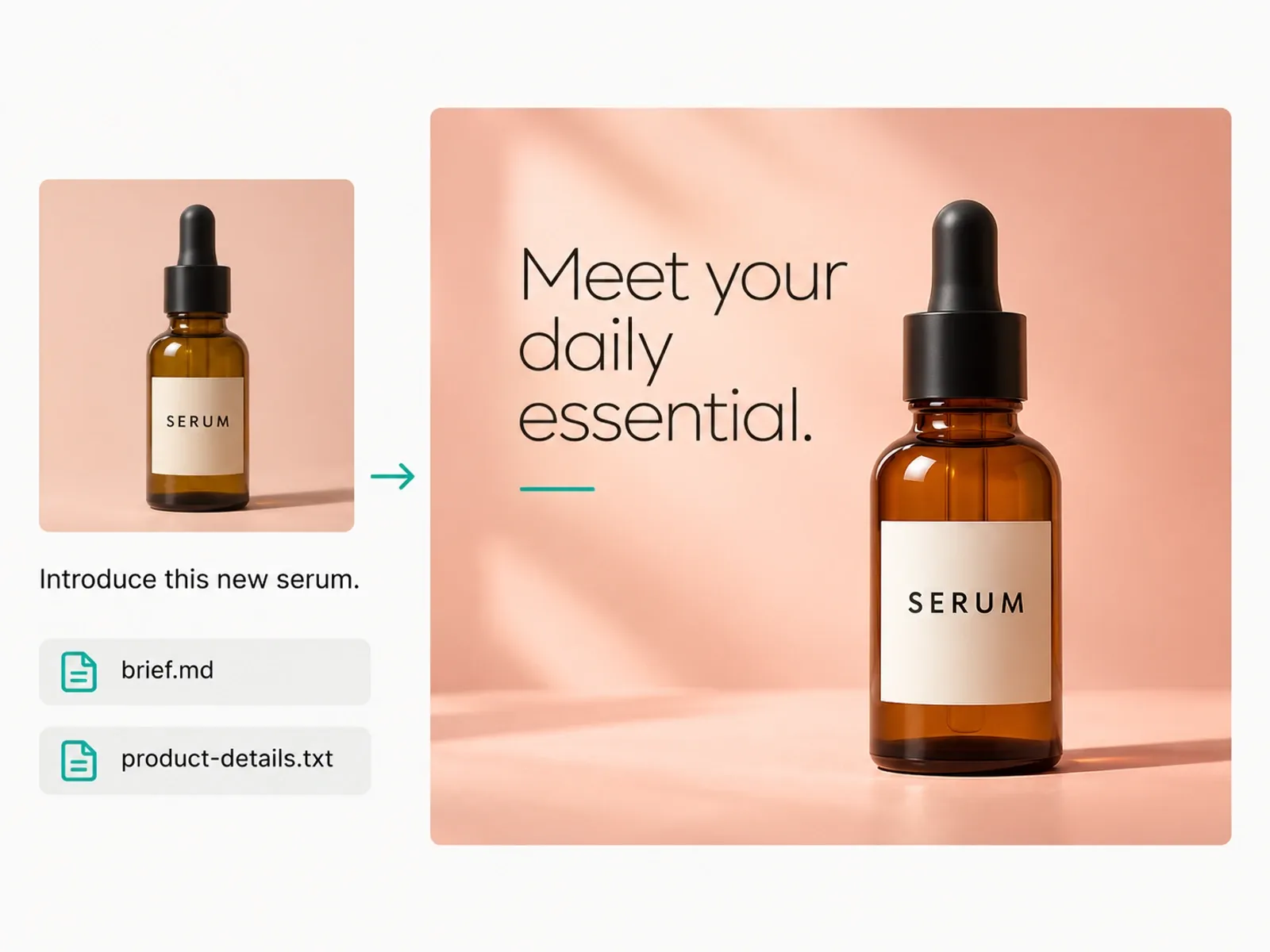
ストアや次のキャンペーンに必要なものをAgentに伝えましょう。制作の各工程でサポートを受けながら、会話を通じて仕上がりを調整できます。
Agentで作成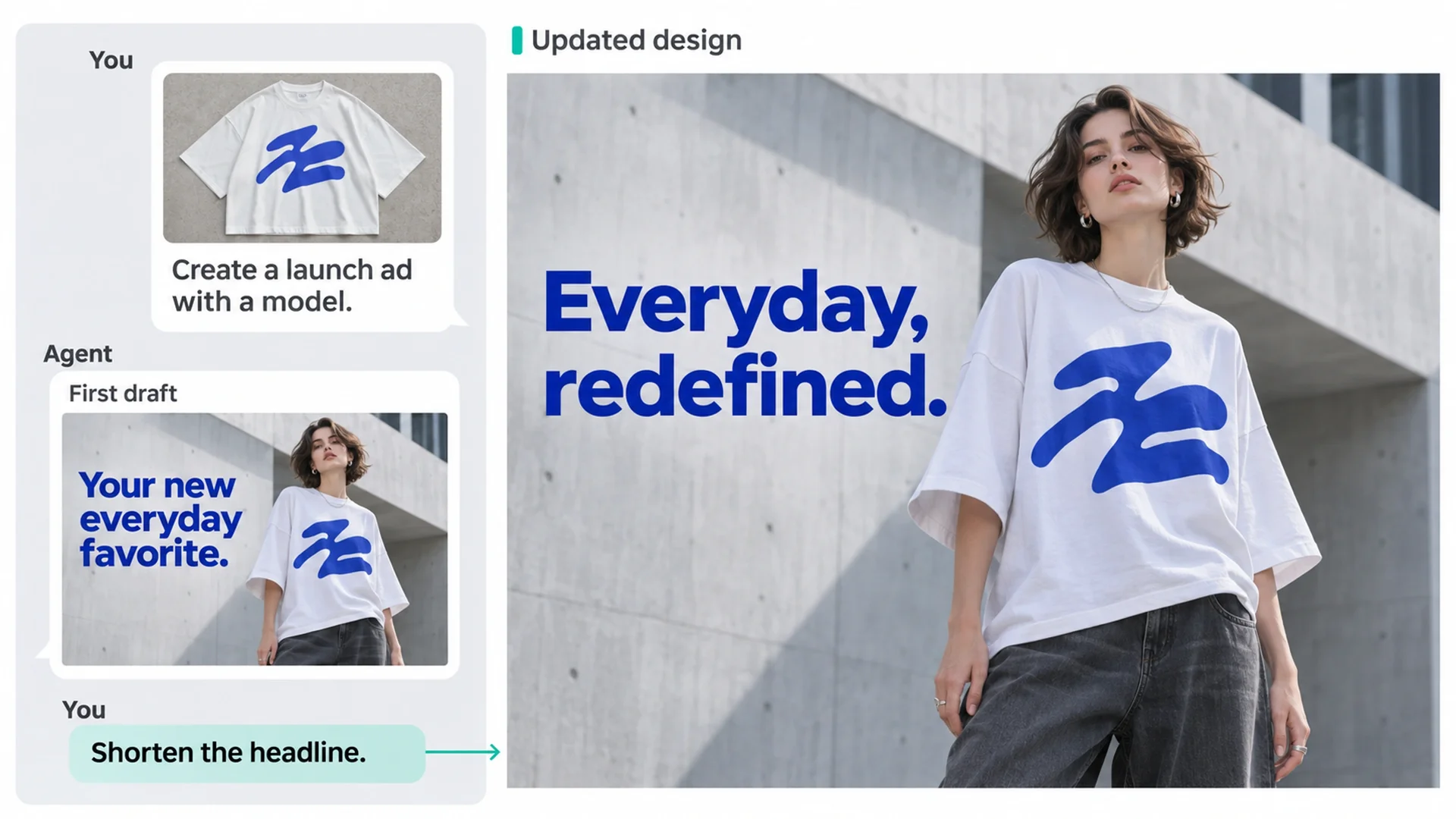
目標を制作物に落とし込み、各工程をつなぎ、途中の変更に対応するためのサポートを受けられます。
新商品の紹介や販促の準備など、ビジネス上の目標から始められます。AIデザインアシスタントが依頼を制作物に落とし込むお手伝いをするので、コンテンツで何を伝えるべきかに集中できます。
Agentはデフォルトでブランドキットを参照し、ビジュアルや文章の作成に活用します。同じ指示を繰り返さなくても、ブランドに合ったコンテンツを作成しやすくなります。
商品画像、画像に添えるコピー、レイアウトを同じプロジェクト内で制作できます。Agentに制作作業を次の工程へ進めるよう依頼すれば、複数のツールを使って素材を組み合わせたり、説明を繰り返したりする手間を減らせます。
独自のSkillsを使ってタスクの指示を再利用し、使い慣れた作業方法を新しいコンテンツ制作タスクにも活用できます。
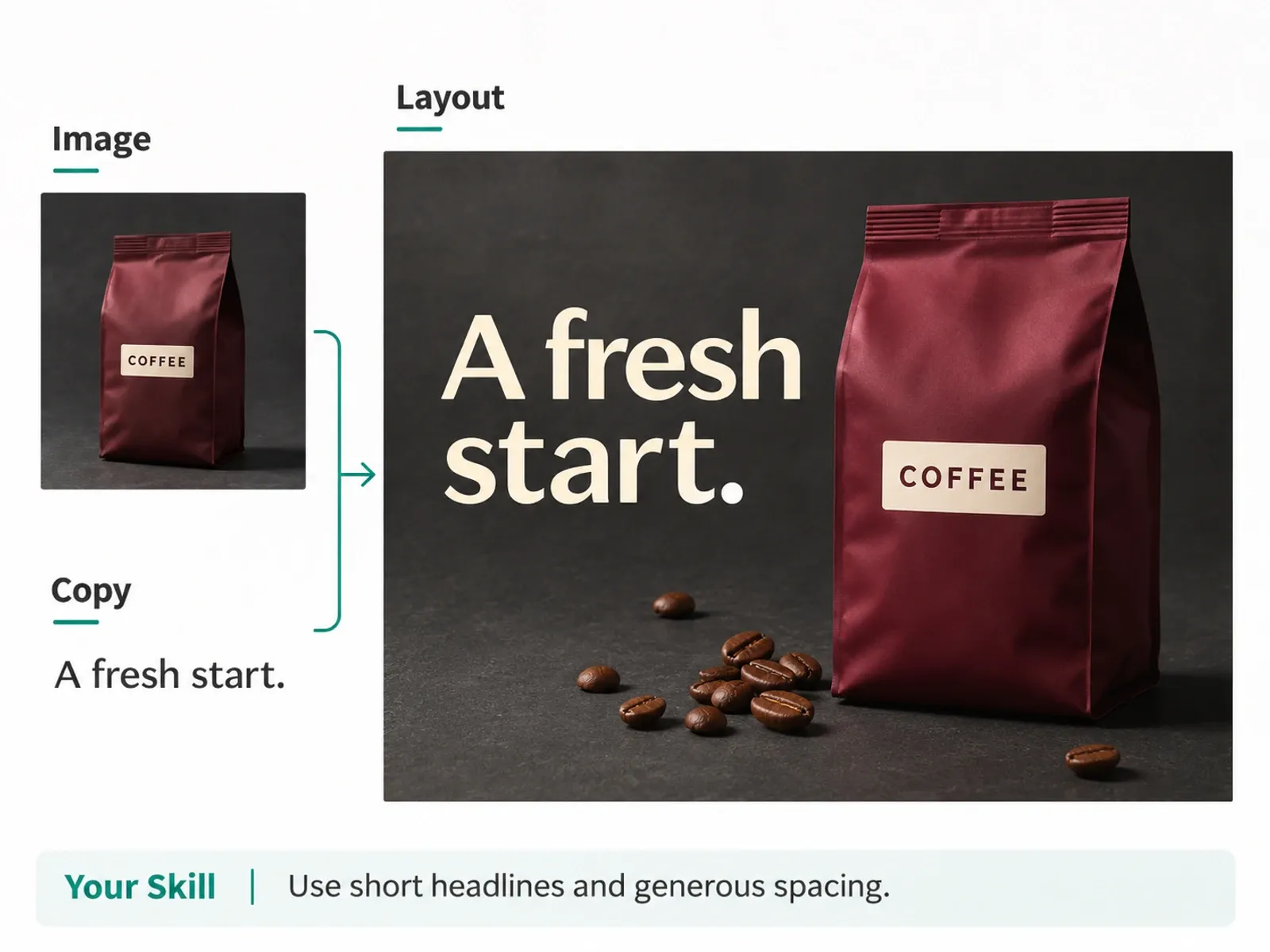
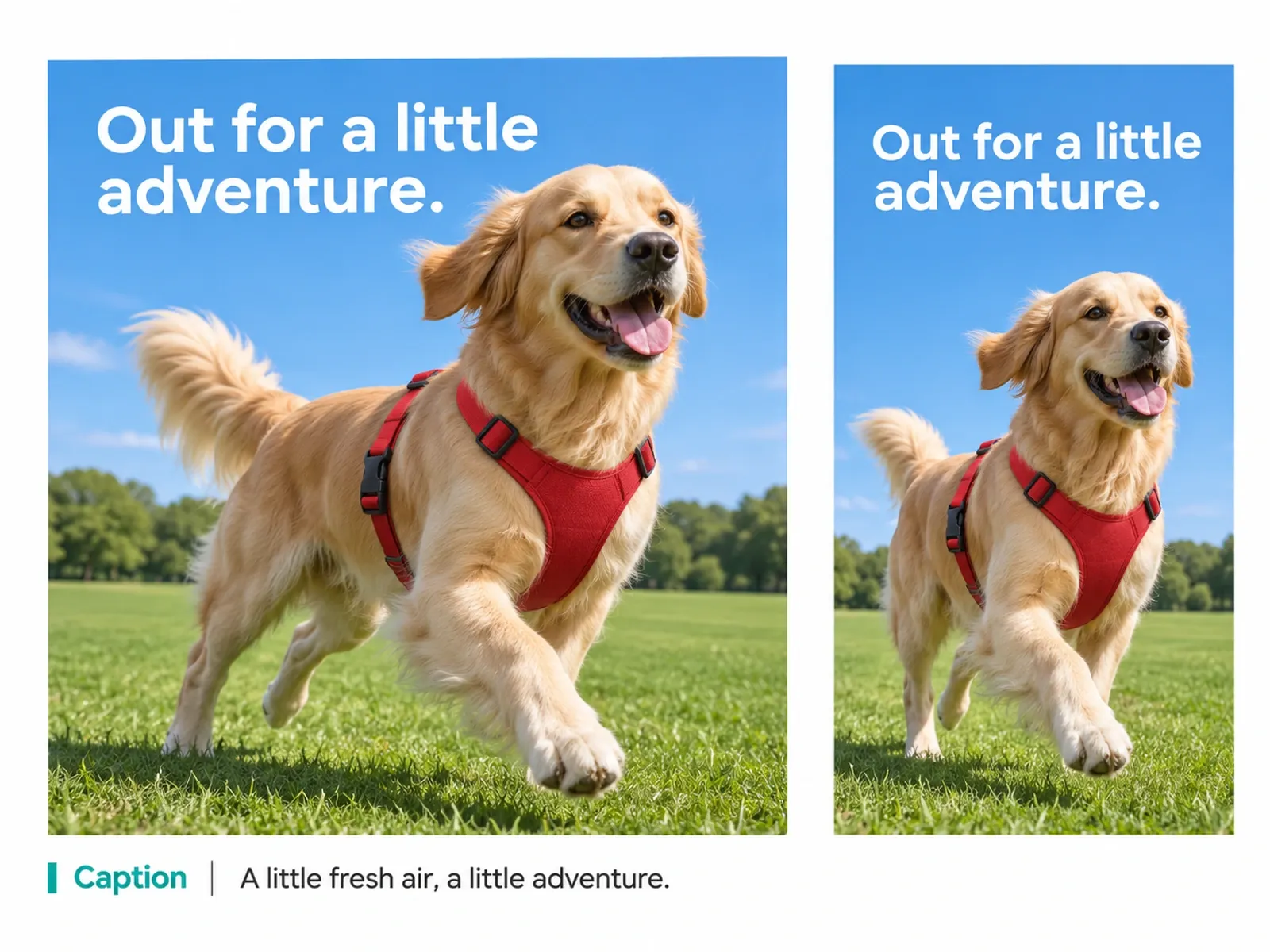
制作物を確認しながら方向性を変更できます。メッセージをより明確にする、構図を変える、見出しの焦点を絞るなどの修正を依頼し、その結果をもとにプロジェクト内で作業を続けられます。
何を変更し、いつコンテンツを使用可能と判断するかは、ご自身で決められます。
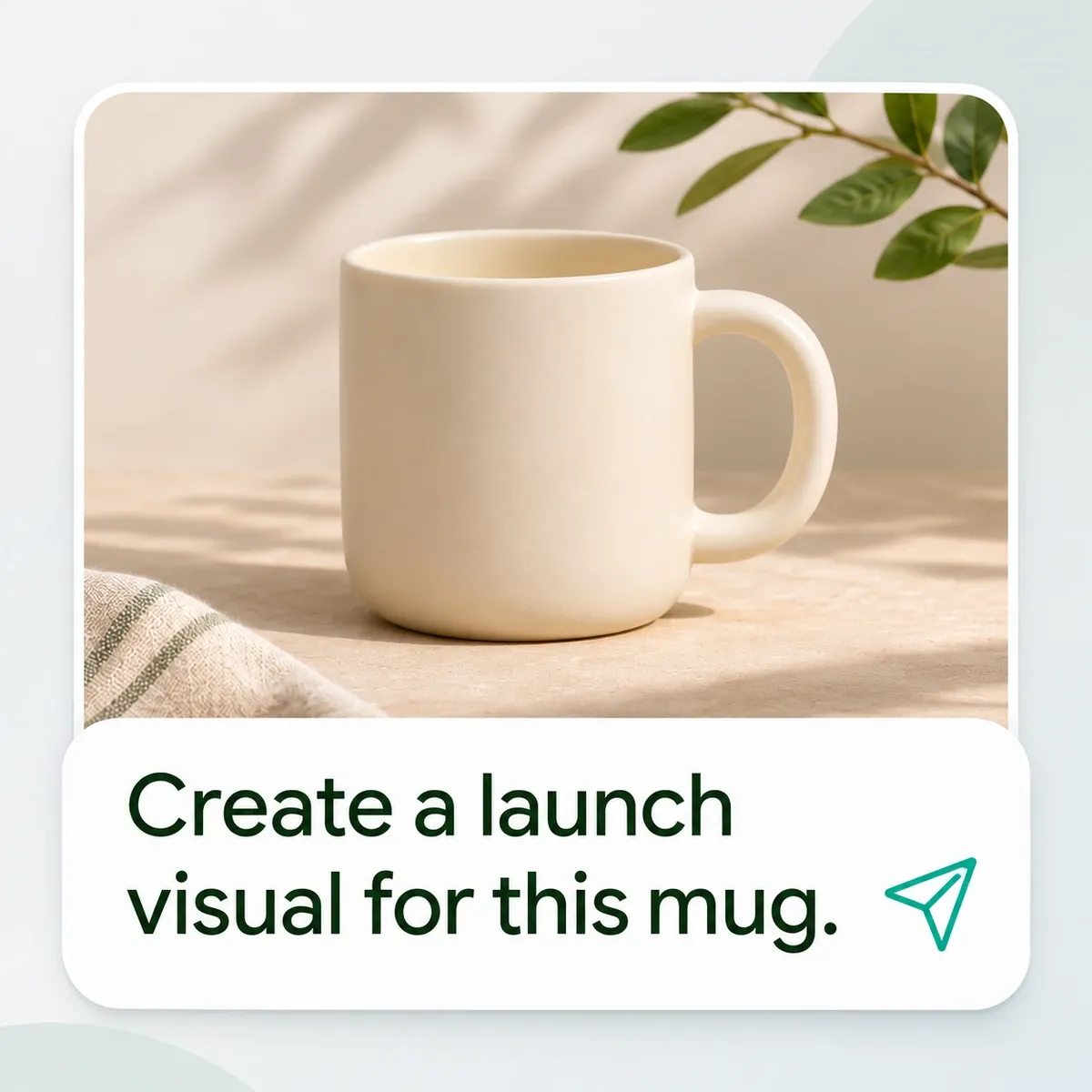
目標を伝えることから始めましょう。制作の進行に合わせて内容を確認できます。
作業内容、対象となる人、コンテンツの掲載先を説明します。参考になる商品写真や詳細情報、制作指示書も追加しましょう。
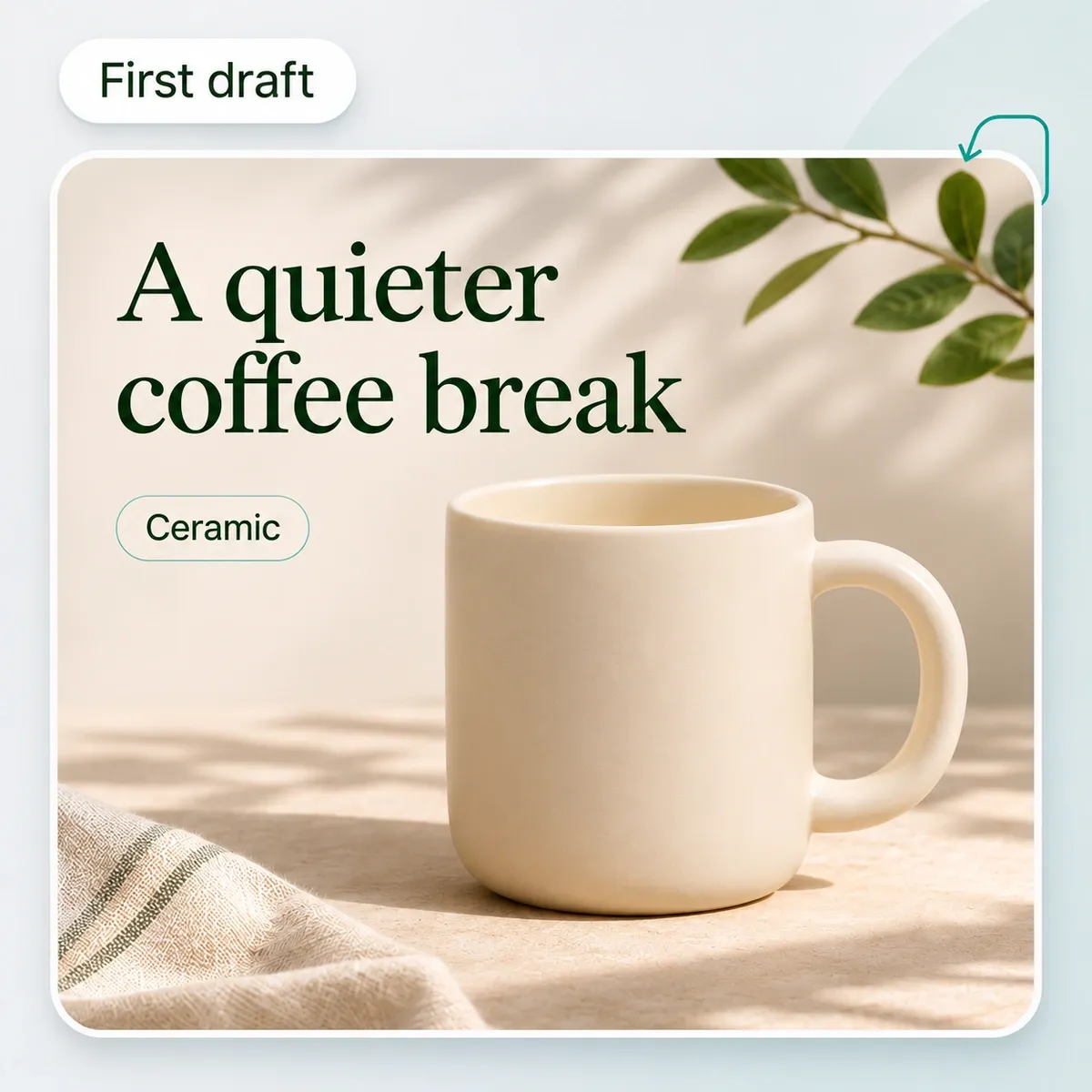
Agentに最初の案を作成してもらいます。商品の見せ方を確認し、どの方向に発展させるかを決めましょう。
変更を依頼し、最終結果を確認して、承認したコンテンツをエクスポートします。
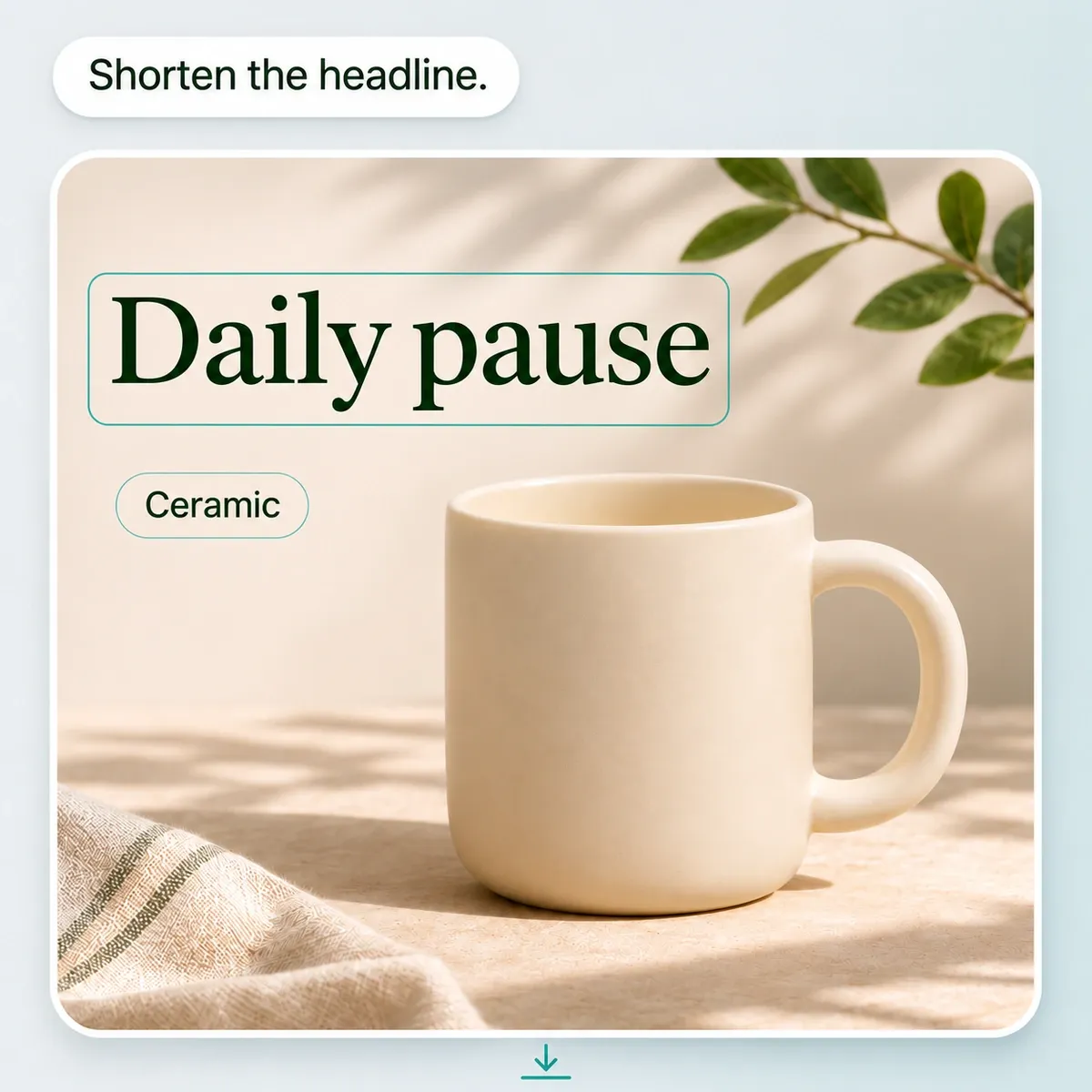
商品の紹介、メリットの説明、新しい見せ方の提案など、コンテンツ制作の一つひとつに明確な目的を持たせましょう。
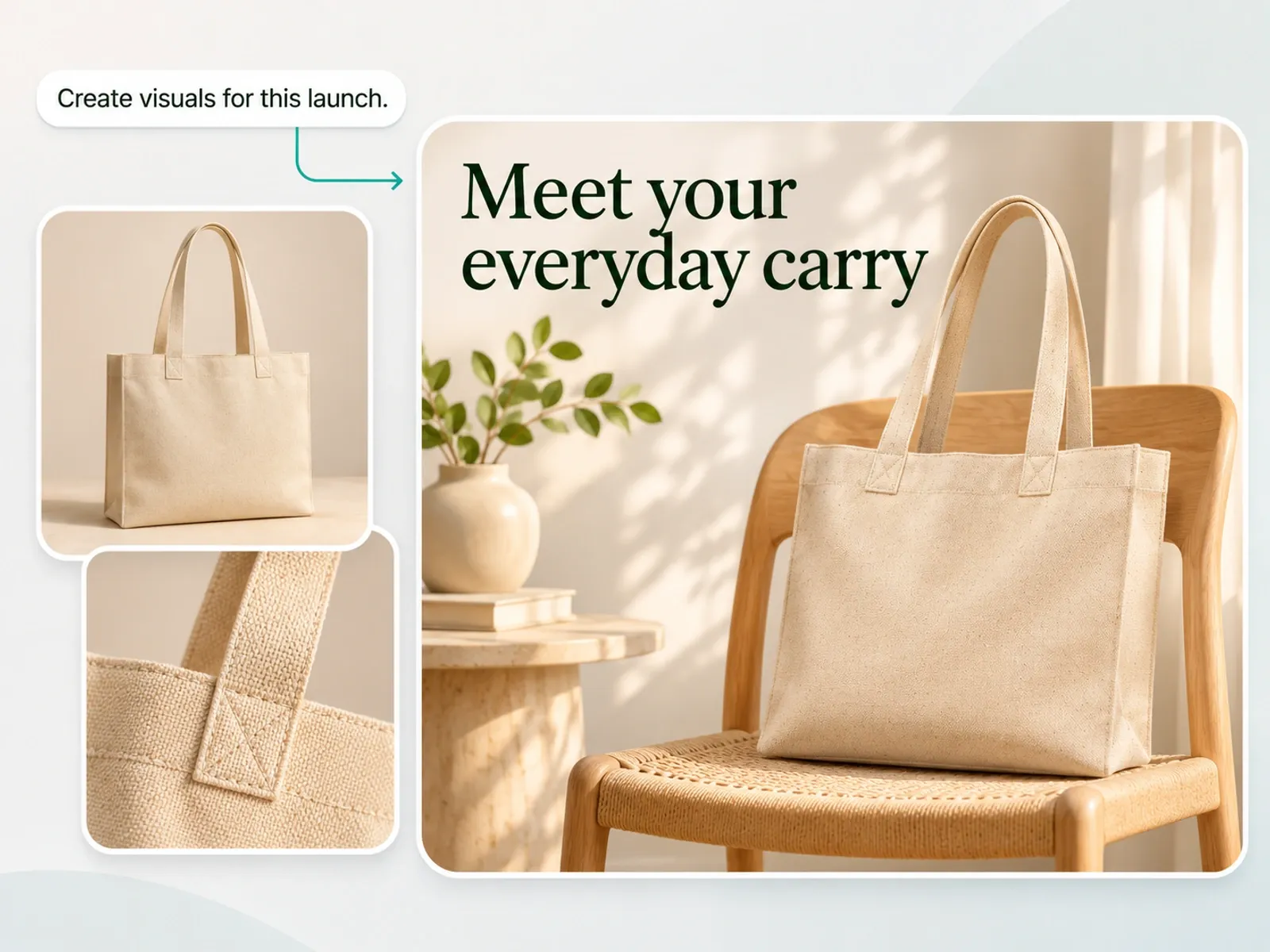
AI商品写真で商品に合うシーンを探り、主なメリットを軸に発売用のビジュアルや商品ページ用画像を制作します。思わず詳しく見たくなる商品の魅力を、買い物客にわかりやすく伝えましょう。
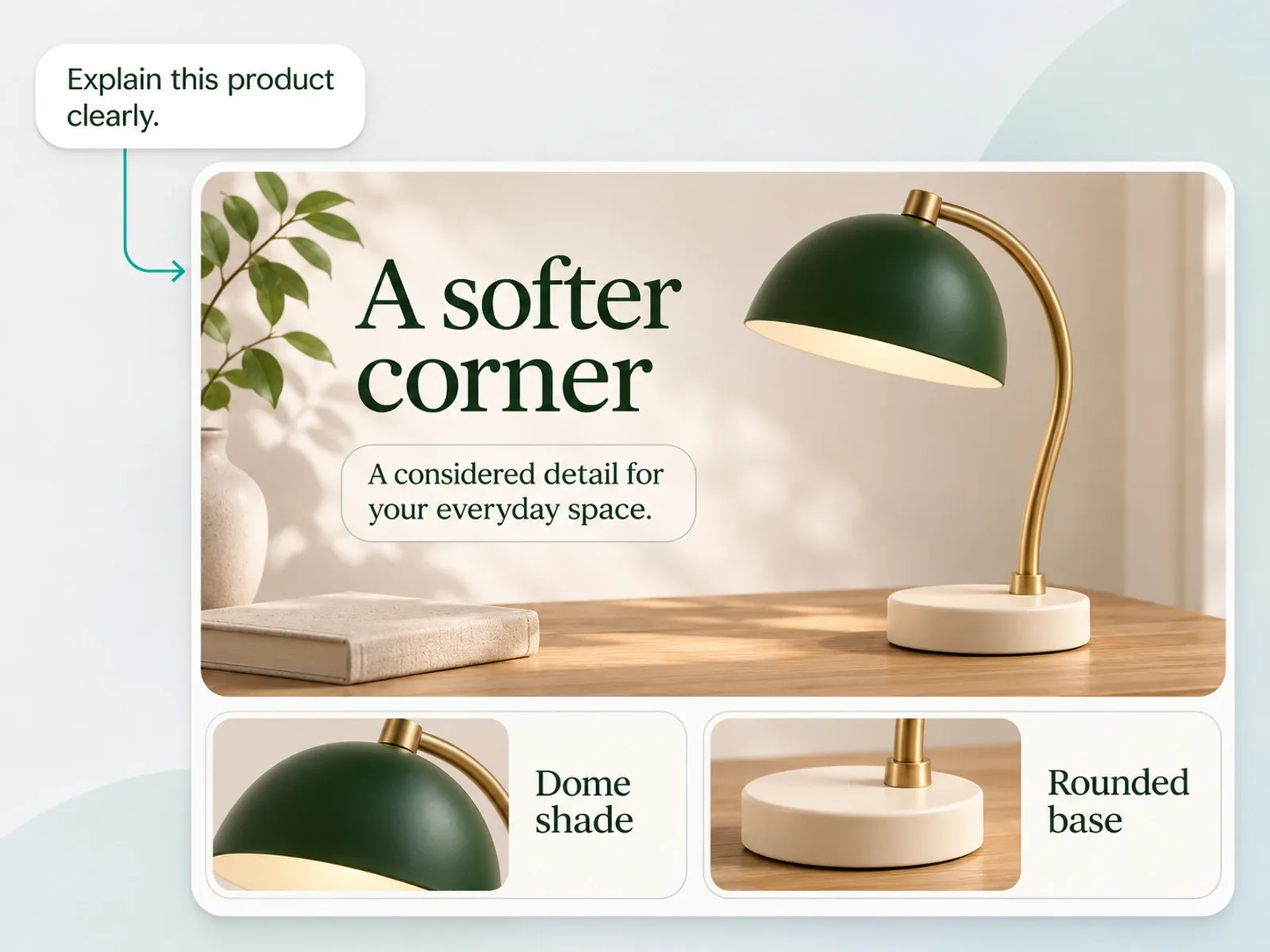
商品の特長や、ニーズに合う理由を買い物客にわかりやすく伝えます。提供された事実に基づき、商品ページで答えるべき疑問を軸に、商品説明、特長を伝えるビジュアル、Amazon A+コンテンツや詳細説明コンテンツを制作します。
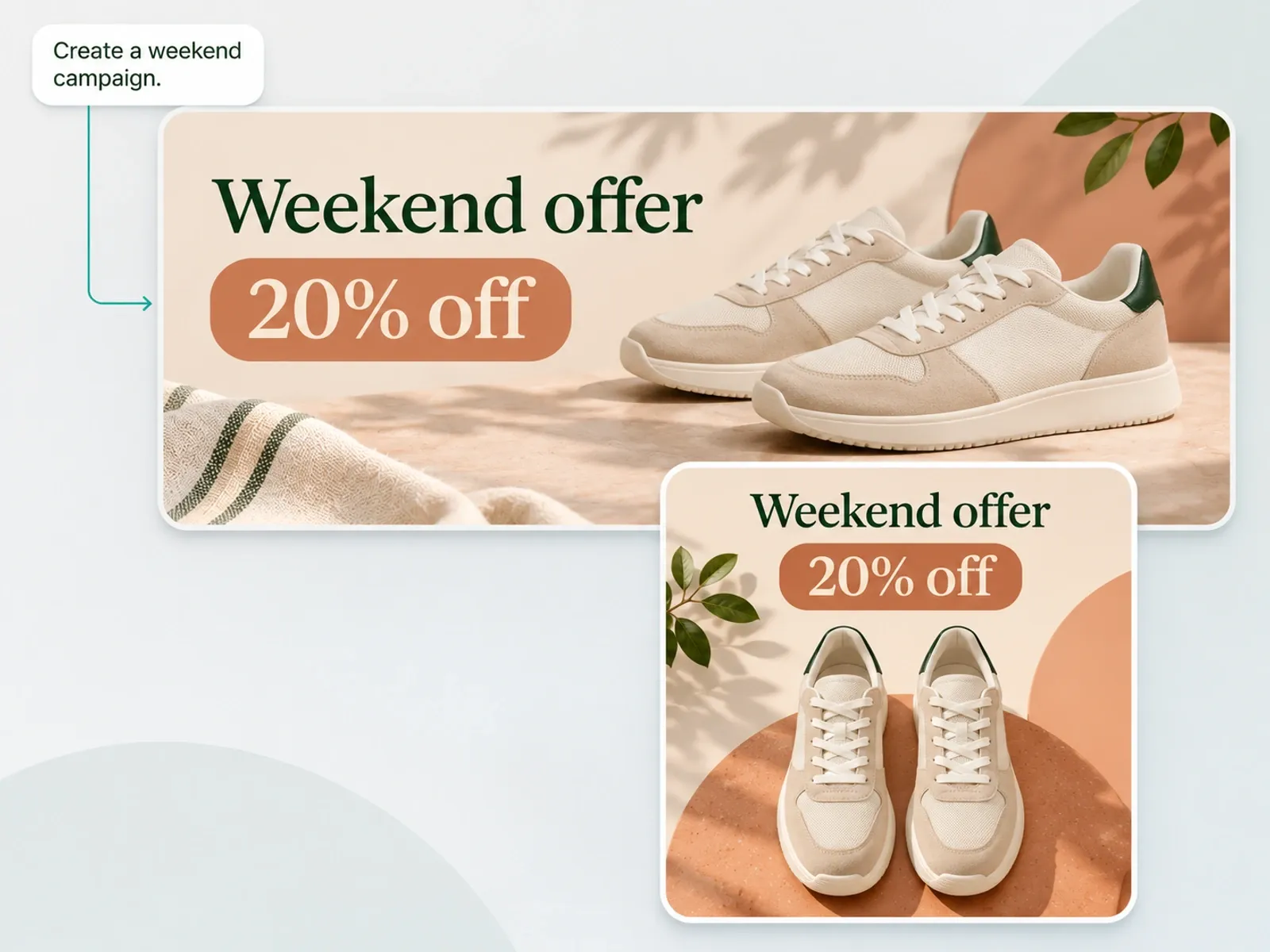
オファーの内容を、視覚的にわかりやすく伝えましょう。キャンペーンの詳細から広告クリエイティブや販促コピーを作成し、アイデアの進展に合わせて、強調するポイント、見出し、構図を調整します。
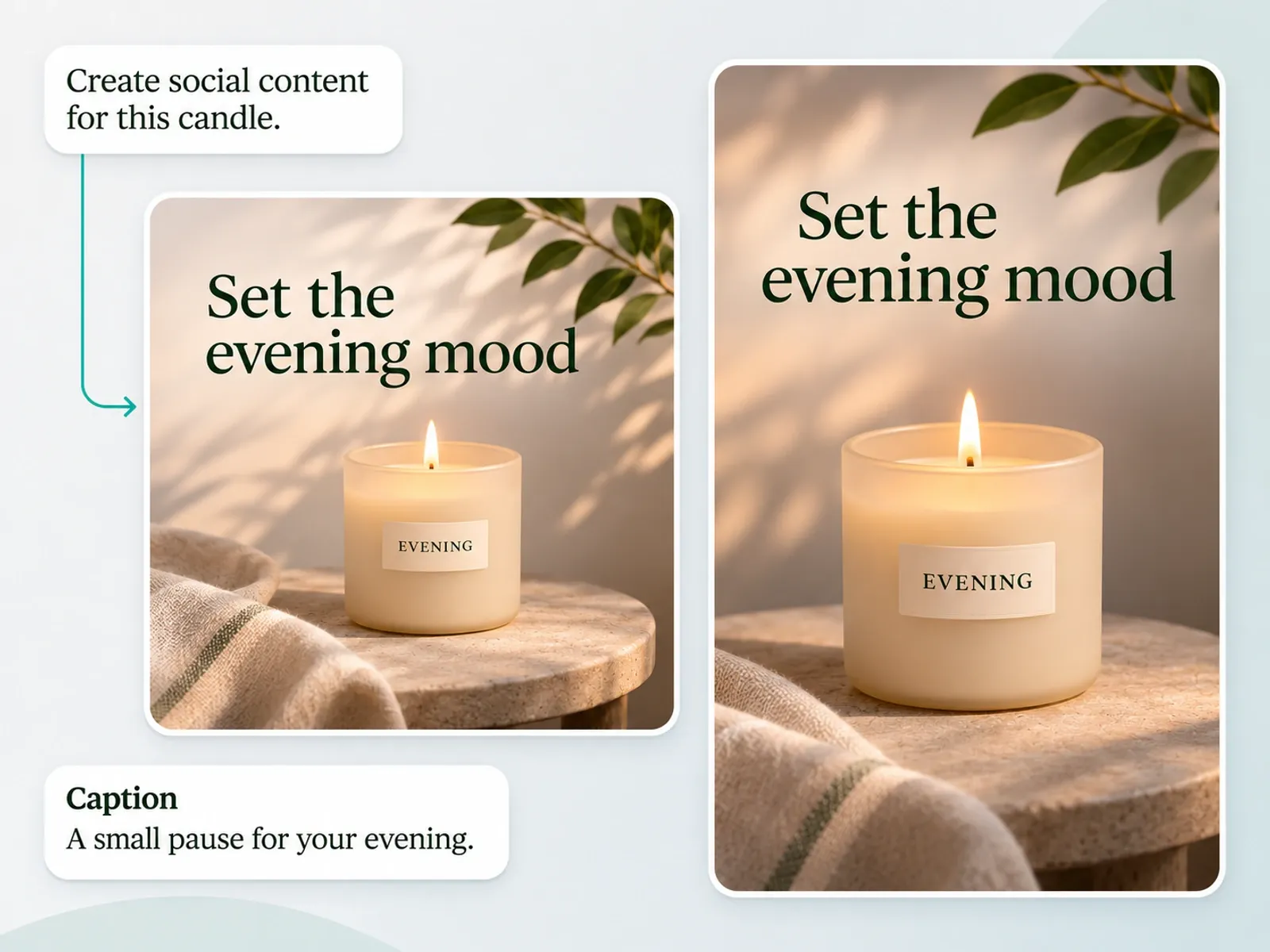
すでにある商品やアイデアをもとに、新鮮な投稿を作成しましょう。伝えたいストーリーに合わせて、SNS用画像、キャプション、商品動画の作成を依頼できます。
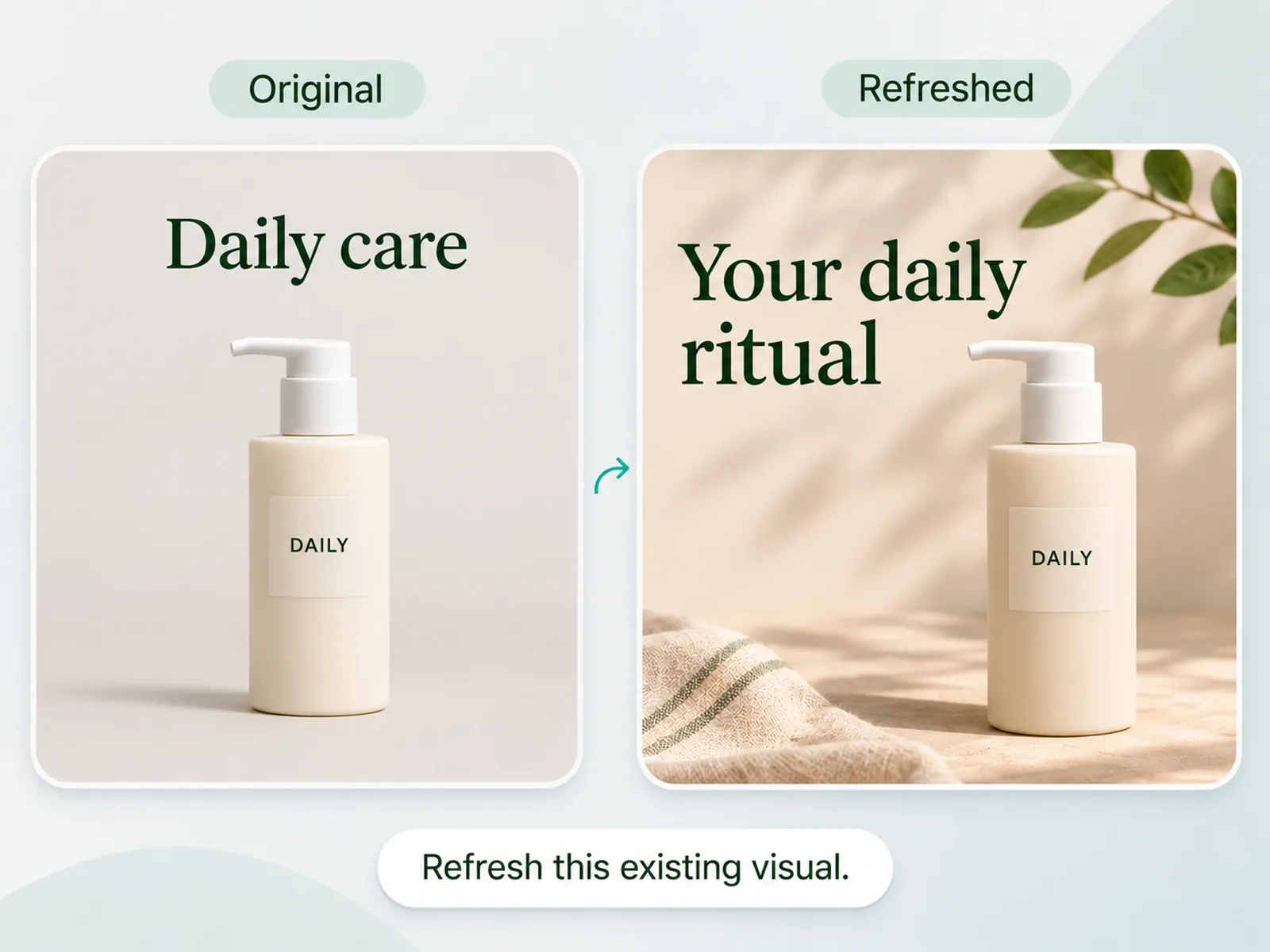
コンテンツの方向性を変えたいときは、活用できる写真やメッセージを土台にできます。今伝えたい商品の見せ方に合わせて、見出しやレイアウト、ビジュアルの表現を更新しましょう。
Agentに目標を伝え、制作の手順を任せましょう。
目標を伝えると、Agentがツールを選びます。
各手順を自分で計画し、実行します。
各ツールを自分で選び、実行します。
画像、編集可能なテキスト、レイアウトをまとめて依頼できます。
各要素を自分で作成します。
パーツを生成してから組み合わせます。
変更内容を伝えると、Agentがデザインを編集します。
各要素を手作業で調整します。
各ツールで編集または再生成します。
Agentにプロジェクト内の素材の再利用を依頼できます。
素材を自分で再利用し、配置します。
ツール間で素材を移します。
独自のSkillsを使って、Agentの作業の進め方を指定できます。
自分の制作手順に沿って手作業で進めます。
プロンプトを再利用し、各手順を実行します。
全 14 件中 1–1 件
商品の発売、ブランドの成長、大量のコンテンツ制作まで、Mockuplabsがすべての商品をよりすばやく魅力的に伝えるお手伝いをします。

Hannah Park
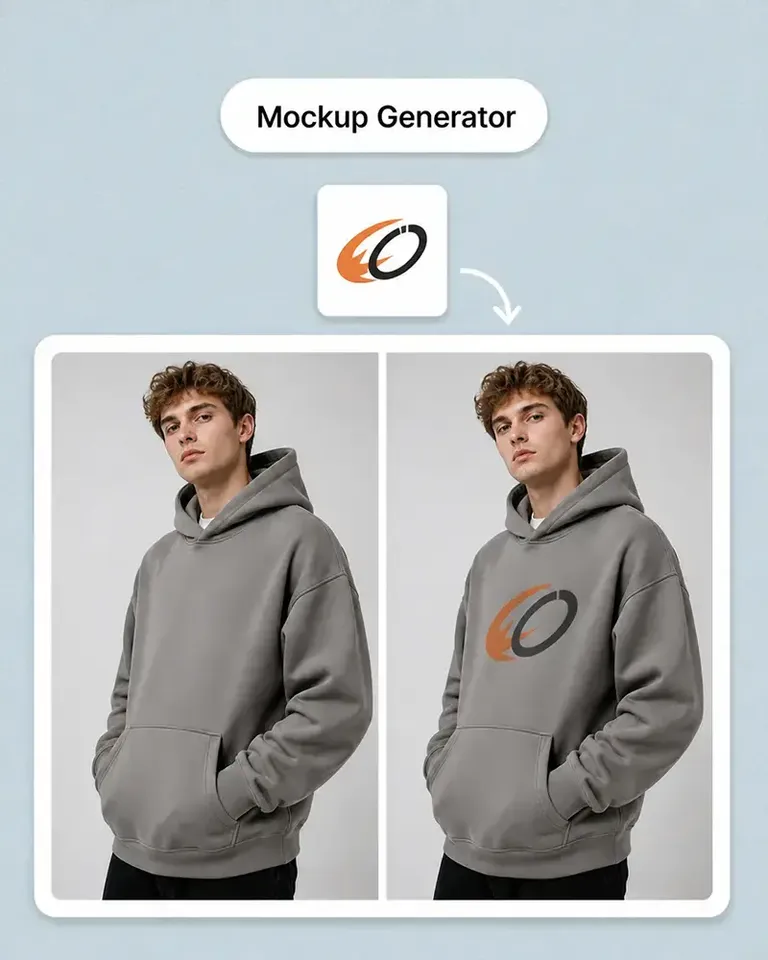
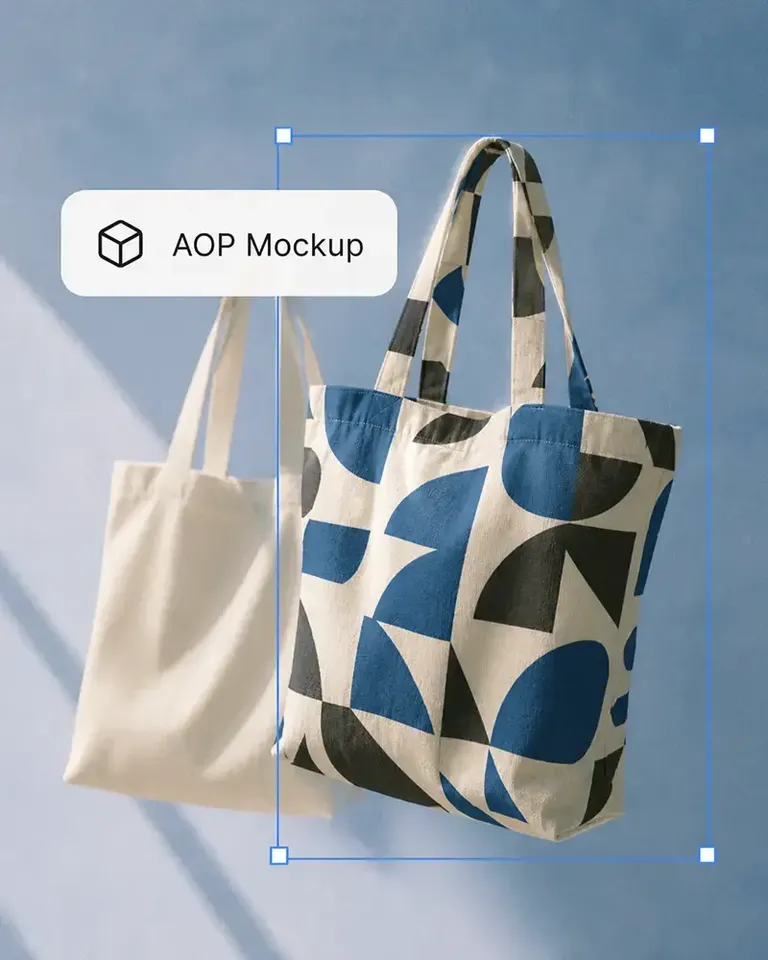
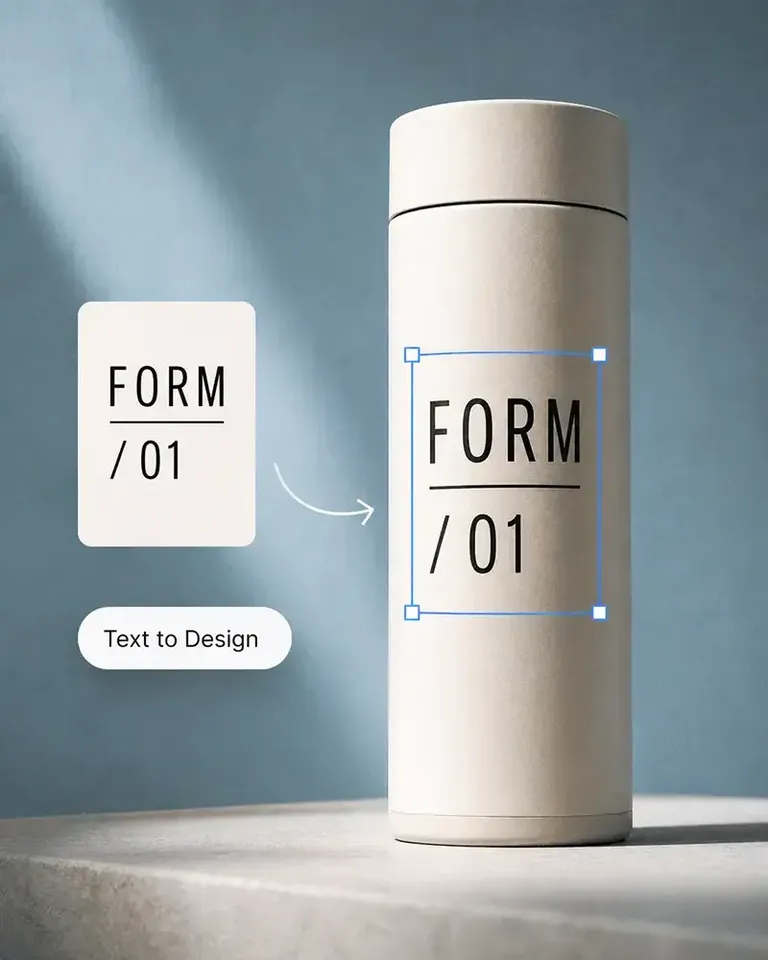
The design fitting is the standout feature in Mockuplabs for me. The artwork follows the curves and folds, and I can still adjust the size and position until it looks right.

Marc Vogel
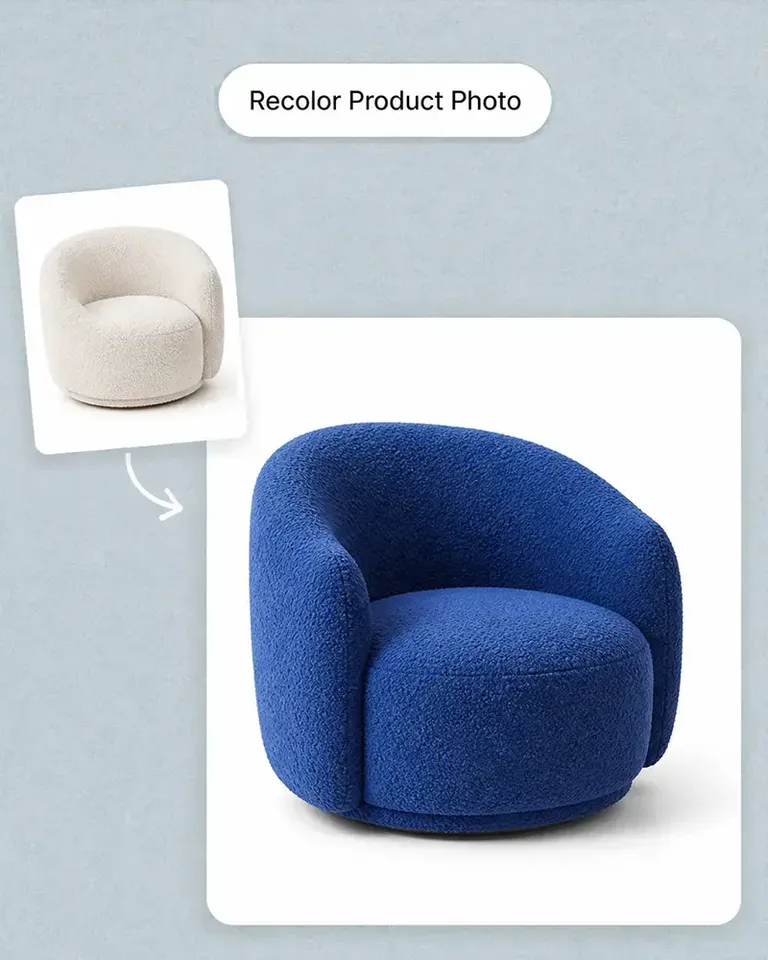
What I like about Mockuplabs' recolor tool is the control over separate color areas. I can change the part I mean to change and still see the fabric texture, shadows, and printed details.
Leo Martinez
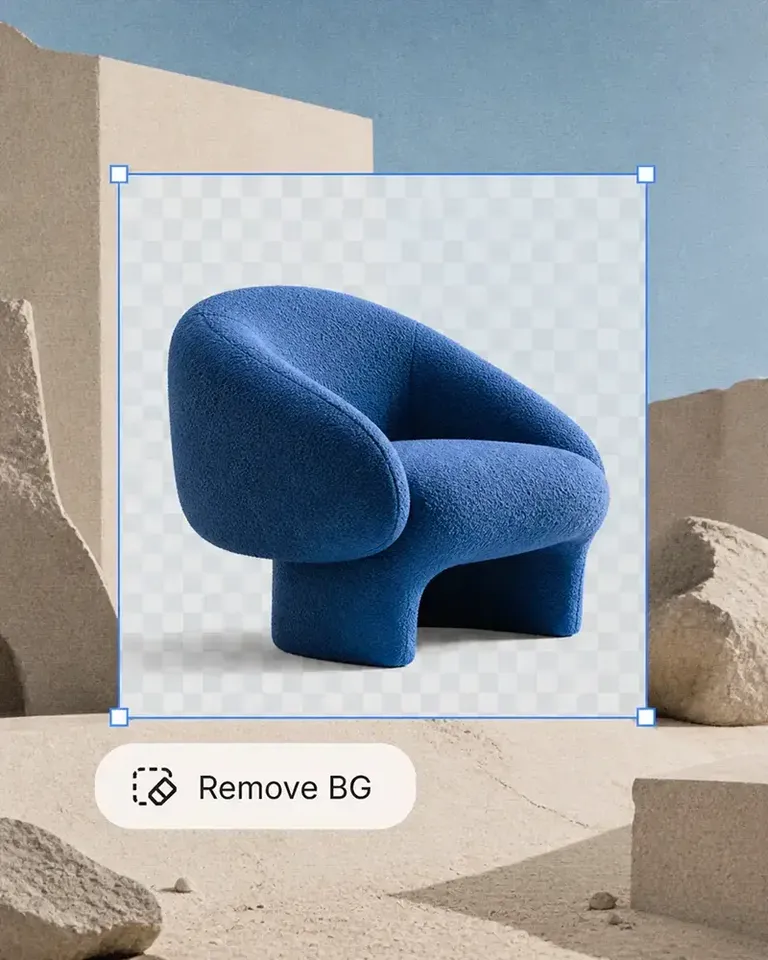
The background remover is useful on its own, but I like it more as part of Mockuplabs. A clean product image can become a mockup or another visual without another round of file juggling.
Chloe Martin
Turning my own product photo into a mockup is the Mockuplabs feature I value most. I'm not limited to a template that only vaguely resembles what I'm selling.

Adam Campbell
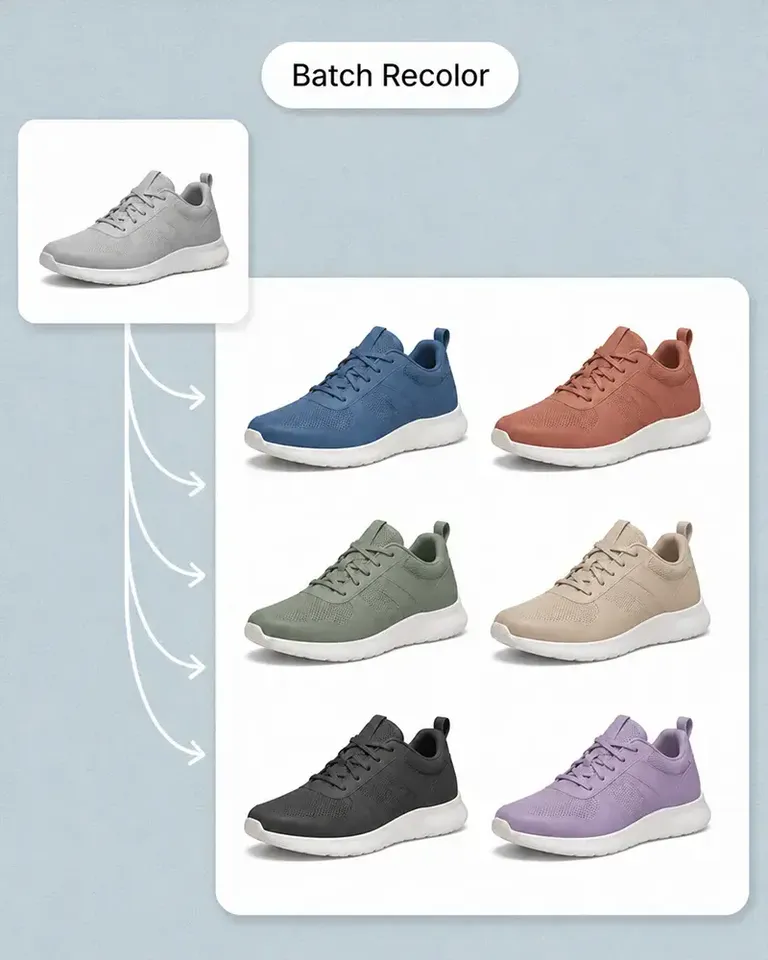
For our catalog work, Mockuplabs' batch recolor is more useful than changing one photo at a time. I like seeing a color live before adding it to the batch, especially when a darker shade makes the print harder to read.
rorymadeit
The live recolor preview in Mockuplabs makes comparing shades feel much more direct. The folds and highlights are still visible, so I'm judging the color on a product rather than on a flat swatch.
Grace Evans
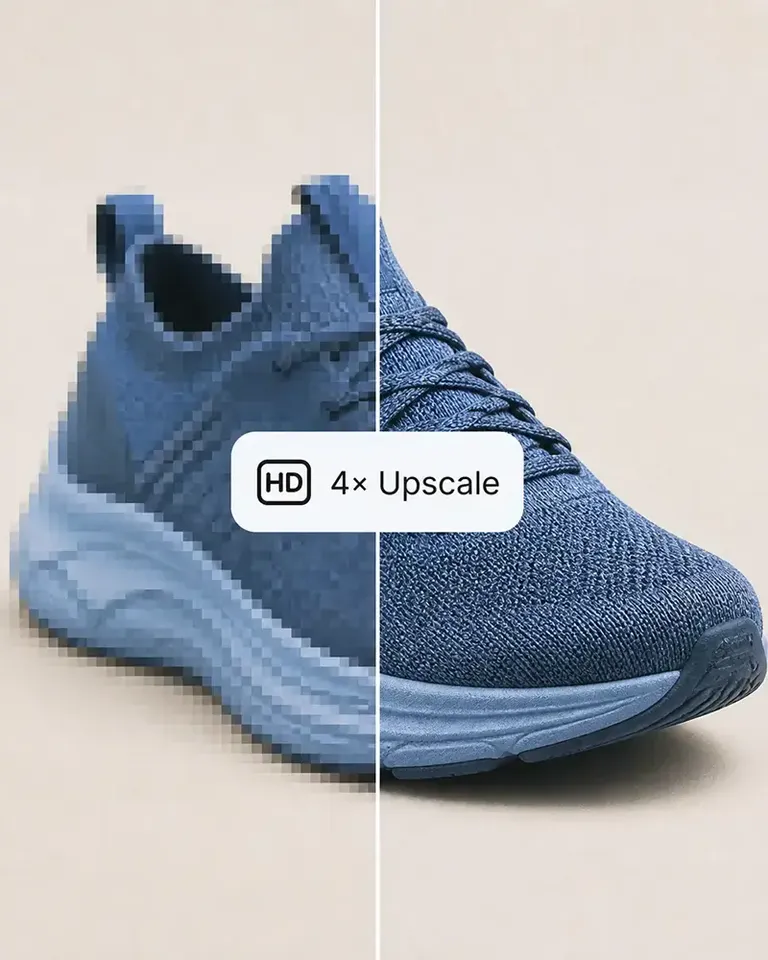
The upscaler made a small product photo more usable for a larger layout. It isn't a replacement for a good source image, but I'm glad I didn't have to discard the photo.

Yuki Tanaka
Mockuplabs gets the artwork close to where I want it, and the position and size controls let me finish the job. That last bit of adjustment matters when the design needs to sit neatly on the product.

Niko Petrov
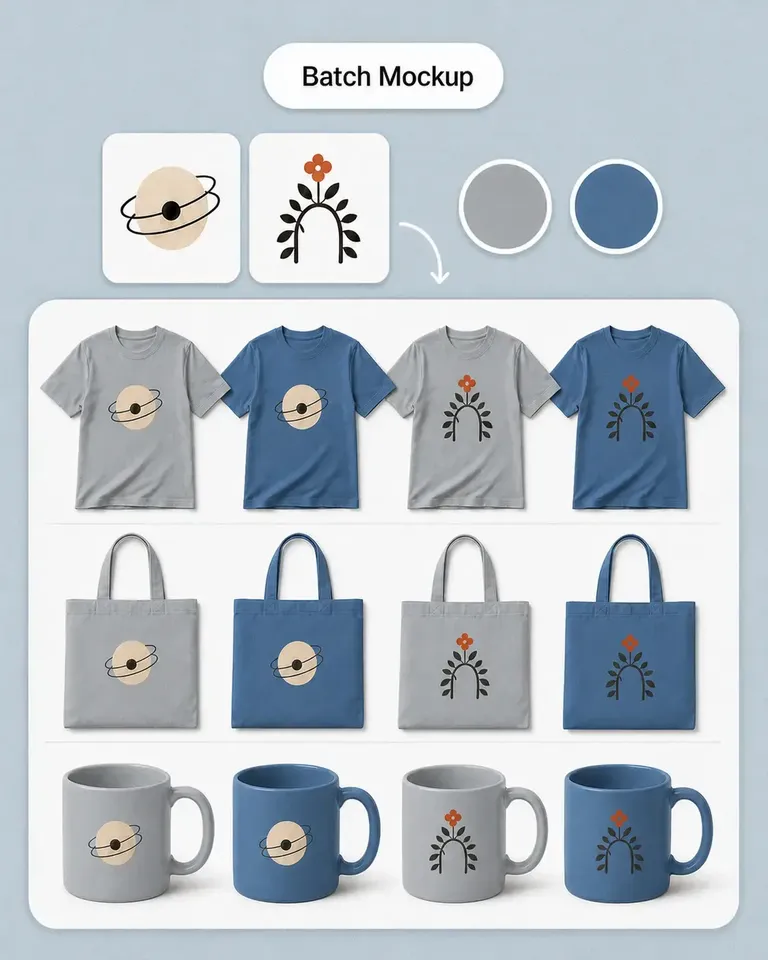
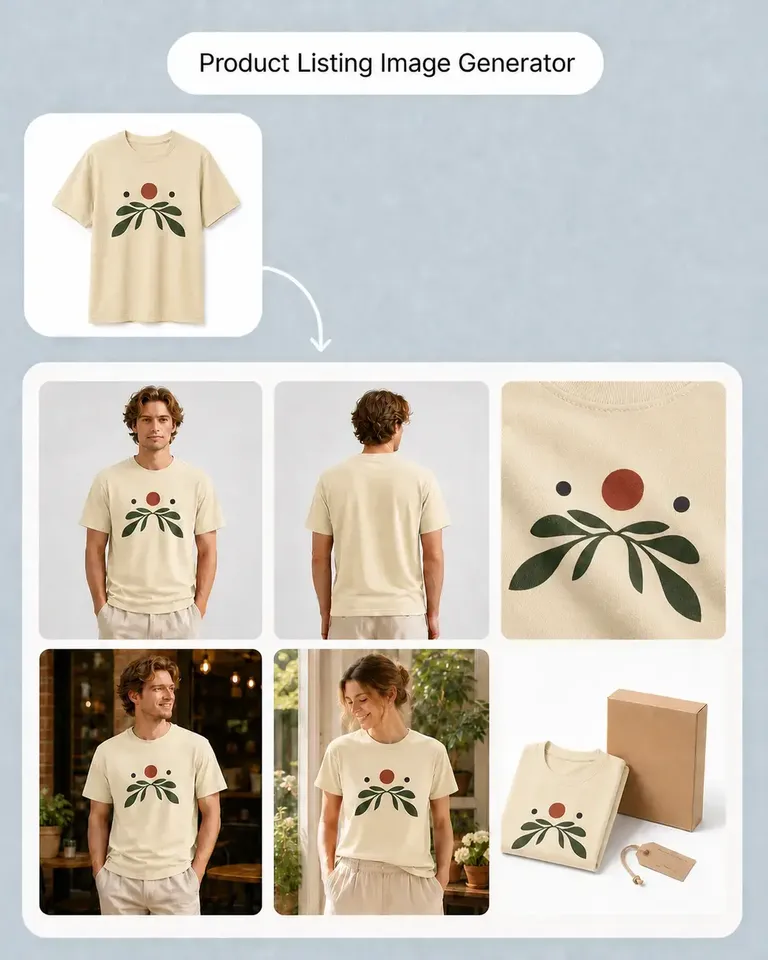
I make POD listings with several designs and product views. Mockuplabs' batch mockups let me reuse the placements I've already checked, which is the part I most wanted to stop repeating.
Isabel Moreno
The cutout looked clean enough for my product layout. The handle details were still there, which was the part I was concerned about.

Tom Sullivan
For a catalog with several photos per item, batch recolor is the useful part. I still check the logos and color boundaries in the results, but having the whole photo set together makes the review easier.

lena.draws
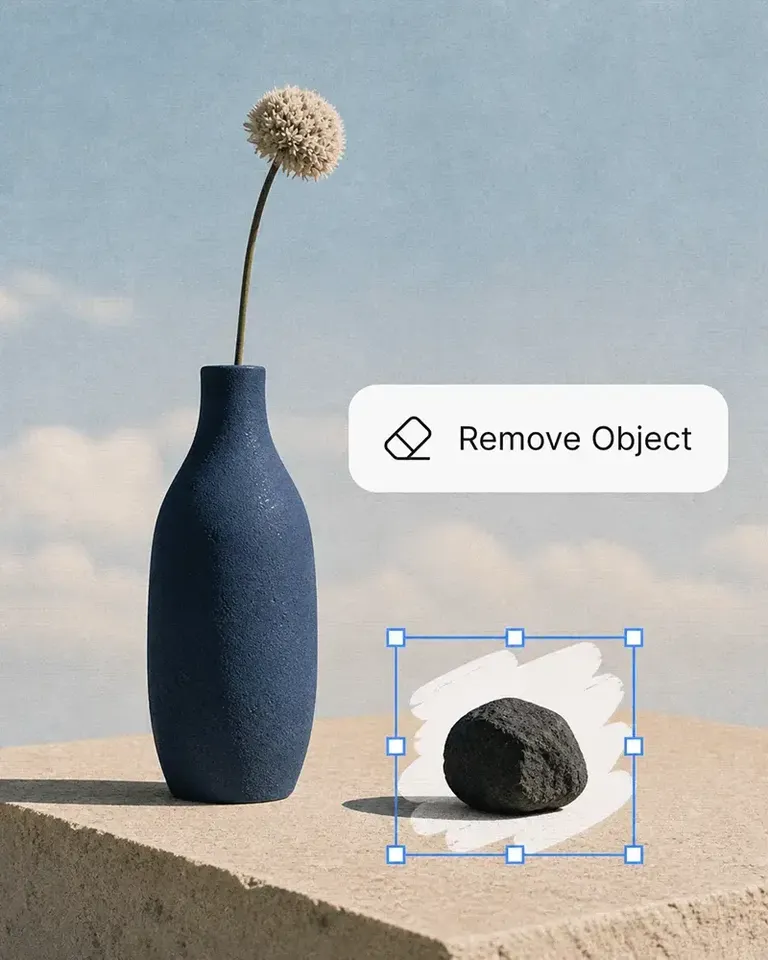
I came to Mockuplabs for mockups, but the background removal and image tools have been just as useful. It feels like a practical product-image editor rather than a single-purpose generator.