商品と色領域を自動で検出
商品写真をアップロードすると、Mockuplabs が商品を識別し、編集できる色領域を自動で分けます。
単色のシンプルな商品だけでなく、複数色の商品やプリント・柄のある商品にも対応します。各領域を手動でマスクする必要はありません。
編集前に商品を切り分ける時間をかけず、実際に変更が必要な領域から作業を始められます。
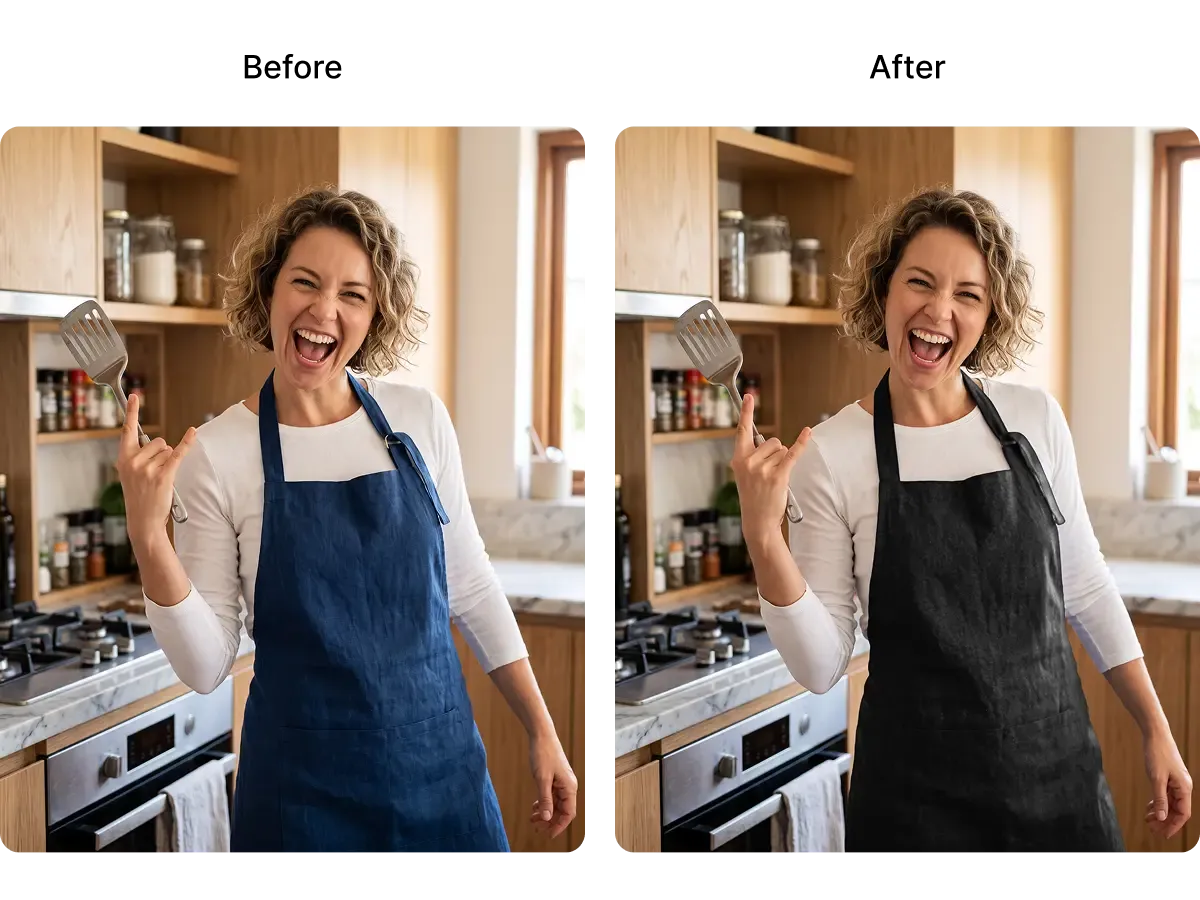
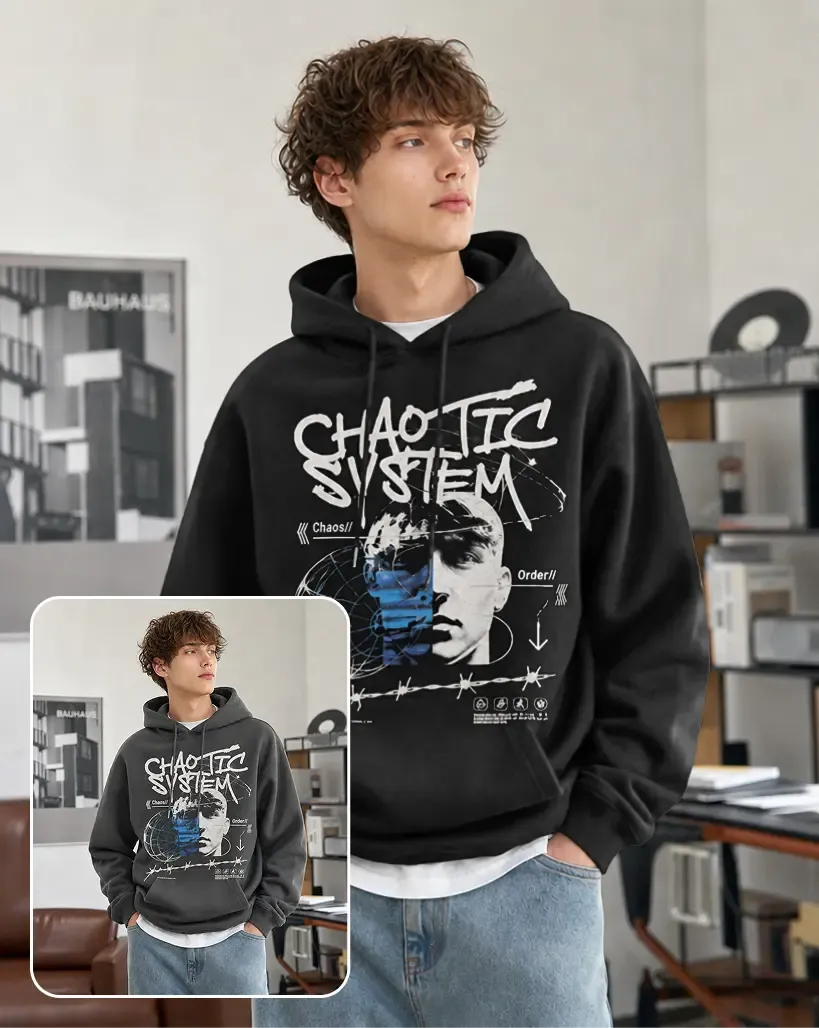
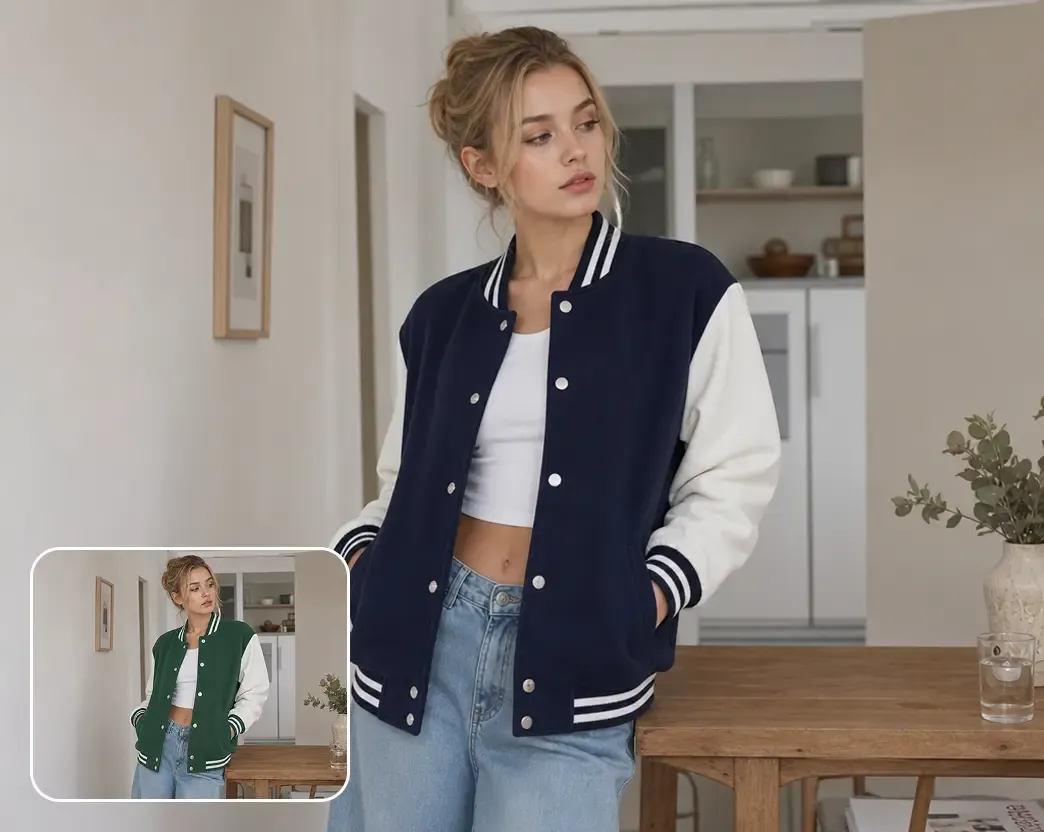
商品の色領域を自動検出し、既存写真で直接変更。商品をリアルに見せる質感、光、グラフィック、細部を保ちます。
シンプルな商品も複雑な商品も、既存写真で直接色変更できます。商品や画像の他の部分はそのまま保ちます。
商品写真をアップロードすると、Mockuplabs が商品を識別し、編集できる色領域を自動で分けます。
単色のシンプルな商品だけでなく、複数色の商品やプリント・柄のある商品にも対応します。各領域を手動でマスクする必要はありません。
編集前に商品を切り分ける時間をかけず、実際に変更が必要な領域から作業を始められます。
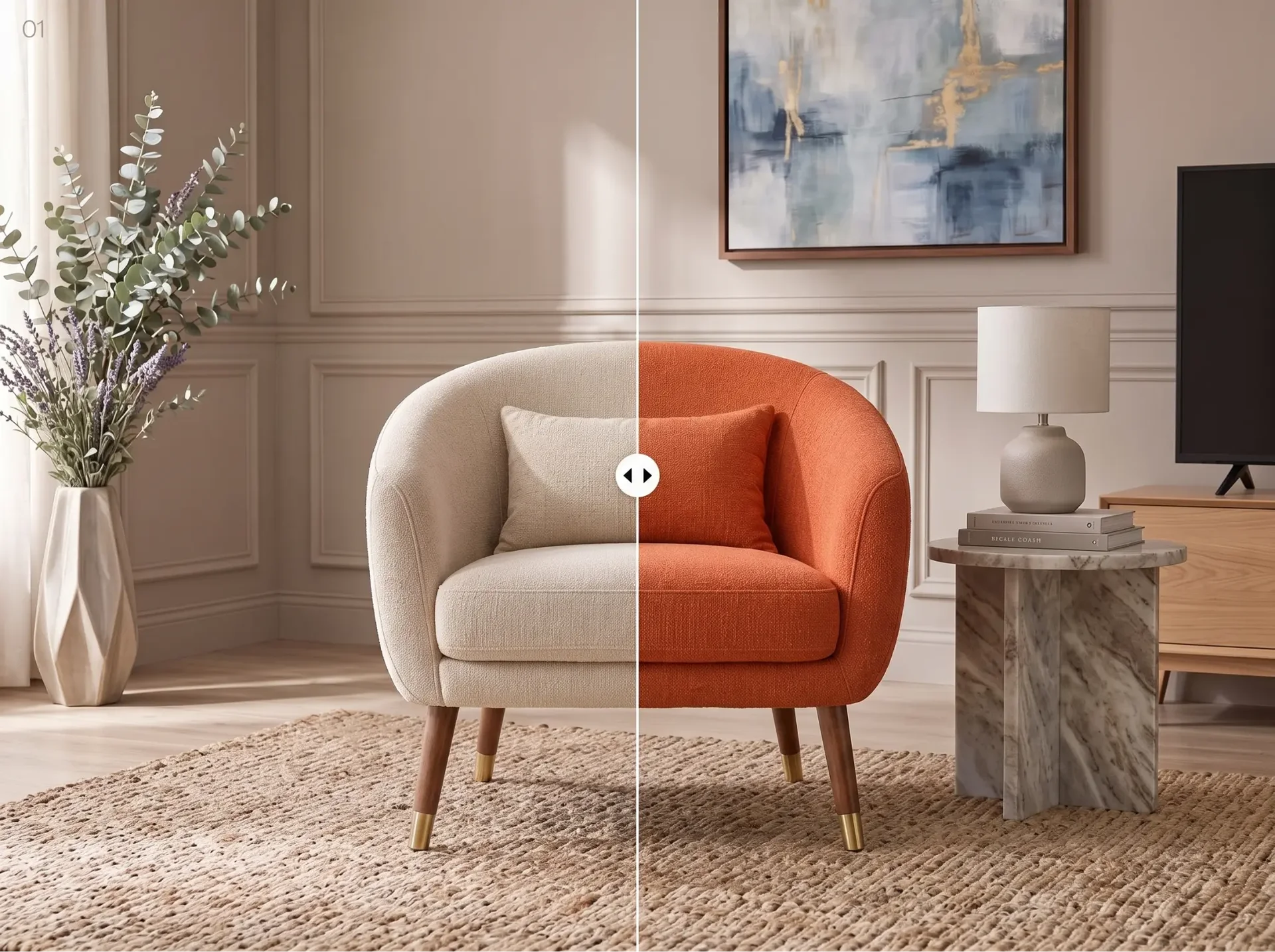
商品の各領域を調整し、元の写真上で新しい色を直接確認できます。
Mockuplabs は、変える必要のない質感、素材の細部、縫い目、しわ、影、ハイライト、ロゴ、グラフィック、柄を保ちます。
意図した色だけを変更するため、元写真を別の商品に変えてしまうことなく、新しい方向性を検討できます。
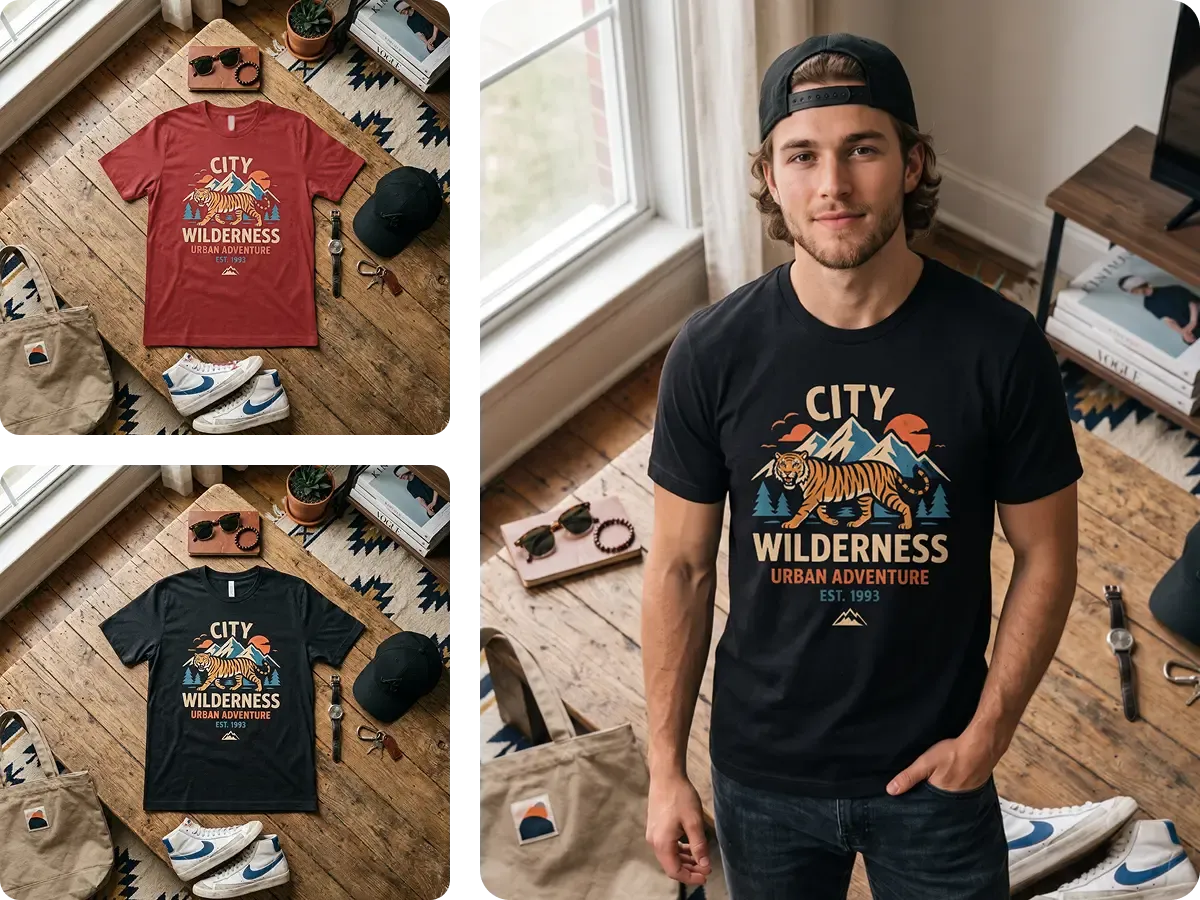
新しい色が整ったら、書き出して別のワークフローを最初から始める必要はありません。
色変更後の商品は同じ Mockuplabs キャンバスに残ります。他のツールを使って商品 Mockup 生成ツール、商品ページ用画像生成ツール、AI 商品画像生成ツール、販促コンテンツ、AI 画像から動画を生成へ展開できます。
承認済みの新しいバリエーションを次の作業の出発点にでき、ファイルをダウンロード、アップロード、再準備する手間を省けます。
領域の自動検出で準備を減らしながら、商品各部の色を自分で調整できます。
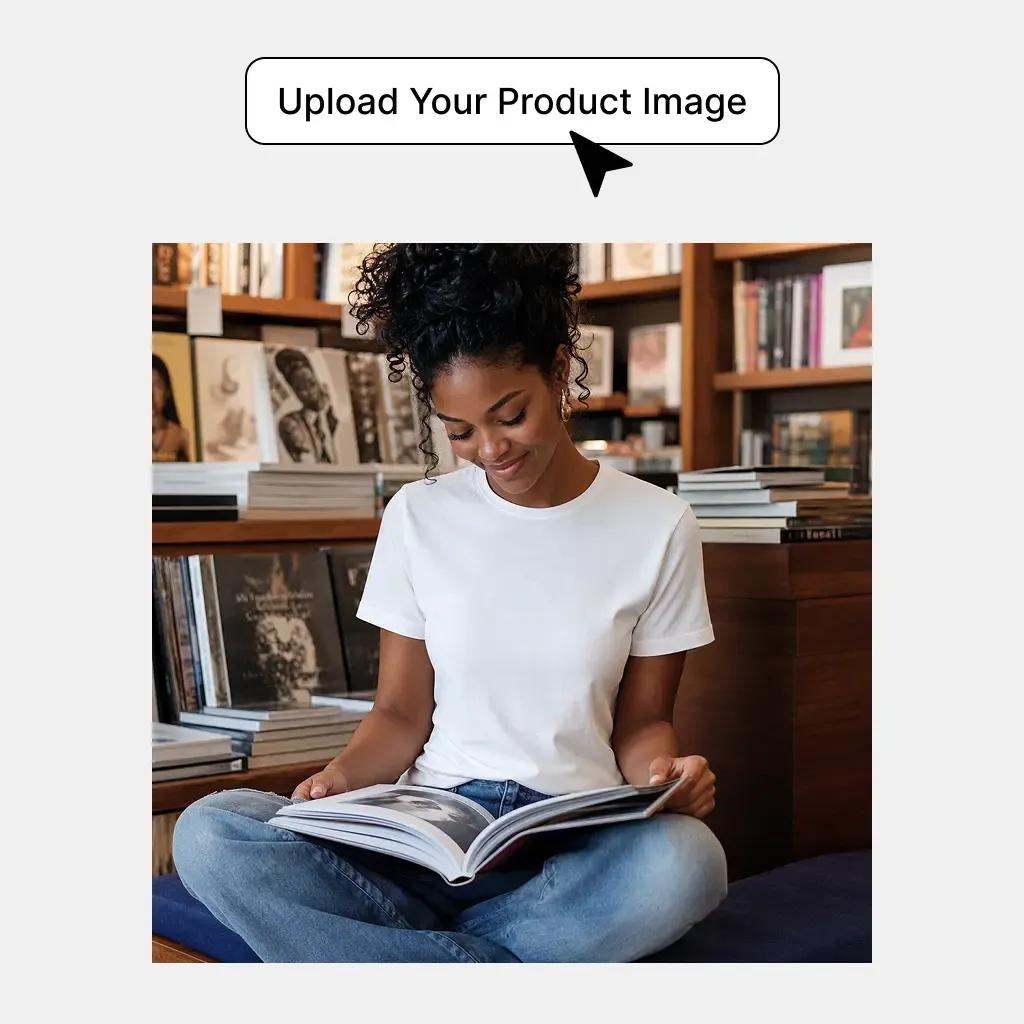
色を変更したい商品写真を追加します。Mockuplabs が商品と編集可能な色の領域を自動で検出します。
新しい色を選び、結果をリアルタイムでプレビューします。検出された領域を切り替えて、別の部分の色も変更できます。
色を変更した商品画像を使うか、同じキャンバスで他の EC 用素材の制作を続けます。
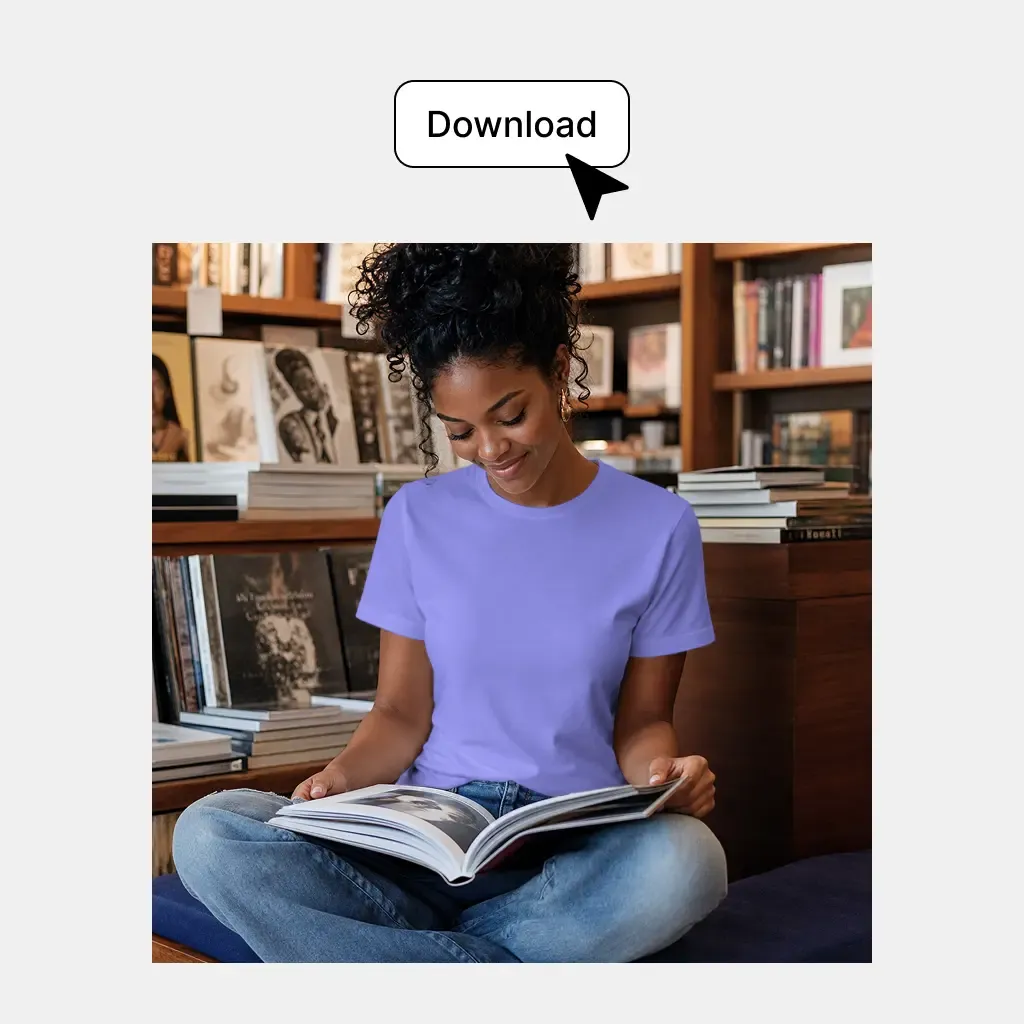
写真をそのまま保ち、商品だけを変更したい場面で、精密な商品色変更を活用できます。
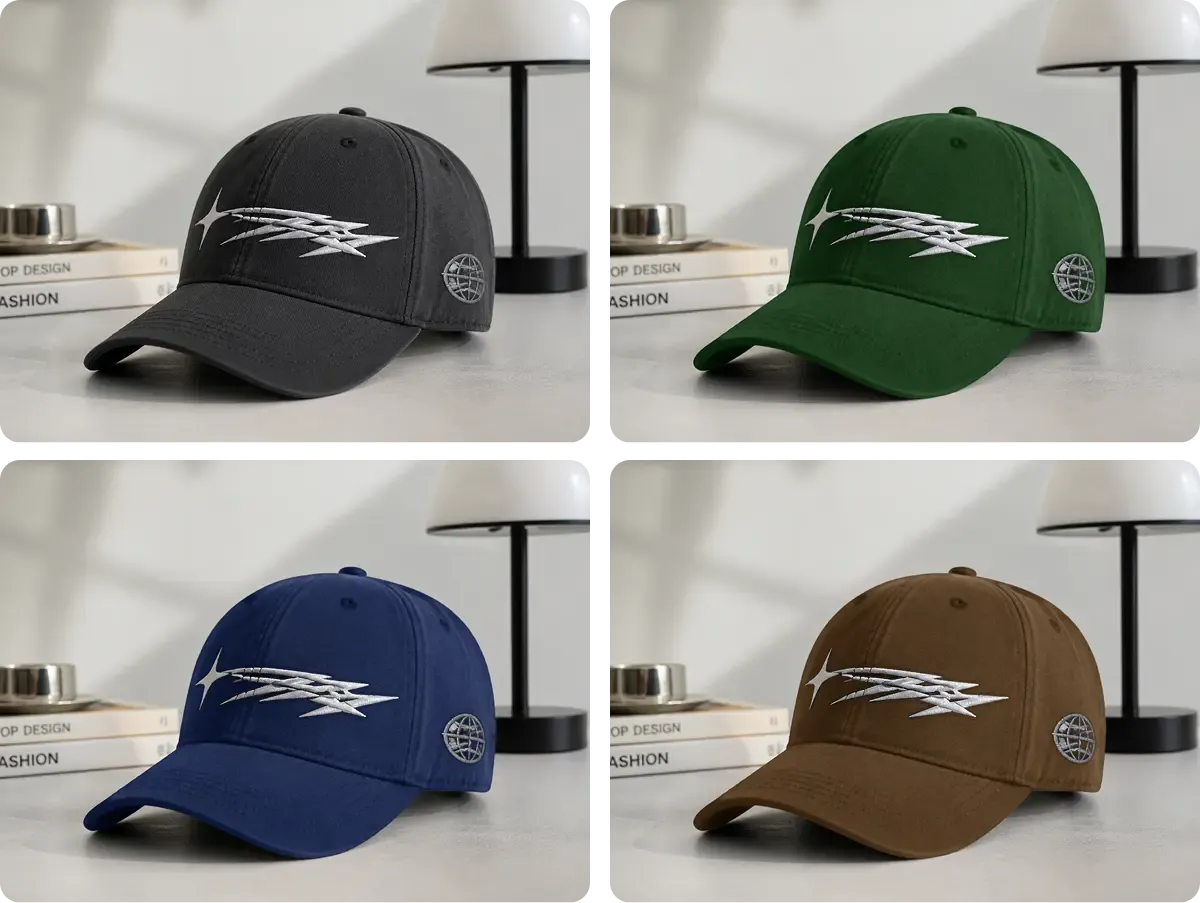
実物の形は同じで色だけを追加する場合、既存の商品写真を新しいビジュアルの出発点にできます。同じポーズ、光、背景、スタイリング、構図を再撮影する代わりに、該当する商品領域だけを変更して他を保ちます。
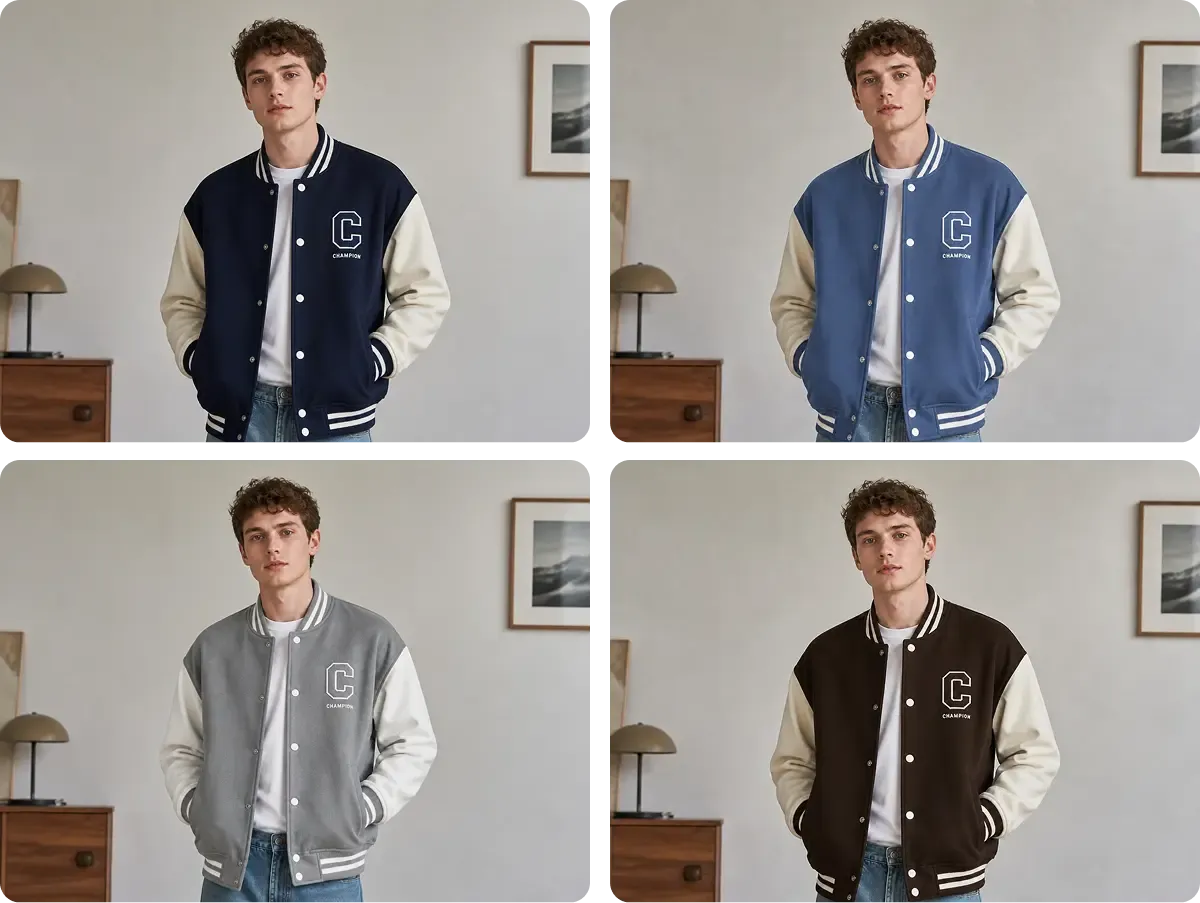
商品が一つの色領域でできているとは限りません。ジャケットの身頃と袖、スニーカーの複数パネル、バッグの本体素材・ストラップ・縁・プリントなどがあります。自動検出で関連領域を個別に扱い、他の色やグラフィック、細部を保てます。
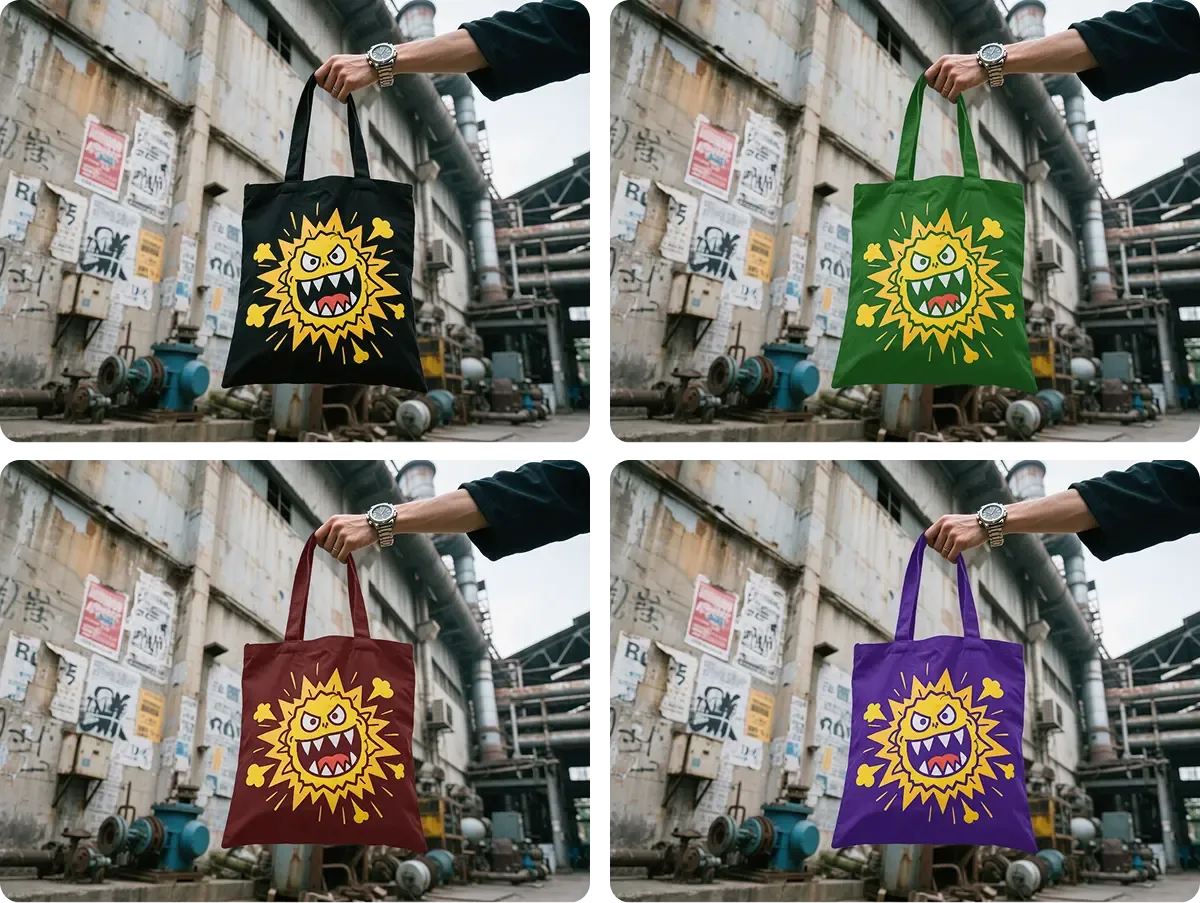
地色が変わっても、プリント、刺しゅう、ロゴ、グラフィック、縫い目、質感のある素材は変わるべきではありません。商品写真の色変更 は対象領域を更新しながらこれらを保ち、単純な平面色置換ではなく、実際の EC 写真に対応します。
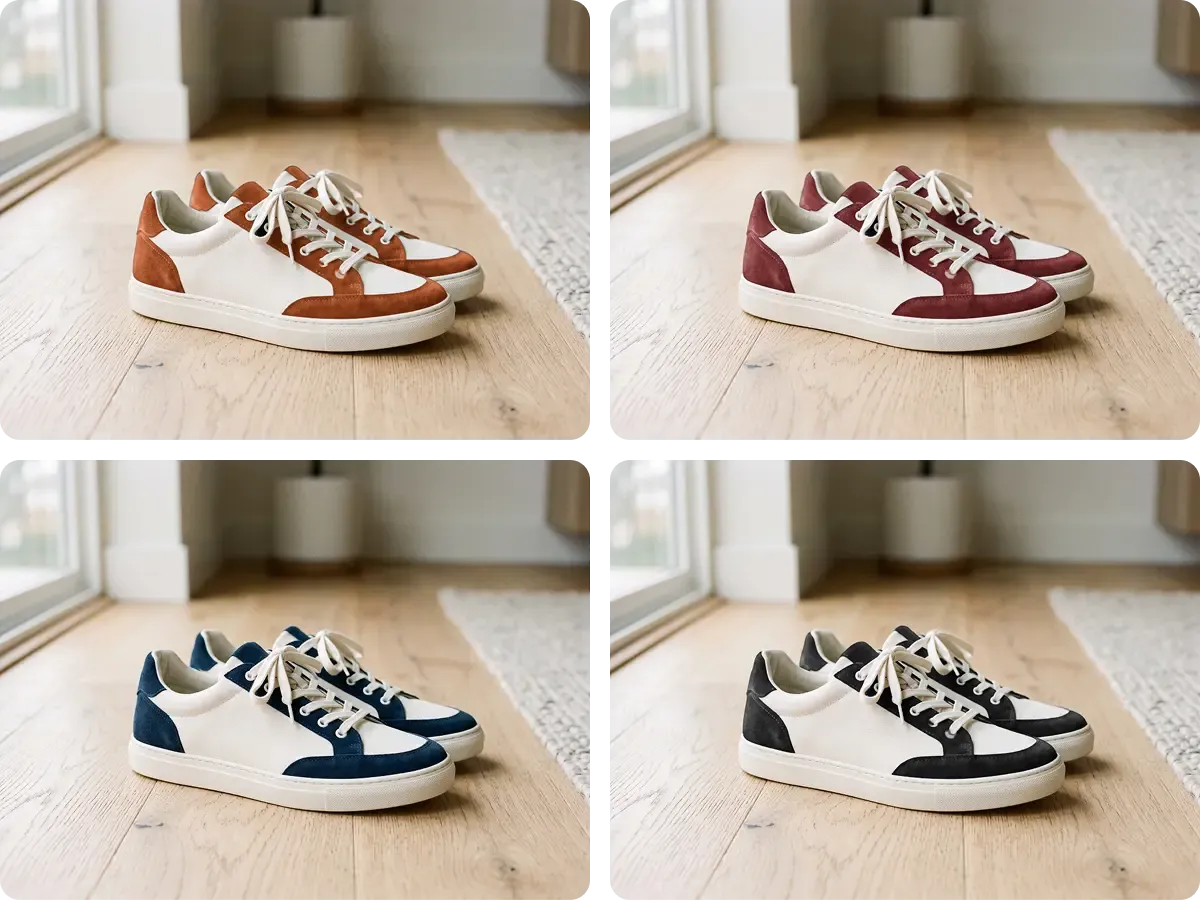
商品チームや商品企画チームは、進める案を決める前に複数の配色を評価したい場合があります。同じ元画像なら形、光、ポーズ、見せ方がそろい、視覚的な比較が明確になります。
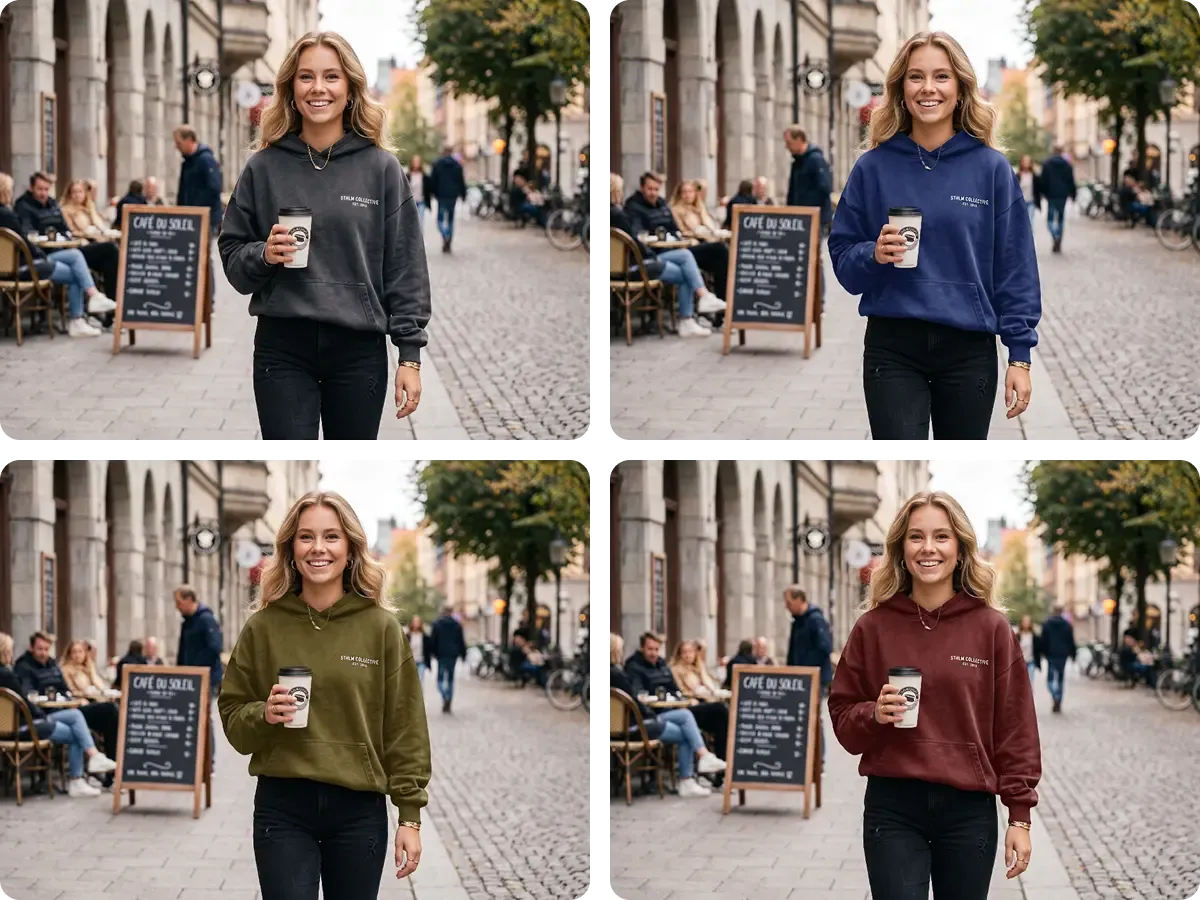
写真そのものは使えても、商品色が意図した SKU、キャンペーン、サンプル、見せ方と合わない場合があります。画像全体を作り直さず、承認済みの背景、画角、モデル、構図を残して商品色を変更できます。
編集可能な領域を自動検出し、商品色を調整しながら元画像のリアルな細部を保ちます。
商品を自動で検出
通常は手動選択やマスクが必要
プロンプトから商品を解釈
商品の異なる編集可能色領域を自動検出
別の領域には通常、追加マスクが必要
領域の境界が不統一になる場合がある
単色、複数色、プリント、柄のある商品に対応
対応できるが作業時間が増える
編集時に細部が変わる場合がある
選択した商品領域を直接変更し、リアルタイムで確認
手動編集で正確に調整
指定色が AI の解釈に左右される場合がある
見える質感、しわ、影、ハイライトを保持
手作業で慎重に保持する必要がある
質感や光が再生成される場合がある
ロゴ、プリント、グラフィック、柄を保持
慎重なマスクや保護が必要
グラフィックが変わる場合がある
元の背景、画角、構図を保持
編集の精度に依存
画像の他の領域が変わる場合がある
同じキャンバスで色変更後の商品を直接使用
通常は別ツールに書き出す
別の生成を始めることが多い
速く調整しやすい EC 商品の色変更
精密な手動レタッチ
クリエイティブな画像変換
全 14 件中 1–1 件
商品の発売、ブランドの成長、大量のコンテンツ制作まで、Mockuplabsがすべての商品をよりすばやく魅力的に伝えるお手伝いをします。

Hannah Park
The design fitting is the standout feature in Mockuplabs for me. The artwork follows the curves and folds, and I can still adjust the size and position until it looks right.

Marc Vogel
What I like about Mockuplabs' recolor tool is the control over separate color areas. I can change the part I mean to change and still see the fabric texture, shadows, and printed details.
Leo Martinez
The background remover is useful on its own, but I like it more as part of Mockuplabs. A clean product image can become a mockup or another visual without another round of file juggling.
Chloe Martin
Turning my own product photo into a mockup is the Mockuplabs feature I value most. I'm not limited to a template that only vaguely resembles what I'm selling.

Adam Campbell
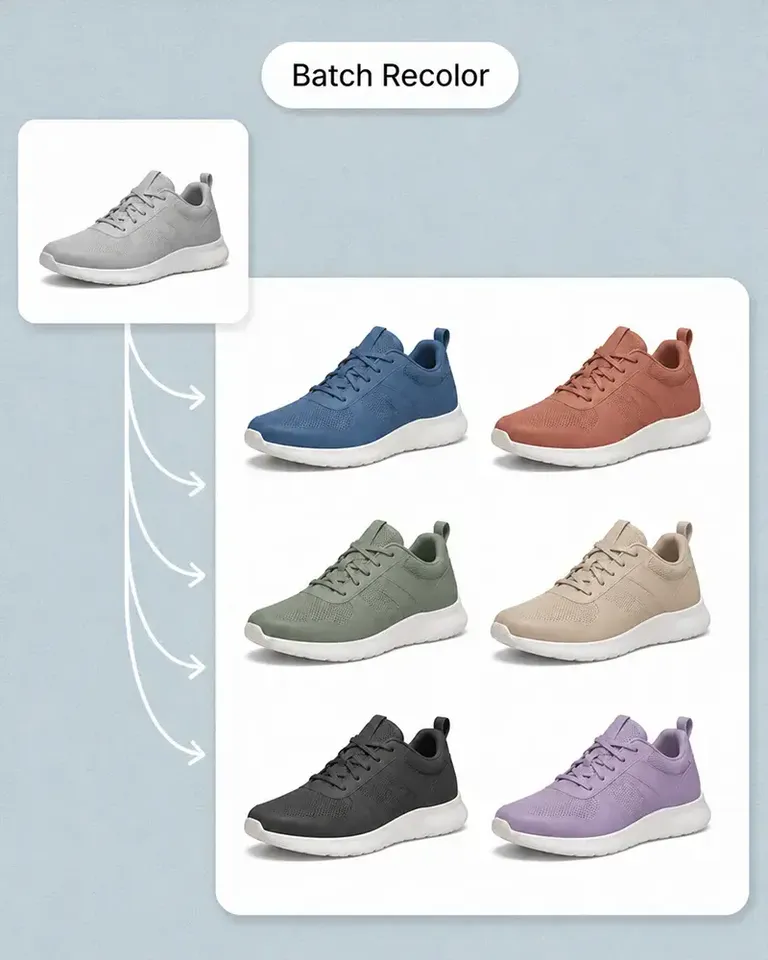
For our catalog work, Mockuplabs' batch recolor is more useful than changing one photo at a time. I like seeing a color live before adding it to the batch, especially when a darker shade makes the print harder to read.
rorymadeit
The live recolor preview in Mockuplabs makes comparing shades feel much more direct. The folds and highlights are still visible, so I'm judging the color on a product rather than on a flat swatch.
Grace Evans
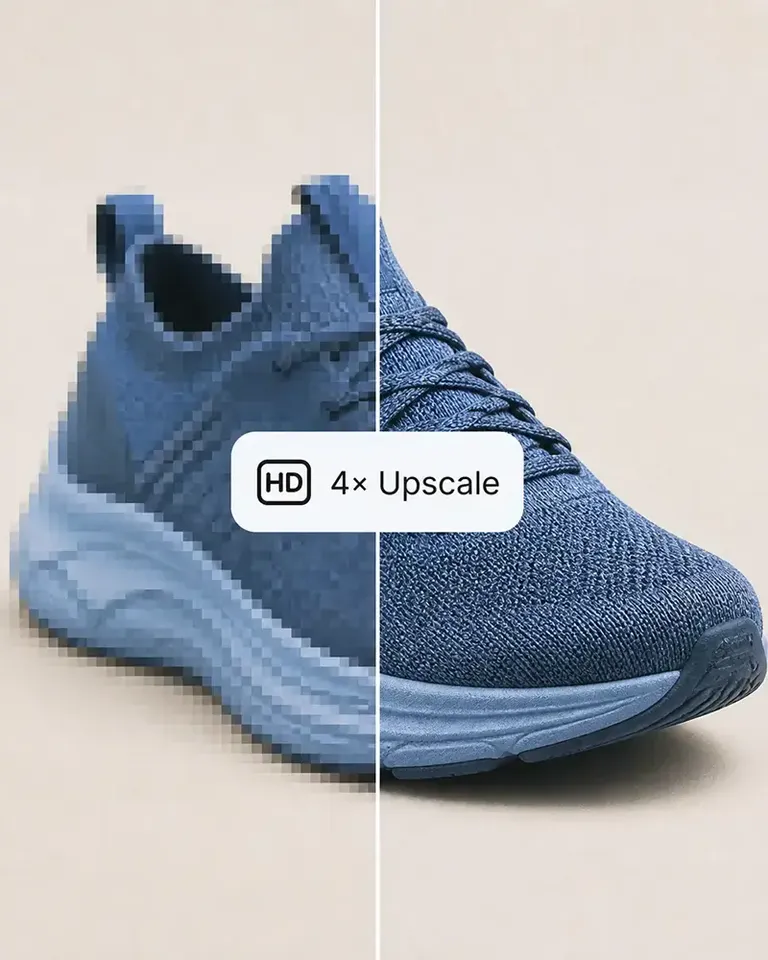
The upscaler made a small product photo more usable for a larger layout. It isn't a replacement for a good source image, but I'm glad I didn't have to discard the photo.

Yuki Tanaka
Mockuplabs gets the artwork close to where I want it, and the position and size controls let me finish the job. That last bit of adjustment matters when the design needs to sit neatly on the product.

Niko Petrov
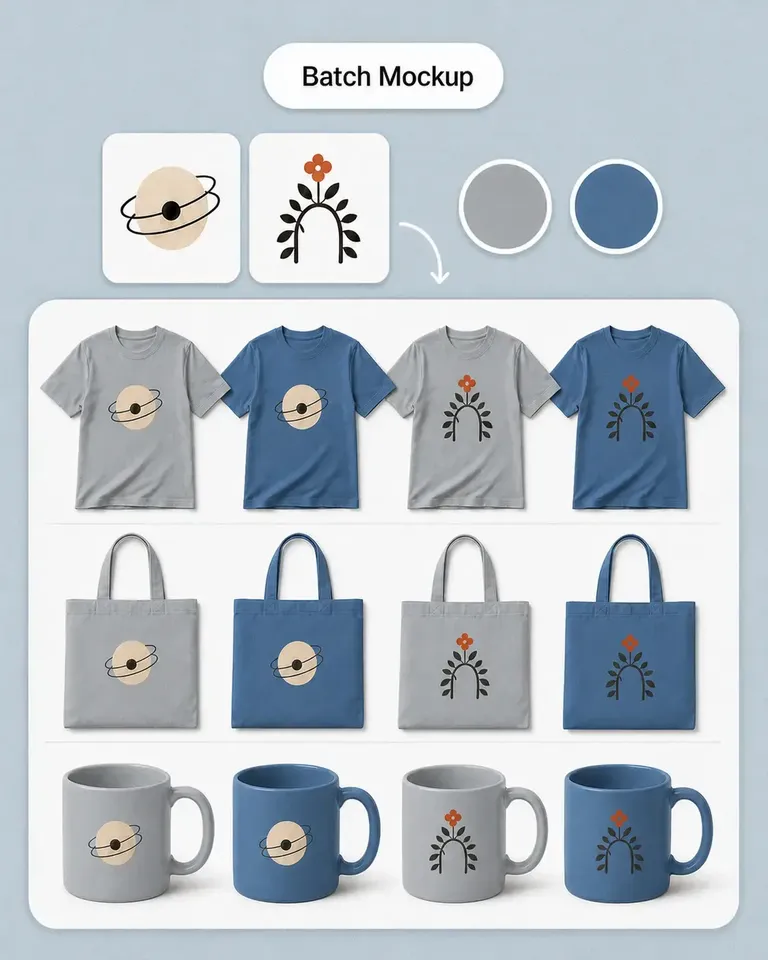
I make POD listings with several designs and product views. Mockuplabs' batch mockups let me reuse the placements I've already checked, which is the part I most wanted to stop repeating.
Isabel Moreno
The cutout looked clean enough for my product layout. The handle details were still there, which was the part I was concerned about.

Tom Sullivan
For a catalog with several photos per item, batch recolor is the useful part. I still check the logos and color boundaries in the results, but having the whole photo set together makes the review easier.

lena.draws
I came to Mockuplabs for mockups, but the background removal and image tools have been just as useful. It feels like a practical product-image editor rather than a single-purpose generator.