アイデアや参考をシームレスな柄に
必要なモチーフ、スタイル、色、全体の方向を説明するか、参考画像をアップロードして結果を導きます。
Mockuplabs は単体のイラストだけで終わらず、大きな表面で繰り返せるタイル状の柄案を生成します。
花柄、幾何学、抽象、グラフィック、季節、装飾などの繰り返し柄を、アパレル、グッズ、パッケージ、アクセサリー、商品表面向けに作成できます。
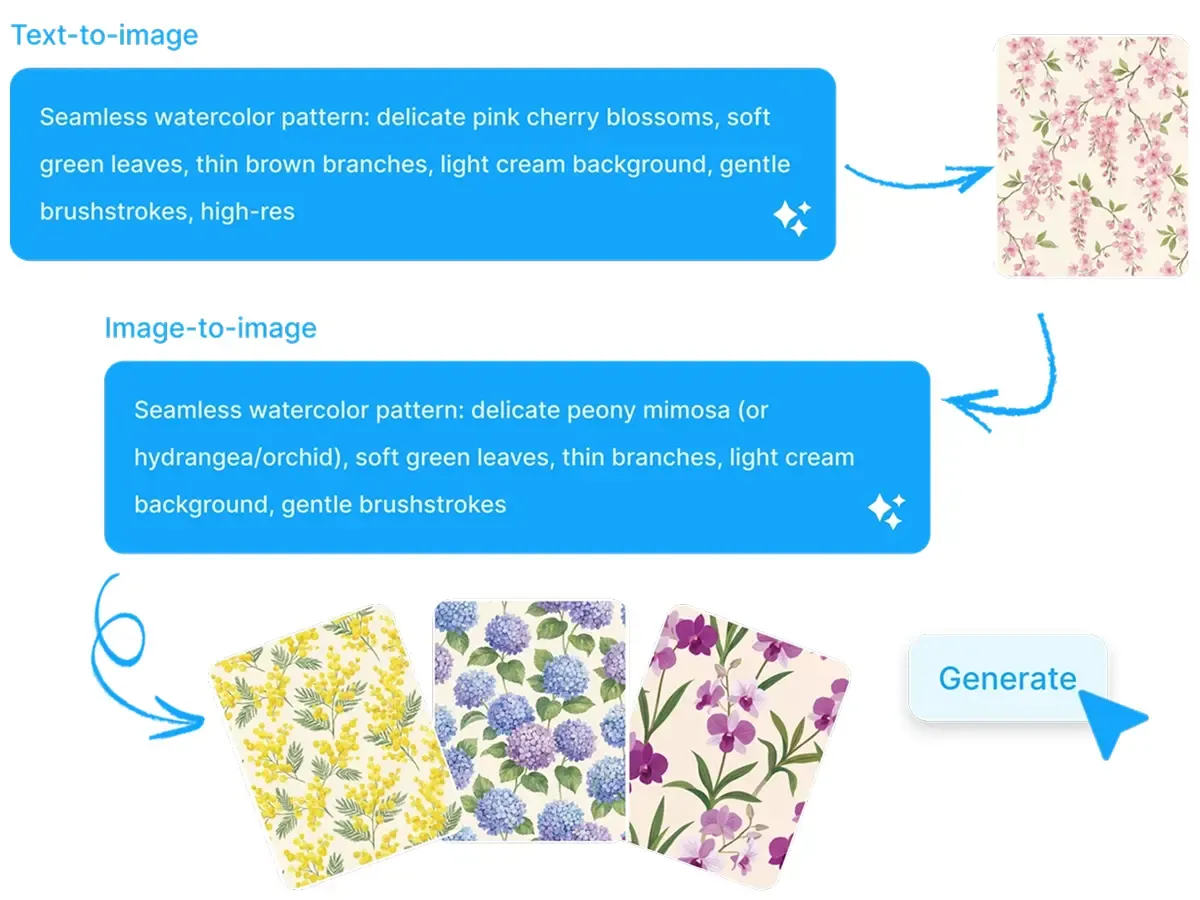
プロンプトや参考画像からタイル状に繰り返せる柄を作成。実際の商品で確認し、そのまま AOP やモックアップ制作へ進めます。
アイデアからシームレスな繰り返しを作り、商品上の実際の見え方を確認。同じワークフローで調整を続けられます。
必要なモチーフ、スタイル、色、全体の方向を説明するか、参考画像をアップロードして結果を導きます。
Mockuplabs は単体のイラストだけで終わらず、大きな表面で繰り返せるタイル状の柄案を生成します。
花柄、幾何学、抽象、グラフィック、季節、装飾などの繰り返し柄を、アパレル、グッズ、パッケージ、アクセサリー、商品表面向けに作成できます。
正方形のタイルではよく見える柄も、T シャツ、パーカー、バッグ、パッケージなどで繰り返すと合わない場合があります。
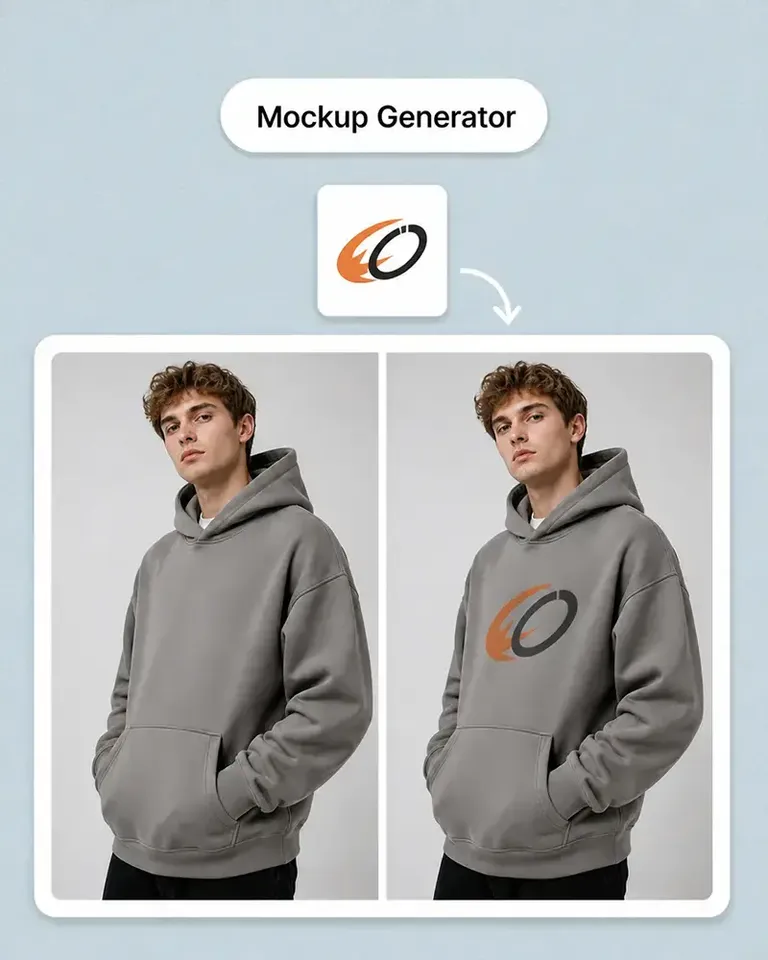
生成柄の繰り返しを確認し、そのまま実際の商品モックアップに適用します。
進めるデザインを決める前に、柄の密度、視覚的なリズム、大きさ、商品全体での見え方を判断できます。
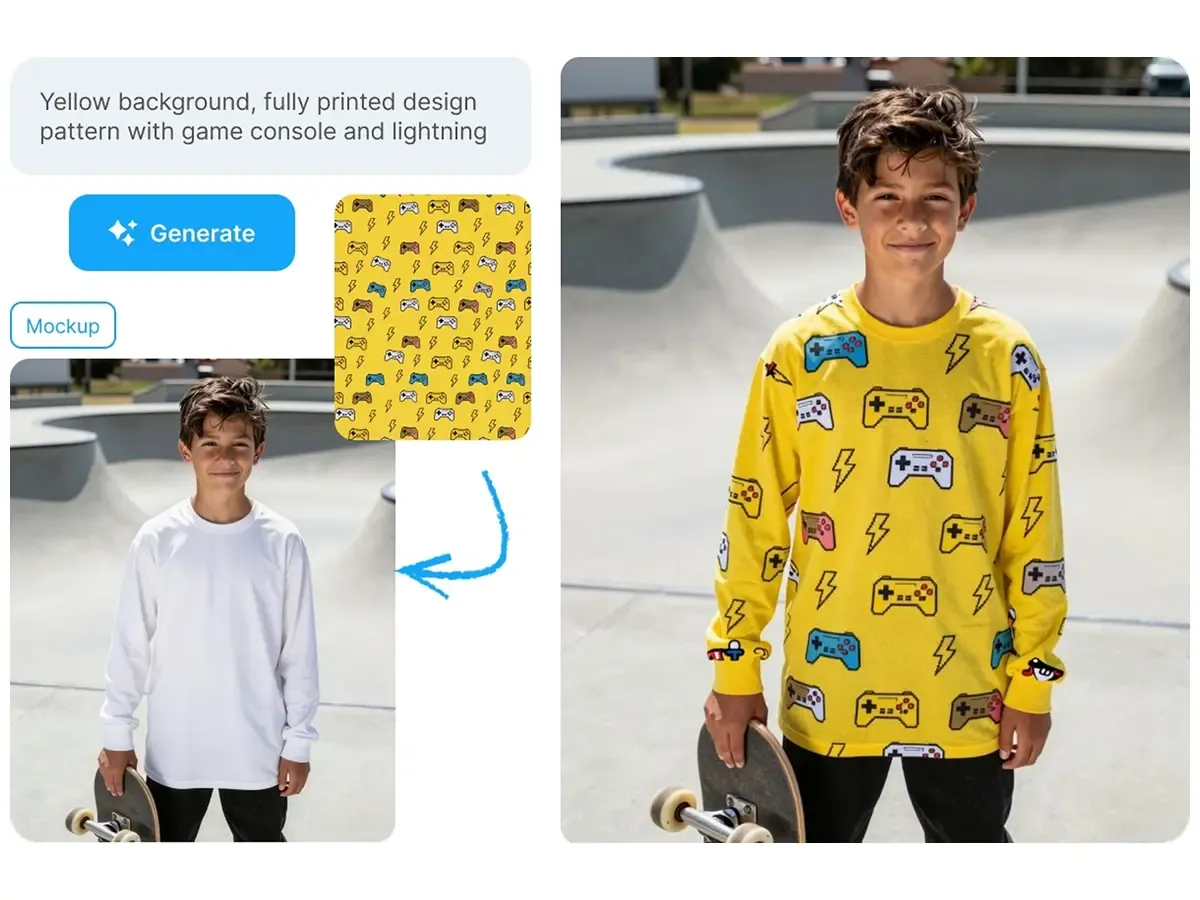
柄の方向を承認したら、適しているか確かめるためだけに別のモックアップ工程へ書き出す必要はありません。
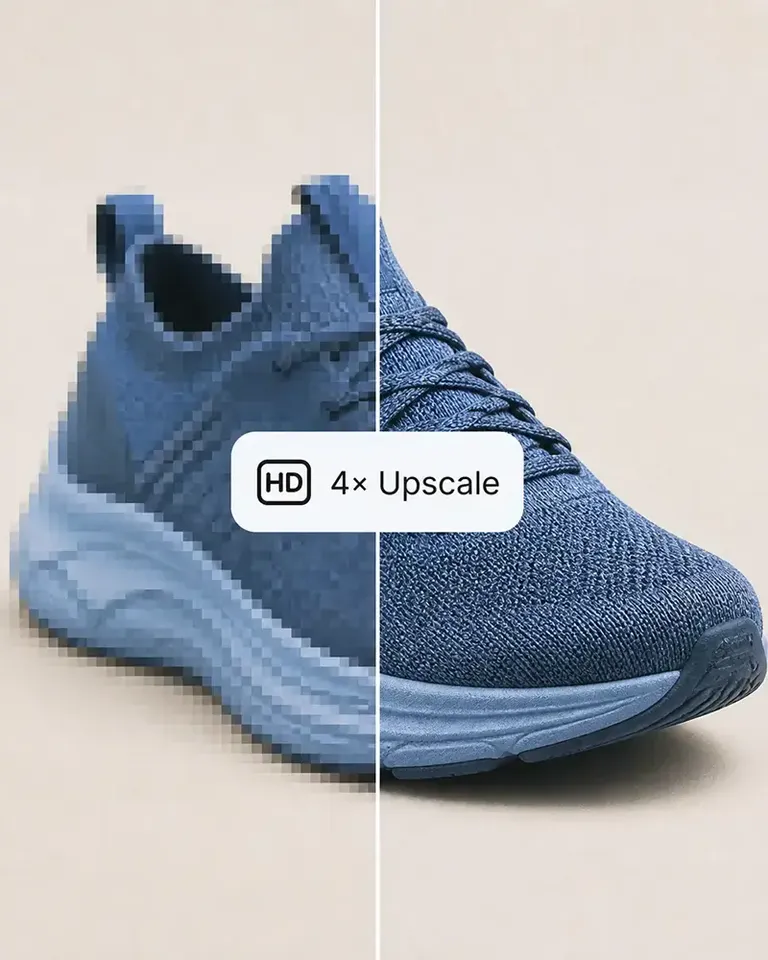
Mockuplabs 内の 全面プリント Mockup 生成ツール、商品 Mockup 生成ツール、画像の高解像度化 などへ直接進めます。
柄を生成して商品に適用し、大きさと商品を調整。その承認済みデザインを軸に、掲載や販促コンテンツを作り続けられます。
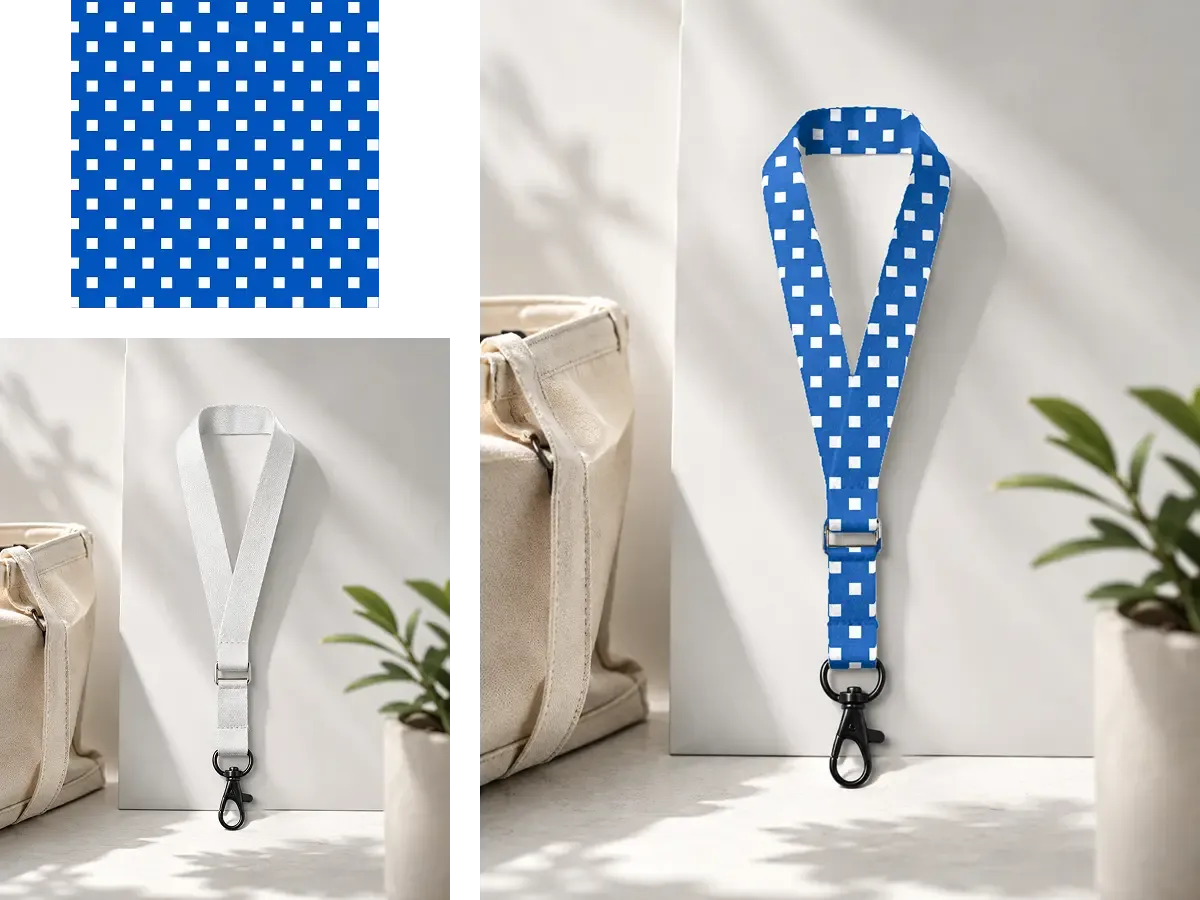
繰り返しを作成し、実際に重要な商品上で評価します。
欲しい柄を入力するか、画像、スケッチ、ビジュアル参考を追加します。
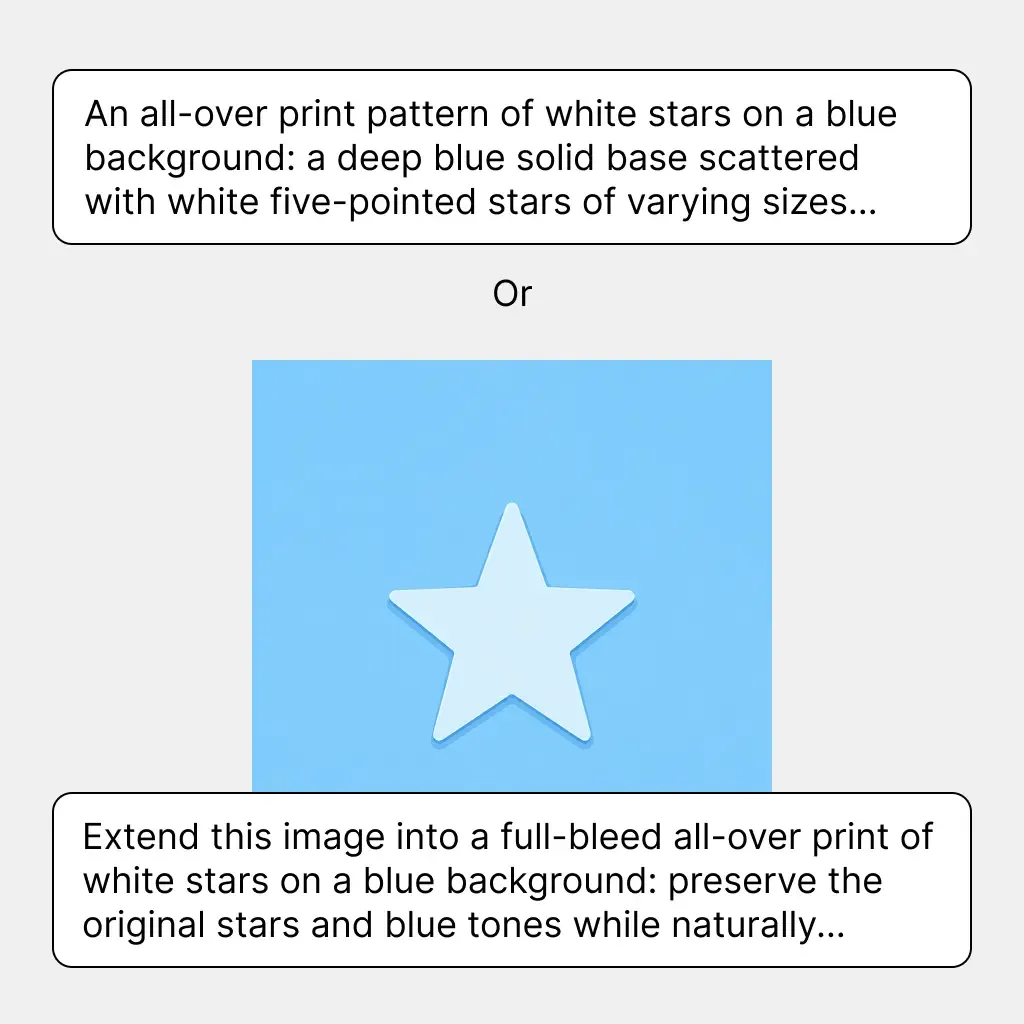
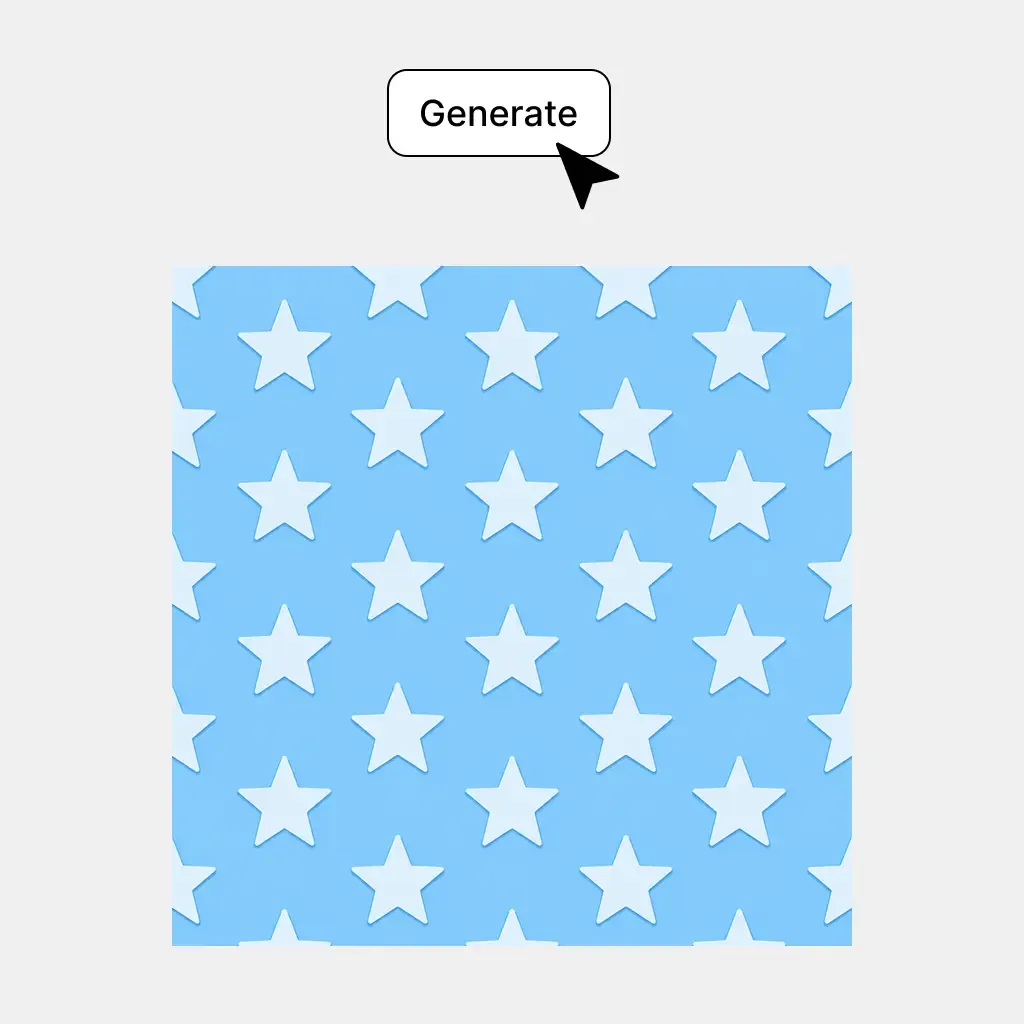
タイル状の柄案を作成し、繰り返した際のデザインの見え方を確認します。
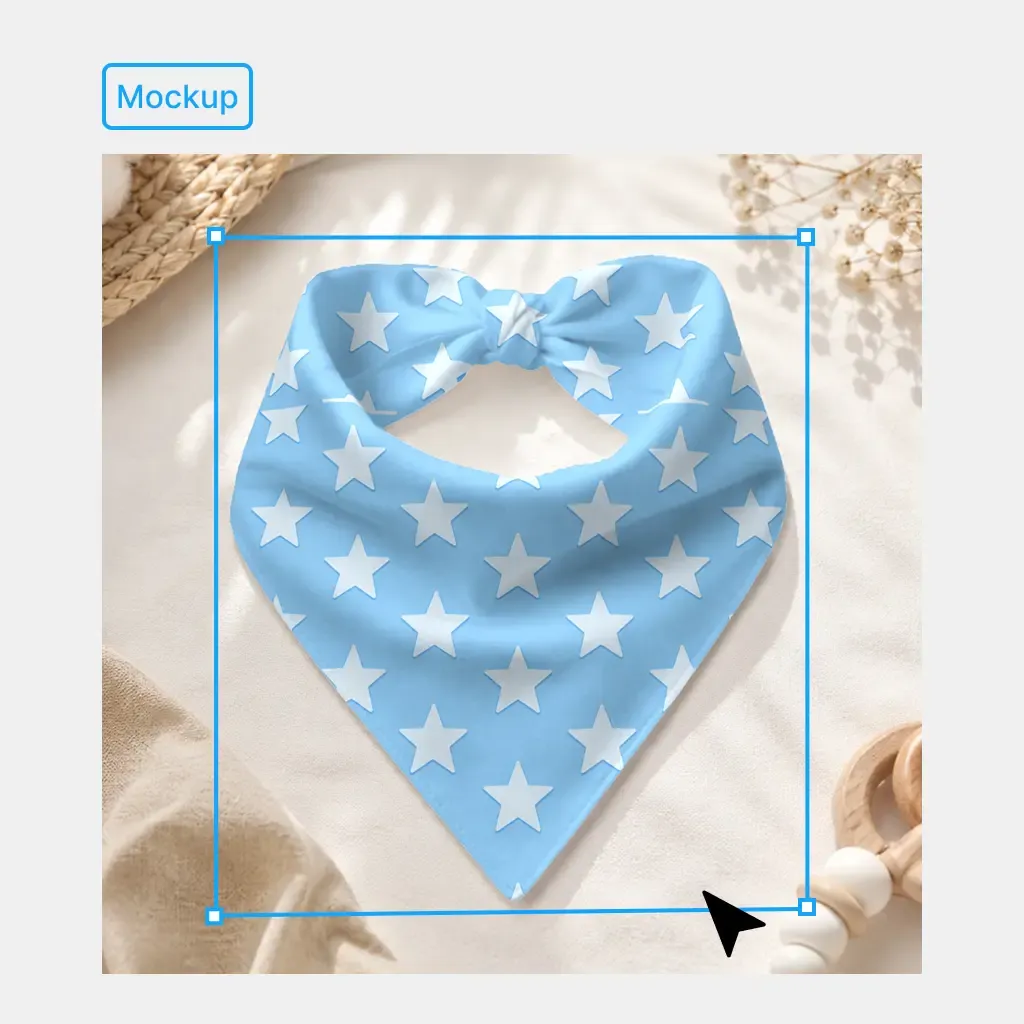
完成した柄を AOP やモックアップ制作に直接使い、同じキャンバスで商品プレビューを調整します。
グッズ、コレクション、パッケージ、アクセサリーなど、販売する表面用の繰り返しアートワークを作成できます。
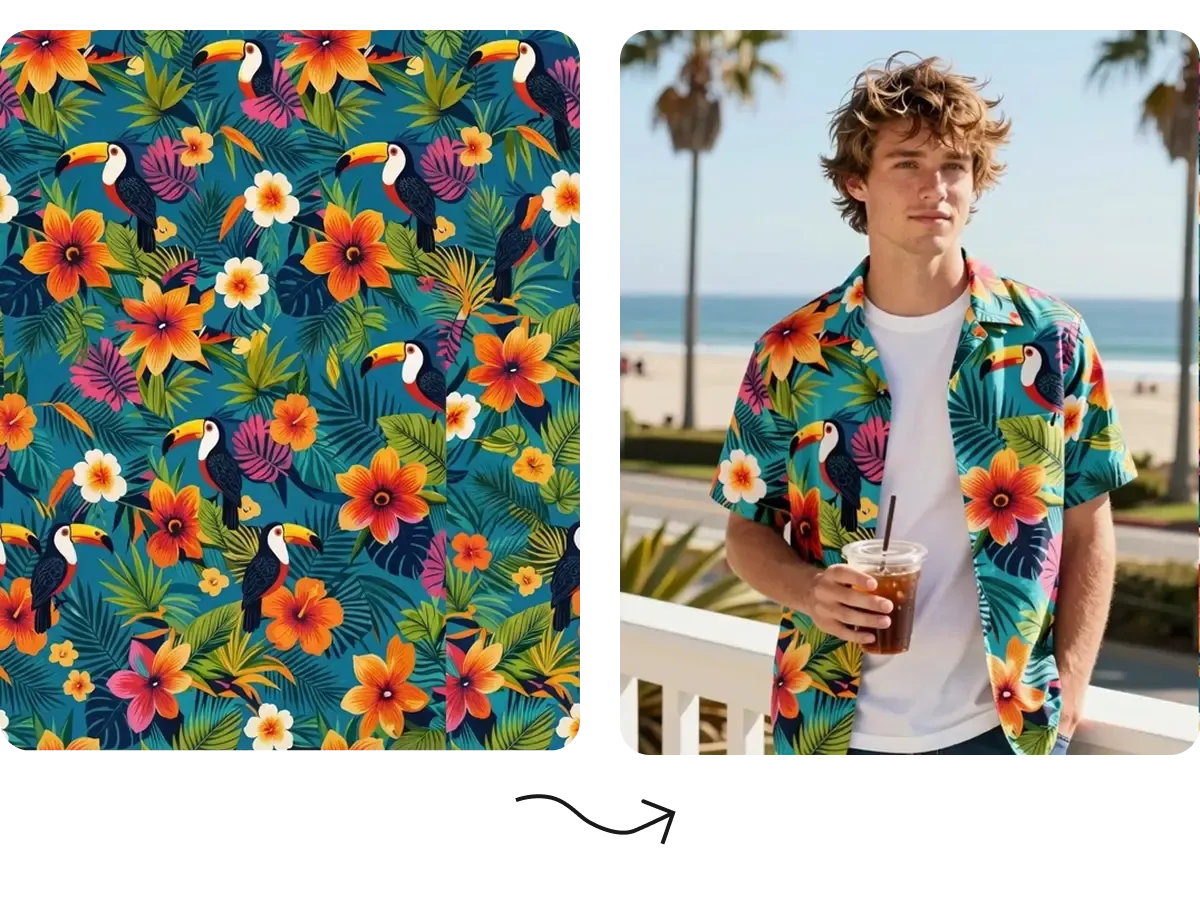
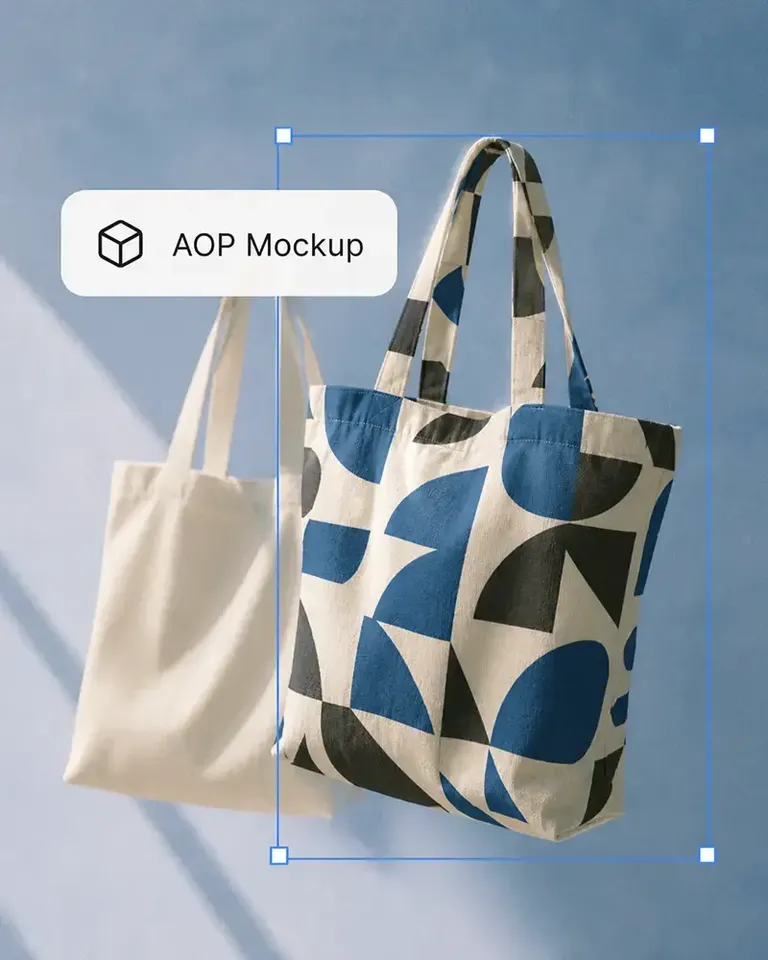
小さな正面プリント以上に広く覆う必要がある商品向けに、繰り返し柄を生成できます。最終商品画像を準備する前に、AOP モックアップへ直接適用して実際の商品で繰り返しを評価します。
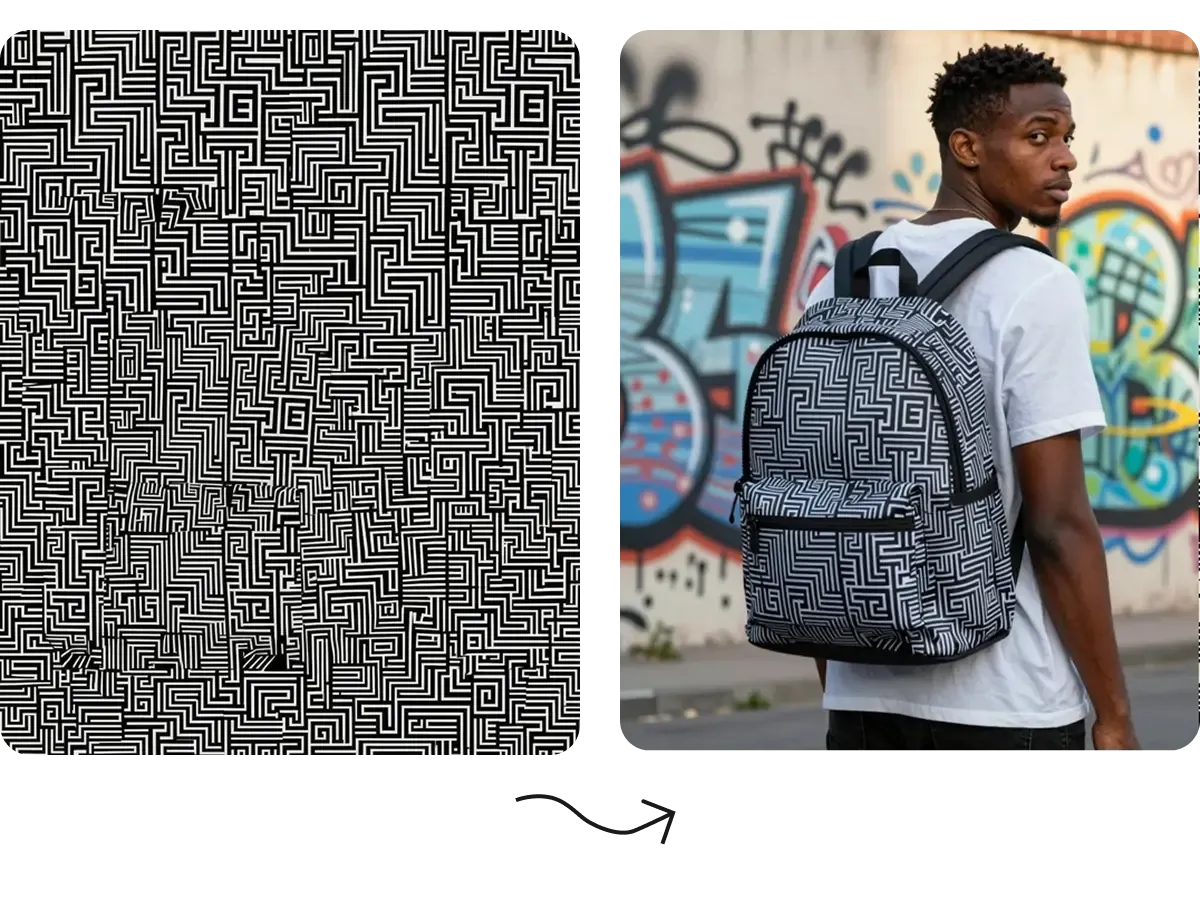
AI 柄生成で花柄、幾何学、抽象、季節、グラフィック、コレクション独自の方向を検討できます。適性が分かる前にすべて手動設計せず、複数案を生成し、有望なものを商品上で評価できます。
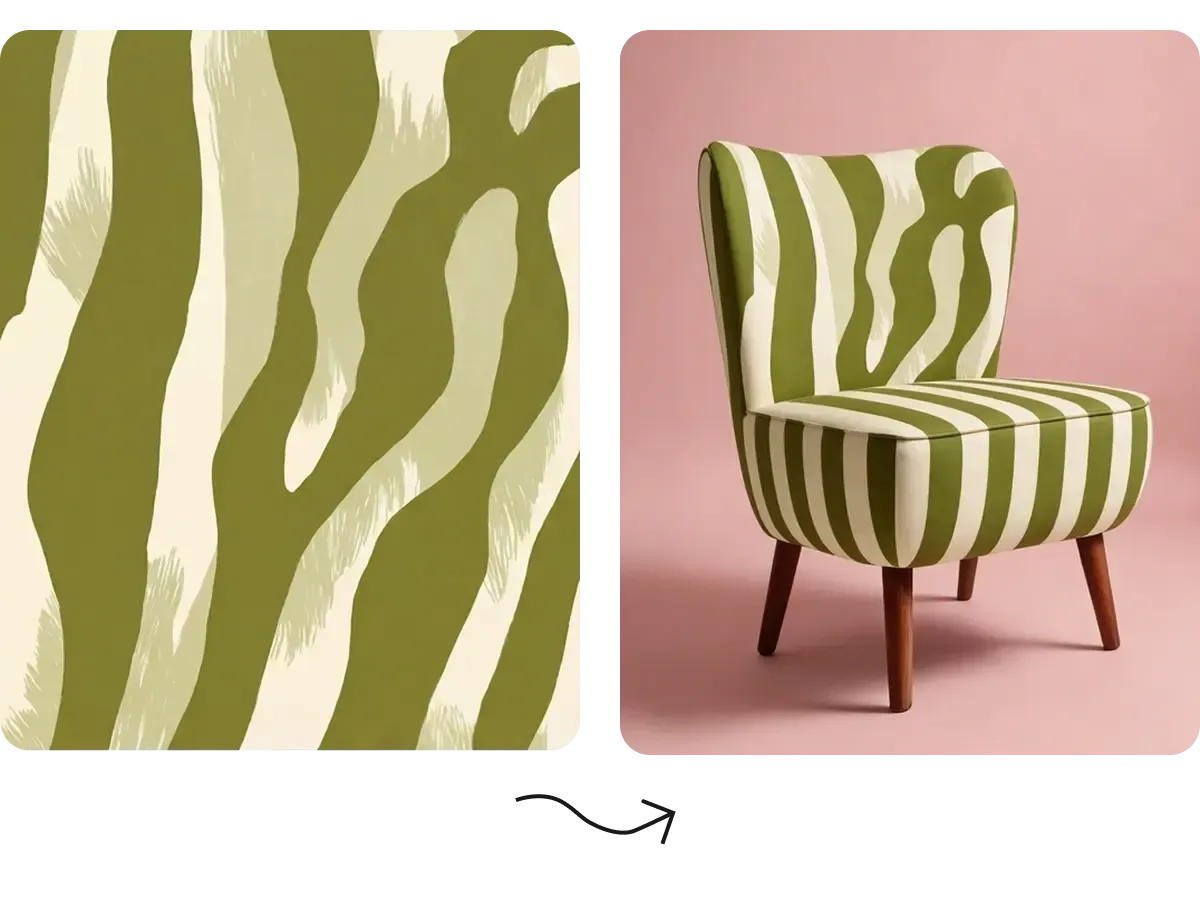
繰り返すビジュアルは衣類以外にも展開できます。包装の背景、ラッピング、袋、ラベル、薄葉紙、箱など、一貫した繰り返しのデザイン言語が必要な表面に柄を生成できます。
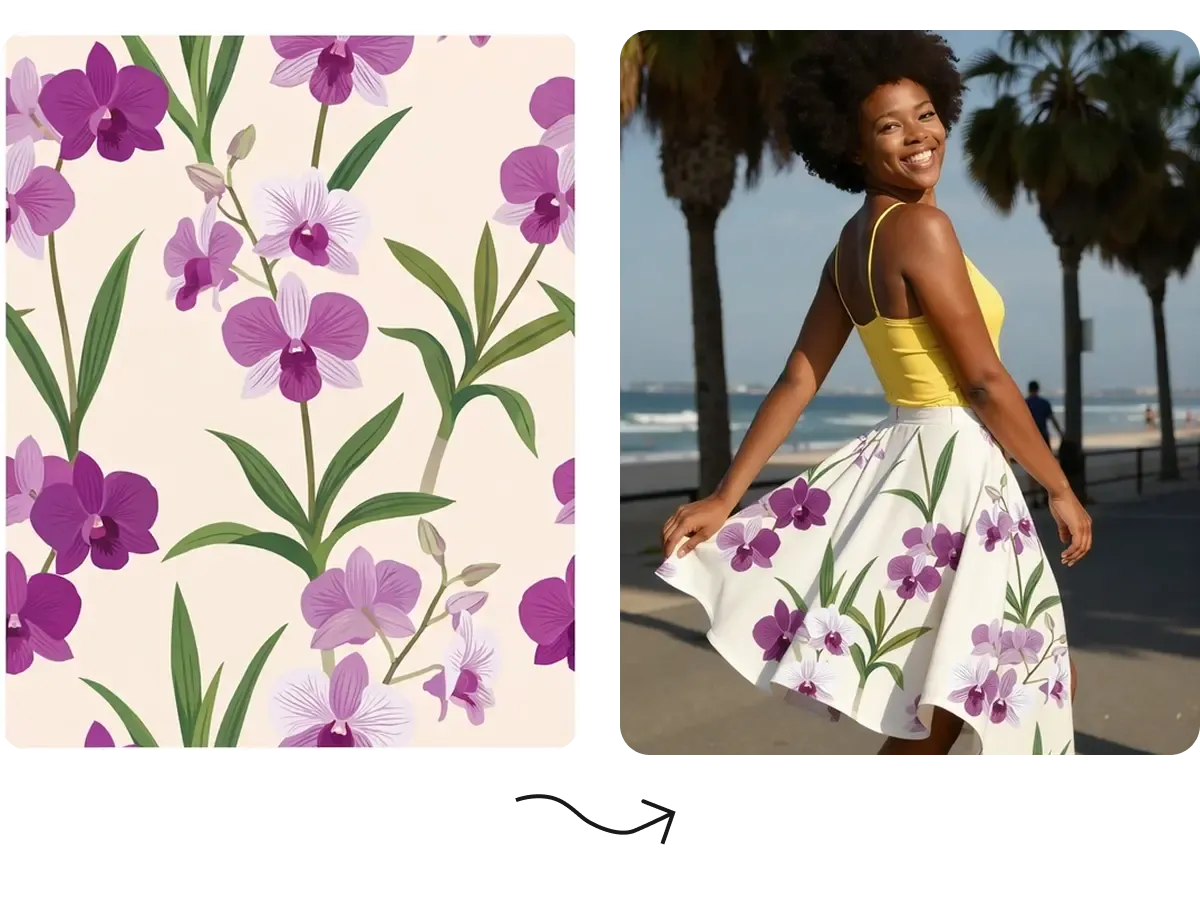
一つの方向性をホリデー、季節、キャンペーンのコレクション全体の土台にできます。関連する柄案を検討して複数商品に適用し、発売前にシリーズが視覚的につながるか確認できます。
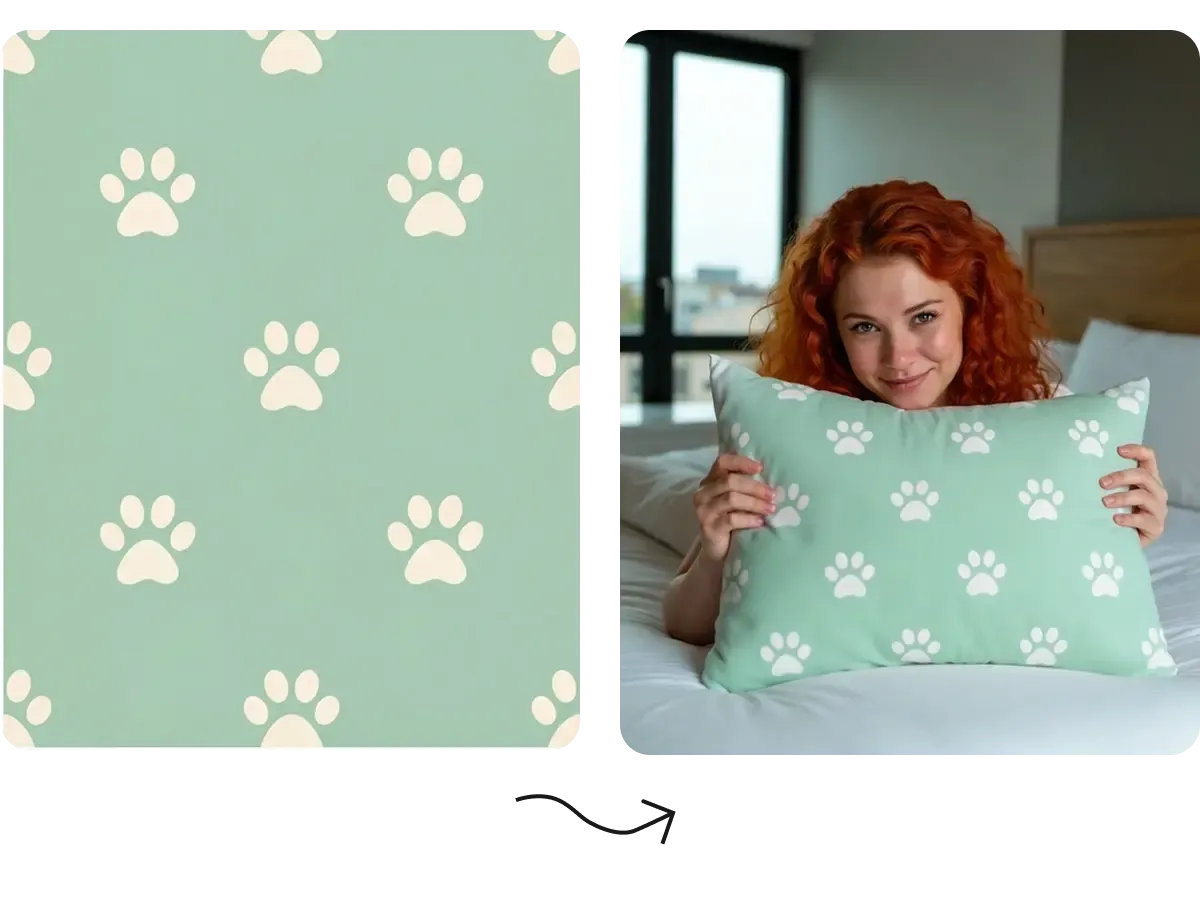
同じ柄がすべての商品で同じ大きさに合うことはまれです。パーカーではバランスがよくても、バッグや小さなアクセサリーでは大きすぎる場合があります。平面タイルだけで判断せず、実際の商品形状で確認し、用途ごとに繰り返しを調整できます。
次の段階である実際の商品ビジュアル化につながっていることで、柄生成の使い道が広がります。
文字や参考からタイル状の柄案を生成
モチーフと繰り返しを手動で構成
柄のような画像は作成可能
繰り返し可能な柄生成を中心に設計
手動の設定と確認が必要
繰り返す出力向けとは限らない
文字や参考画像で柄を導く
方向性を手動で再現
モデルやツールに依存
生成柄を繰り返した状態で確認
手動でタイル配置が必要
別のツールが必要になりやすい
商品や AOP モックアップに柄を直接適用
別のモックアップファイルやツールが必要
通常は柄生成と関係しない
実際に使用する商品上で柄を調整
通常は後の生産工程で対応
タイルだけでは判断しにくい
AOP、モックアップ、掲載、EC コンテンツツールへ継続
モックアップ・生産ソフトへ書き出し
別の工程
POD・EC 向けの柄から商品への制作
専門的な手動サーフェスデザイン
一般的なビジュアル探索
全 14 件中 1–1 件
商品の発売、ブランドの成長、大量のコンテンツ制作まで、Mockuplabsがすべての商品をよりすばやく魅力的に伝えるお手伝いをします。

Hannah Park
The design fitting is the standout feature in Mockuplabs for me. The artwork follows the curves and folds, and I can still adjust the size and position until it looks right.

Marc Vogel
What I like about Mockuplabs' recolor tool is the control over separate color areas. I can change the part I mean to change and still see the fabric texture, shadows, and printed details.
Leo Martinez
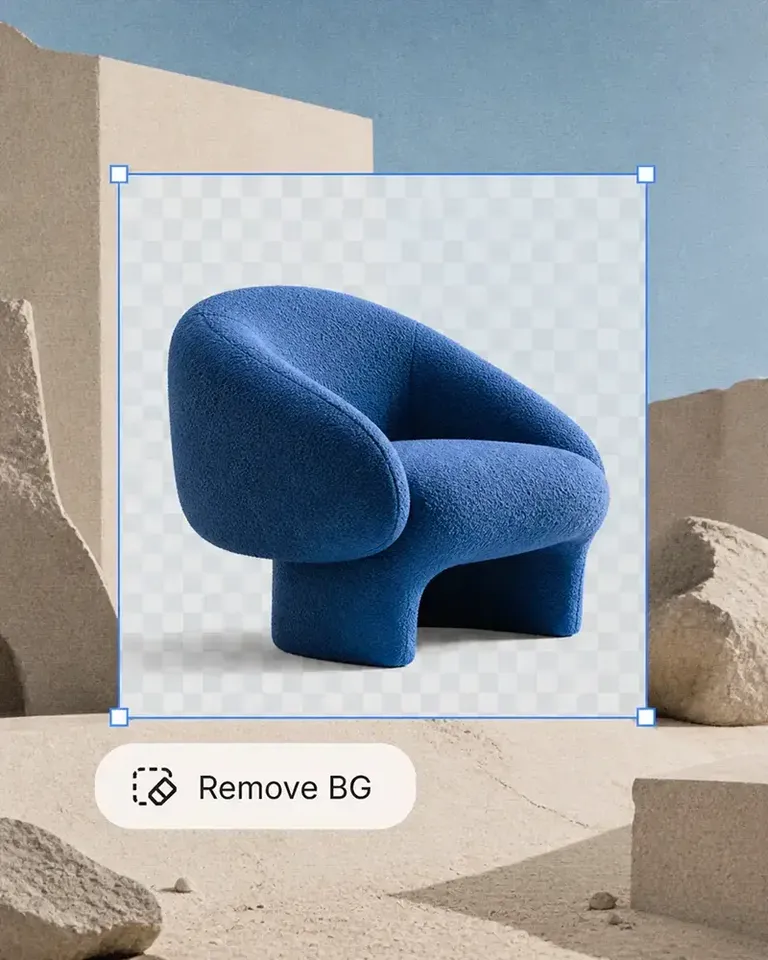
The background remover is useful on its own, but I like it more as part of Mockuplabs. A clean product image can become a mockup or another visual without another round of file juggling.
Chloe Martin
Turning my own product photo into a mockup is the Mockuplabs feature I value most. I'm not limited to a template that only vaguely resembles what I'm selling.

Adam Campbell
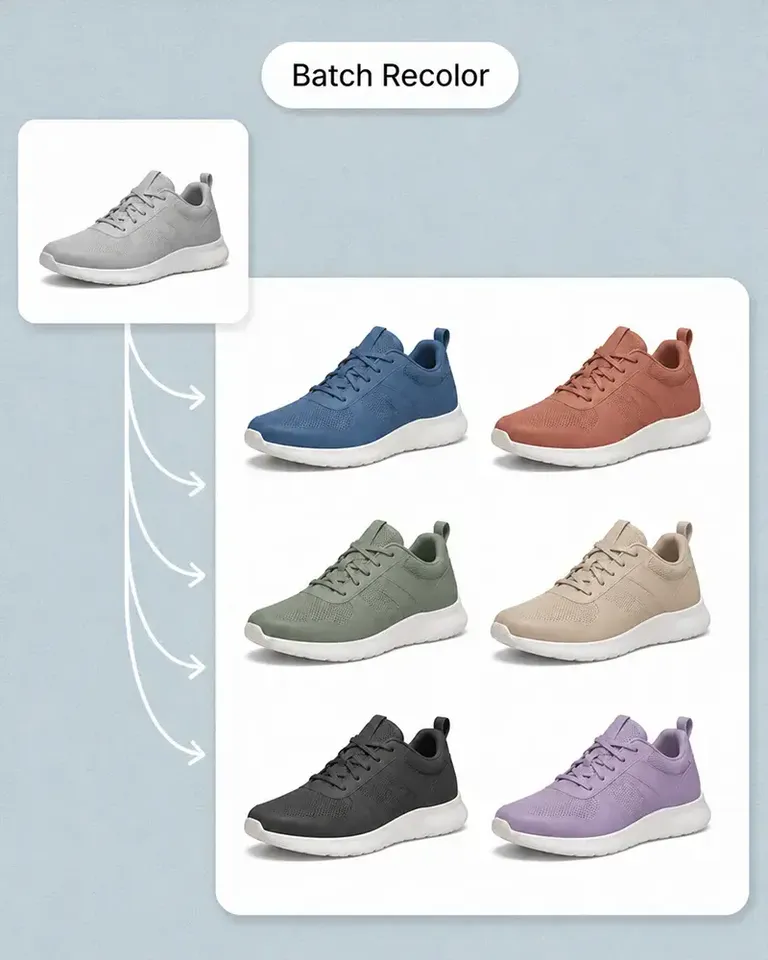
For our catalog work, Mockuplabs' batch recolor is more useful than changing one photo at a time. I like seeing a color live before adding it to the batch, especially when a darker shade makes the print harder to read.
rorymadeit
The live recolor preview in Mockuplabs makes comparing shades feel much more direct. The folds and highlights are still visible, so I'm judging the color on a product rather than on a flat swatch.
Grace Evans
The upscaler made a small product photo more usable for a larger layout. It isn't a replacement for a good source image, but I'm glad I didn't have to discard the photo.

Yuki Tanaka
Mockuplabs gets the artwork close to where I want it, and the position and size controls let me finish the job. That last bit of adjustment matters when the design needs to sit neatly on the product.

Niko Petrov
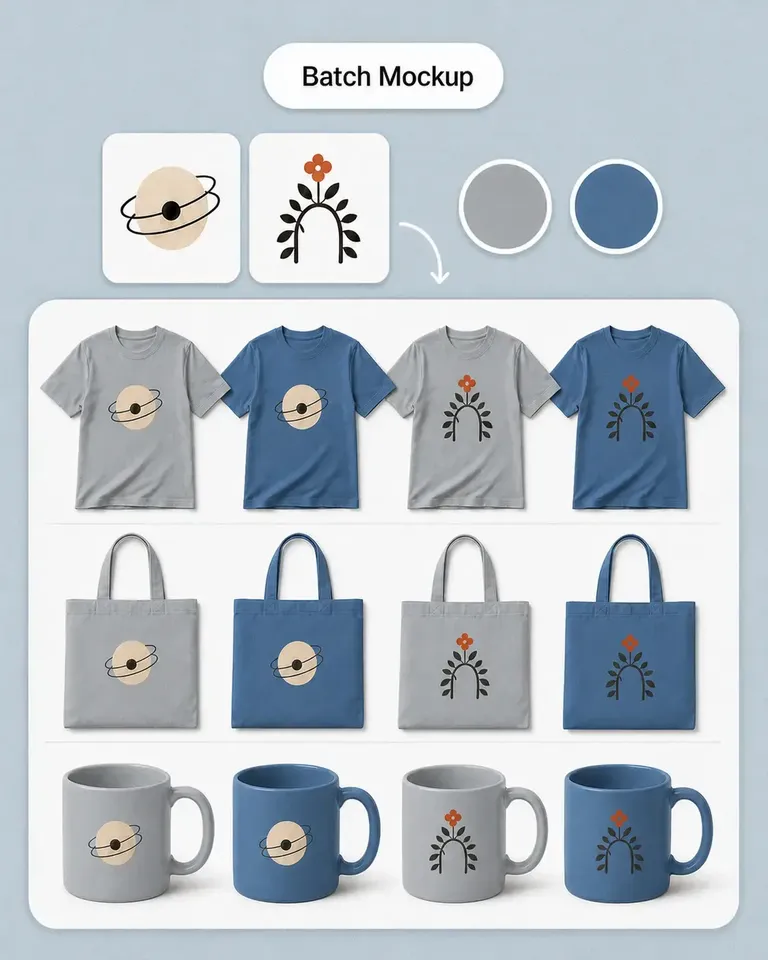
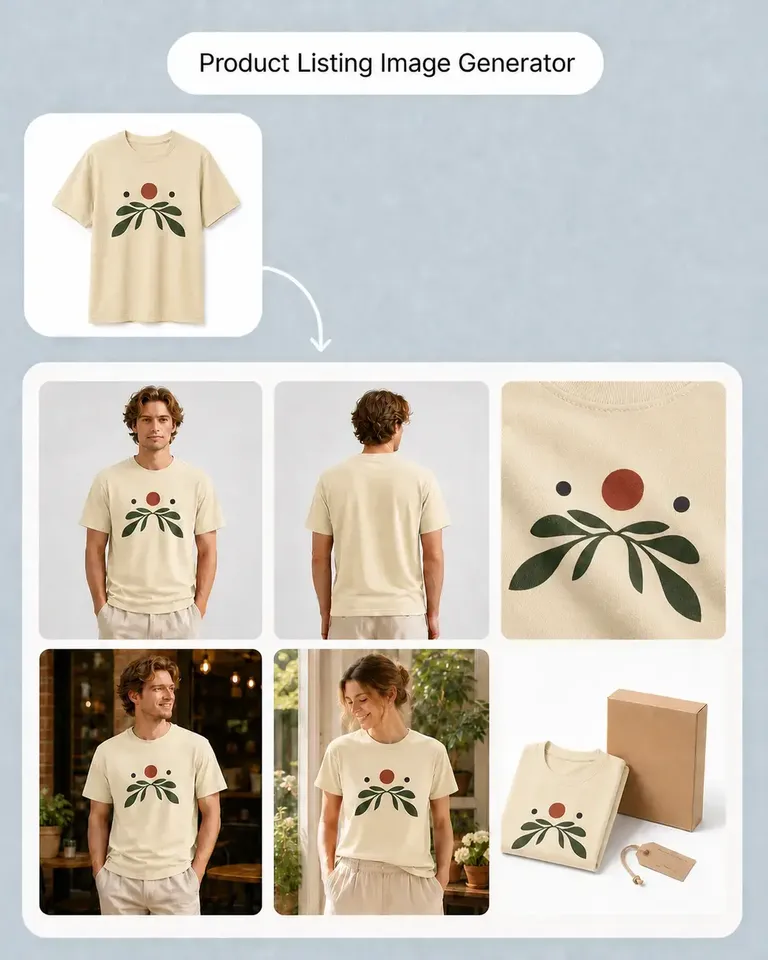
I make POD listings with several designs and product views. Mockuplabs' batch mockups let me reuse the placements I've already checked, which is the part I most wanted to stop repeating.
Isabel Moreno
The cutout looked clean enough for my product layout. The handle details were still there, which was the part I was concerned about.

Tom Sullivan
For a catalog with several photos per item, batch recolor is the useful part. I still check the logos and color boundaries in the results, but having the whole photo set together makes the review easier.

lena.draws
I came to Mockuplabs for mockups, but the background removal and image tools have been just as useful. It feels like a practical product-image editor rather than a single-purpose generator.