実際の商品写真を編集可能なモックアップに
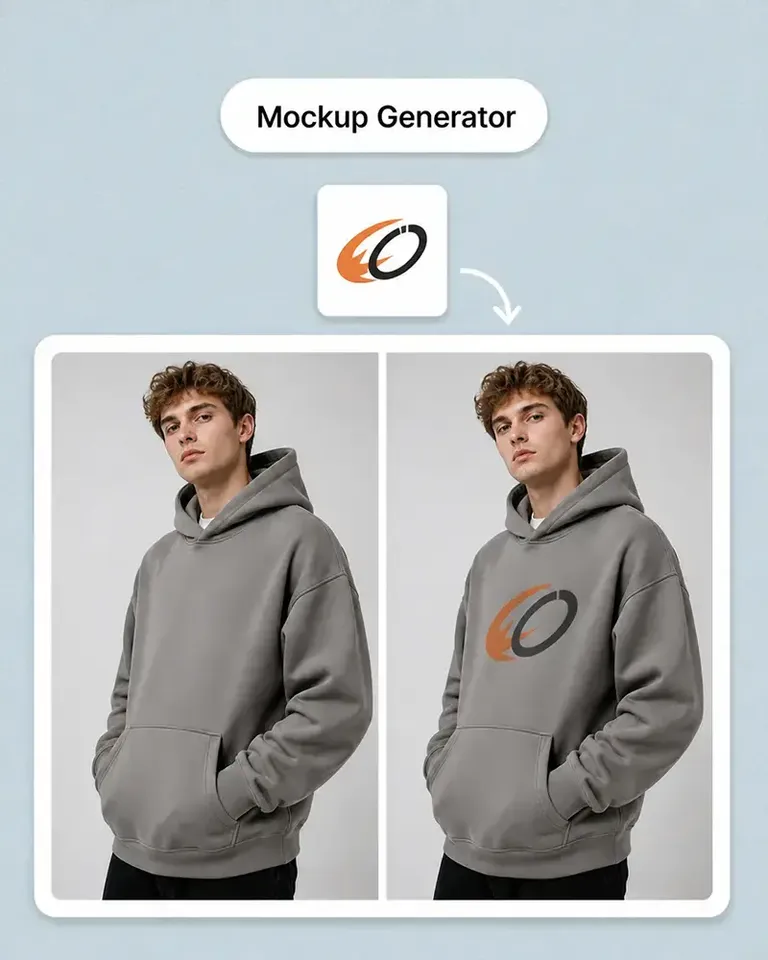
Mockuplabs は自分の商品写真を編集可能なモックアップに自動変換します。汎用テンプレートや似た商品に頼らず、実際に販売する商品で制作できます。
元の商品の形、質感、背景、構図、寸法、画質をワークフロー全体で統一できます。
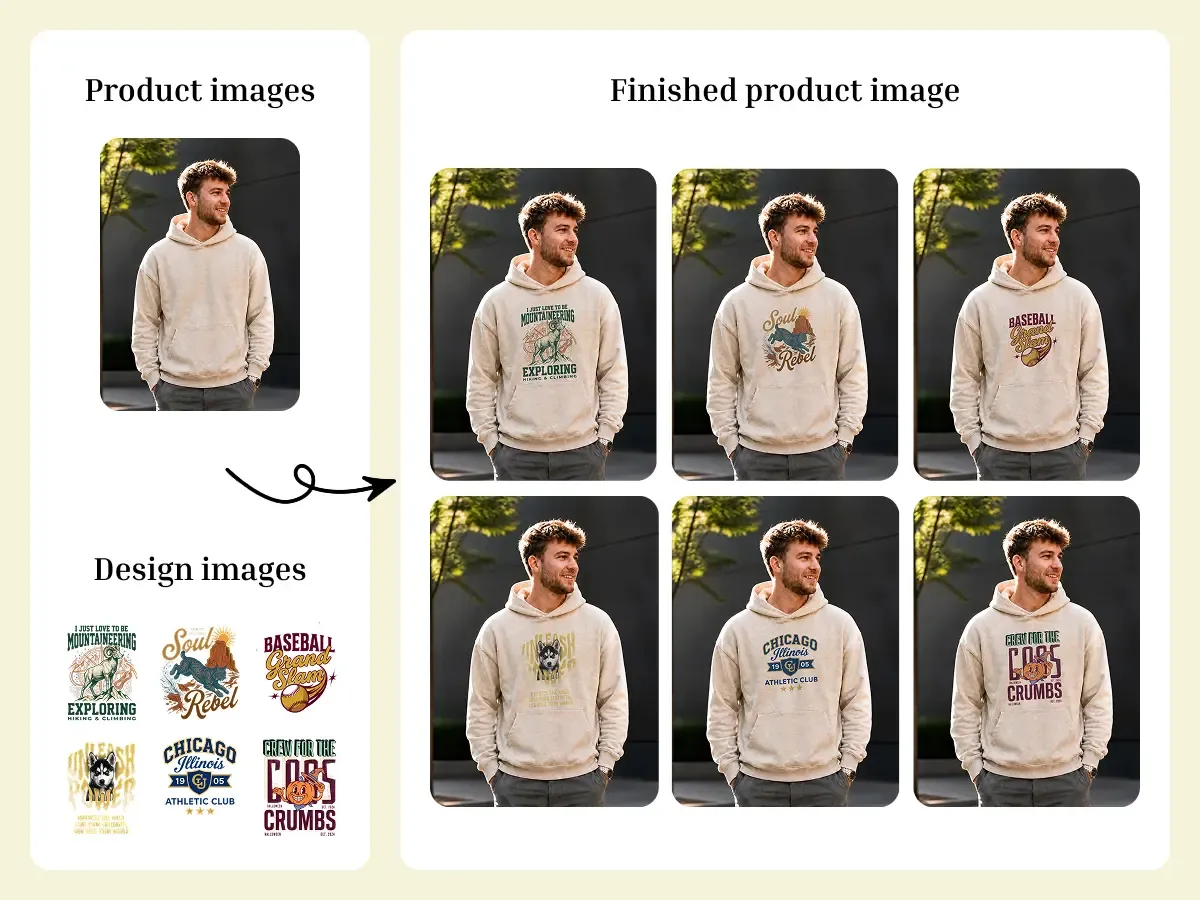
商品写真を編集可能なモックアップに自動変換。デザインを自然にフィットさせ、手作業を大幅に減らしてカタログ画像を大量に制作できます。
モックアップを一括作成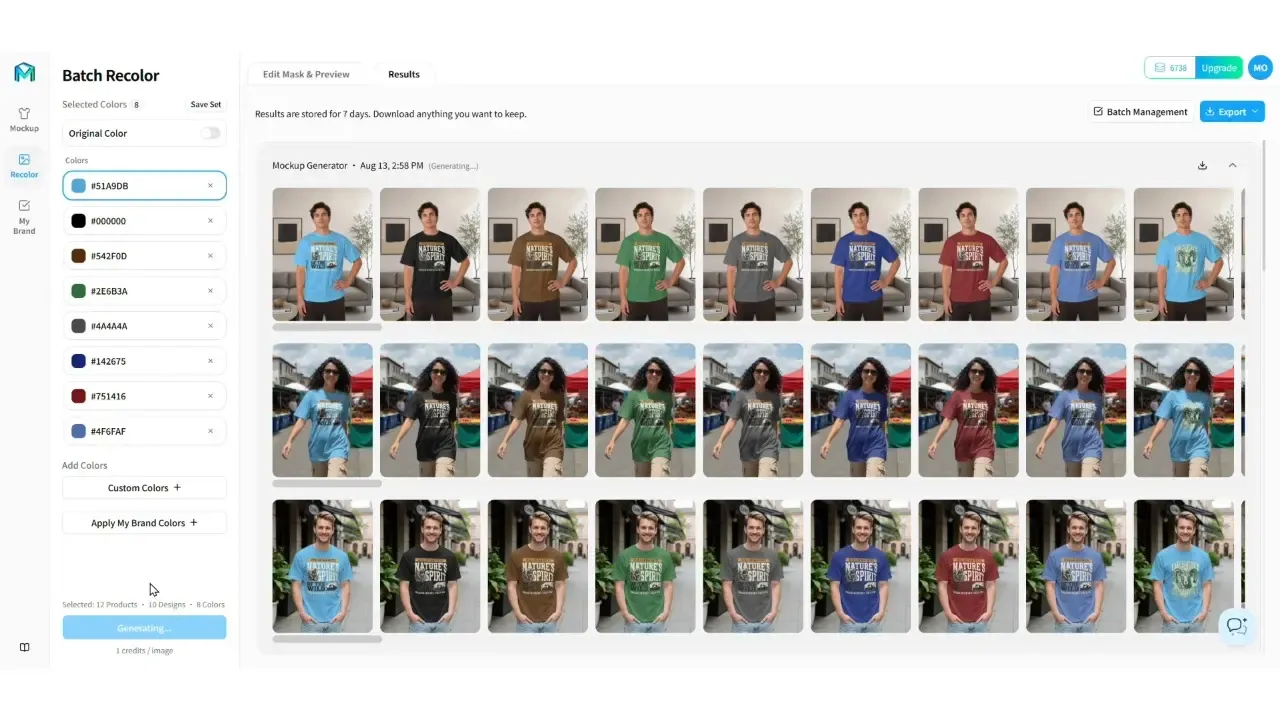
自分の商品写真を再利用可能なモックアップにし、デザインを自動でフィット。大量のバリエーションを一つのワークフローで管理できます。
Mockuplabs は自分の商品写真を編集可能なモックアップに自動変換します。汎用テンプレートや似た商品に頼らず、実際に販売する商品で制作できます。
元の商品の形、質感、背景、構図、寸法、画質をワークフロー全体で統一できます。
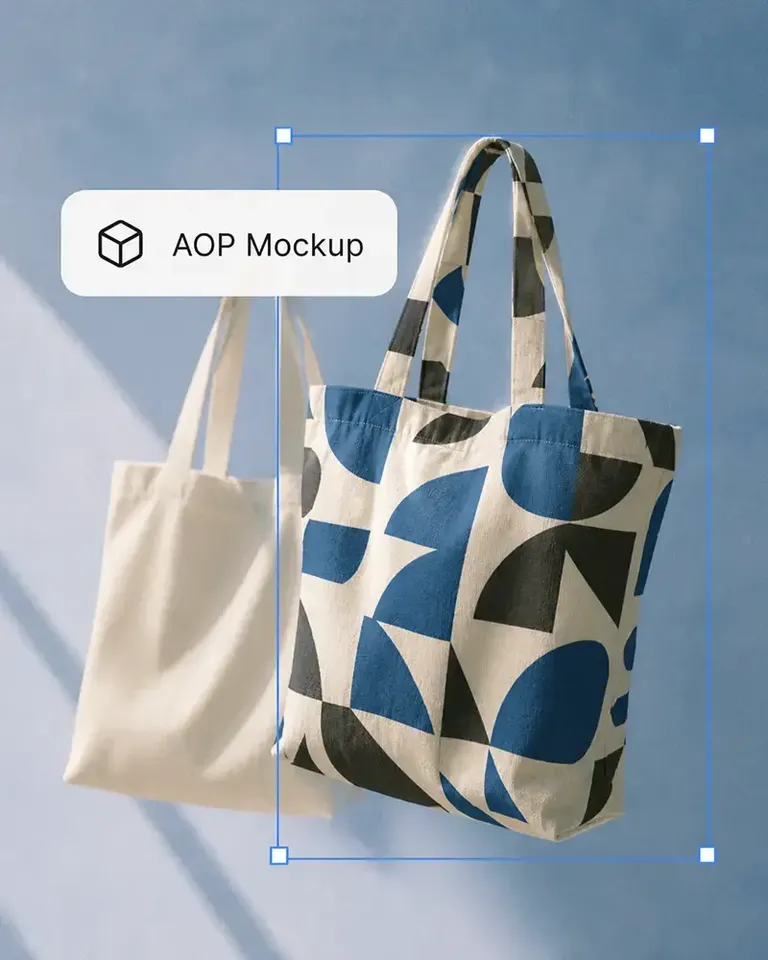
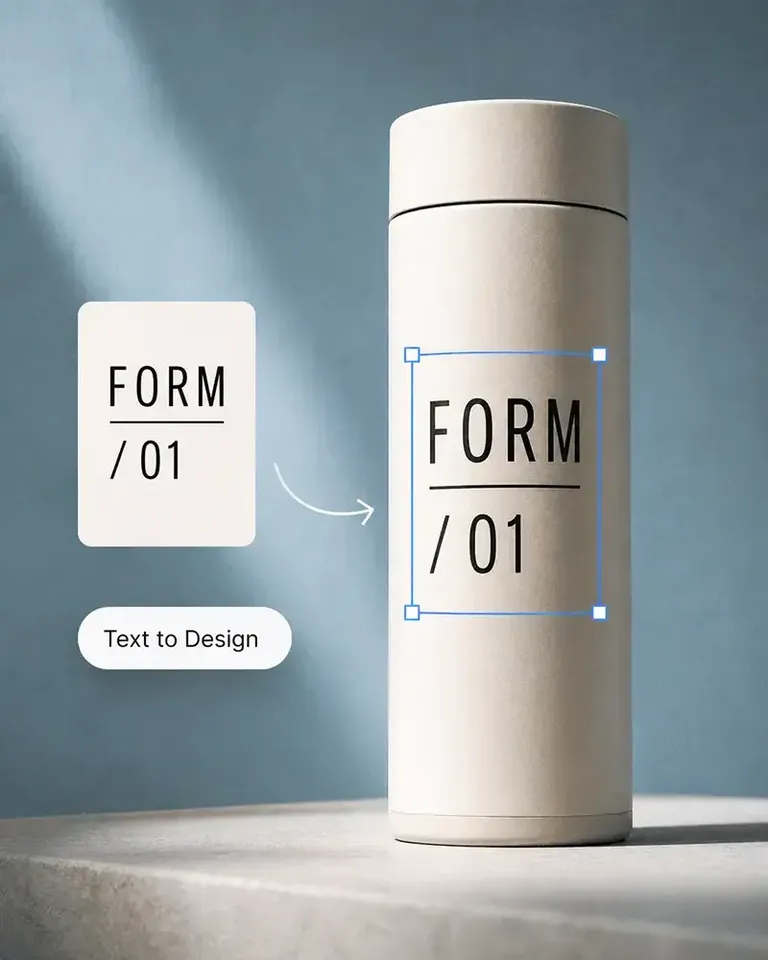
デザインは商品の適切な範囲に自動でフィットし、見える遠近感、曲面、しわ、光に沿って配置されます。
必要に応じて位置や大きさを微調整し、Standard Print または All-Over Print を選べます。商品写真を適切に設定したら、その設定を多数のデザインや商品色で再利用できます。出力ごとに配置作業を繰り返す必要はありません。
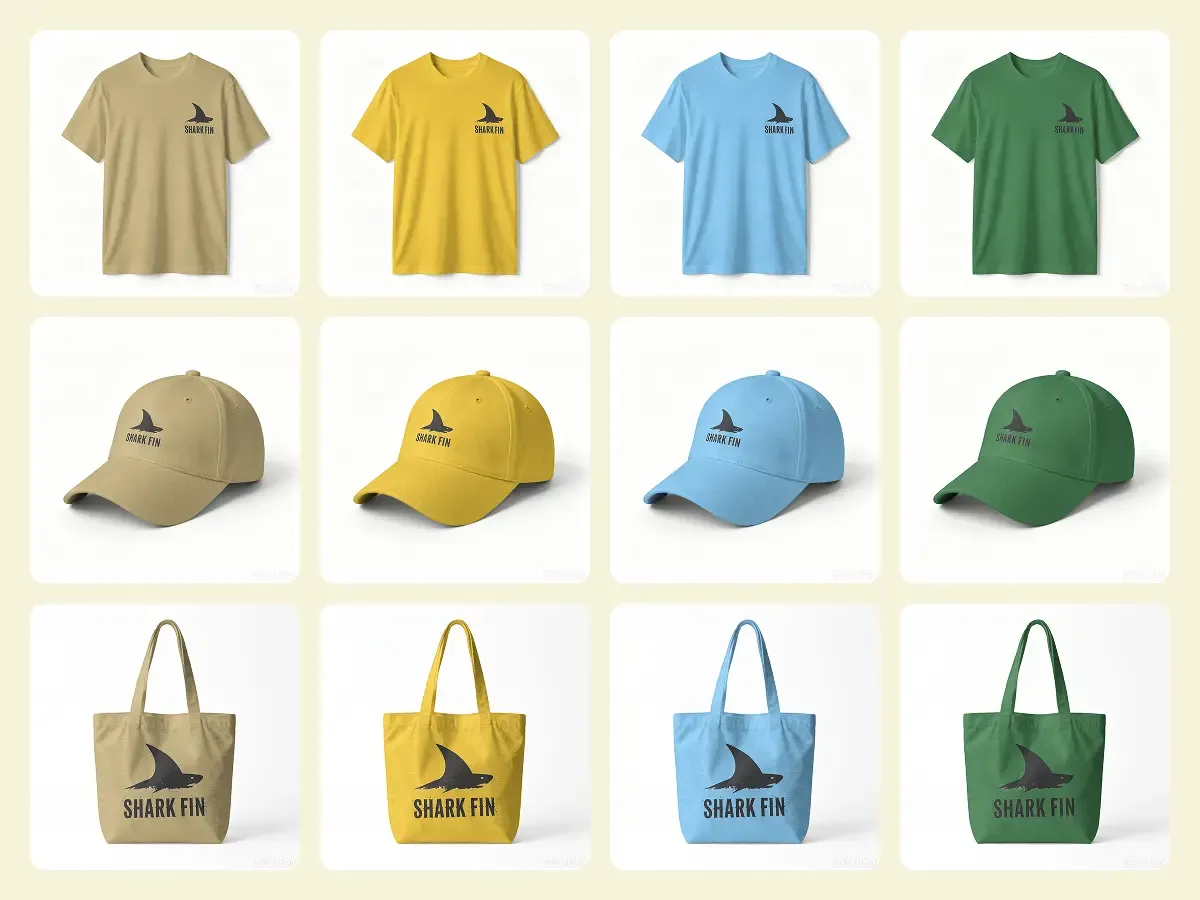
一括設定を編集できる段階で、商品 × デザイン × 色の任意の組み合わせを確認できます。
デザインの位置、プリント方式、フィット、商品色を生成前に確認できるため、選択したカタログ画像を生成する前に配置の問題を解消できます。
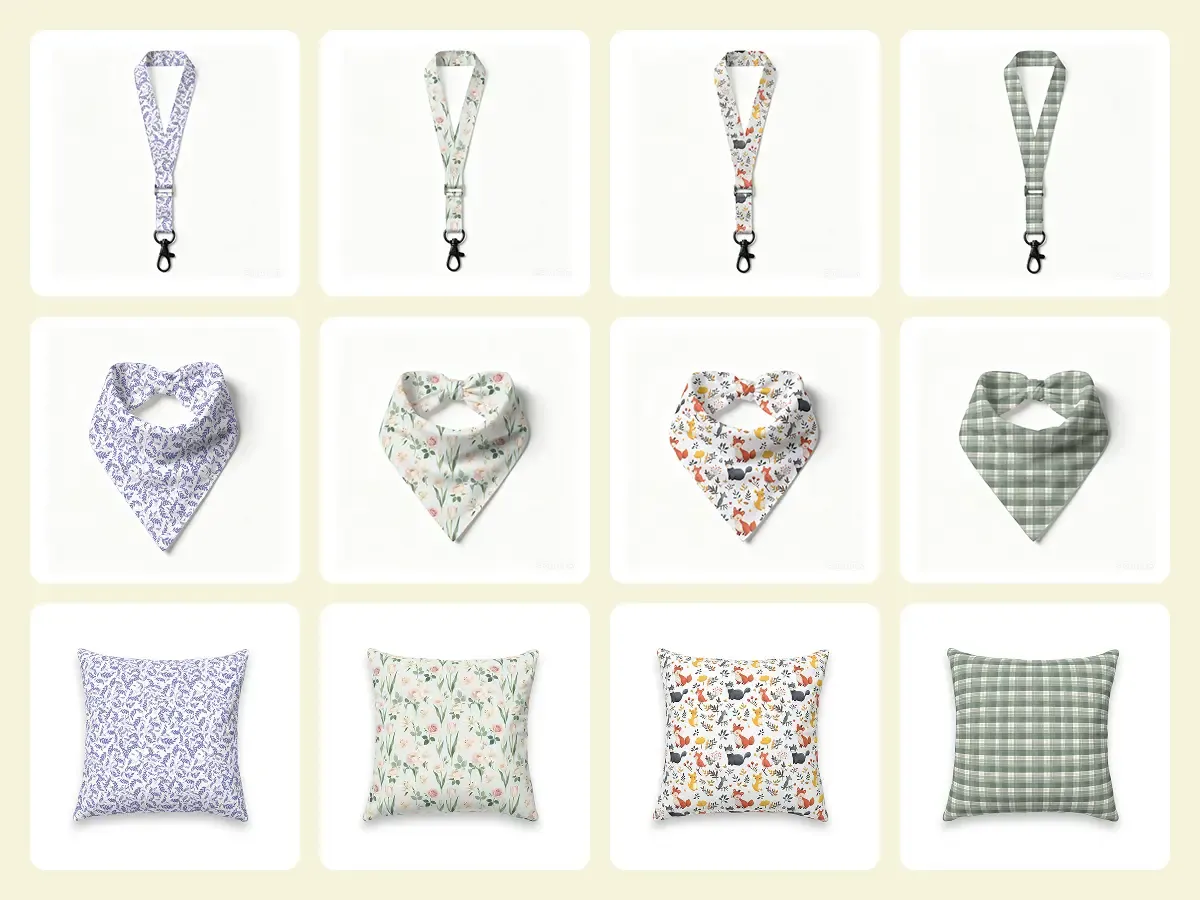
繰り返しの設定はほぼ自動で行い、最終的な商品の見せ方は自分で調整できます。
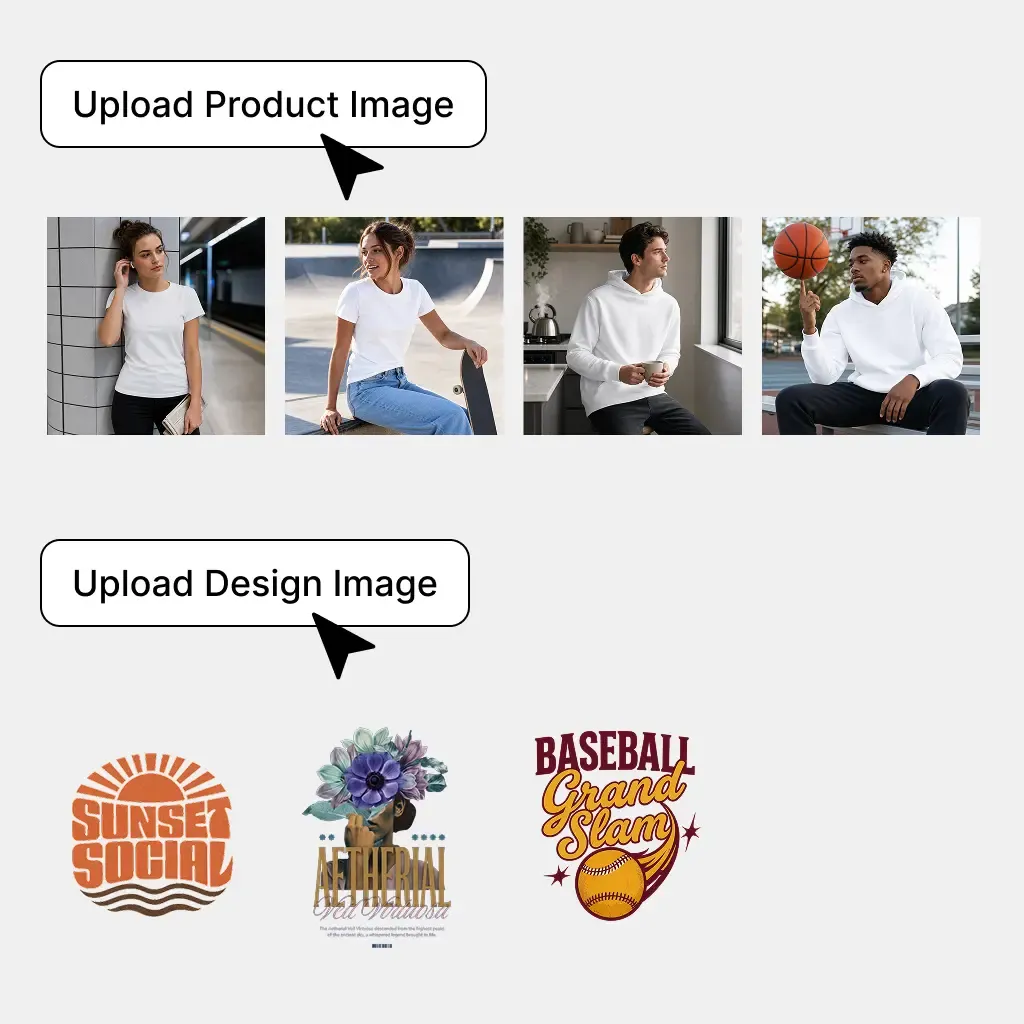
使用する商品のすべてのアングルを含め、商品写真とデザインファイルを追加します。
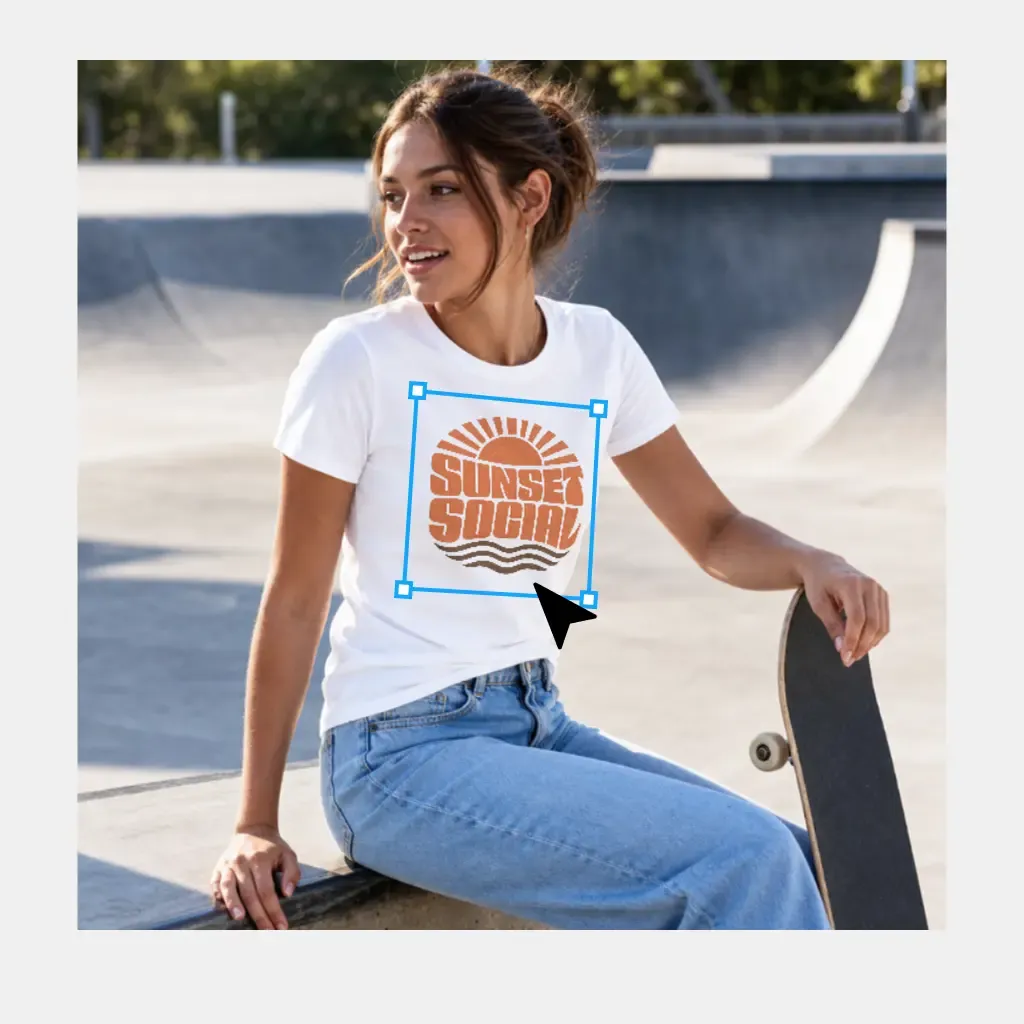
Mockuplabs が各デザインを商品の表面に自動で合わせます。必要に応じて位置や大きさを調整してください。
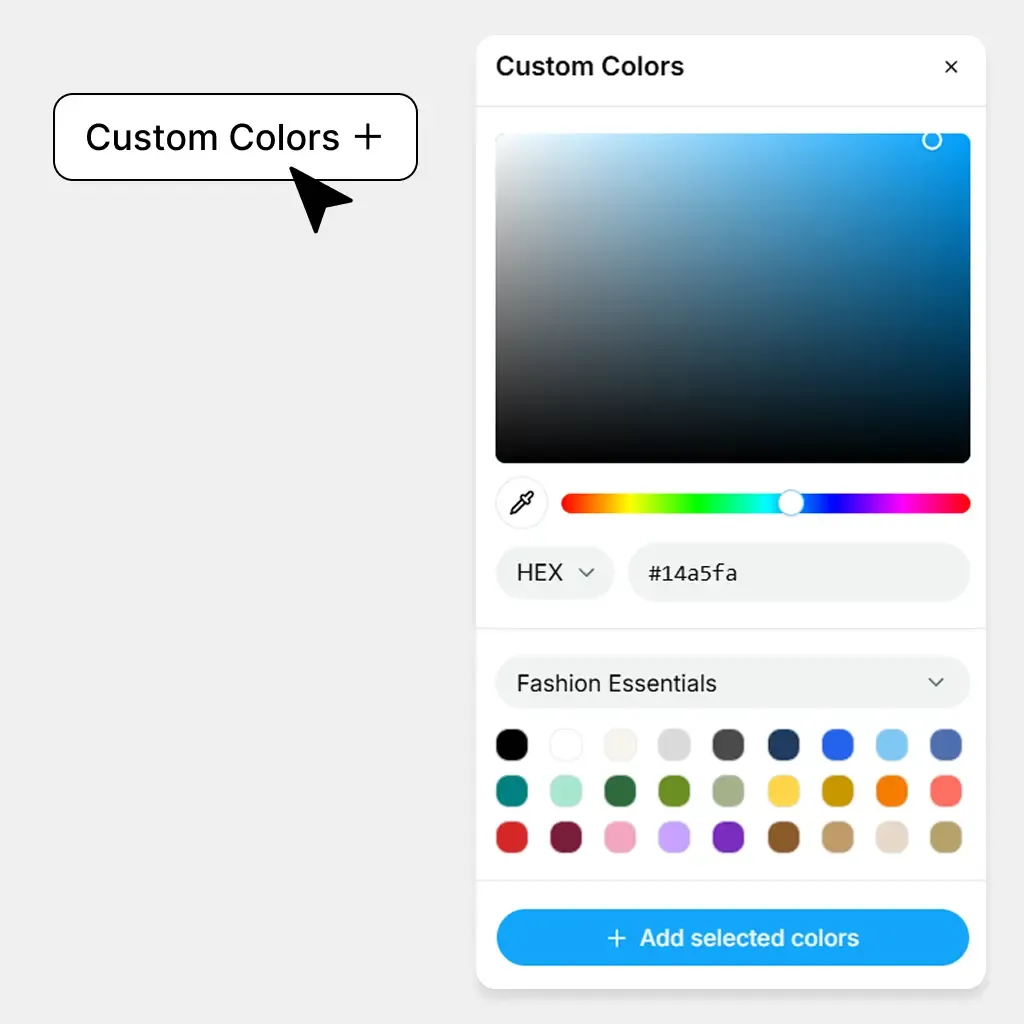
商品カラーを追加し、商品、デザイン、色のさまざまな組み合わせをプレビューします。
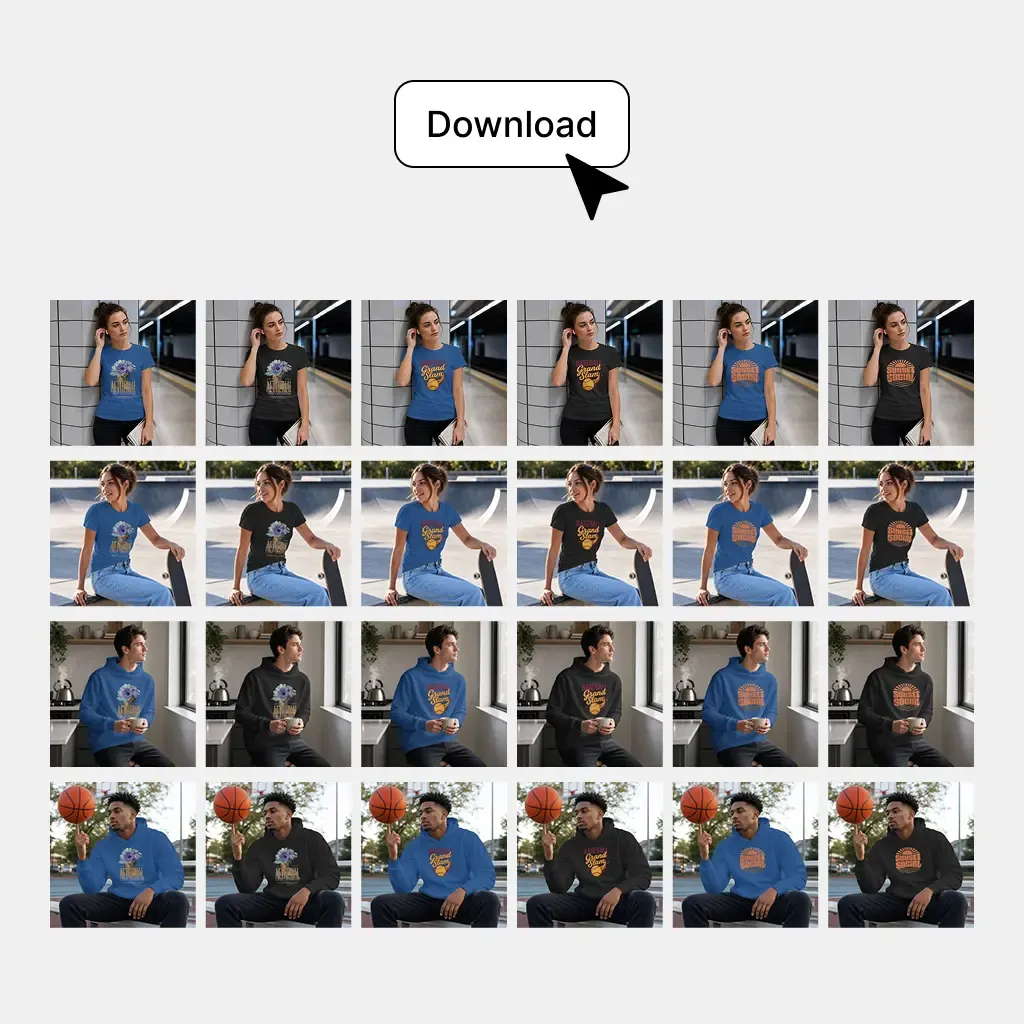
商品、デザイン、色のすべての組み合わせをまとめて一括生成します。
POD ストア、グッズの発売、複数 SKU のカタログ、EC 商品ギャラリー全体を、拡張可能な一つのワークフローで制作できます。
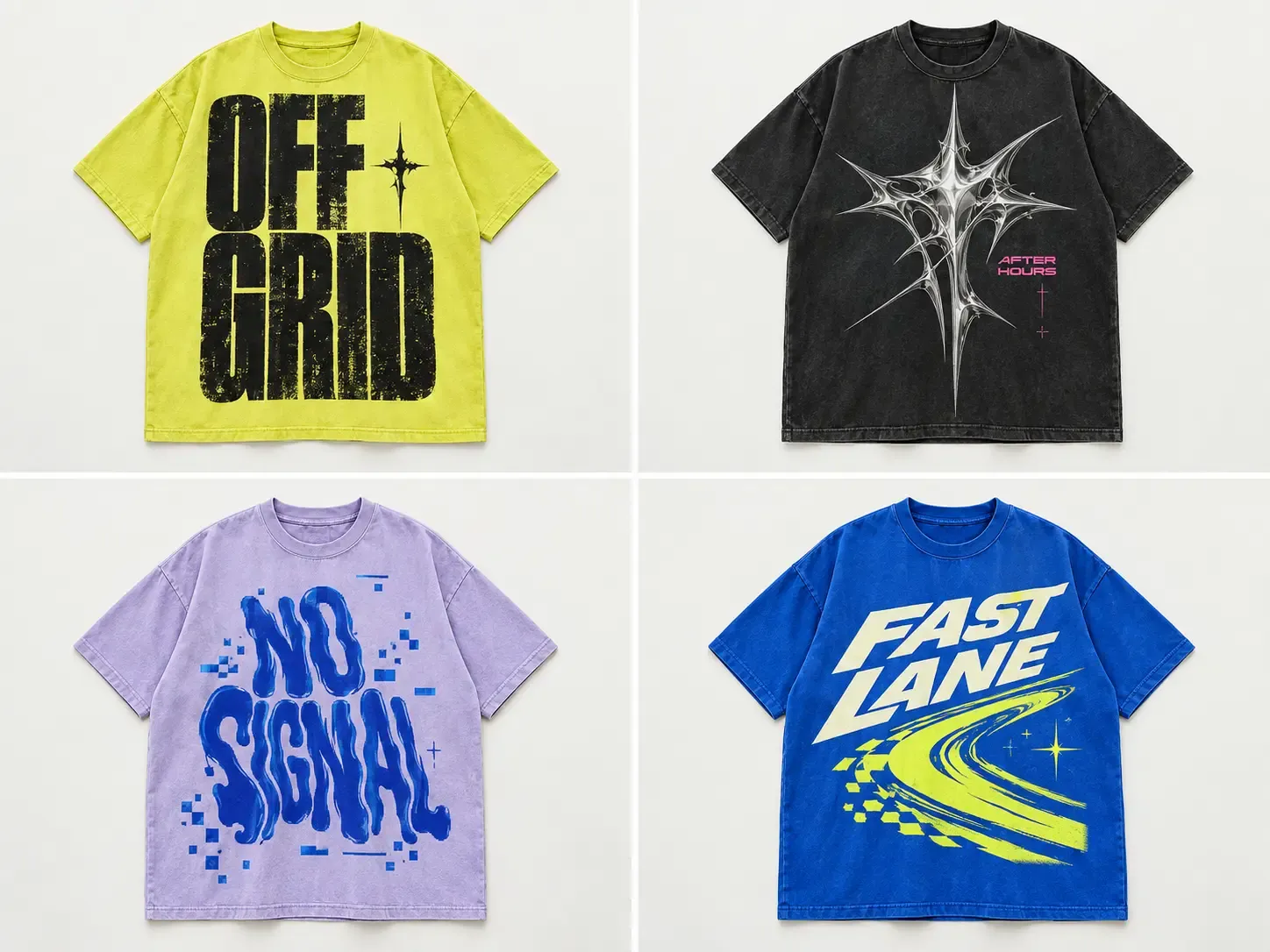
承認済みのキャンペーングラフィック、ロゴ、グッズデザインを T シャツ、パーカー、スウェット、バッグ、帽子などに適用できます。商品ごとに形に合う位置と大きさを保つため、各モックアップを個別に作り直さず、コレクションを統一できます。
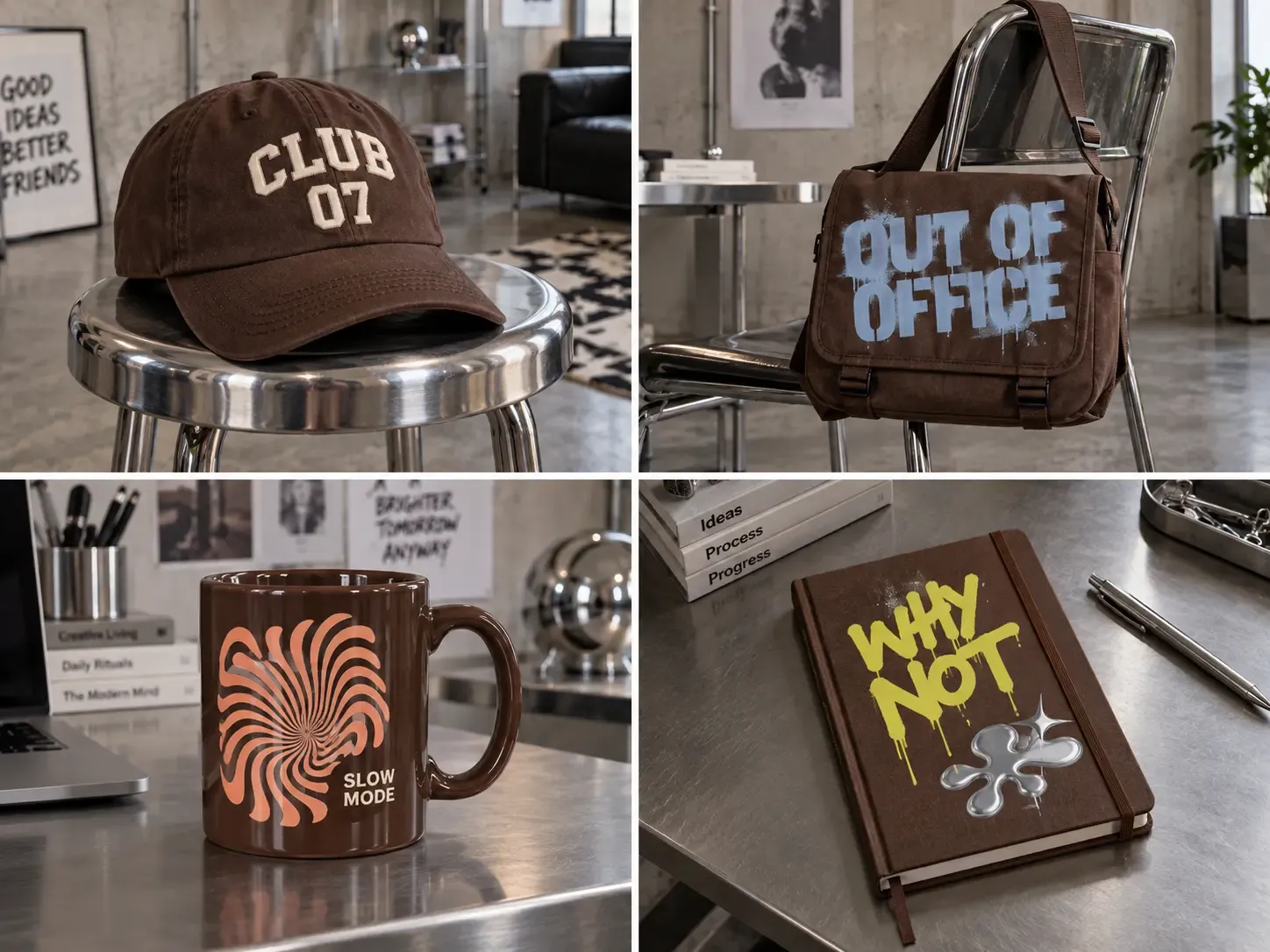
主要な商品アングルを一度準備すれば、新しいアートワークや色を追加しても設定を再利用できます。多数のデザインを持つ POD 販売者は、少数の承認済み商品設定からカタログ全体を制作でき、各アートワークを手動で配置する必要はありません。
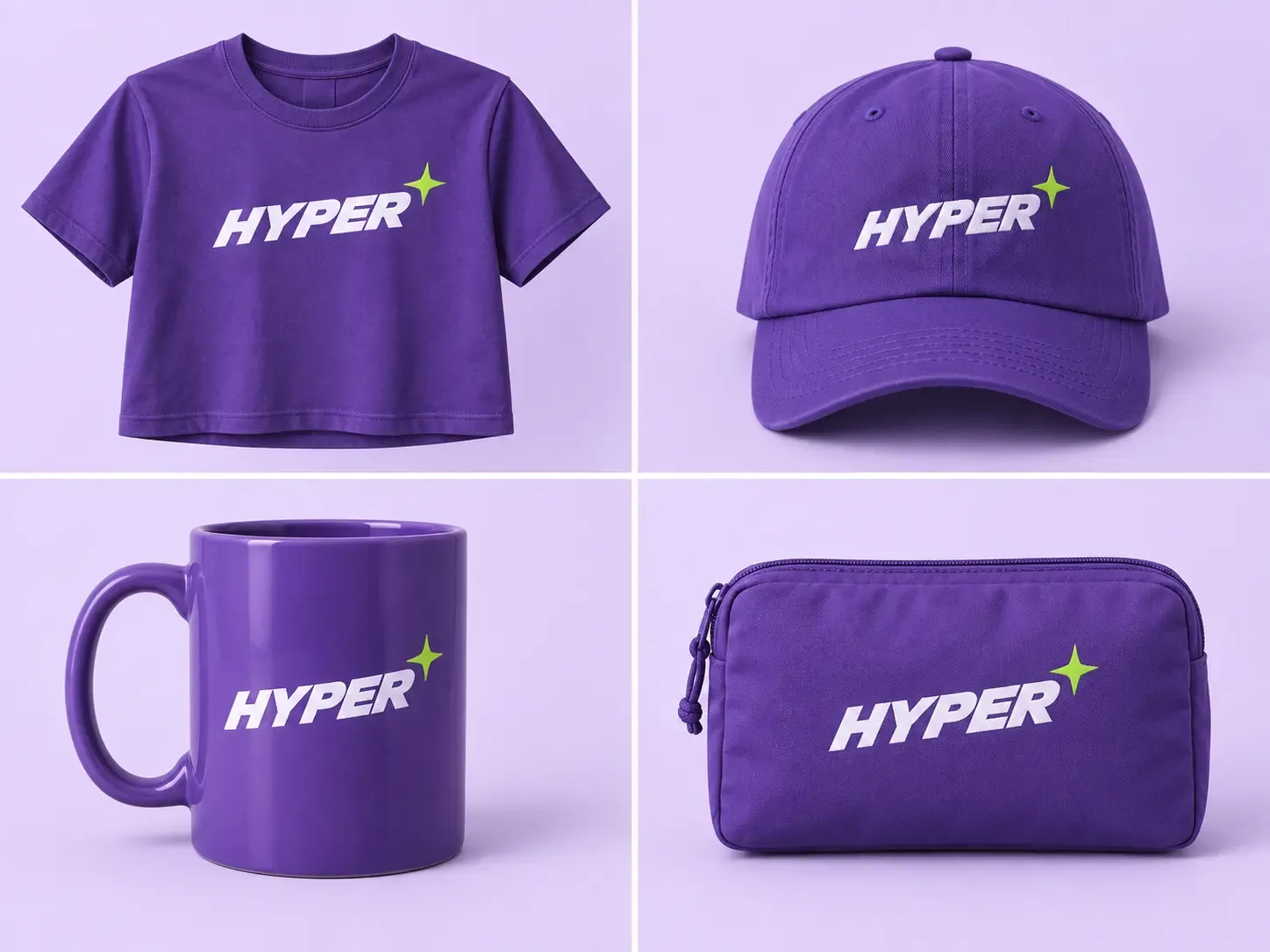
複数の商品、アングル、デザイン、販売色を体系的な一つの制作ワークフローにまとめます。カタログが拡大しても、手作業のモックアップ設定を同じ割合で増やさずに、出力数を大きく増やせます。
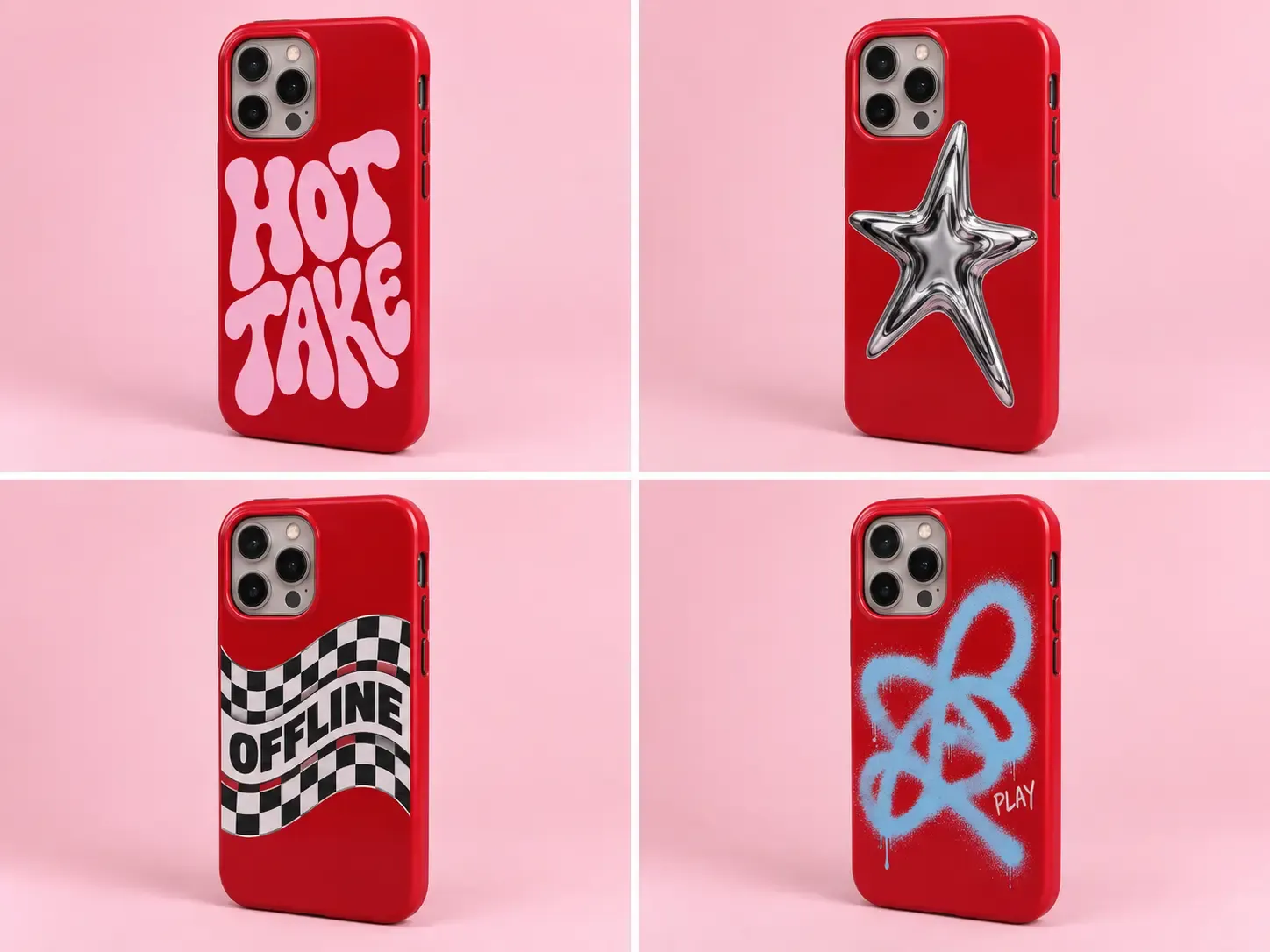
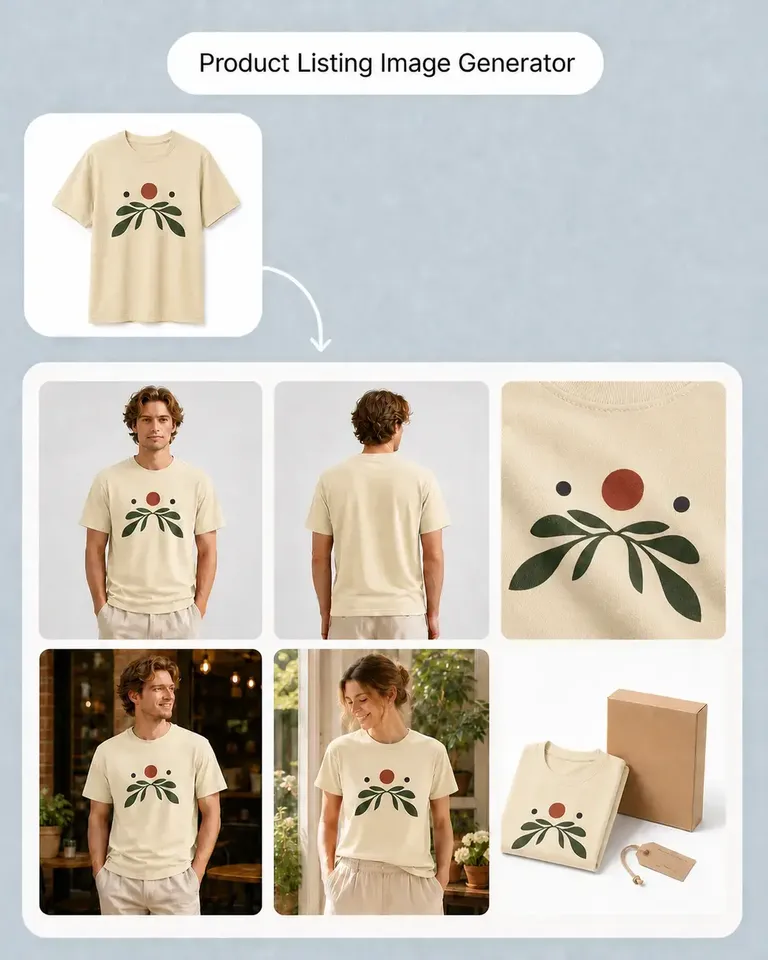
正面、背面、側面、細部、生活シーンなどのアングルを同じ一括処理に含められます。メインのモックアップだけ生成して他の掲載画像を別に用意するのではなく、販売するすべてのバリエーションでギャラリー全体を制作できます。
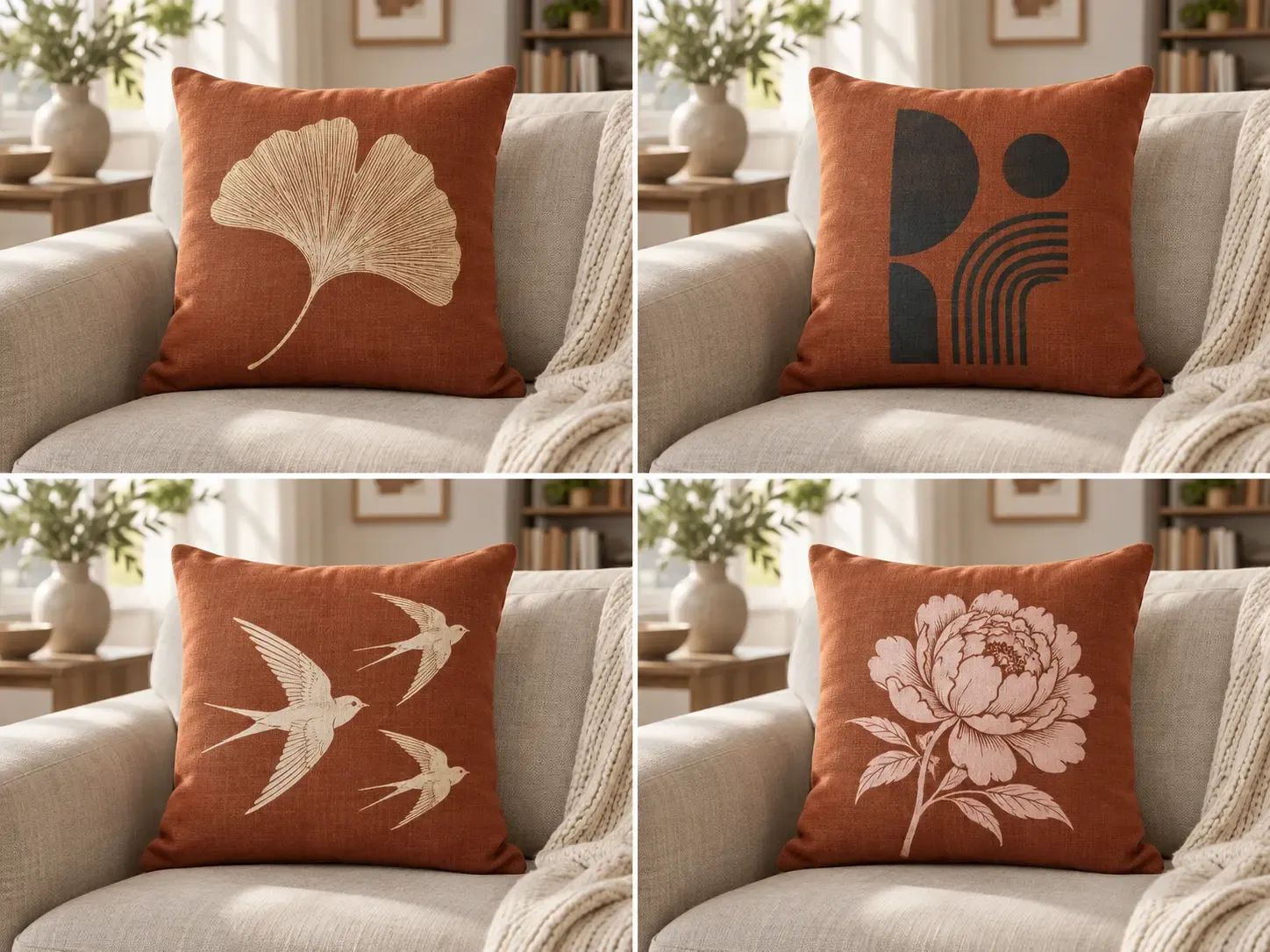
新しいホリデーグラフィック、季節のアートワーク、キャンペーンデザイン、限定グッズにも既存の商品設定を再利用できます。クリエイティブだけを変え、商品写真を統一することで、年間を通じたカタログ更新が容易になります。
モックアップの自動作成、自然なデザインのフィット、再利用可能な商品設定、一括制作を一つの EC ワークフローにまとめます。
自分の商品写真を自動で編集可能なモックアップに変換
PSD、テンプレート、スマートオブジェクト、準備の繰り返し
プロンプトと参考画像
元の商品、画角、背景、細部を保持
テンプレートが商品にどれだけ近いかに依存
生成ごとに商品の細部が変わる場合がある
アートワークを自動でフィットさせ、必要に応じて微調整
通常は手動で配置
配置が変わる場合がある
見えるしわ、曲面、遠近感、光に対応
テンプレート品質や編集スキルに依存
アートワークの解釈が変わる場合がある
商品写真ごとの設定を多数のデザインで再利用
個々のファイルやテンプレートに結び付くことが多い
生成ごとに変わる場合がある
選択した商品バリエーションを一括生成
出力が増えるほど繰り返し作業も増える傾向
大量出力できるが、制御の予測性は低い
最終生成前に商品、デザイン、色の組み合わせを確認
通常は画像ごとに確認
生成後に結果を確認
一貫性のある大量の EC カタログ制作
単発の精密な編集
クリエイティブ画像生成
全 14 件中 1–1 件
商品の発売、ブランドの成長、大量のコンテンツ制作まで、Mockuplabsがすべての商品をよりすばやく魅力的に伝えるお手伝いをします。

Hannah Park
The design fitting is the standout feature in Mockuplabs for me. The artwork follows the curves and folds, and I can still adjust the size and position until it looks right.

Marc Vogel
What I like about Mockuplabs' recolor tool is the control over separate color areas. I can change the part I mean to change and still see the fabric texture, shadows, and printed details.
Leo Martinez
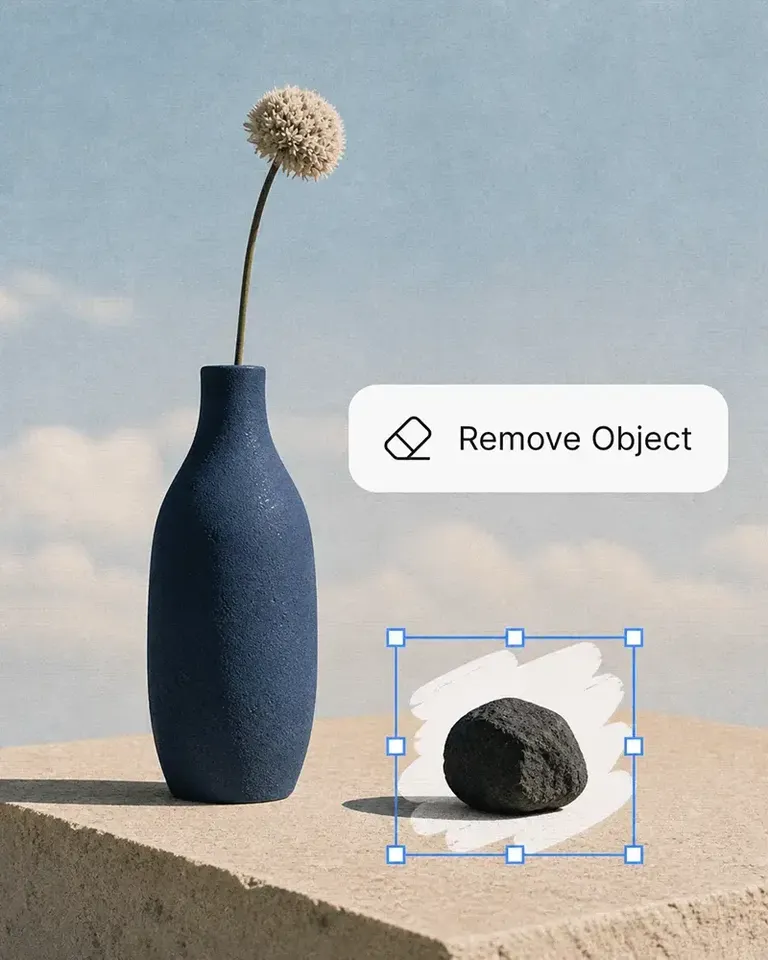
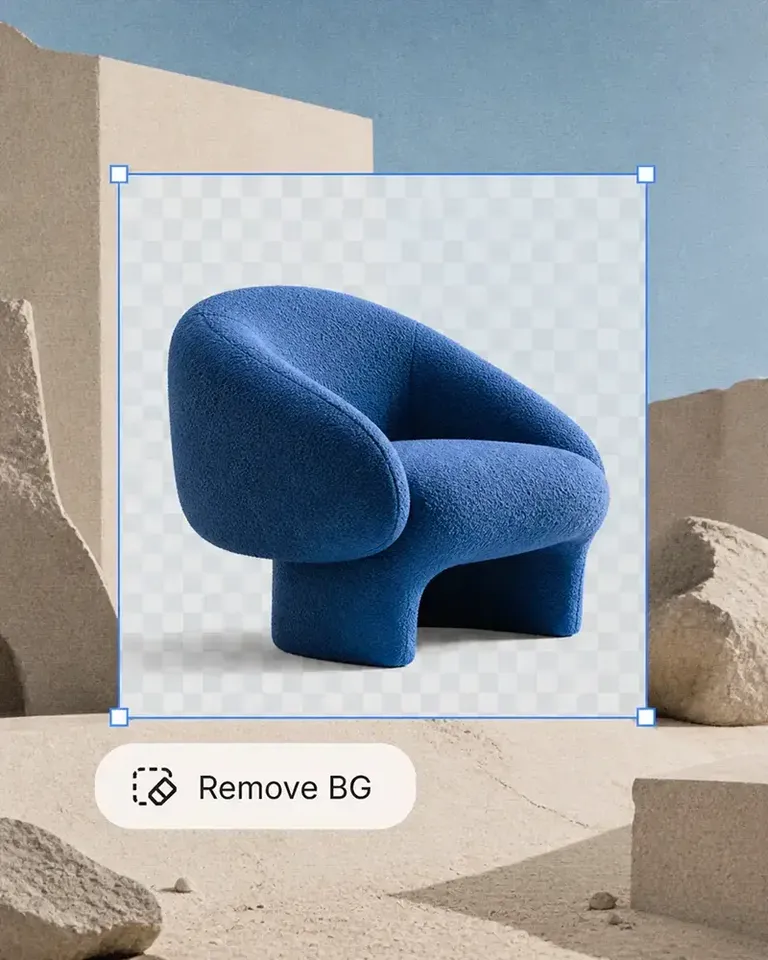
The background remover is useful on its own, but I like it more as part of Mockuplabs. A clean product image can become a mockup or another visual without another round of file juggling.
Chloe Martin
Turning my own product photo into a mockup is the Mockuplabs feature I value most. I'm not limited to a template that only vaguely resembles what I'm selling.

Adam Campbell
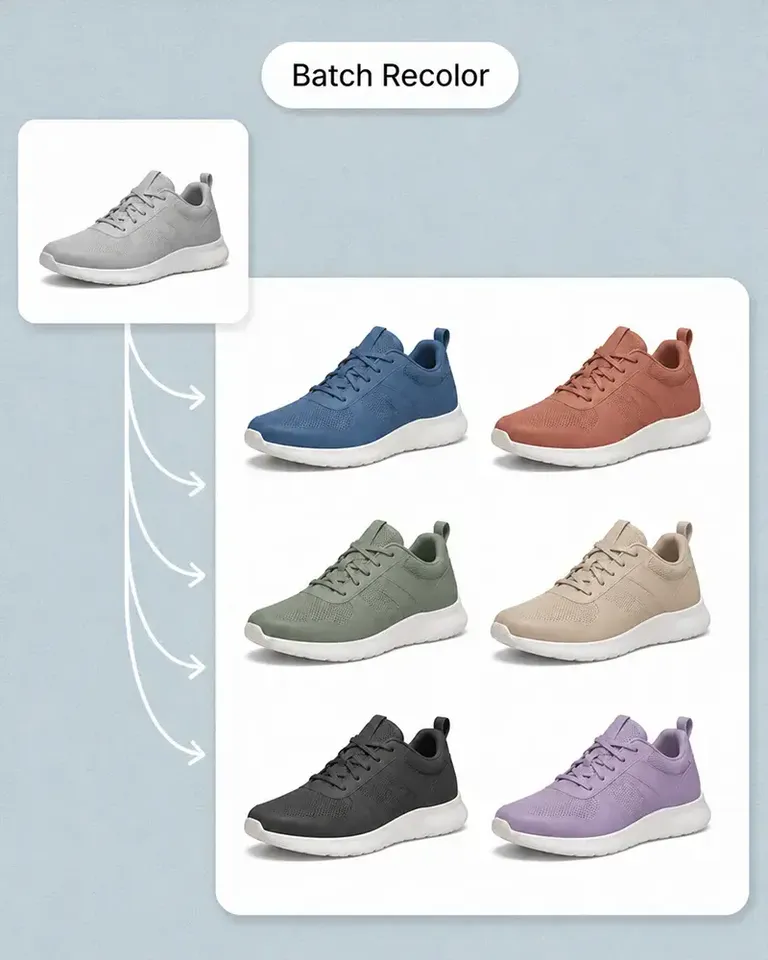
For our catalog work, Mockuplabs' batch recolor is more useful than changing one photo at a time. I like seeing a color live before adding it to the batch, especially when a darker shade makes the print harder to read.
rorymadeit
The live recolor preview in Mockuplabs makes comparing shades feel much more direct. The folds and highlights are still visible, so I'm judging the color on a product rather than on a flat swatch.
Grace Evans
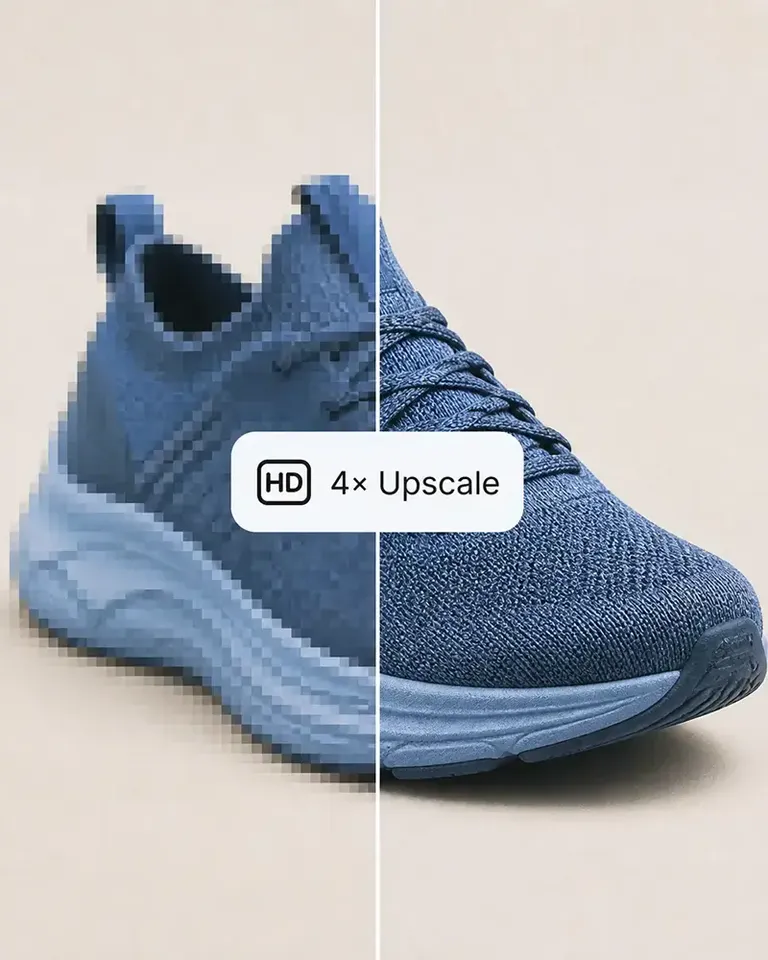
The upscaler made a small product photo more usable for a larger layout. It isn't a replacement for a good source image, but I'm glad I didn't have to discard the photo.

Yuki Tanaka
Mockuplabs gets the artwork close to where I want it, and the position and size controls let me finish the job. That last bit of adjustment matters when the design needs to sit neatly on the product.

Niko Petrov
I make POD listings with several designs and product views. Mockuplabs' batch mockups let me reuse the placements I've already checked, which is the part I most wanted to stop repeating.
Isabel Moreno
The cutout looked clean enough for my product layout. The handle details were still there, which was the part I was concerned about.

Tom Sullivan
For a catalog with several photos per item, batch recolor is the useful part. I still check the logos and color boundaries in the results, but having the whole photo set together makes the review easier.

lena.draws
I came to Mockuplabs for mockups, but the background removal and image tools have been just as useful. It feels like a practical product-image editor rather than a single-purpose generator.