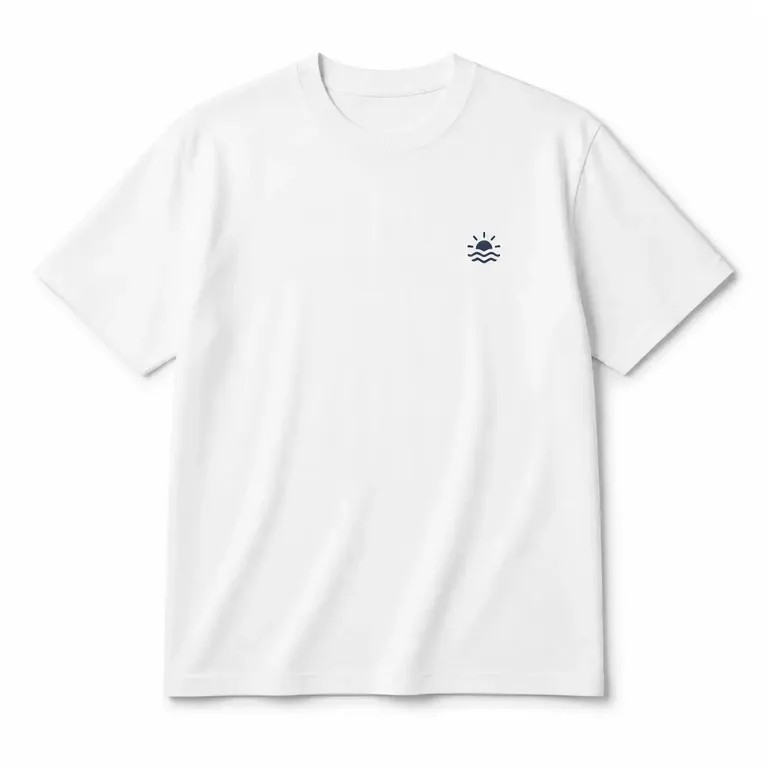
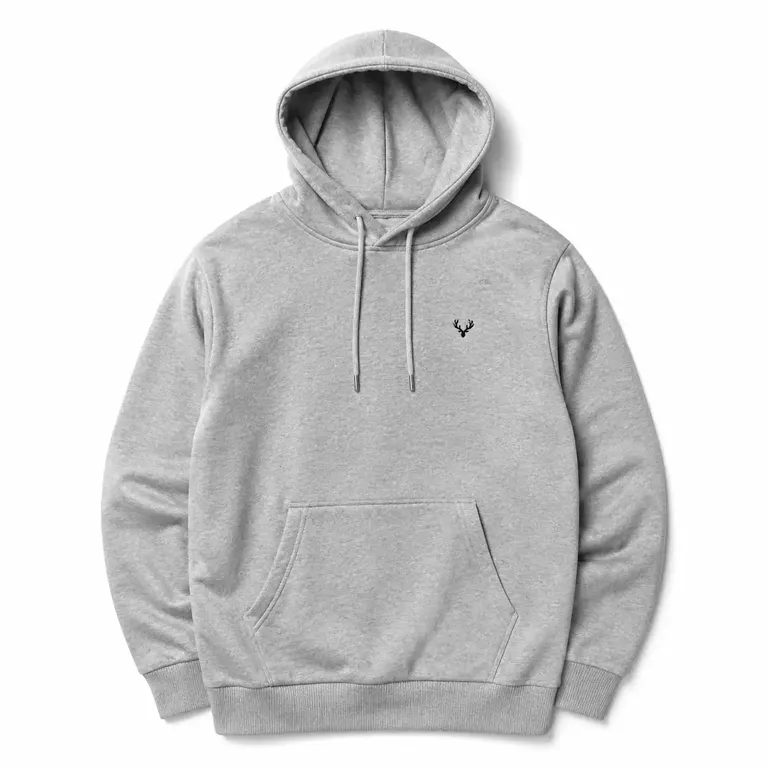
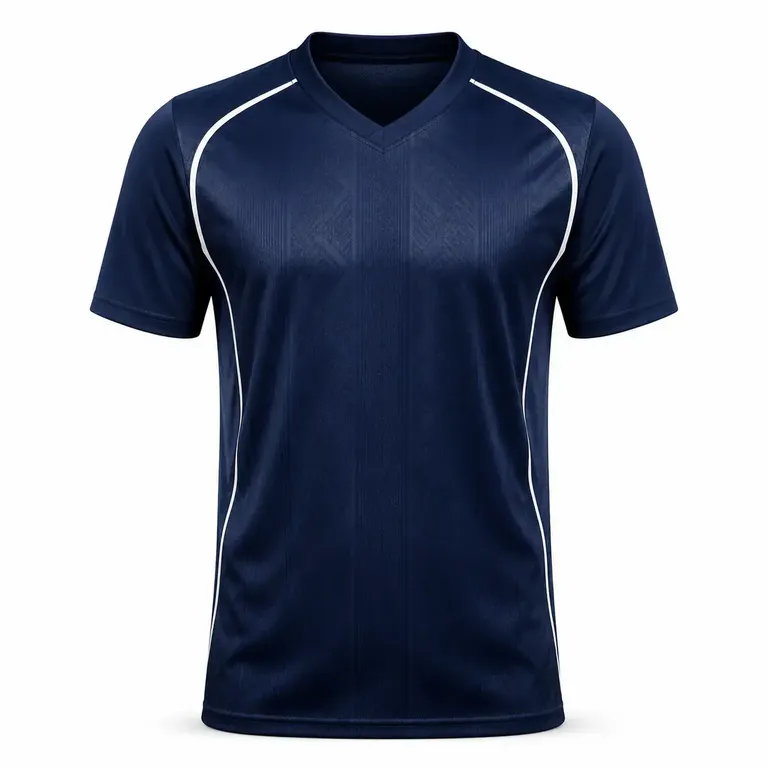
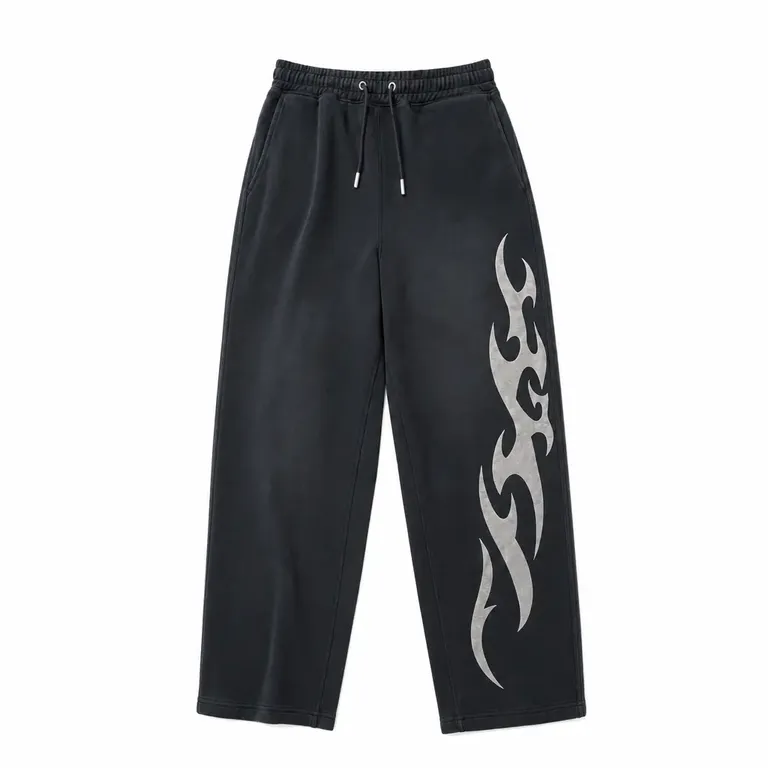
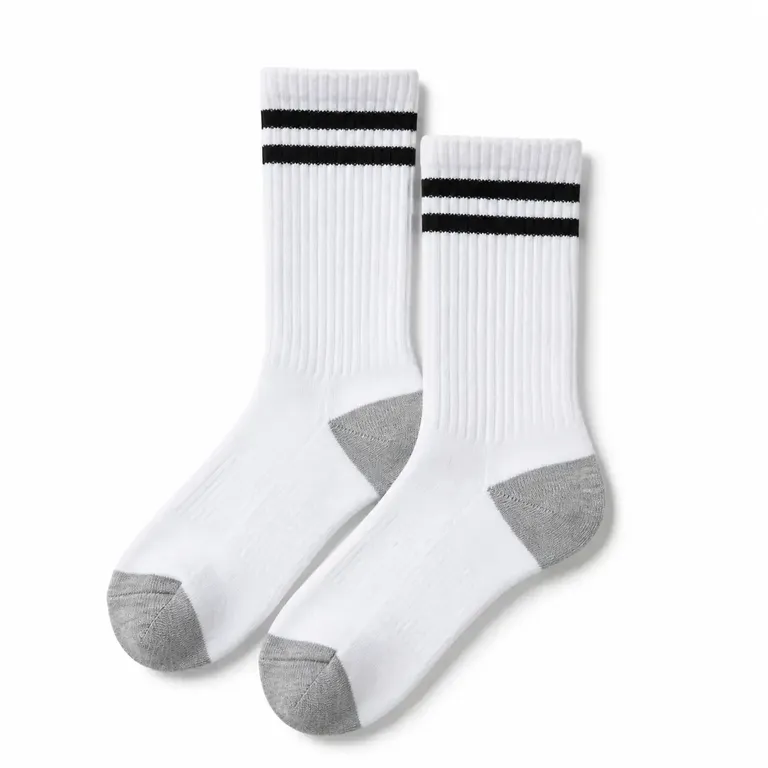
最初のモックアップを作成して承認
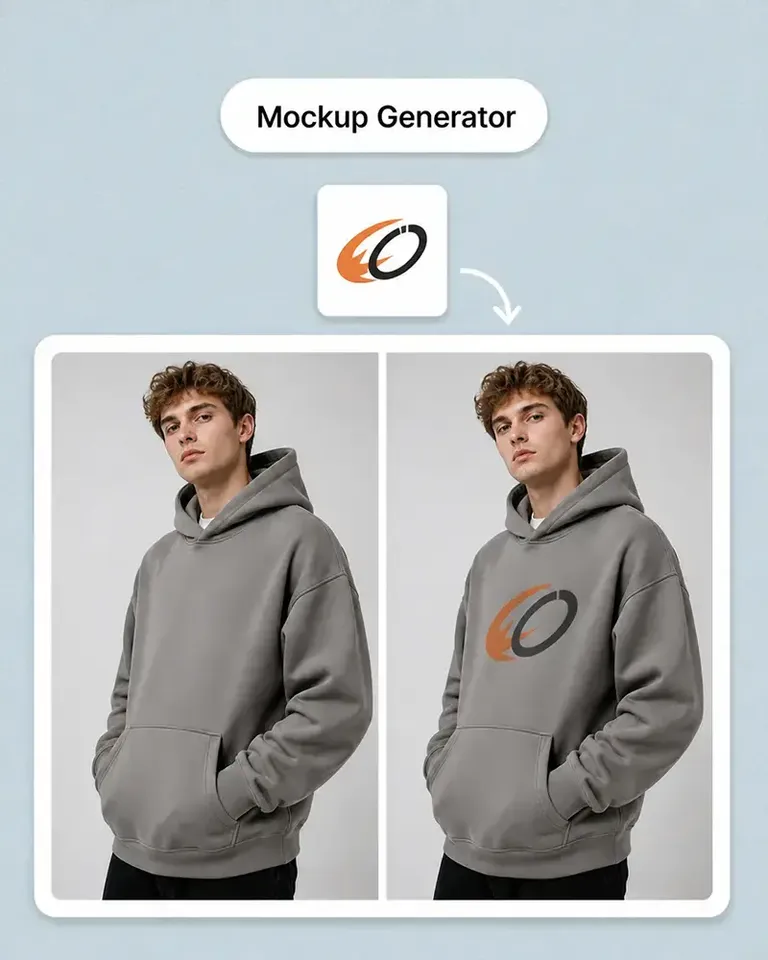
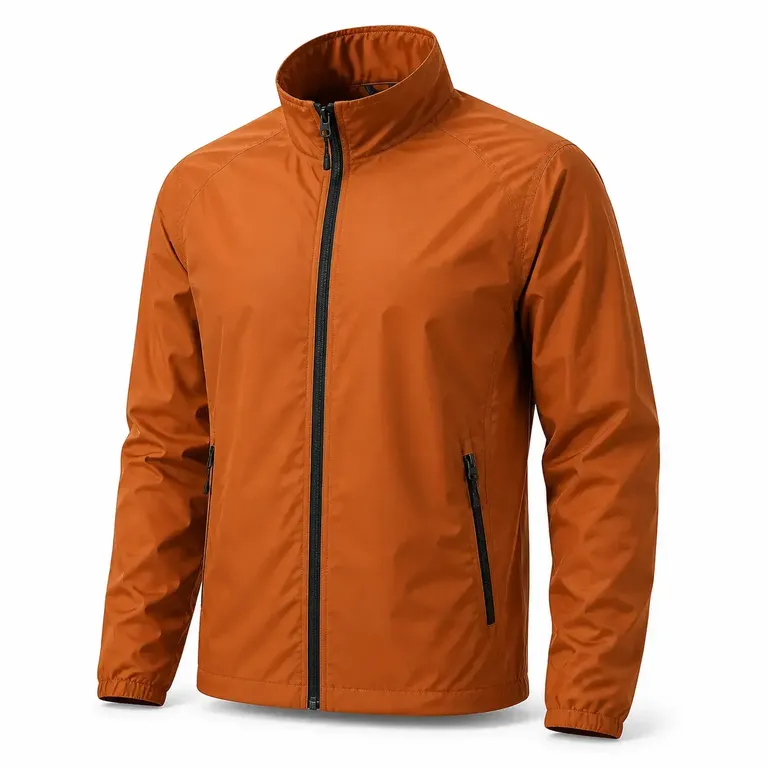
自分のスタジャン写真に最初のデザインを適用します。配置、大きさ、見えている商品の細部をまとめて確認し、承認済みの設定を再利用できるよう保存します。
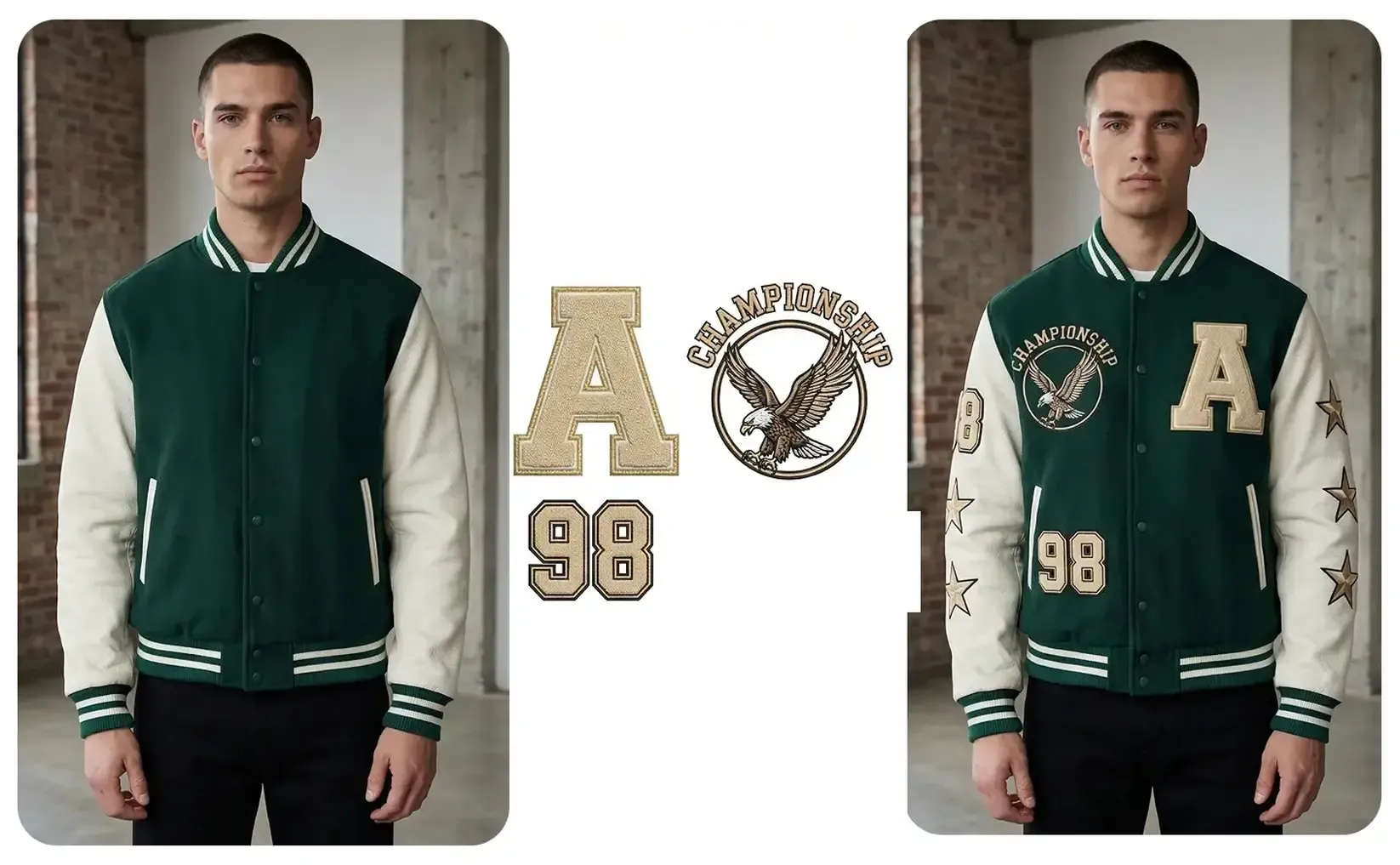
自分のスタジャン写真を編集可能なモックアップに変換。重なりのあるブランド表現やカラーを確認し、承認済みの設定をチームウェア、ストリートウェア、グッズに再利用できます。
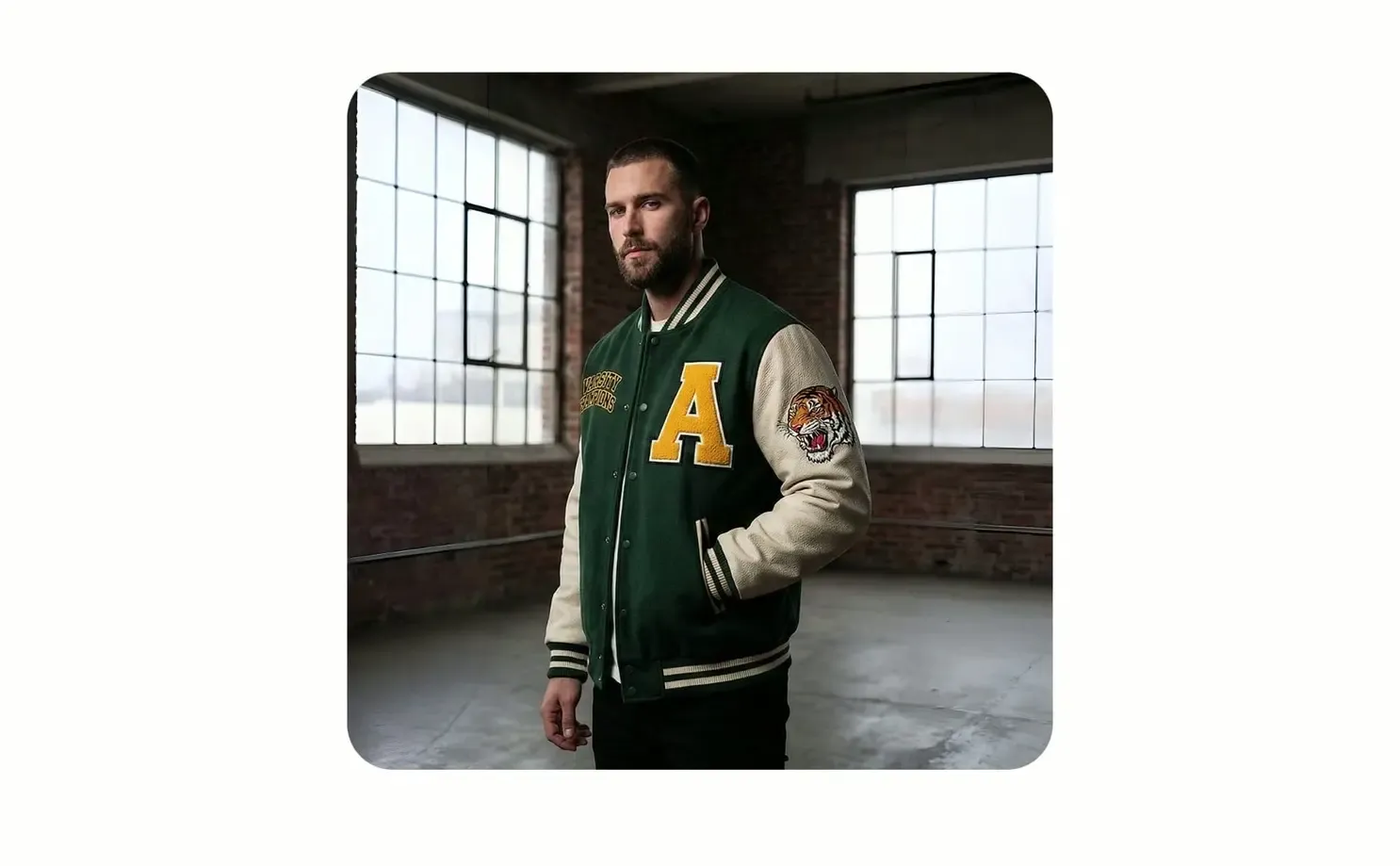
実際に使用または販売するスタジャンから始め、商品上で最初のデザインを確認して承認します。同じ商品設定から別の図案、バリエーション、商品掲載画像、キャンペーン、動画へ展開できます。
自分のスタジャン写真に最初のデザインを適用します。配置、大きさ、見えている商品の細部をまとめて確認し、承認済みの設定を再利用できるよう保存します。
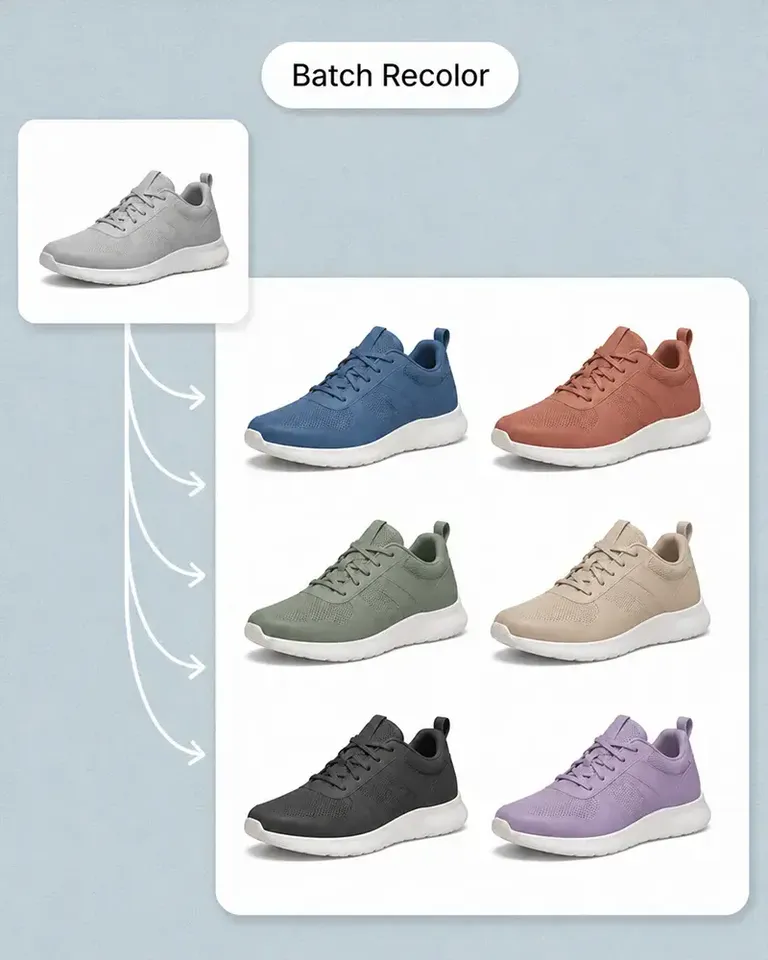
同じスタジャンの設定を保ちながら、図案、色、文字、柄などの方向性を変更します。基本のモックアップを作り直さずに商品展開を増やせます。

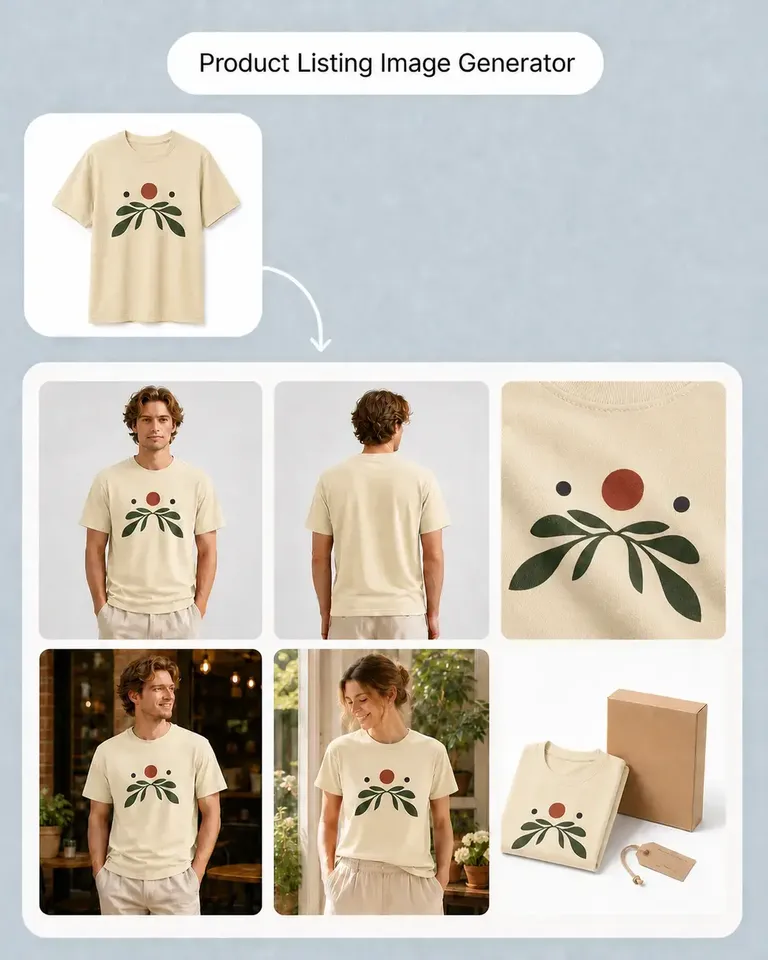
承認済みのスタジャンから商品掲載画像、生活シーンの画像、キャンペーン素材、SNS向けの形式、動画へ進めます。別のワークフローで最初からやり直す必要はありません。

承認済みの素材から、今回の商品やキャンペーンに必要なモックアップ、バリエーション、マーケティングコンテンツへ展開します。

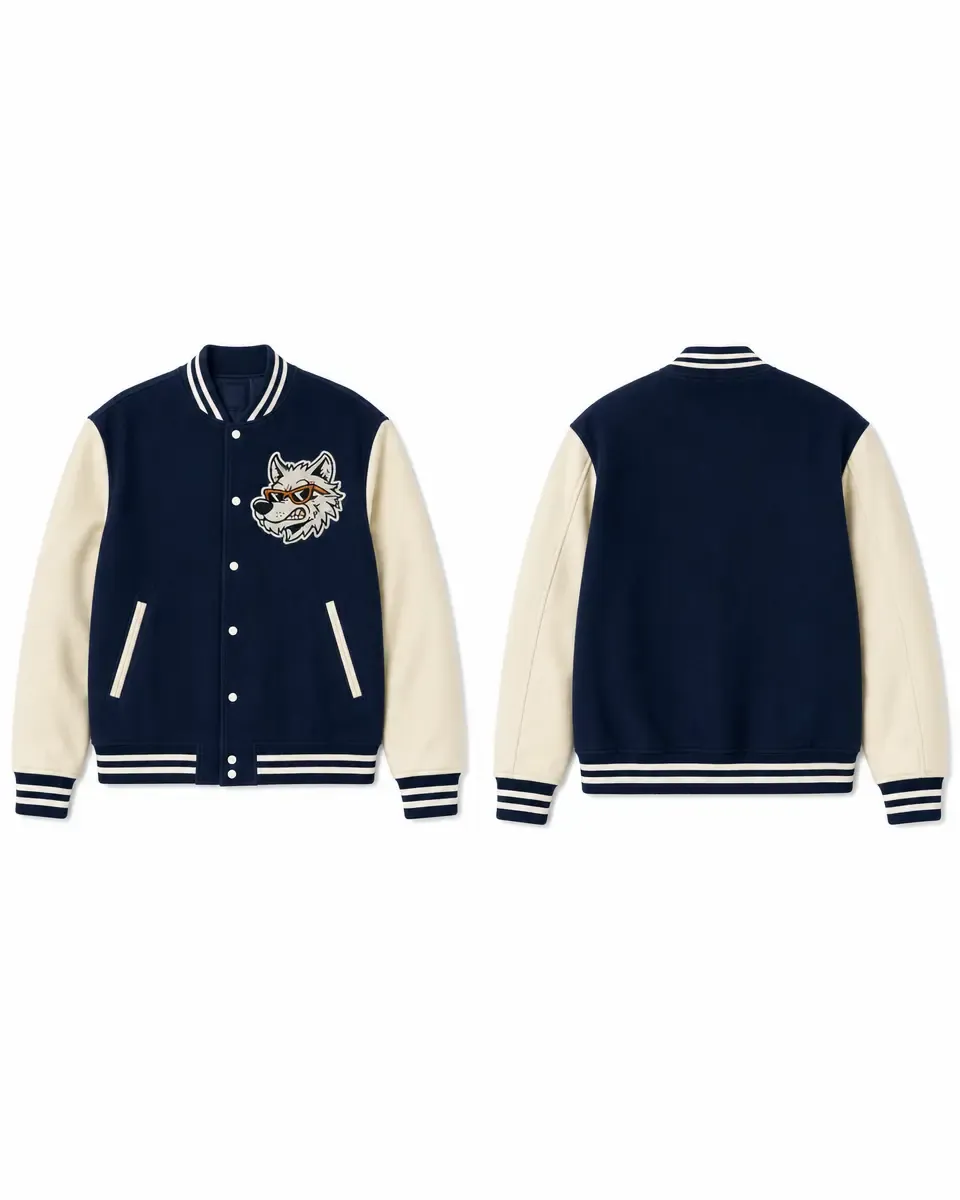
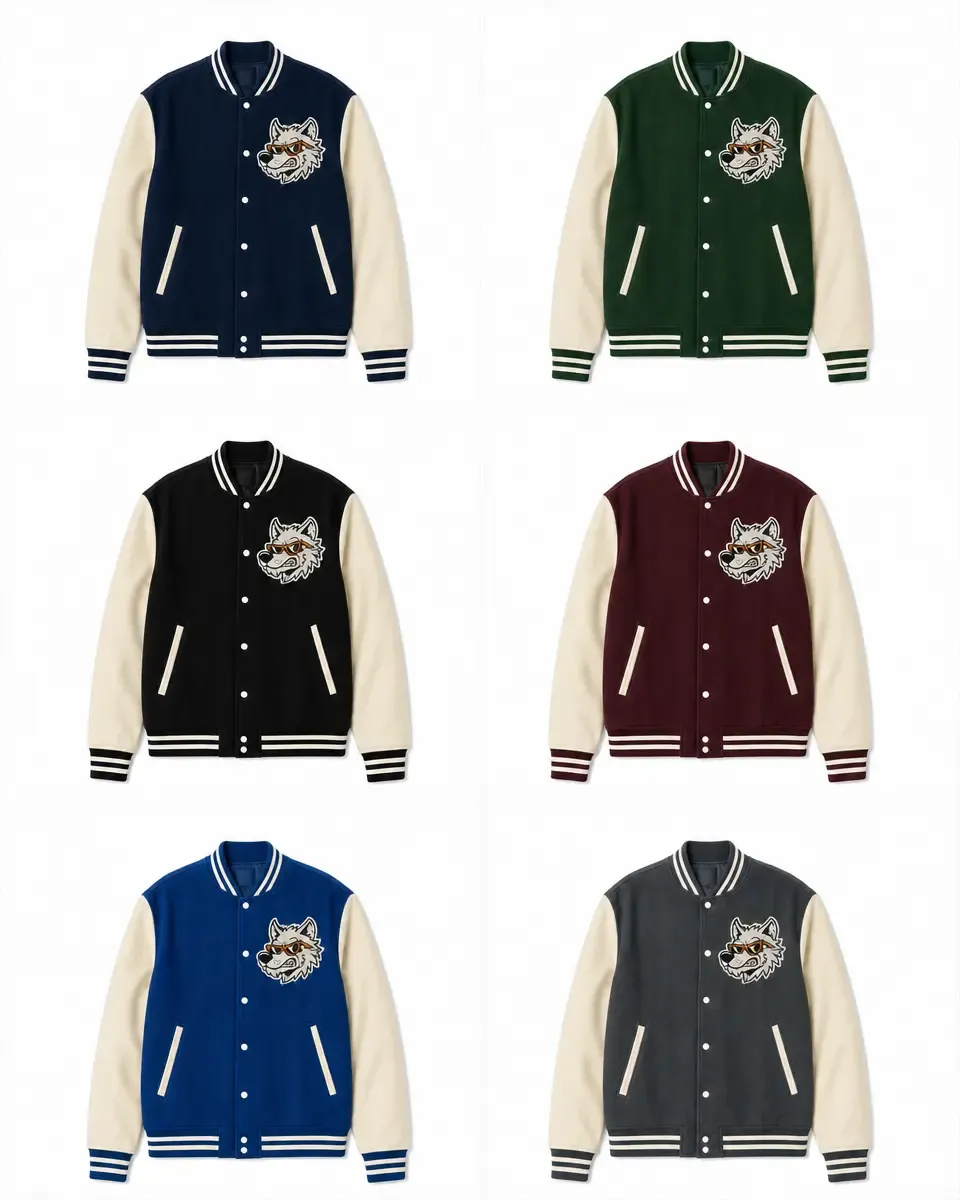
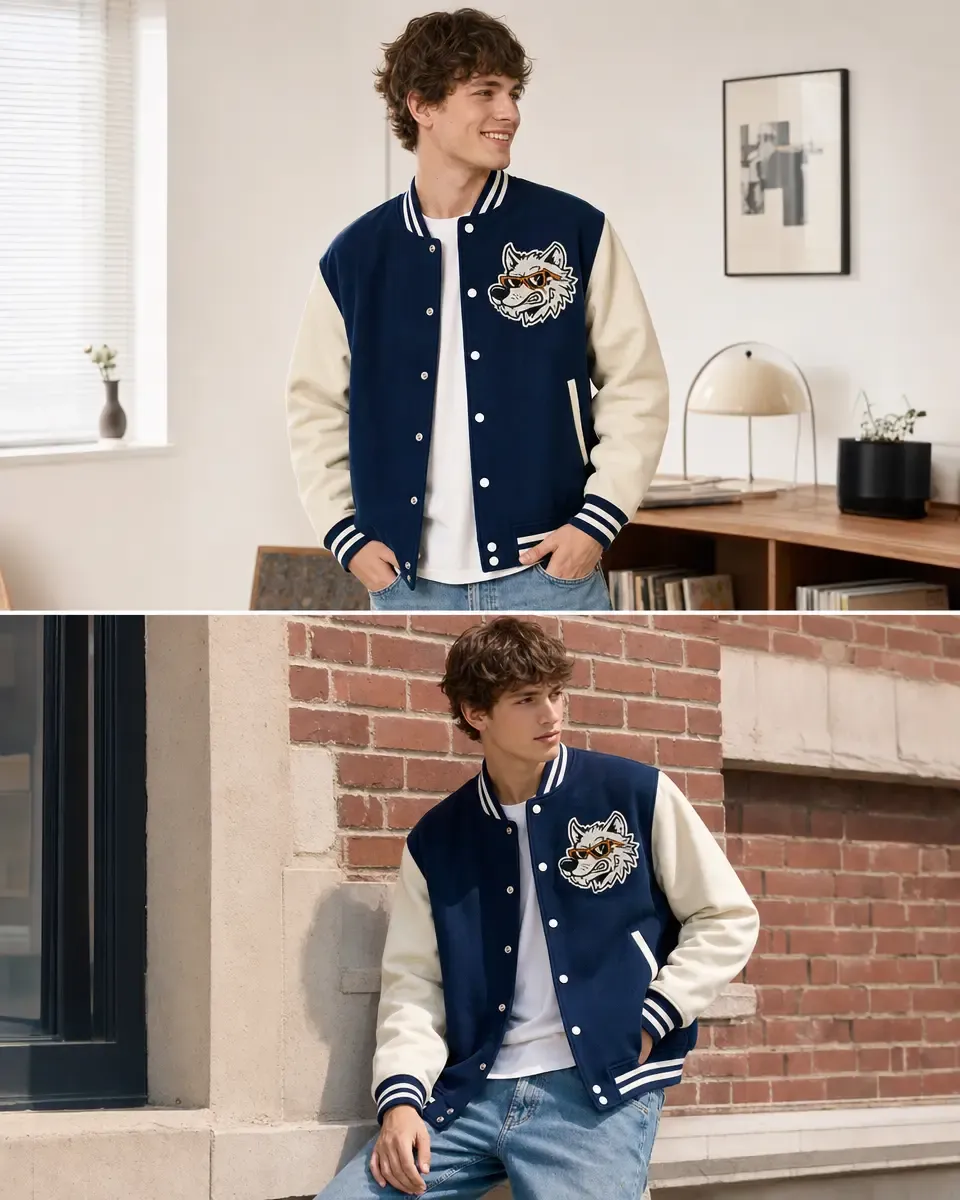
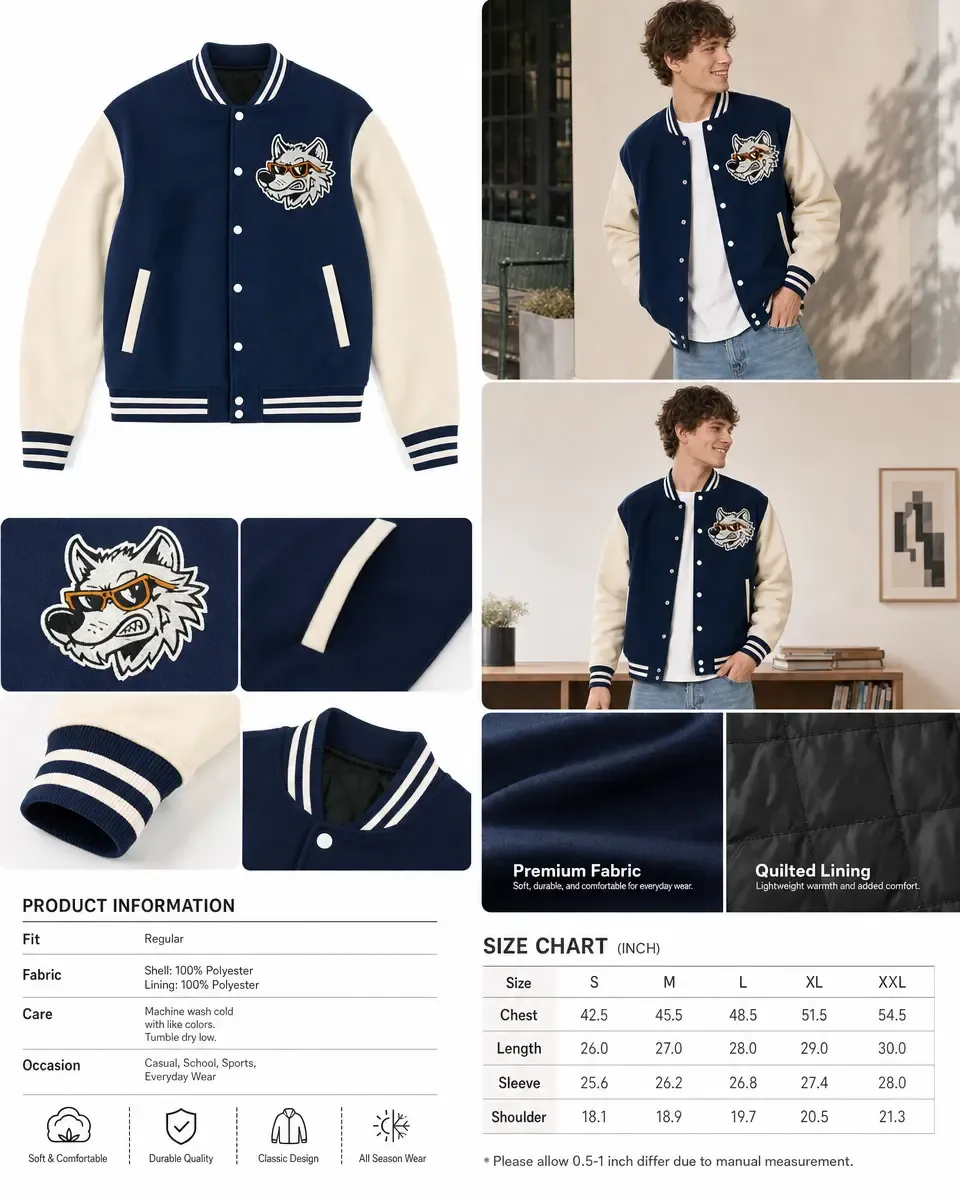
実際の元素材を使うことで、バリエーション、商品掲載、キャンペーンの各コンテンツでも、スタジャンの承認済みの細部を保てます。
元の素材を一度承認したら、商品数やマーケティングコンテンツが増えても同じ設定を再利用します。
モックアップで表現したい実際のスタジャンから始めます。別の角度を正確に見せる必要がある場合は、その方向の商品写真も用意してください。
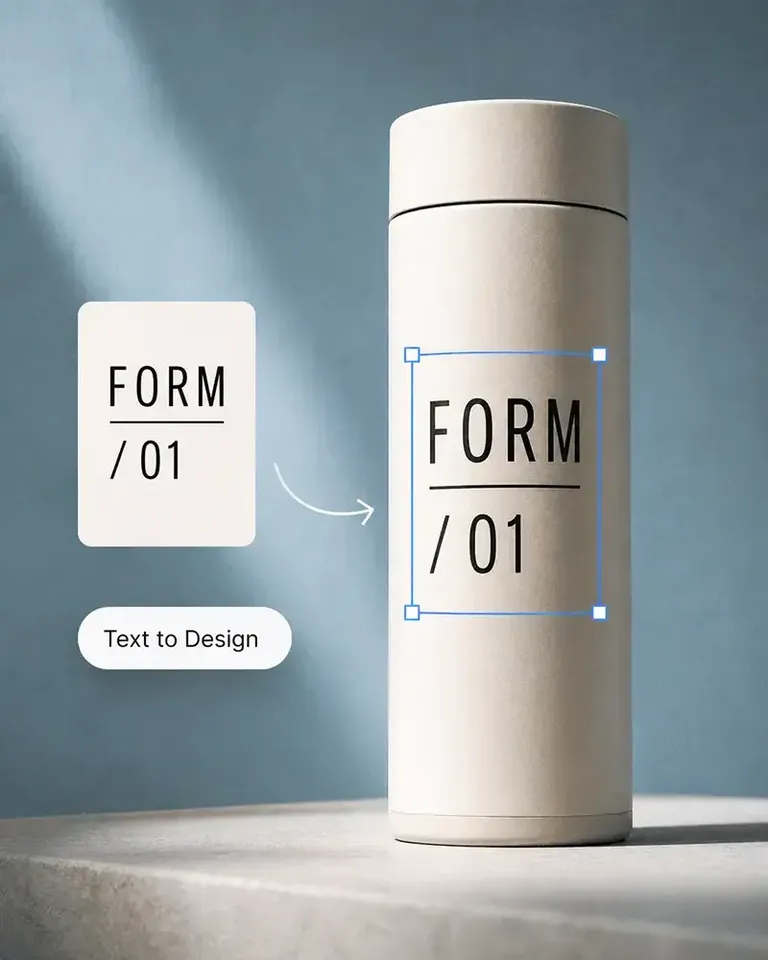
図案、ラベル、文字、柄を加え、見えている商品の形、素材、遠近感、光に照らして大きさと配置を確認します。
承認済みの素材と配置を保ったまま、デザイン、色、柄、文字などの商品バリエーションを変更します。
承認された商品から、商品掲載画像、生活シーン、キャンペーンの各形式、SNS素材、動画を制作。同じ見せ方を一から作り直す必要はありません。
関連性の高い商品カテゴリーへ進み、元の素材を基準にデザイン、バリエーション、マーケティングコンテンツを制作する流れを続けられます。
商品の発売、ブランドの成長、大量のコンテンツ制作まで、Mockuplabsがすべての商品をよりすばやく魅力的に伝えるお手伝いをします。

Sarah Bennett
Mockuplabs makes the image side of running a small shop feel more manageable. I can put together a decent product visual without turning every update into a separate design job.

Zoe Lawson
Our store has a growing mix of products and designs. Batch mockups in Mockuplabs make those updates more manageable, and reusing the setups helps the new images feel like part of the same catalog.

northside.mia
Client feedback is much clearer with the mockups I make in Mockuplabs. People can judge the artwork's size and placement on the actual product instead of trying to imagine it from the design file.

Omar Hassan
Mockuplabs is useful for getting more out of photos I already have. A new layout or setting can give an existing product image another job without needing a completely new shoot.
Aaron Davies
Mockuplabs is good for getting product visuals ready when the design work is done but the marketing images aren't. That gap used to hold things up for me.
Ellen Brooks
When we add a color option, we need the other product views as well as the main image. Batch recolor in Mockuplabs is useful for that whole set. We're not left with one updated picture and the rest still showing the old color.
Freya Nielsen
I'm the person who ends up doing the images as well as everything else. This is approachable enough for me to use without asking a designer to handle every small adjustment.

Mei Chen
The previews I make in Mockuplabs give my ideas a much more finished presentation. They're easier to share with a client than a flat logo and a description of where it should go.

samir.creates
A practical tool for the ordinary image work behind a store. Not every picture needs to be an elaborate campaign visual; sometimes clean and consistent is exactly what I need.

Diego Ramos
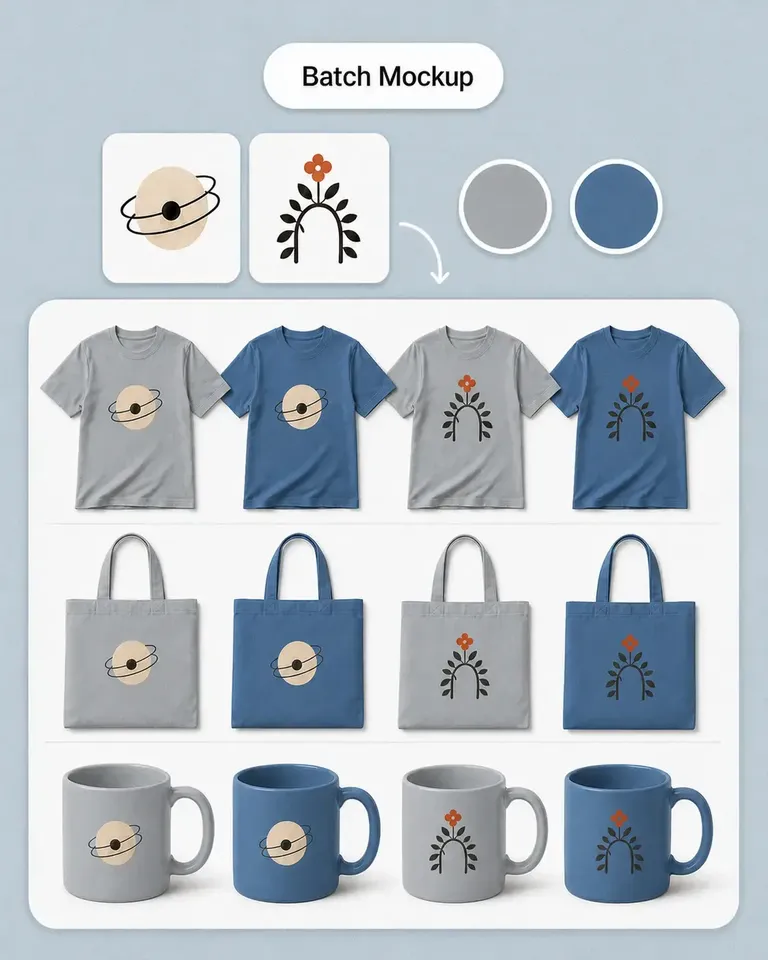
I prepare product images for clients with several designs and views to show. Mockuplabs' batch mockups are useful when an approved product setup needs to support the rest of the collection, rather than just one presentation image.
James Porter
The scene options are useful for deciding on a direction before committing to new photography. Some ideas look much better in my head than they do around the actual product.
Anika Sharma
This suits the day-to-day image jobs I do for our shop. I'd like more complete examples of product-image sets, but the tools themselves have already been useful.
最初のデザインを適用して商品設定を承認したら、同じスタジャンを別の図案、バリエーション、商品掲載、キャンペーンに再利用します。