カードの Mockup でデザインを表現
まず名刺、グリーティングカード、ポストカード、トランプ、商品タグから形式を選びます。レイアウトを見せる前に、シーンにどの面や縁が見えるか確認してください。
モックアップ 300 件
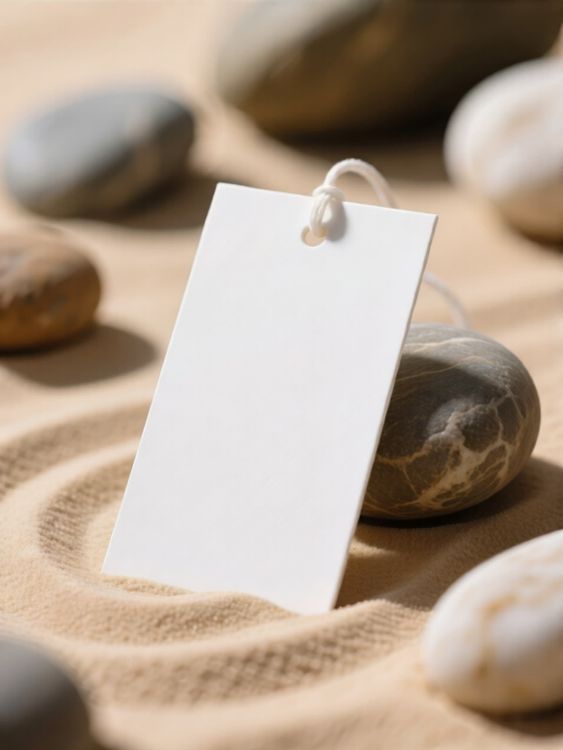
Minimalist mockup of tag label on stone in zen garden sand

Playing card mockup of minimalist design standing
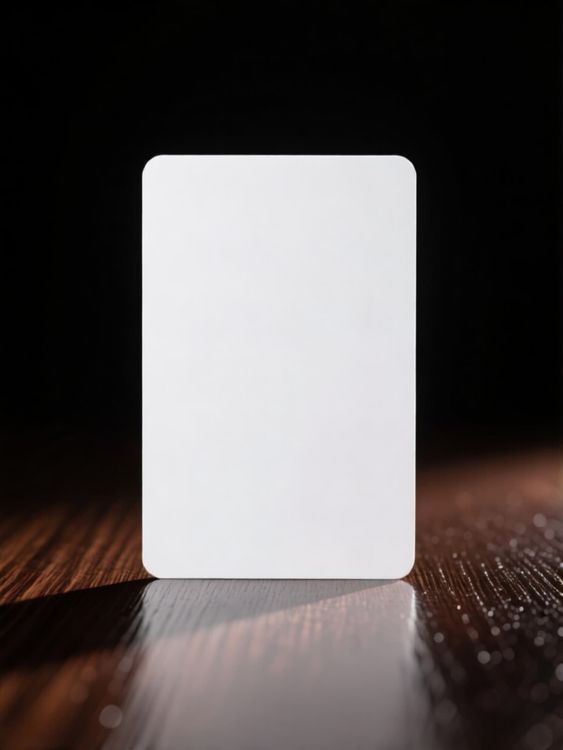
Lifestyle business card mockup warm sunlight reflecting on polished wooden surface

Tag mockup of blank paper tag hanging in minimalist corner
Gift tag mockup of blank paper tag hanging with twine colorful background
Lifestyle business card mockup standing on white marble block soft natural sunlight shadows

Business card mockup of blank business card on curved paper background

Playing card mockup of blank cards vertical arrangement 1

Tag mockup of rectangular tag floating on soft purple background

Postcard mockup of blank postcard on beige fabric with dried grass in background

Playing card mockup of blank cards on table
Lifestyle business card mockup black metallic surface with graffiti designed card

Business card mockup of blank white business card on textured wall with shadows
Lifestyle greeting card mockup wooden table pen small vase minimal setup

Greeting card mockup of blank card on silk fabric background

Greeting card mockup of blank card minimalistic shadowed background

Tag mockup of blank rectangular tag in shadowed geometric background
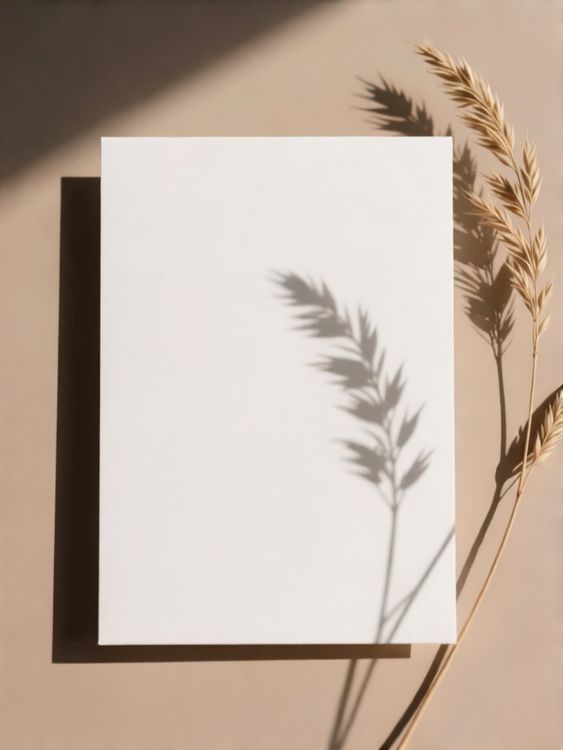
Lifestyle greeting card mockup studio cast shadows on blue backdrop with plant

Playing card mockup of blank card standing on reflective surface with glass blocks background

Business card mockup of blank business card leather fabric background

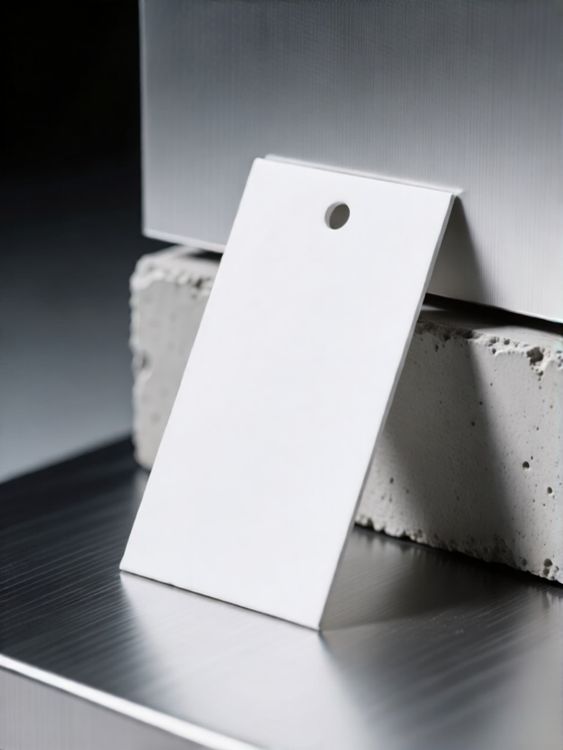
Label mockup of blank white tag on cracked white surface
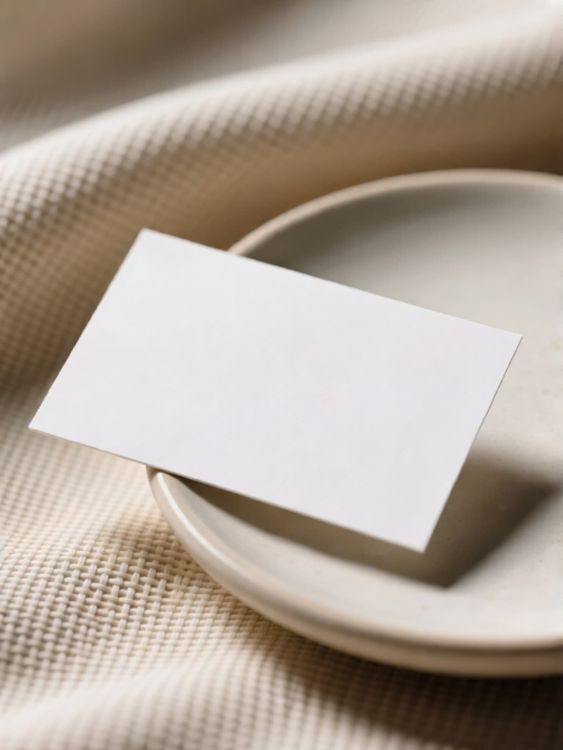
Lifestyle postcard mockup card on plate with textured fabric background

Tag mockup of blank retail price tag hanging in dark room
使えるモックアップか、細部を確認。
優れたテンプレートは、デザインを載せるだけではありません。商品の形を保ち、適切なデザイン領域を確保し、掲載先の用途に合った画像を作れます。
自然になじむデザイン配置
デザインの周囲でも、光、しわ、縫い目、遠近感が確認できます。
商品の魅力を伝える余白
画像の役割に合わせて、すっきりしたメイン画像、細部のアップ、ライフスタイルシーンを選びます。
EC 向けの画像形式に対応
商品ページ、キャンペーン、SNS、ショップページに展開しやすいトリミングから始めましょう。
デザインをプレビューしてから選ぶ
- 01
閲覧するかデザインを追加
テンプレートを閲覧するか、上のアップロード欄からデザインを追加して、対応するカードのプレビューを比較できます。
- 02
テンプレートを開いて調整
選んだテンプレートを開き、編集機能を確認します。対応するテンプレートでは、絵柄の位置や利用可能な色の設定を調整できます。
- 03
ダウンロード、または制作を続ける
完成した画像をダウンロードするか、編集可能なテンプレートをMockuplabsのオンラインエディターで開き、無限キャンバスで制作を続けられます。
1,317件の評価843件のレビュー


商品ビジュアルを、もっと手軽に
商品の発売、ブランドの成長、大量のコンテンツ制作まで、Mockuplabsがすべての商品をよりすばやく魅力的に伝えるお手伝いをします。

Callum Hayes
The Mockuplabs templates look polished without taking attention away from my design. The lighting and product details make the finished mockup feel like something I can actually use in a presentation.
Bianca Lopez
Seeing my design across a batch of templates in Mockuplabs makes the choice much easier. A few options I liked in the library didn't suit the artwork, so the previews are more useful to me than the thumbnails.

drewandco
For a basic mockup, the simple Mockuplabs editor is a good fit. I can get the design looking right without feeling like I need to learn a whole design app first.

Aisha Bennett
The cleaner Mockuplabs scenes are my favourites. The product is well presented, and the background doesn't compete with the artwork I'm trying to show.

Mateo Garcia
The simple editor in Mockuplabs covers most of my mockups. When a client needs a fuller layout around the product, having the main editor canvas available makes the template feel like a useful starting point.
sophie.makes
I usually need a few mockup options for a client, not just one image. The batch template previews in Mockuplabs let me compare the same design in different settings. It's easier to pick a set that works together.
Jordan Brooks
The artwork sits naturally on the product instead of looking like a flat overlay. That's the part that makes these templates useful for showing a design to someone else.

Eva Novak
Good-looking templates, and the little editor is easy to get along with.

Theo Baker
I like the range of product categories in Mockuplabs. I can find different ways to present my designs without every mockup ending up on the same kind of product.
Mina Cho
The templates I keep coming back to have clear product views and backgrounds that leave the design room to stand out. A mockup can look impressive on its own and still be wrong for the artwork.
Ruby Ellis
I don't need all the editing tools for every preview, so the smaller editor suits me. Being able to continue in the main canvas is handy when a quick mockup turns into a bigger piece of work.

alexd_23
Mockuplabs feels approachable when all I want is to put a design on a template. The editor stays focused on that job, which is a big part of why I'd use it again.