Table of Contents
- Why High-Quality Hoodie Mockups Drive Sales
- The Essential Types of Hoodie Mockups
- How to Create a Hoodie Mockup: A Step-by-Step Guide
- Advanced Customization: Beyond Simple Templates
- Mastering All-Over-Print (AOP) Designs
- Smart Color Changing for Infinite Variants
- Conclusion
- Frequently Asked Questions (FAQs)
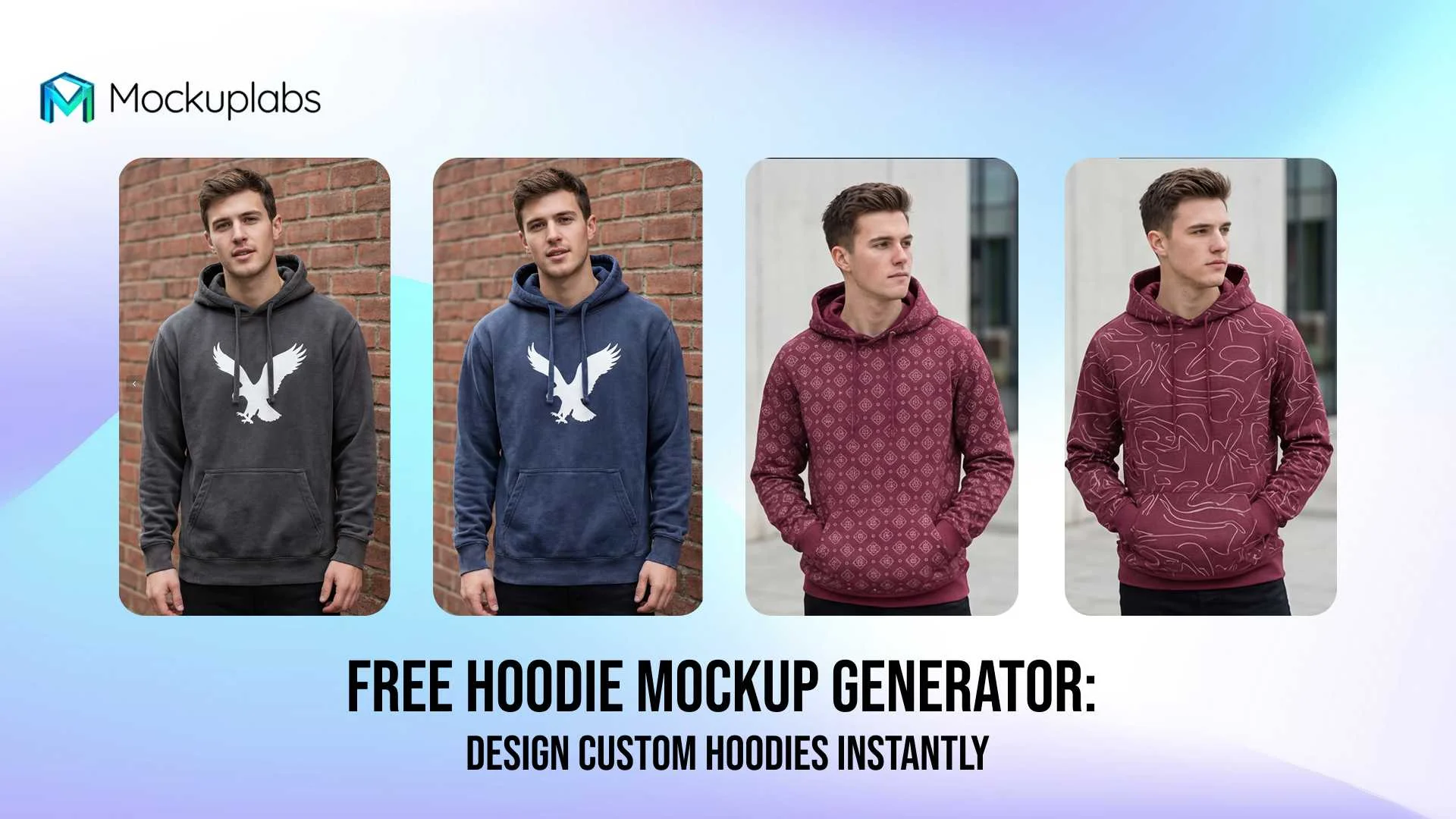
In the competitive world of print-on-demand (POD) and e-commerce, your product visuals are the only thing standing between a browser and a buyer. Specifically, a high-quality hoodie mockup can be the deciding factor that convinces a customer to click "Add to Cart." Without physical inventory, however, getting professional photography for every design variation is impossible.
Fortunately, AI technology has revolutionized how sellers create product images. You no longer need expensive photoshoots or complex software like Photoshop to achieve professional results. Instead, you can use an intelligent platform to generate realistic, high-resolution images in seconds. In this guide, we will explore how to create stunning mockups that elevate your brand and boost your conversion rates.
Why High-Quality Hoodie Mockups Drive Sales
First impressions are everything in online retail. In fact, studies show that over 90% of consumers consider visual appearance to be the key deciding factor in a purchasing decision. Consequently, using low-quality or generic images can severely harm your brand's credibility.
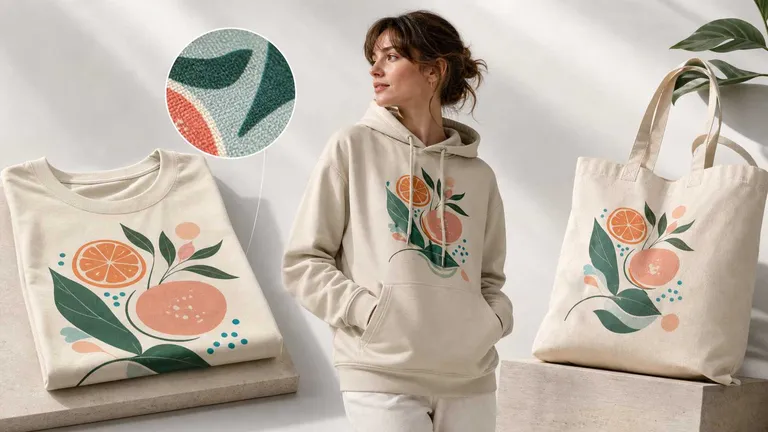
High-resolution mockups bridge the gap between digital design and physical reality. They allow customers to visualize exactly how a garment fits, folds, and reacts to light. Furthermore, consistent visuals across your store build trust and professionalism, signaling to buyers that you are a legitimate business.
To achieve this level of quality without breaking the bank, you need reliable custom product mockups. These tools ensure your designs look like they were printed on the actual fabric, rather than just floating on top of an image.
- Visual Trust: Realistic textures and shadows make the product feel tangible.
- Brand Consistency: Uniform lighting and models create a cohesive store aesthetic.
- Speed to Market: Launch new designs in minutes, not days.
💡 Learn More About Mockup Design:
- New to the industry? Start by understanding what is a mockup and why it's a game-changer for POD.
- Master the craft by exploring what is a mockup design to create more realistic product visuals.
- Ready to scale? Check out our curated list of the best mockup tools for designers.
The Essential Types of Hoodie Mockups
When building your apparel catalog, variety is essential to appeal to different target audiences. While a standard pullover is a must-have, expanding your visual library can significantly increase engagement.
1. The Classic Pullover
This is the bread and butter of streetwear. However, for many brands, the most critical asset is a realistic black hoodie mockup. Black hoodies are notoriously difficult to photograph because shadows get lost in the dark fabric, but AI generators can preserve these details perfectly.
2. Oversized and Crop Styles
Fashion trends are currently favoring loose fits. Therefore, utilizing mockup templates categories that include oversized hoodies and women's crop hoodies is vital for staying relevant. These styles appeal particularly to Gen Z and streetwear enthusiasts who prioritize silhouette over simple graphics.
3. Lifestyle vs. Studio
Studio shots (white background) are perfect for product pages. On the other hand, lifestyle mockups—showing models wearing the hoodie in urban or casual settings—perform exceptionally well on social media.
Related Resource: 👕 Not sure which hoodie style to design next? Click here to discover the most popular types of hoodies for POD stores.
How to Create a Hoodie Mockup: A Step-by-Step Guide
Creating a professional mockup is no longer a manual chore. With Mockuplabs.ai, you can turn any flat design into a 3D-rendered product image in just a few clicks. Follow this simple process to generate your assets.
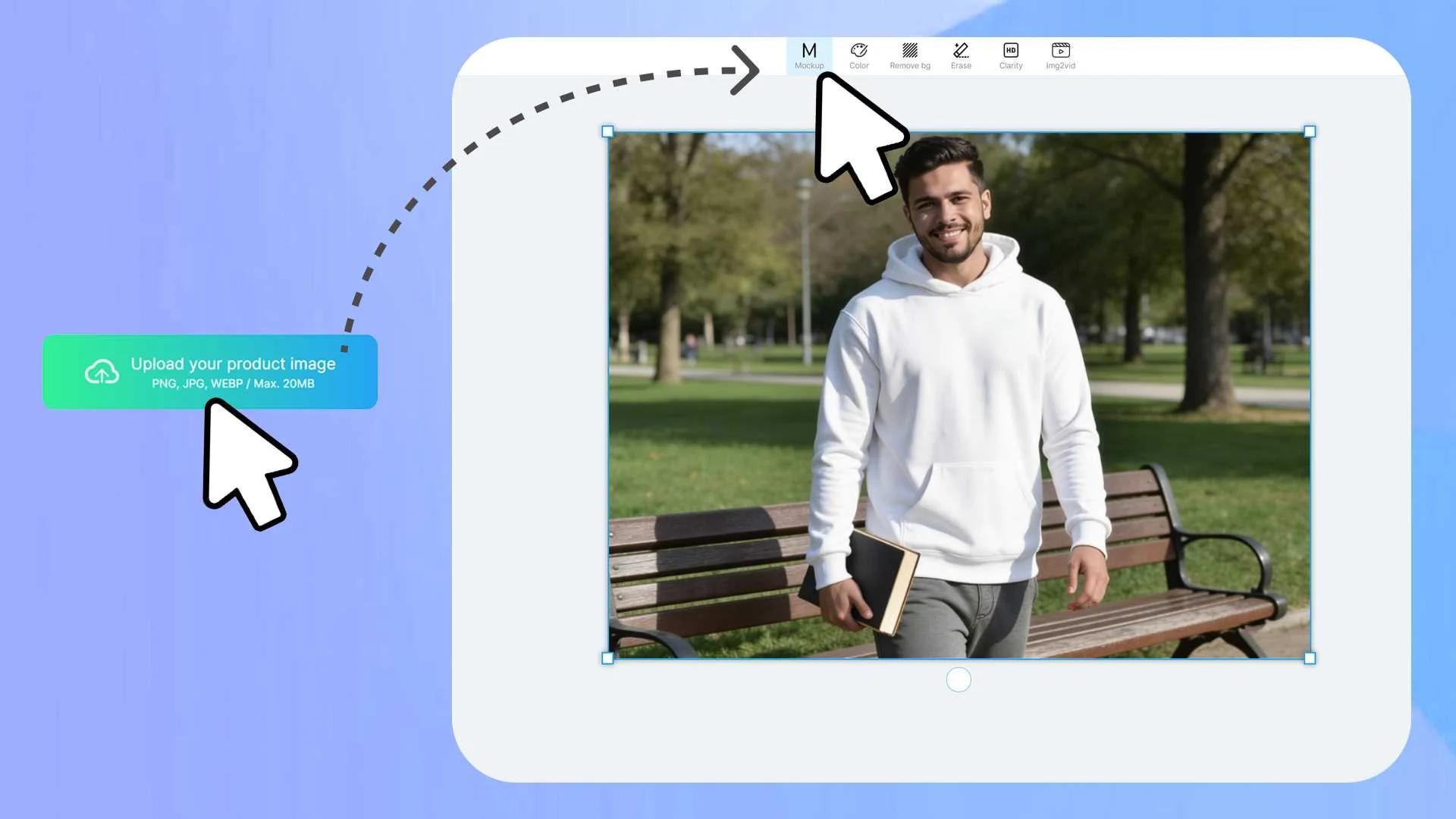
Step 1: Upload Your Base Image
Start by navigating to the platform. You can either choose from the existing library or upload your own product photo (PNG or JPG). This flexibility allows you to use manufacturer images or your own photography as a base.

Step 2: Convert to Mockup
Once your image is uploaded, select it and click the "Mockup" button. This is a crucial step. It instructs the AI to analyze the product's curves, folds, and lighting, ensuring that any design you add later will integrate seamlessly rather than looking like a sticker.
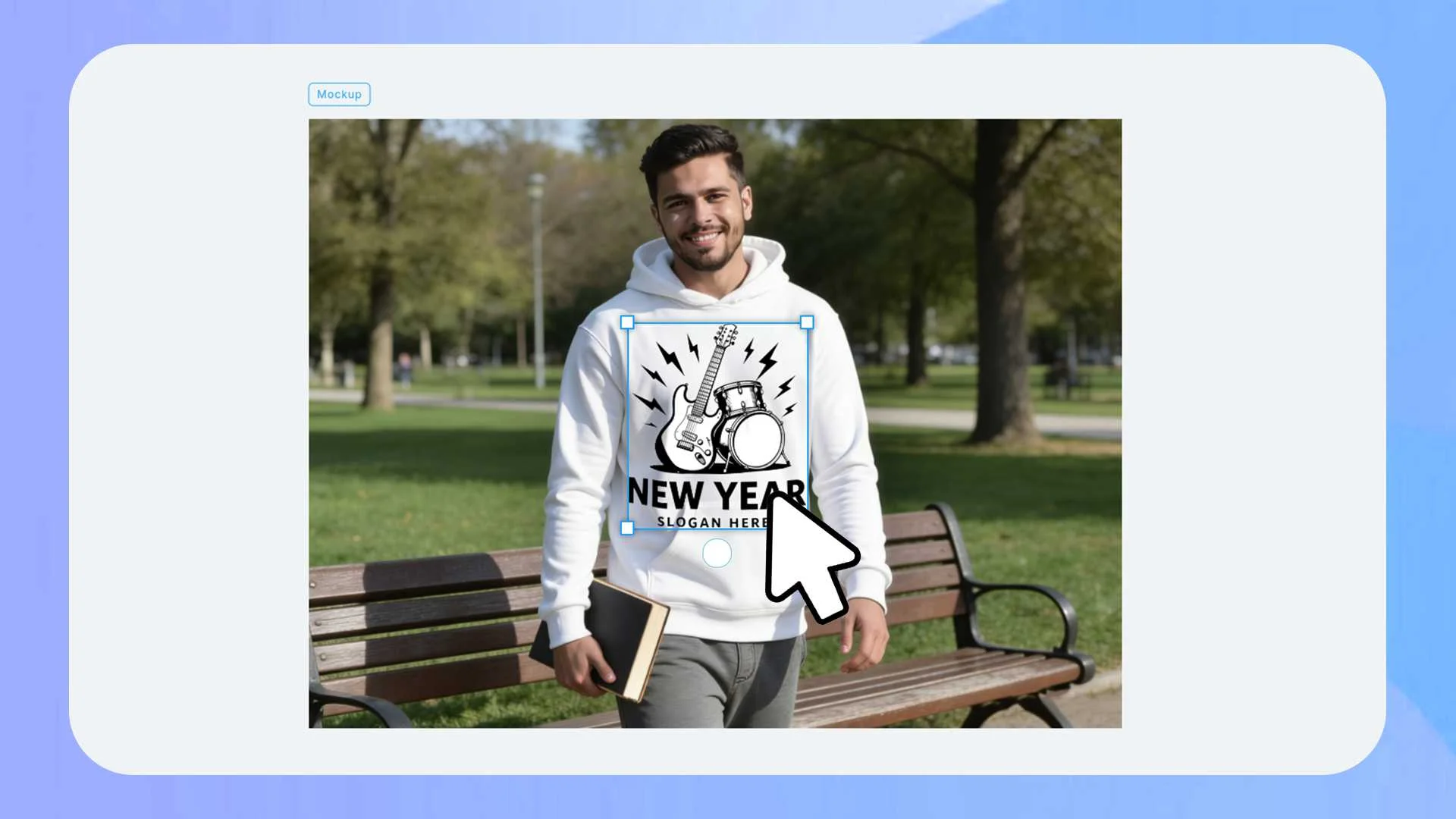
Step 3: Drag and Drop Your Design
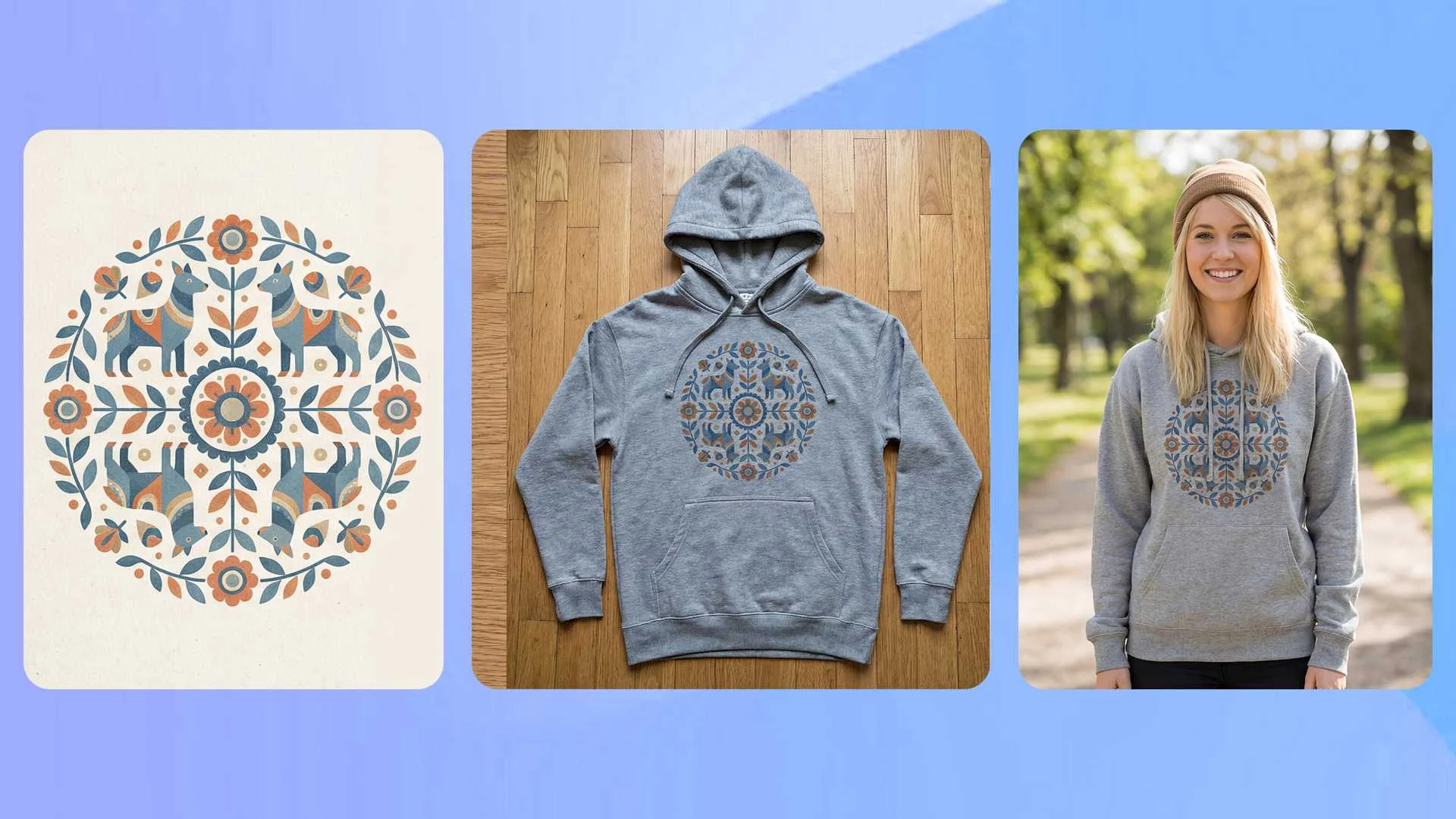
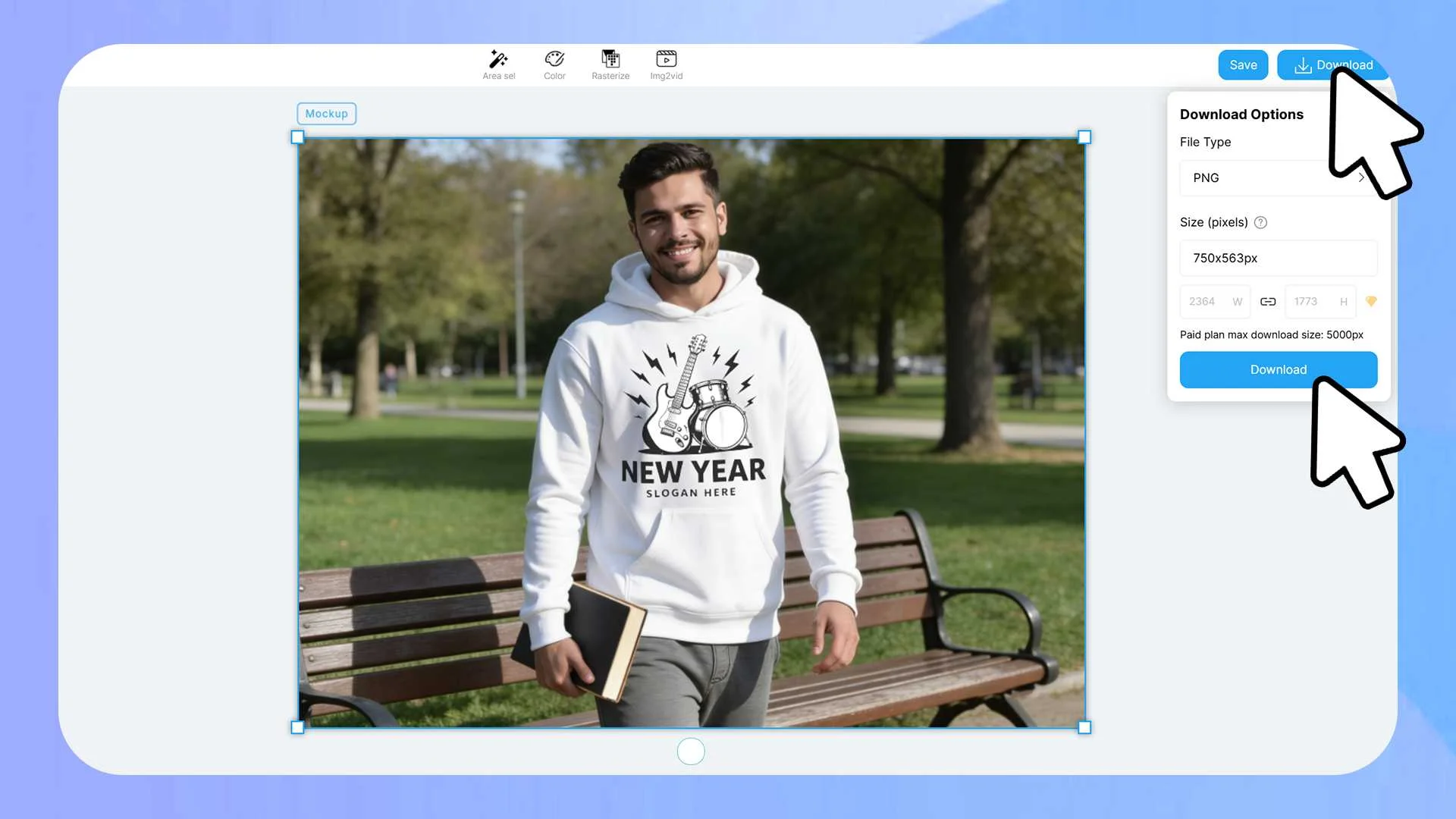
Next, upload your logo, pattern, or artwork. Simply drag and drop it onto the generated mockup. The system will automatically wrap the design around the body, sleeves, or hood, adapting to the fabric's movement. You can freely adjust the rotation, size, and placement to get the perfect look.
Step 4: Refine and Download
Finally, if the lighting needs adjustment or if the design overlaps unwanted areas, use the "Area Selection" tool to mask specific sections. Once satisfied, click the "Download" button. You can select your desired format (PNG, JPG, WEBP) and adjust the resolution for a high-quality export.
Advanced Customization: Beyond Simple Templates
To truly outperform competitors, you need to offer products that look unique. Basic center-chest prints are fine, but utilizing advanced features can unlock new creative possibilities.
Mastering All-Over-Print (AOP) Designs
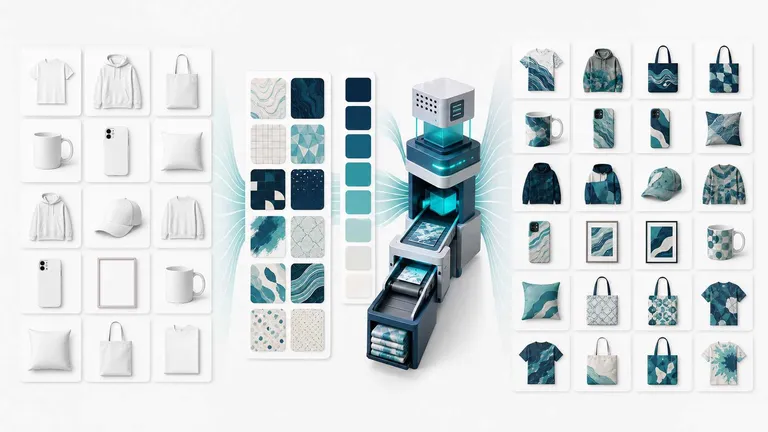
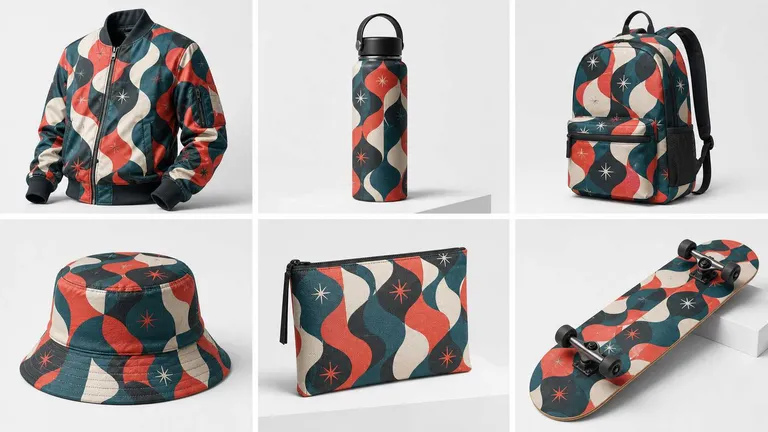
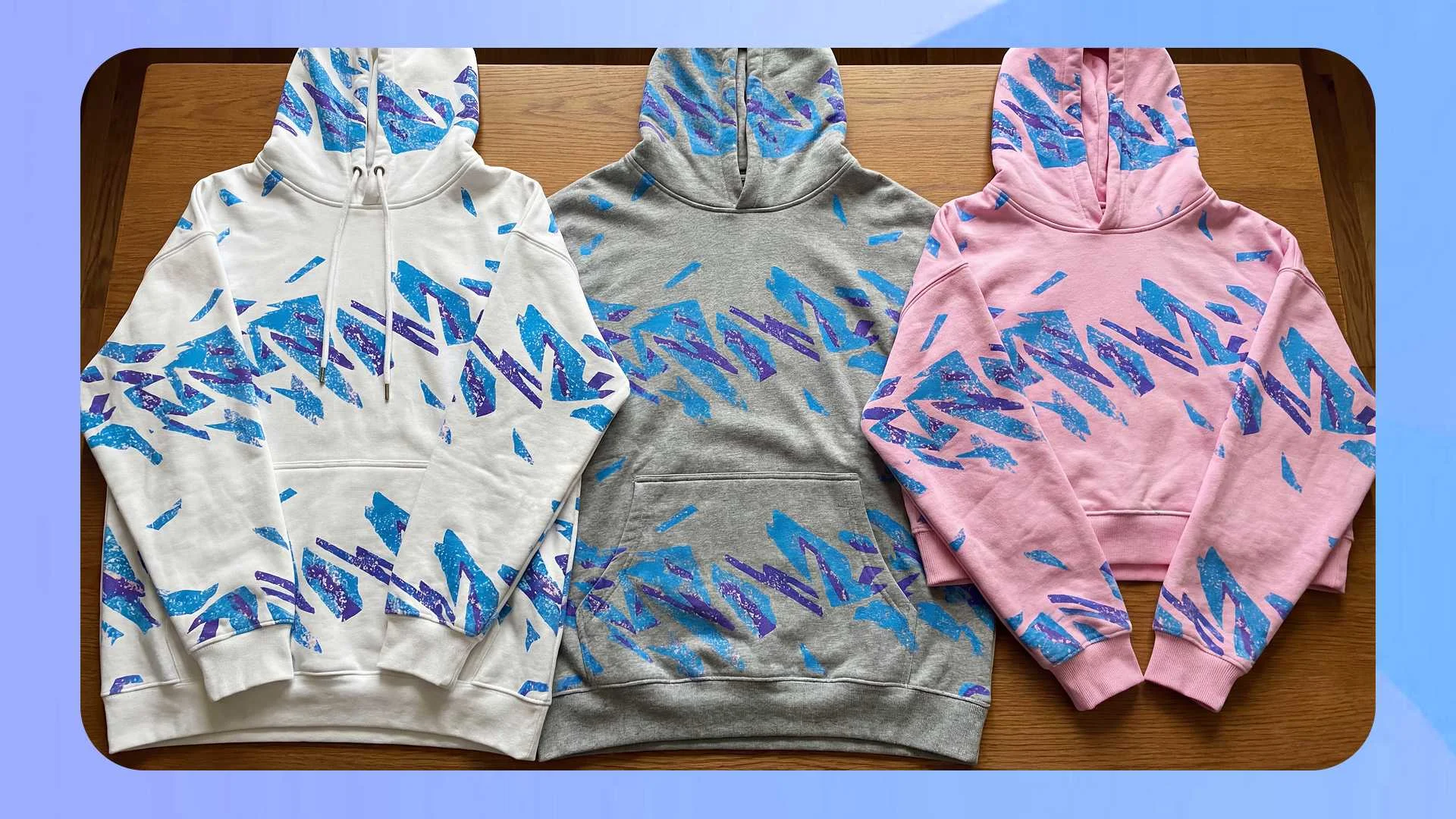
All-Over-Print (AOP) allows you to cover the entire garment with a design, not just a fixed rectangle. This is a massive trend in POD. By using All-Over-Print (AOP) design tools, you can apply patterns to every inch of the hoodie, from the cuffs to the hood.
To do this, simply click "Area select" after converting your image to a mockup. Choose the areas you want to print on, and your design will automatically stretch to fit the geometry of the hoodie. This empowers you to create market-differentiating products that stand out in a crowded feed.
Smart Color Changing for Infinite Variants
Imagine you have a great design, but you want to sell it on five different hoodie colors. Traditionally, this would require five different photoshoots. With the change product color feature, you can automate this instantly.
The AI automates the segmentation of the product image. You simply click the area you wish to recolor and select your new shade. The tool replaces the color while preserving the original shadows and fabric texture. This drastically reduces costs by eliminating the need for physical samples for every color variant.
Adding Text Designs
If you are adding a slogan or brand name, you must ensure the text bends with the fabric. Use the text input mode to type your content and customize the font. This ensures the text layer integrates realistically with the mockup's lighting effects.
🚀 Advanced Creator Tips:
- Design Trends: Don't just design; stay ahead of the curve by exploring the latest all-over print hoodies design trends.
- Efficiency Hack: Speed up your workflow by learning how to create sweatshirt mockups with AI color changer to test multiple colorways instantly.
- Next-Level Marketing: Once your static design is ready, learn how to use AI video maker for hoodie mockup to create high-converting social media ads.
Conclusion
In the fast-paced world of e-commerce, the quality of your visual assets can make or break your brand. A high-quality hoodie mockup does more than just show a design; it helps customers imagine themselves wearing your product. By utilizing AI-driven tools, you can create realistic, high-converting images without the need for expensive photography or advanced design skills.
Whether you are designing a staple black hoodie or a complex all-over-print garment, Mockuplabs provides the flexibility to bring your vision to life. Ready to elevate your product presentation? Start by exploring the mockup templates categories and create your first professional mockup today.
Start Visualizing Now
Explore our professional mockup templates and create your first high-quality design visualization today.
Frequently Asked Questions (FAQs)
1.How can I ensure my hoodie mockup is "high-quality" enough to truly attract customers?
High-quality mockups must feature high resolution, realistic lighting and fabric folds, and accurate color representation. Professionalism is significantly enhanced by utilizing mockup templates that feature authentic-looking models or compelling environmental backgrounds.
2.What special requirements do All-Over-Print (AOP) hoodie designs have for mockups?
AOP designs require a specialized mockup tool, such as the one offered by Mockuplabs, to accurately handle seams and non-flat surfaces, ensuring continuous and precise pattern placement across all garment areas like the sleeves, hood, and body.
3.Can I create hoodie mockups in animation?
If you use image-to-video from Mockuplabs, you can download hoodie mockups with animation.