Kling AI Video Generator

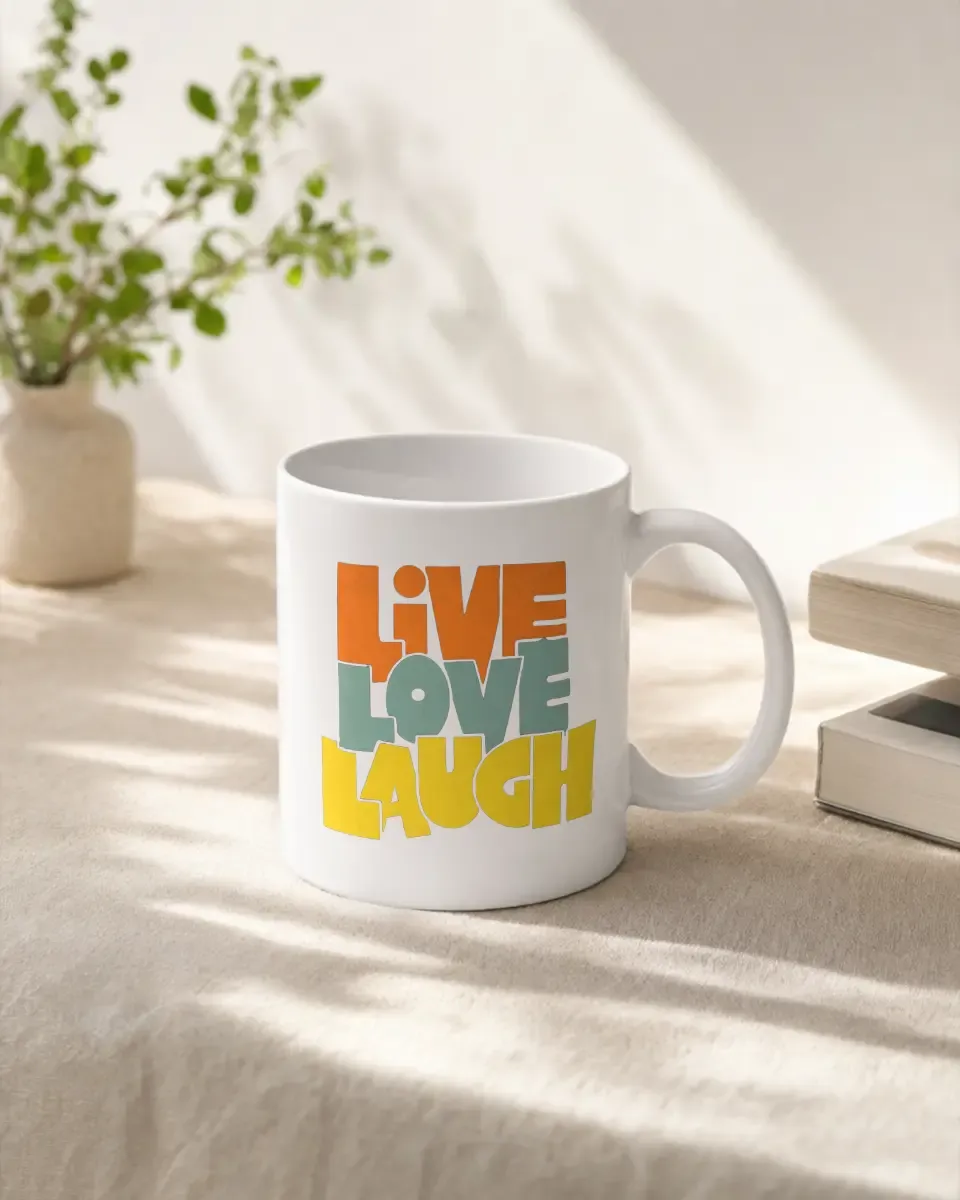
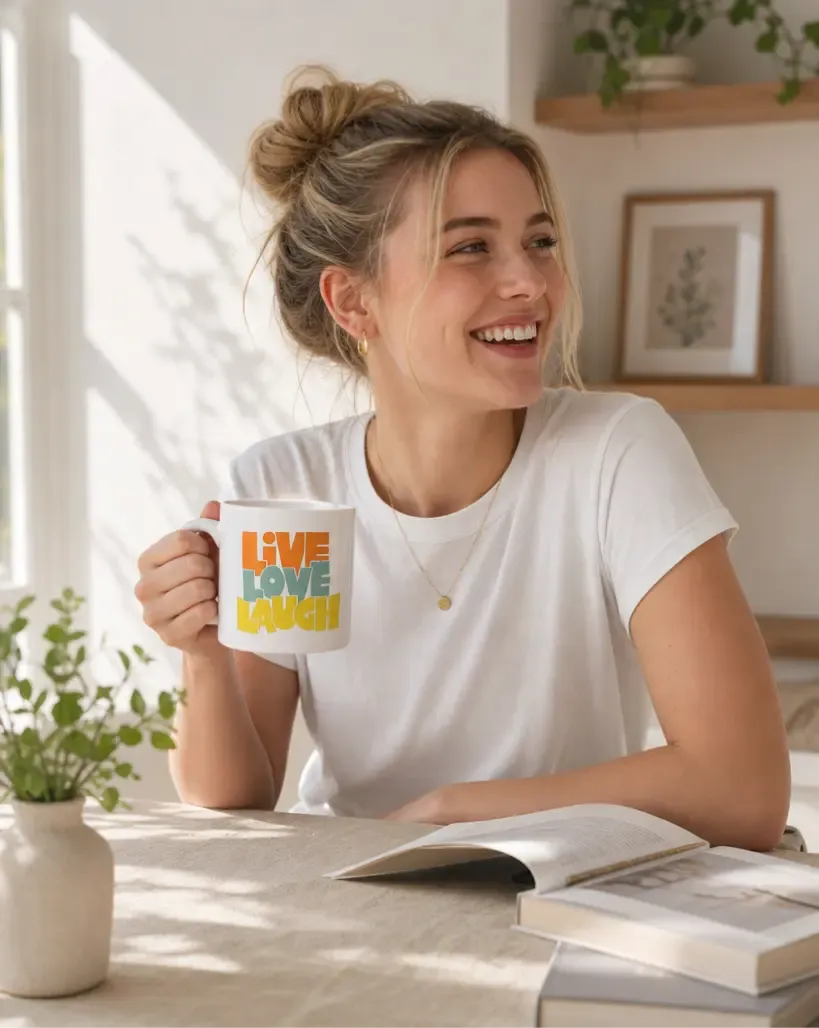
Bring your products to life with professional-grade video. Powered by the advanced Kling model, transform static images into smooth, engaging videos for your brand.

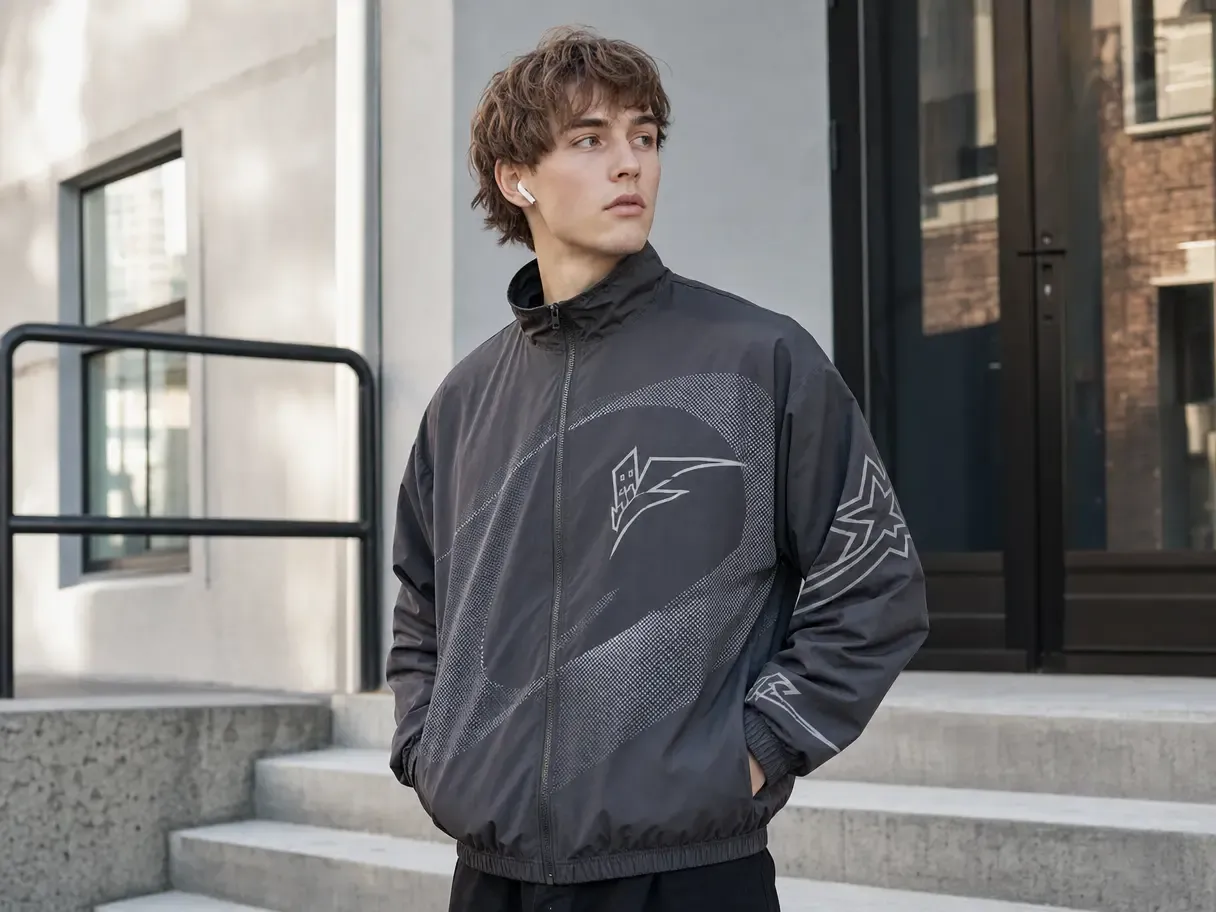
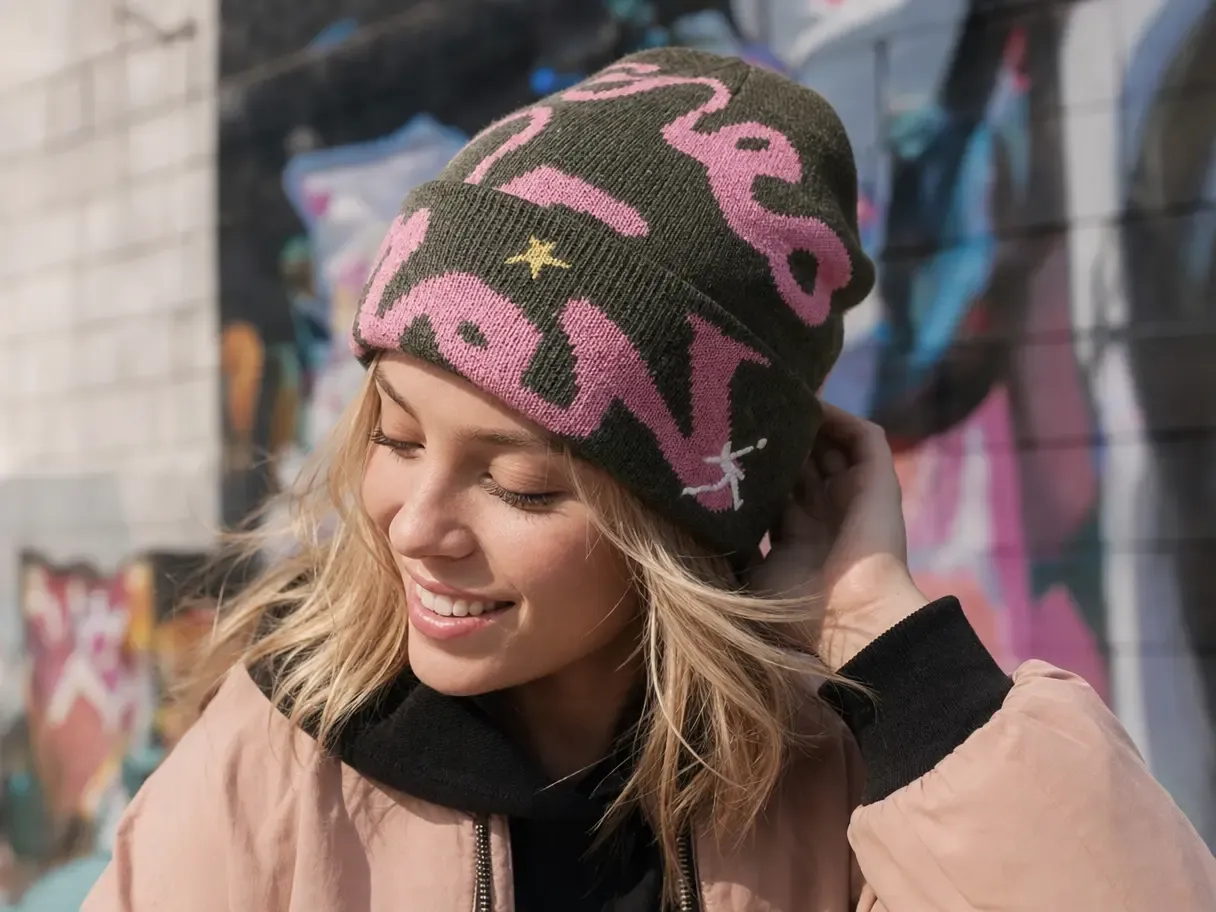
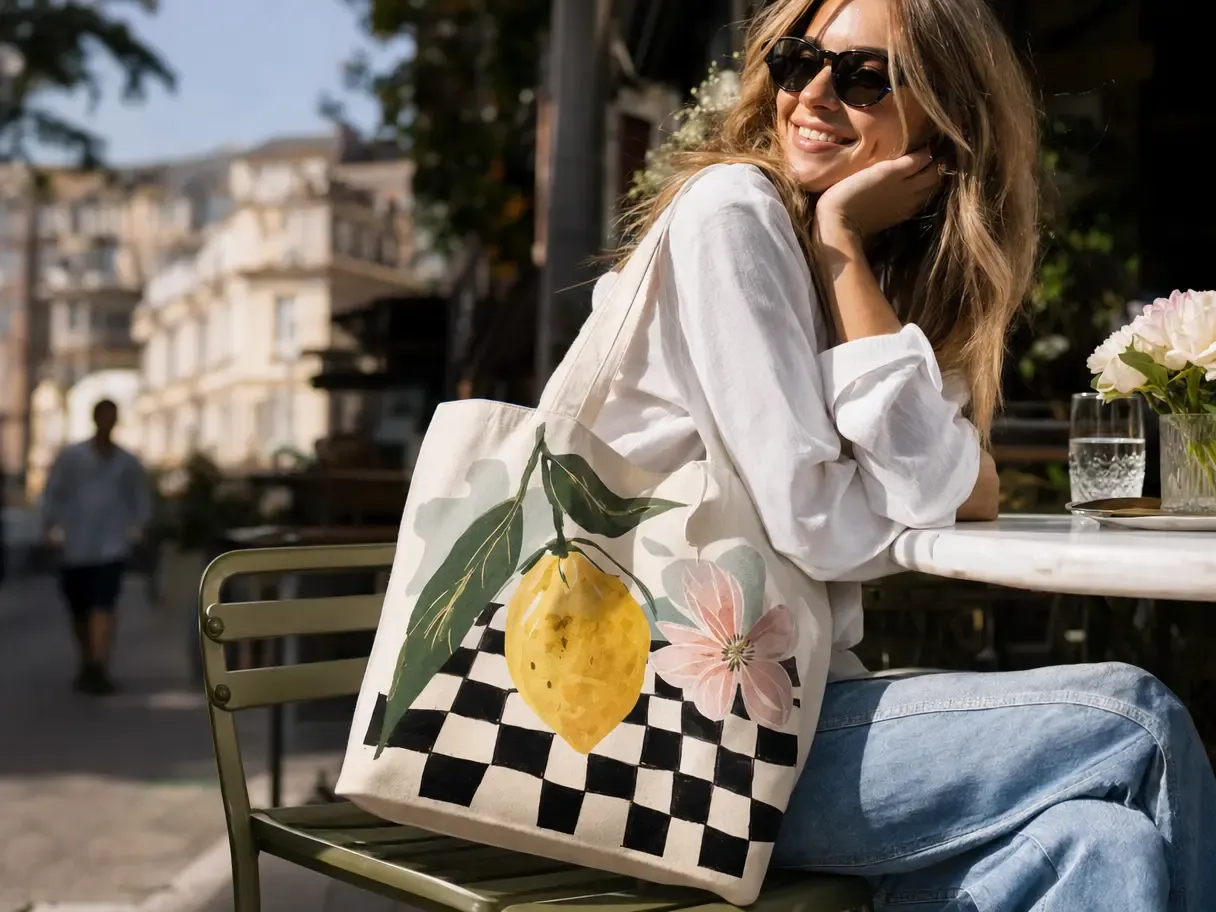
Try the demo images below

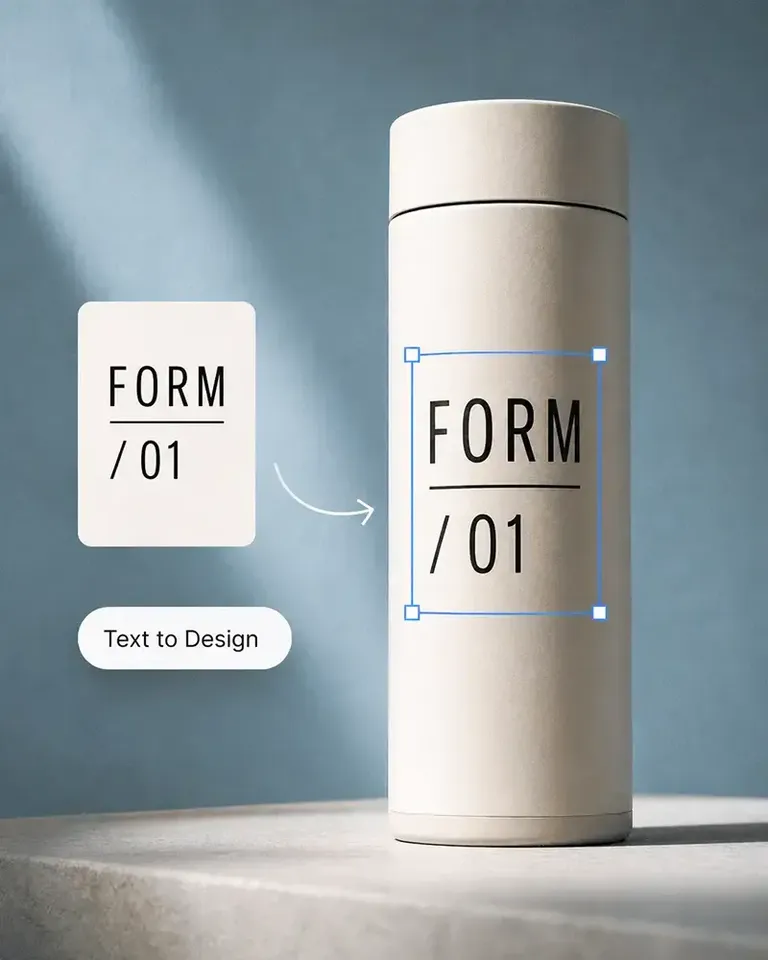
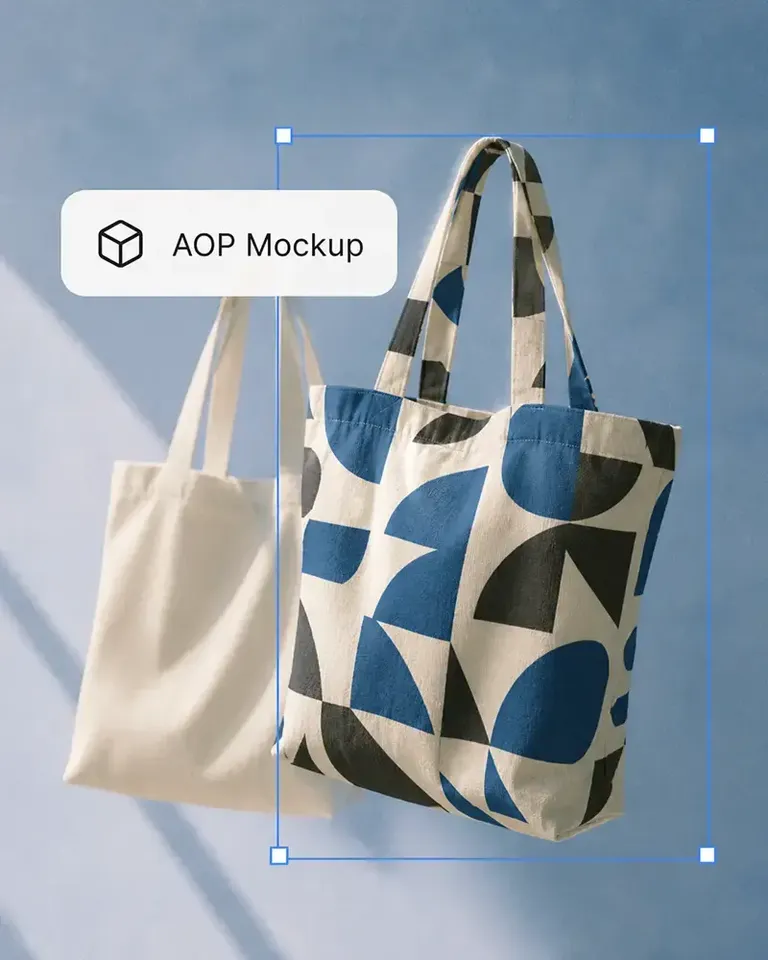
The easiest tote bag mockups tool

Create lifelike product videos with Kling AI

How to use the Kling AI video generator

Step 1

Select from canvas

Upload a new product photo or choose an existing mockup on the canvas as the starting frame for your video.

Step 2

Select the Kling model

Switch the model to Kling to power your AI image-to-video generator workflow.

Step 3

Describe the motion

Describing the motion in a short prompt tells the AI how the product should move or zoom.

Step 4

Preview and download

Reviewing the preview helps you confirm the look before downloading the finished product video.

An ever-growing prompt library

Choose from video prompt templates to get started

Mockuplabs’ advantage with Kling

Generate dynamic videos instantly

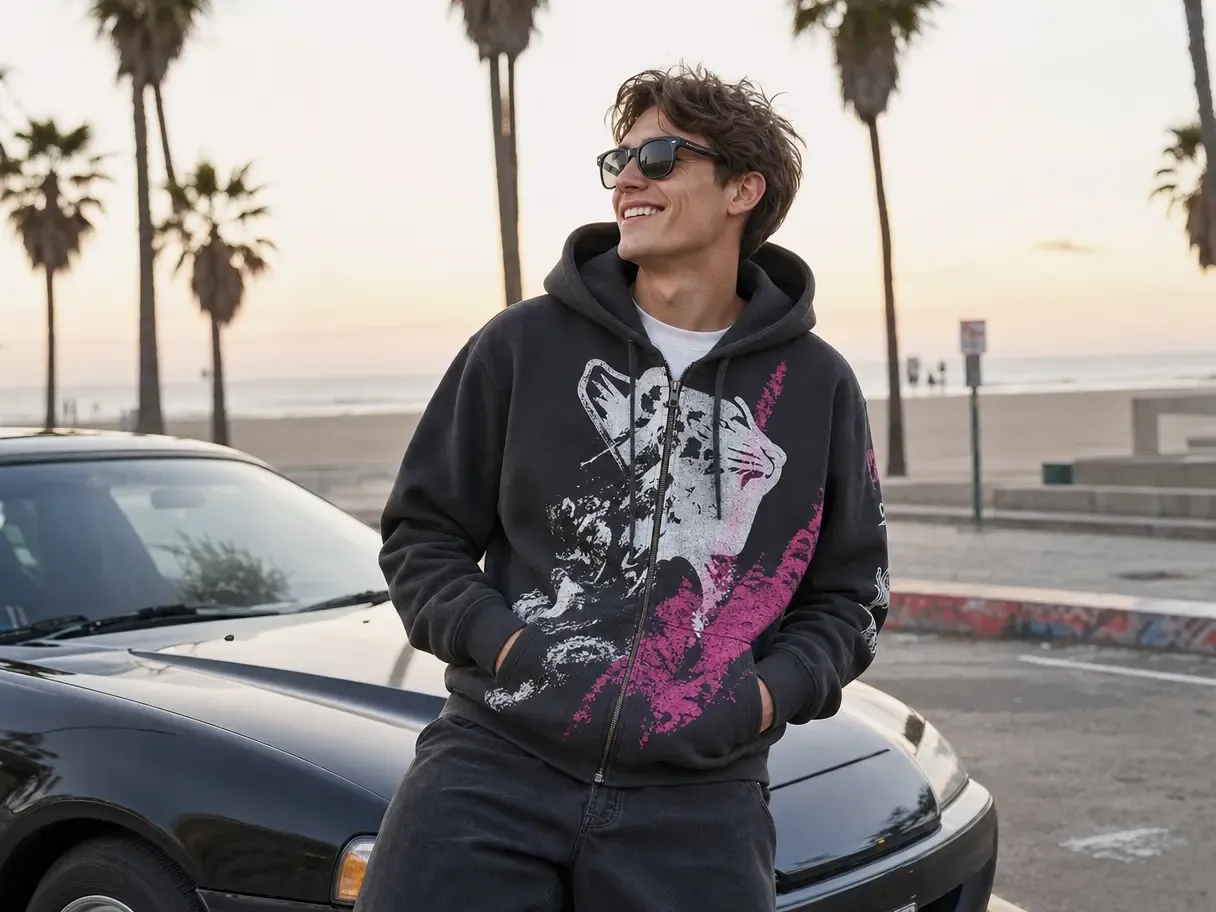
Turn static images into cinema-grade video mockups with one click. Kling AI works as a powerful AI image-to-video generator, creating realistic, smooth motion in just a few minutes while keeping your product details sharp and clear.

Get Started Free

Empower POD sellers and small studios

Capture attention and boost conversions with eye-catching animated mockups and product showcase videos, while dramatically reducing production time and costs. Perfect for POD brands, ecommerce sellers, and small creative studios.

Get Started Free

Customize to your heart’s content

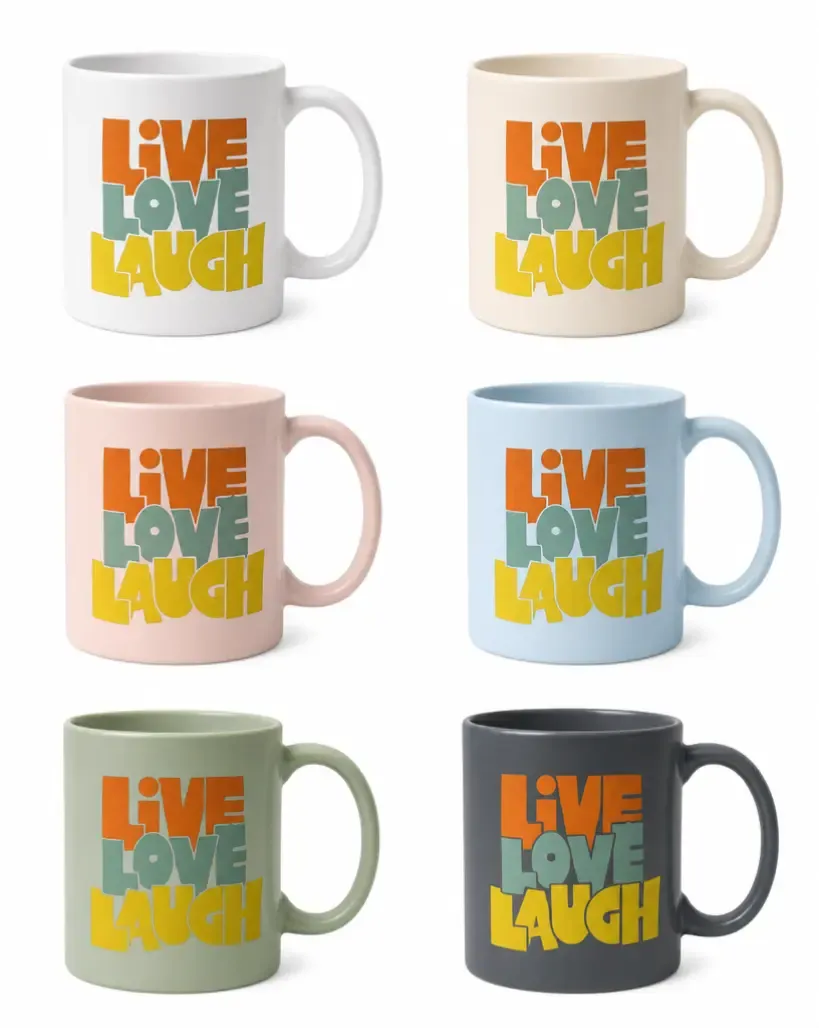
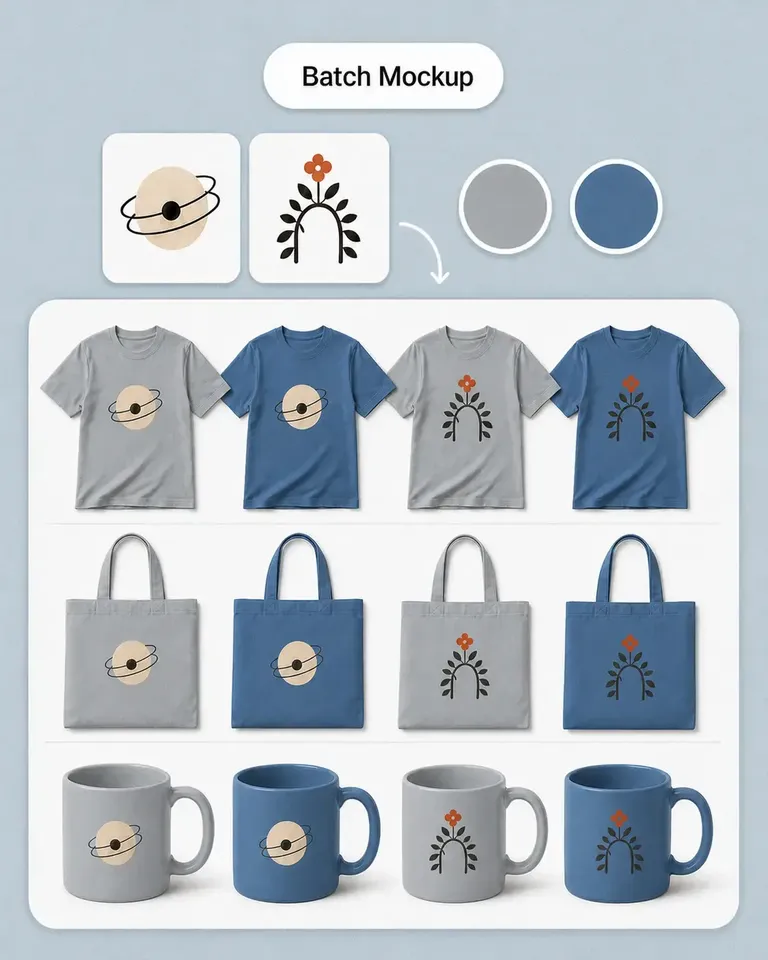
Mockuplabs is built so you’re never locked into a single look. Start from any image—product photo, screenshot, flat design, or pattern—and turn it into a full set of video mockups and animated mockups powered by the Kling AI video generator, all perfectly tuned to your brand style.

Get Started Free

Core features of Mockuplabs

Mockup generator

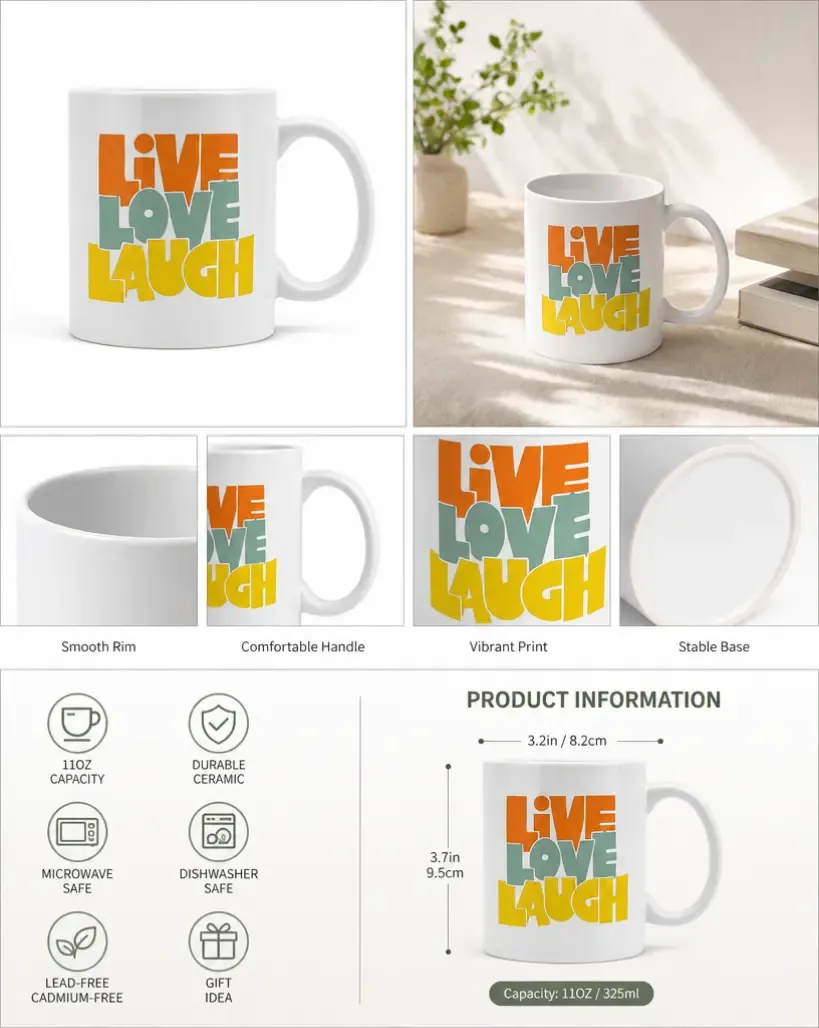
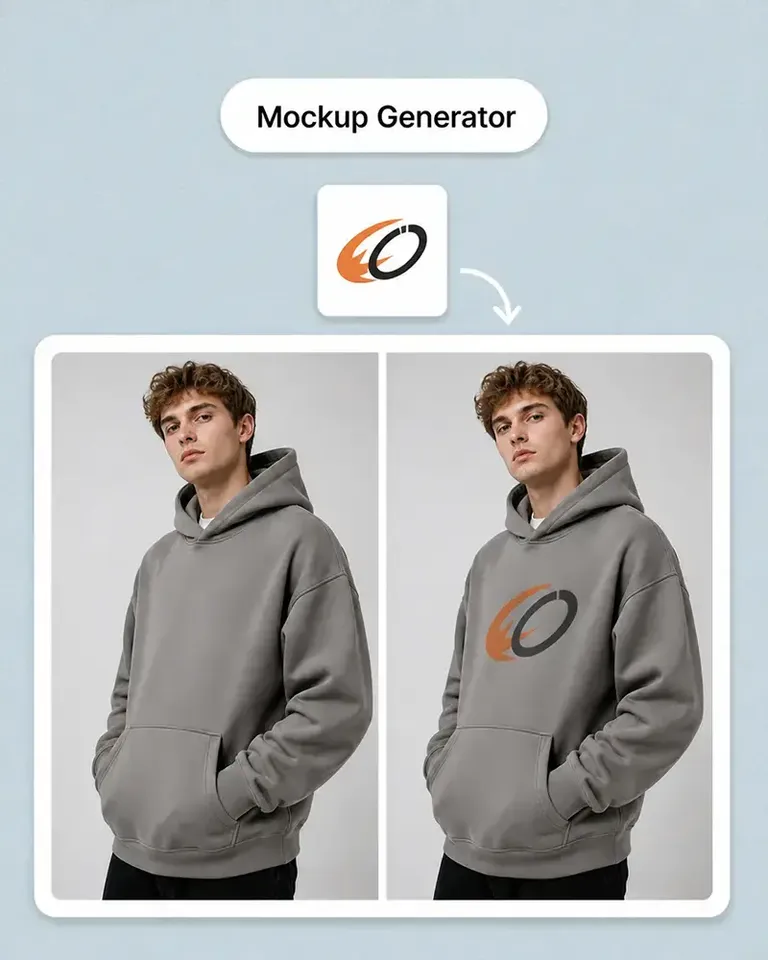
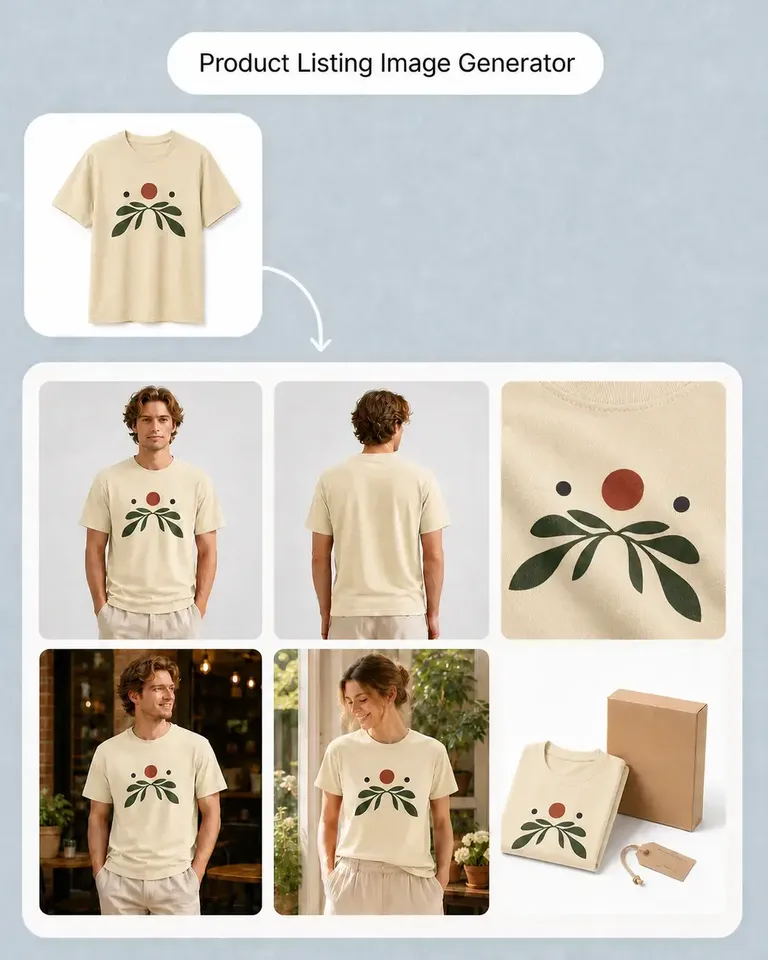
Easily design high-resolution product images for print-on-demand and marketing success.

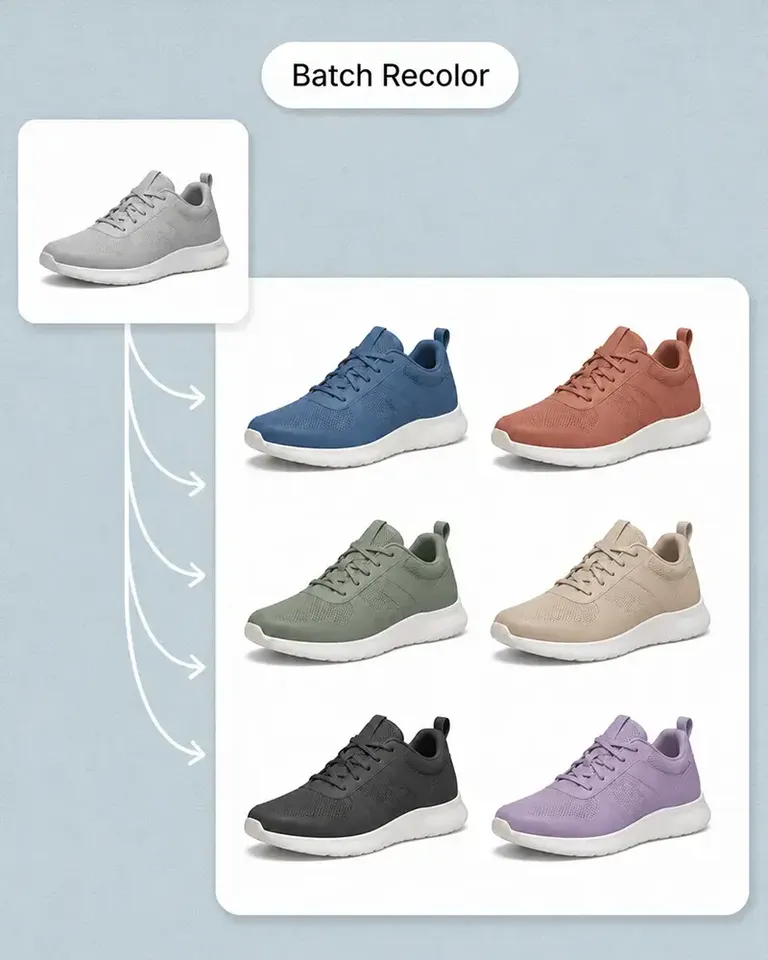
PNG color changer

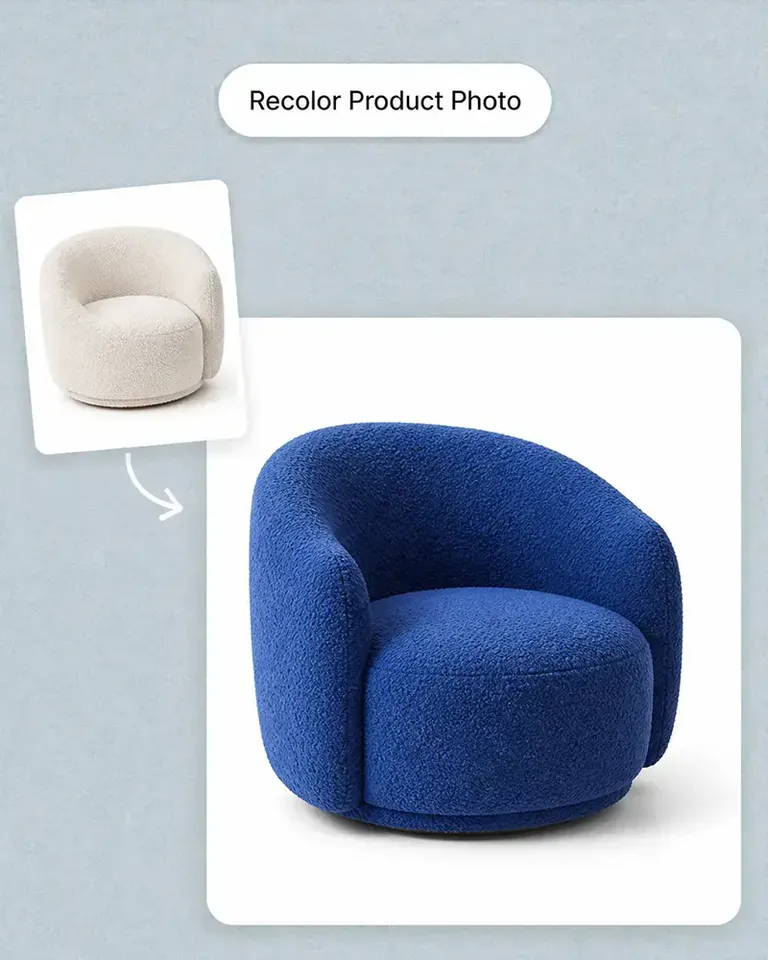
Instantly recolor PNG/JPG images with pixel-perfect edge detection for diverse design variations.

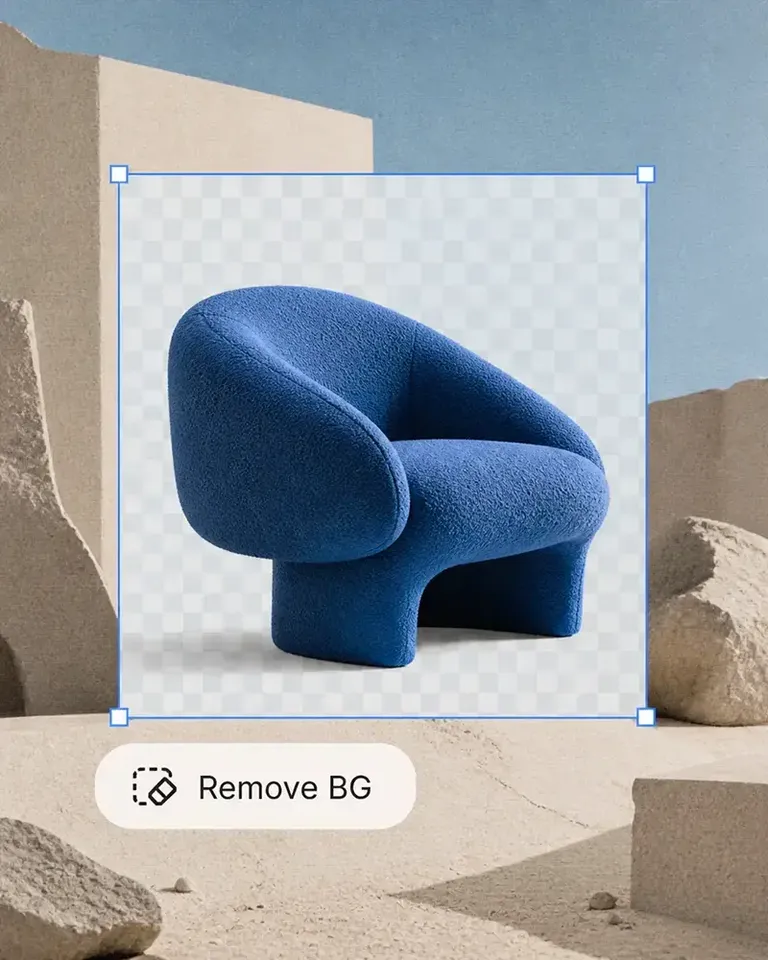
Image background cleaner

Instantly remove backgrounds, achieving clean, marketplace-ready white product images with one click.

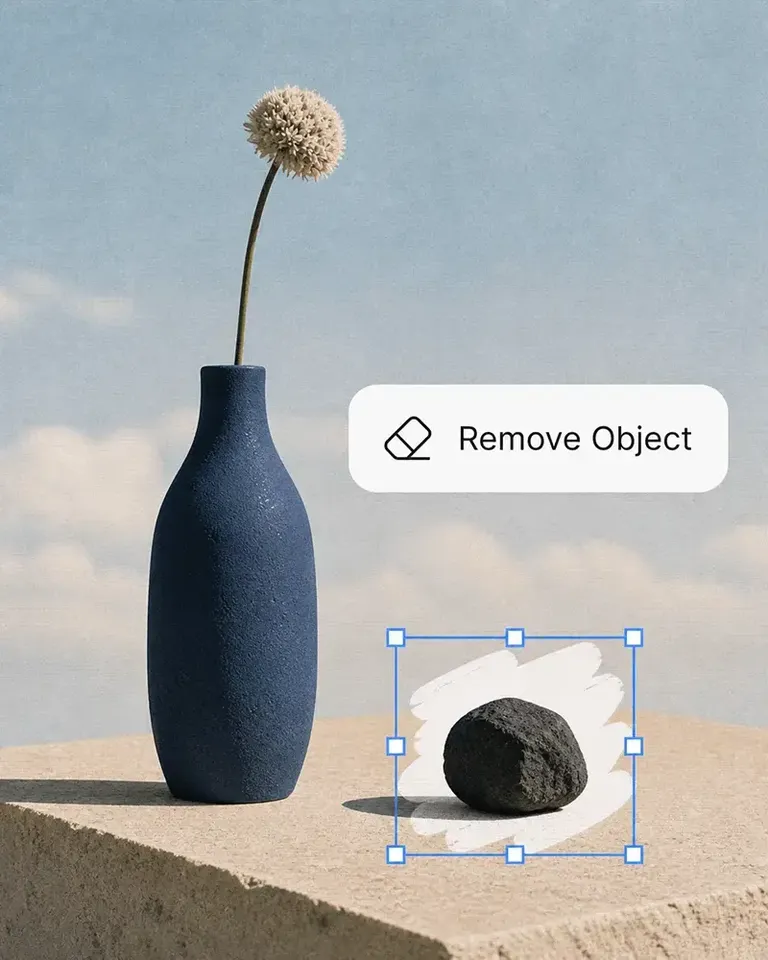
AI eraser

Erase any unwanted element from your images. Enhance product photos by eliminating distractions and imperfections.

AI image upscaler

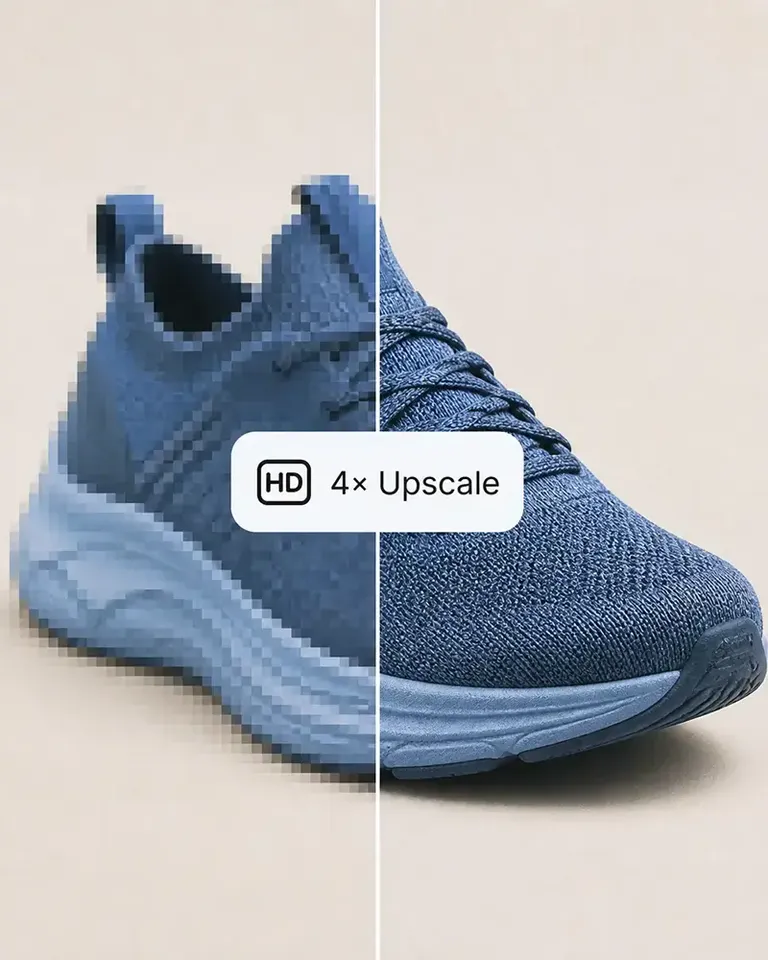
Elevate your product images to stunning HD. Perfect upscaling for seamless eCommerce workflow.

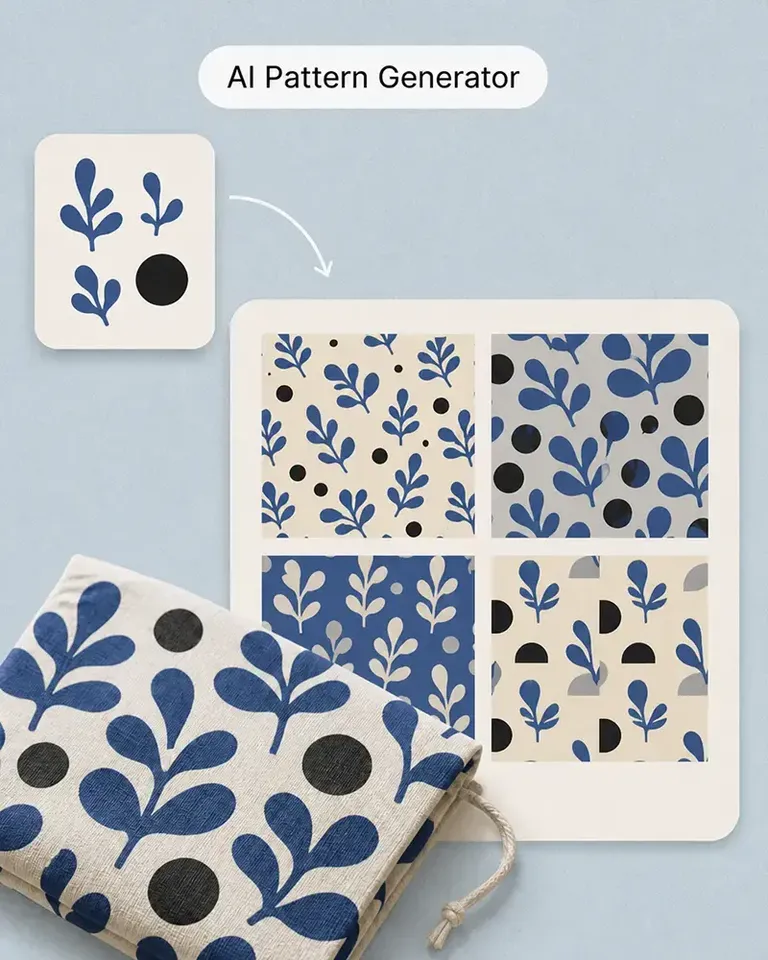
Smart pattern maker

AI creates seamless, tileable patterns instantly for your e-commerce products.

FAQs about Kling AI video generator

What is the Kling 2.1 Standard?

Kling 2.1 Standard is an advanced AI model from Kuaishou that specializes in transforming static images into dynamic videos. It uses sophisticated motion synthesis to generate remarkably natural and fluid movement, all while meticulously preserving the original image's clarity, detail, and visual integrity.

How to make video mockups?

Upload your product image to Mockuplabs, choose Kling as your AI image-to-video generator, then enter a clear prompt (or pick a prompt template) and generate. Review the animated mockup, make tweaks if needed, and download your finished video mockup for ads, social, or product pages.Is

Why should I use a video mockup generator?

A video mockup generator lets you turn static product images into eye-catching video mockups in minutes, without editing skills. With Mockuplabs, you write a prompt instead of being locked into fixed video templates, so Kling AI video generator can create more diverse, on-brand product showcase videos.

Can I use Kling AI for commercial use?

Yes, commercial use is permitted under the platform's terms. Important to note:

  • 1. If your generated content includes recognizable people, securing a model release is required.
  • 2. Please ensure you are in full compliance with the Kling AI Terms of Service.