Mockuplabs

Refresh Existing Product Photography Without Starting from Another Shoot

Clean, recolor, enhance, reframe, and reuse the product images you already have across updated listings, campaigns, and ecommerce content.

  • Reuse Existing Photography
  • Preserve the Real Product
  • Change Only What Needs Updating
Refresh Product Photography product-content workflow

Modernize Existing Product Photos Without Losing What Is Already Right

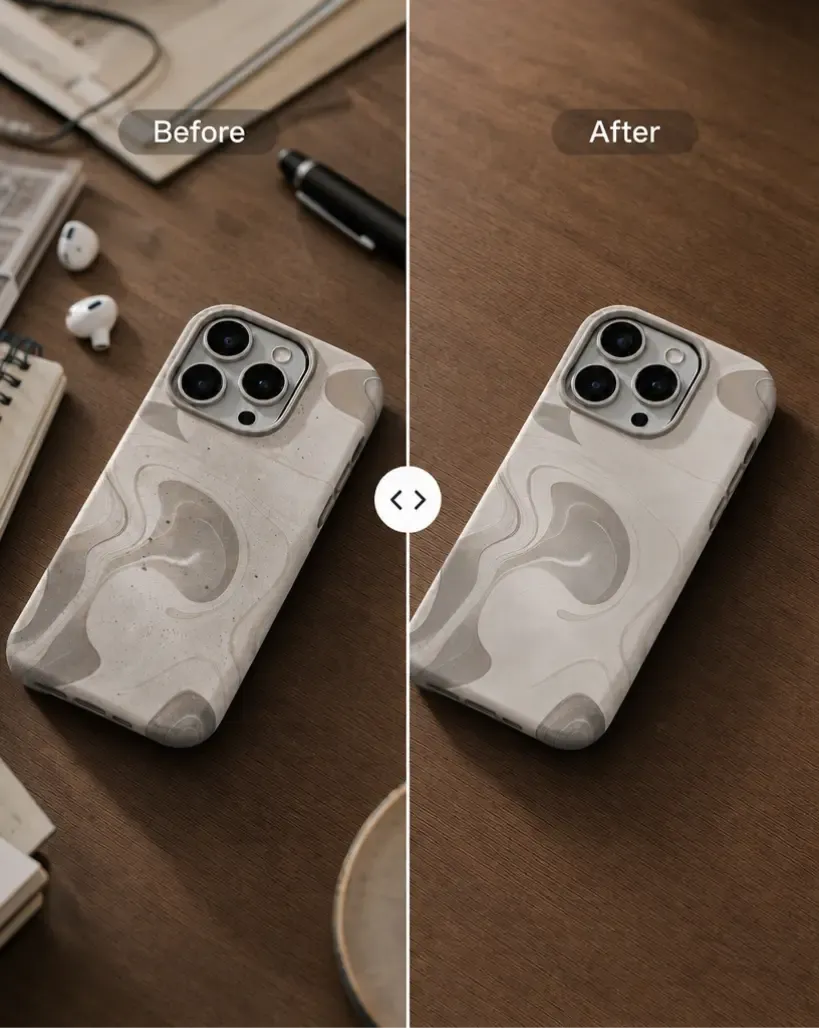
Fix the background, framing, color, clutter, or resolution while preserving the approved product details—and turn the refreshed image into a source for new content.

Fix the Problem Instead of Reshooting the Product

An older image may still have the right item, angle, lighting, and styling even when one part no longer meets the brief.

Mockuplabs lets teams update the limiting element rather than discarding the whole asset, preserving more of the original production value.


Fix the Problem Instead of Reshooting the Product

Protect Details That Have Already Been Approved

A new shoot or regenerated product can introduce changes in shape, folds, texture, proportions, and lighting.

Working from the original photo retains the visual information that already represents the item accurately, making the refresh more controlled.

Protect Details That Have Already Been Approved

Turn a Repair Into a New Content Starting Point

The value of a refreshed image should extend beyond producing a cleaner version of the same file.

Once updated, that source can support new listing galleries, lifestyle scenes, campaigns, formats, and motion—giving older photography a much longer commercial life.

Turn a Repair Into a New Content Starting Point

What You Can Do With Existing Product Photography

Repair the specific limitation in an older image, then reuse the improved source across current ecommerce and marketing needs.

Remove Distracting Backgrounds and Objects

Clean up clutter, outdated styling, or elements that prevent a useful product photo from being reused.

Background Remover and Object Remover target the surrounding issue while keeping the valuable product source in place.

Refresh the Product Source First, Then Reuse It Everywhere Else

  1. Choose the Existing Photo Worth Keeping

    Start with an image where the product itself, styling, model, or photography still provides useful value.

  2. Fix the Part That Is Outdated

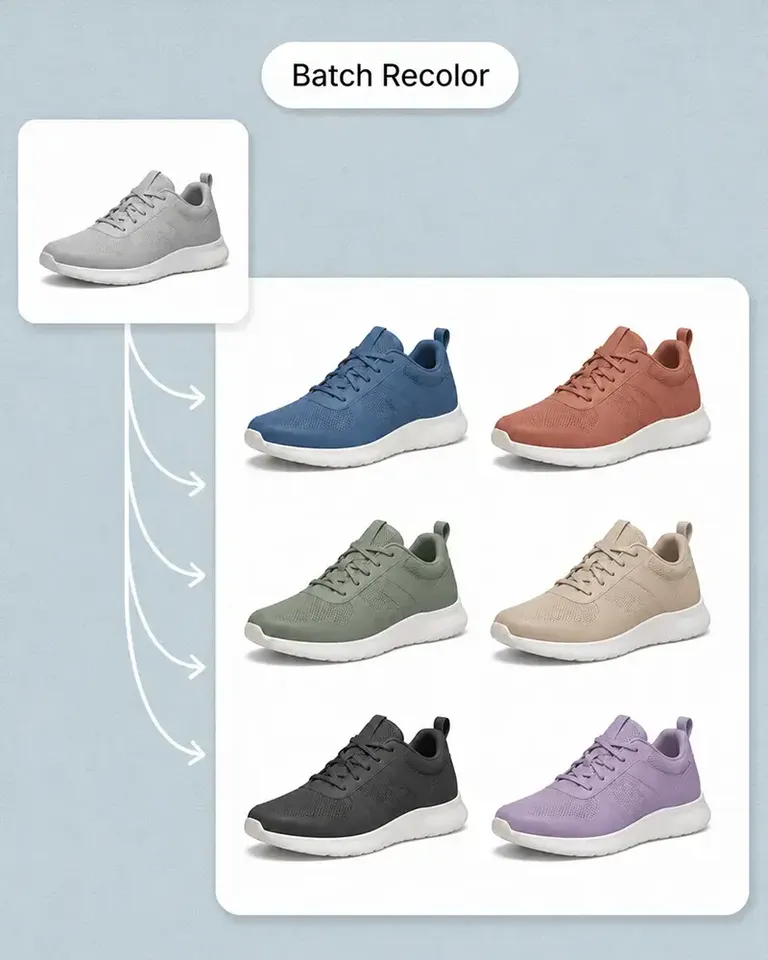
    Use Background Remover, Object Remover, or Recolor Product Photo depending on whether the problem is the environment, unwanted content, or product color.

  3. Improve the Asset for Current Formats

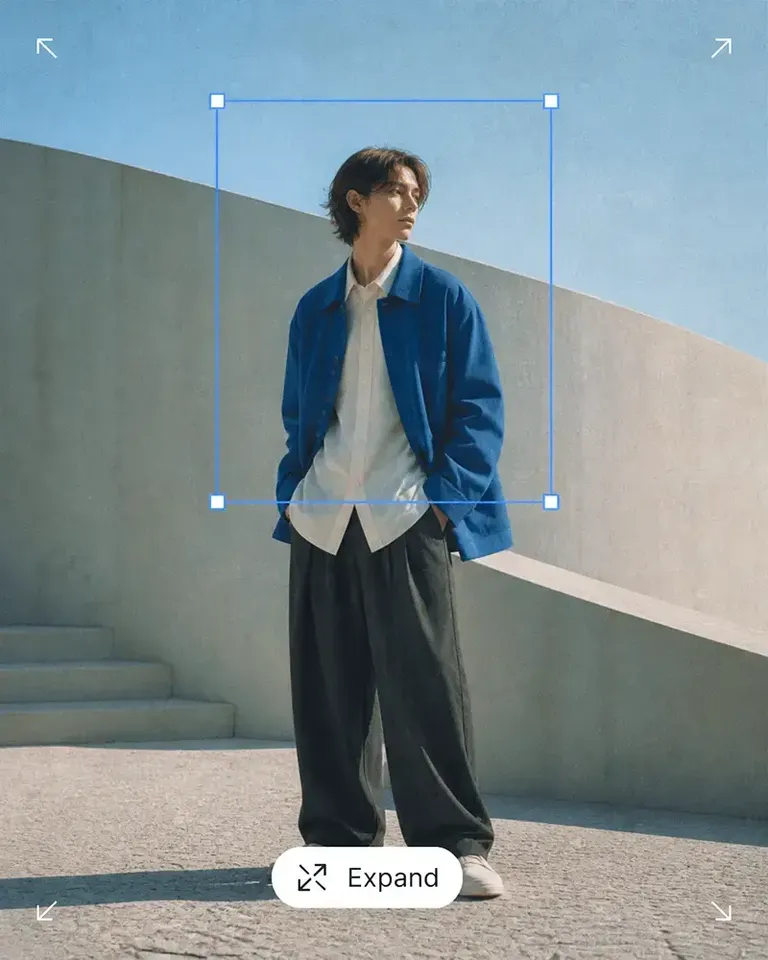
    Use Image Upscaler when the source needs more usable resolution and Expand when the composition needs more surrounding space.

  4. Review the Refreshed Product

    Confirm that the image still represents the product accurately and preserves the details customers need to recognize.

  5. Build New Content From the Improved Source

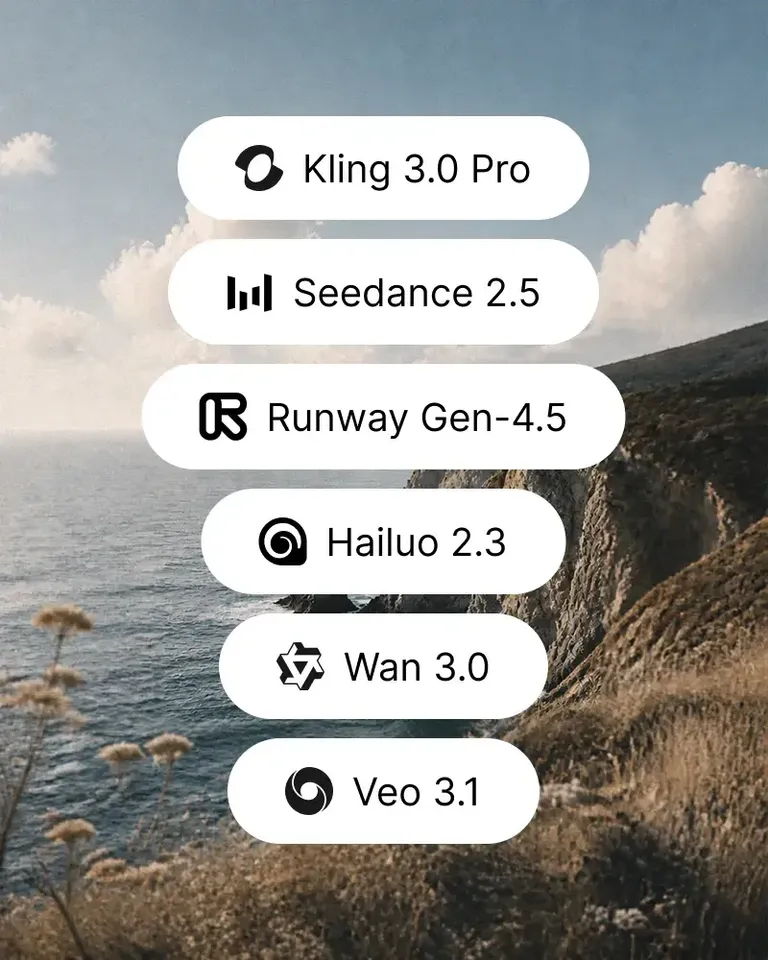
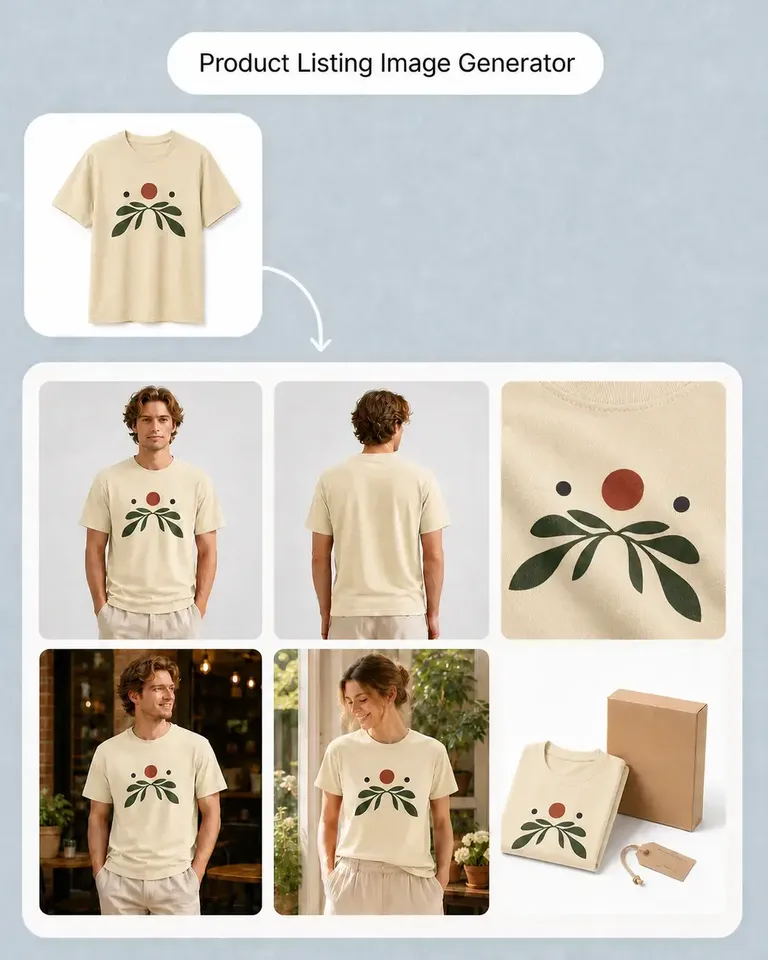
    Move into Product Listing Image Generator, AI Image Generator, or AI Image to Video depending on whether the next task is PDP production, creative imagery, or motion.

Build the Refresh Stack Around the Problem in the Source Image

Use only the cleanup, recolor, enhancement, composition, and content-generation tools required by the photography you already have.

Refresh Product Photography FAQs

Need product help? Visit the Help Center.

Yes. Existing photography can often be cleaned, recolored, expanded, upscaled, or reused as the source for new ecommerce content.

Keep the Product Photography That Still Works. Refresh Everything Around It.

Clean, recolor, enhance, reframe, and reuse existing product assets across the next generation of ecommerce content.