MockuplabsMockuplabs

Create Product Mockups in Bulk from Reusable Setups

Automatically turn your product photos into editable mockups, fit designs realistically, and produce catalog images at scale with far less manual work.

Create mockups in bulk
  • Use Your Own Product Photos
  • Reuse approved product setups
  • Preview selected combinations
Batch Mockup Generator feature preview

Create More Product Mockups With Much Less Repetitive Work

Turn your own product photos into reusable mockups, automatically fit designs, and manage large variation sets from one workflow.

Turn Your Real Product Photos Into Editable Mockups

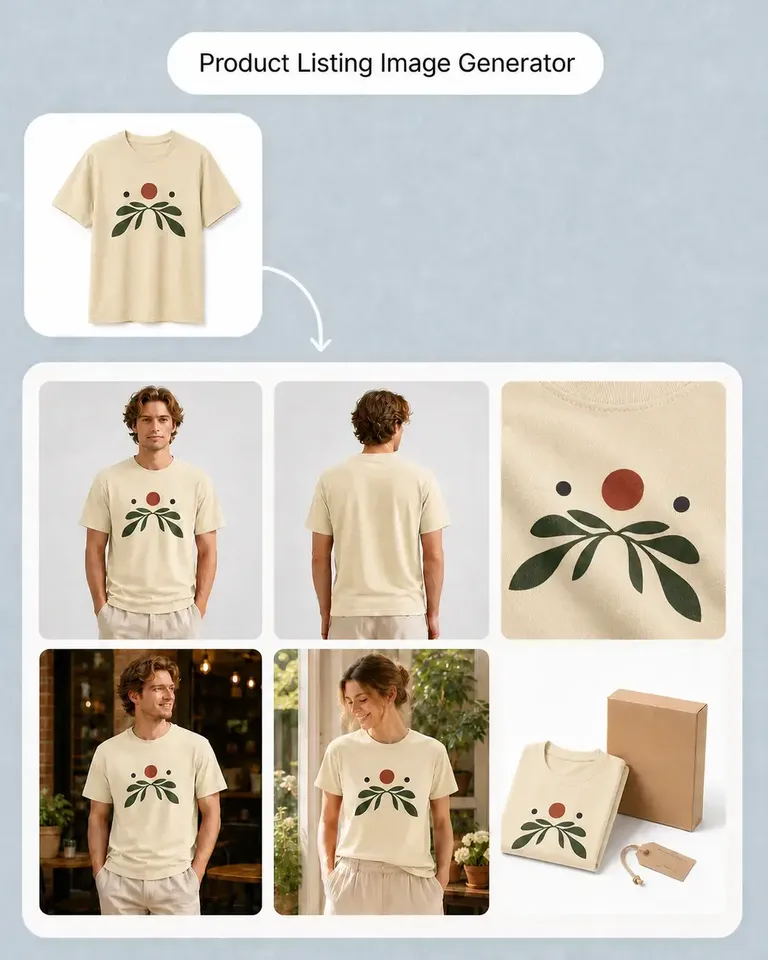
Mockuplabs automatically converts your own product photos into editable mockups, so you can work with the exact products you actually sell instead of relying on generic templates or similar-looking products.

Your original product shape, texture, background, composition, dimensions, and image quality remain consistent throughout the workflow.
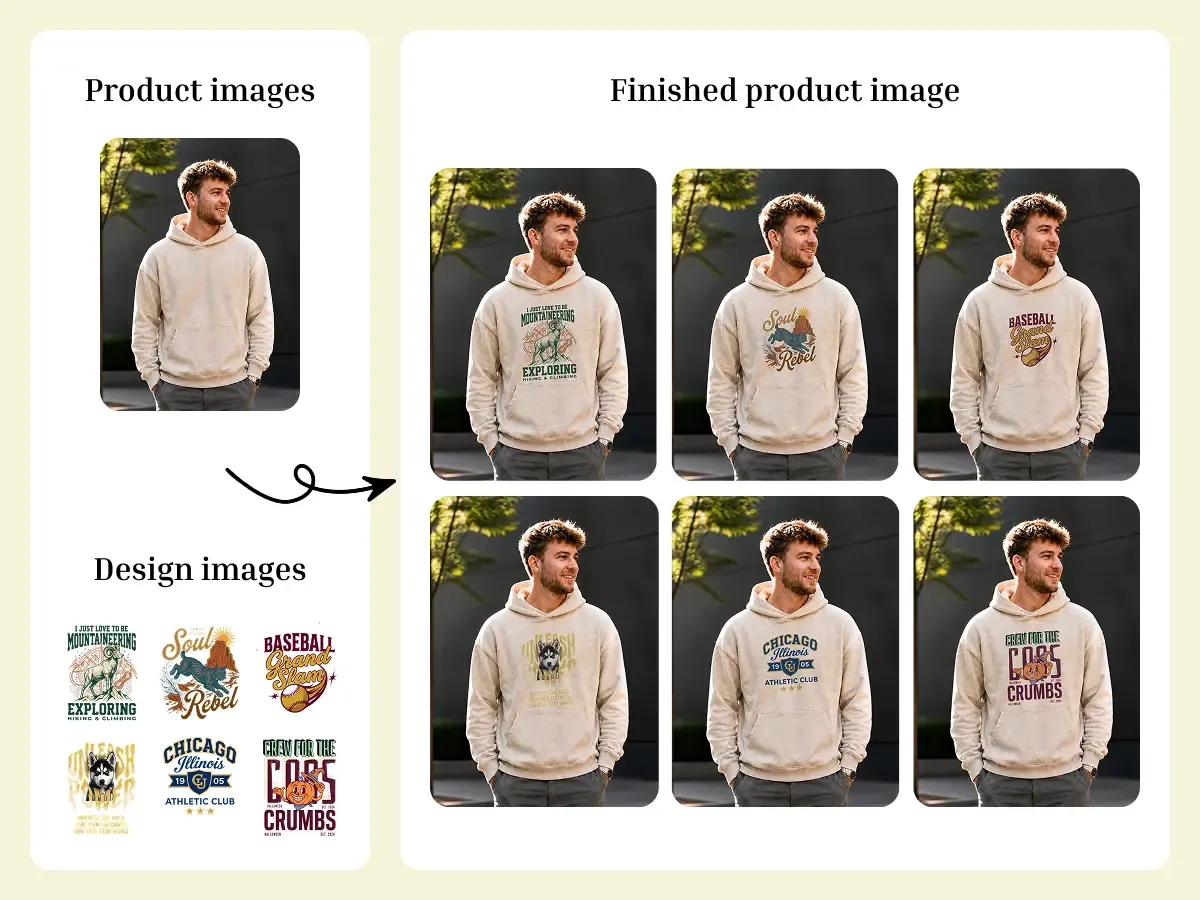
Turn Your Real Product Photos Into Editable Mockups

Auto-Fit Designs and Reuse Each Product Setup

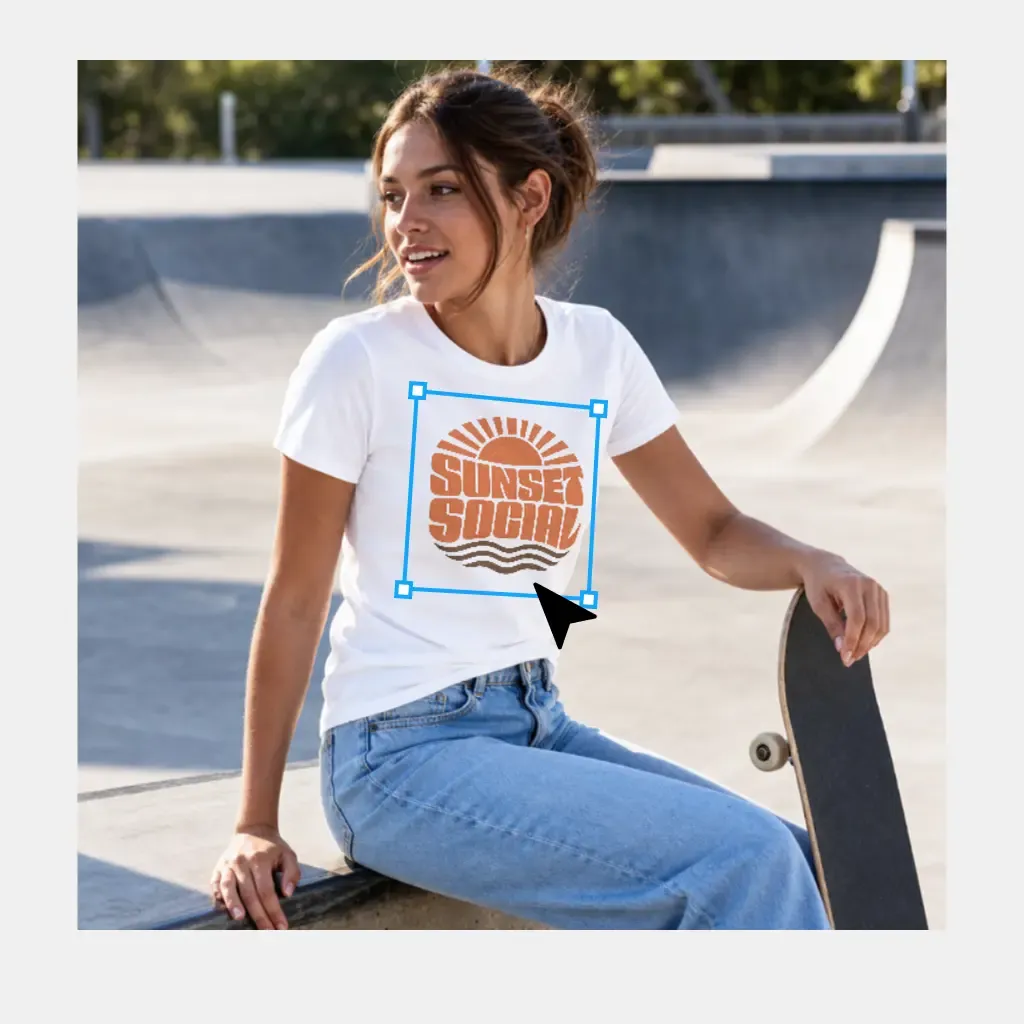
Designs are automatically fitted to a suitable area of the product and follow its visible perspective, curves, folds, and lighting.

You can fine-tune position or scale when needed and choose Standard Print or All-Over Print. Once a product photo is set up correctly, the same configuration can be reused across a large design library and multiple product colors instead of repeating the placement work for every output.

Auto-Fit Designs and Reuse Each Product Setup

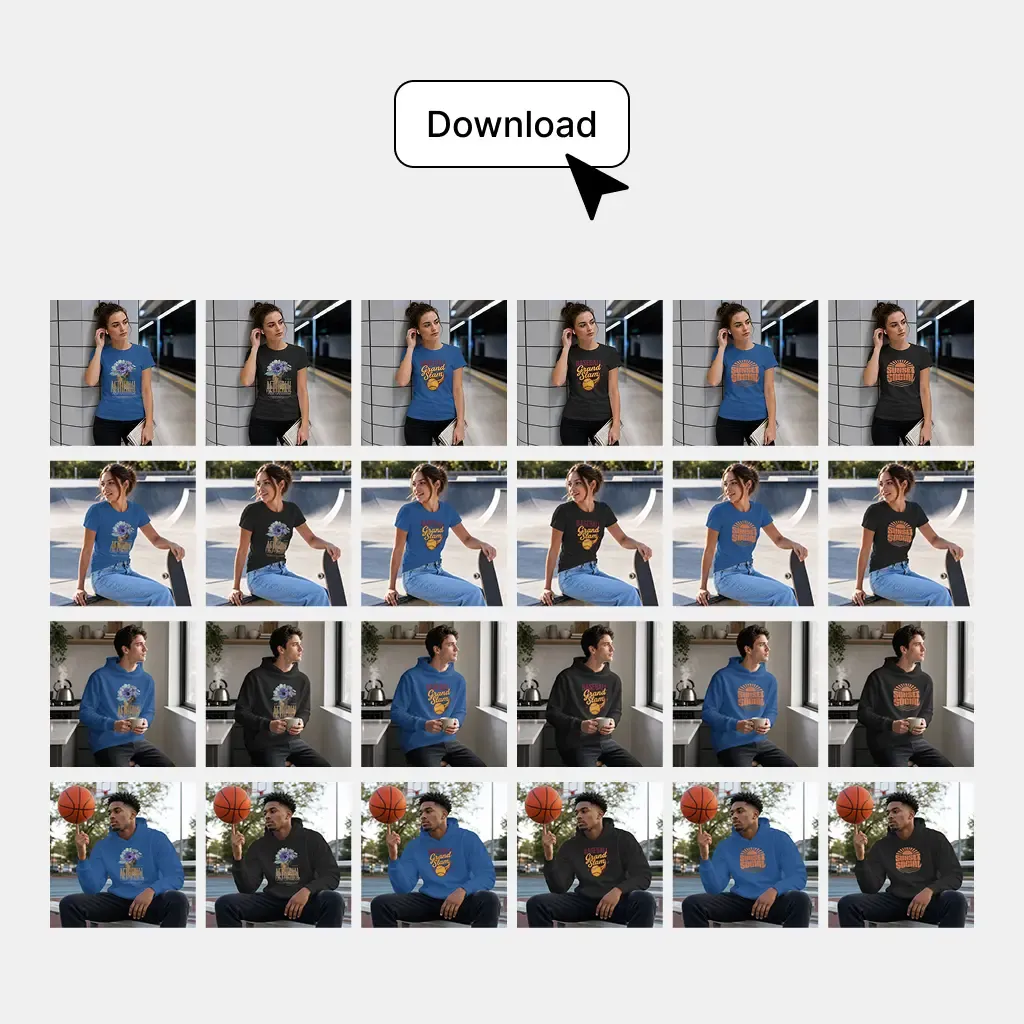
Preview Complete Variation Sets Before You Generate

Review any product × design × color combination while the batch is still editable.

Design placement, print style, fitting, and product colors can all be checked before generation, so you can resolve placement issues before generating the selected catalog images.

Preview Complete Variation Sets Before You Generate

Create Product Mockups in Bulk in Four Simple Steps

Most repetitive setup is handled automatically, while you stay in control of the final product presentation.

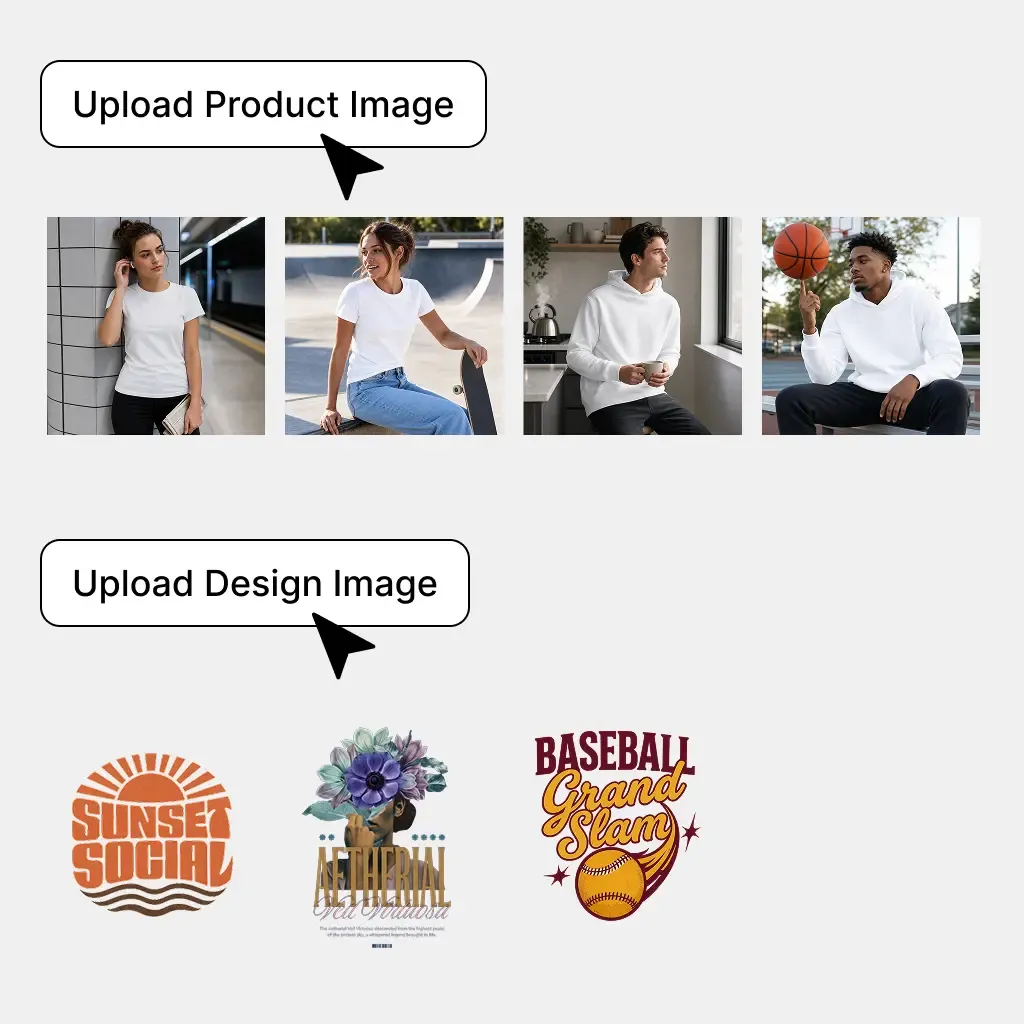
  1. Upload Your Products and Designs

    Add your product photos and design files, including all product views you want to use.

    Upload Your Products and Designs
  2. Auto-Fit Designs and Fine-Tune if Needed

    Mockuplabs automatically fits each design to the product surface. Adjust the position or scale when needed.

    Auto-Fit Designs and Fine-Tune if Needed
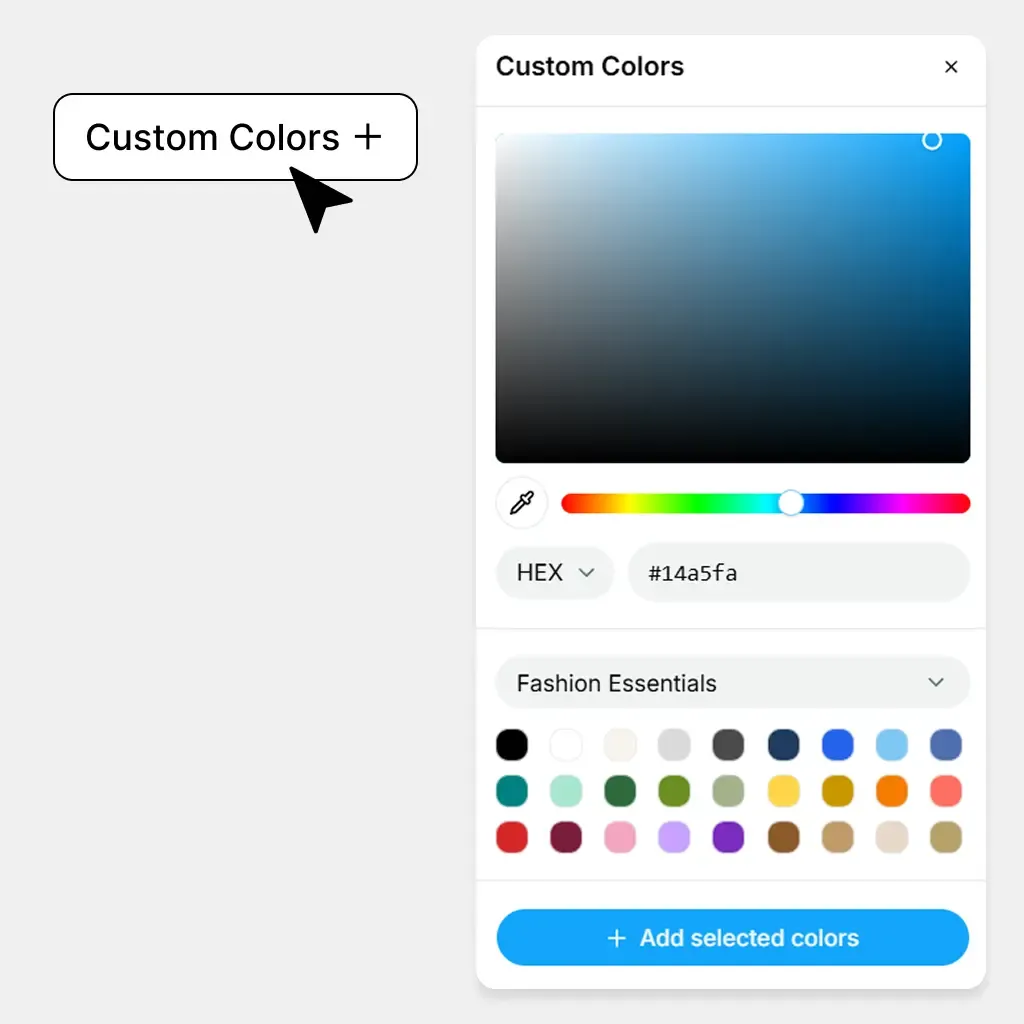
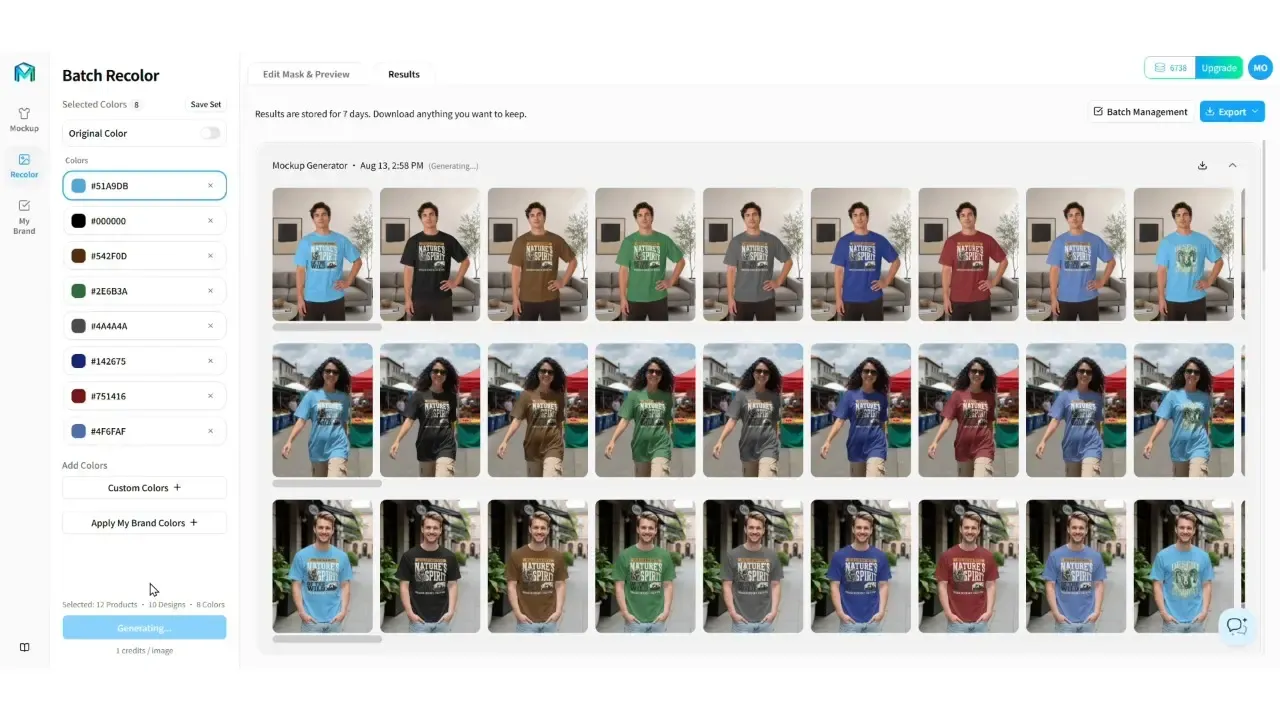
  3. Add Colors and Preview Variations

    Add product colors and preview different product, design, and color combinations.

    Add Colors and Preview Variations
  4. Generate the Complete Batch

    Generate all product, design, and color combinations together in one batch.

    Generate the Complete Batch

Built for the Product Catalogs Ecommerce Sellers Actually Manage

Use one scalable workflow across POD stores, merchandise launches, multi-SKU catalogs, and complete ecommerce product galleries.

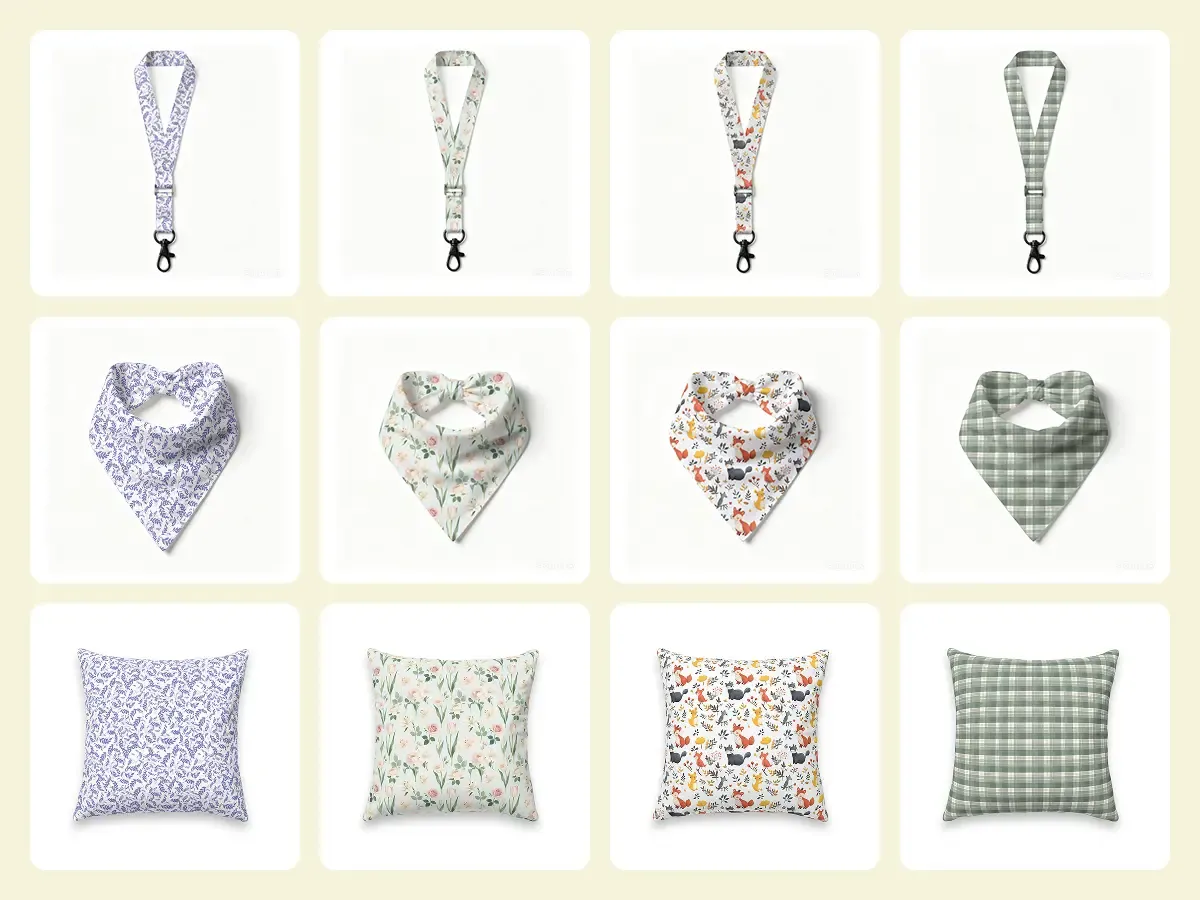
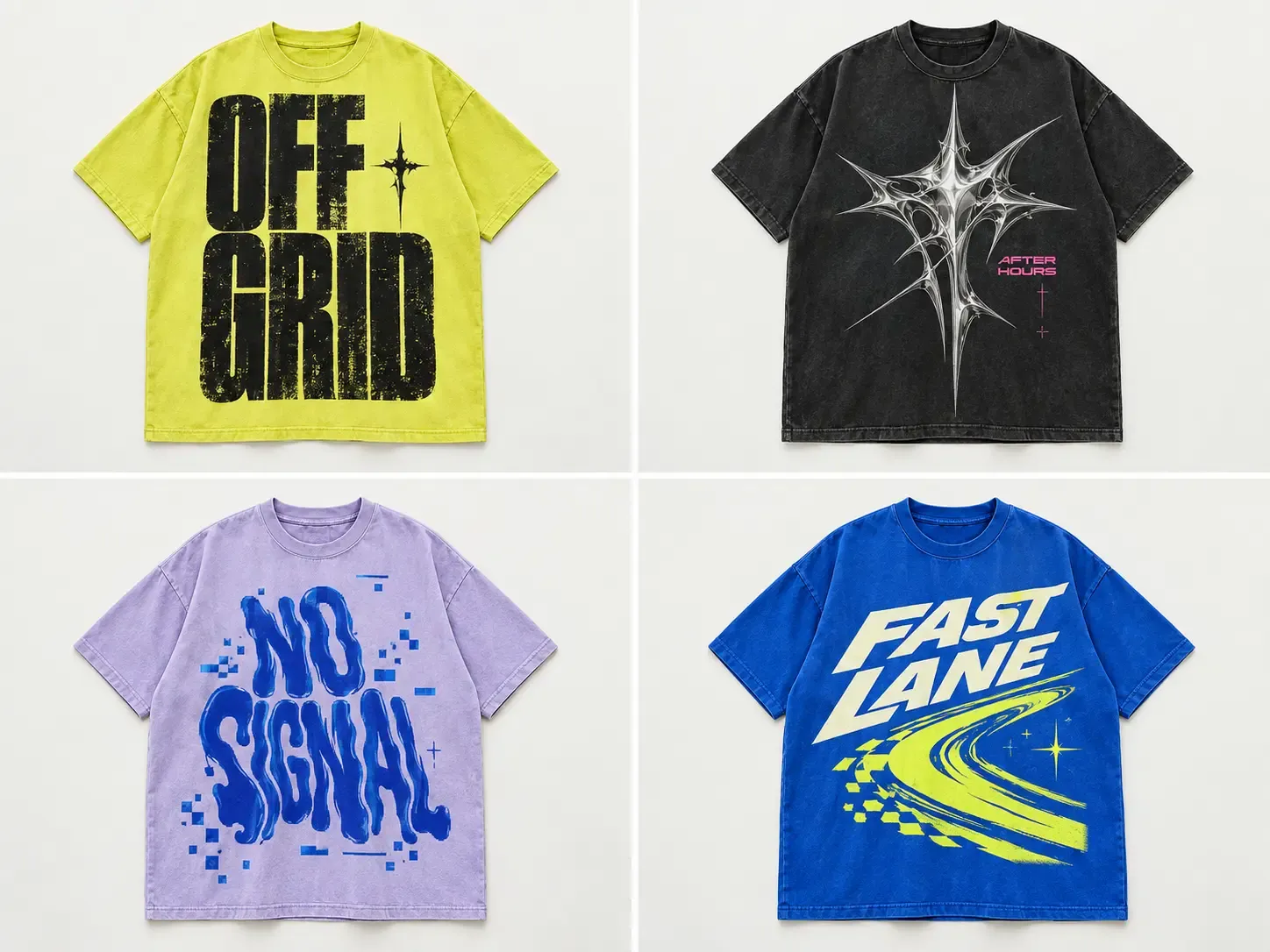
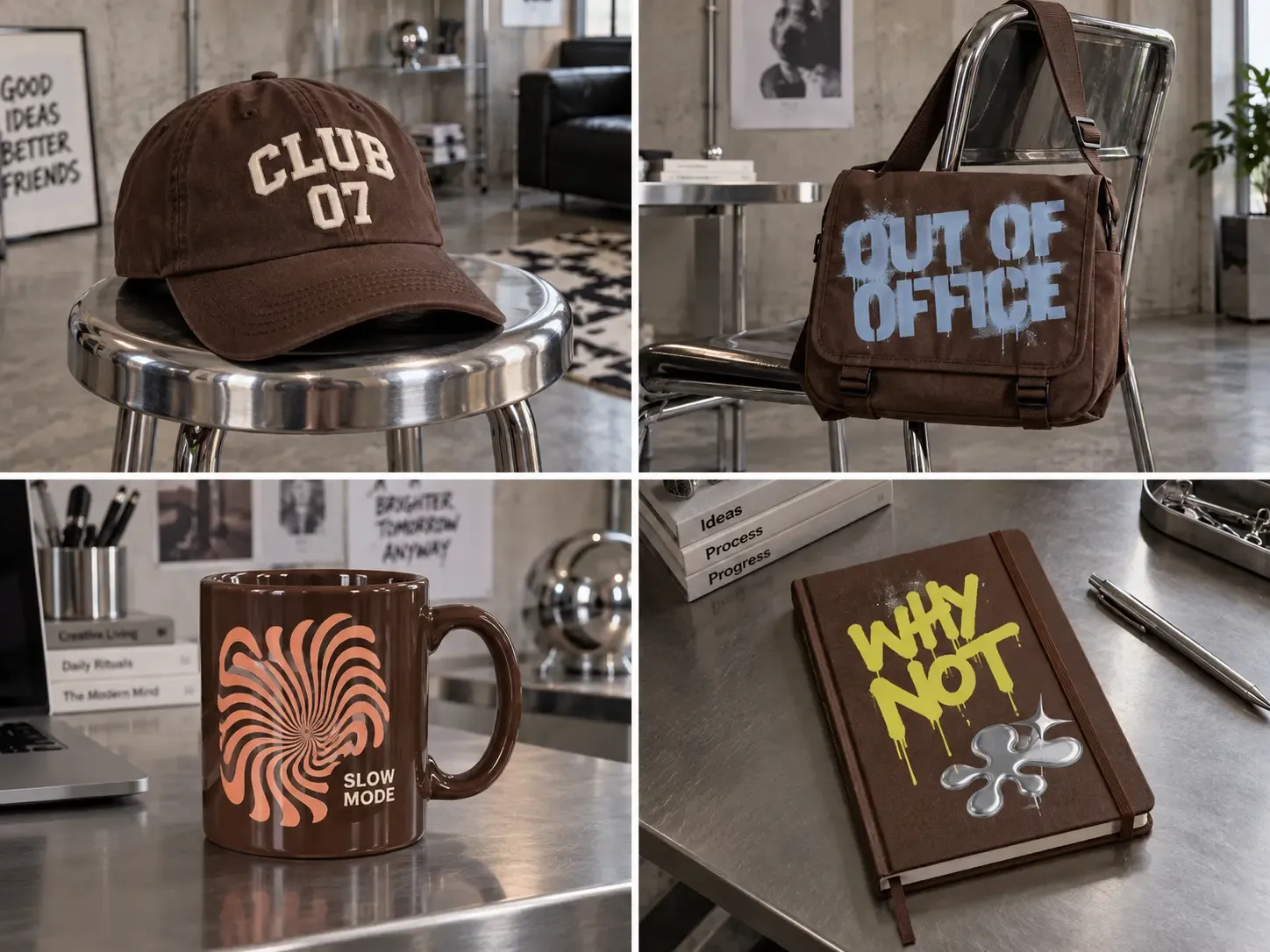
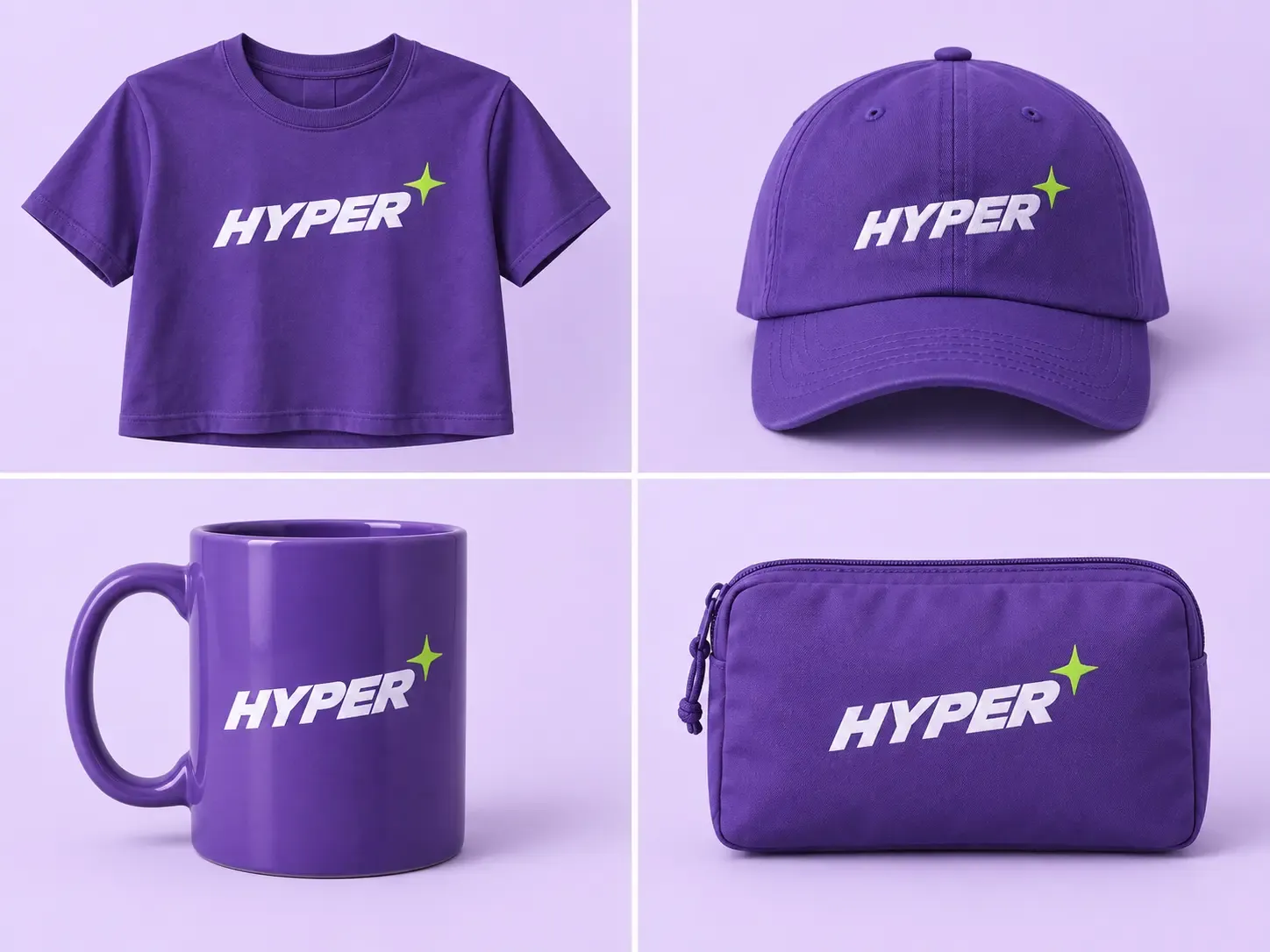
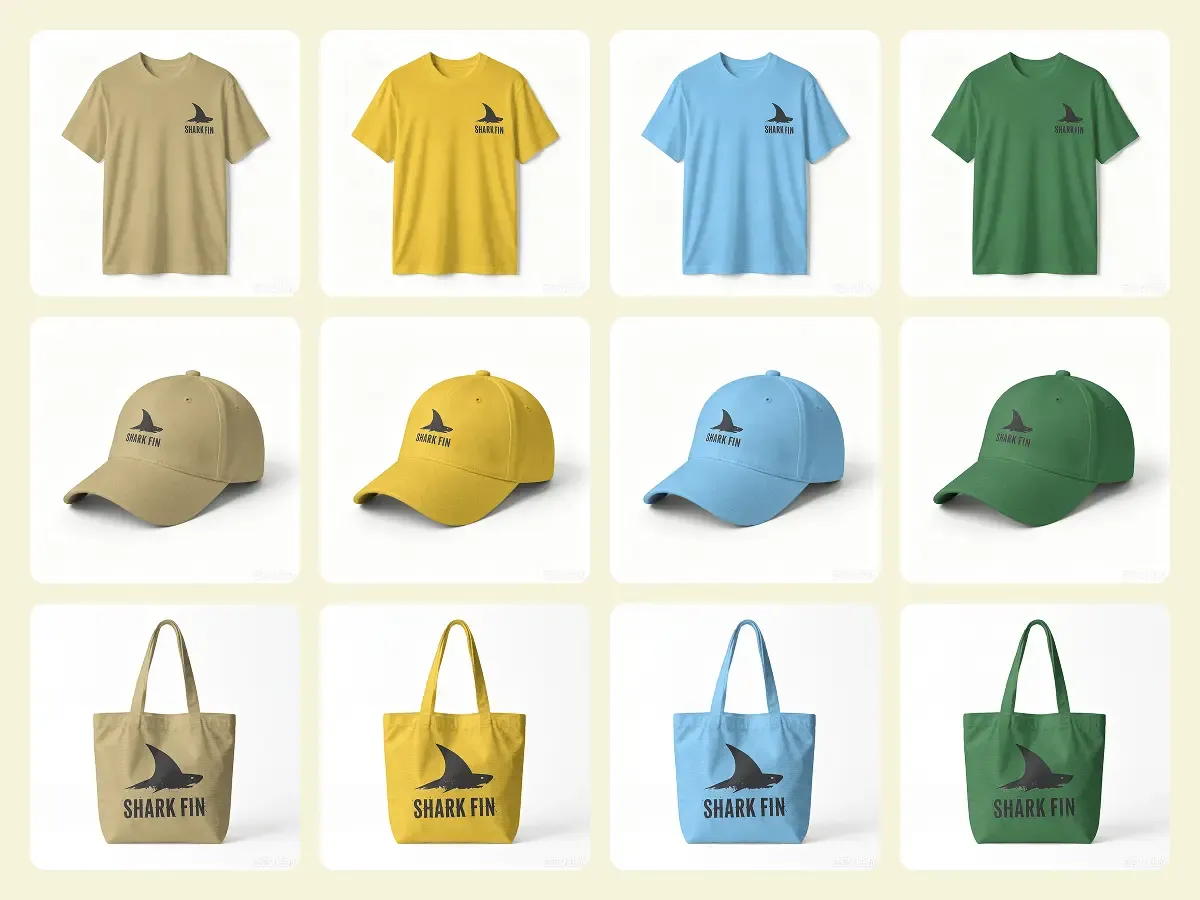
Launch One Design Across an Entire Product Collection

Launch One Design Across an Entire Product Collection

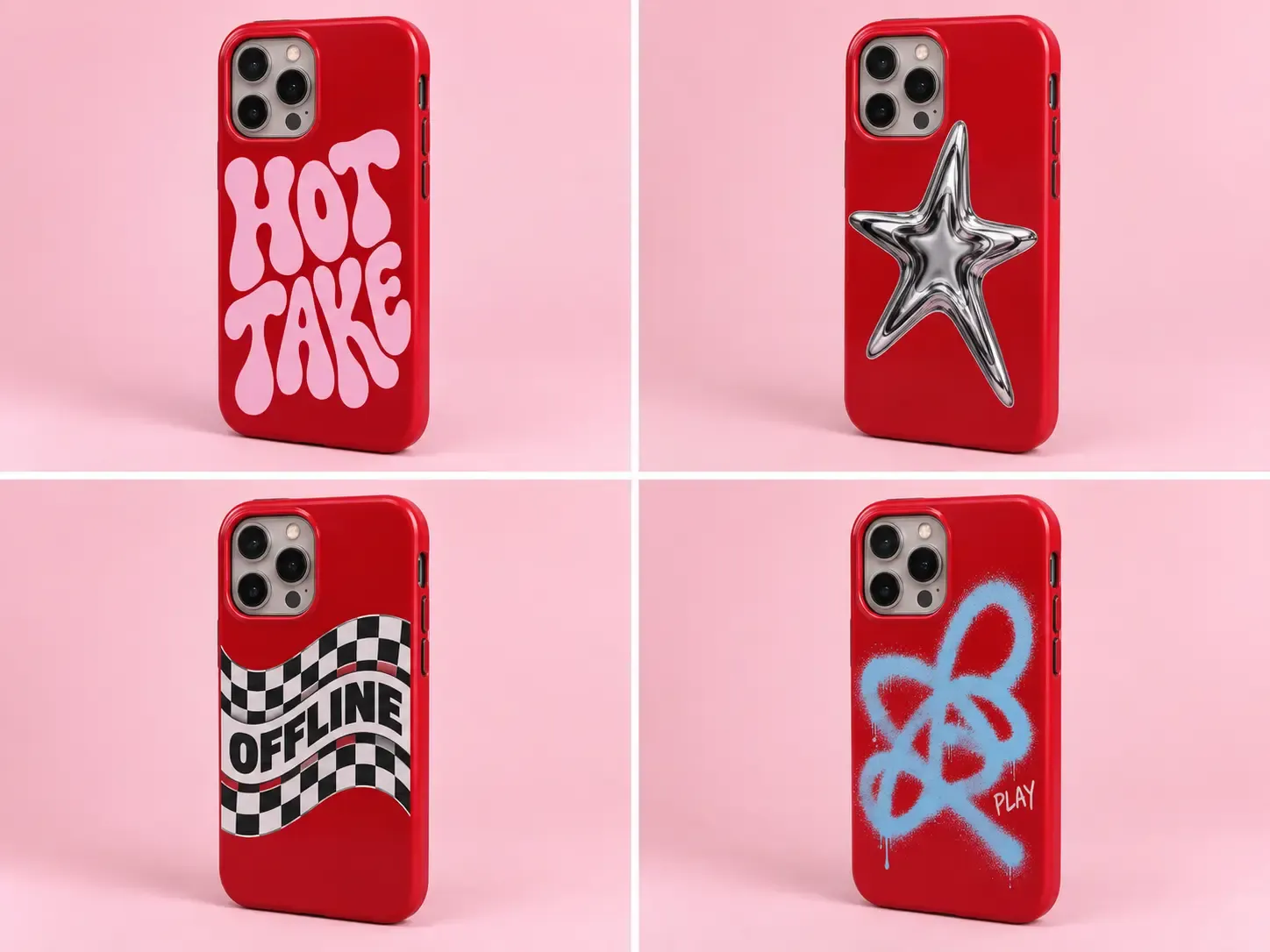
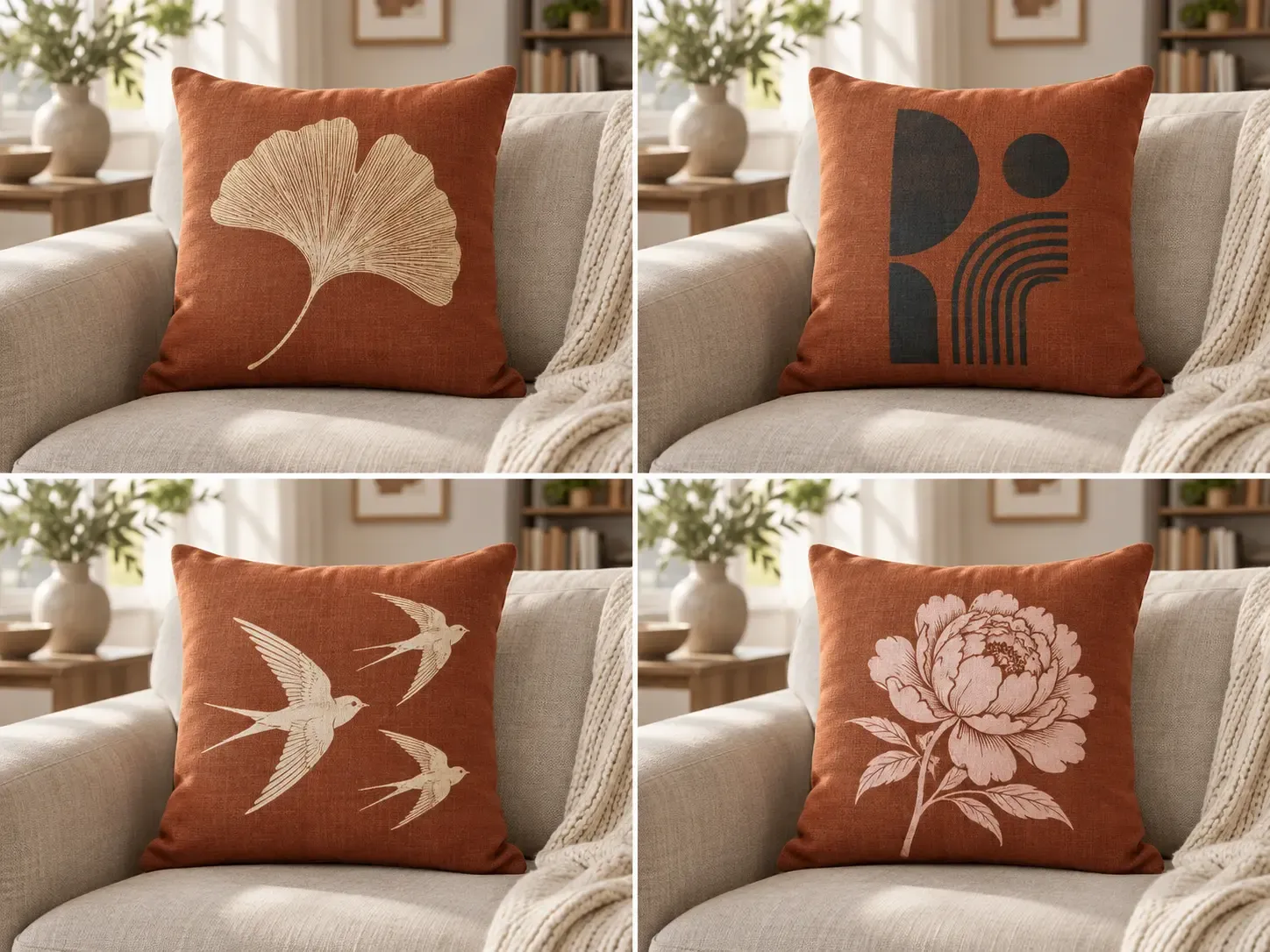
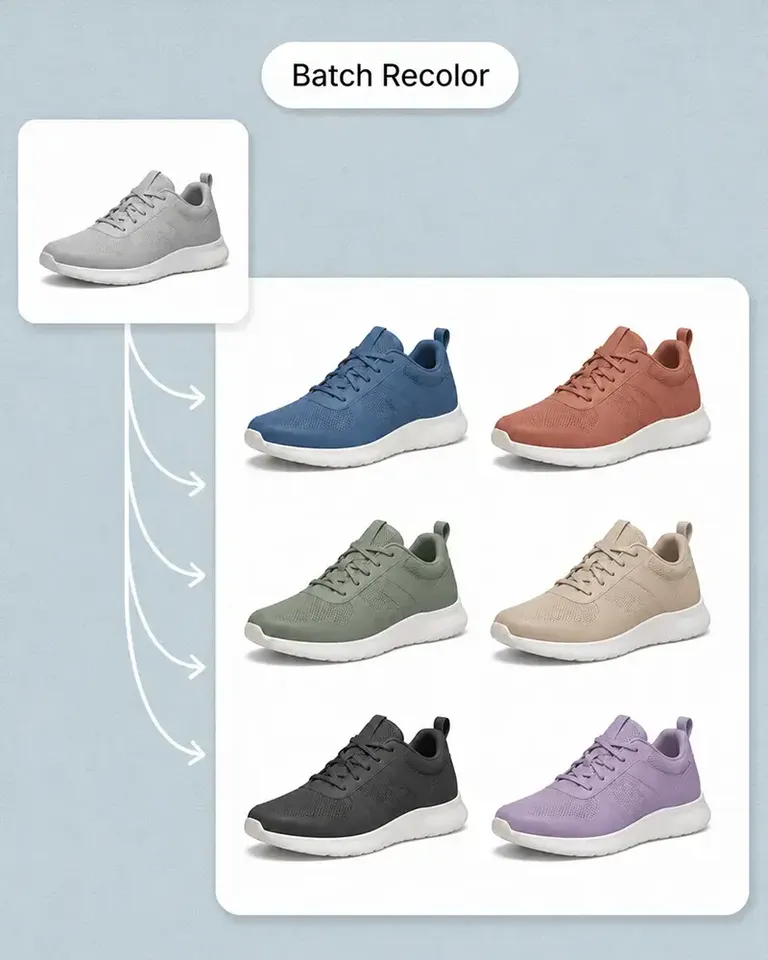
Use one approved campaign graphic, logo, or merchandise design across T-shirts, hoodies, sweatshirts, bags, hats, and other products. Each product keeps the placement and scale that works best for its own shape, so the collection stays visually coordinated without rebuilding every product mockup individually.

  • Example: 5 Products × 1 Design × 6 Colors = 30 Product Variations
  • Best for: Brand merchandise, Creator merch, Corporate merchandise, Events, Campaign launches

High-Volume Mockup Production With Less Manual Setup

Combine automatic mockup creation, realistic design fitting, reusable product setups, and batch production in one ecommerce workflow.

Setup required

Mockuplabs

Automatically turns your own product photos into editable mockups

Typical Mockup / Editing Tools

PSDs, templates, Smart Objects, or repeated preparation

General-Purpose AI Tools

Prompts and reference images

Batch Mockup FAQs

See the POD Sellers for the complete job, or visit the Help Center for help.

A batch mockup generator lets you create large numbers of product mockups from product photos, designs, and colors in one workflow. Mockuplabs uses reusable product-photo setups to make high-volume ecommerce and POD mockup production much more efficient.

Reuse approved product setups across your mockup catalog

Automate repetitive mockup production and turn your real products, designs, and colors into complete ecommerce catalogs.

Batch Mockup Generator

Score
4.6 / 5
Rating events
804
Written reviews
249
As of