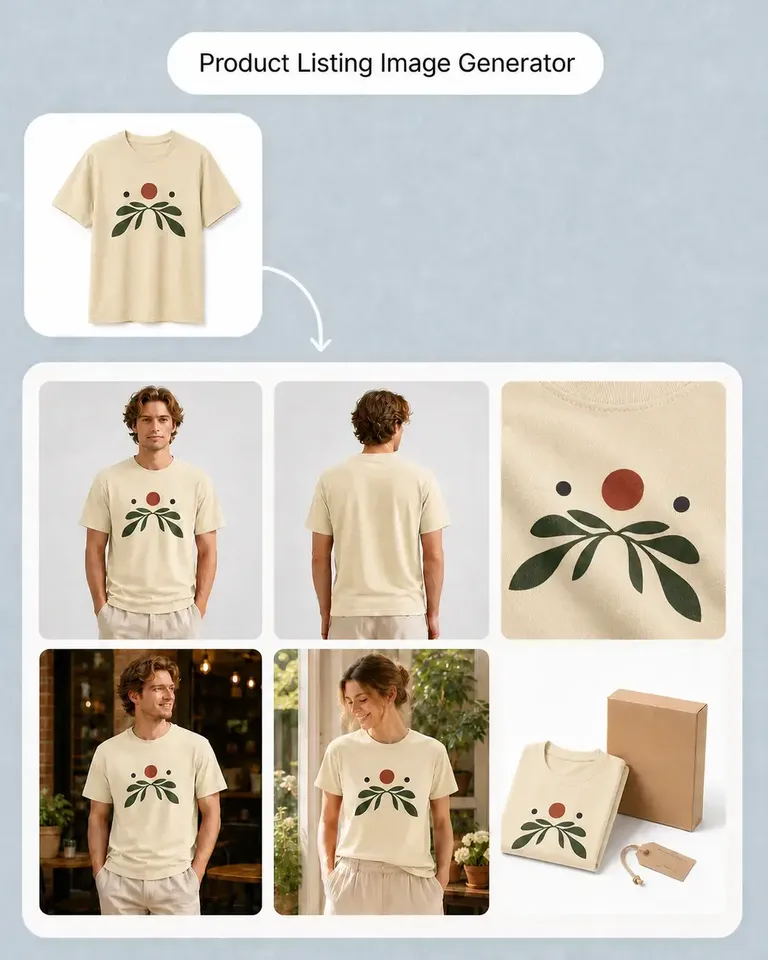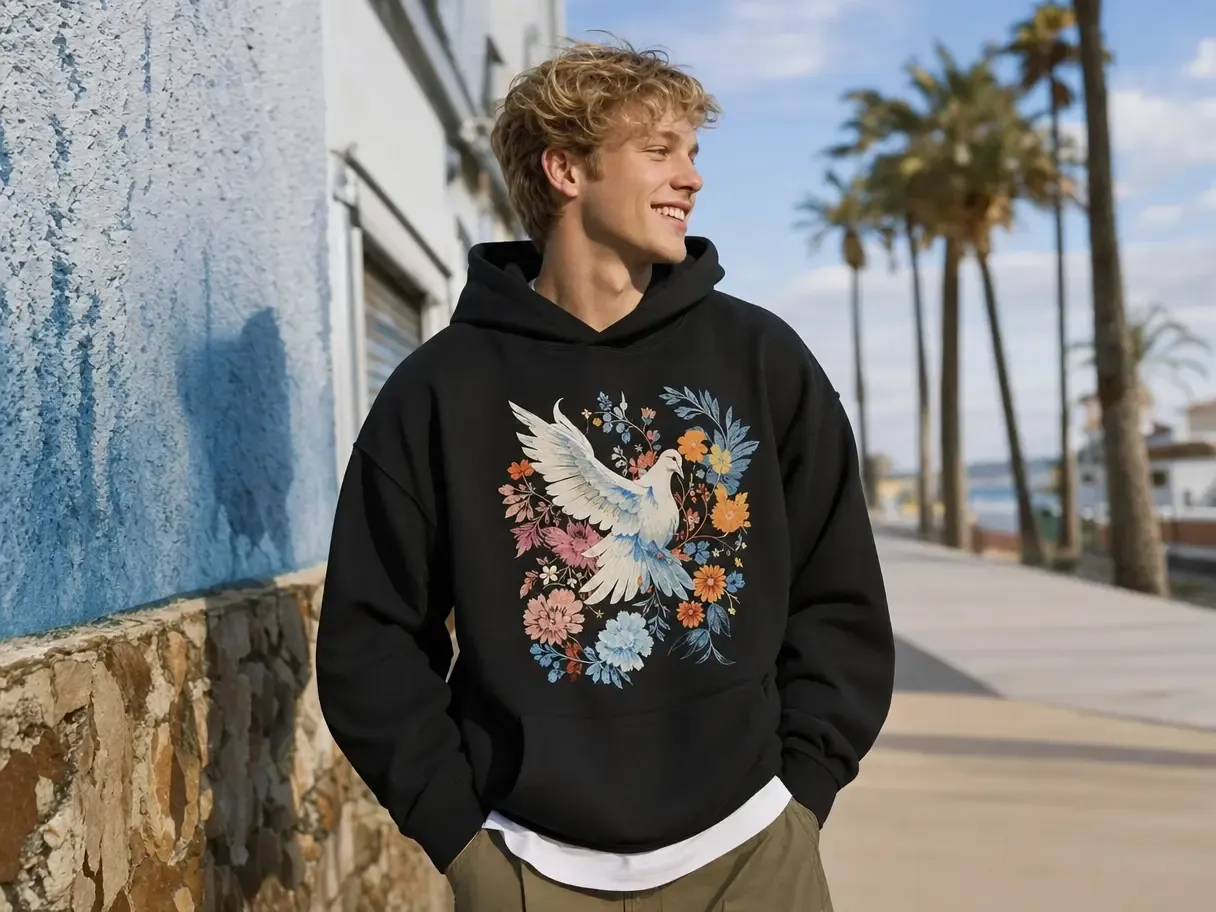
Mockuplabs

Create More Product Ad Directions from the Assets You Already Have

Test new scenes, compositions, formats, product variants, and motion without rebuilding the SKU for every creative direction.

  • Start From Approved Product Assets
  • Create More Testable Directions
  • Adapt Static Creative Into Motion
Create Ecommerce Ads product-content workflow

Test More Creative Without Changing the Product in Every Ad

Hold the approved product steady while varying the hook, setting, message space, and format so tests reveal more about the creative direction itself.

Increase Testing Capacity Without More Product Shoots

New audiences, offers, and campaign angles can create a constant demand for fresh product creative.

Mockuplabs reuses the approved item while the surrounding concept changes, allowing teams to explore more directions without scheduling a shoot for each one.
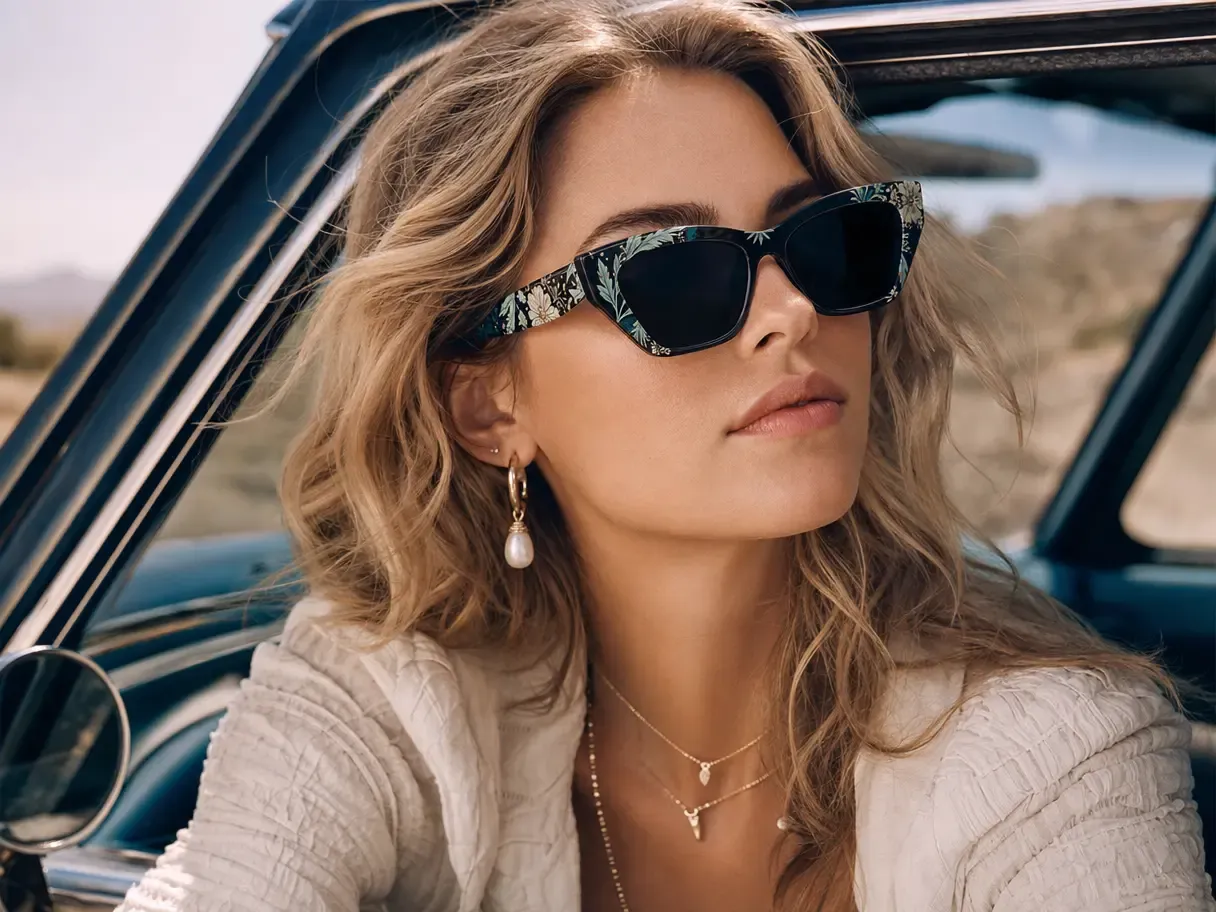
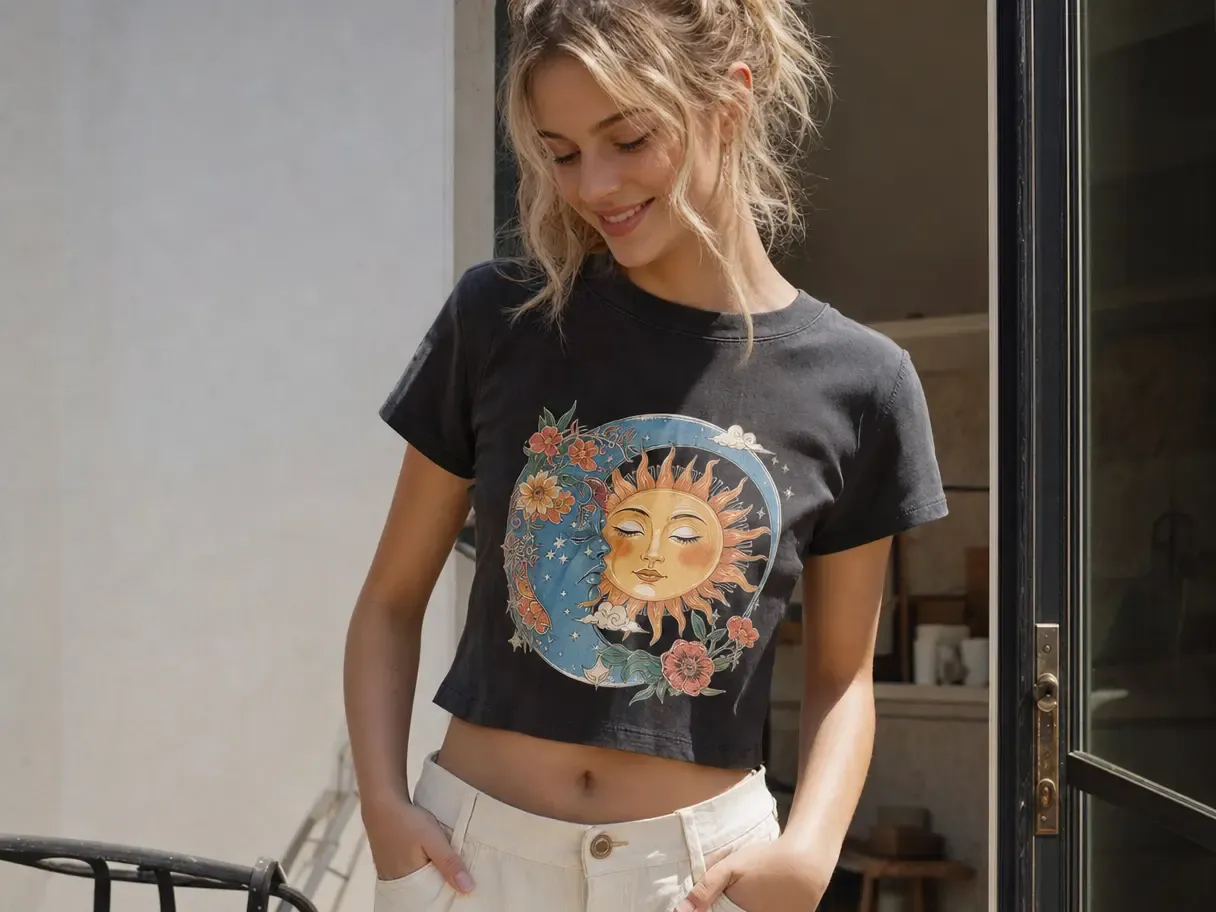
Increase Testing Capacity Without More Product Shoots

Make Each Creative Test Easier to Interpret

When the product's shape, styling, or details change between variants, teams are testing more than the intended hook or composition.

A common product source controls that variable, making differences between concepts clearer and the resulting decisions more useful.

Make Each Creative Test Easier to Interpret

Scale Winning Ideas Across the Funnel

A successful ad direction can often support more formats, motion, retargeting, and a matching landing page.

Because the product source remains reusable, winning concepts can expand without rebuilding the item at every stage of the campaign.

Scale Winning Ideas Across the Funnel

What You Can Do for Ecommerce Ad Creative

Develop distinct campaign hypotheses around one product, then turn the strongest directions into more placements and formats.

Explore New Hooks Around the Same Product

Create visual directions based on audience, use case, season, mood, or campaign angle while holding the SKU constant.

AI Image Generator builds new environments around the approved product so the concept changes without losing product recognition.

Move From One Product Source to a Reusable Ad Creative System

  1. Start With the Product and Campaign Direction

    Upload the approved product visual and establish the offer, audience, or visual direction behind the current creative test.

  2. Generate New Creative Directions

    Use AI Image Generator to explore product scenes and visual hooks.

  3. Adapt the Strongest Images for Advertising

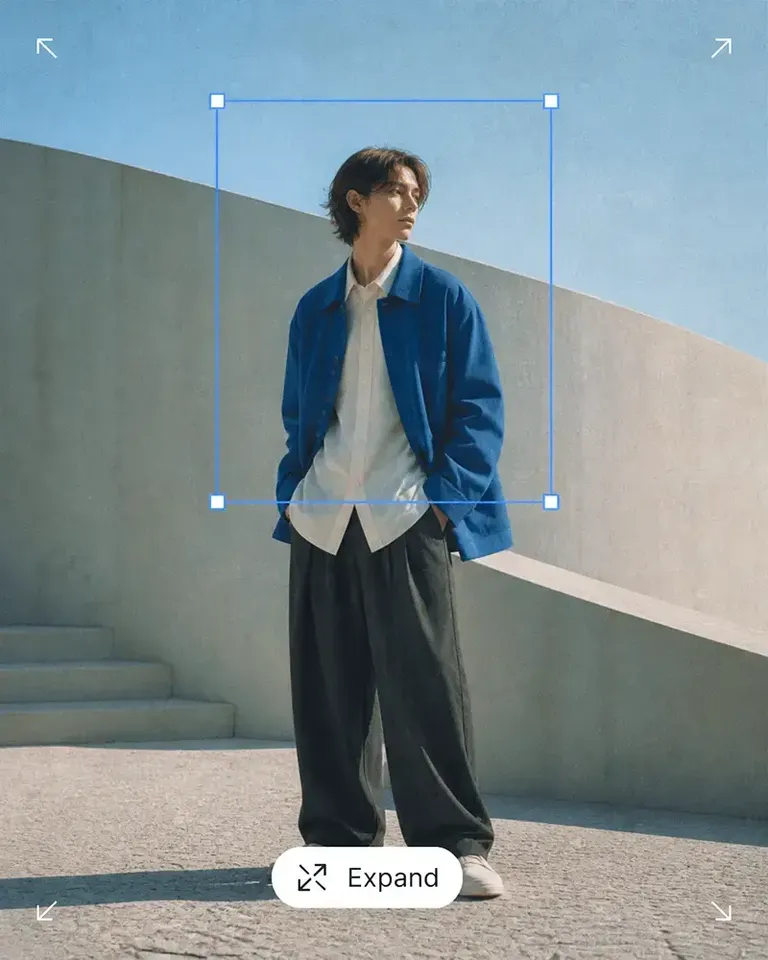
    Use Background Remover, Expand, and Object Remover to create cleaner layouts and more usable campaign compositions.

  4. Create Product Variants When the Test Needs Them

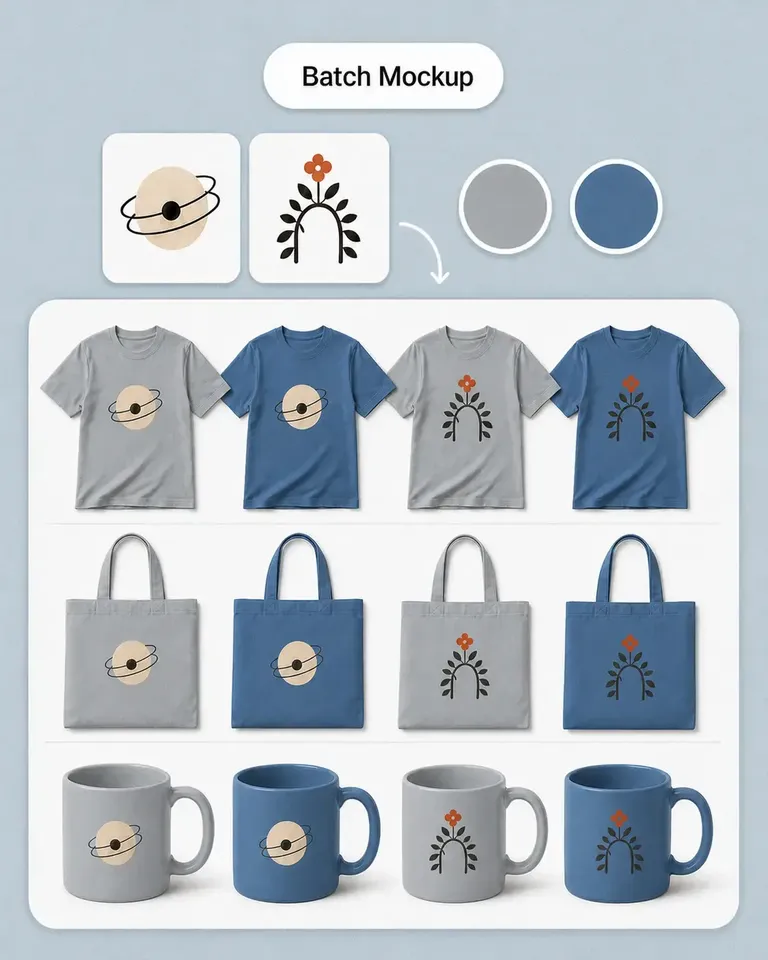
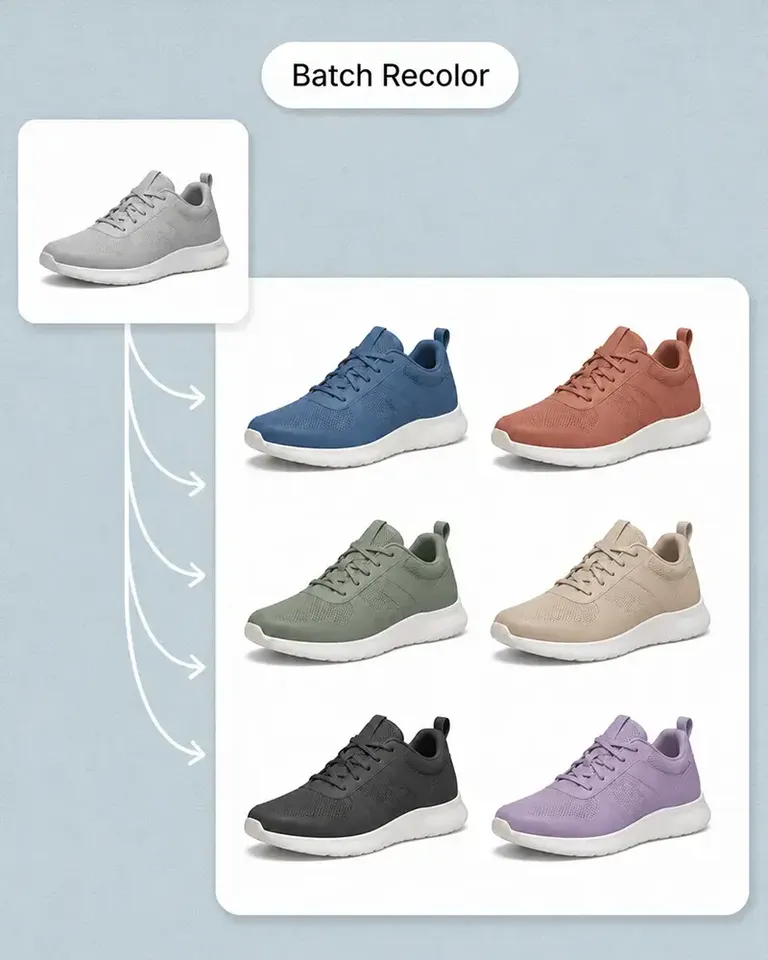
    Use recolor or mockup features when color or artwork is part of what you want to compare.

  5. Extend Winning Static Creative Into Motion

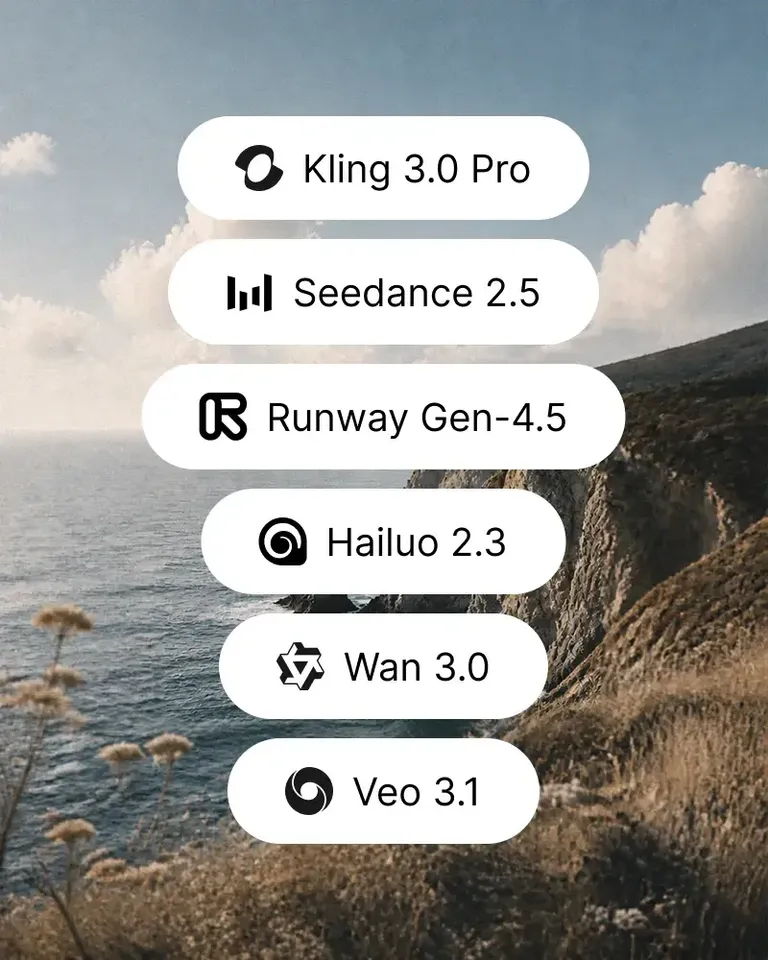
    Use AI Image to Video to generate short motion from the approved creative direction.

  6. Carry the Strongest Direction Into the Next Test

    Reuse the approved product source, composition, and creative logic across new formats, placements, and campaign iterations.

Build the Feature Stack Around the Creative Hypothesis

Use generation, cleanup, layout, variation, and motion features only when they support the specific creative question you want to test.

Create Ecommerce Ads FAQs

Need product help? Visit the Help Center.

Yes. Existing product imagery can become the foundation for new scenes, layouts, formats, variants, and motion.

Turn One Product Source Into More Testable Ad Creative

Explore new scenes, formats, variants, and motion while keeping the product itself consistent.