Mockuplabs

Create Shopify Product Visuals That Work as One Storefront

Connect PDP galleries, collections, variants, lifestyle scenes, launch assets, and campaigns around the same approved product source.

  • Start From Your Own Product
  • Built From PDP to Campaign
  • Keep the Storefront Consistent
Shopify Brands product-content workflow

Build a Storefront That Stays Cohesive as the Catalog Grows

Reuse approved product sources across PDPs, collections, landing pages, and campaigns so more products and content do not fragment the storefront.

Close the Content Gap Behind Catalog Growth

New SKUs and variants can arrive faster than teams can produce the full set of images each product deserves.

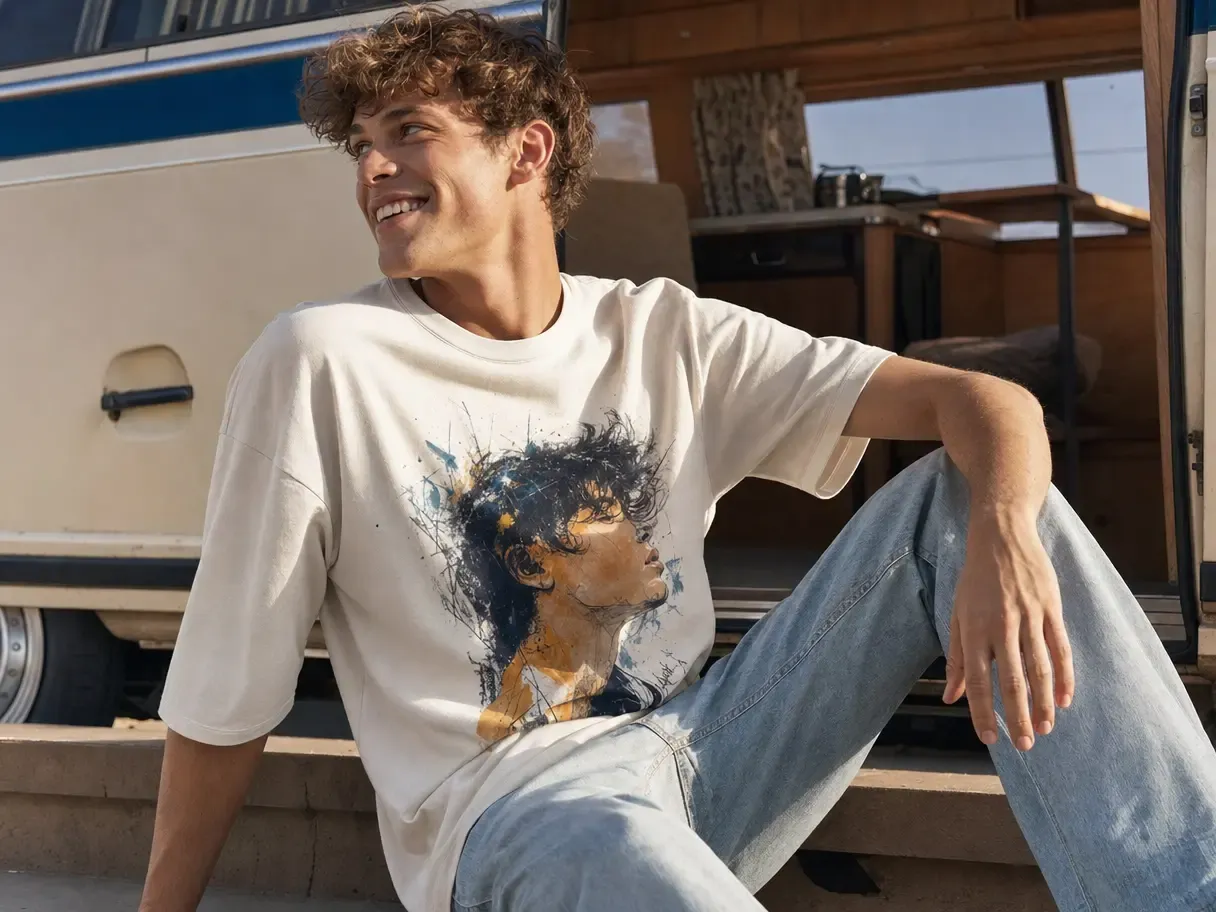
Mockuplabs turns approved photography into a reusable foundation, allowing new product pages and collection updates to move forward with less repeated setup.
Close the Content Gap Behind Catalog Growth

Connect the PDP to the Rest of the Brand

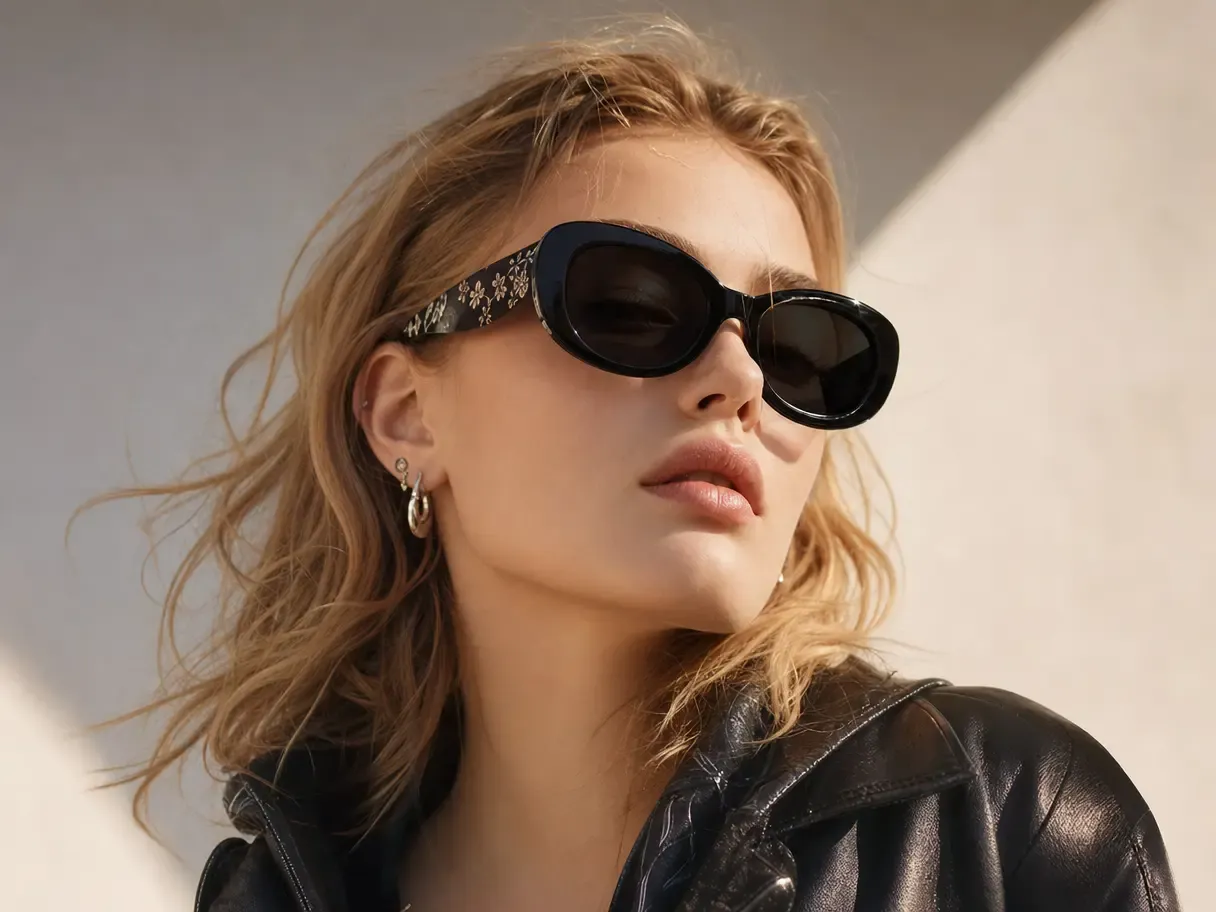
The product may appear on a collection page, PDP, landing page, email, ad, and social post before a customer buys.

Using one approved source helps those touchpoints feel connected while still allowing each placement to do a different job.

Connect the PDP to the Rest of the Brand

Get More Selling Content From Every SKU

A product source becomes more valuable when it can support the decision journey beyond the first packshot.

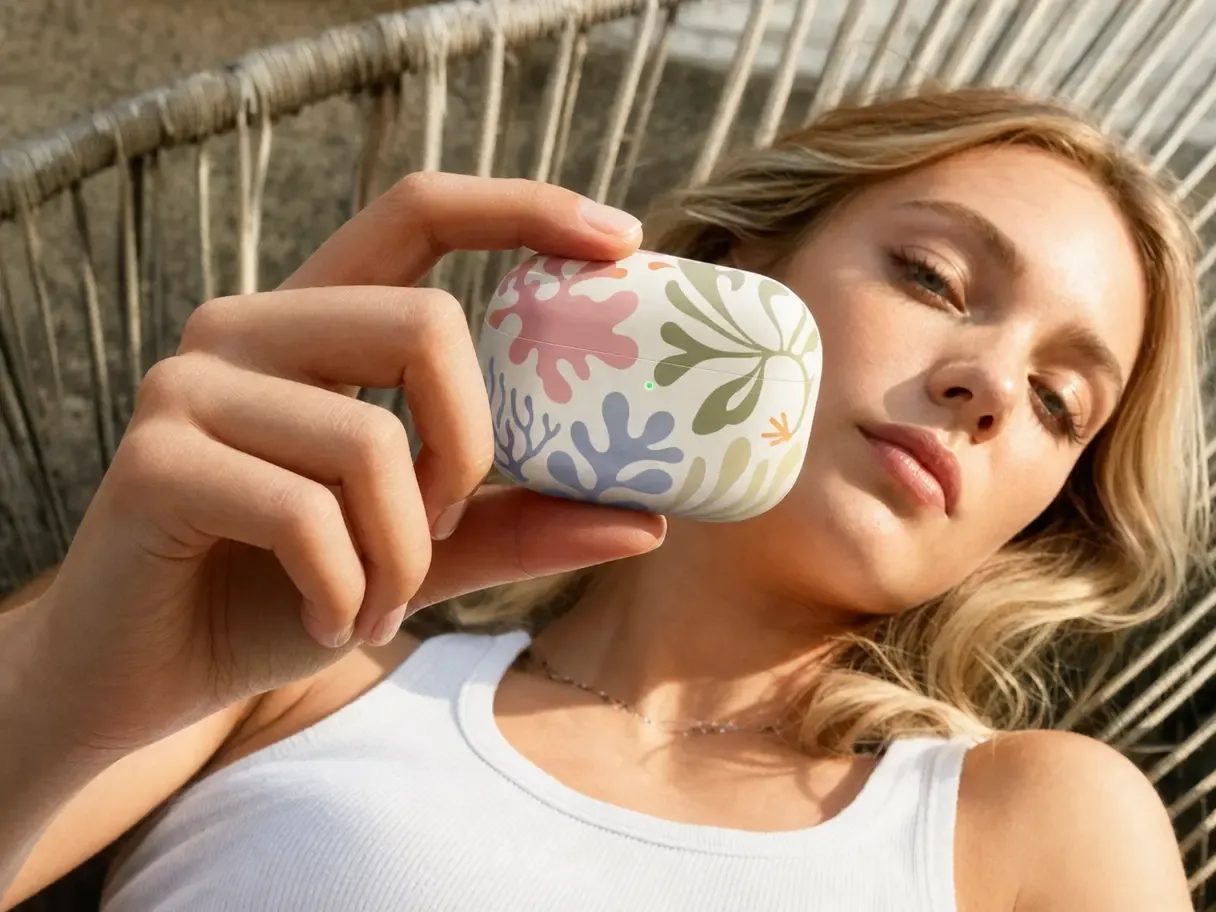
Extend it into color options, detail images, lifestyle context, campaign compositions, and motion—giving each SKU more opportunities to merchandise and convert.

Get More Selling Content From Every SKU

What You Can Do for a Shopify Store

Create the product content needed for discovery, evaluation, and promotion from one reusable source per SKU.

Prepare Reusable Product Masters

Convert your own product photos into approved sources that can support future storefront work.

Mockup Generator keeps real shape, texture, lighting, and product details available as variants, layouts, and campaigns are added.

Build the Shopify PDP First, Then Reuse It Across the Store

  1. Upload the Approved Product Source

    Start with the product photography or product asset that should remain recognizable throughout the storefront.

  2. Generate the Complete PDP Set

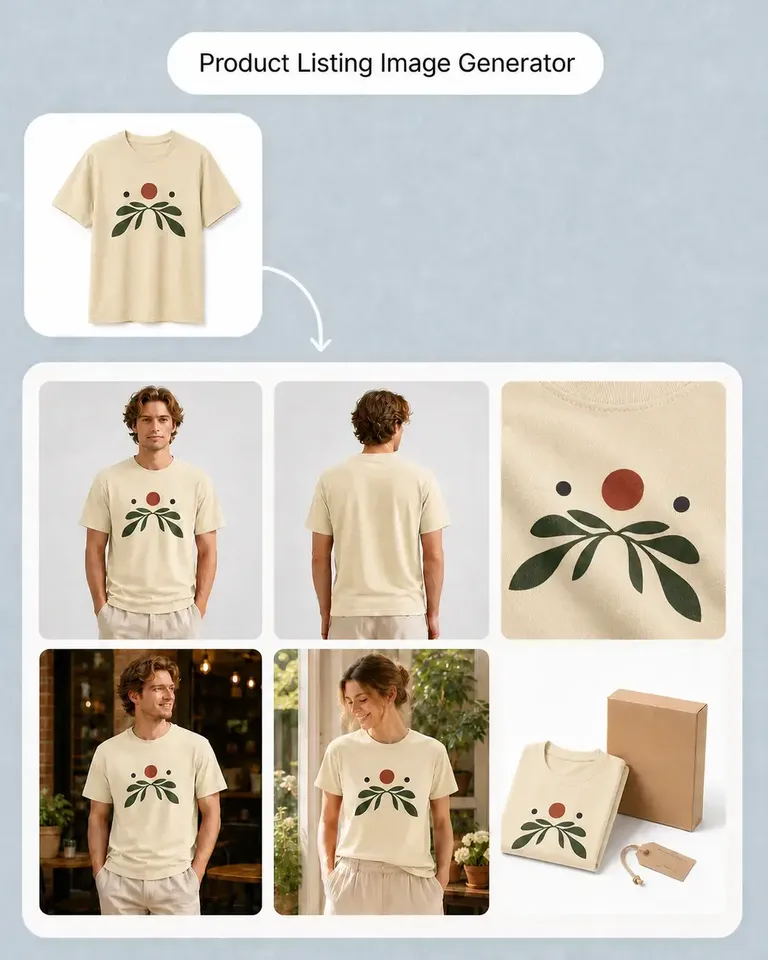
    Use Product Listing Image Generator to create the main product image, additional views, lifestyle scenes, detail imagery, and explanatory visuals.

  3. Build the Available Product Variants

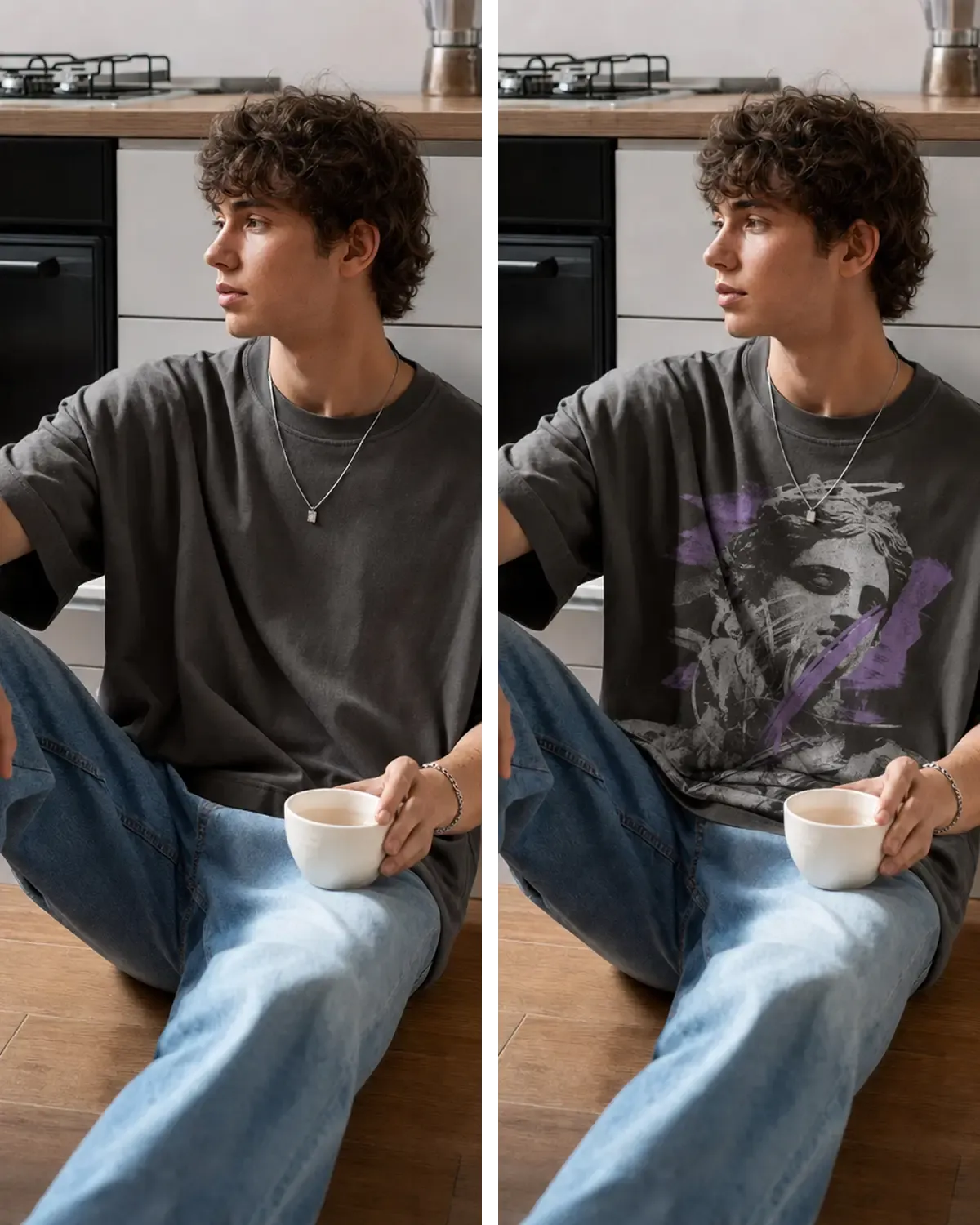
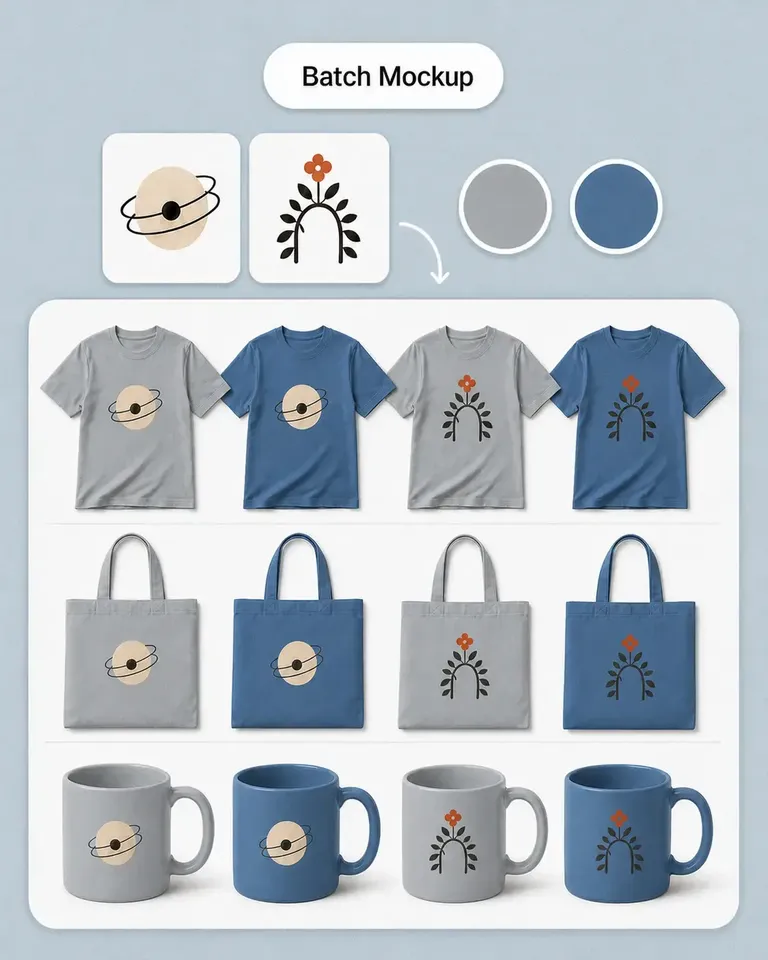
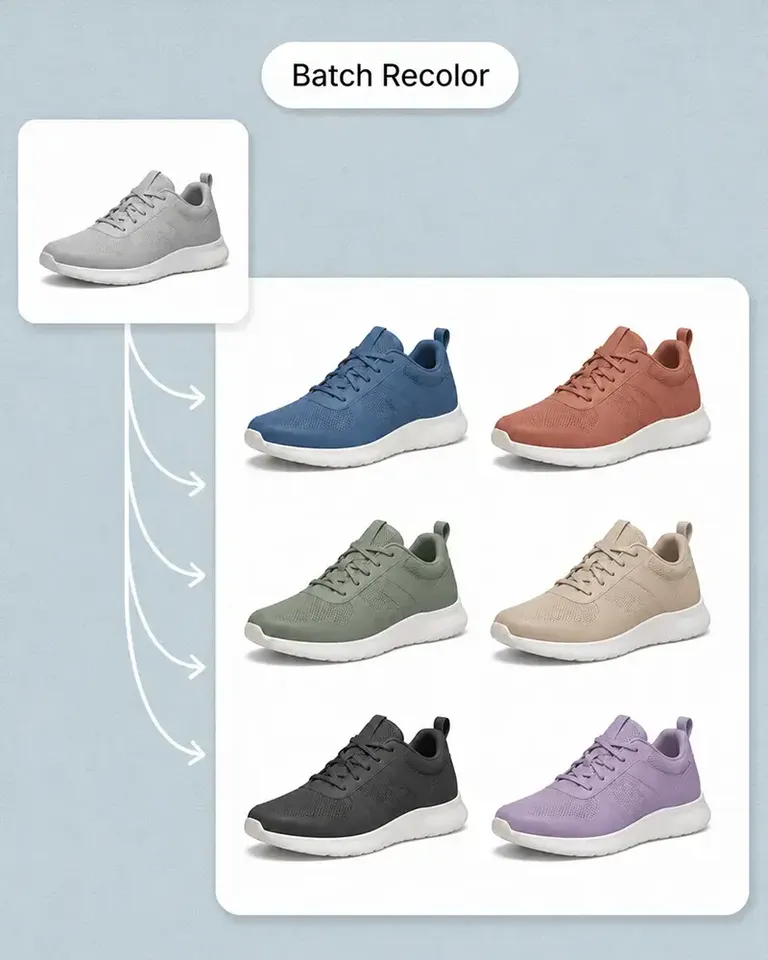
    Use Recolor Product Photo, Batch Recolor, Mockup Generator, or Batch Mockup according to whether the catalog needs new product colors or design variations.

  4. Extend Approved Product Work Into the Storefront

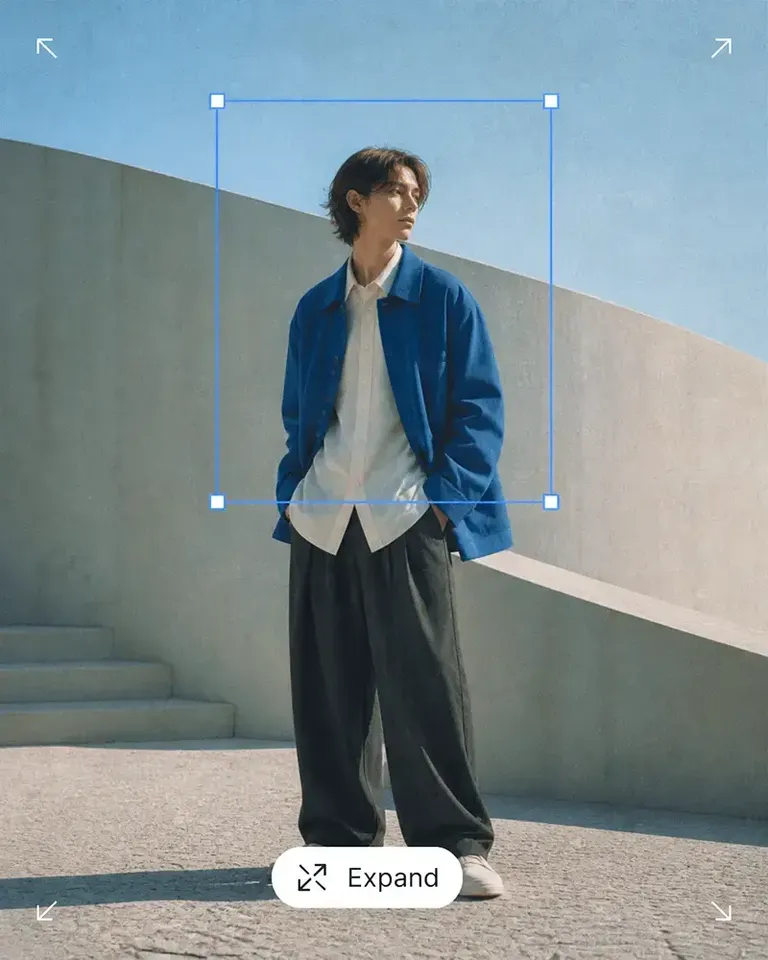
    Use AI Image Generator for new campaign and lifestyle directions, then use Expand, Background Remover, Object Remover, or Image Upscaler to prepare the assets for collections, banners, and promotional layouts.

  5. Add Motion When the Store Needs It

    Turn the finished product or campaign visual into short-form video through AI Image to Video without rebuilding the source creative.

Build the Feature Stack Around Your Shopify Storefront

Combine listing, variation, lifestyle, editing, and motion tools according to how your brand actually creates and launches products.

Shopify Brands FAQs

Need product help? Visit the Help Center.

The ideal structure depends on the product and brand, but many PDPs benefit from combining clear product views, supporting details, lifestyle context, variations, and explanatory content.

Turn Each Product Into a Visual System for the Whole Shopify Store

Build the PDP first, then keep using the approved product across collections, launches, campaigns, and future variants.