Mockuplabs

Build a Product Visual System That Grows with Your DTC Brand

Connect PDP galleries, new variants, lifestyle scenes, launches, ads, and video to the same approved product source and brand direction.

  • Start From Approved Product Photos
  • Built From PDP to Campaign
  • Reuse Across Future Launches
DTC Brands product-content workflow

Turn Product Photography Into an Always-On Brand Content Engine

Keep the real product recognizable while extending every approved shoot across launches, PDPs, paid media, social, and the next campaign story.

Make Every Product Shoot Work Longer

DTC brands need fresh creative long after launch-day photography has been delivered.

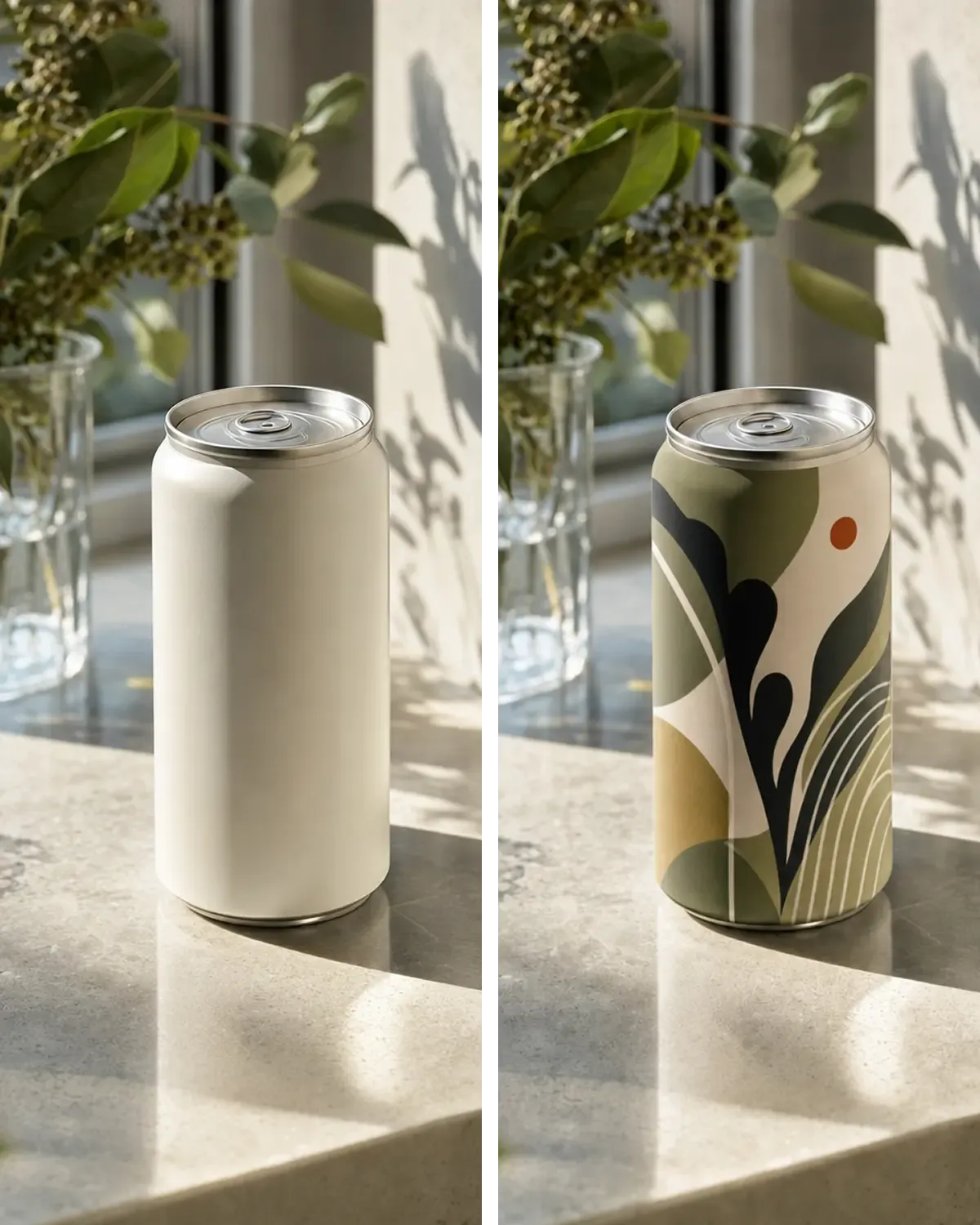
Mockuplabs makes the approved product reusable, allowing the brand to produce new scenes, layouts, and formats without repeatedly recreating the product foundation.
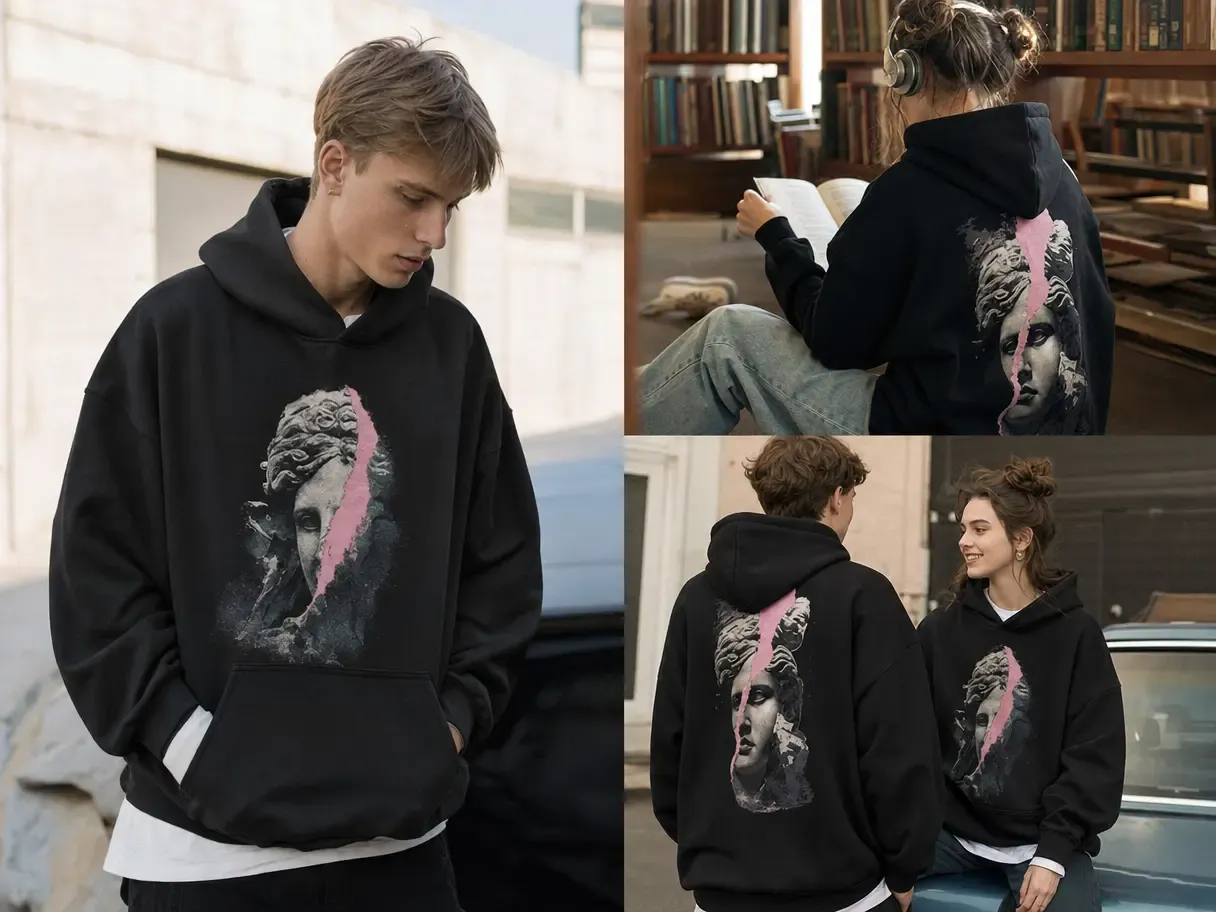
Make Every Product Shoot Work Longer

Keep Product and Brand Recognition Connected

A strong campaign can still create doubt if the product changes shape, texture, color, or detail between the ad and the product page.

Starting from the real item keeps product identity stable while the visual story evolves across each touchpoint.

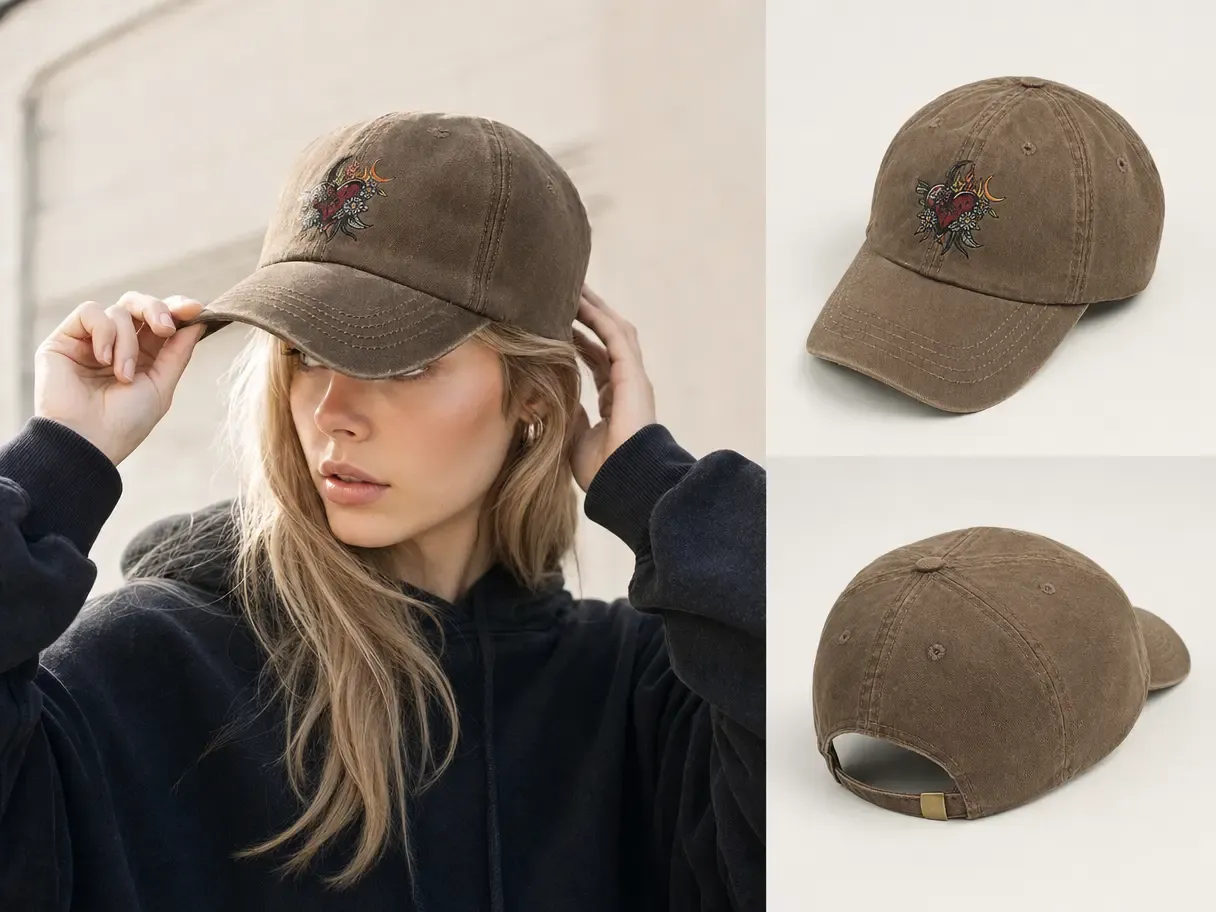
Keep Product and Brand Recognition Connected

Test More Stories Around the Same Product

Growth depends on finding which audience, message, setting, and format makes a product resonate.

With the product held constant, teams can explore more campaign directions and move successful ideas across channels without funding a separate shoot for every hypothesis.

Test More Stories Around the Same Product

What You Can Do for a DTC Brand

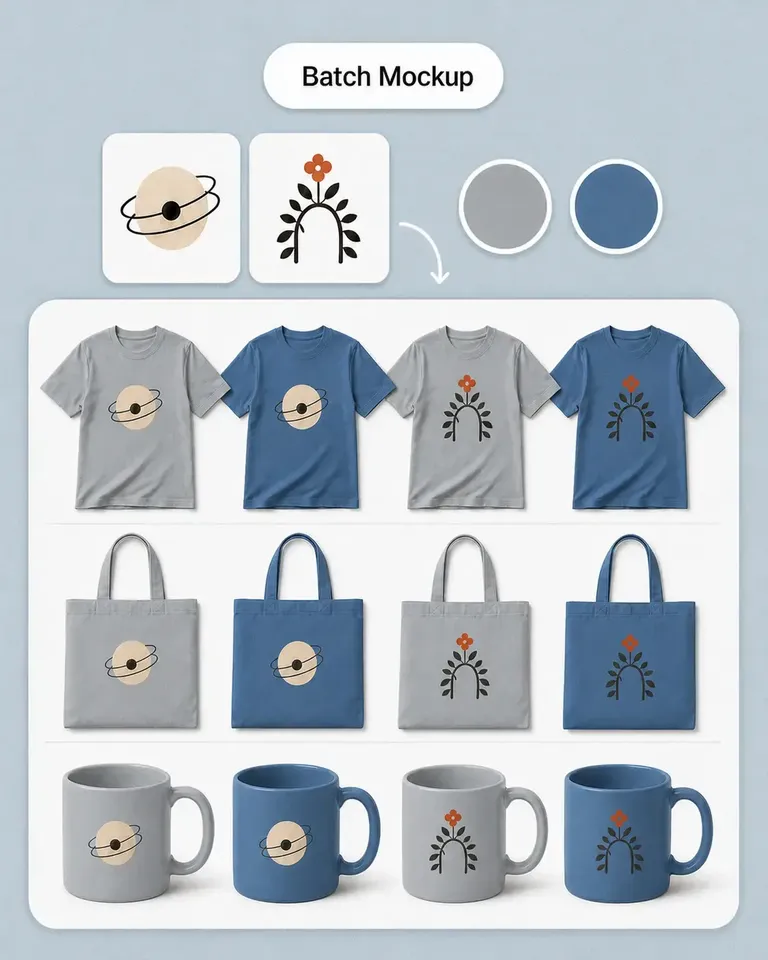
Build the complete customer journey around one approved product—from the first launch image to the PDP, ad, social post, and video.

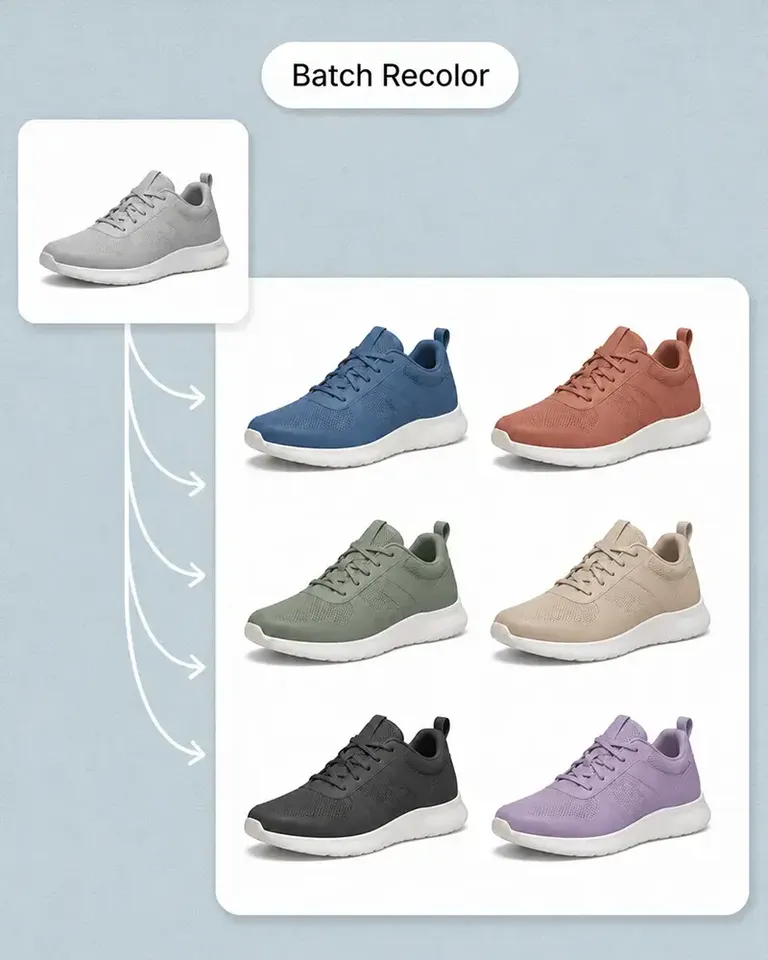
Create a Reusable Master From Your Own Product

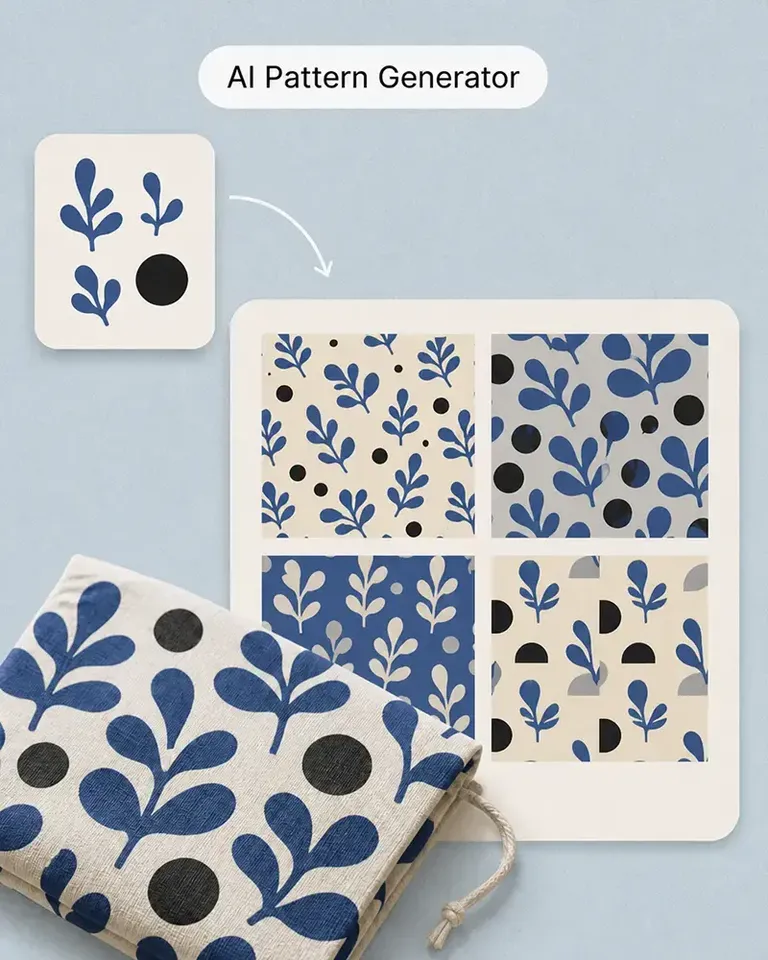
Turn real product photography into an editable visual source for future content.

Mockup Generator keeps the product's approved shape, texture, lighting, and details in the workflow as new variations and creative directions are developed.

Build a DTC Product Visual System in Three Stages

  1. Establish Product Truth and Brand Direction

    Add the approved product photography, packaging, designs, and visual references for the current launch.

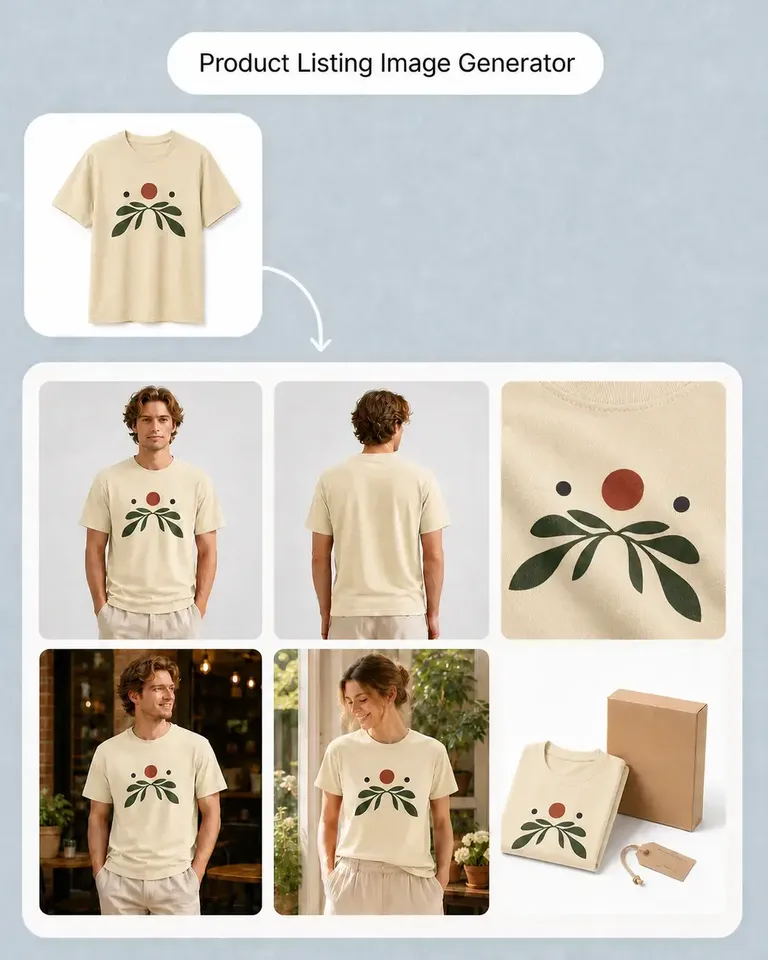
  2. Build the PDP and Launch Content Set

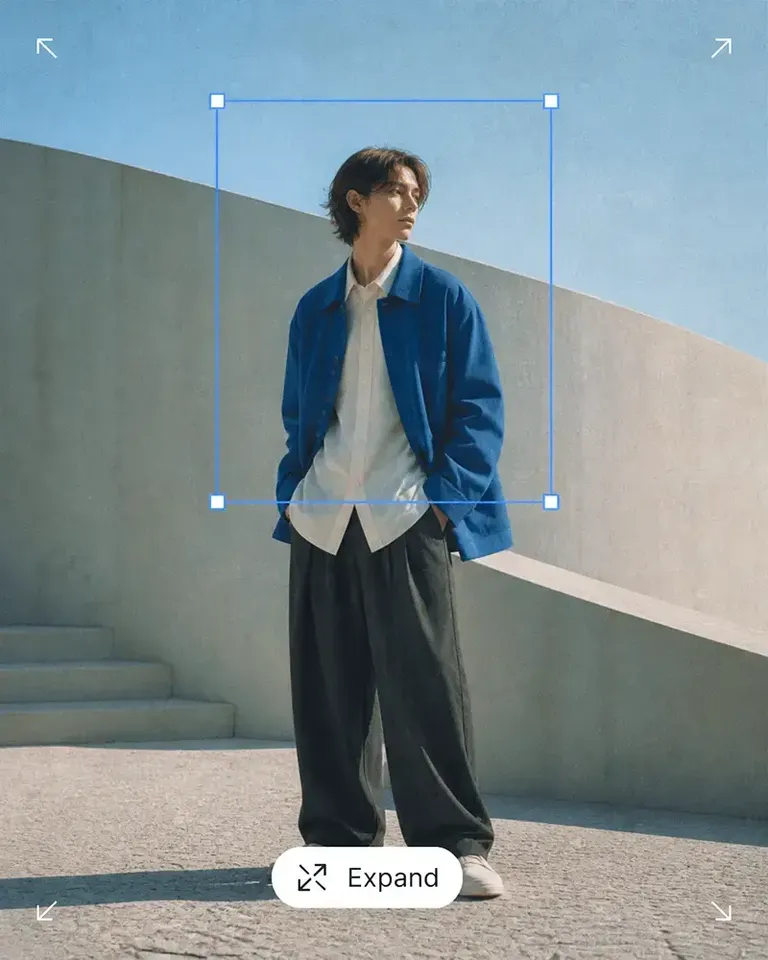
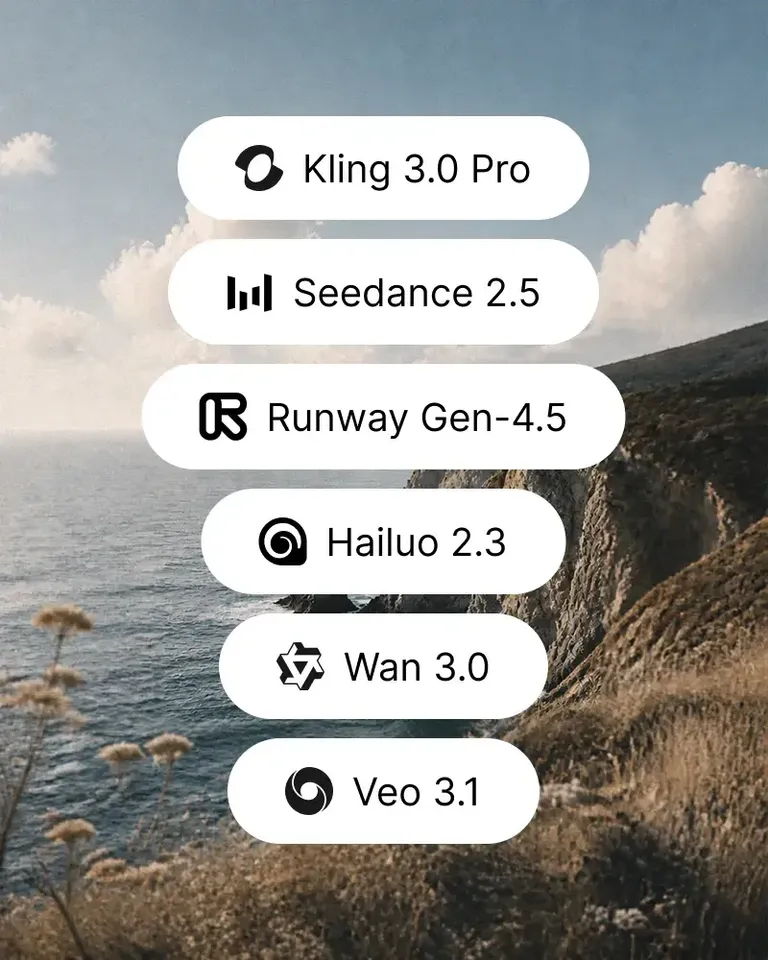
    Create the product-page, variant, lifestyle, campaign, format, and motion assets required across commerce and growth.

  3. Review, Publish, and Carry the System Forward

    Check the related outputs together, publish the approved assets, and reuse accepted product and creative decisions for the next release.

Connect the Features Behind Your DTC Content System

Start with the PDP or campaign task in front of you, then add the product, editing, variation, and motion tools needed to complete that workflow.

DTC Brands FAQs

Need product help? Visit the Help Center.

A DTC product content workflow connects the visual assets required across product pages, launches, campaigns, paid media, and ongoing merchandising around the same approved product.

Turn Every Approved Product Into a Reusable DTC Content System

Build the PDP, launch, campaign, and motion assets you need today, then carry the approved product work into what comes next.