Mockuplabs

Connect PDP, Collection, and Campaign Visuals Around the Same Garment

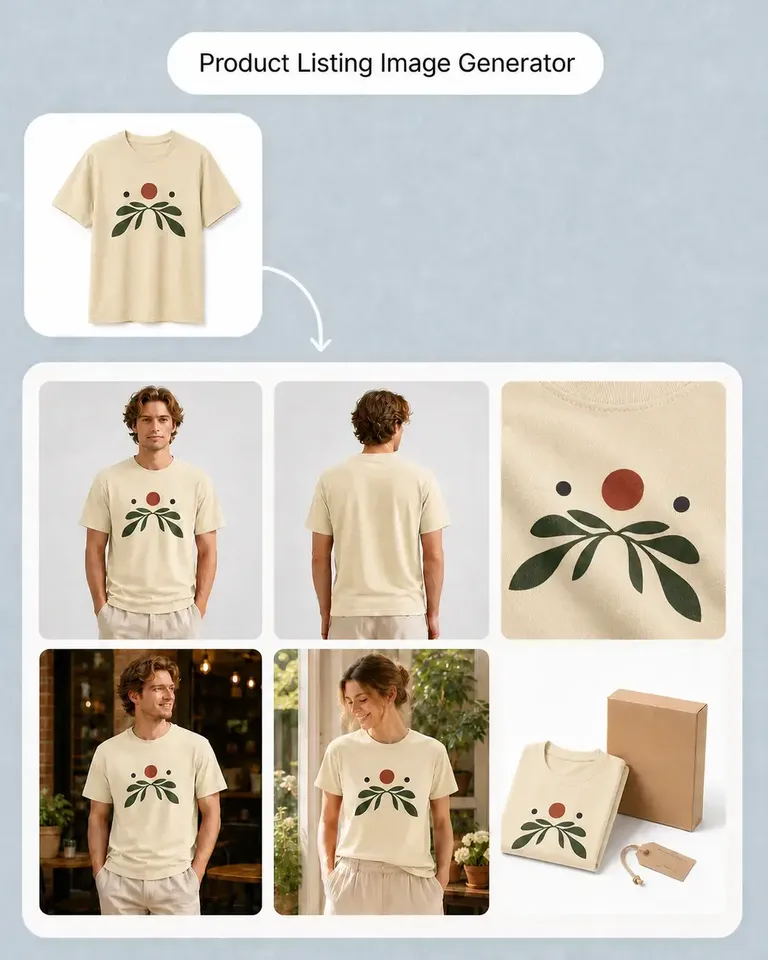
Turn approved garment photos into consistent product galleries, variants, lifestyle scenes, launch creatives, and motion while protecting recognizable product details.

  • Start From Approved Garment Photos
  • Preserve Product Details
  • Reuse Across Launches & Campaigns
Fashion Brands product-content workflow

Turn Every Garment Shoot Into More Collection Content

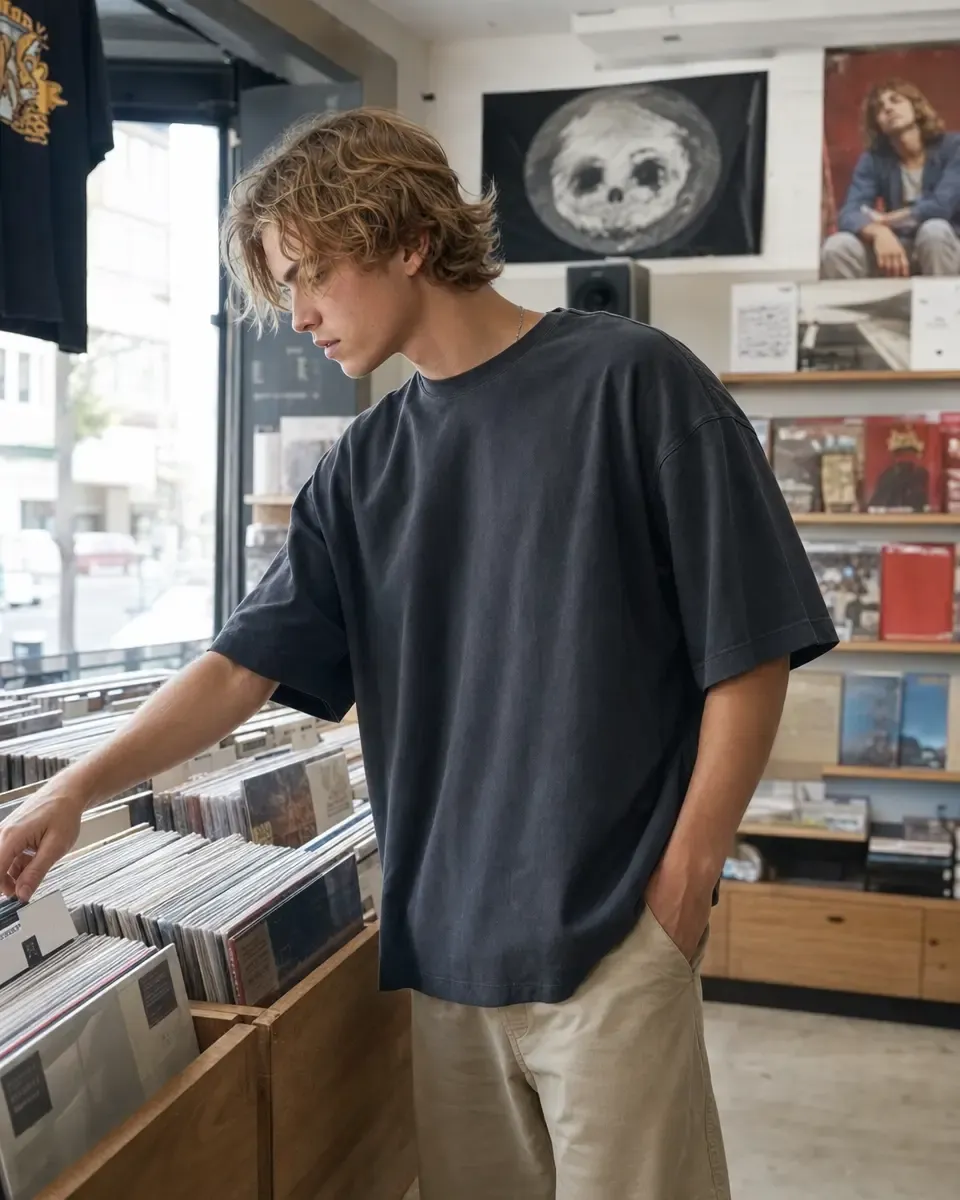
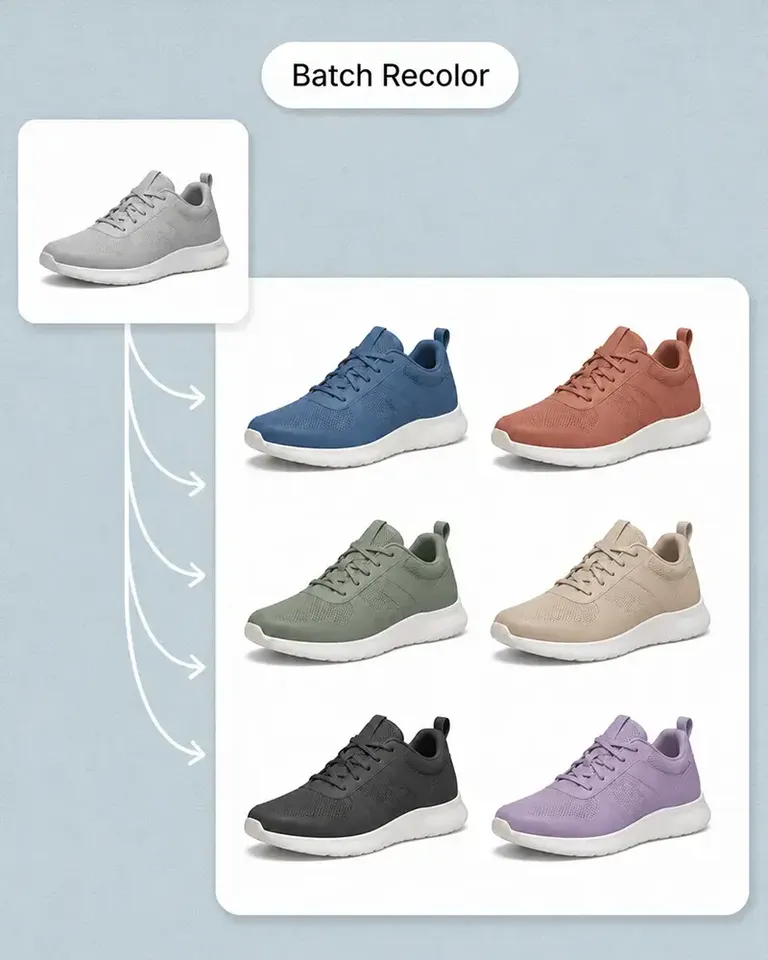
Reuse approved garment photography across colorways, PDPs, lookbooks, campaigns, and motion without losing the silhouette and material details that define the collection.

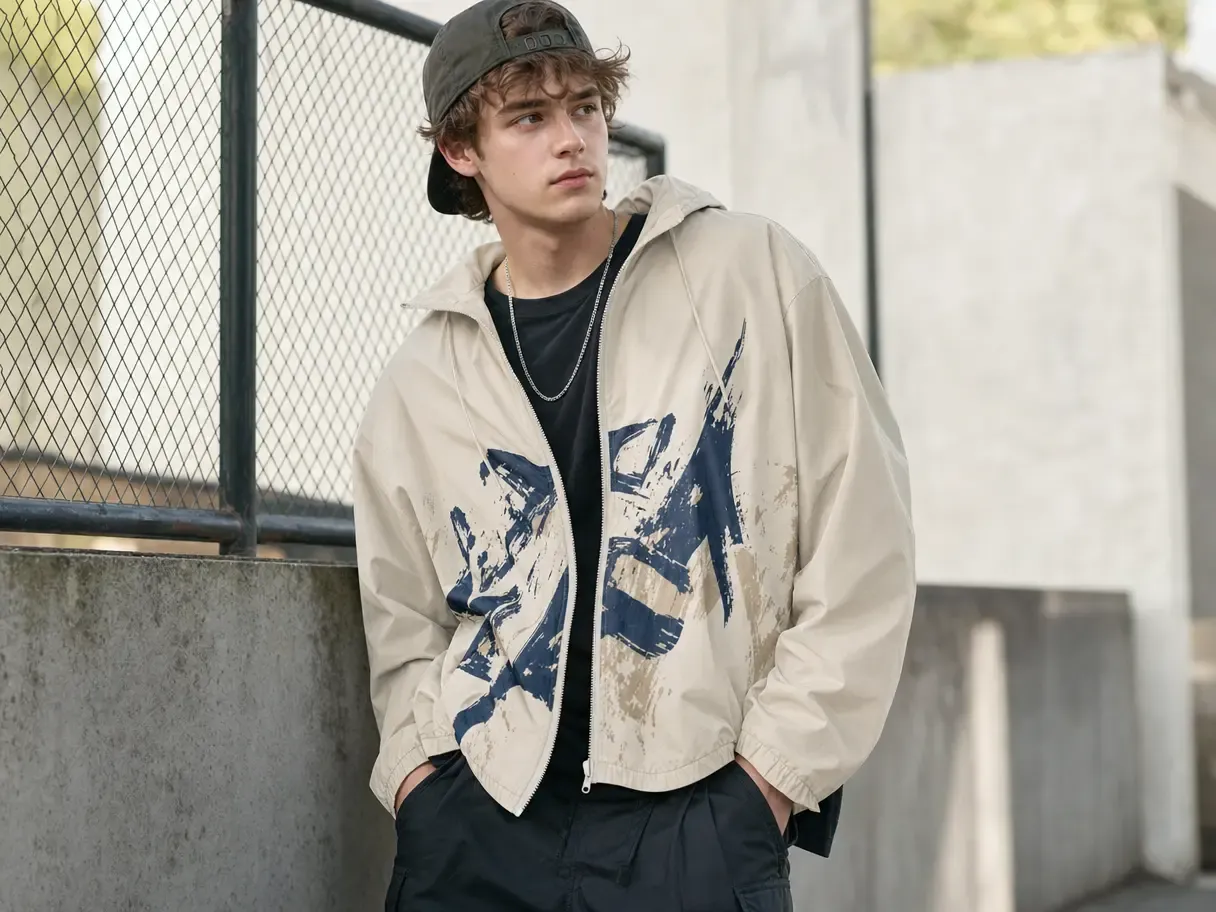
Extend the Life of Every Approved Shoot

New colors, seasonal stories, and campaign formats often create fresh production requests even when the garment itself has not changed.

Mockuplabs turns approved photography into a reusable source, allowing one shoot to support more of the collection instead of ending with a fixed set of images.
Extend the Life of Every Approved Shoot

Protect the Garment, Not Just the General Look

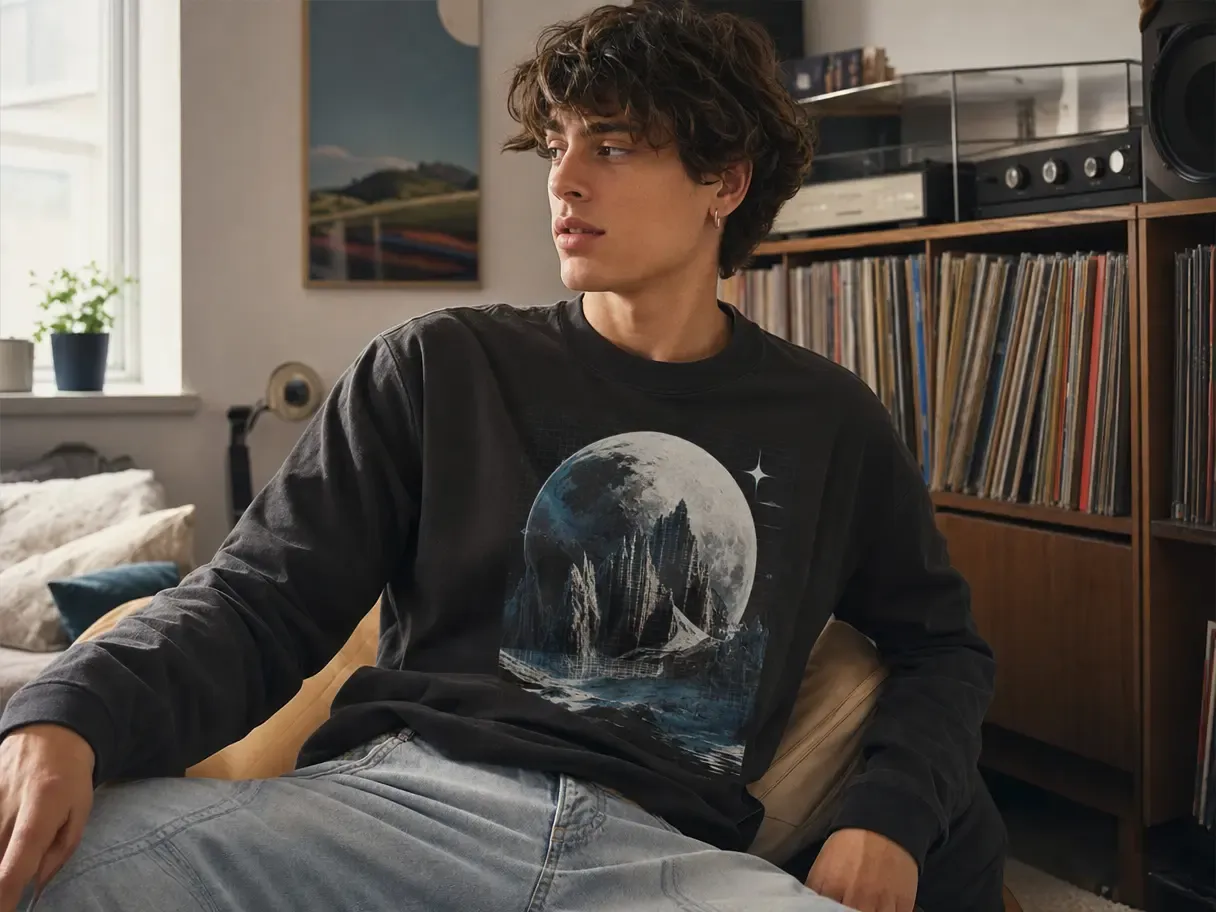
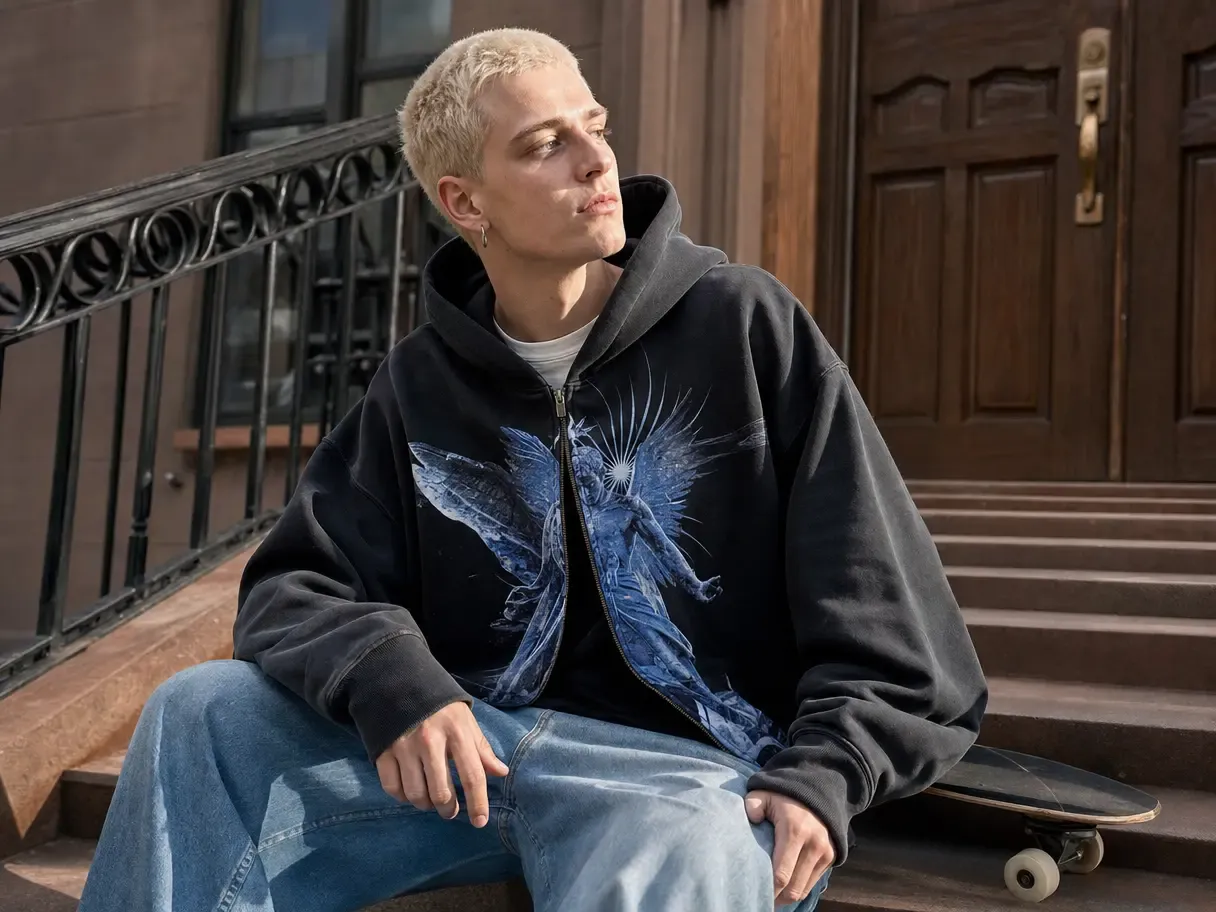
For fashion, accuracy lives in the cut, drape, seams, texture, and construction—not merely in the product category.

Starting from the real garment keeps those defining details visible as artwork, color, background, and campaign context change around it.

Protect the Garment, Not Just the General Look

Move Approved Styles Into Market Faster

A collection can be ready while the PDP, colorway, campaign, and social assets are still waiting on production.

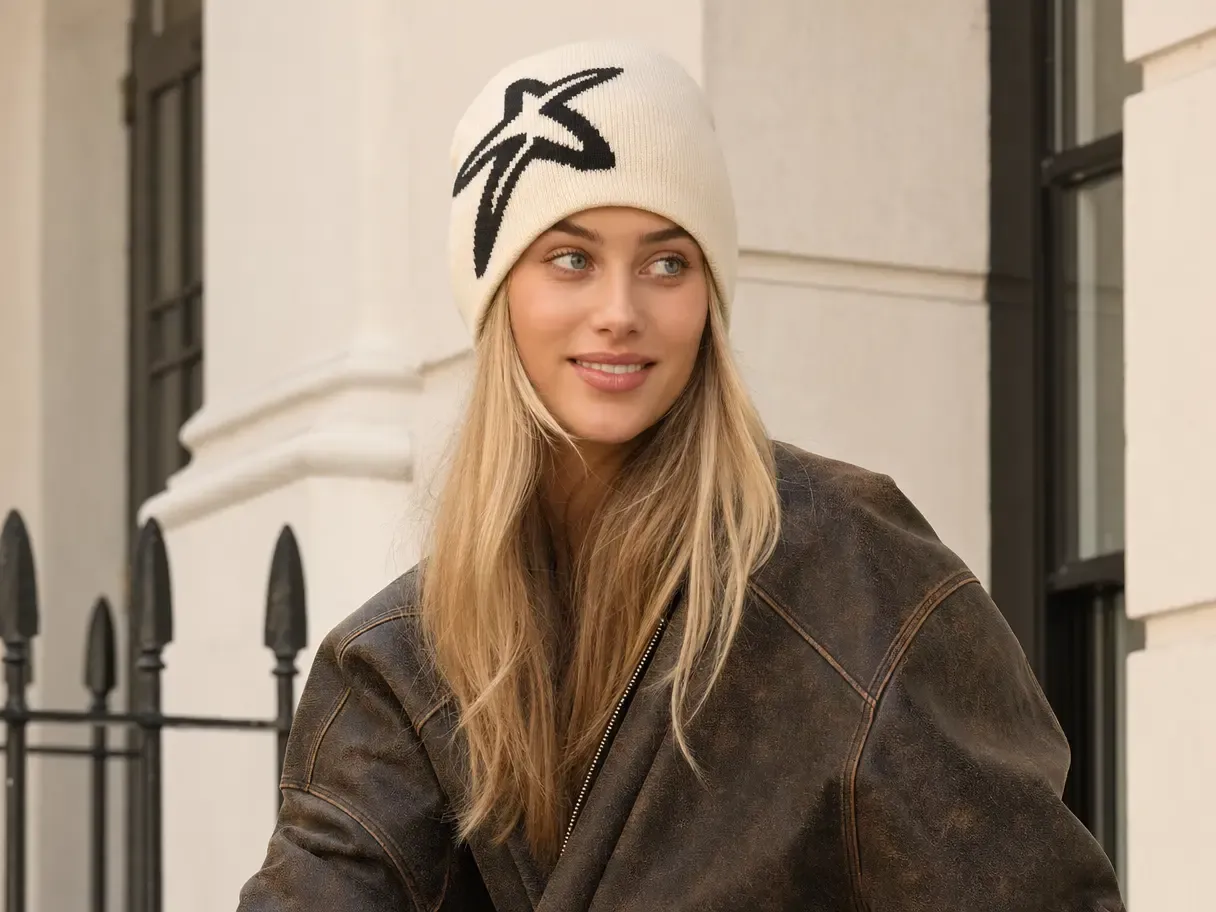
By building those outputs from one approved garment source, teams can shorten the path from product approval to a complete, customer-facing launch.

Move Approved Styles Into Market Faster

What You Can Do Across a Fashion Collection

Take an approved garment from design review through ecommerce, editorial, and campaign content without rebuilding its visual identity at every step.

Make Approved Garments Reusable

Convert collection photography into editable product sources that can support additional creative work.

Mockup Generator keeps the original garment's silhouette, material, construction, folds, and lighting connected to every new output.

Build a Connected Fashion Product Visual Workflow

  1. Establish the Approved Garment Source

    Add the garment photography, artwork, colors, and brand direction that need to remain authoritative.

  2. Build the PDP, Variant, and Campaign Set

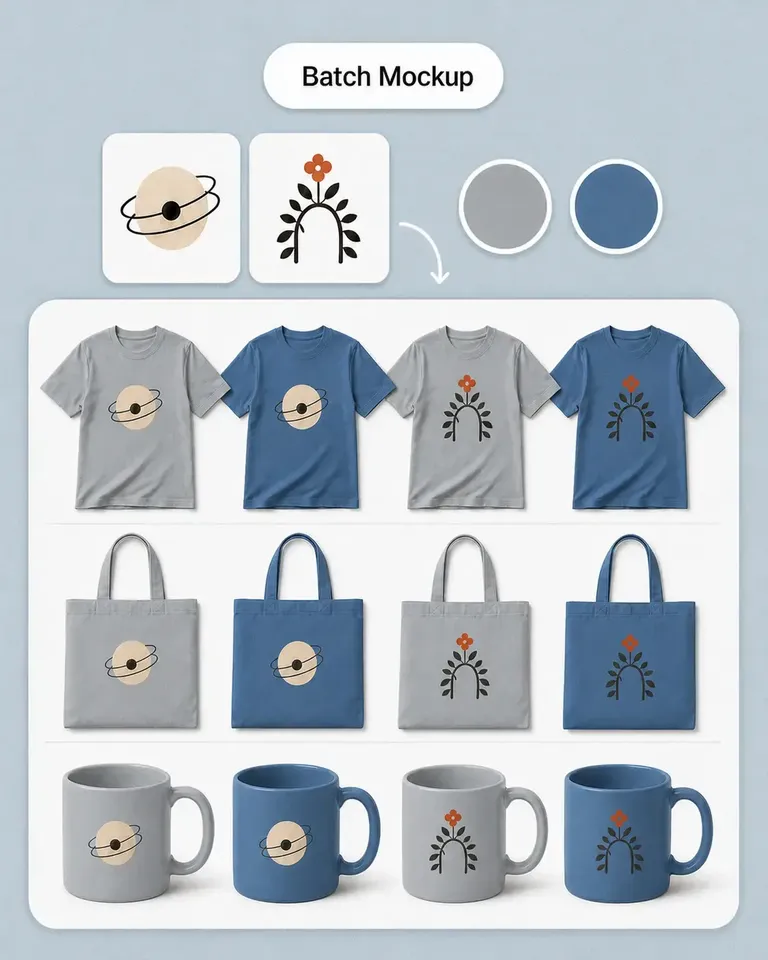
    Create the required product views, color options, mockups, scenes, and launch assets around that source.

  3. Review the Collection and Reuse the Direction

    Check related outputs together, publish the approved set, and carry accepted visual decisions into the next product or launch.

Build the Feature Stack Around Your Fashion Production Needs

Combine product listing, mockup, recolor, scene, editing, and motion tools according to the current collection rather than forcing every garment through the same workflow.

Fashion Brands FAQs

Need product help? Visit the Help Center.

Approved garment images can become sources for new PDP content, color variants, design mockups, lifestyle scenes, campaign formats, and motion.

Make Every Approved Garment Work Across More of the Launch

Connect product imagery, variants, scenes, and campaign content around the same product and brand direction.