Mockuplabs

Build the Full Product Launch Around One Approved Product

Create PDP images, product variants, lifestyle content, campaign creative, ads, and video without rebuilding the product for every launch asset.

  • One Approved Product Source
  • From PDP to Campaign
  • Reuse Across Launch Assets
Launch New Products product-content workflow

Close the Gap Between Product Approval and Launch

Build the PDP, variant, lifestyle, campaign, social, and motion assets around one approved product source so content does not delay the release.

Remove the Content Bottleneck Before Launch

A product may be approved while the gallery, campaign, and channel assets are still moving through separate production queues.

Mockuplabs lets the approved item become the immediate starting point for those outputs, shortening the distance between product readiness and a market-ready launch.


Remove the Content Bottleneck Before Launch

Keep Every Launch Touchpoint on the Same Product

Launch creative can span a PDP, landing page, ads, email, social, and video, but the item must remain recognizable in every one.

Using a shared real-product source keeps the release connected even as format, setting, message, and composition change.

Keep Every Launch Touchpoint on the Same Product

Give Each Launch More Creative Coverage

A strong release needs enough content to reveal, explain, merchandise, and promote the product—not merely announce that it exists.

Reusable production turns one approved source into a broader launch system, helping teams support more channels and moments without a proportional increase in product work.

Give Each Launch More Creative Coverage

What You Can Do for a Product Launch

Move from an approved item to the complete set of images and motion needed before, during, and after launch day.

Create the Approved Product Master

Prepare the real product image that will anchor every downstream launch asset.

Clean or refine the source where needed, then keep its shape, texture, lighting, color, and identifying details consistent throughout production.

Move From One Approved Product to a Complete Launch System

  1. Start With the Product Source You Trust

    Upload the product photography, mockup, artwork, packaging, and visual references that need to remain accurate throughout the launch.

  2. Build the Product-Page Set

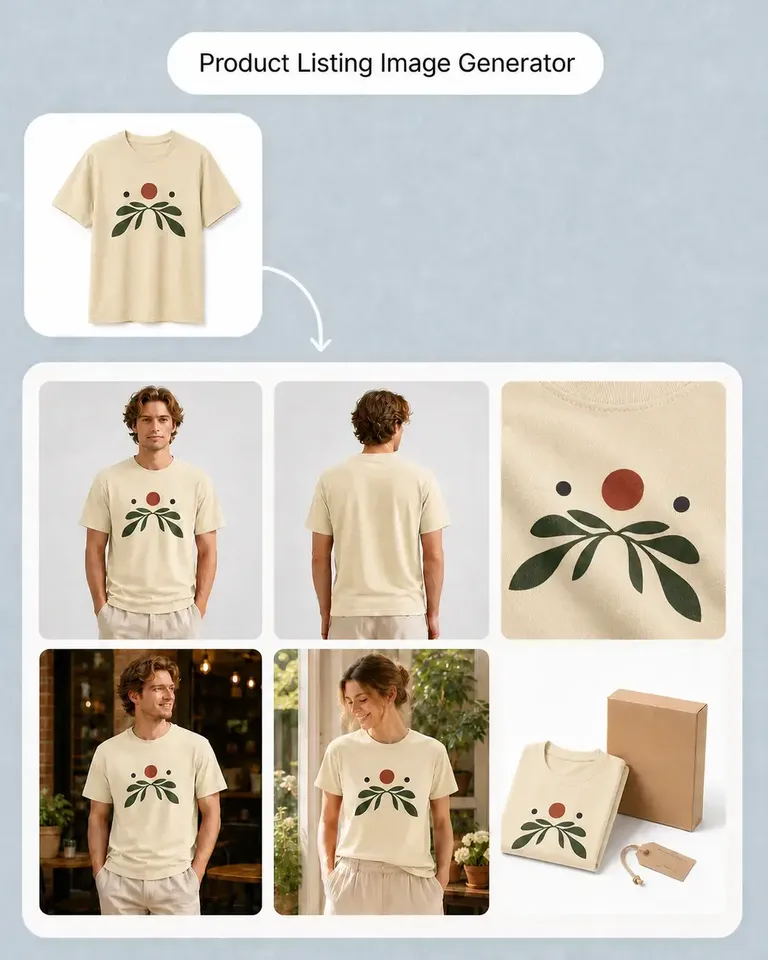
    Use Product Listing Image Generator to prepare the main PDP or marketplace gallery.

  3. Create the Sellable Variants

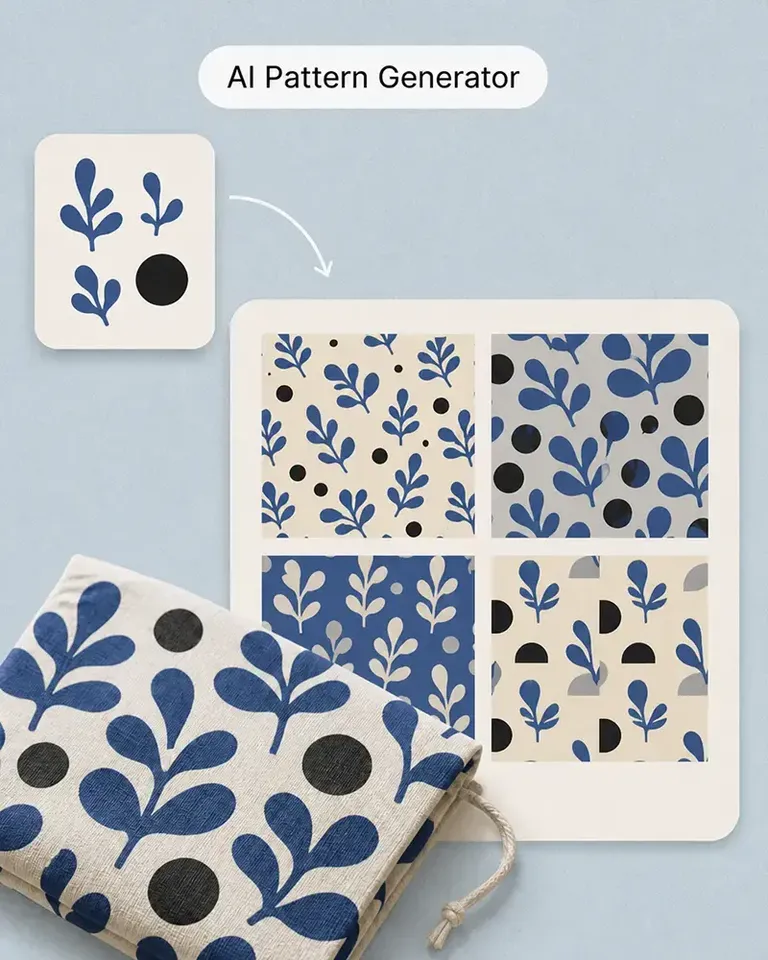
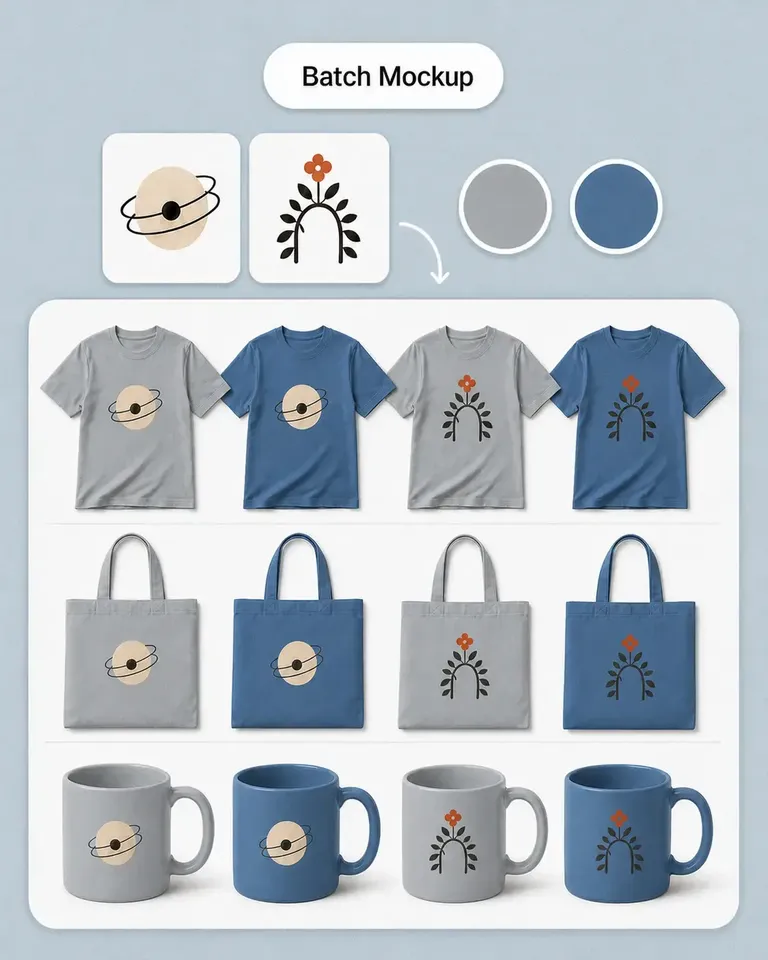
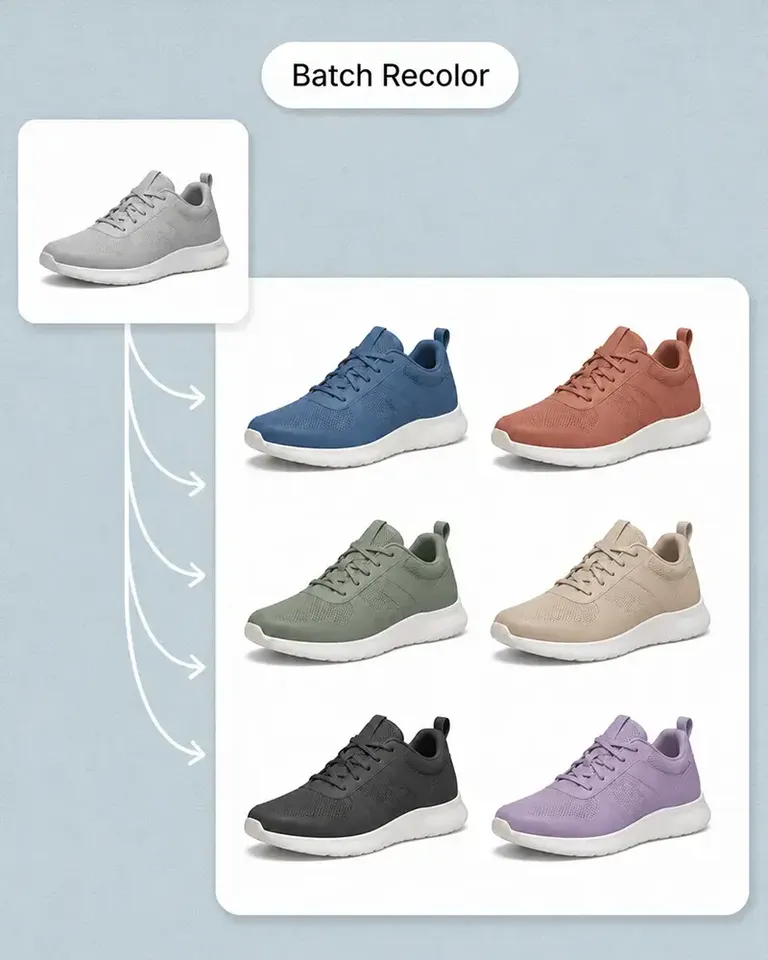
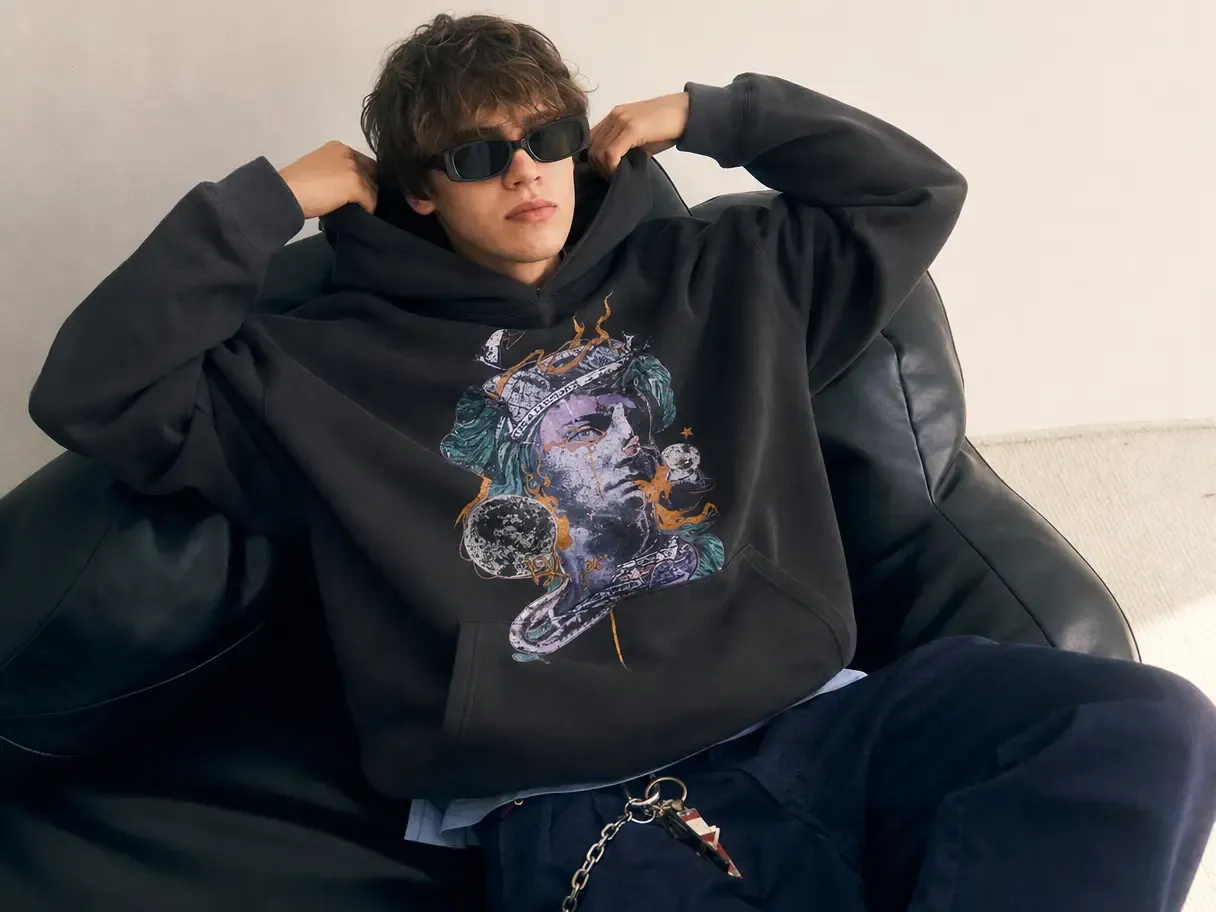
    Use recolor or mockup workflows to create the required colors, graphics, and product variations.

  4. Build the Campaign Around the Product

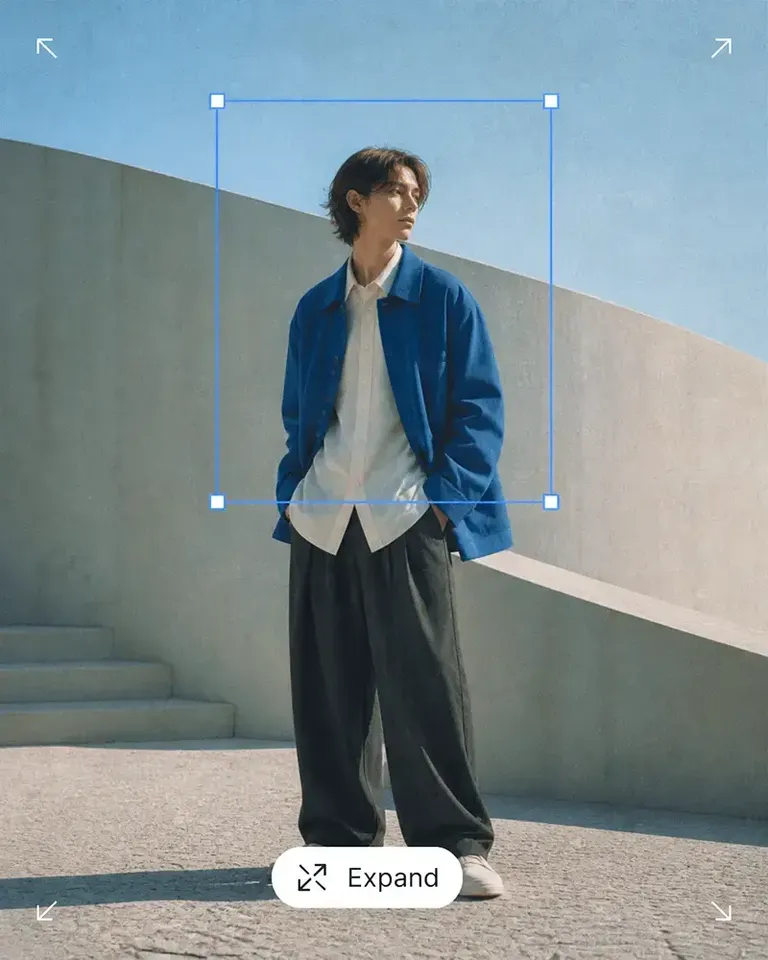
    Use AI Image Generator for lifestyle and campaign directions, then refine the strongest assets using Canvas tools.

  5. Extend Approved Assets Into Motion

    Use AI Image to Video to create product motion from the images and mockups already approved for the launch.

  6. Publish and Reuse

    Use the finished set across the launch, then keep the product and strongest creative directions available for the next campaign.

Connect the Features Behind the Launch You Need to Ship

Build the smallest combination of listing, variation, creative, editing, and motion tools required for the current product release.

Launch New Products FAQs

Need product help? Visit the Help Center.

A launch may include product listing images, product variants, lifestyle imagery, campaign creative, promotional layouts, social content, ads, and product video depending on the business and channel mix.

Turn One Approved Product Into the Visual System Behind the Launch

Build the PDP, variants, campaign creative, and motion around one reusable product source.