MockuplabsMockuplabs

Adapt Product Images for Amazon, Shopify, Etsy, and Other Sales Channels

Start from one trusted product source, then adapt the gallery, format, context, and presentation for Amazon, Shopify, Etsy, DTC stores, and other marketplaces.

  • One Product Source
  • Channel-Specific Outputs
  • Reuse Across Marketplaces
Multichannel Product Images product-content workflow

Adapt One Product System to Every Channel

Keep a shared, accurate product source at the center while tailoring imagery for each marketplace, storefront, and marketing placement.

Stop Recreating the Same SKU by Channel

Amazon, Shopify, Etsy, retail partners, and social commerce may all need different assets, but the product underneath them is unchanged.

Mockuplabs lets teams reuse one approved source and adapt the presentation, reducing the duplicated product setup that usually grows with every new channel.


Stop Recreating the Same SKU by Channel

Keep Product Identity Stable Across the Customer Journey

A customer may discover a product in an ad, compare it on a marketplace, and complete the purchase on a brand storefront.

Shared product sources keep shape, color, texture, and details recognizable across those touchpoints even when the layout and surrounding context change.

Keep Product Identity Stable Across the Customer Journey

Add Channels Without Multiplying Maintenance

Channel expansion creates ongoing work, not just a one-time asset request: variants change, campaigns refresh, and image requirements evolve.

A reusable product system makes those updates easier to carry across destinations, helping the catalog expand without creating a separate production stack for each one.

Add Channels Without Multiplying Maintenance

What You Can Do Across Sales Channels

Build a channel-neutral product foundation, then adapt the image set to the role and context of each destination.

Establish a Shared Master for Each SKU
Build a Core Image Set Once
Tailor the Story to Each Channel
Synchronize Designs and Color Variants
Manage variants and future updates

Start from approved product photography that every channel can trace back to.

Turn that source into a reusable product master so marketplace, storefront, and marketing teams are not working from different interpretations of the same item.

Build Channel-Specific Outputs From One Product Foundation

  1. Upload the Shared Product Source

    Start with the product photo or approved product asset that should stay accurate across every destination.

  2. Create the Reusable Product Image Set

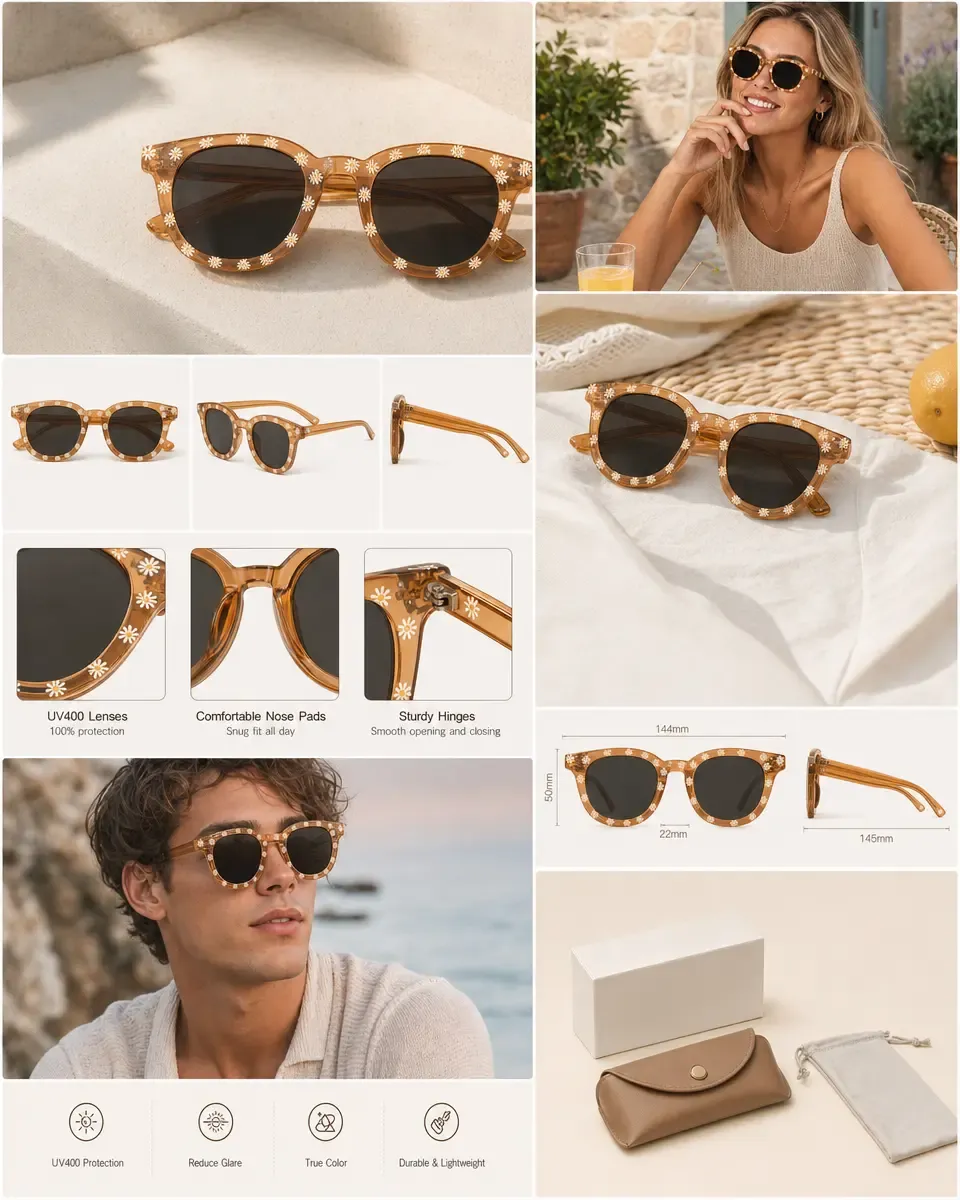
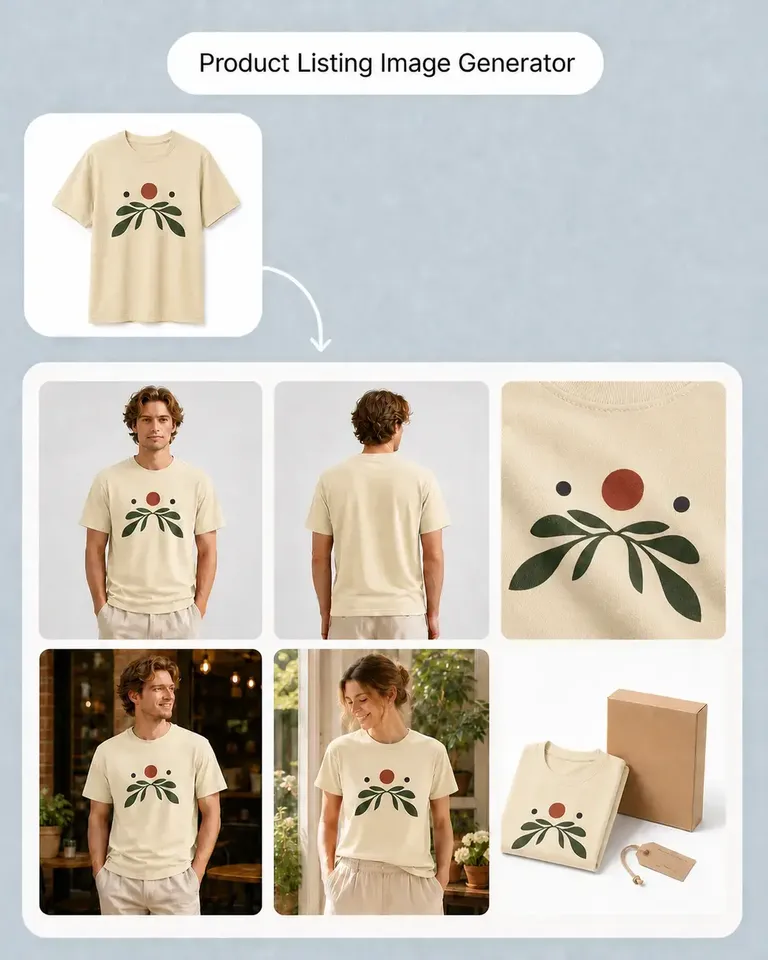
    Use Product Listing Image Generator to build the main views, lifestyle content, details, and explanatory imagery that can support multiple channels.

  3. Build the Required Product Variants

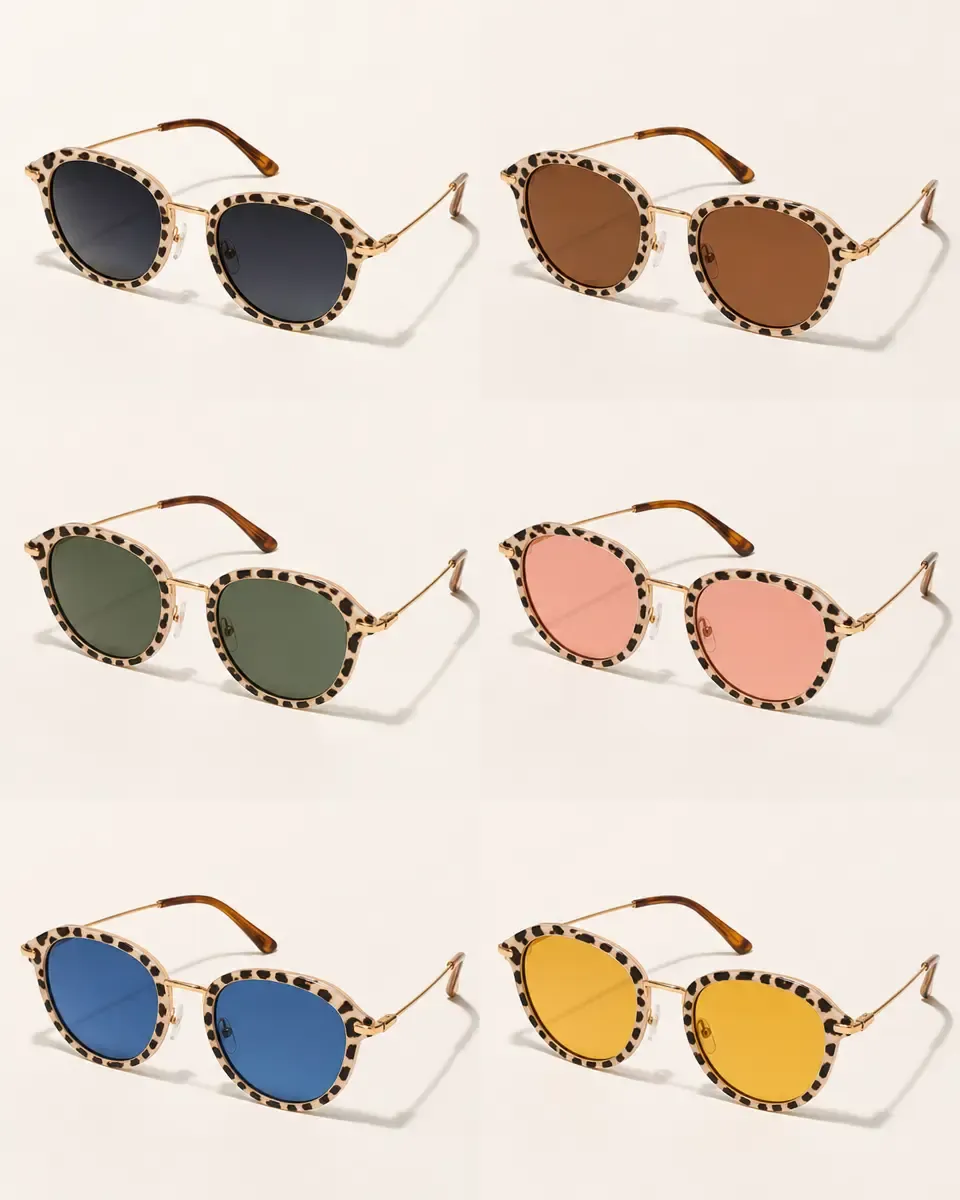
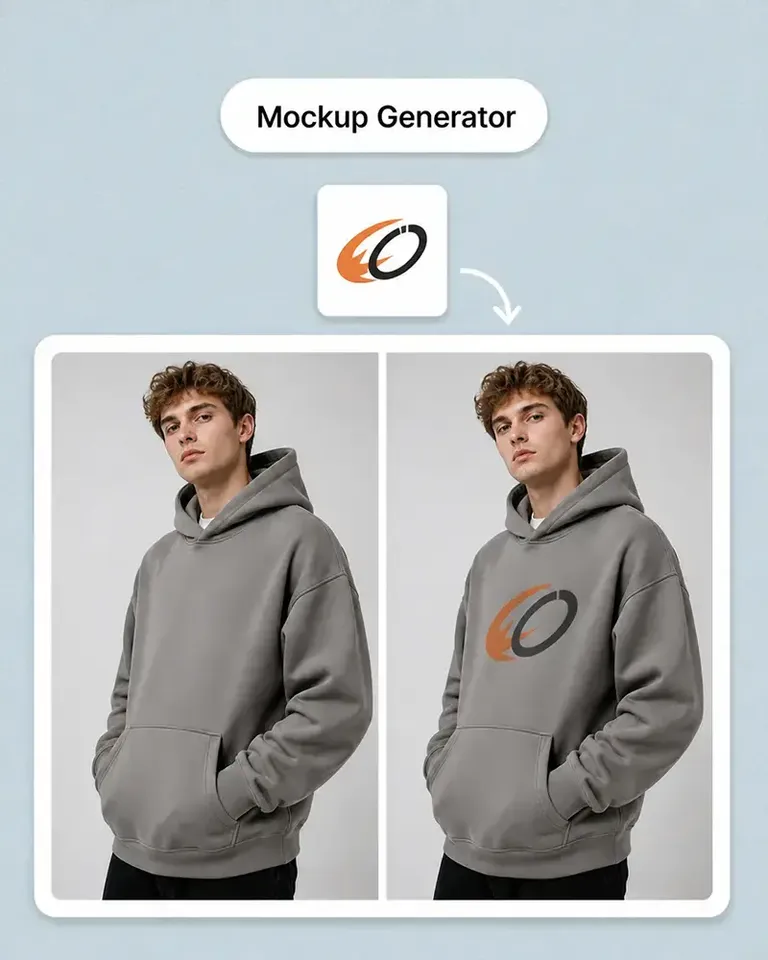
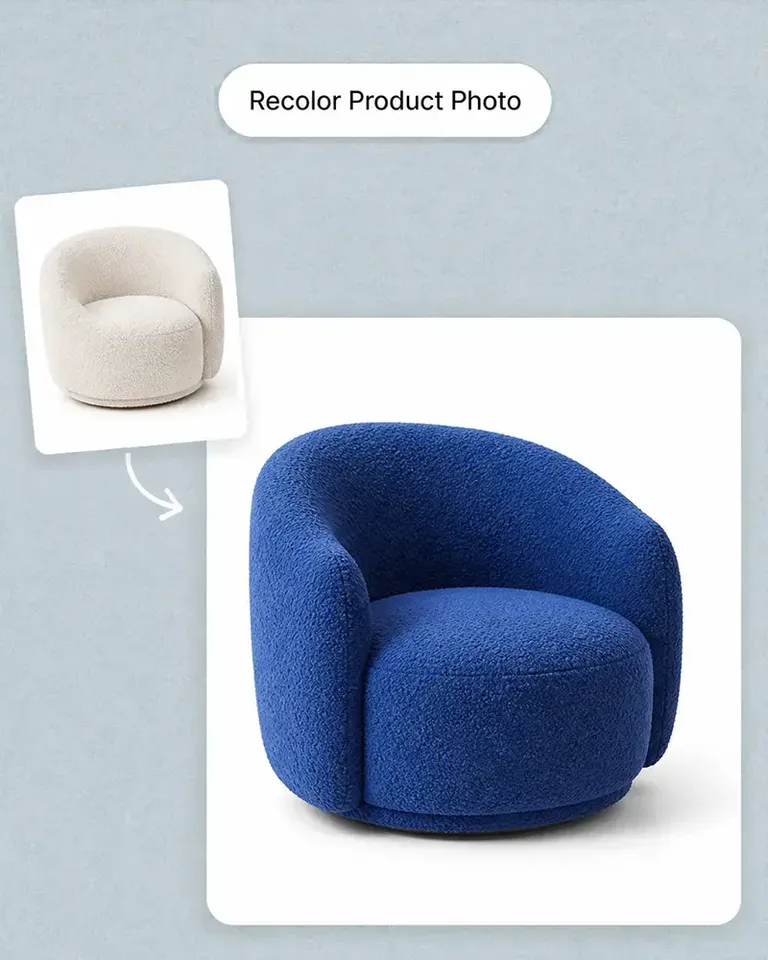
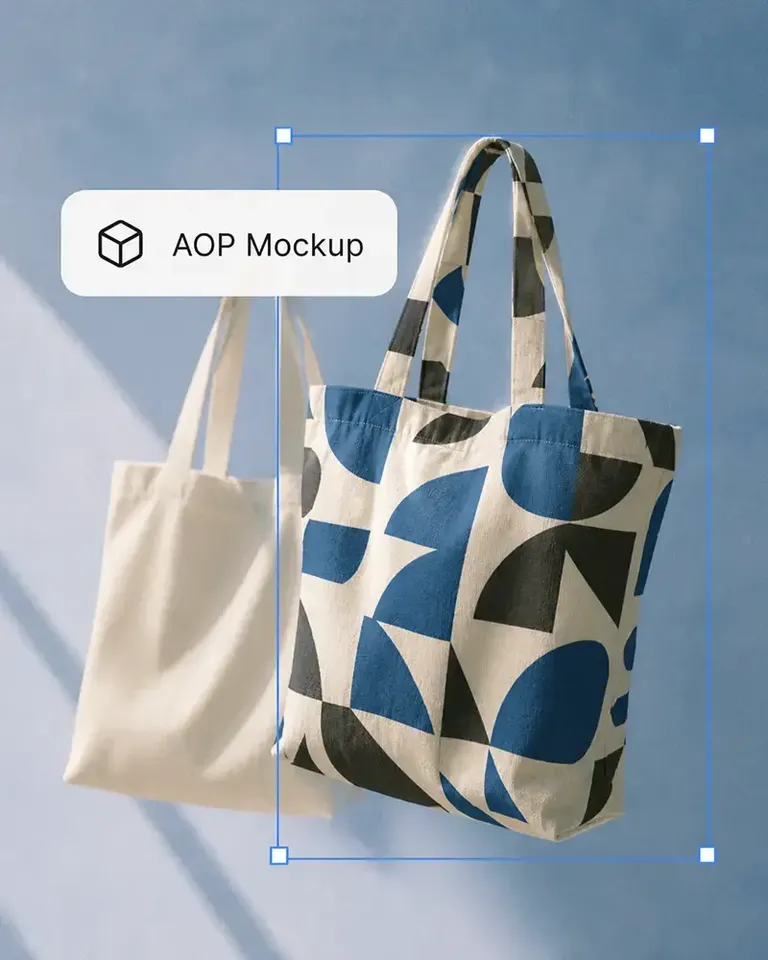
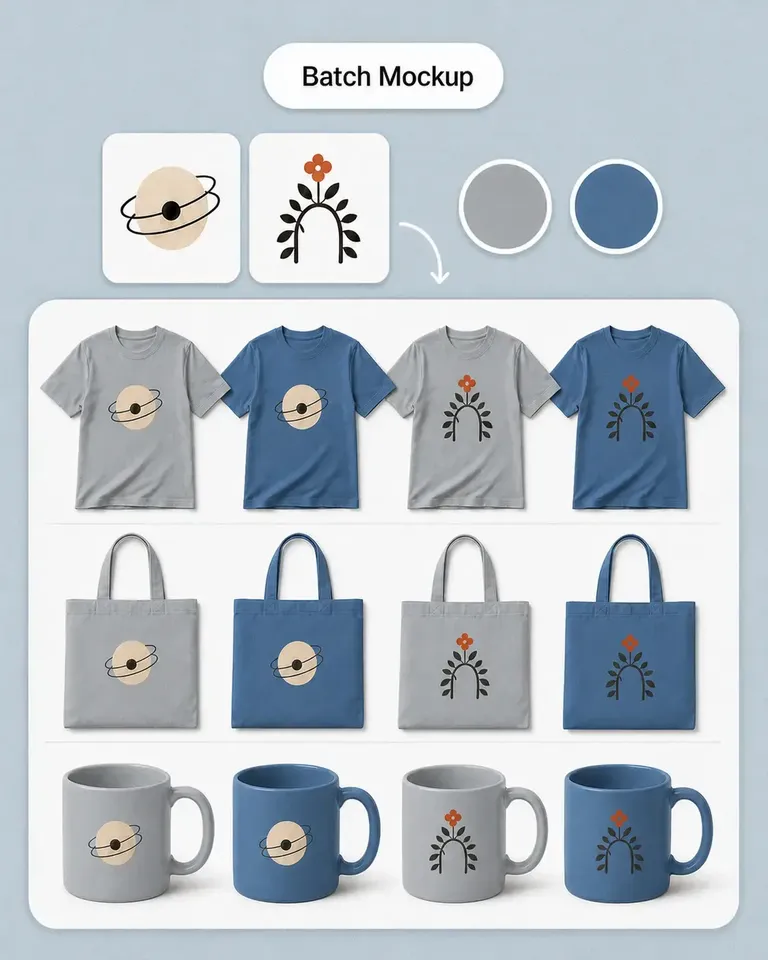
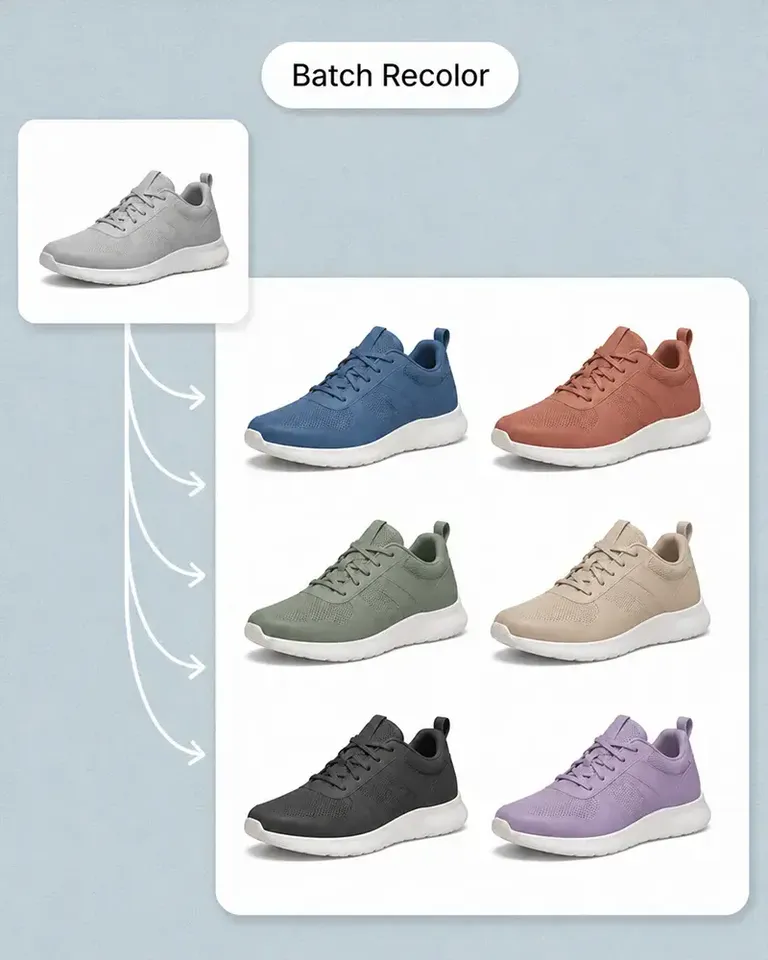
    Use Recolor Product Photo, Batch Recolor, Mockup Generator, or Batch Mockup to prepare sellable color and design variants before duplicating that work across destinations.

  4. Adapt the Assets for Each Channel

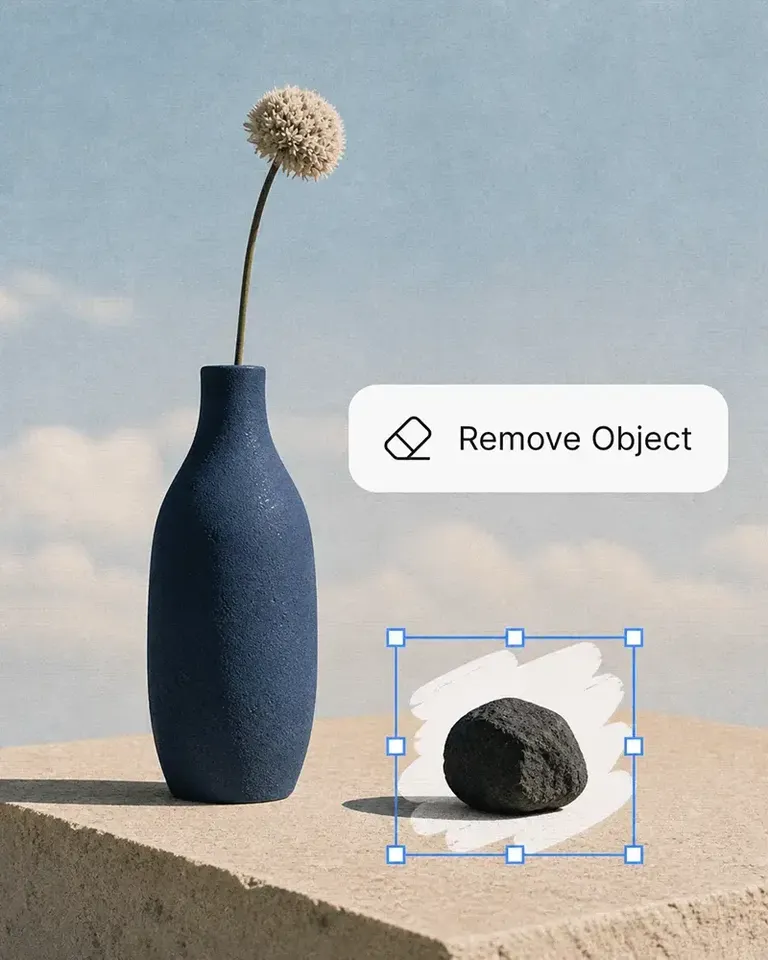
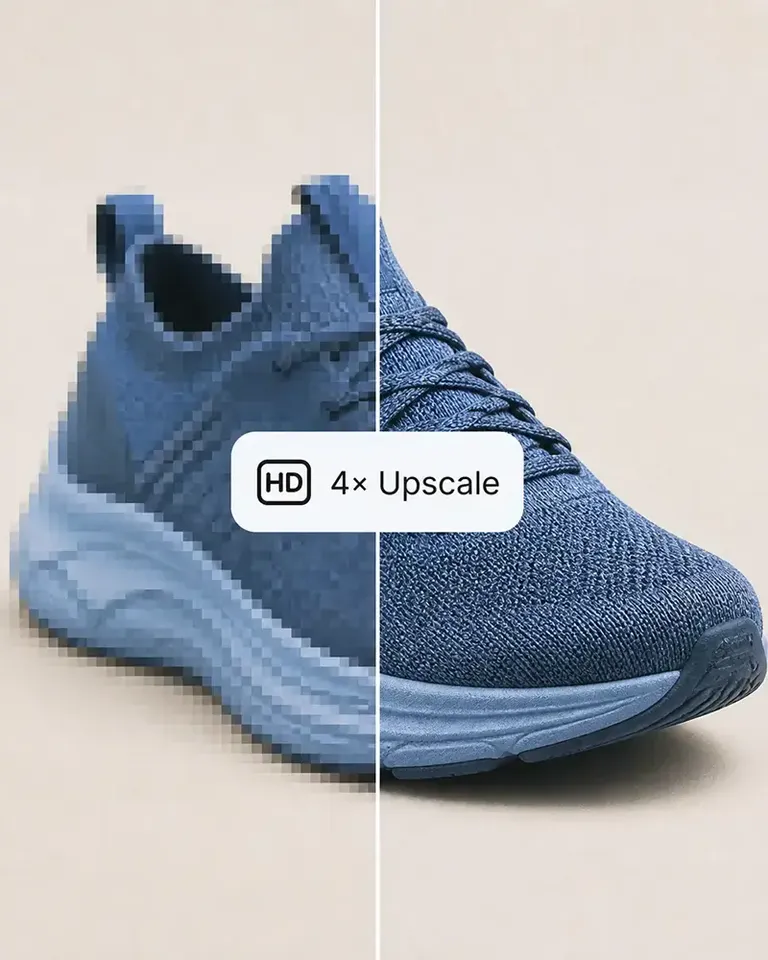
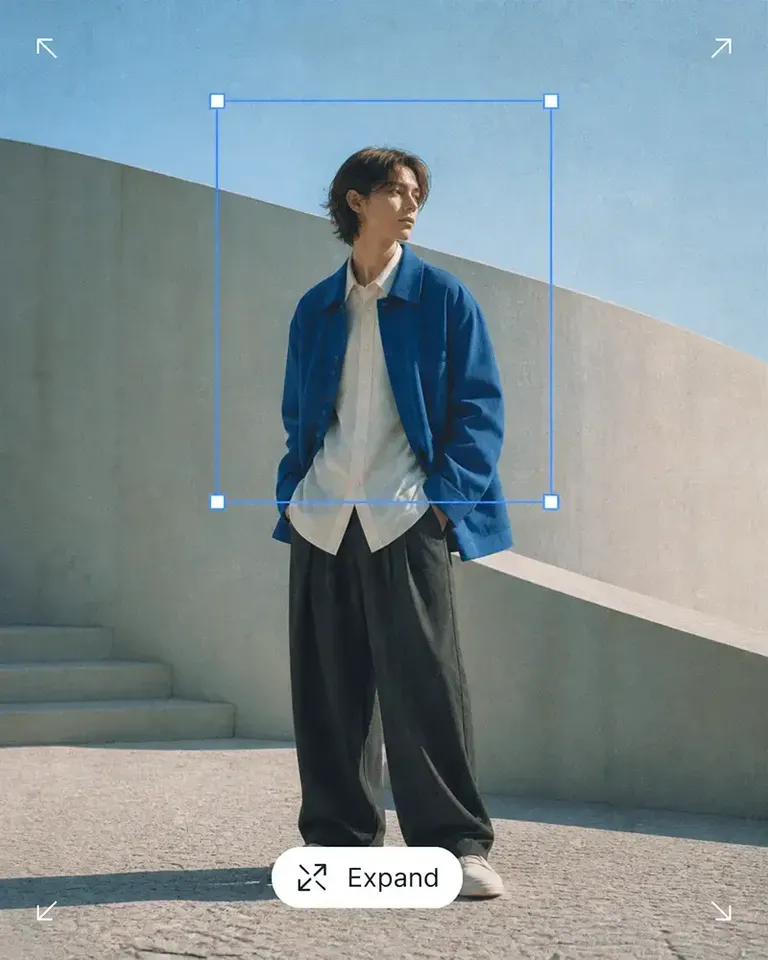
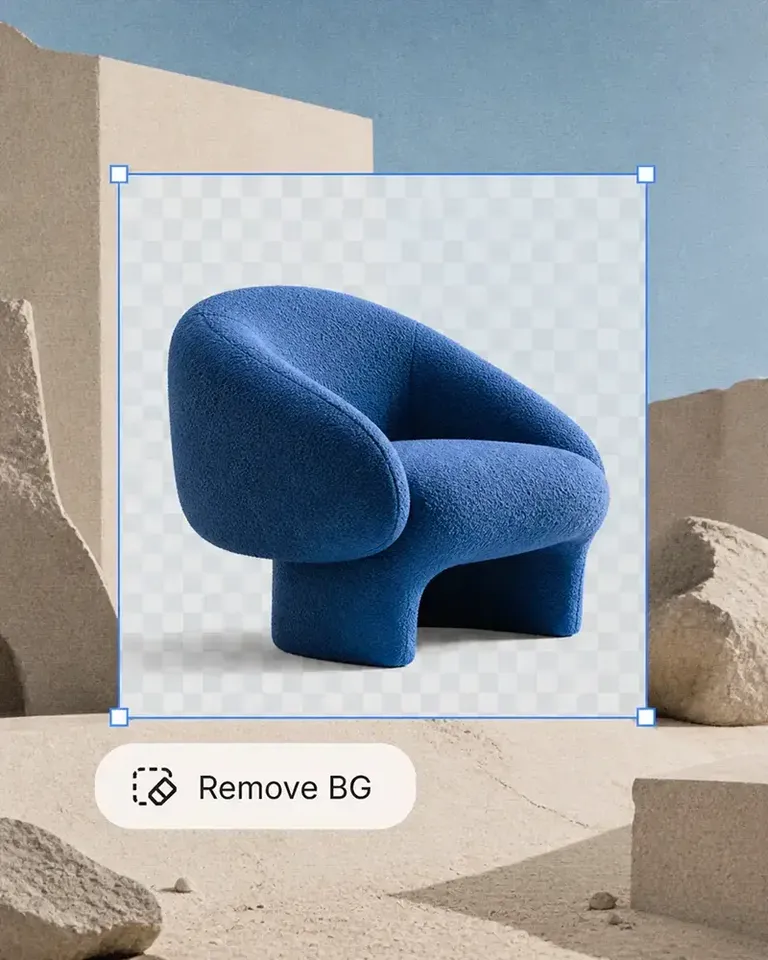
    Use Background Remover, Expand, Object Remover, and Image Upscaler to prepare the background, ratio, composition, and resolution each destination requires.

  5. Add Channel-Specific Creative or Motion

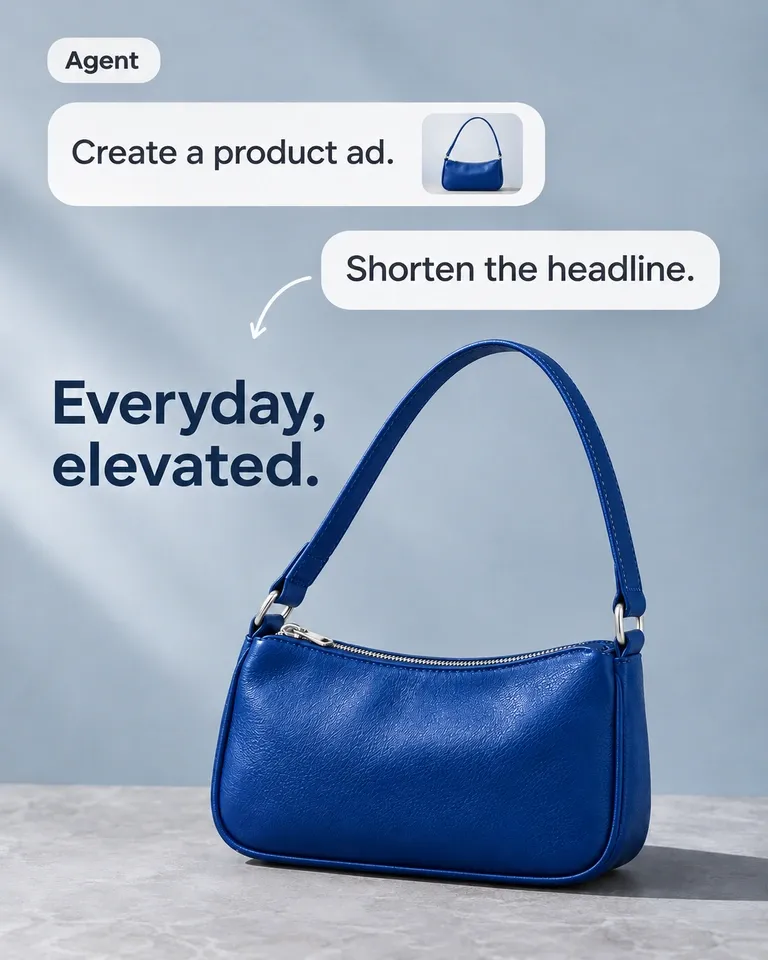
    Use AI Image Generator when an owned channel or campaign needs more contextual creative, and AI Image to Video when the product should also move into video.

  6. Reuse the Same Product System for Future Updates

    When product colors, designs, packaging, campaigns, or channels change, start from the approved product assets and variation setups already in Mockuplabs rather than rebuilding each destination independently.

Build the Feature Stack Around Your Channel Mix

Combine listing, variation, editing, creative, and motion tools according to the destinations you sell through and the outputs each one actually requires.
1,317 ratings843 reviews

Product visuals, made easier

Whether you’re launching a product, growing a brand, or creating content at scale, Mockuplabs helps you bring every product to life faster.

Sarah Bennett

Sarah Bennett

Mockuplabs makes the image side of running a small shop feel more manageable. I can put together a decent product visual without turning every update into a separate design job.

Zoe Lawson

Zoe Lawson

Our store has a growing mix of products and designs. Batch mockups in Mockuplabs make those updates more manageable, and reusing the setups helps the new images feel like part of the same catalog.

northside.mia

northside.mia

Client feedback is much clearer with the mockups I make in Mockuplabs. People can judge the artwork's size and placement on the actual product instead of trying to imagine it from the design file.

Omar Hassan

Omar Hassan

Mockuplabs is useful for getting more out of photos I already have. A new layout or setting can give an existing product image another job without needing a completely new shoot.

Aaron Davies

Mockuplabs is good for getting product visuals ready when the design work is done but the marketing images aren't. That gap used to hold things up for me.

Ellen Brooks

When we add a color option, we need the other product views as well as the main image. Batch recolor in Mockuplabs is useful for that whole set. We're not left with one updated picture and the rest still showing the old color.

Freya Nielsen

I'm the person who ends up doing the images as well as everything else. This is approachable enough for me to use without asking a designer to handle every small adjustment.

Mei Chen

Mei Chen

The previews I make in Mockuplabs give my ideas a much more finished presentation. They're easier to share with a client than a flat logo and a description of where it should go.

samir.creates

samir.creates

A practical tool for the ordinary image work behind a store. Not every picture needs to be an elaborate campaign visual; sometimes clean and consistent is exactly what I need.

Diego Ramos

Diego Ramos

I prepare product images for clients with several designs and views to show. Mockuplabs' batch mockups are useful when an approved product setup needs to support the rest of the collection, rather than just one presentation image.

James Porter

The scene options are useful for deciding on a direction before committing to new photography. Some ideas look much better in my head than they do around the actual product.

Anika Sharma

This suits the day-to-day image jobs I do for our shop. I'd like more complete examples of product-image sets, but the tools themselves have already been useful.

Multichannel Product Images FAQs

Need product help? Visit the Help Center.

Start from one shared product source and reusable image set, then adapt the gallery, ratio, background, context, and supporting visuals for each destination instead of rebuilding the SKU.

Build Once Around the Product. Adapt for Every Channel.

Keep one trusted product foundation and turn it into the gallery, format, context, and visual presentation each sales channel needs.