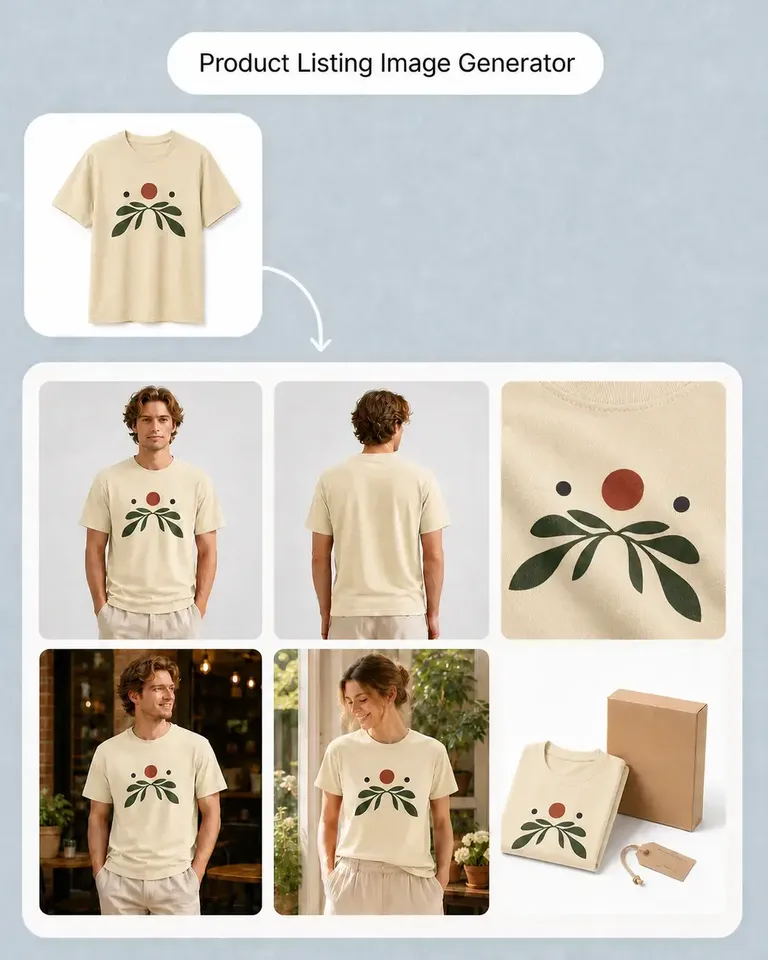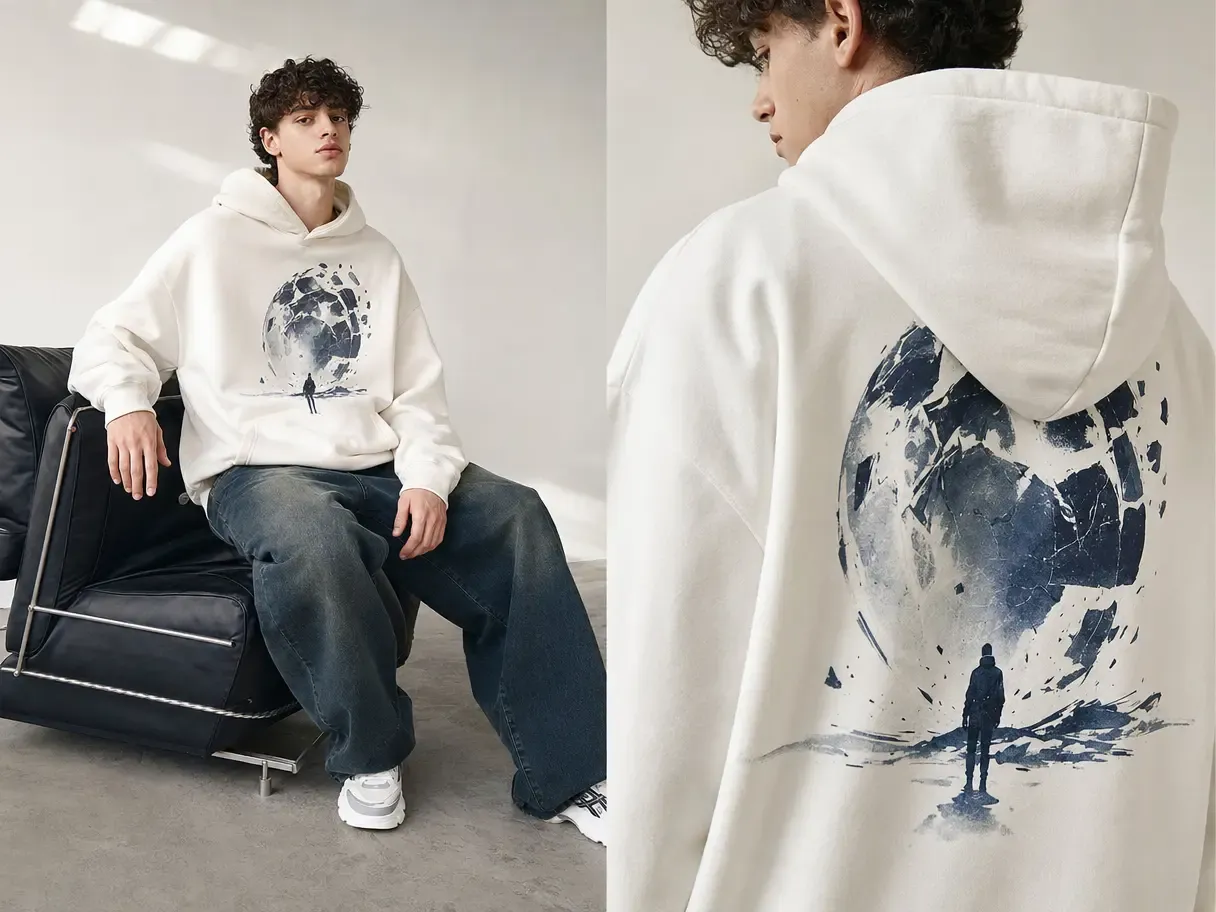
Mockuplabs

Build Amazon Product Galleries Around the Full Buying Decision

Turn one trusted product source into a complete sequence of product views, details, lifestyle context, variants, and explanatory visuals.

  • Start From Your Own Product
  • Built for Complete Galleries
  • Keep Every SKU Consistent
Amazon Sellers product-content workflow

Build a More Complete Amazon Listing From One Accurate Product Source

Use the product you actually sell to create a clearer gallery, coordinated variations, and refreshed listing content that answers more buyer questions.

Cover More of the Purchase Decision in the Gallery

Buyers use the image sequence to understand the product, compare options, and resolve uncertainty before they read every detail.

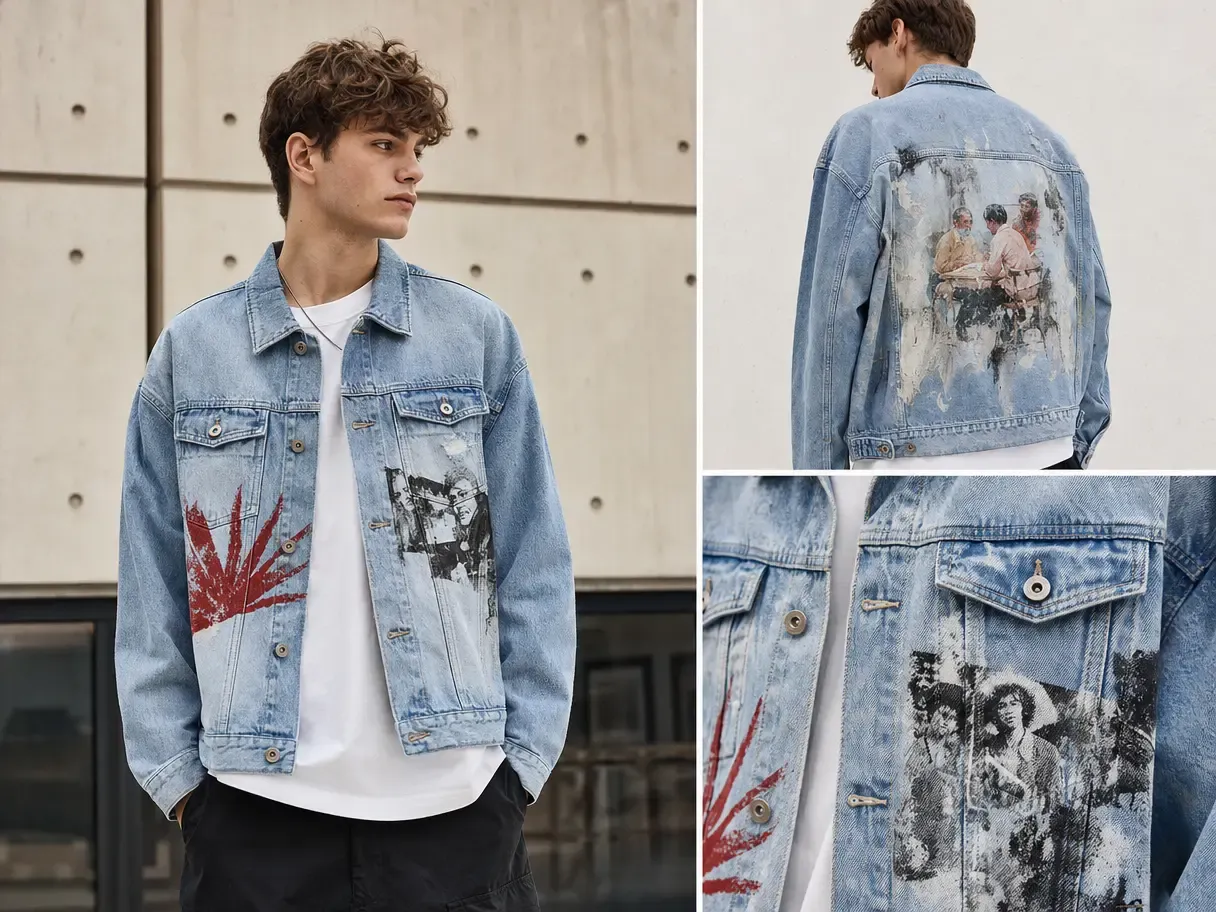
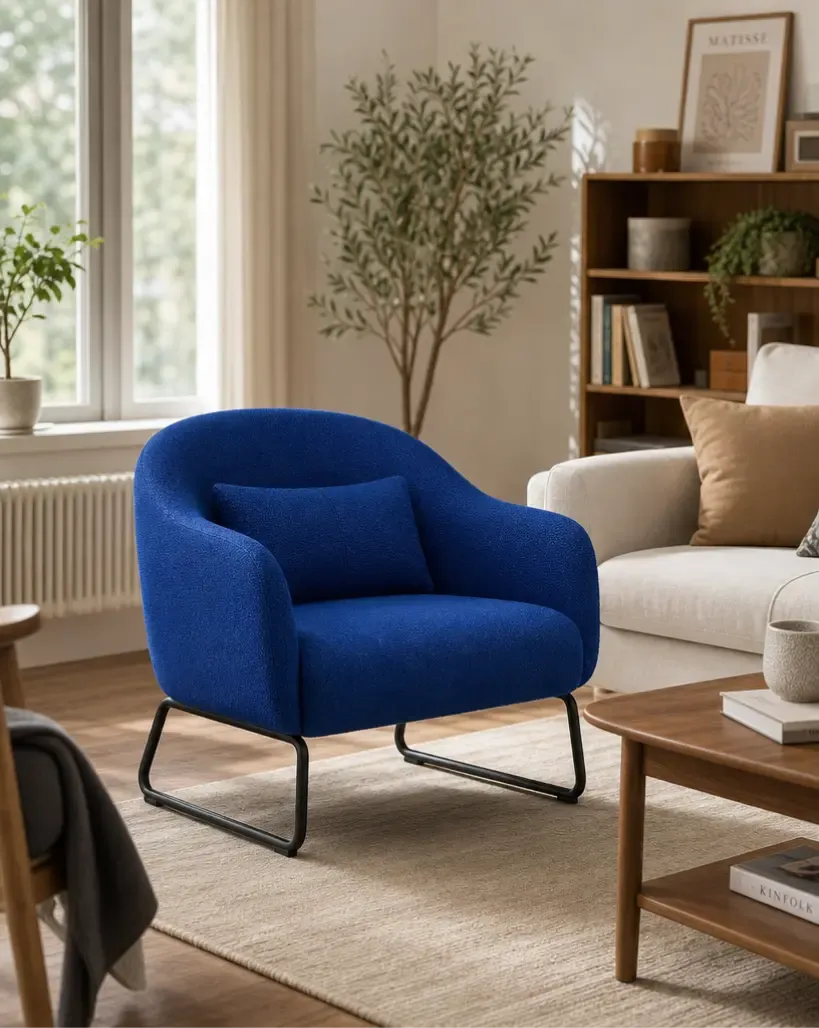
Mockuplabs helps one approved product source expand into views, feature explanations, variation images, and lifestyle context instead of leaving the listing dependent on a single asset.
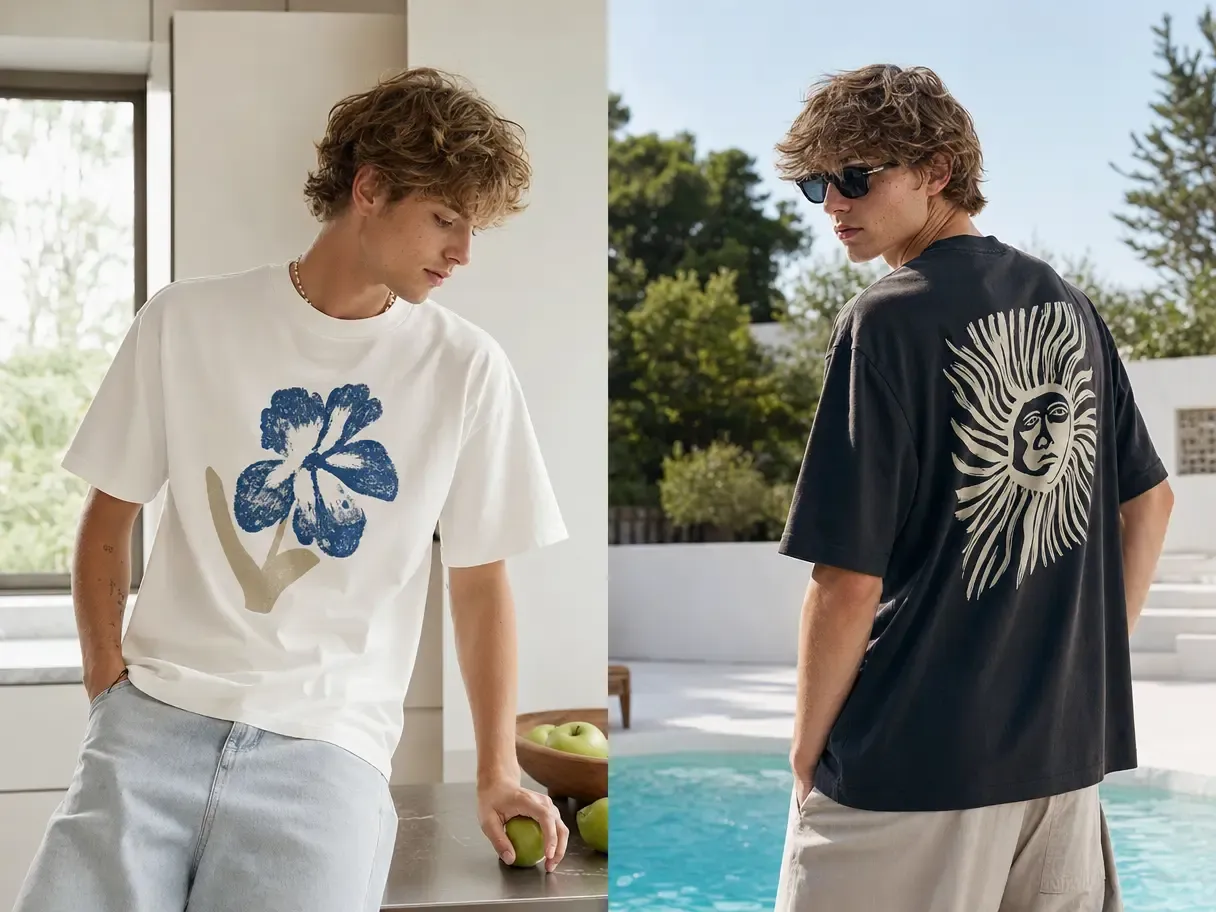
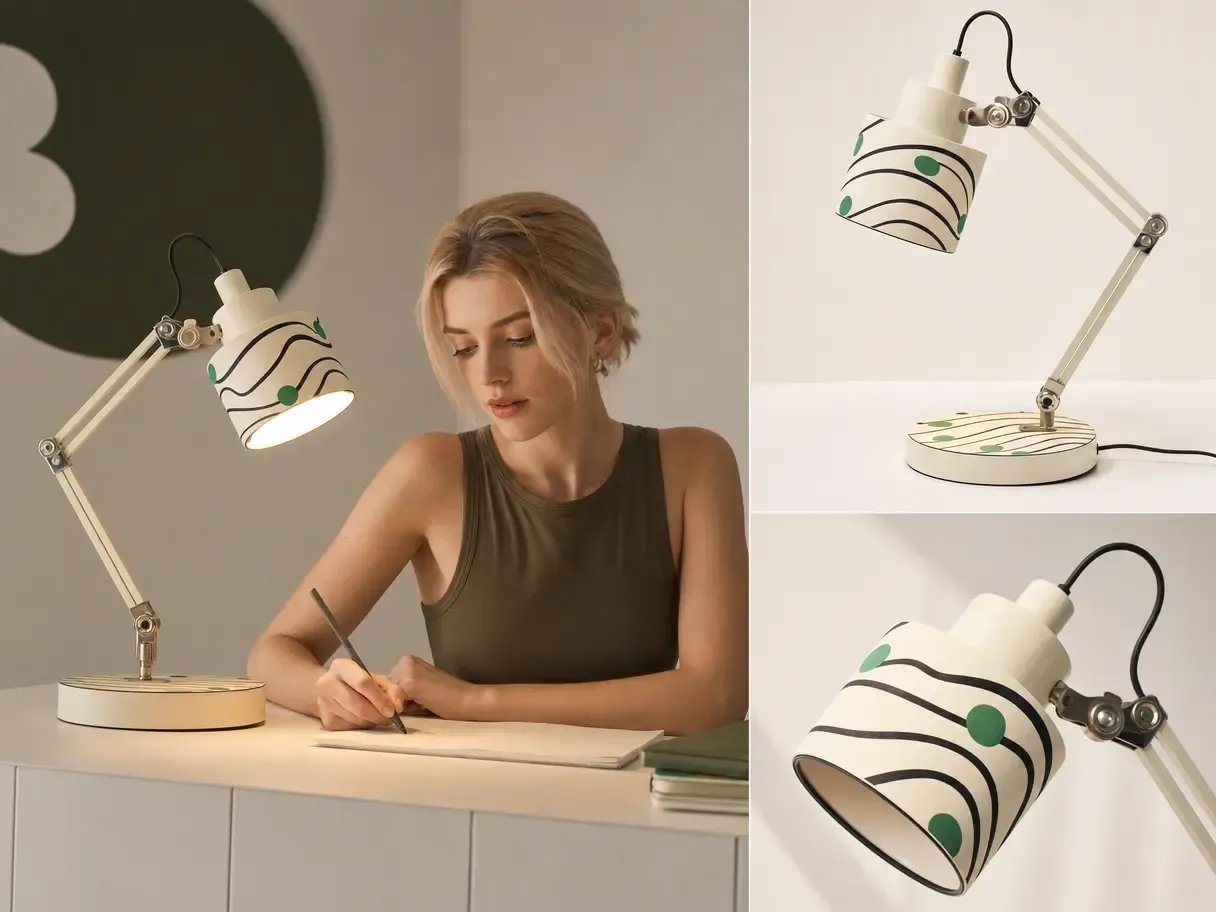
Cover More of the Purchase Decision in the Gallery

Keep the Listing Aligned With the Delivered Product

Visual drift is especially costly on a marketplace where customers compare the gallery directly with what arrives.

Starting from real product photography keeps shape, material, proportions, and distinguishing details visible as additional images and variants are created.

Keep the Listing Aligned With the Delivered Product

Improve the Listing Without Rebuilding It From Zero

Offers, positioning, and gallery needs change over time even when the core product remains the same.

Reusable sources let sellers replace weak images, add missing explanations, and refresh the gallery selectively—making ongoing listing improvement much easier to maintain.

Improve the Listing Without Rebuilding It From Zero

What You Can Do for an Amazon Listing

Develop the image sequence around the questions buyers need answered, while keeping every frame connected to the same approved product.

Establish an Accurate Product-First Hero Source

Begin with photography of the item customers will receive and prepare it as the foundation for the listing.

Background Remover and other editing tools can help clean the source, while the real product remains central to the visual rather than being replaced by a generic approximation.

Turn One Product Source Into a Complete Amazon Image Set

  1. Upload the Product You Want to Build the Listing Around

    Start with an accurate product photo that should remain visually consistent across the gallery.

  2. Generate the Core Listing Set

    Use Product Listing Image Generator to create product-first, additional-view, lifestyle, detail, and infographic images around the same source product.

  3. Build the Required SKU Variants

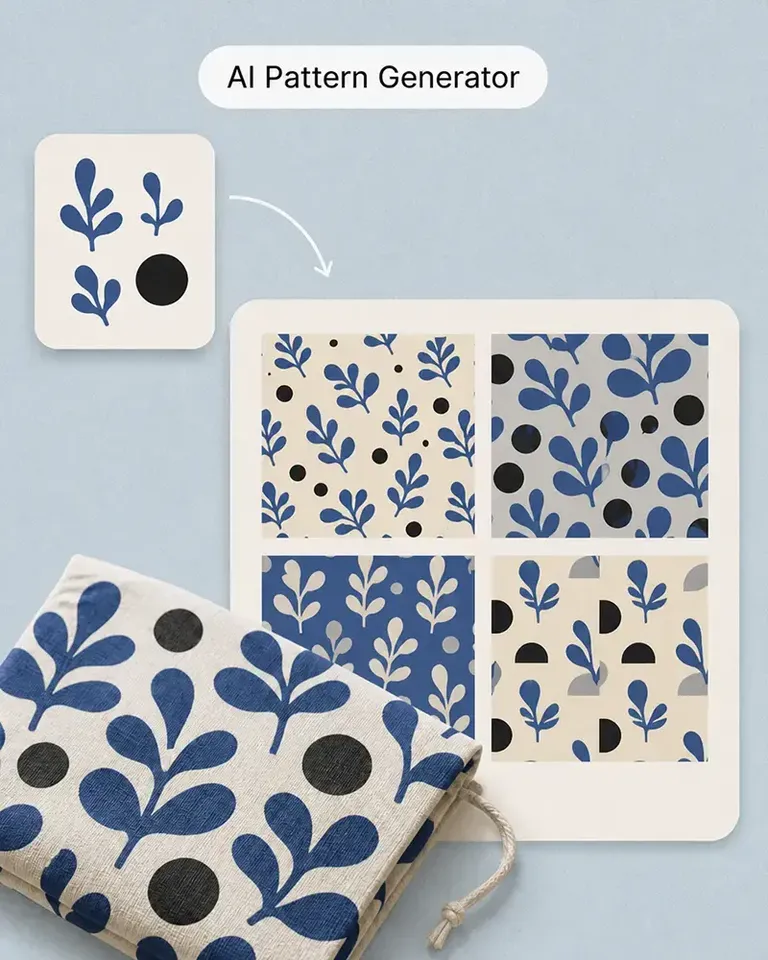
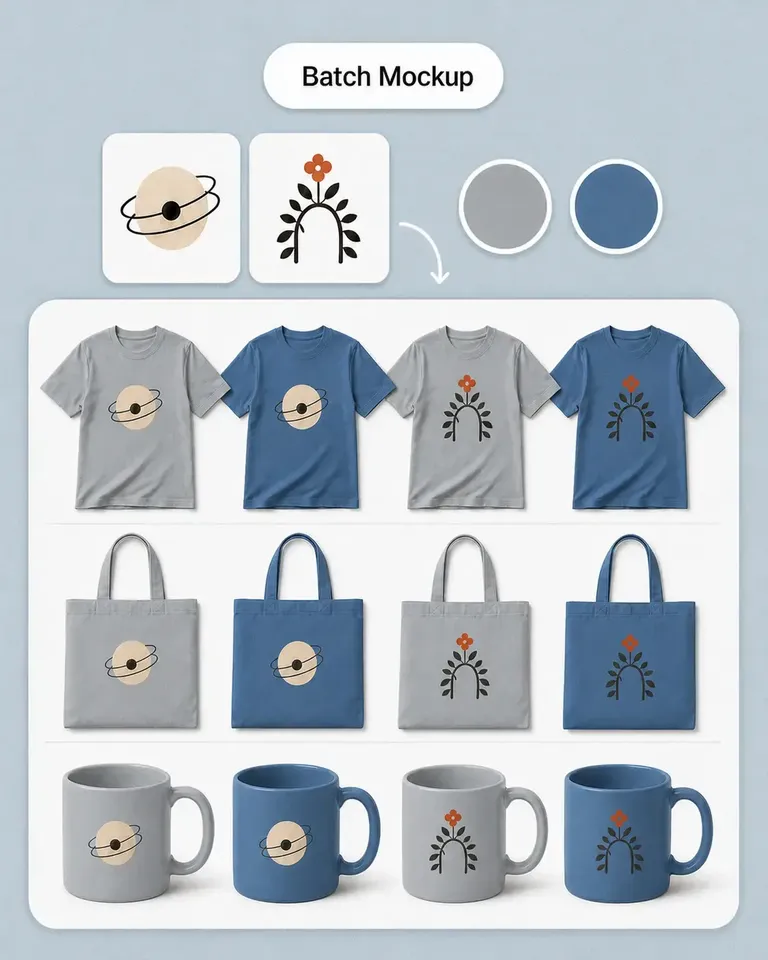
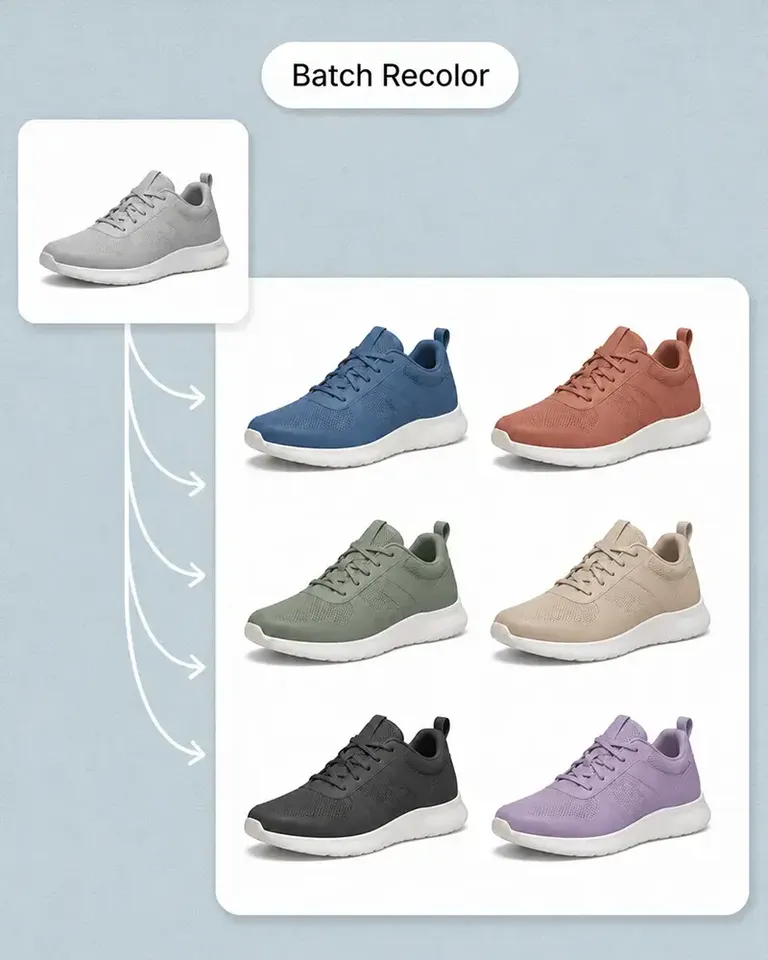
    Use Recolor Product Photo, Batch Recolor, Mockup Generator, or Batch Mockup when the listing requires additional product colors or designs.

  4. Refine Only the Images That Need It

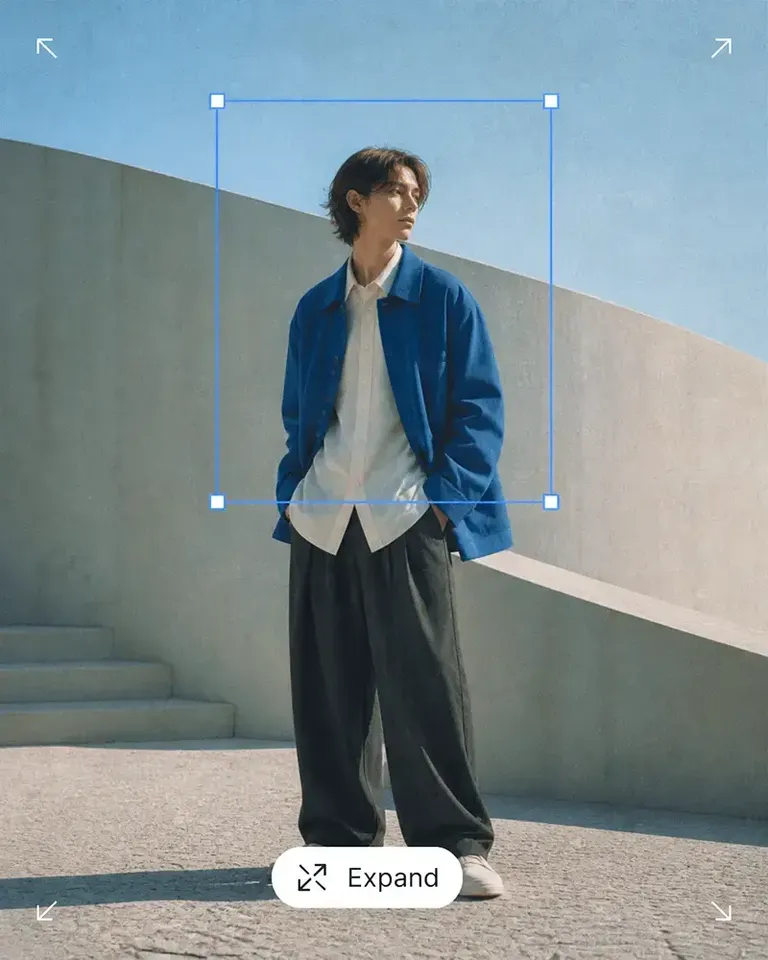
    Use Background Remover, Object Remover, Expand, or Image Upscaler inside Canvas to correct backgrounds, distractions, composition, or resolution without rebuilding the complete set.

  5. Review and Publish the Gallery

    Review the set as one customer journey and use the finished assets directly in the listing once the product, image sequence, and current channel requirements are confirmed.

Connect the Features Behind Your Amazon Listing Workflow

Start with the complete gallery, then add only the product-variation and editing capabilities required for the SKU you are publishing.

Amazon Sellers FAQs

Need product help? Visit the Help Center.

The exact requirements depend on the product category and current marketplace rules, but a useful gallery commonly combines a clear product-first image with additional views, detail imagery, context, variations, and explanatory visuals.

Turn One Product Source Into a Clearer Amazon Buying Journey

Create the product views, context, details, and variants shoppers need while keeping the SKU consistent across the gallery.