Mockuplabs

Turn Approved Product Images into Video Without Starting Over

Create product showcases, PDP motion, campaign clips, ads, and social video from the static product visuals you already trust.

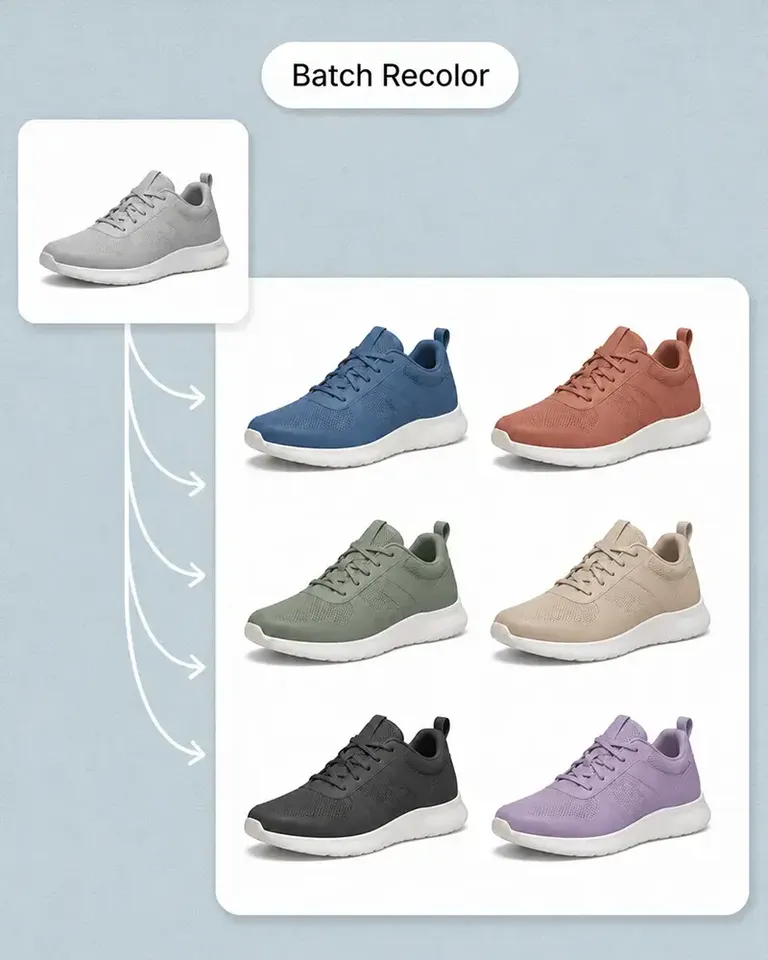
  • Start From Product Images
  • Animate Finished Mockups
  • From Static to Motion
Create Product Videos product-content workflow

Turn Approved Product Imagery Into On-Brand Motion

Start video from product, mockup, and lifestyle images you already trust so motion expands the content system instead of introducing a new product interpretation.

Skip the Separate Product Setup for Every Video

Short-form video often does not justify another full shoot, yet it still needs an accurate and polished starting point.

Mockuplabs lets approved static assets become video sources, reducing the production burden between the idea and the first usable motion concept.
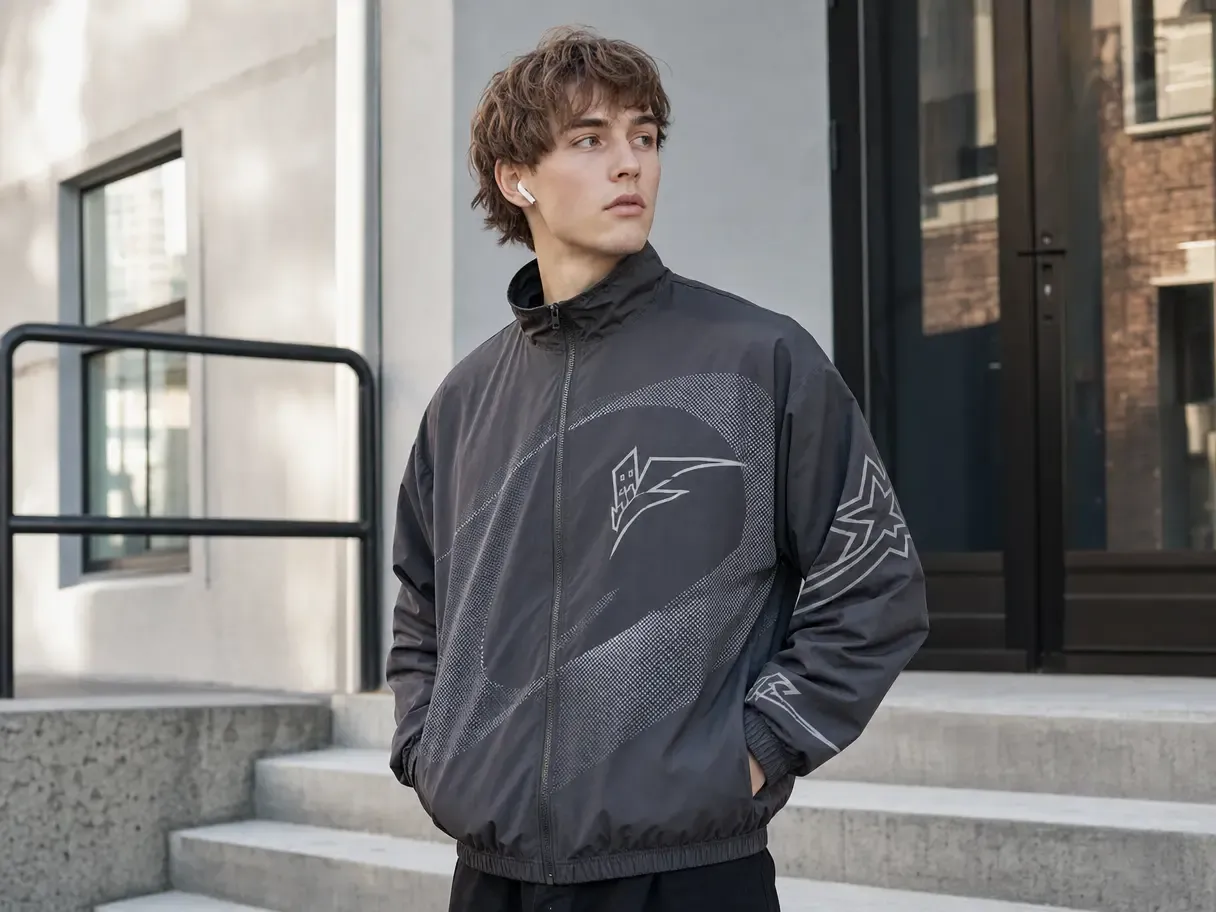
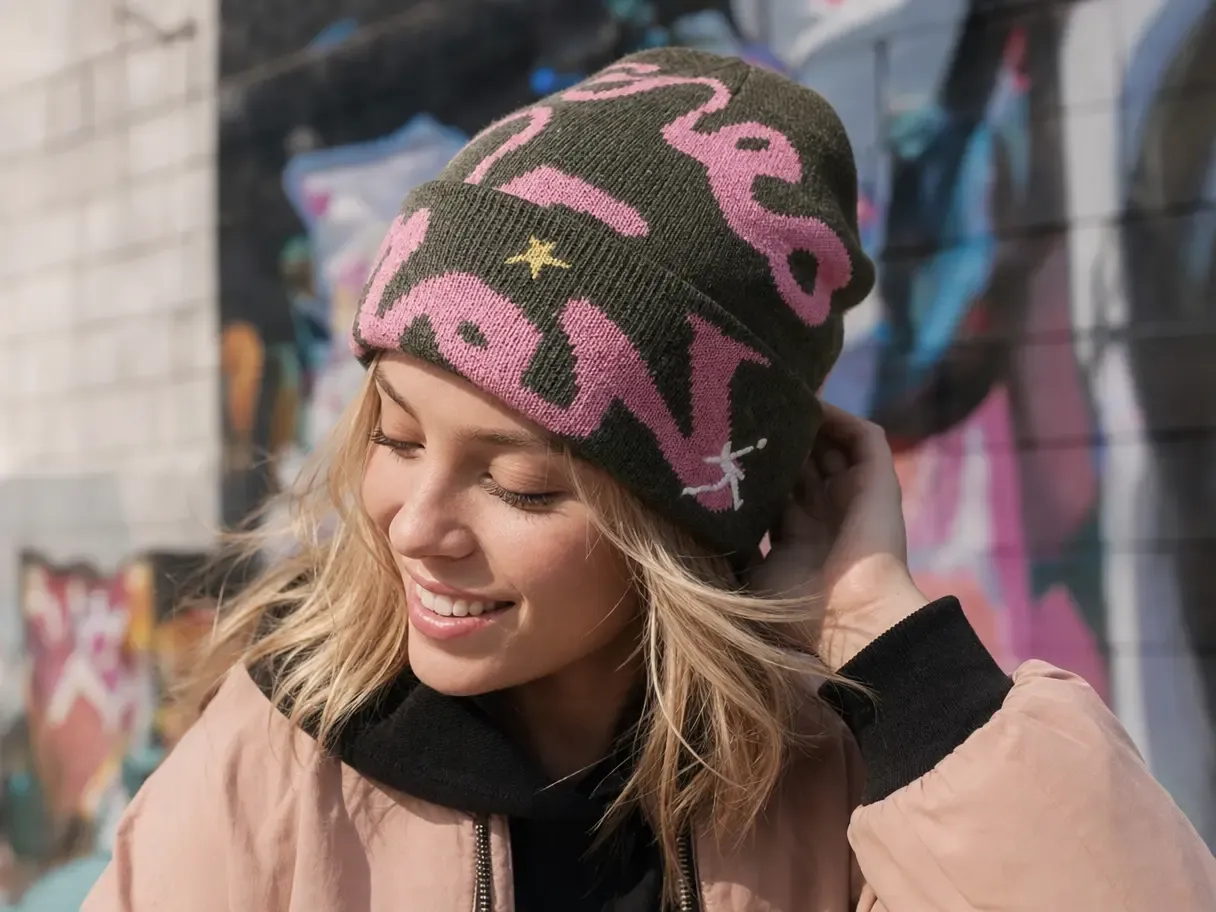
Skip the Separate Product Setup for Every Video

Keep Motion Connected to the Product Page

If the product changes visibly between the PDP and the video, movement can amplify the inconsistency rather than the message.

Beginning with an approved frame helps preserve product recognition across static and motion content.

Keep Motion Connected to the Product Page

Get More Output From Winning Static Creative

A strong hero, mockup, or lifestyle scene may already contain the product, composition, and campaign idea that works.

Extending that frame into motion gives the concept another format and placement without discarding the creative decisions already approved.

Get More Output From Winning Static Creative

What You Can Do With Product Video

Prepare a trusted starting frame, explore motion directions for different goals, and reuse the result across the customer journey.

Start From a Product Image You Have Approved

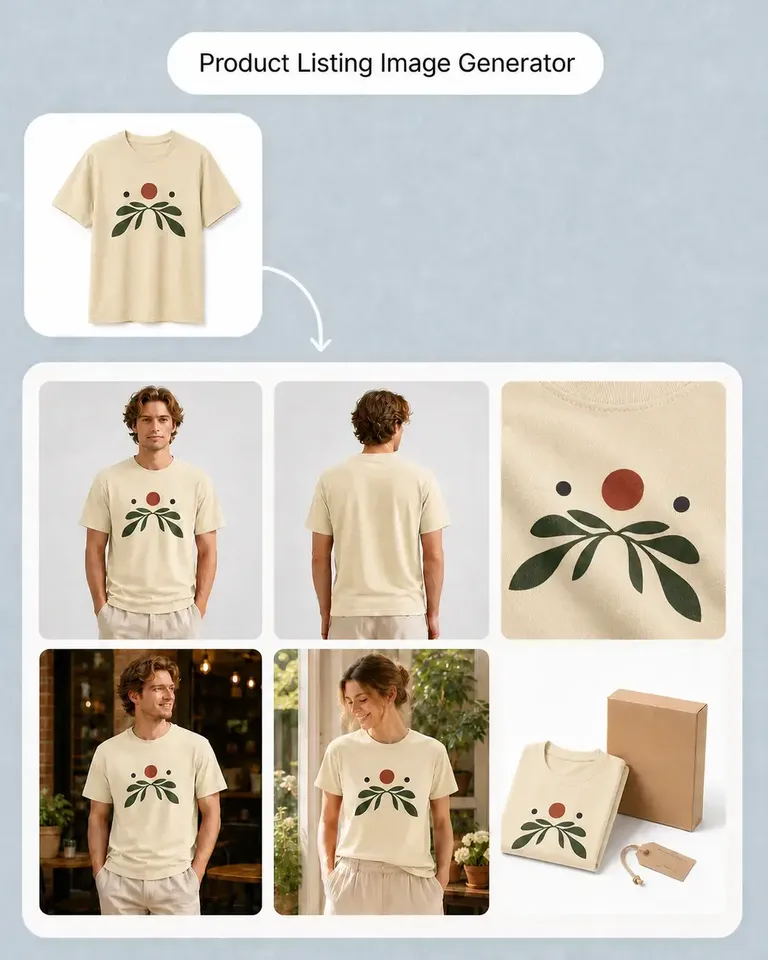
Choose a product photo, mockup, listing image, or campaign frame that already represents the SKU correctly.

Using that asset as the source gives the video a stronger connection to the rest of the product content from its first frame.

Move From an Approved Product Image to Finished Motion

  1. Choose the Product Image or Mockup

    Start from your own product image or an existing approved visual in Mockuplabs.

  2. Prepare the Starting Frame if Needed

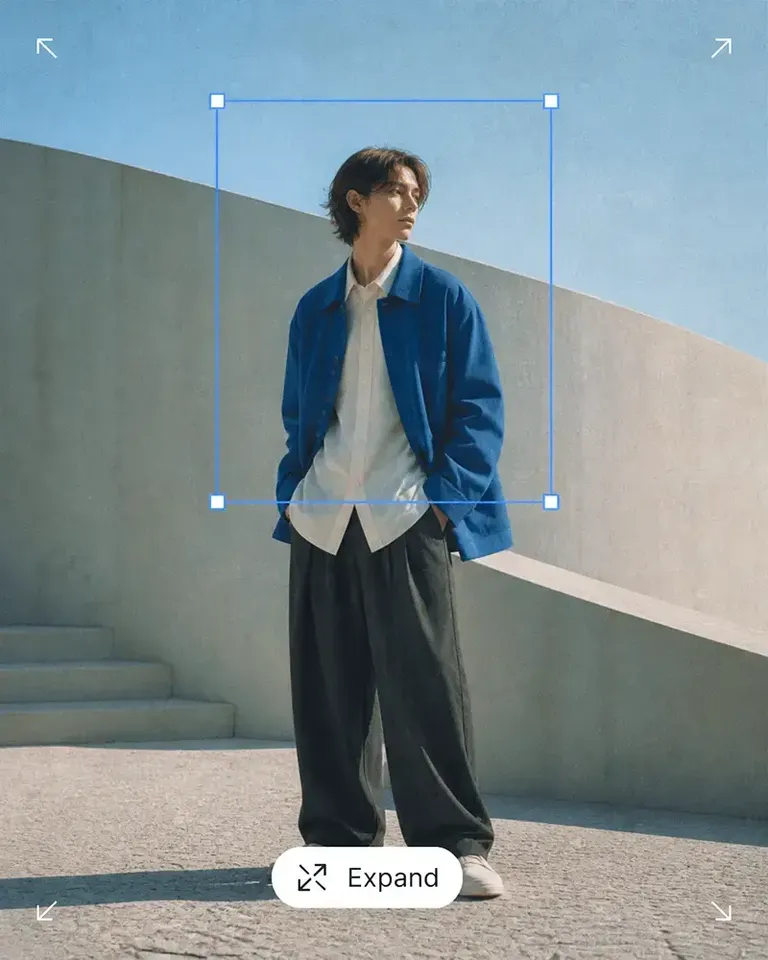
    Use Canvas editing tools to clean the background, remove unwanted elements, extend the composition, or improve resolution.

  3. Add the Motion

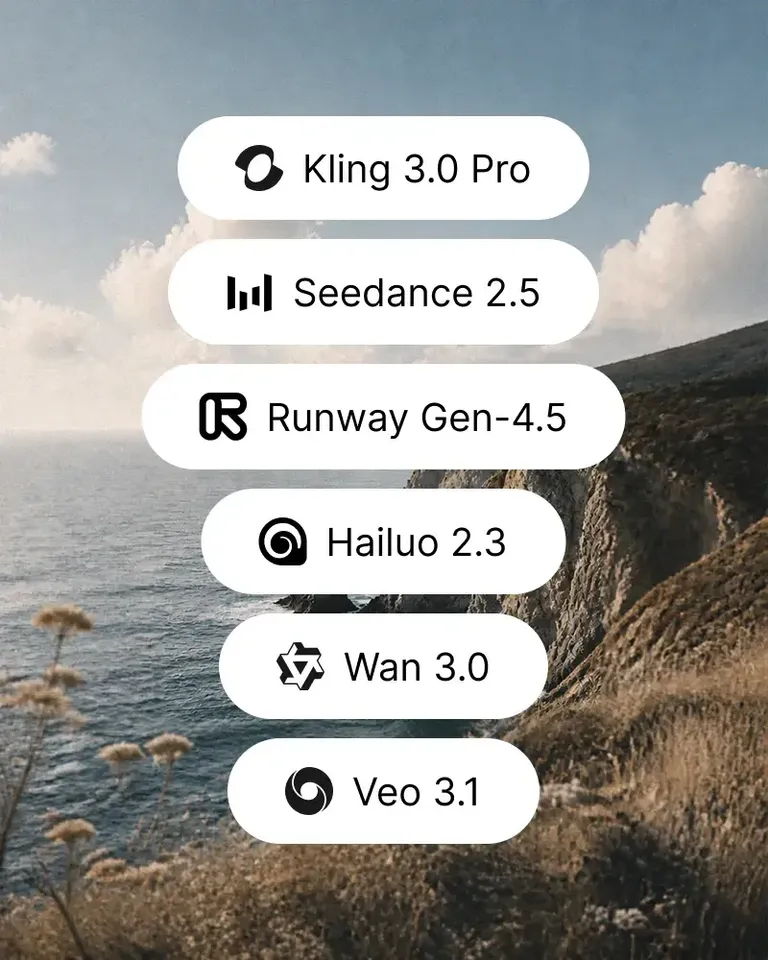
    Use AI Image to Video and define the movement you want using the available prompt and generation controls.

  4. Review the Product Through the Clip

    Check whether the product, composition, visual continuity, and motion work together across the generated video.

  5. Create the Versions Needed by the Channel

    Generate additional motion directions or use the approved clip for its PDP, launch, ad, or social destination.

Connect Image Preparation and Product Motion

Start from the strongest product visual available, then add only the editing and video tools required by the final placement.

Create Product Videos FAQs

Need product help? Visit the Help Center.

Yes. AI Image to Video can use an existing product image as the starting frame for AI-generated motion.

Turn the Product Images You Already Trust Into Motion

Start from an approved photo or mockup and create video without rebuilding the product creative.