MockuplabsMockuplabs

Generate Seamless Patterns for POD and Product Design

Create tileable patterns from a prompt or reference image, preview the repeat on real products, and move directly into AOP and mockup workflows.

  • Text or Reference Image
  • Preview on Real Products
  • Inspect pattern repeats

Create Patterns for Products, Not Just Pattern Files

Move from an idea to a seamless repeat, see how it actually works on a product, and keep refining the result in the same workflow.

Turn an Idea or Reference Into a Seamless Pattern

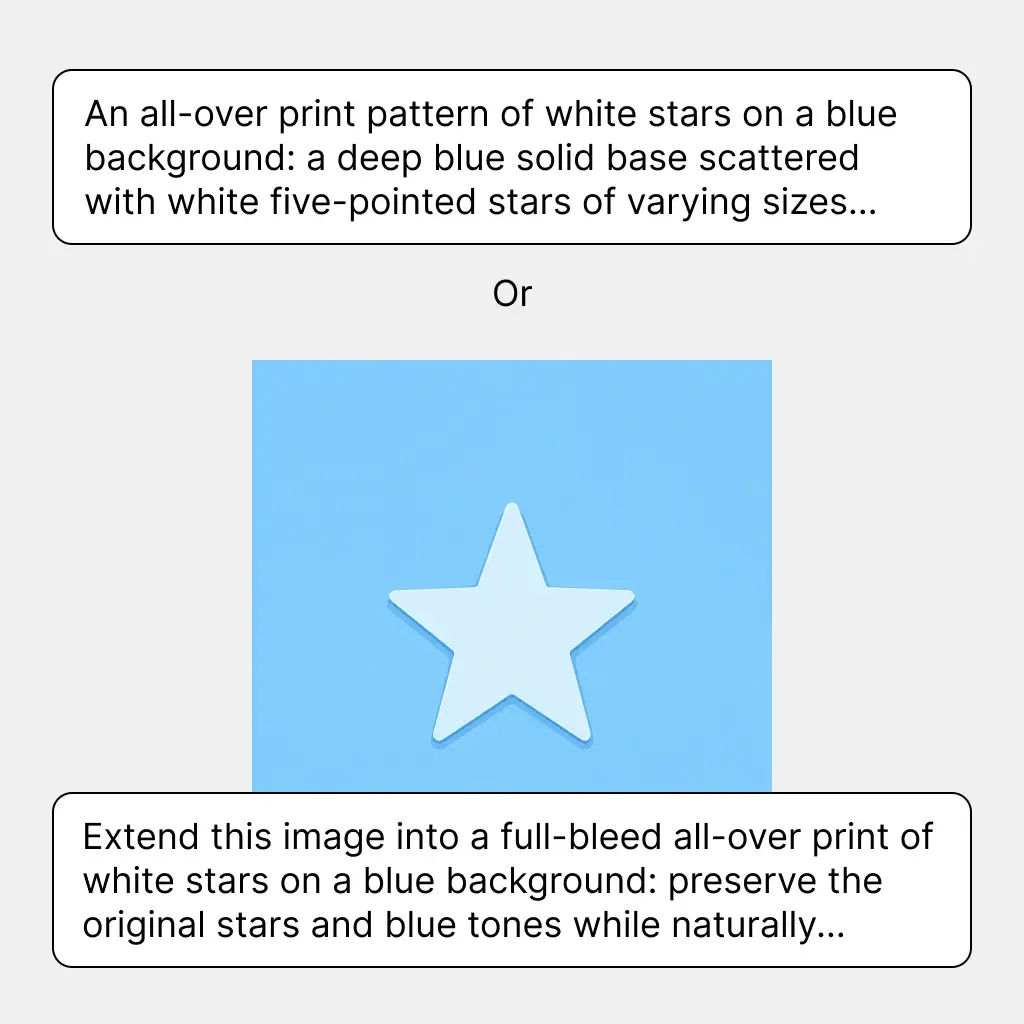
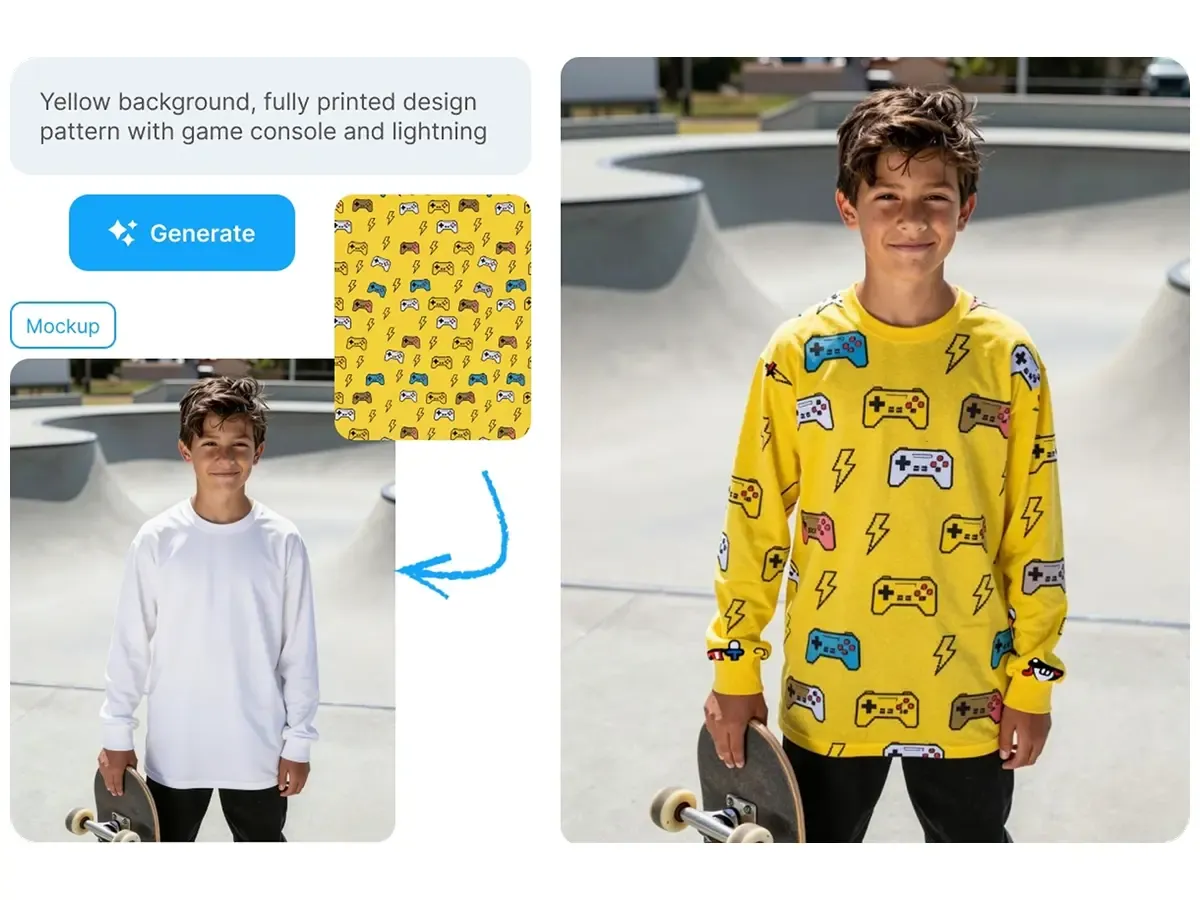
Describe the motifs, style, colors, and overall direction you want, or upload a visual reference to guide the result.

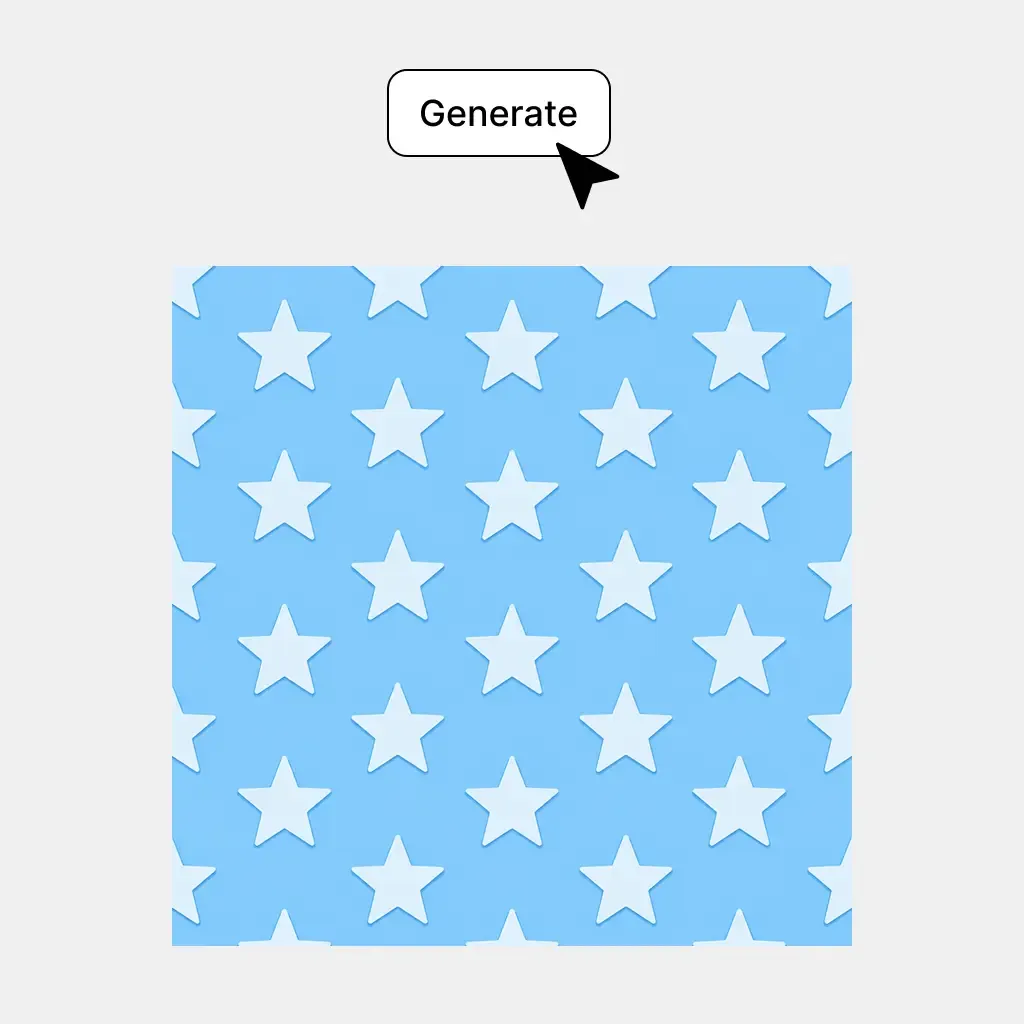
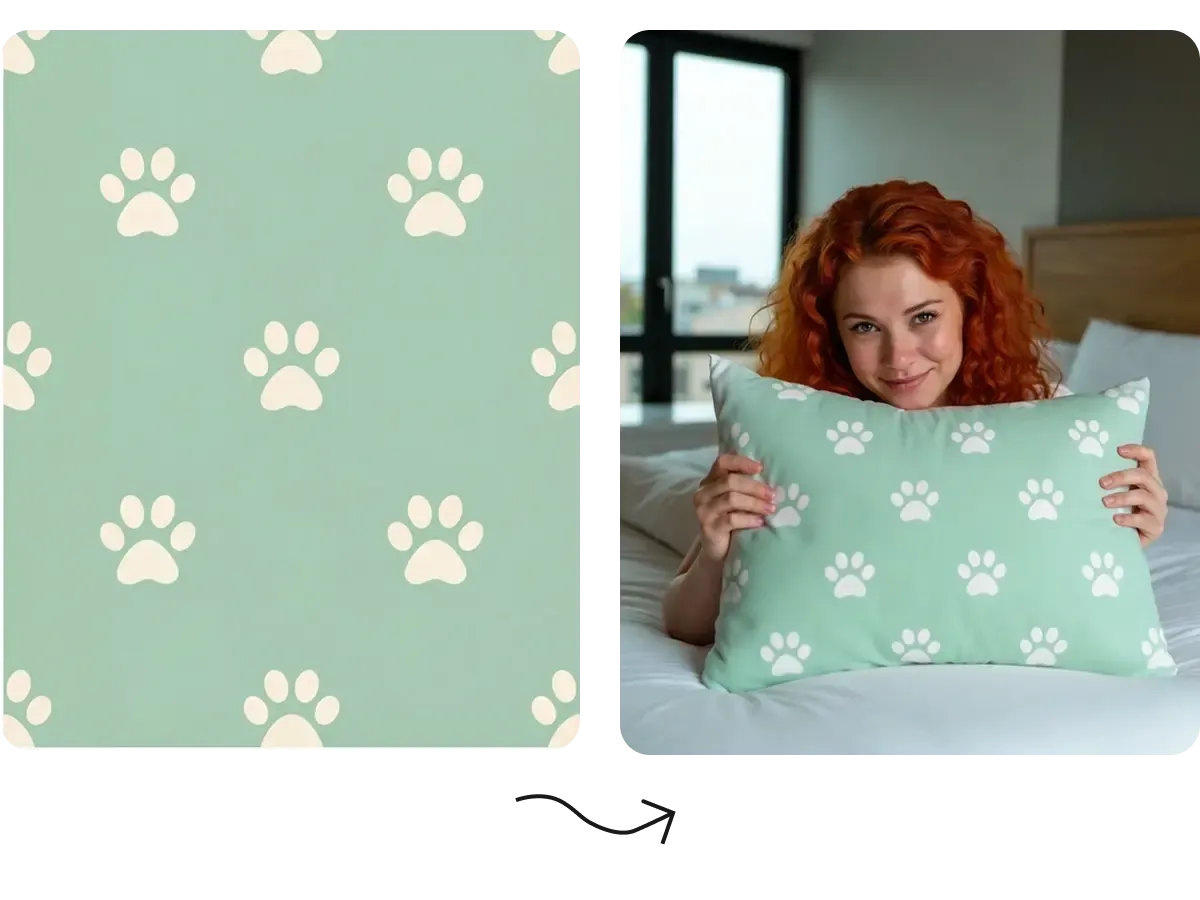
Mockuplabs generates tileable pattern options that can repeat across larger surfaces instead of stopping at a single standalone illustration.

Create floral, geometric, abstract, graphic, seasonal, decorative, or other repeat designs for apparel, merchandise, packaging, accessories, and product surfaces.
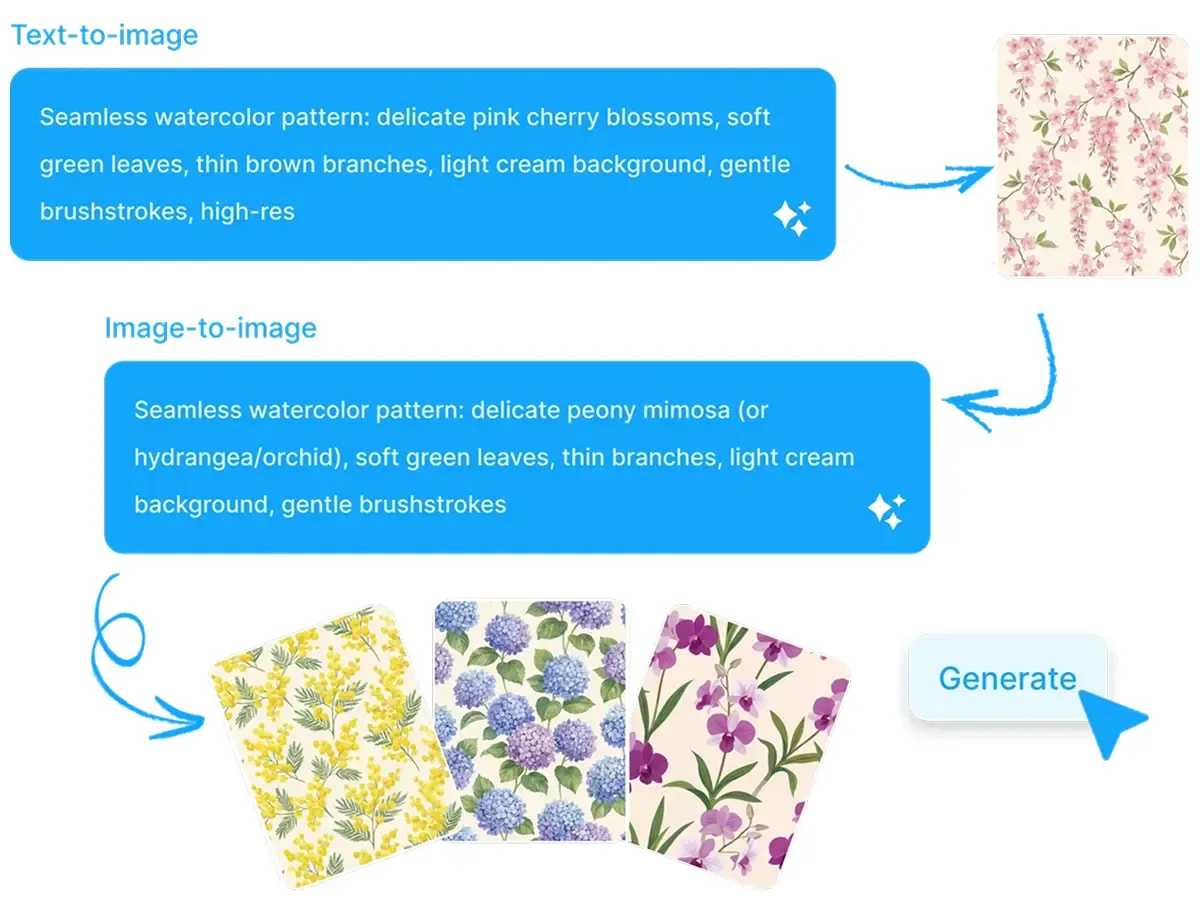
Turn an Idea or Reference Into a Seamless Pattern

See the Repeat on the Product Before You Commit to It

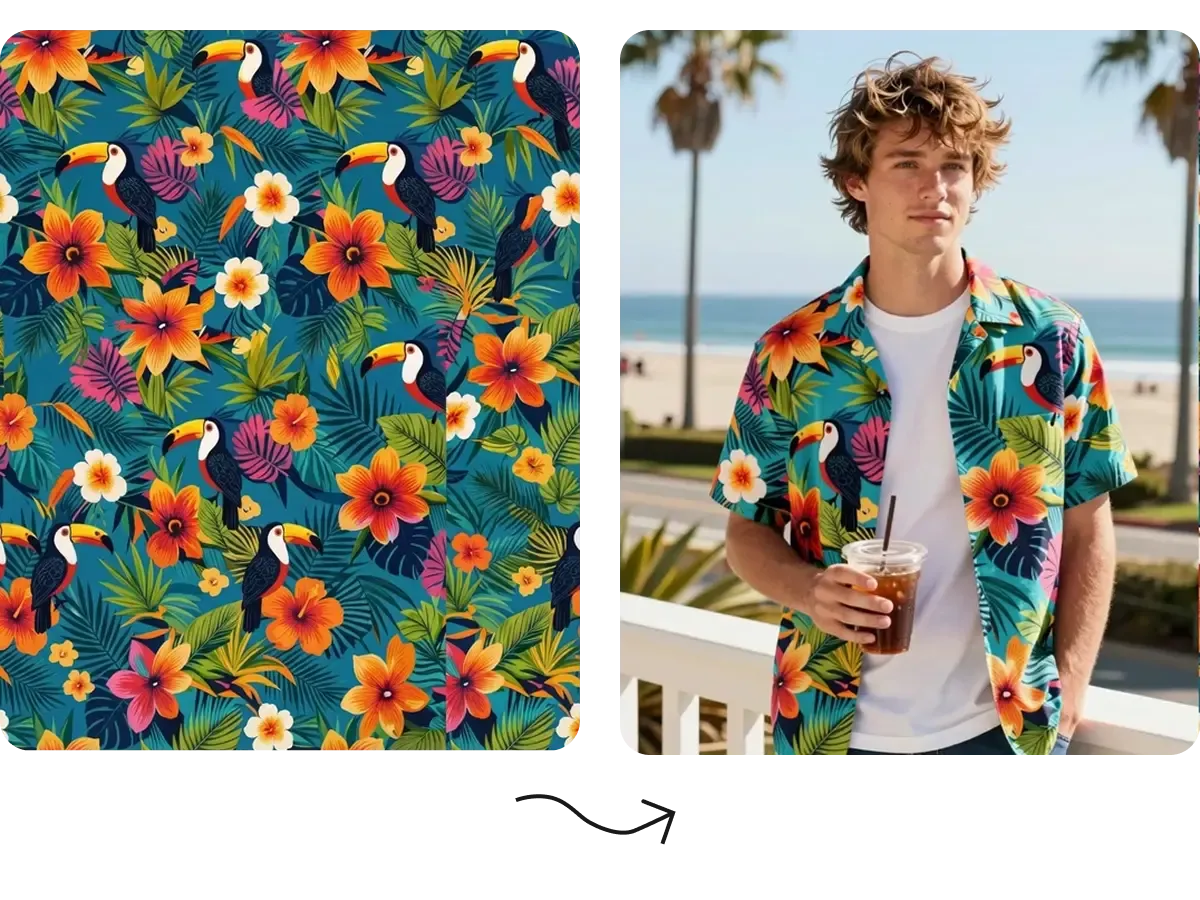
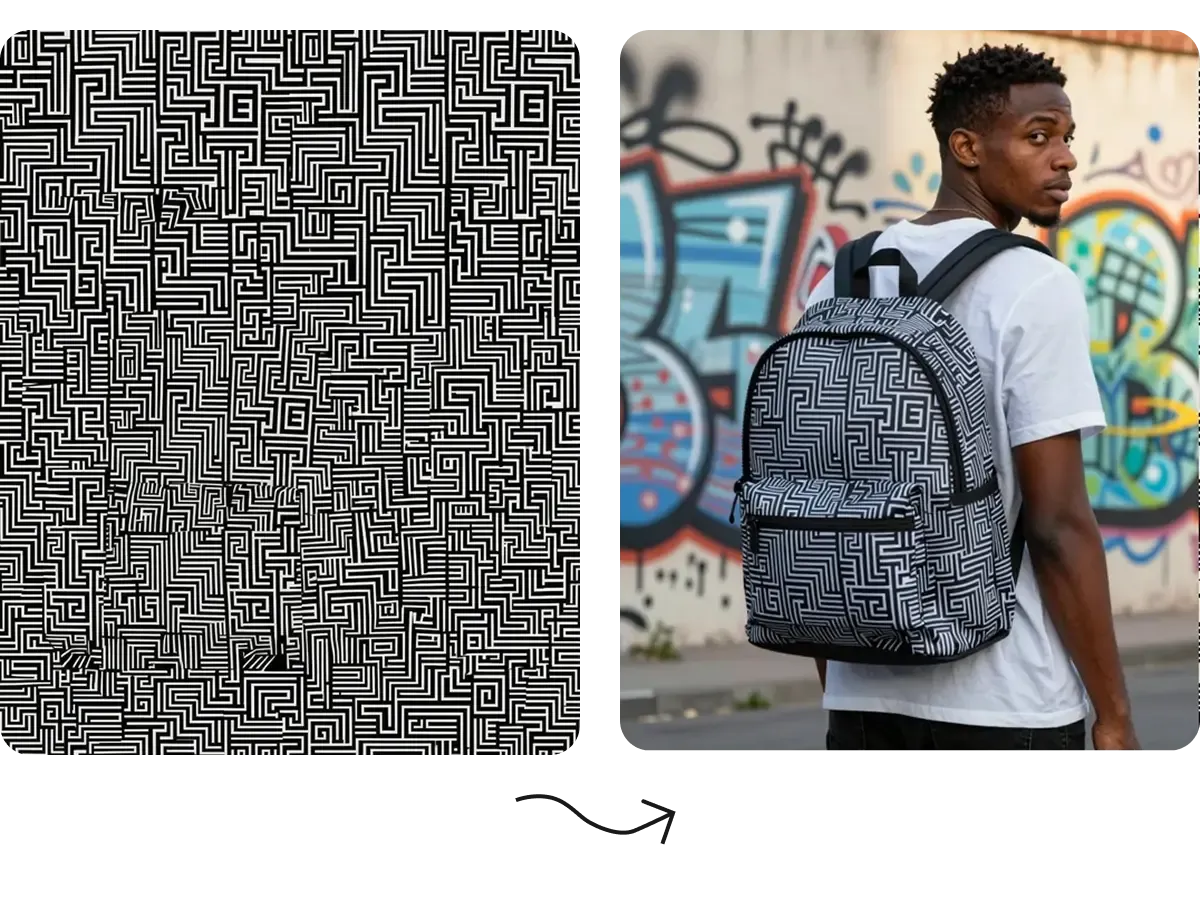
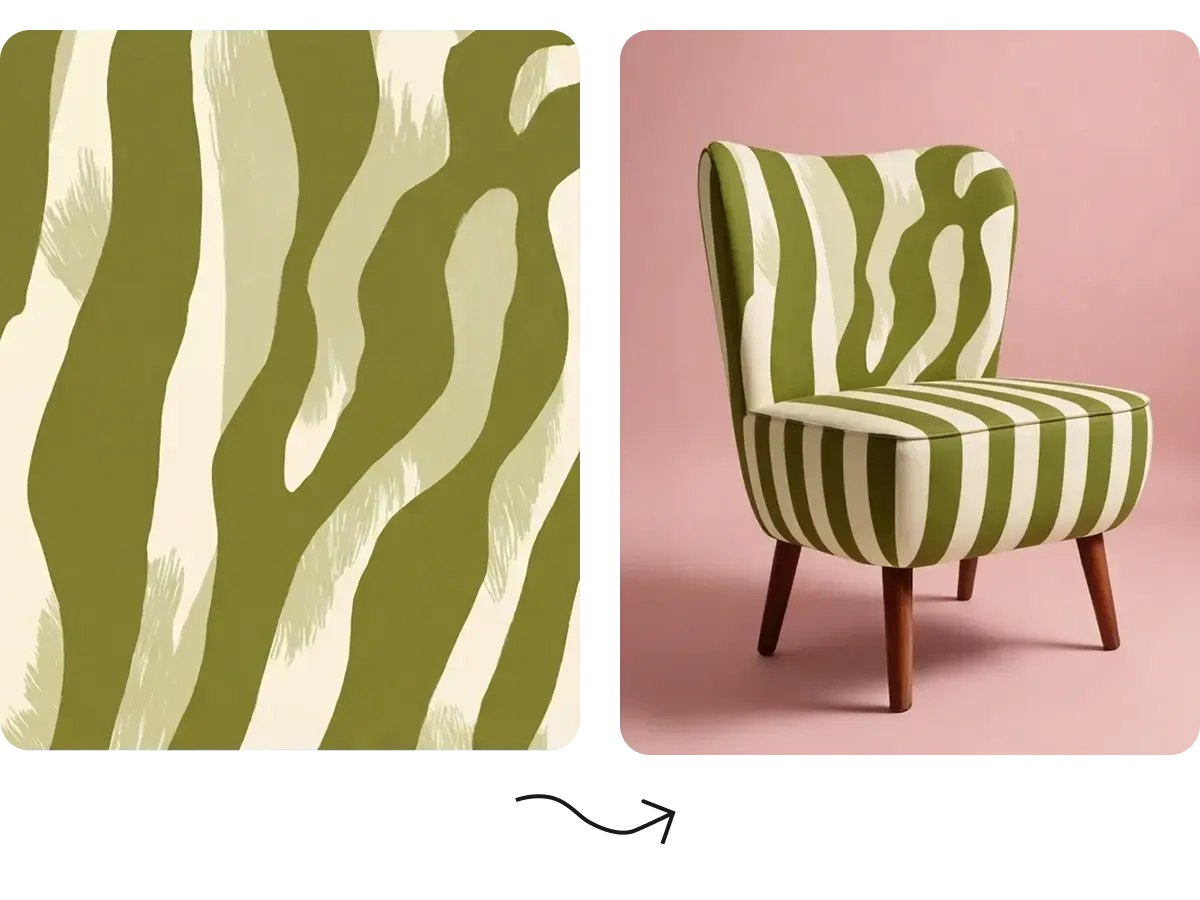
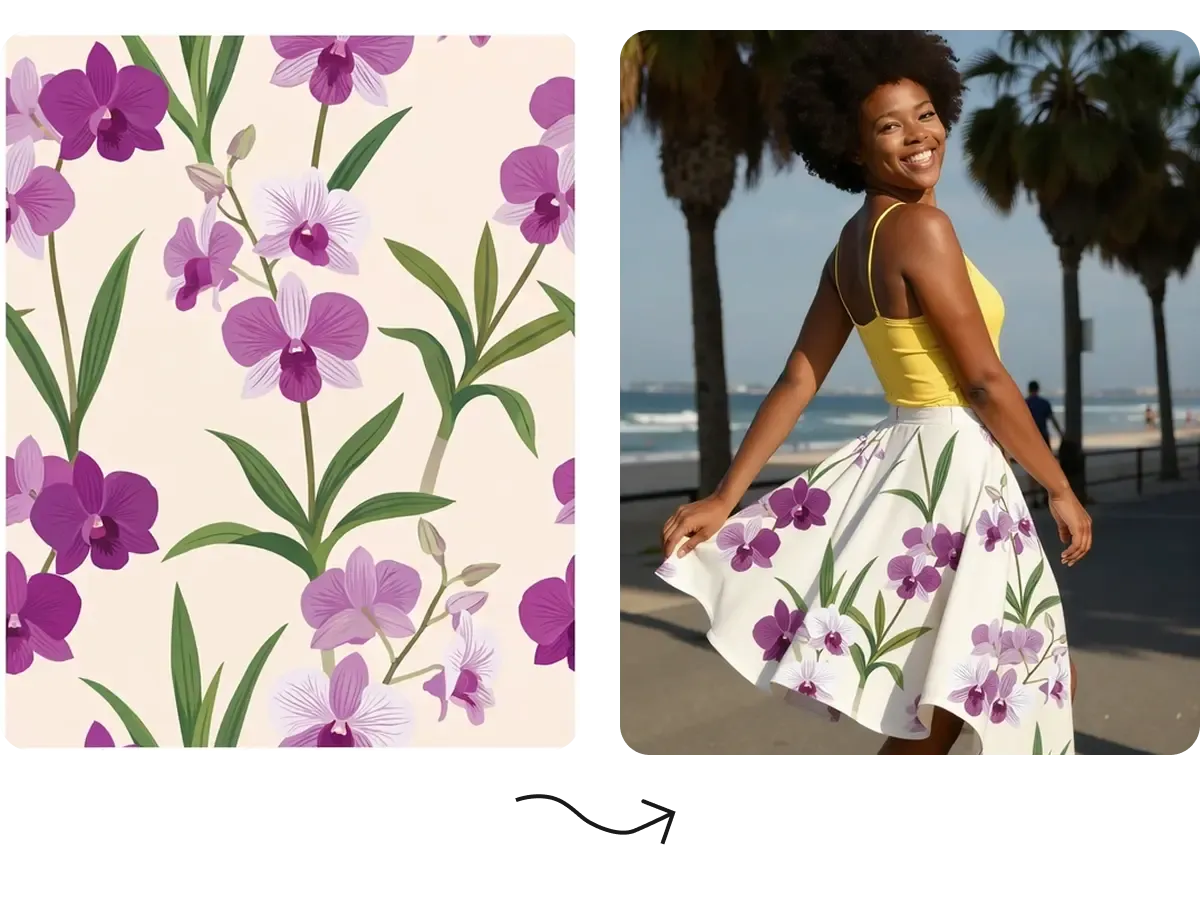
A pattern can look good as a square tile and still feel completely wrong once it is repeated across a T-shirt, hoodie, bag, packaging surface, or other product.

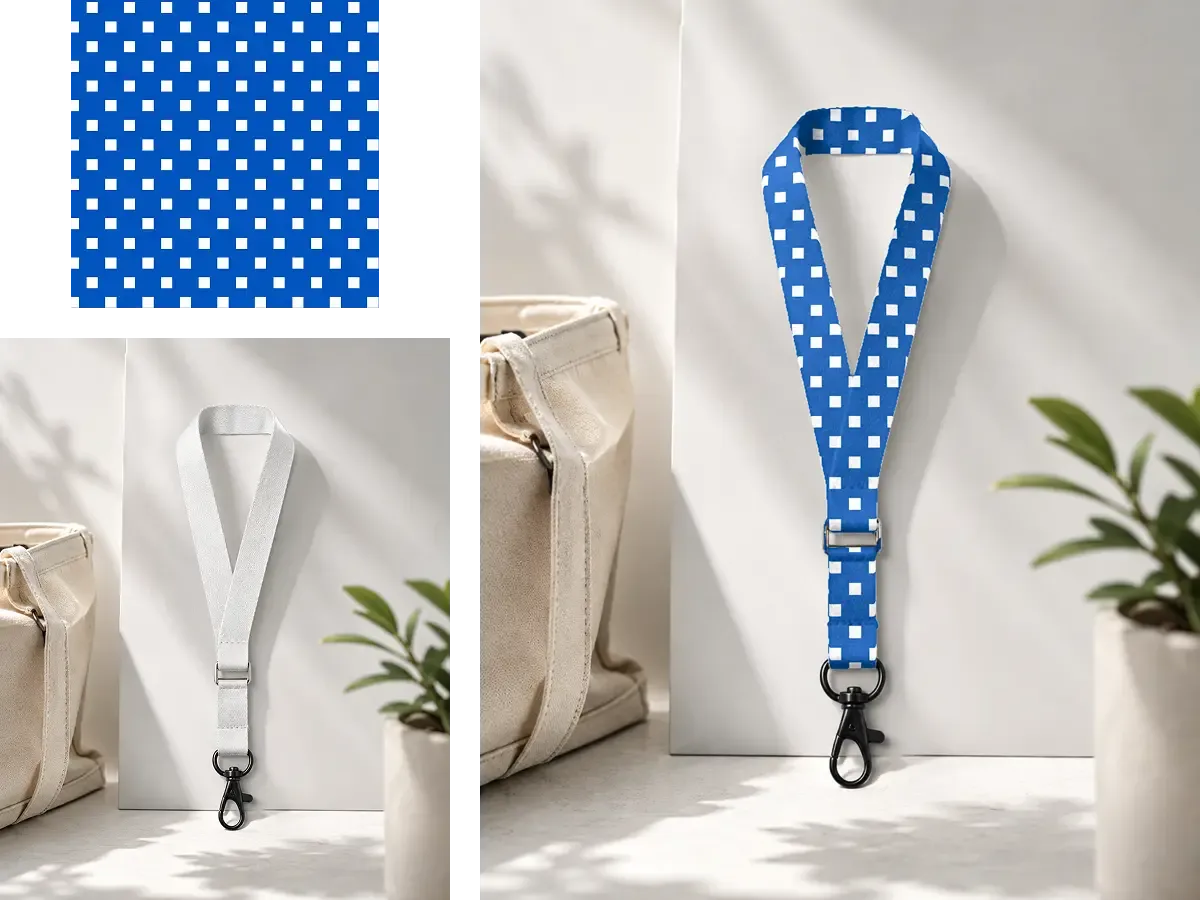
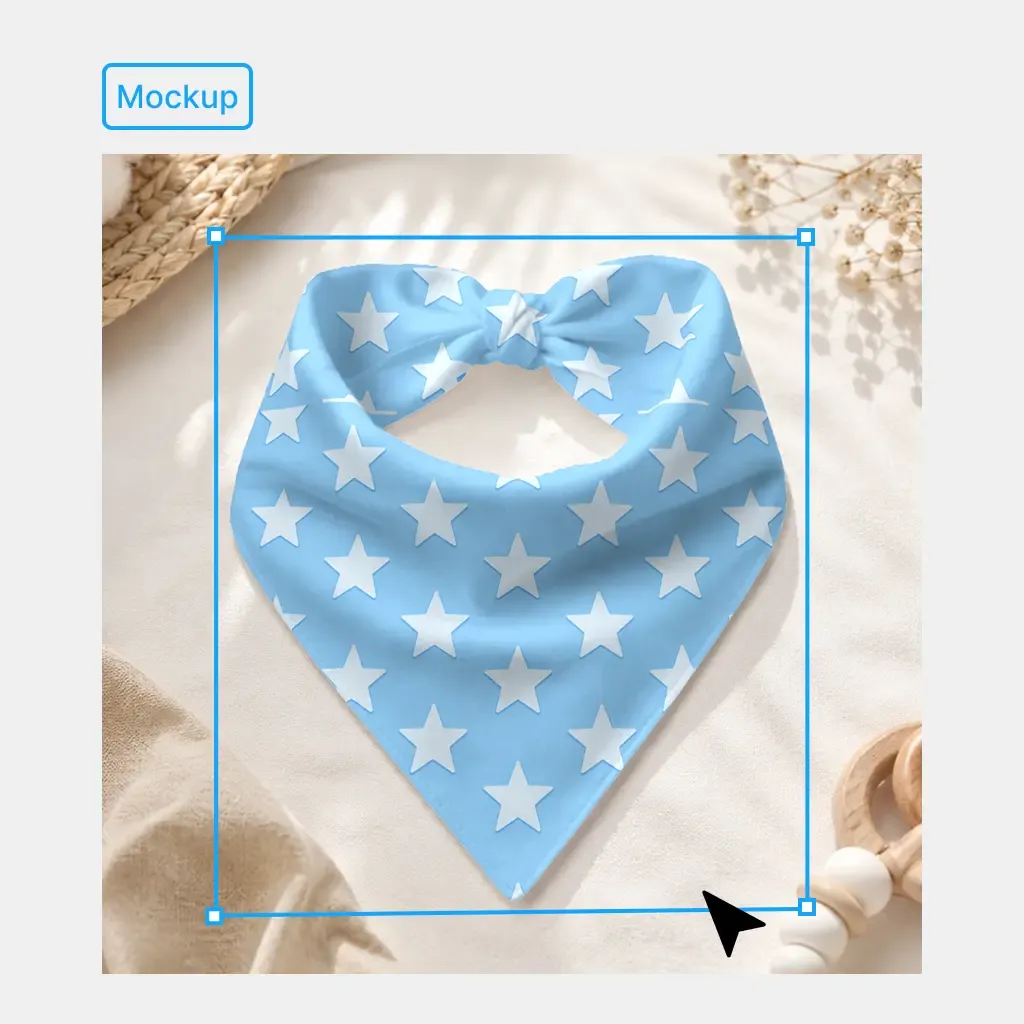
Preview the generated pattern in repetition and then apply it directly to a real product mockup.

You can judge pattern density, visual rhythm, scale, and how the artwork behaves across the actual product before deciding which design should move forward.

See the Repeat on the Product Before You Commit to It

Move Directly From Pattern Generation Into Product Creation

Once the pattern direction is approved, you do not need to export it into a separate mockup workflow just to see whether it works.

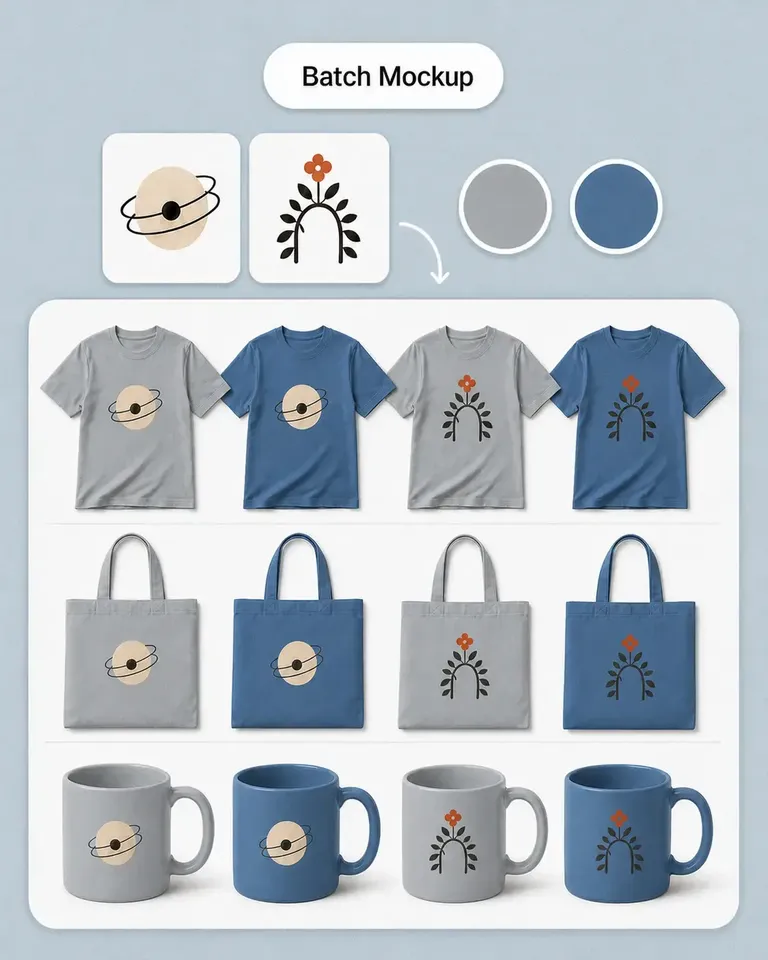
Continue directly into AOP Mockup Generator, Mockup Generator, Image Upscaler, and other design tools inside Mockuplabs.

Generate the pattern, apply it to the product, refine the scale, adjust the product, and continue building listing or marketing content around the approved design.

Move Directly From Pattern Generation Into Product Creation

Go From Pattern Idea to Product Preview in Three Steps

Create the repeat and evaluate it where it matters—on the product.

  1. Describe or Upload Your Pattern Direction

    Enter the pattern you want or add an image, sketch, or visual reference.

    Describe or Upload Your Pattern Direction
  2. Generate and Preview the Repeat

    Create tileable pattern options and review how the design behaves when repeated.

    Generate and Preview the Repeat
  3. Apply It to a Product

    Use the finished pattern directly in AOP or mockup workflows and refine the product preview in the same canvas.

    Apply It to a Product

Built for Patterns That Eventually Need to Become Products

Create repeat artwork for merchandise, collections, packaging, accessories, and other sellable surfaces.

Create All-Over Print Designs for POD

Create All-Over Print Designs for POD

Generate repeat patterns for products where the artwork needs to cover much more than a small front-print area. Take the pattern directly into an AOP mockup and evaluate its repeat on the actual product before preparing the final product visual.

  • Best for: POD sellers, AOP apparel, T-shirts, Hoodies, Leggings, Merchandise

Generate the Pattern and See It on the Product in One Workflow

Pattern generation becomes much more useful when the next step—real product visualization—is already connected.

Pattern creation

Mockuplabs

Generate tileable pattern directions from text or references

Traditional Pattern Design

Manually construct motifs and repeats

General AI Image Generators

Can create pattern-like images

AI Pattern Generator FAQs

See the POD Sellers for the complete job, or visit the Help Center for help.

An AI seamless pattern generator creates repeating, tileable designs from a text description or visual reference. The patterns can be used across products and larger surfaces without treating the design as a single isolated image.

Turn a Pattern Idea Into a Product You Can Actually See

Generate the repeat, preview it on real products, and keep building the collection without leaving the workflow.

AI Pattern Generator

Score
4.6 / 5
Rating events
367
Written reviews
104
As of