Mockuplabs

Turn Ecommerce Product Assets into a Reusable Social Content System

Create product stories, launch posts, lifestyle visuals, mockups, promotional formats, and short video without recreating the SKU for every content cycle.

  • Reuse Existing Product Assets
  • Create More Content Formats
  • From Static to Short-Form Motion
Create Social Commerce Content product-content workflow

Keep the Content Calendar Fresh Without Reinventing the Product

Reuse approved ecommerce assets across recurring stories, seasonal moments, product drops, social formats, and motion while keeping the path back to purchase recognizable.

Sustain a Faster Content Cadence

Social channels demand fresh posts even when the underlying catalog changes slowly.

Mockuplabs turns existing product sources into new scenes, variants, formats, and motion, giving teams more content directions without repeating the full product setup each time.


Sustain a Faster Content Cadence

Keep Social Connected to the Storefront

A customer should recognize the product when moving from a social post to the product page.

Using the same approved source preserves that connection while allowing social content to be more timely, contextual, and expressive than the PDP.

Keep Social Connected to the Storefront

Multiply the Value of Every Product Moment

A launch, new color, seasonal use case, or campaign scene can generate more than one post.

Reusable assets let teams develop that moment into a small content series, increasing output from each product event and supporting a steadier publishing rhythm.

Multiply the Value of Every Product Moment

What You Can Do for Social Commerce

Build repeatable social stories around approved products, then adapt the strongest ones across formats and sales channels.

Turn Product Moments Into Content Series

Plan several assets around a drop, feature, color, use case, or customer need instead of relying on one isolated post.

Reuse the approved product across those related concepts so the series feels connected without repeating the exact same visual.

Turn Existing Product Assets Into an Ongoing Social Content Workflow

  1. Start From an Approved Product Asset

    Use a product photo, mockup, listing image, or campaign visual already available in the ecommerce workflow.

  2. Create the Next Content Direction

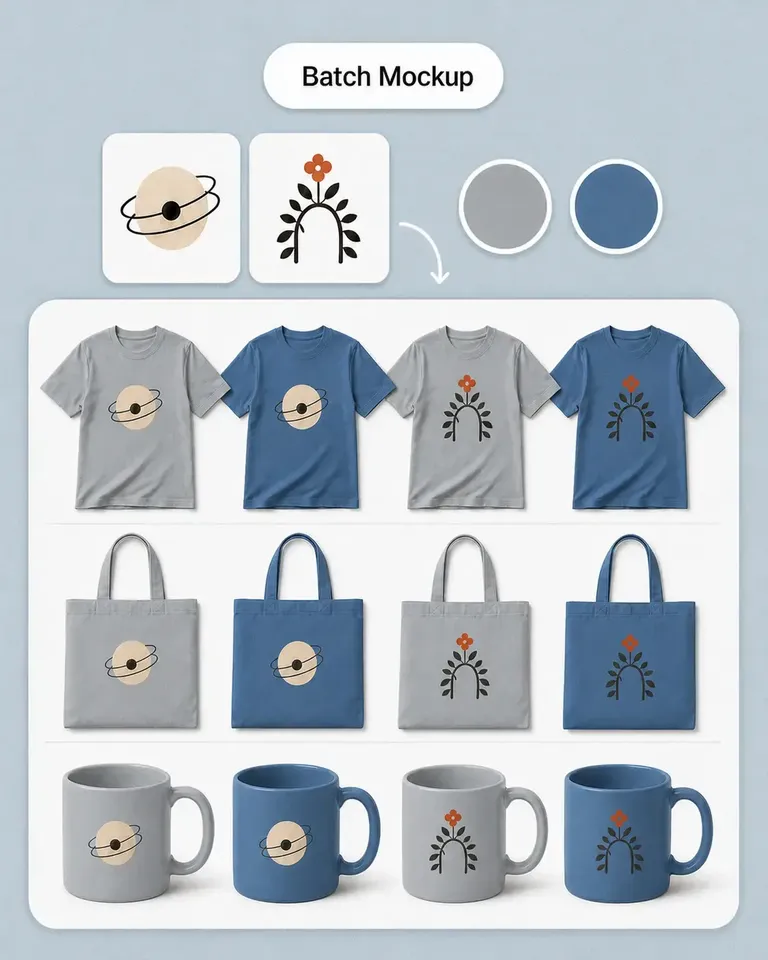
    Use AI Image Generator when the story needs a new scene, or mockup workflows when the content is centered on designs and merchandise.

  3. Adapt the Asset to the Placement

    Use Expand, Background Remover, or Object Remover when the image needs another composition or cleaner source.

  4. Create New Product Variations When Needed

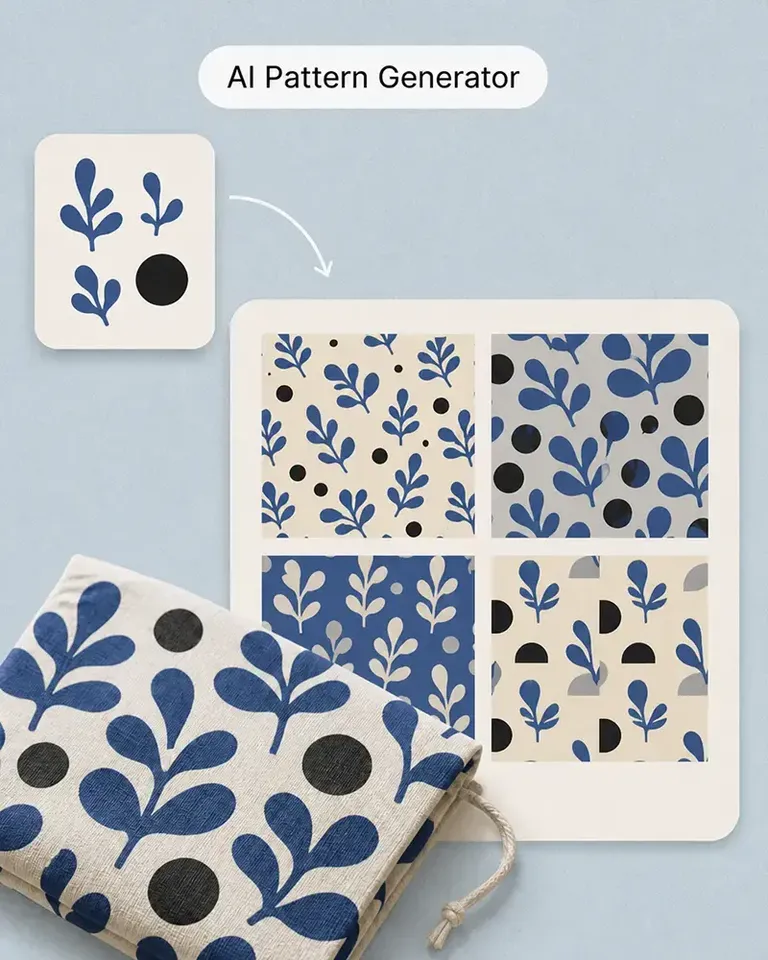
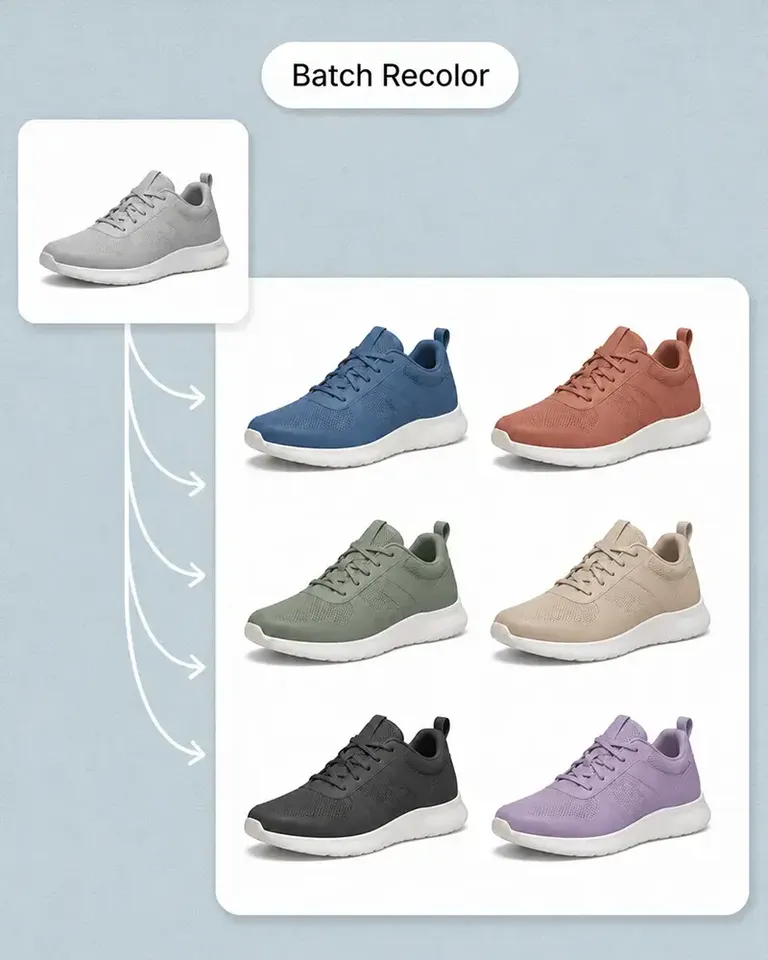
    Use recolor or batch workflows for color-, design-, or collection-led content.

  5. Add Motion

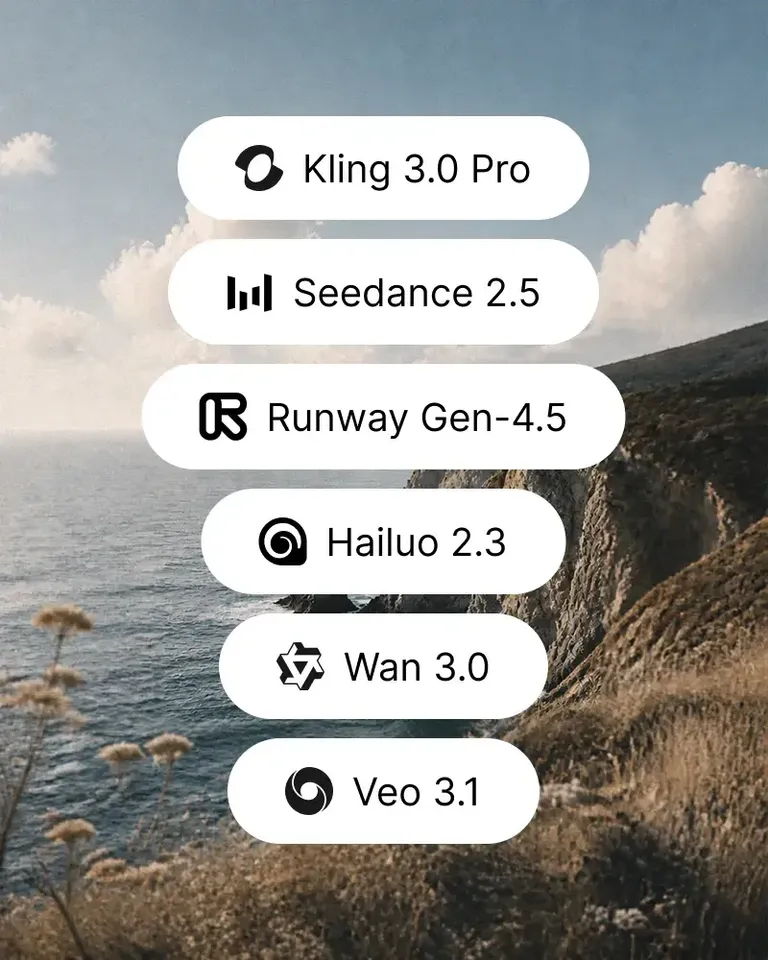
    Use AI Image to Video when an approved static social visual should become short-form motion.

  6. Reuse the Product Across the Next Content Cycle

    Keep the product, strongest scenes, and approved creative work ready for the next drop, collection, campaign, or social format.

Build the Stack Around the Social Content Your Brand Actually Produces

Combine product imagery, scene generation, mockups, editing, variation, and motion according to your real content mix.

Create Social Commerce Content FAQs

Need product help? Visit the Help Center.

Social commerce content is product-focused visual content created for social discovery, storytelling, launches, product showcases, shopping journeys, and ongoing brand communication.

Turn Your Product Library Into an Ongoing Social Content System

Create more product stories, scenes, formats, and motion without recreating the SKU for every post.