Mockuplabs

Create AI Product Images for Scenes and Ads

Create product scenes, ad visuals, campaign concepts, and mockup-ready images from text or references—then refine them in the same canvas.

  • Text or Reference Image
  • Built for Ecommerce Creatives
  • Start from a product reference

Create Ecommerce Visuals Around What You Actually Need to Sell

Move from an idea, prompt, or existing image to product-focused marketing visuals without building every creative from scratch.

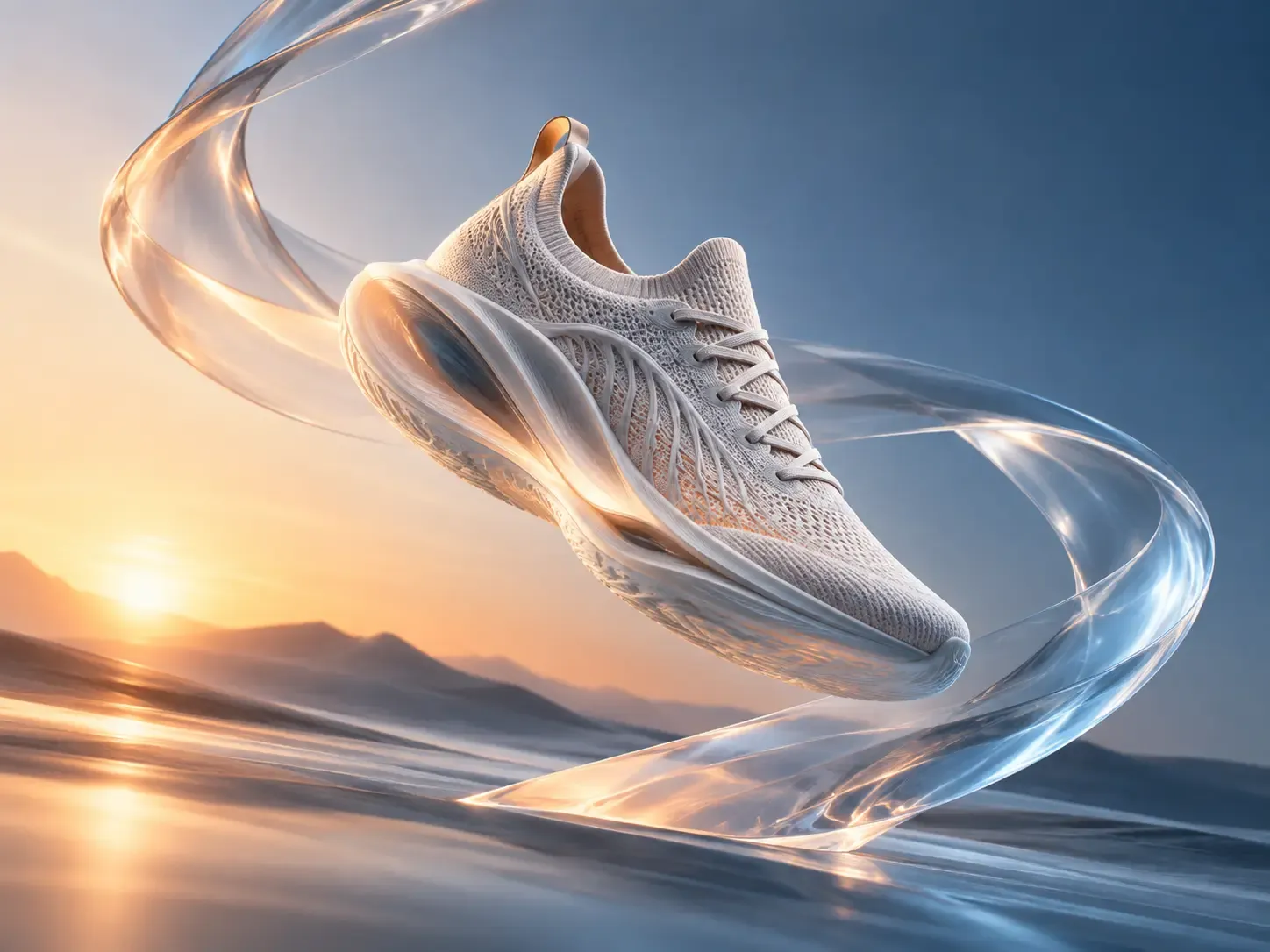
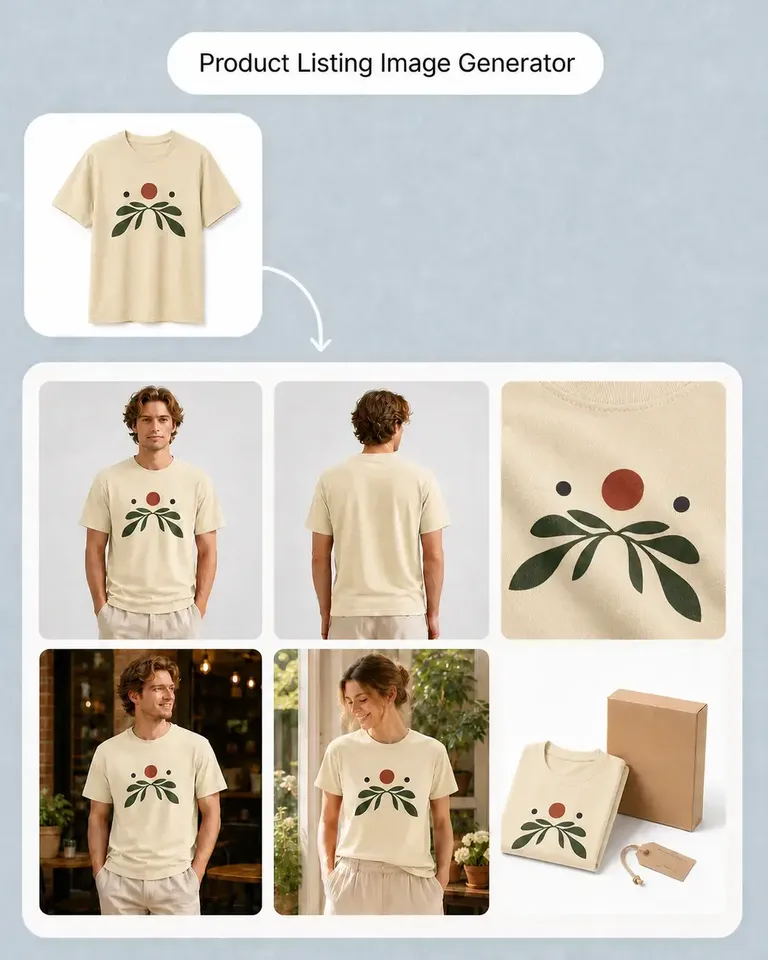
Create product scenes and ads from a product reference

Start with a clear product photo and describe the setting, composition, and intended placement for the scene or ad you need.

Explore studio, lifestyle, seasonal, and campaign scenes around the same product reference. Compare the generated product details with the source before selecting a creative direction.

Instead of starting every campaign with stock-image searching or a blank design file, you can move directly from the marketing idea to something the team can actually review and use.
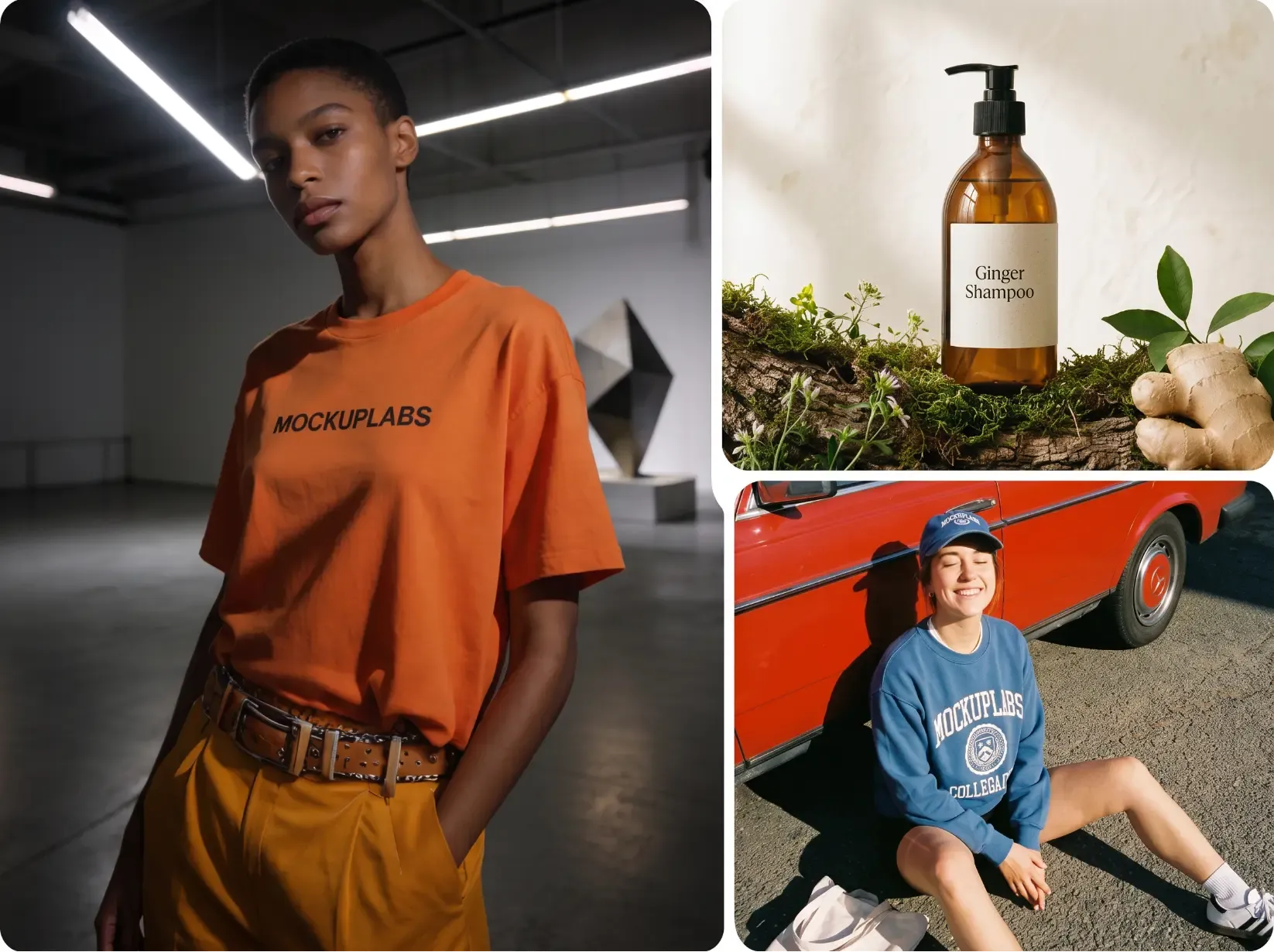
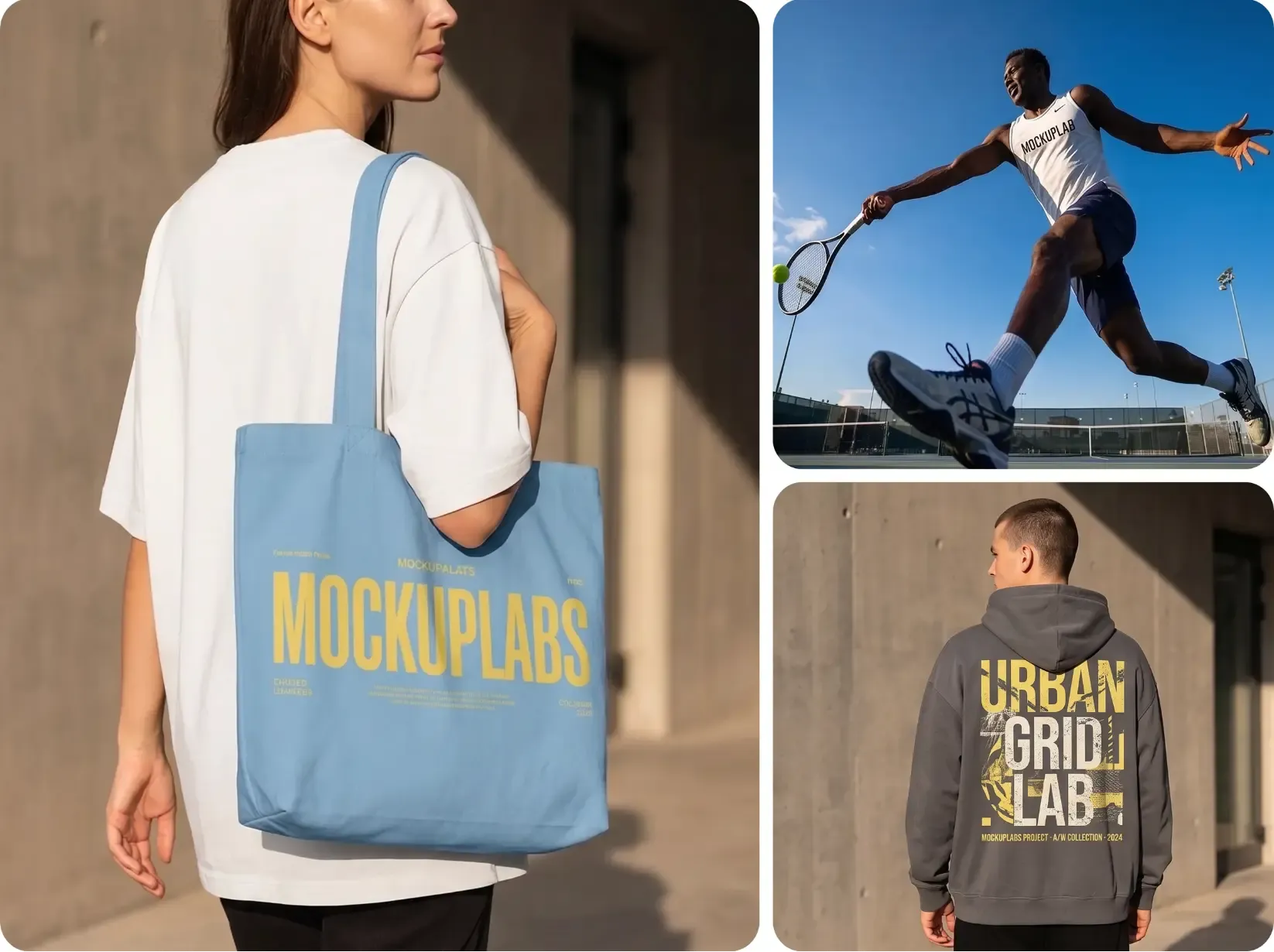
Create product scenes and ads from a product reference

Use Reference Images to Guide the Creative Direction

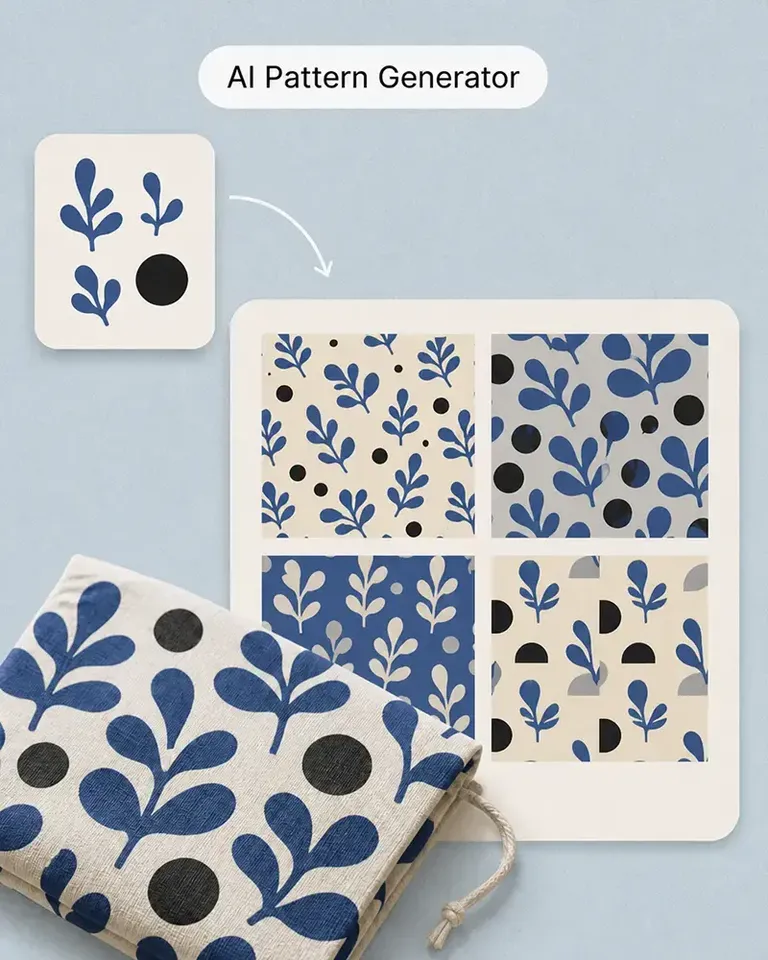
When you already have a product image, brand reference, composition, or visual direction, use it as part of the generation instead of relying only on text.

This gives you a more useful starting point for product-centered scenes, seasonal campaign ideas, promotional concepts, and visual variations that need to stay connected to an existing ecommerce asset.

You can explore new creative directions without abandoning the product imagery and visual references you already have.

Use Reference Images to Guide the Creative Direction

Generate, Edit, Mock Up, and Keep Creating in One Canvas

The generated image does not have to leave Mockuplabs before it becomes useful.

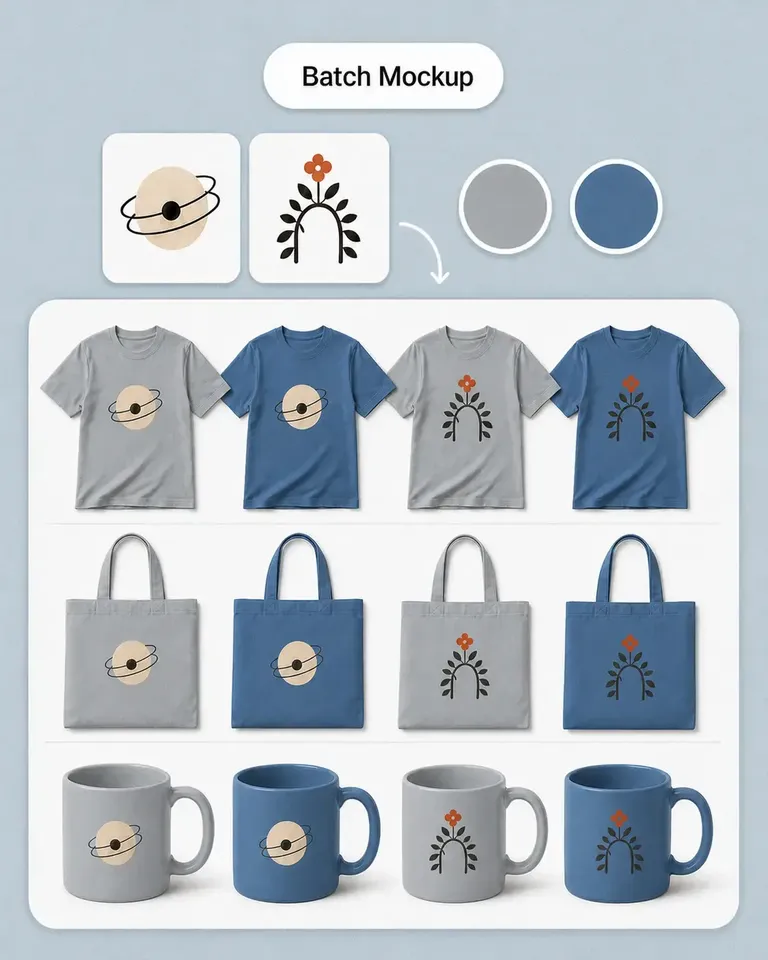
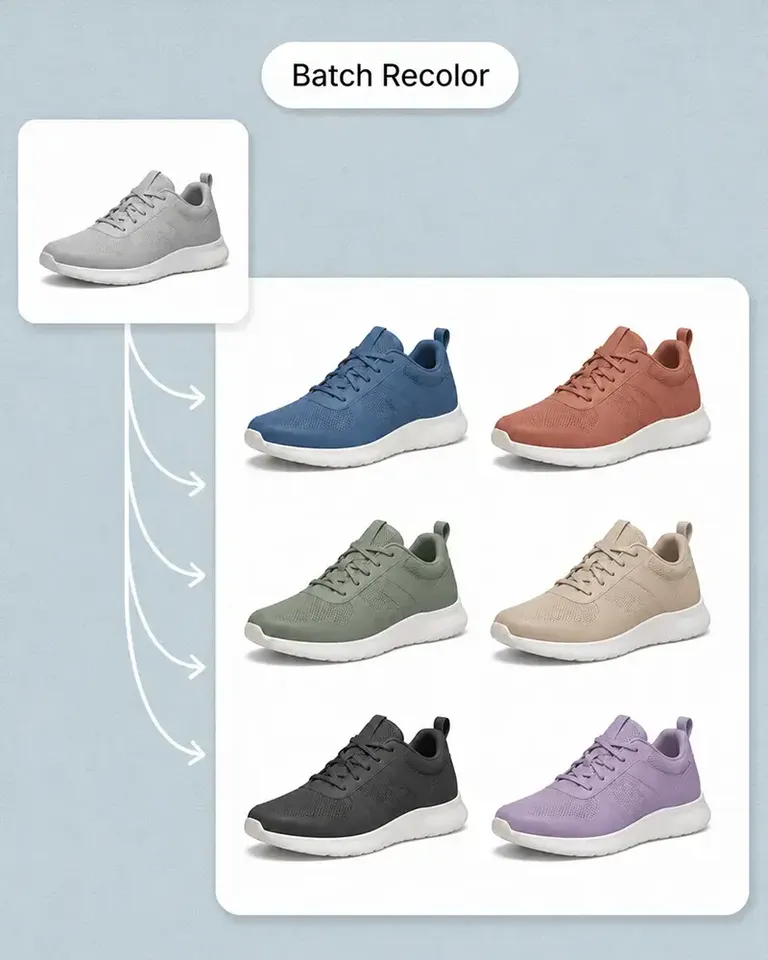
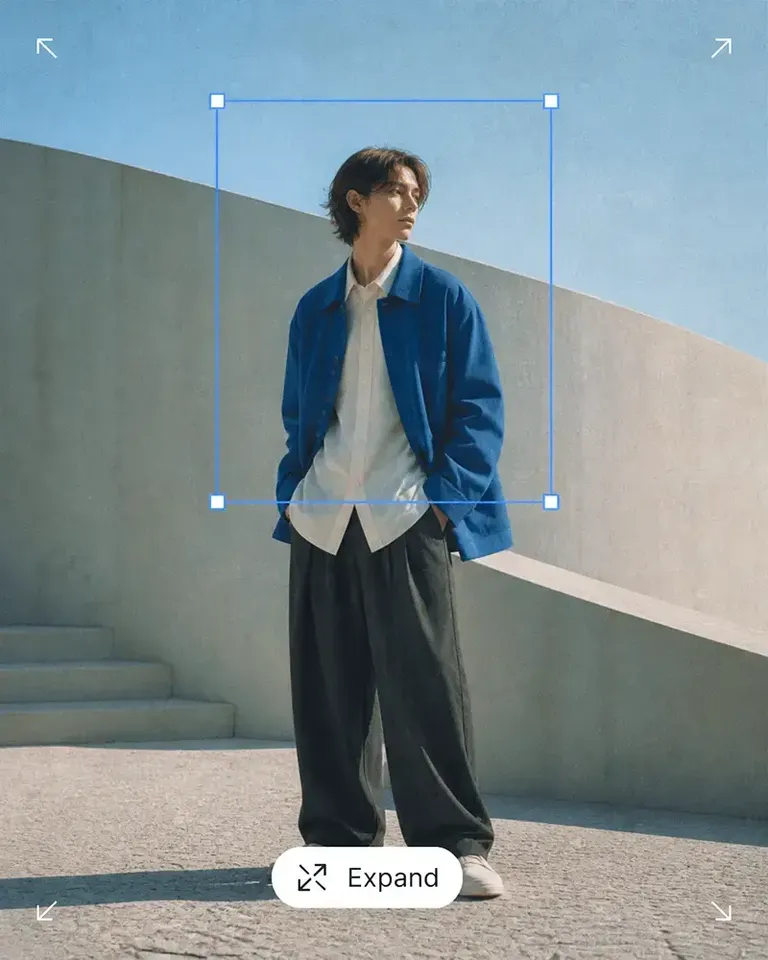
Continue directly into Mockup Generator, Background Remover, Object Remover, Expand, Image Upscaler, Image to Video, and other product-content tools.

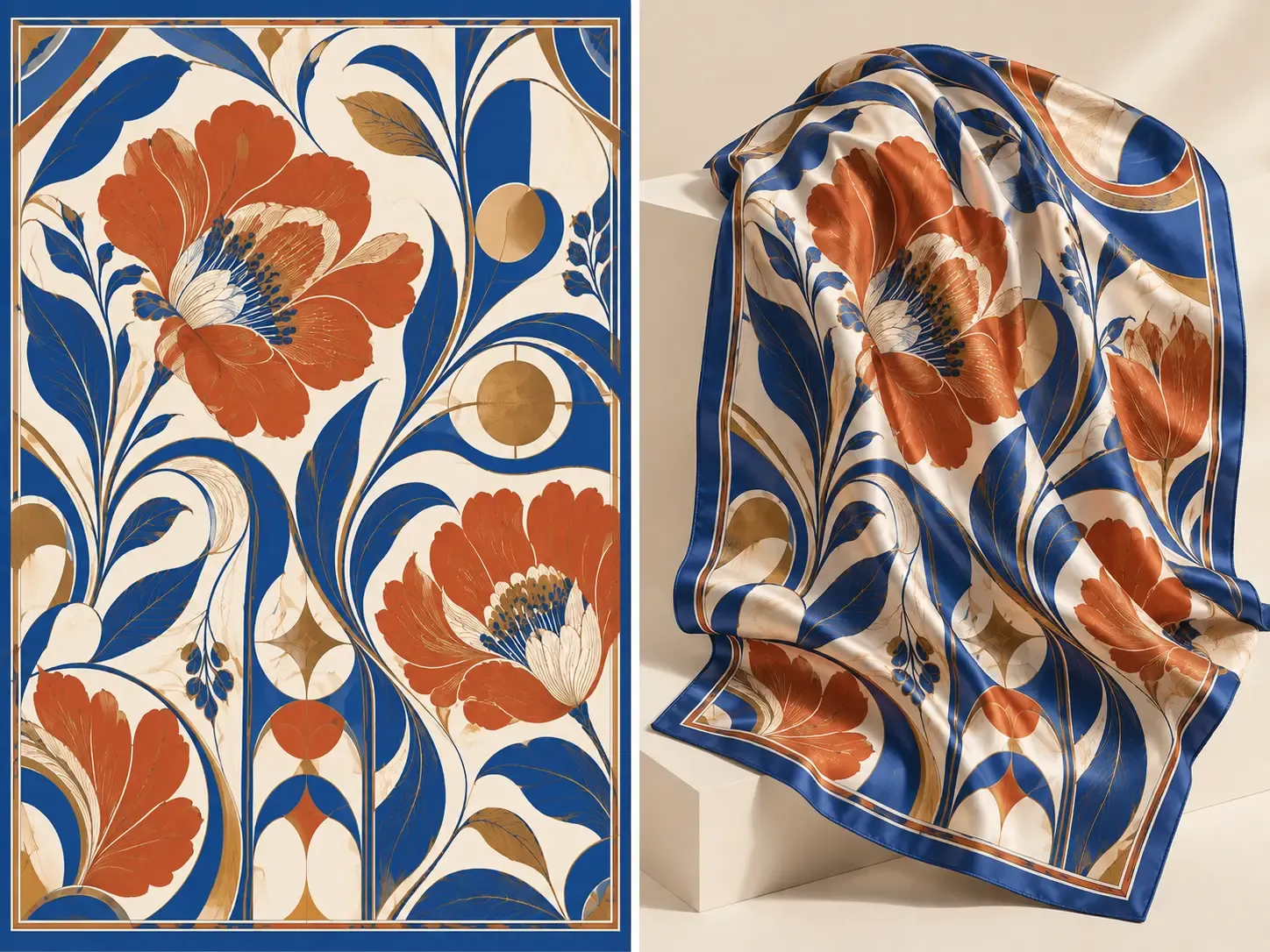
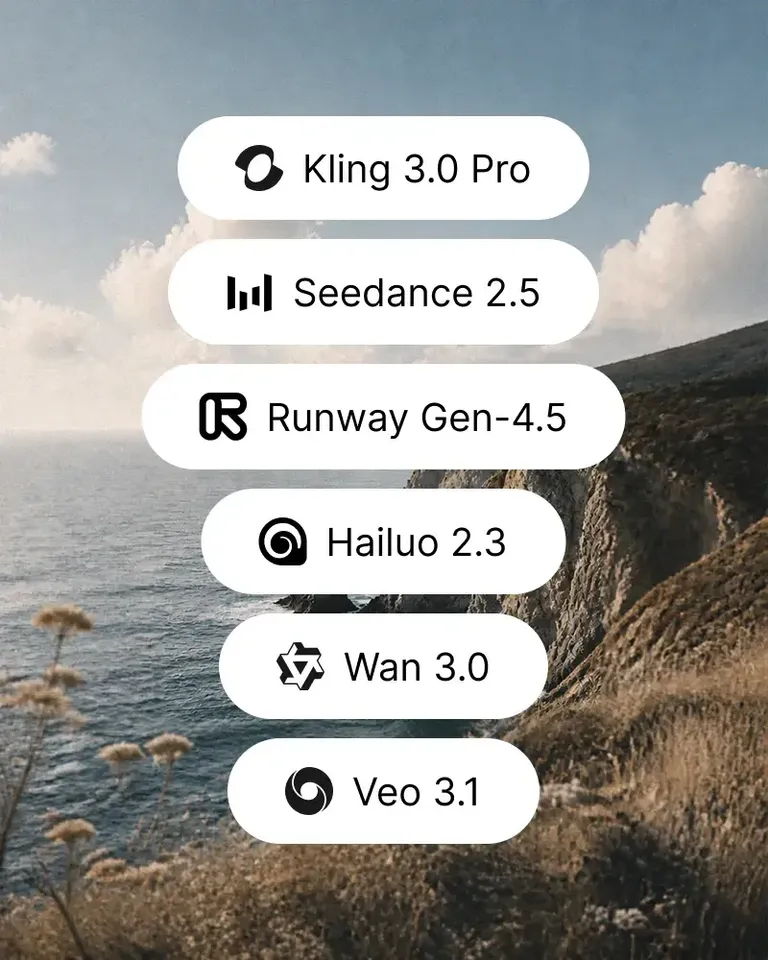
A generated graphic can become a product design. A generated scene can be refined for a campaign. A finished creative can become the starting frame for a video.

The workflow continues from the result you already created instead of beginning again in another application.

Generate, Edit, Mock Up, and Keep Creating in One Canvas

Create Ecommerce Visuals in Three Simple Steps

Go from an idea or reference to a usable visual without separating generation from the rest of your content workflow.

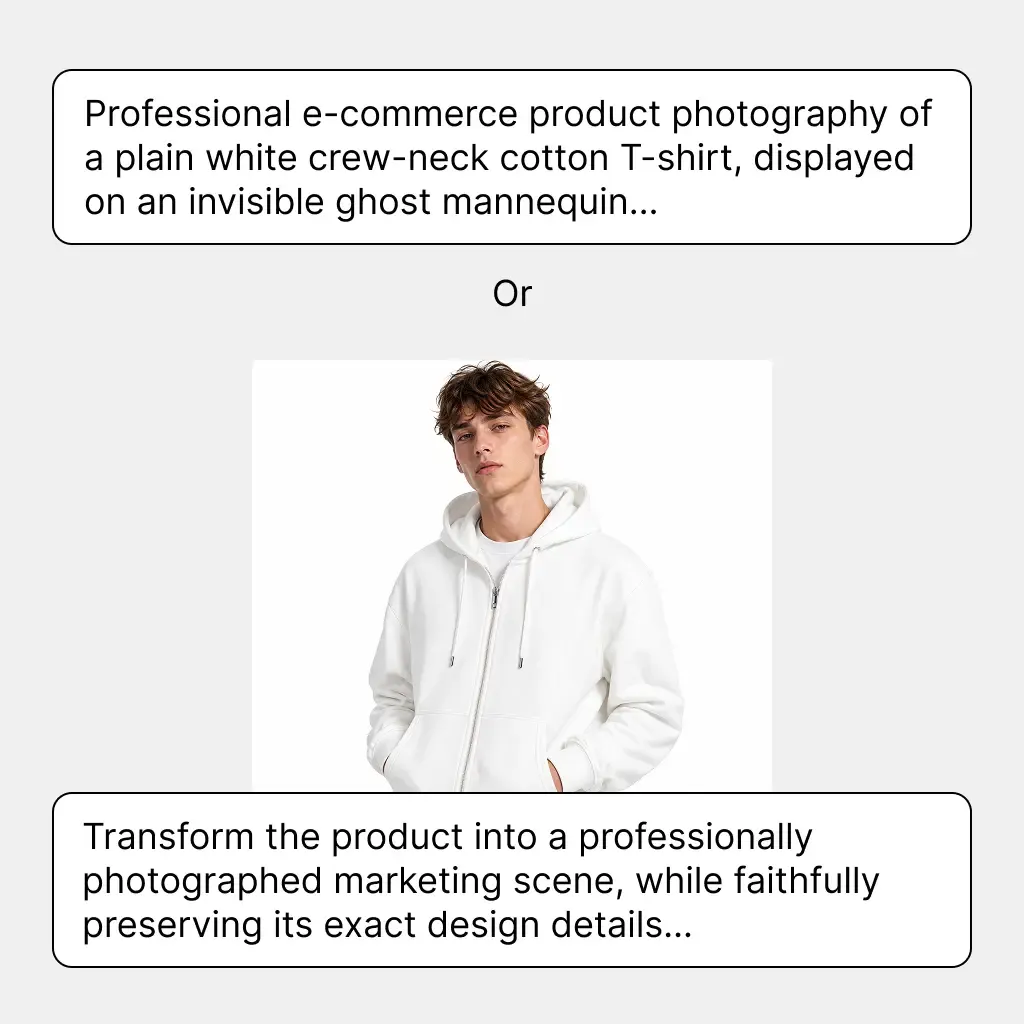
  1. Describe or Upload

    Enter the image you want to create or add a reference image to guide the result.

    Describe or Upload
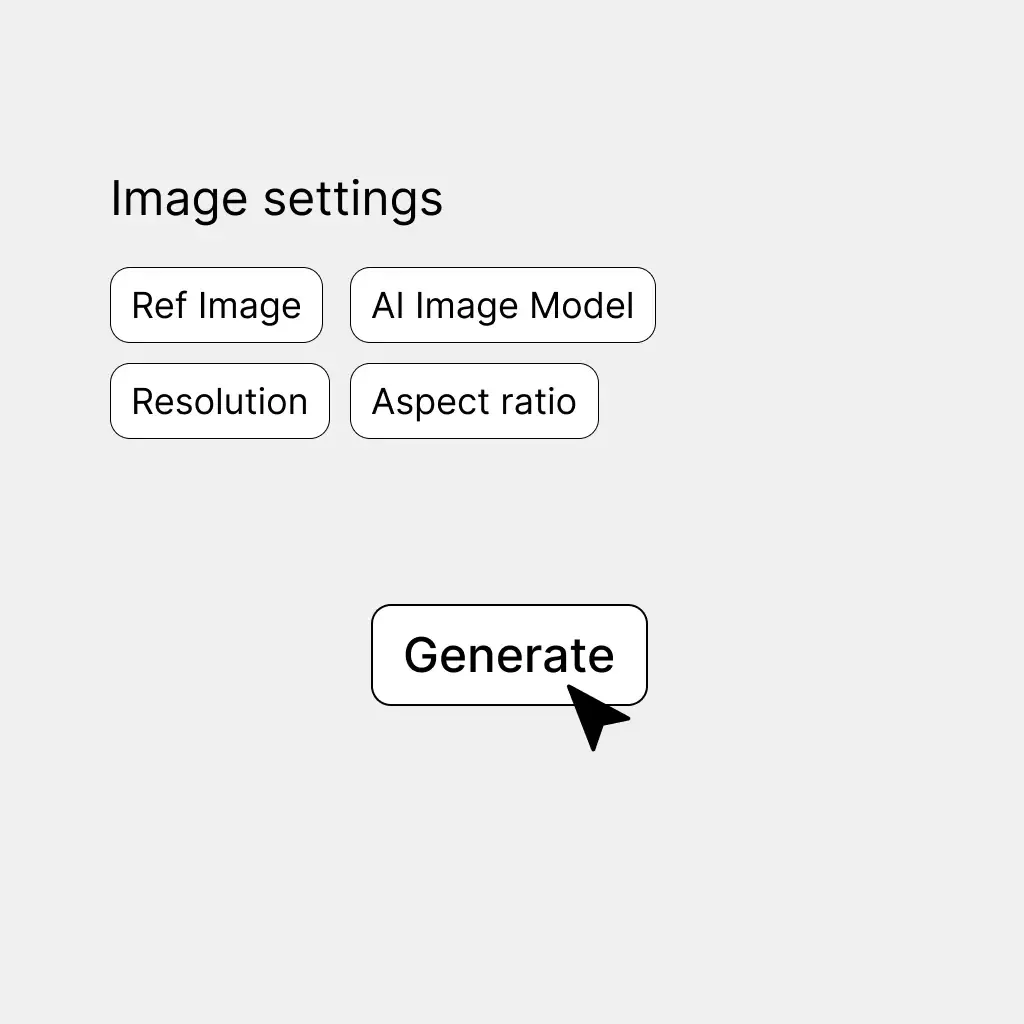
  2. Generate and Refine

    Generate the visual, adjust the prompt or creative direction, and explore the result that best fits your ecommerce task.

    Generate and Refine
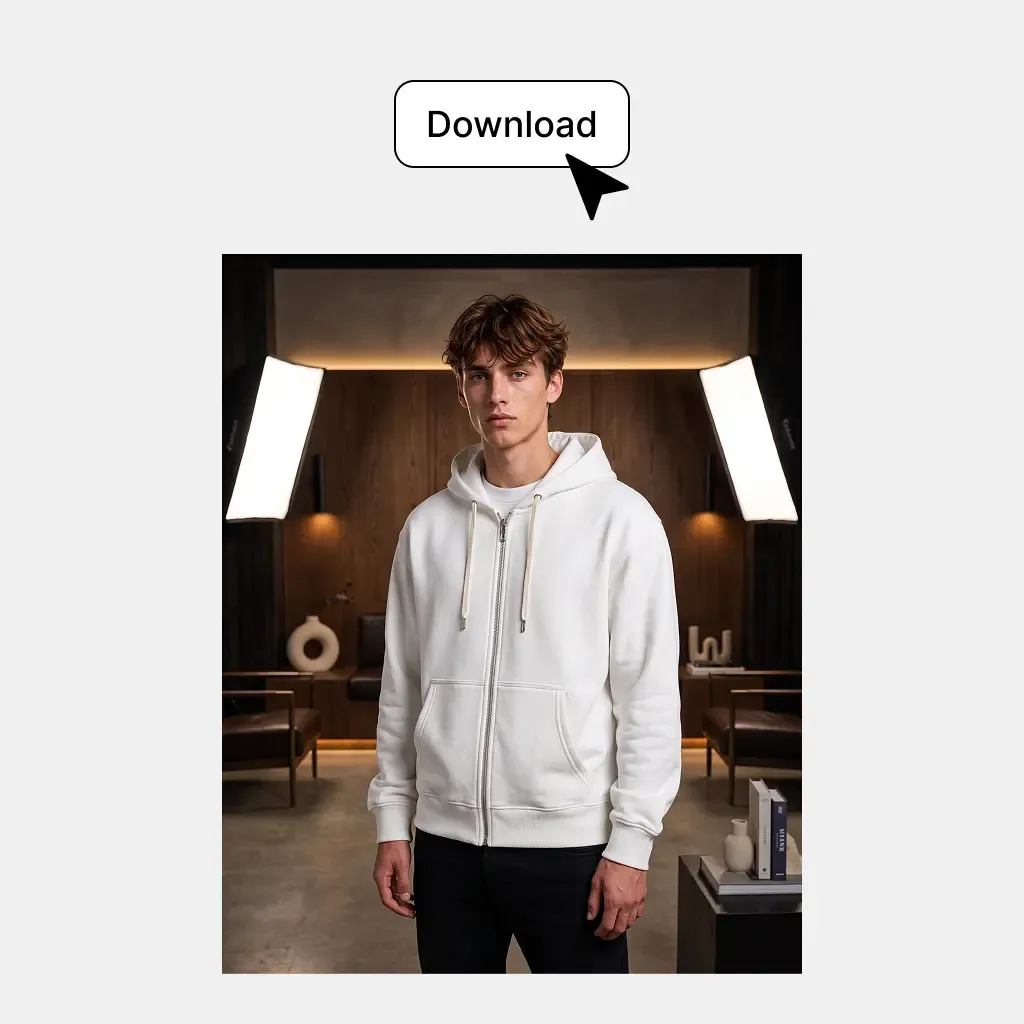
  3. Use It or Keep Creating

    Use the generated image directly or continue editing, mocking up, expanding, or animating it in the same canvas.

    Use It or Keep Creating

Built for the Creative Work Around Your Product Catalog

Generate the campaign, advertising, merchandising, and promotional visuals that sit around the product itself.

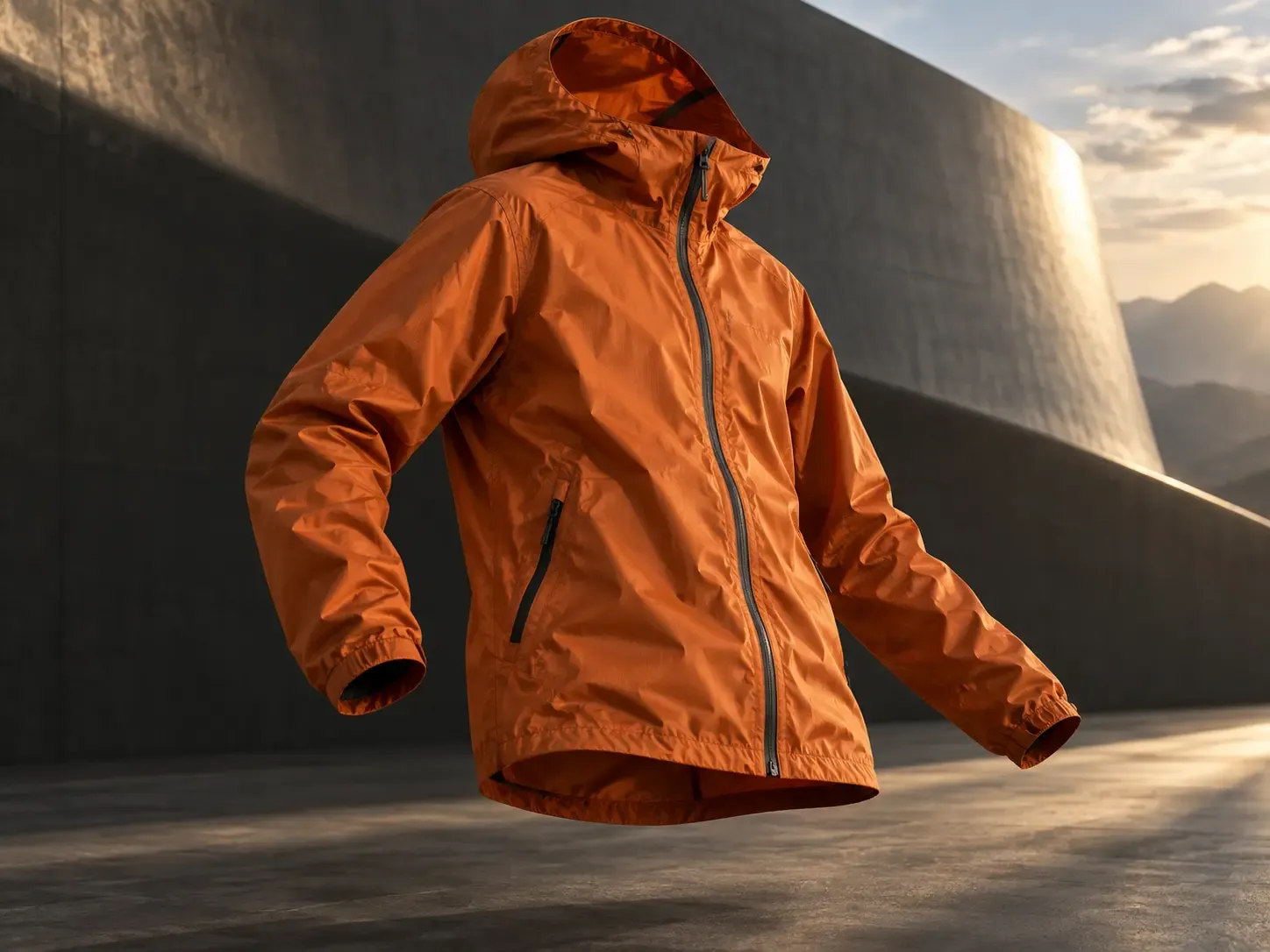
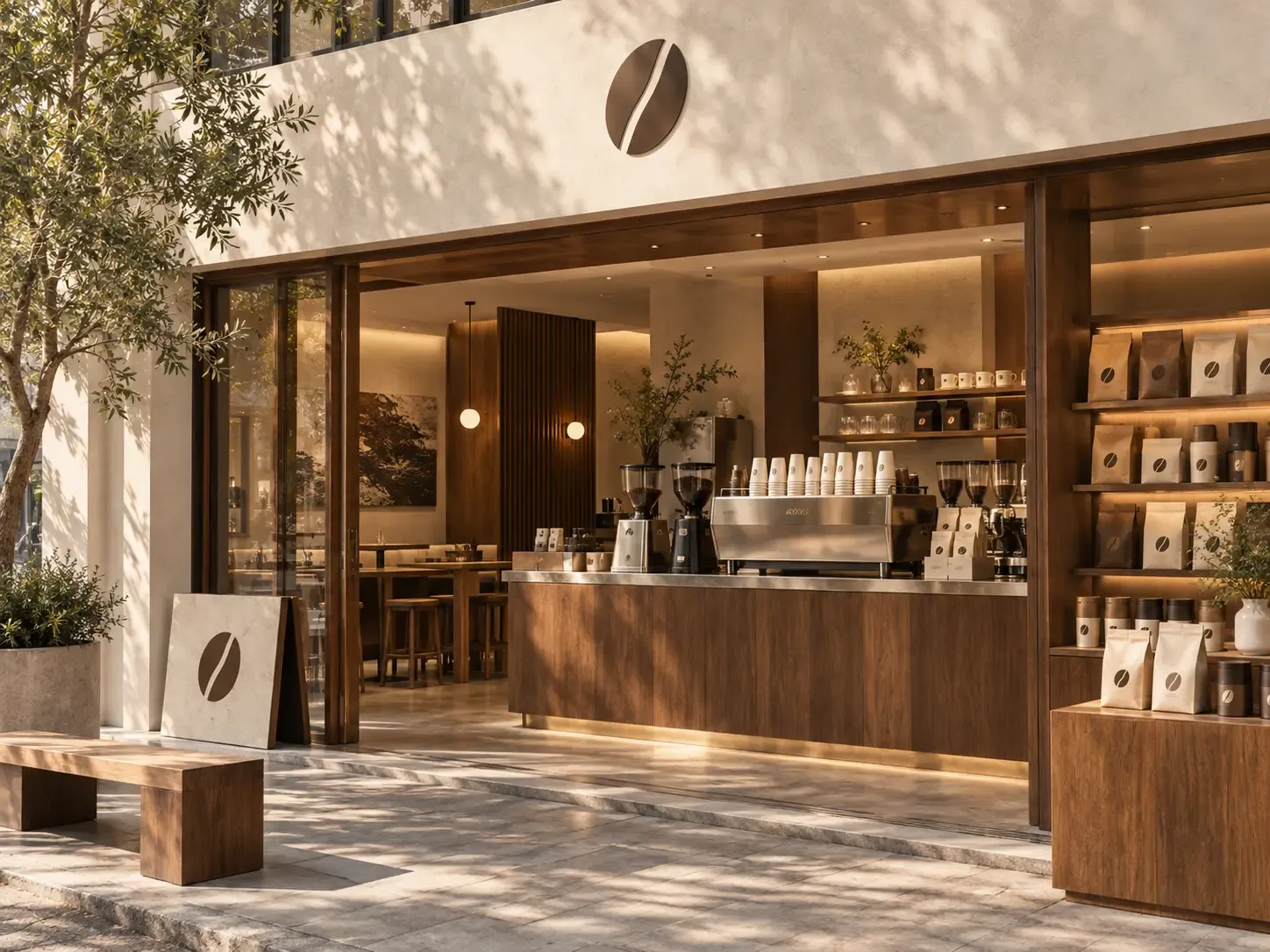
Create Product Campaign Visuals

Create Product Campaign Visuals

Turn a seasonal concept, launch theme, or campaign direction into visual content without organizing a new creative production workflow for every idea. Generate scenes and supporting imagery around launches, promotions, holidays, collections, or brand moments.

  • Best for: Product launches, Seasonal campaigns, Limited drops, Brand campaigns, Promotional collections

AI Image Generation Connected to the Ecommerce Work That Comes Next

Generate the visual, refine it, put it on products, adapt it for marketing, or turn it into motion without rebuilding the workflow.

Starting point

Mockuplabs

Text prompts or reference images

Traditional Creative Production

Brief, shoot, stock search, or design file

Standalone AI Image Generators

Usually text prompts

AI Image Generator FAQs

See the Launch New Products for the complete job, or visit the Help Center for help.

An ecommerce AI image generator creates product-related marketing and creative visuals from text prompts or reference images. It can be used for campaign imagery, product scenes, advertising concepts, supporting website visuals, and other ecommerce content.

Turn Ecommerce Ideas Into Visuals You Can Keep Building On

Generate product-focused creative, refine the result, and move directly into the next marketing or product workflow.