MockuplabsMockuplabs

Make Ecommerce Content Creation Easier

Tell Agent what you need for your store or next campaign. Let it help with the creative steps, then guide the result through conversation.

Create with Agent
  • Start with a simple request
  • Refine in your own words
  • Fewer steps to manage
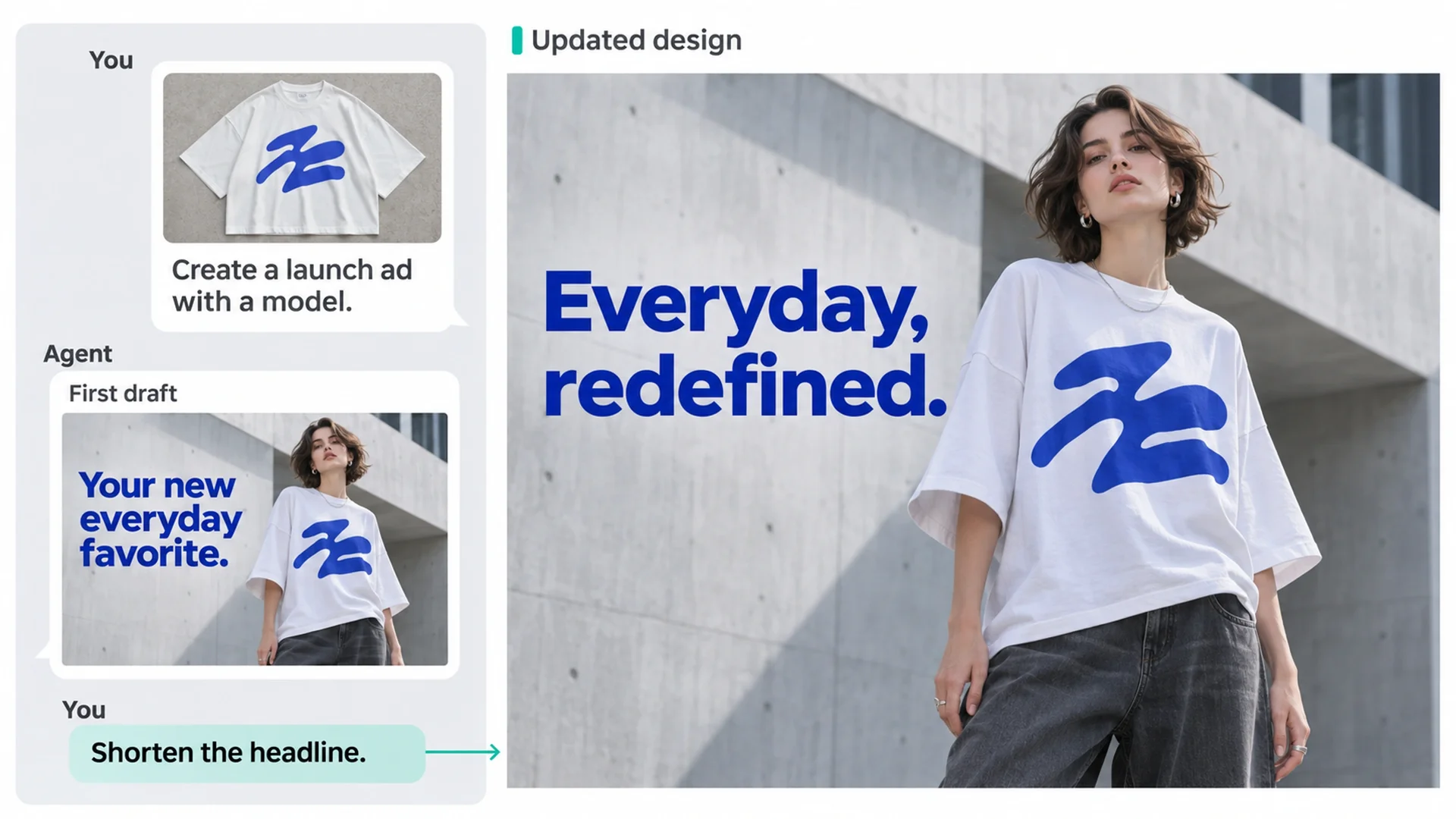
Agent turns a T-shirt launch request into an ad and revises its headline through conversation.

Move Your Content Forward with Less to Manage

Get help turning your goal into creative work, connecting the steps, and handling the changes along the way.

Start with the Result You Need

You can start with a business goal, such as introducing a new product or preparing a promotion. Your AI design assistant helps turn that request into creative work, so you can focus on what the content needs to say.

Agent uses your brand kit by default to guide visuals and copy, helping content stay on brand without repeating the same instructions.
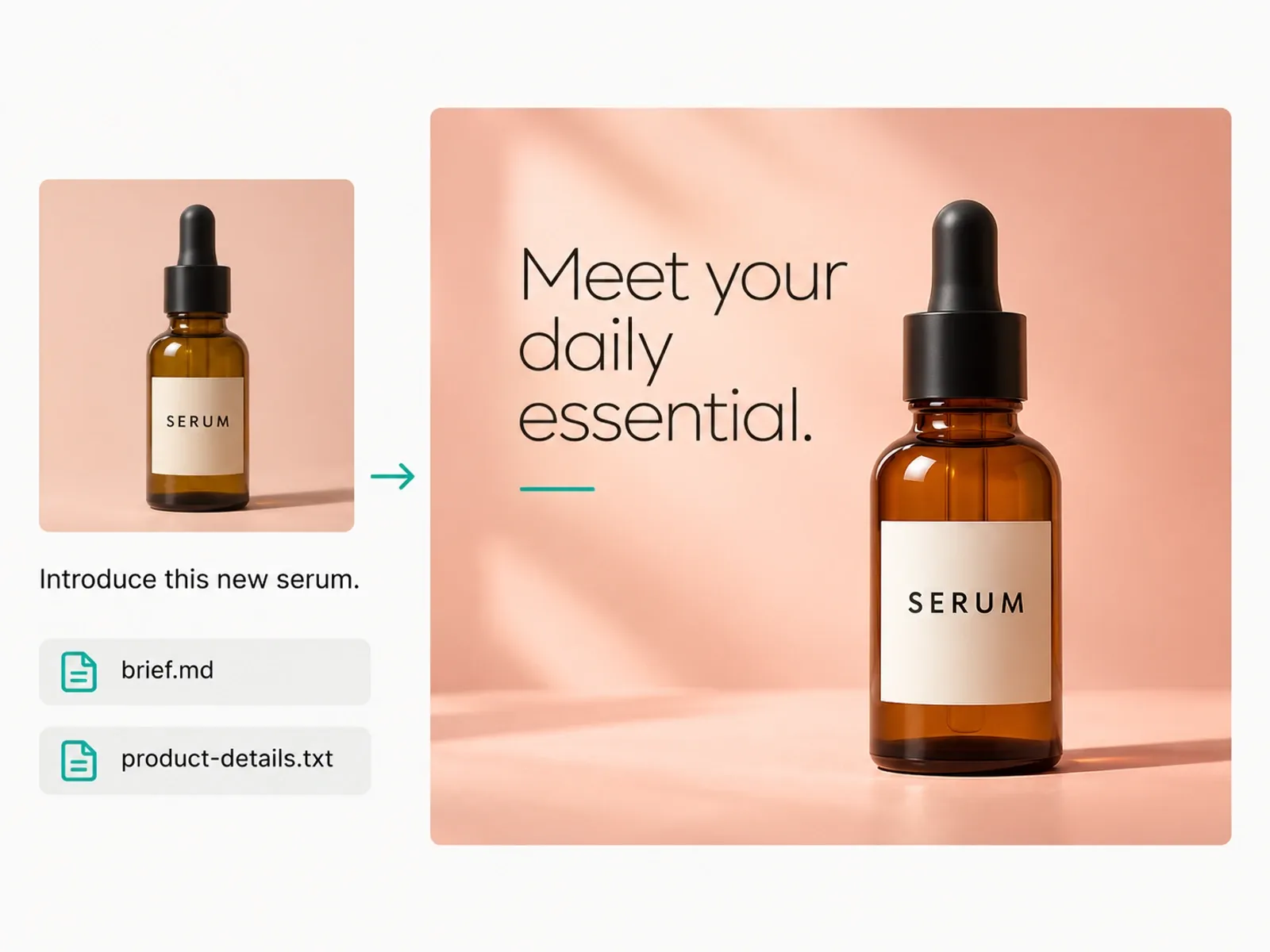
A serum product photo, Markdown brief, and text file guide an Agent launch visual.

Spend Less Effort Coordinating Each Step

Work on product images, supporting copy, and layouts within the same project. Ask Agent to carry the task from one creative step to the next, with less for you to assemble and explain across separate tools.

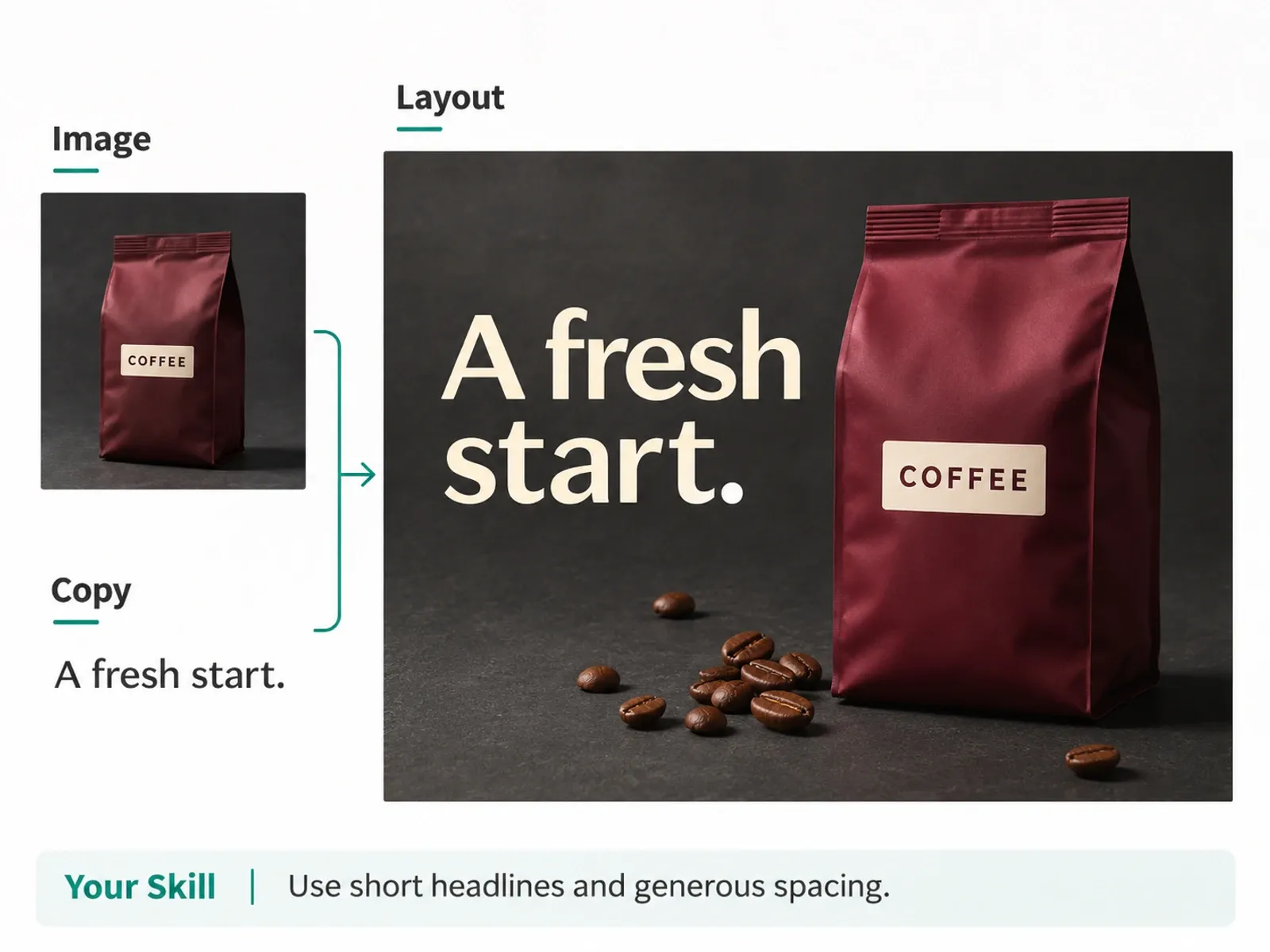
Use your own Skills to reuse task instructions and bring your established way of working into new content tasks.

Agent combines a coffee product image and headline into a layout guided by a reusable Skill.

Keep Revisions Moving

Change the direction as you review the work. Ask for clearer messaging, a different composition, or a more focused headline, then continue from the result in your project.

You decide what needs changing and when the content is ready to use.

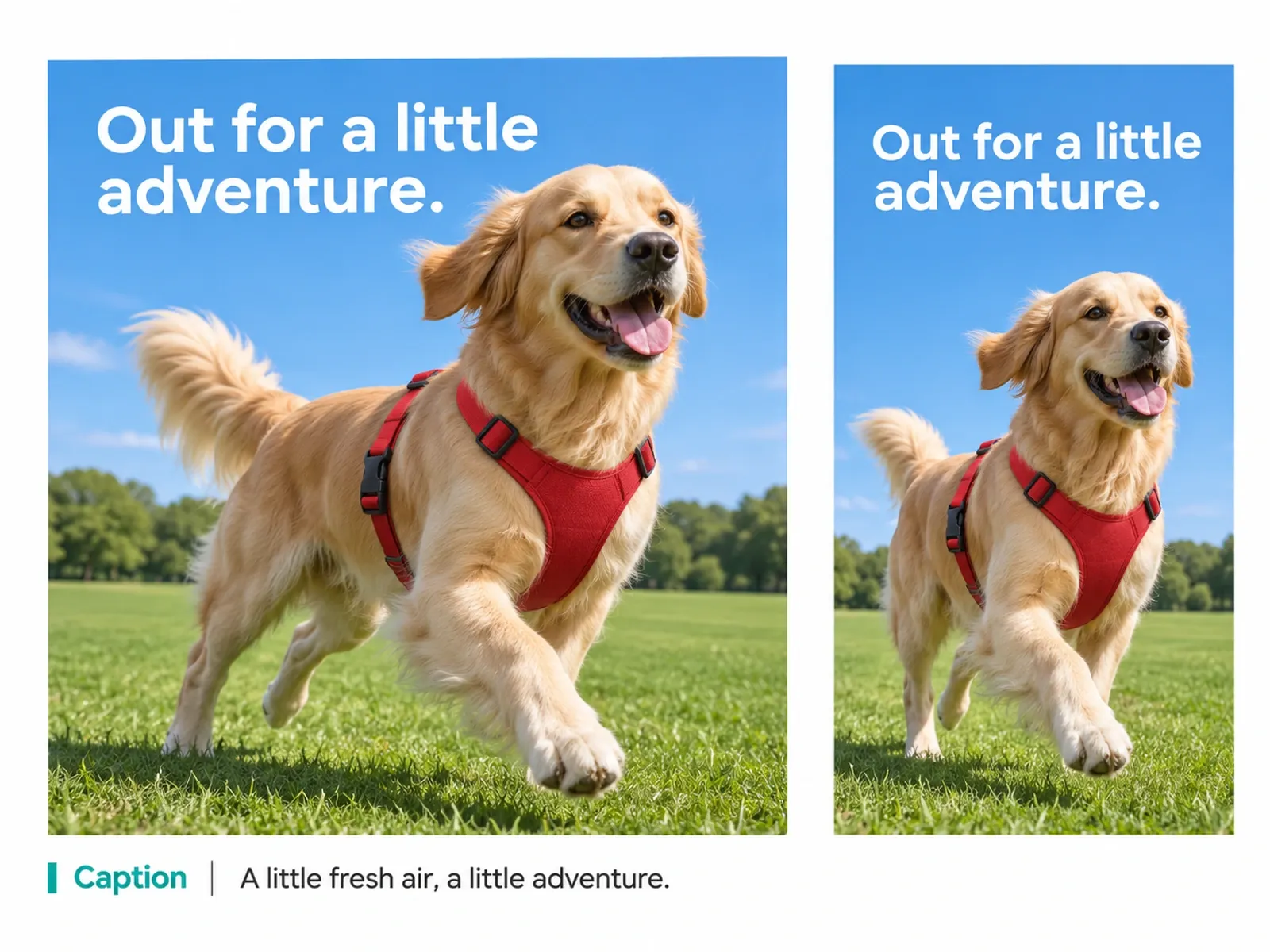
A dog product ad is revised into a new layout with an updated caption.

A Clear Path from Brief to Content

Start with your goal. Review the work as it develops.

  1. 1. Share the Goal

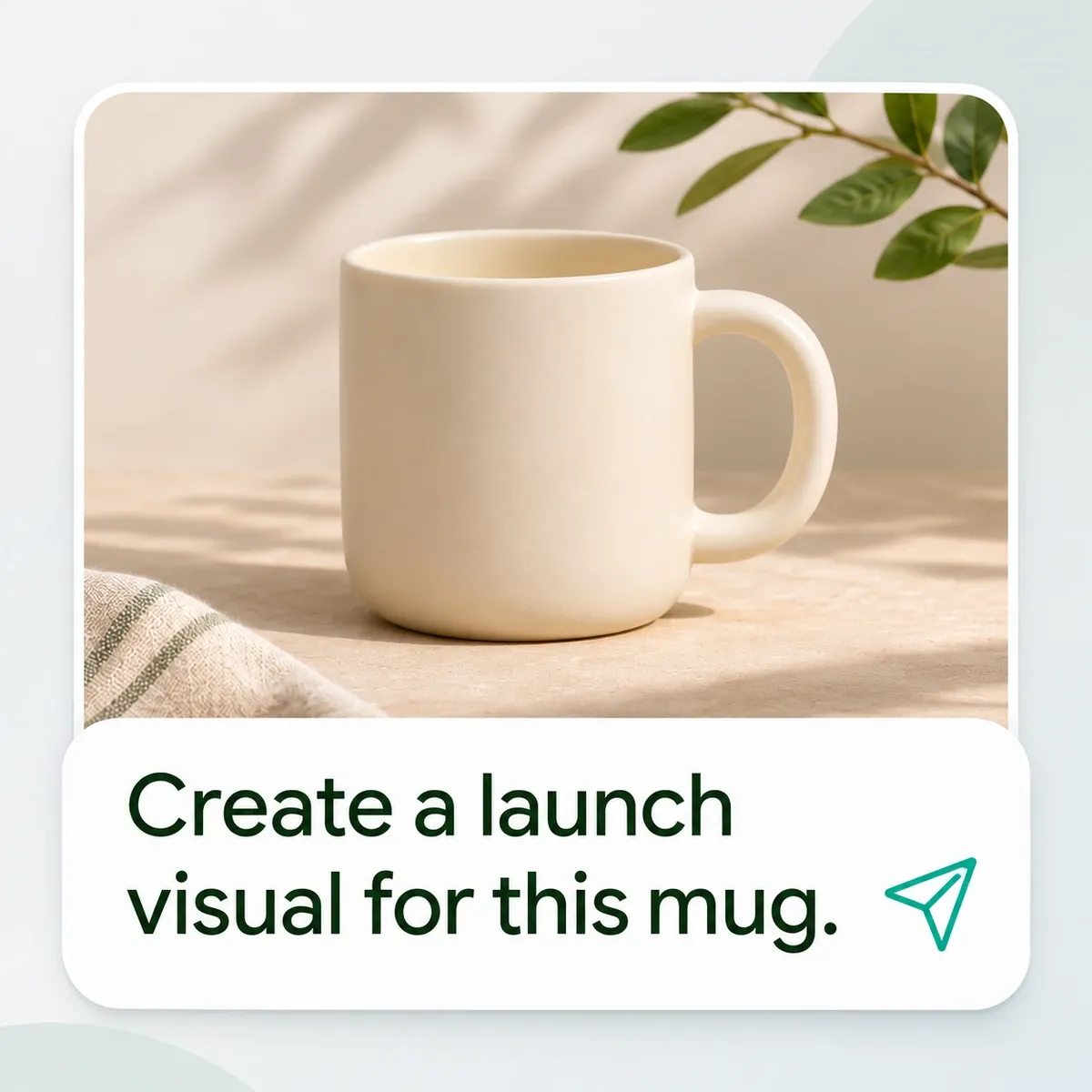
    Describe the task, its audience, and where the content will appear. Add useful product photos, details, or a brief.

    A ceramic mug photo is paired with a request to create a launch visual.
  2. 2. Review the Direction

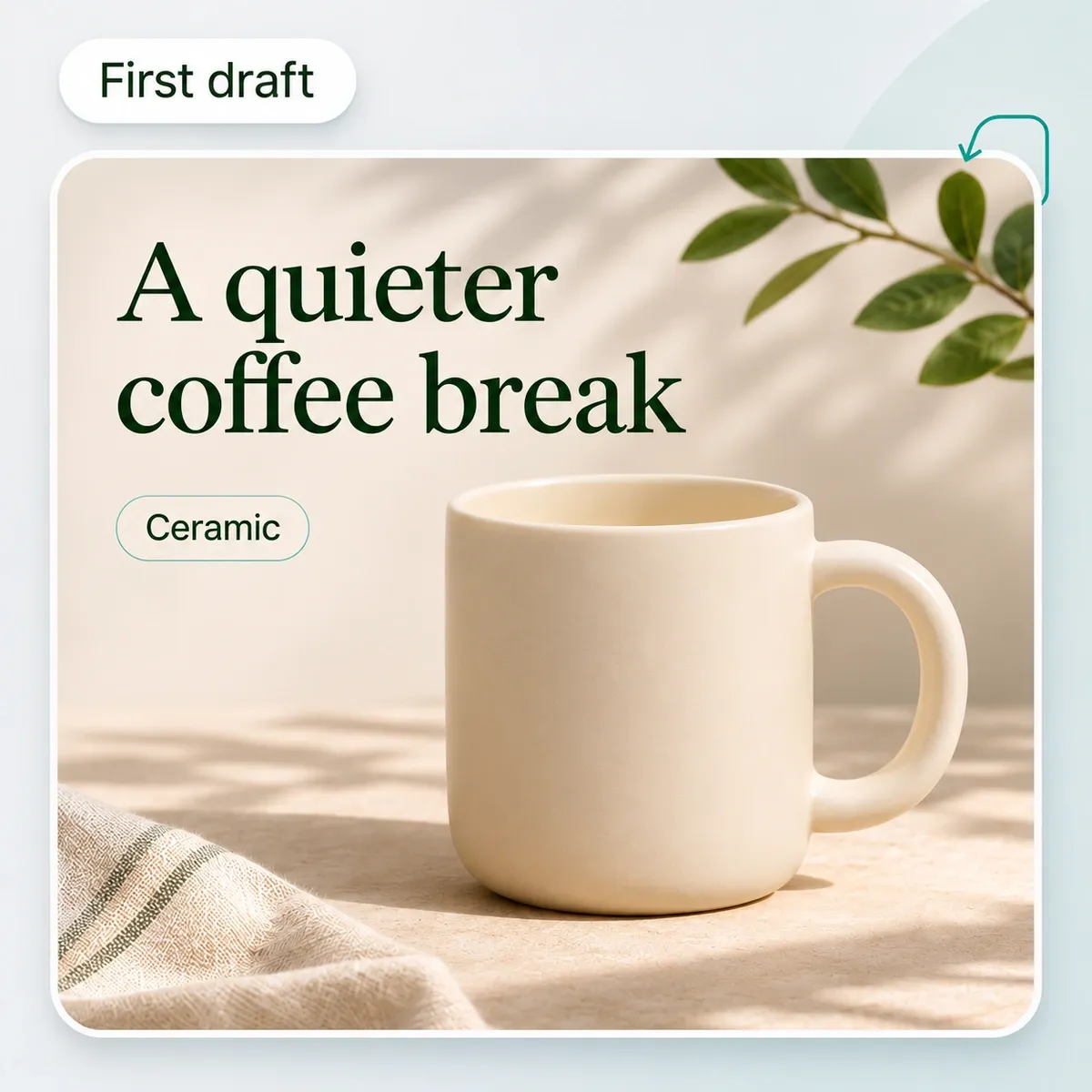
    Let Agent create the first result. Review how it presents the product and decide what you want to develop.

    The first mug design presents a product image, headline, and editable text.
  3. 3. Refine and Use

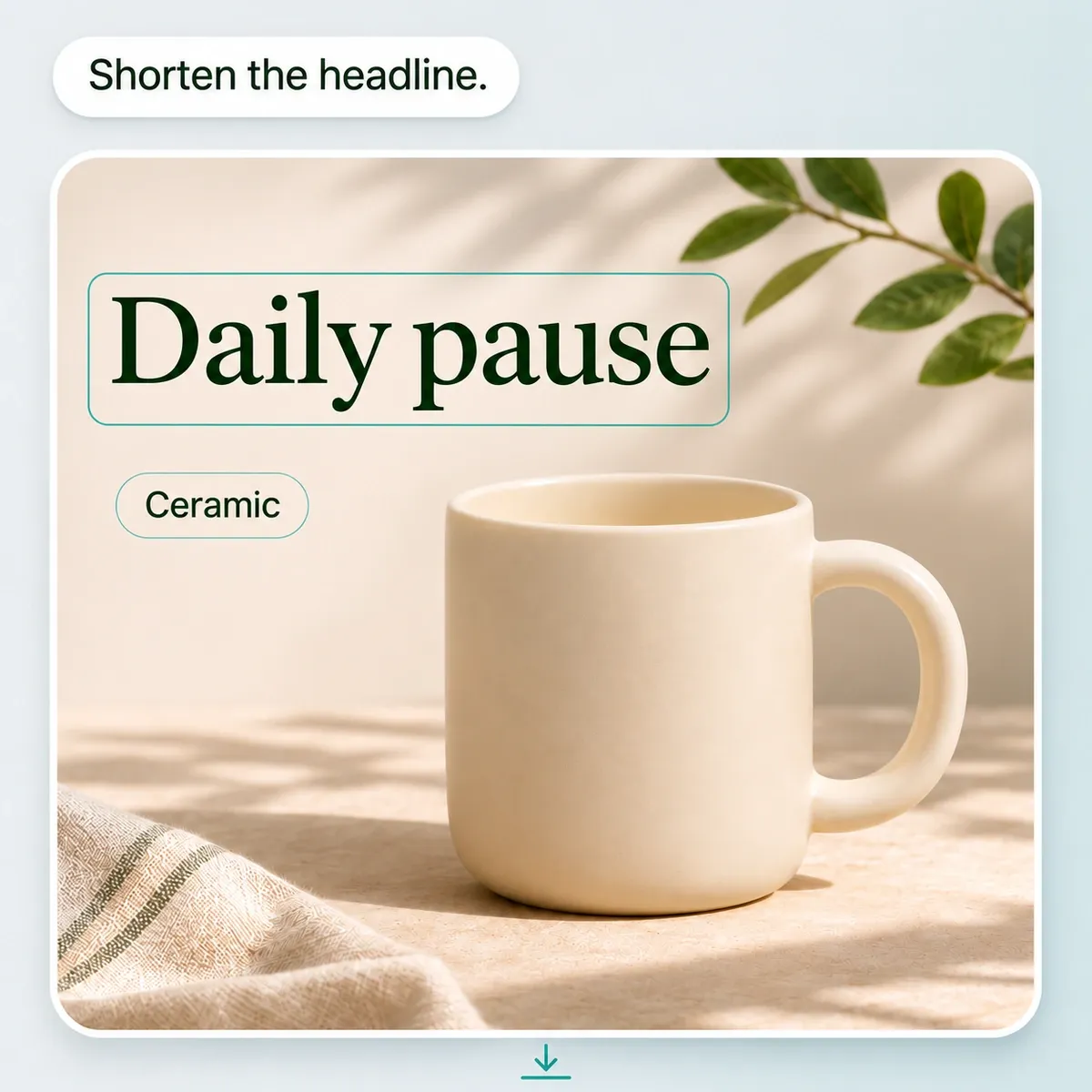
    Ask for changes, review the final result, and export the content you approve.

    A conversational request shortens the mug design headline to Daily pause.

Help for the Content Your Store Needs Next

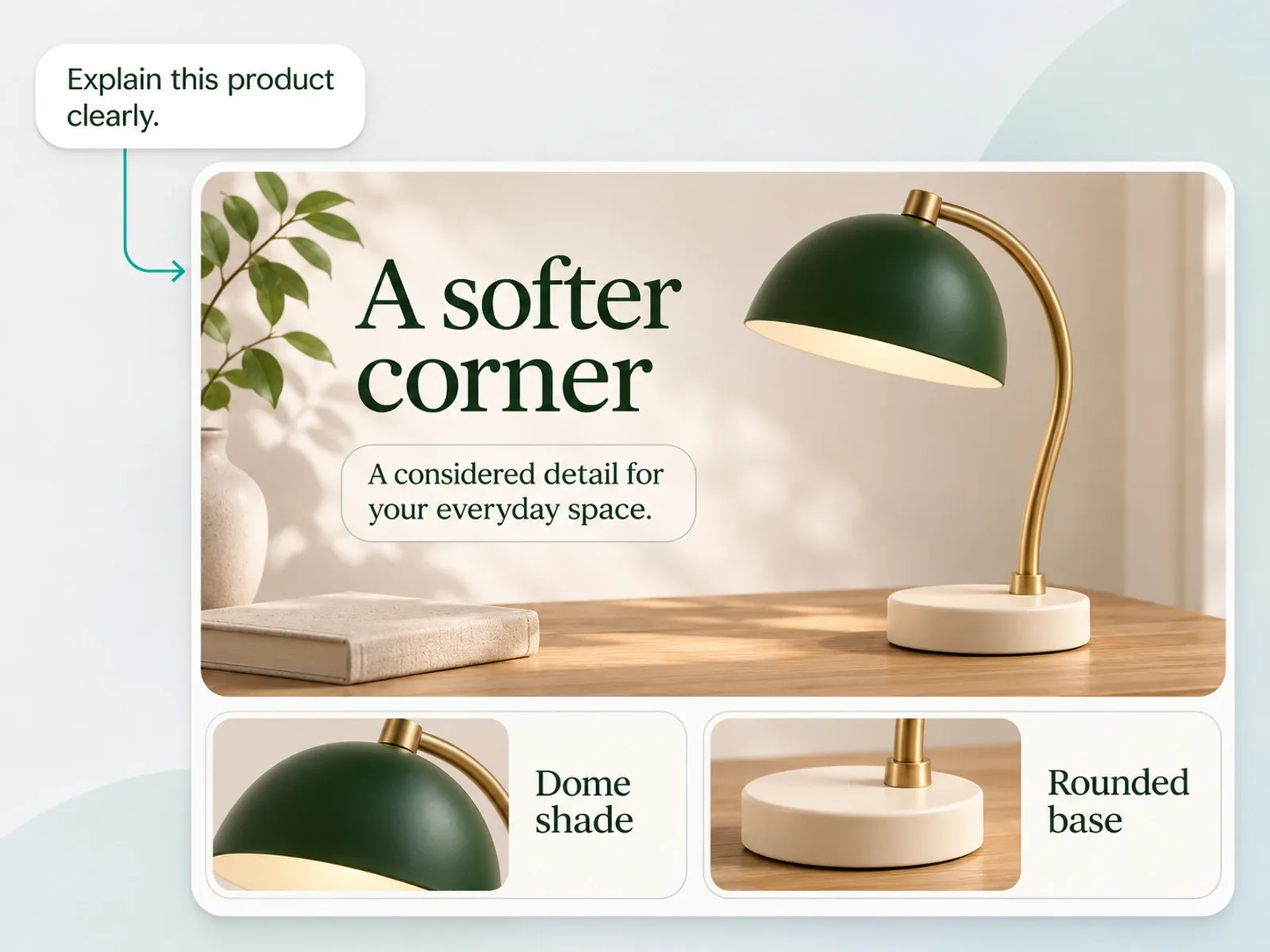
Give each content task a clear purpose, whether you are introducing a product, explaining its benefits, or presenting it in a new way.

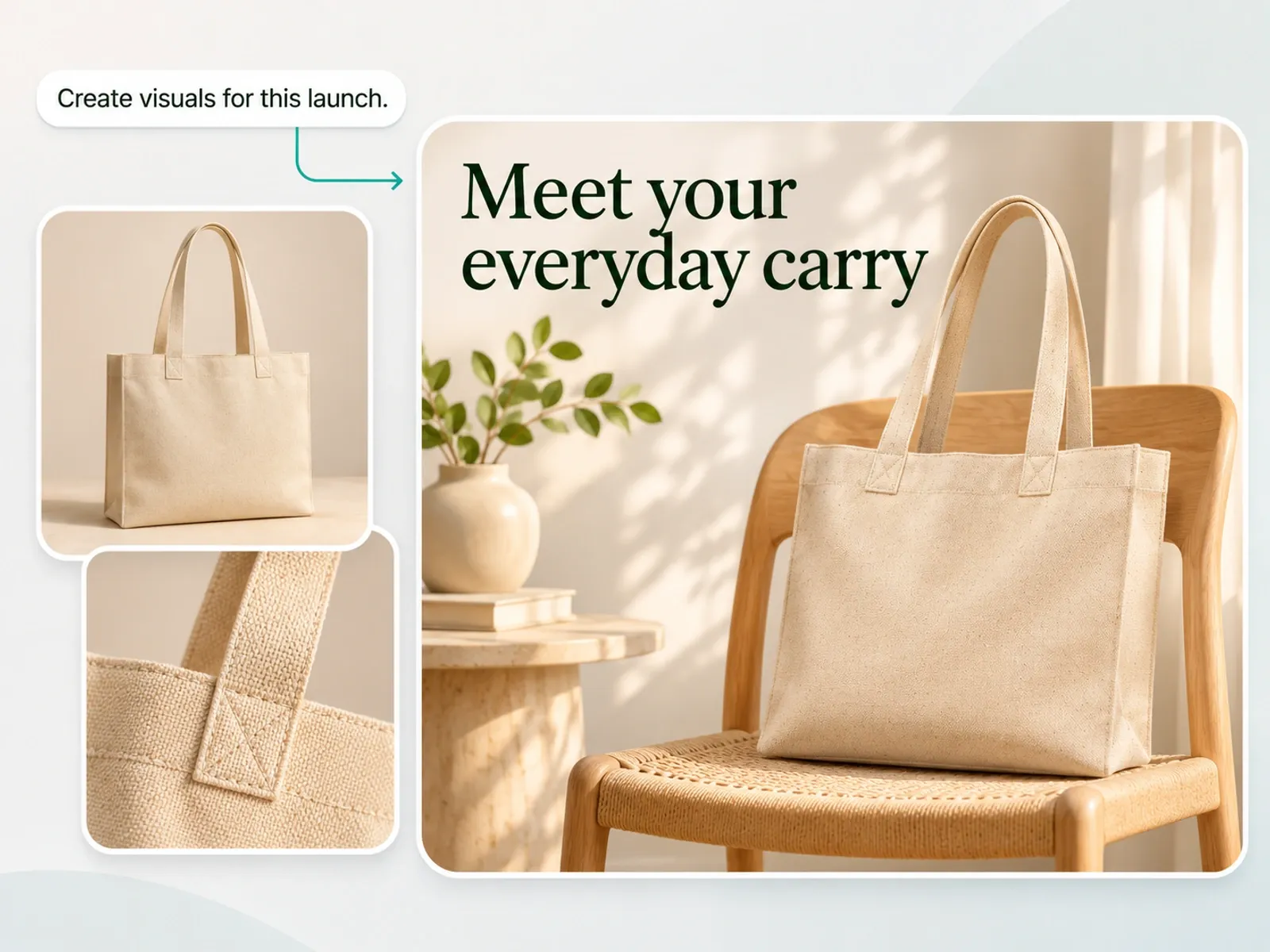
Agent develops a tote bag launch visual from product photos and a short request.

Give Your New Product a Clear First Impression

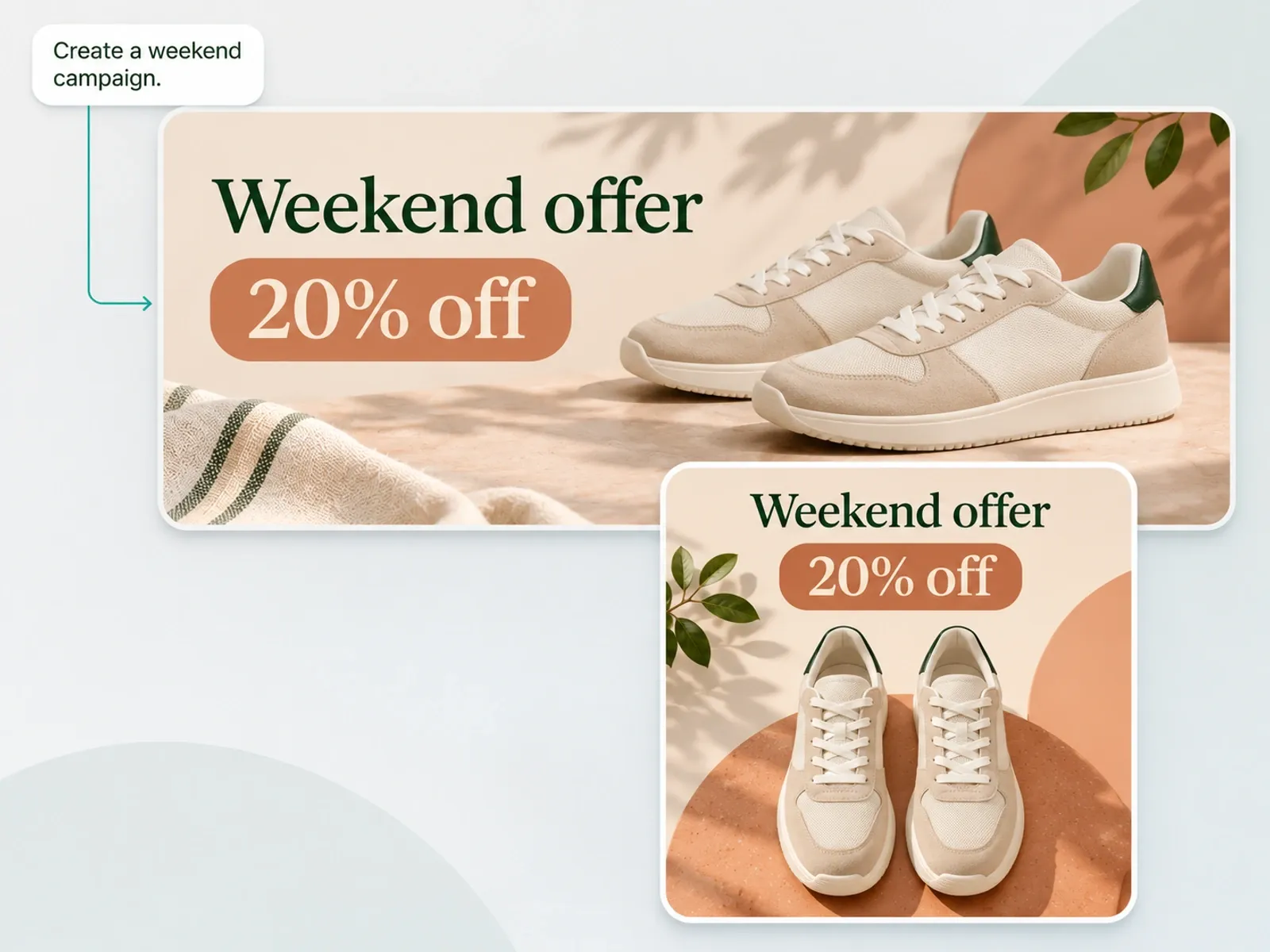
Use AI product photography to explore a setting that fits your product, then develop launch visuals and listing images around its key benefits. Give shoppers a clear introduction to what makes the product worth a closer look.

  • For online sellers and brands preparing a new launch.

Less to Manage. More to Create.

Give Agent the goal. Let it handle the creative steps.

Plan the steps

Mockuplabs Agent

Describe the goal; Agent chooses tools.

Manual Editing

Plan and do each step.

Separate AI Tools

Choose and run each tool.

1,317 ratings843 reviews

Product visuals, made easier

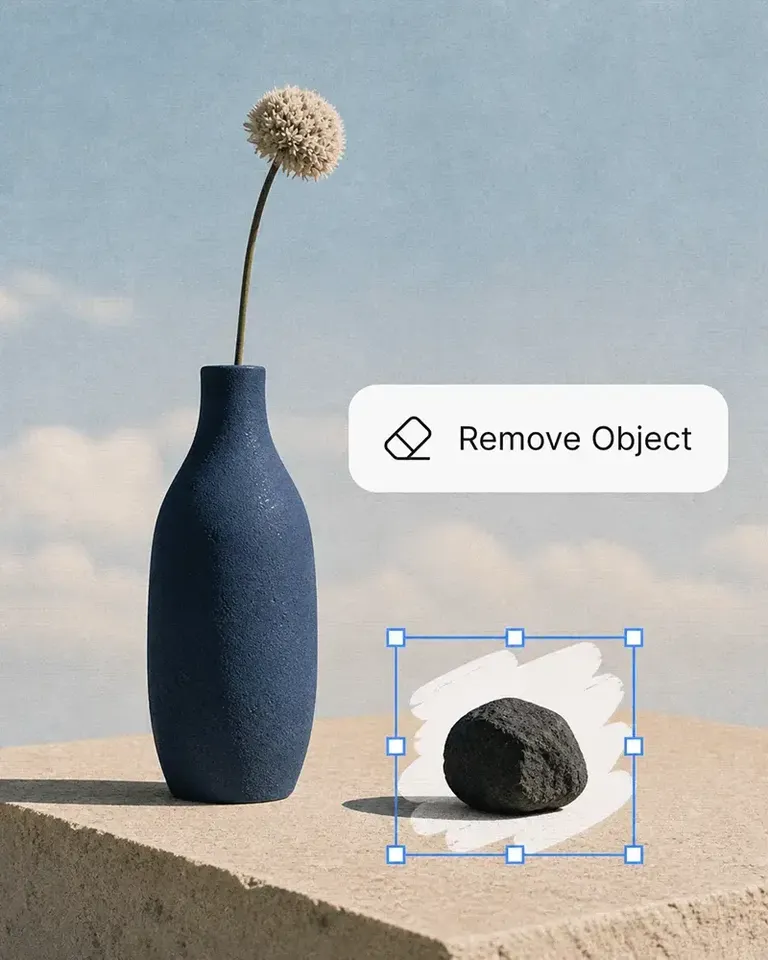
Whether you’re launching a product, growing a brand, or creating content at scale, Mockuplabs helps you bring every product to life faster.

Hannah Park

Hannah Park

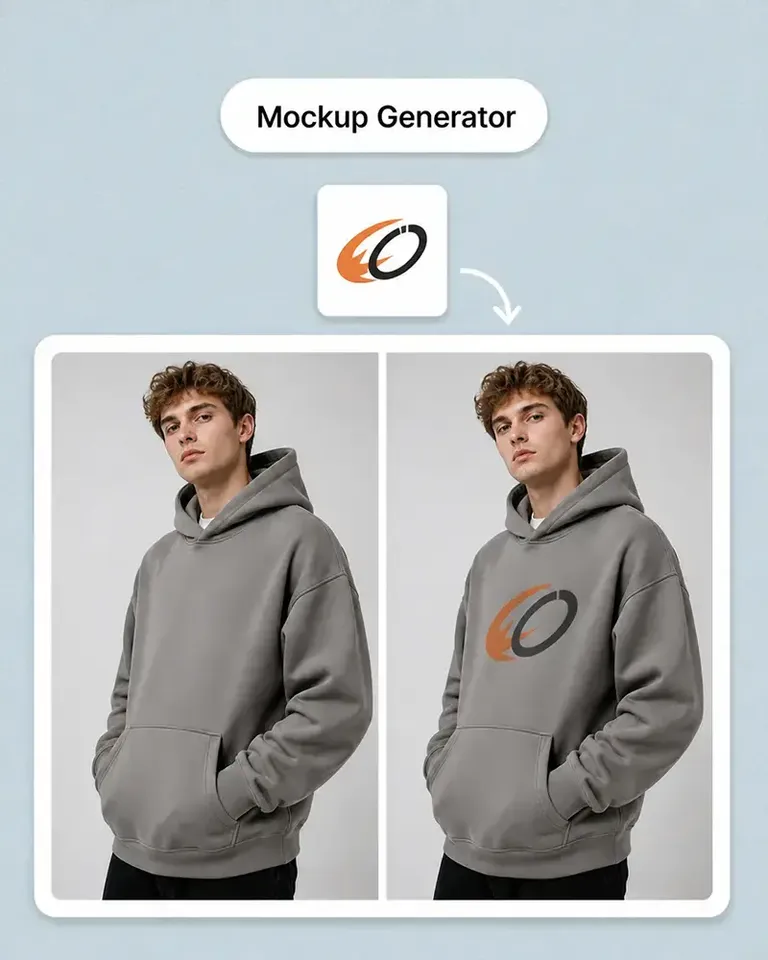
The design fitting is the standout feature in Mockuplabs for me. The artwork follows the curves and folds, and I can still adjust the size and position until it looks right.

Marc Vogel

Marc Vogel

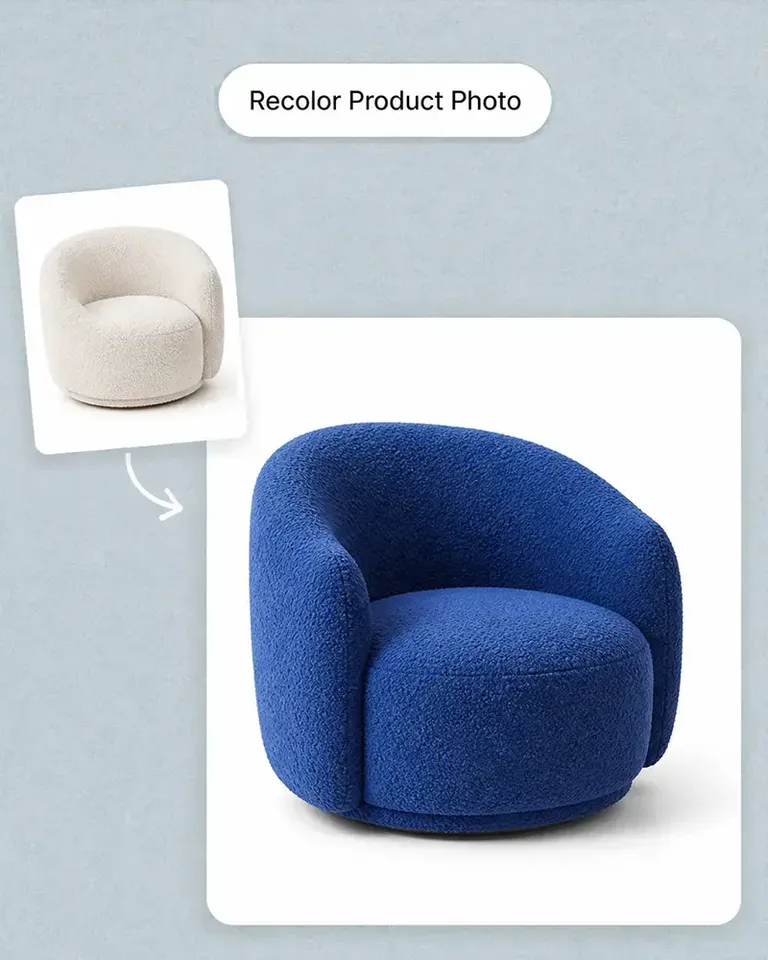
What I like about Mockuplabs' recolor tool is the control over separate color areas. I can change the part I mean to change and still see the fabric texture, shadows, and printed details.

Leo Martinez

The background remover is useful on its own, but I like it more as part of Mockuplabs. A clean product image can become a mockup or another visual without another round of file juggling.

Chloe Martin

Turning my own product photo into a mockup is the Mockuplabs feature I value most. I'm not limited to a template that only vaguely resembles what I'm selling.

Adam Campbell

Adam Campbell

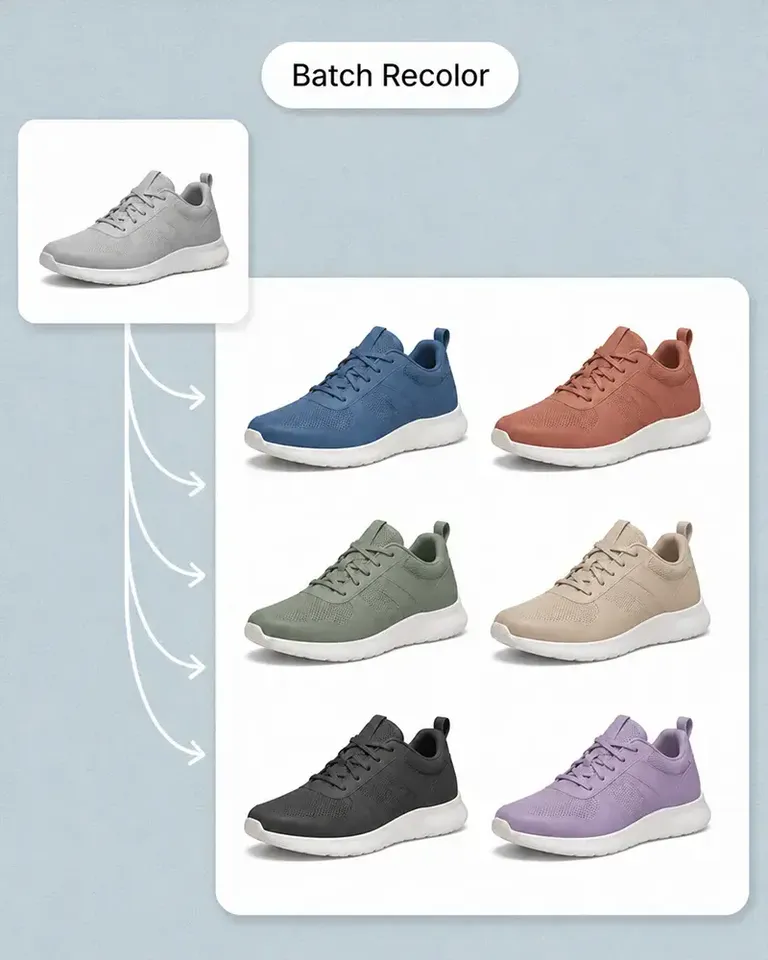
For our catalog work, Mockuplabs' batch recolor is more useful than changing one photo at a time. I like seeing a color live before adding it to the batch, especially when a darker shade makes the print harder to read.

rorymadeit

The live recolor preview in Mockuplabs makes comparing shades feel much more direct. The folds and highlights are still visible, so I'm judging the color on a product rather than on a flat swatch.

Grace Evans

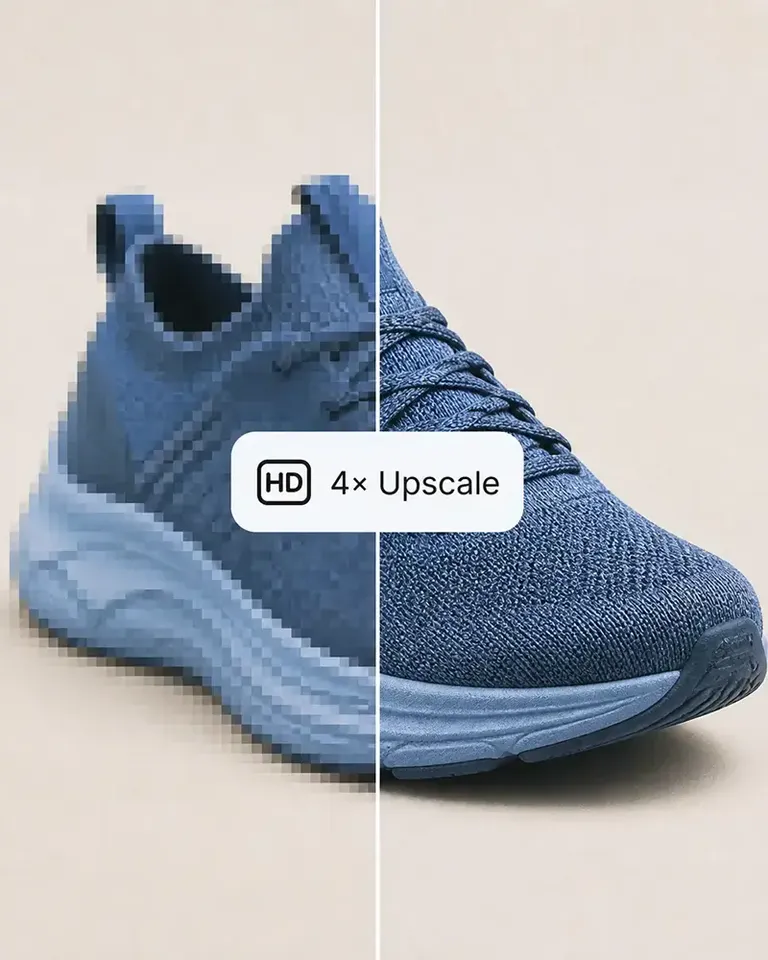
The upscaler made a small product photo more usable for a larger layout. It isn't a replacement for a good source image, but I'm glad I didn't have to discard the photo.

Yuki Tanaka

Yuki Tanaka

Mockuplabs gets the artwork close to where I want it, and the position and size controls let me finish the job. That last bit of adjustment matters when the design needs to sit neatly on the product.

Niko Petrov

Niko Petrov

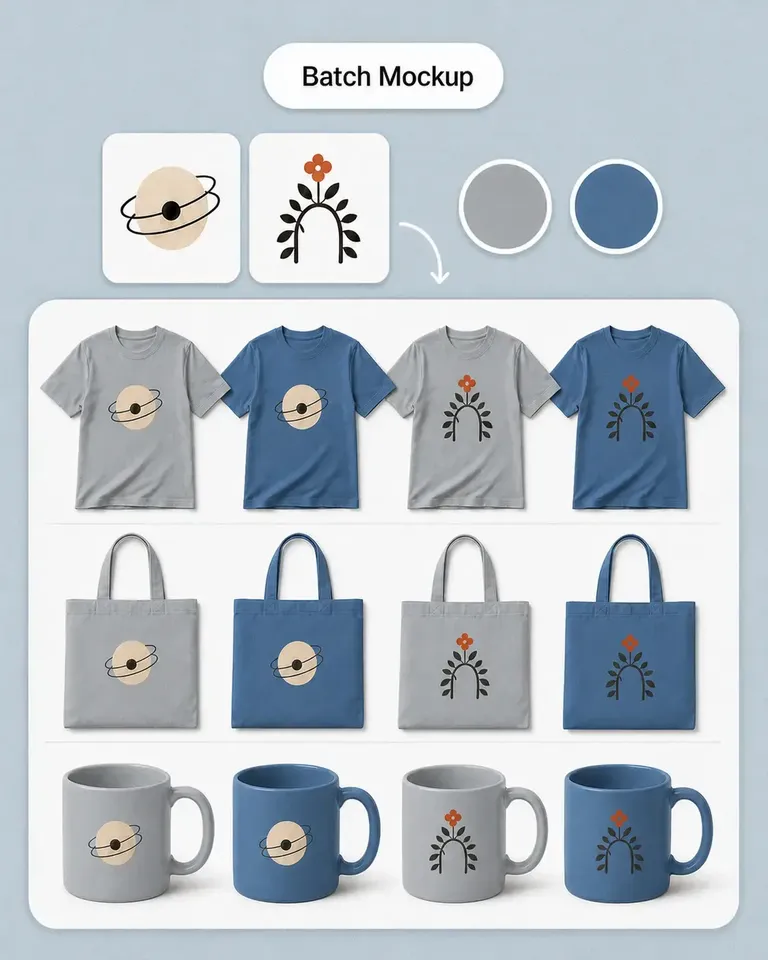
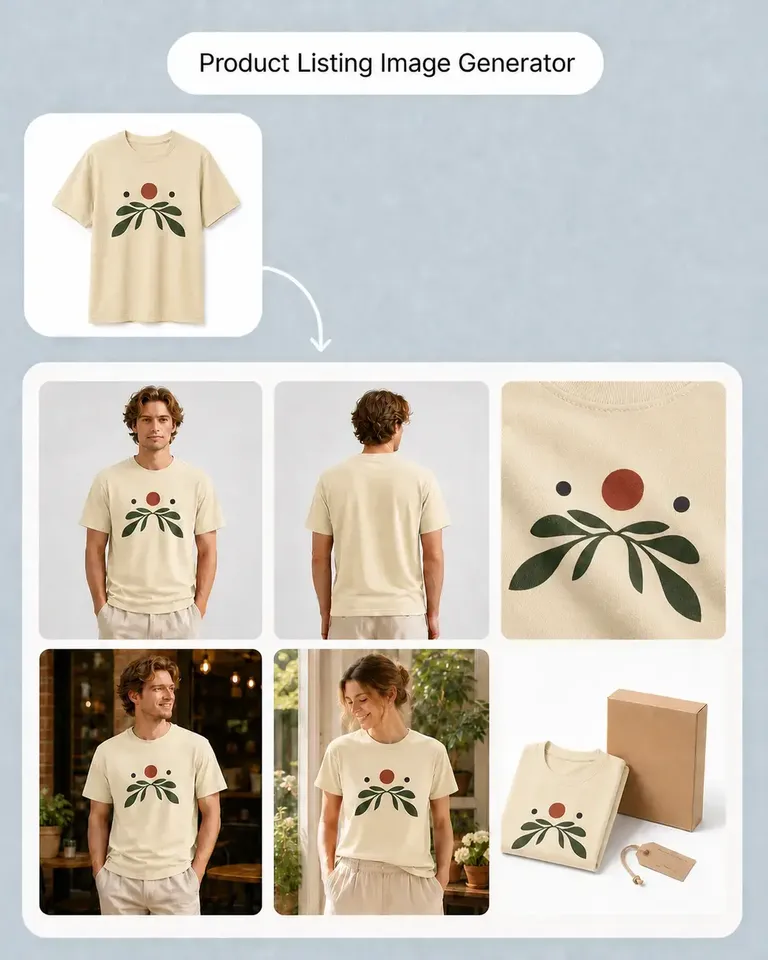
I make POD listings with several designs and product views. Mockuplabs' batch mockups let me reuse the placements I've already checked, which is the part I most wanted to stop repeating.

Isabel Moreno

The cutout looked clean enough for my product layout. The handle details were still there, which was the part I was concerned about.

Tom Sullivan

Tom Sullivan

For a catalog with several photos per item, batch recolor is the useful part. I still check the logos and color boundaries in the results, but having the whole photo set together makes the review easier.

lena.draws

lena.draws

I came to Mockuplabs for mockups, but the background removal and image tools have been just as useful. It feels like a practical product-image editor rather than a single-purpose generator.

Questions About Creating with Agent

Mockuplabs Agent helps you work through an ecommerce content task, from creating initial material to refining the result. As an AI creative agent, it can connect work on images, copy, and layouts in the same project. A dedicated image generator is useful when you want to focus on creating an image directly.

Give Your Next Content Task to Agent

Share what you want to achieve, bring what you already have, and work with Agent to turn it into content for your store or campaign.