Mockuplabs

Recolor Product Photo Sets for Consistent Color Variants

Create new product variants from your existing photos while preserving the original texture, lighting, graphics, and product details.

Recolor products in bulk
  • Use Your Own Product Photos
  • Recolor Complete Galleries in Batch
  • Reuse existing photography
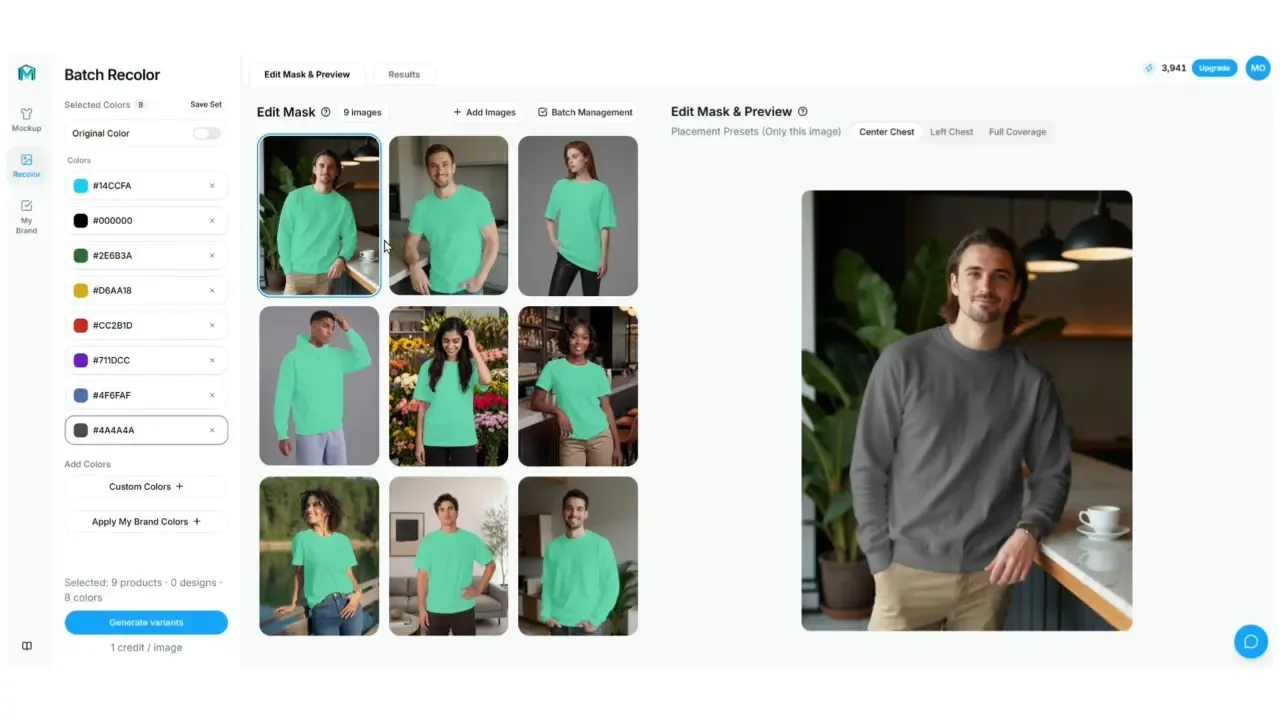
Batch Recolor feature preview

Create More Product Variants From the Photos You Already Have

Recolor existing product images across complete ecommerce galleries while keeping the original product visually consistent.

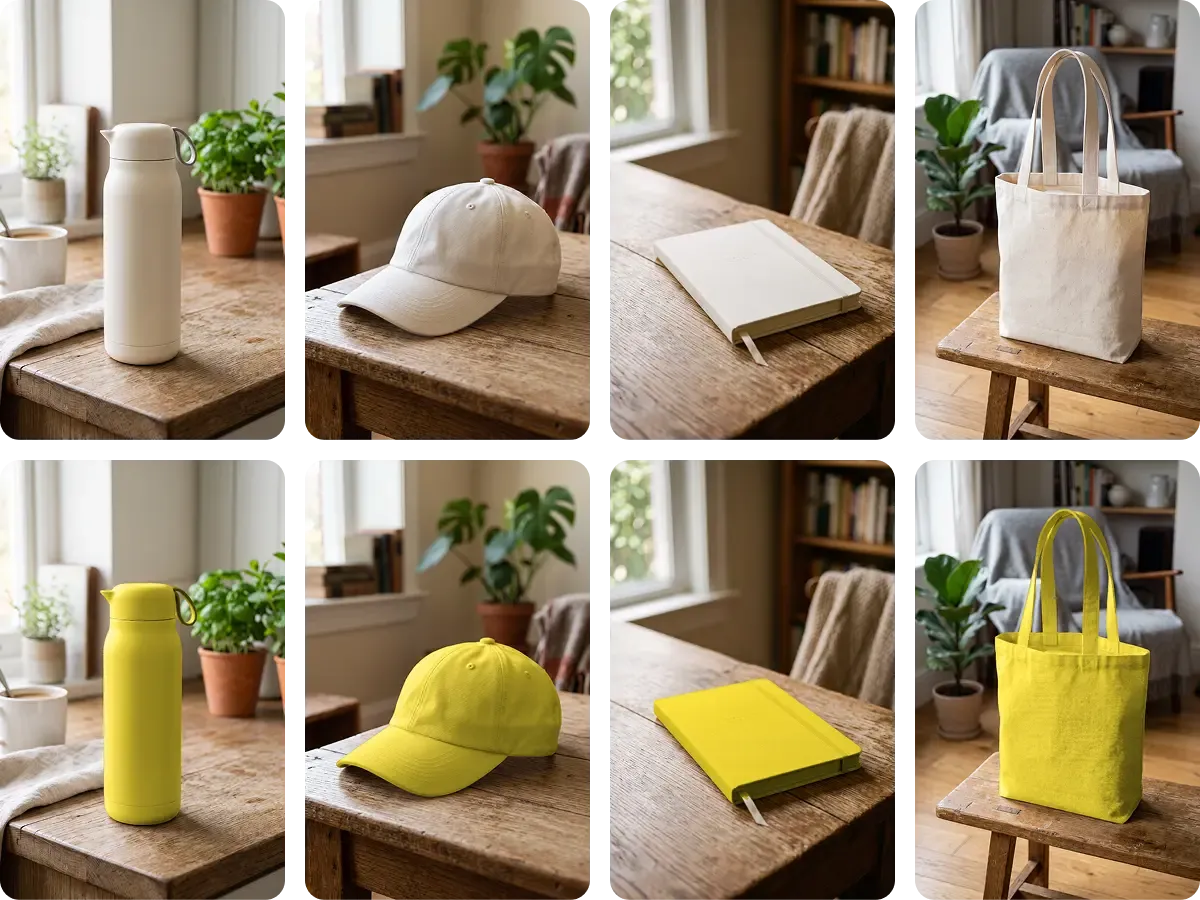
Create New Product Variants Without Reshooting

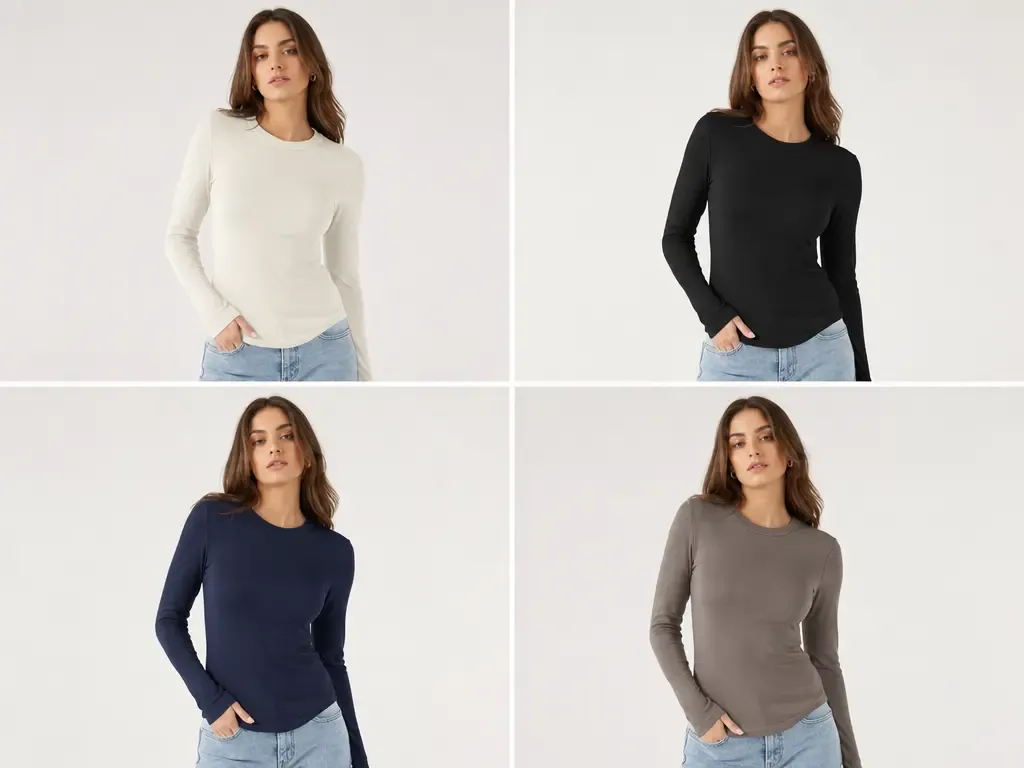
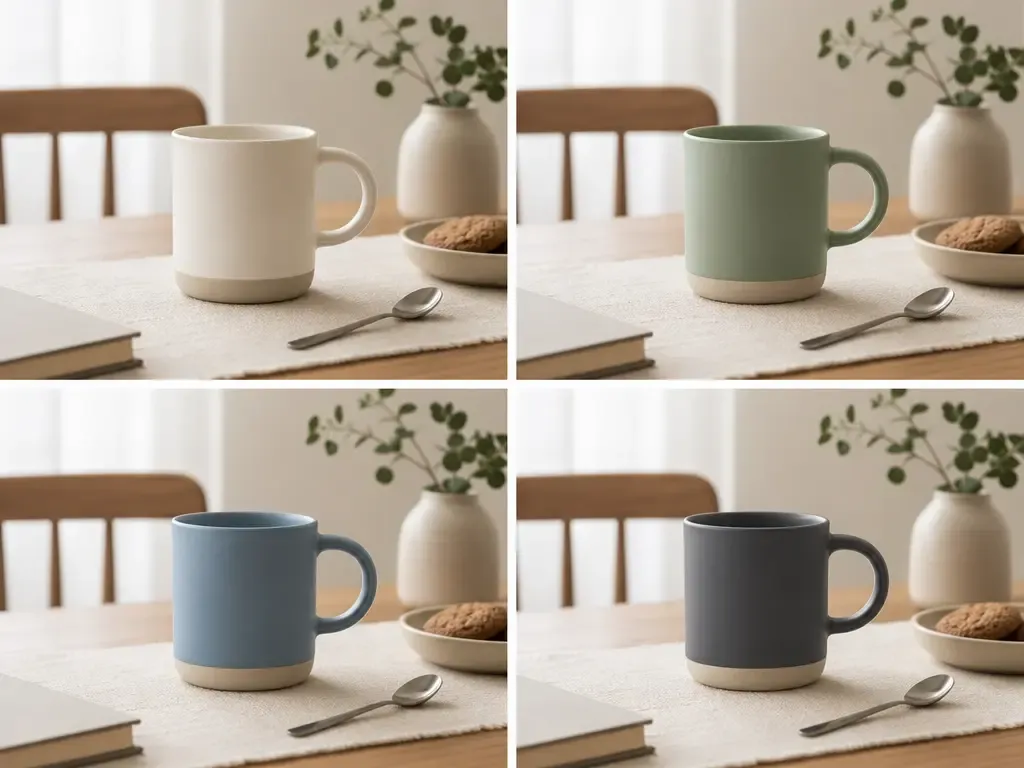
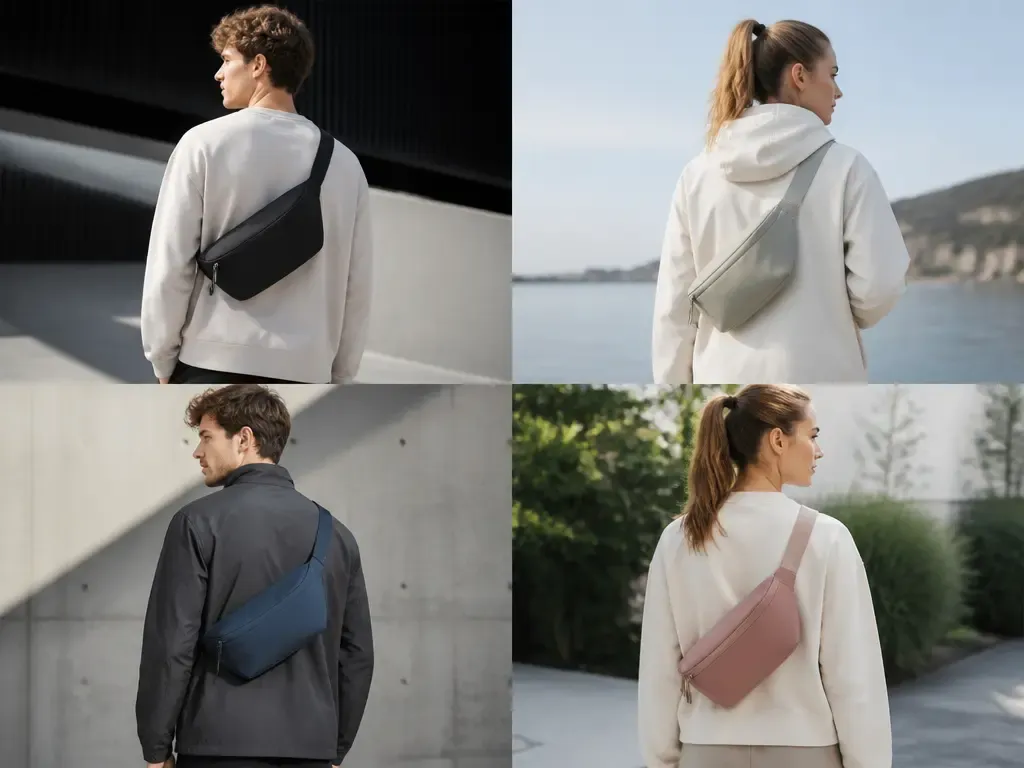
Use the product photos you already have to create additional sellable colors across studio images, model photography, detail shots, lifestyle scenes, and other ecommerce assets.

Instead of repeating the photography workflow whenever the assortment changes, the same approved images can continue supporting new SKUs, seasonal launches, and future catalog updates.
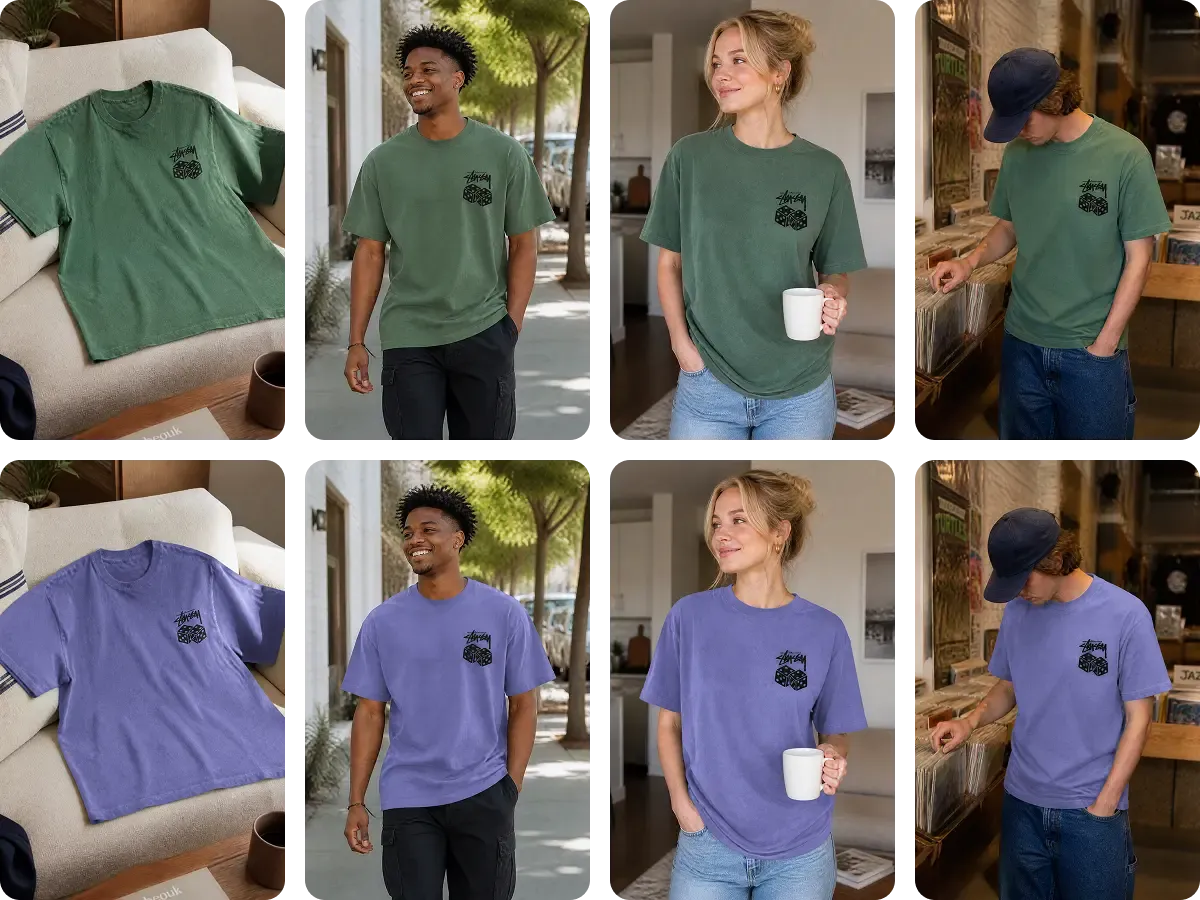
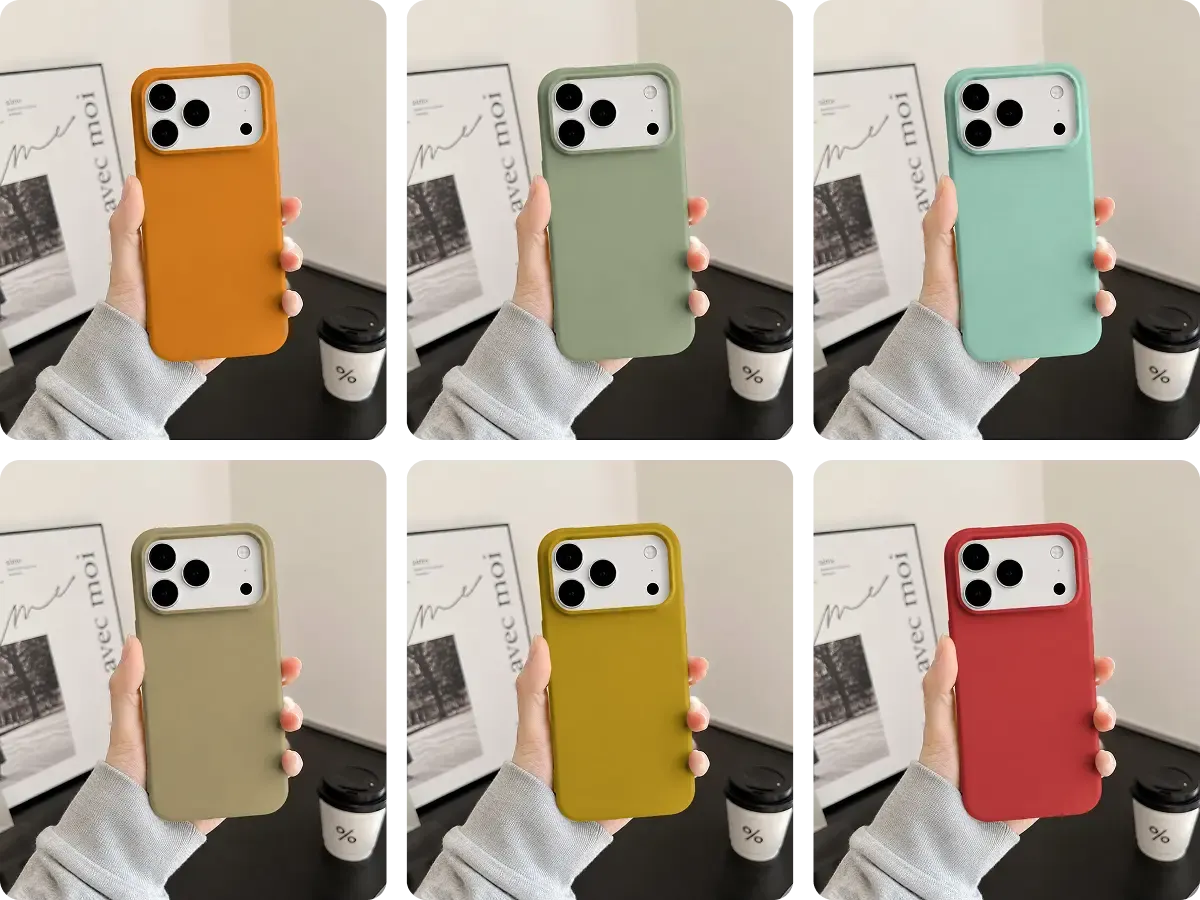
Create New Product Variants Without Reshooting

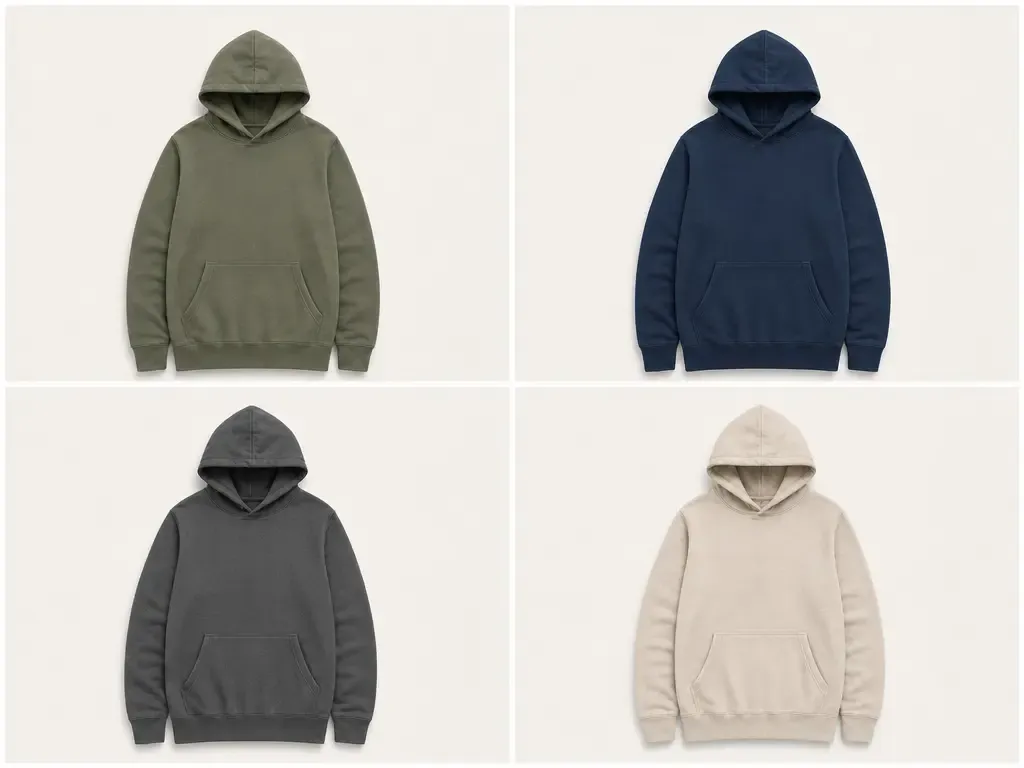
Change the Color, Not the Product

Mockuplabs updates the intended product color while preserving the details that make the product look real.

Use the original background and composition as the reference. Review texture, folds, stitching, shadows, highlights, logos, and prints across the output set before approving the new colorway.

Customers see the same product and the same photography—only the intended color changes.

Change the Color, Not the Product

Recolor Complete Product Galleries in One Batch

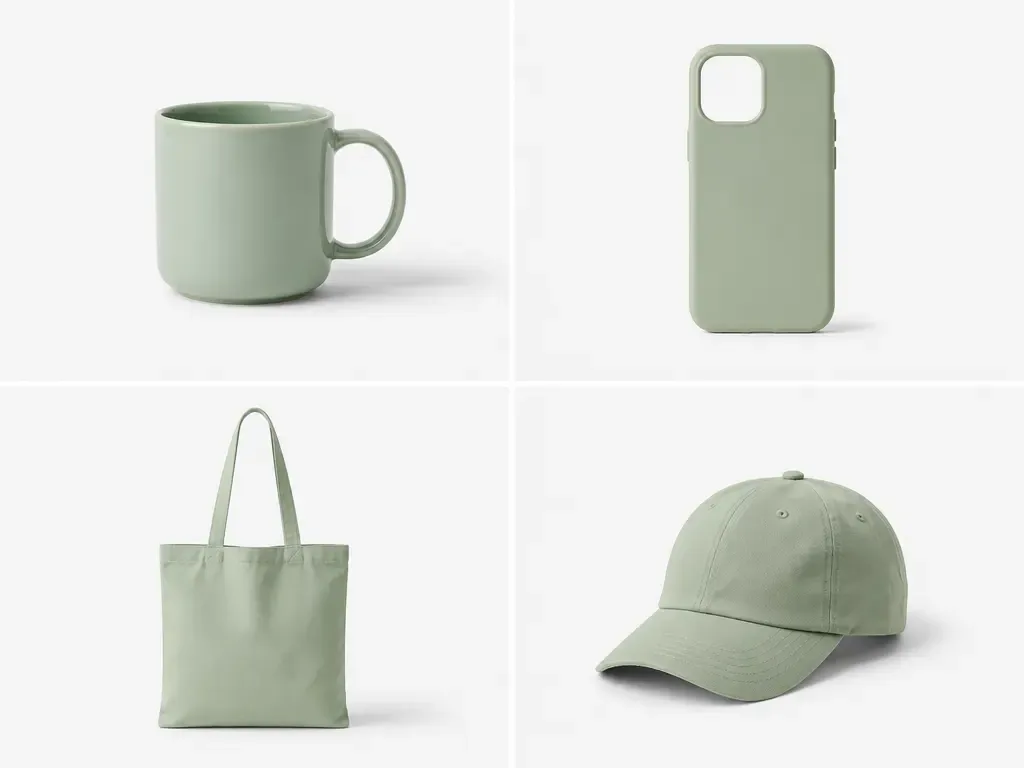
A new product variant usually needs more than one image. Front, back, side, detail, model, and lifestyle views can all be updated together instead of recoloring each asset individually.

As products, views, and colors accumulate, a batch workflow keeps the selected SKU images together for generation and review.

Recolor Complete Product Galleries in One Batch

Recolor Complete Product Galleries in Three Simple Steps

Use the product photography you already have to update colors consistently across every required product image.

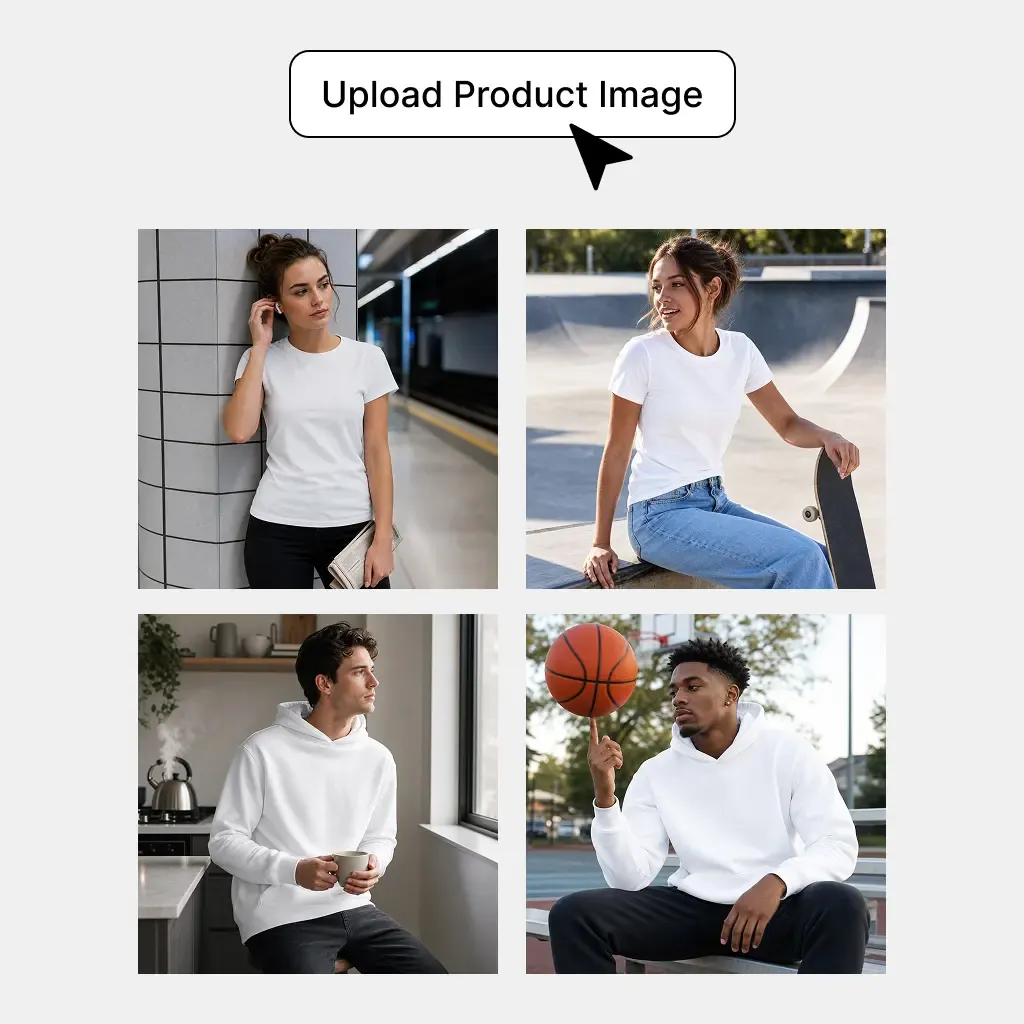
  1. Upload Your Product Photos

    Add the product photos and views you want to recolor.

    Upload Your Product Photos
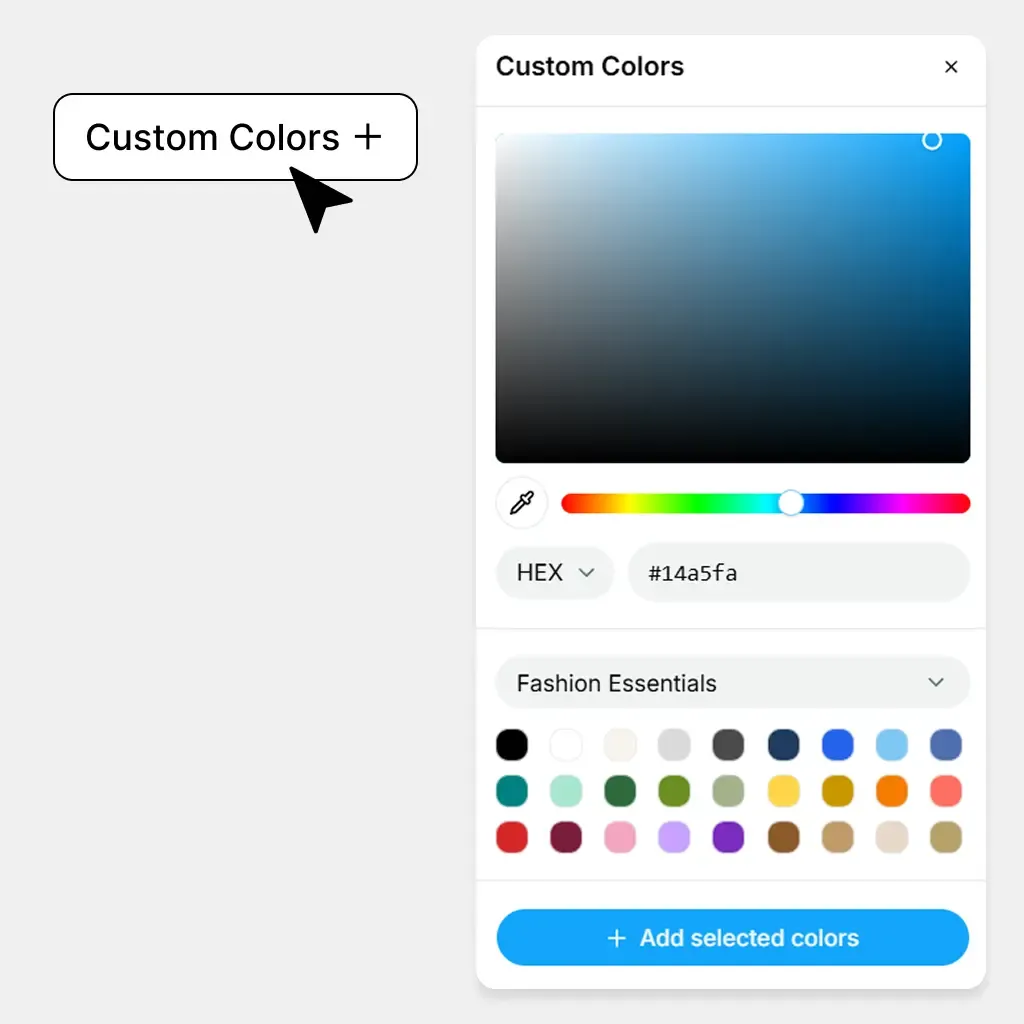
  2. Preview and Add Colors

    Choose a color and preview it instantly on your product. When you're happy with it, click Add Selected Colors to add it to your batch.

    Preview and Add Colors
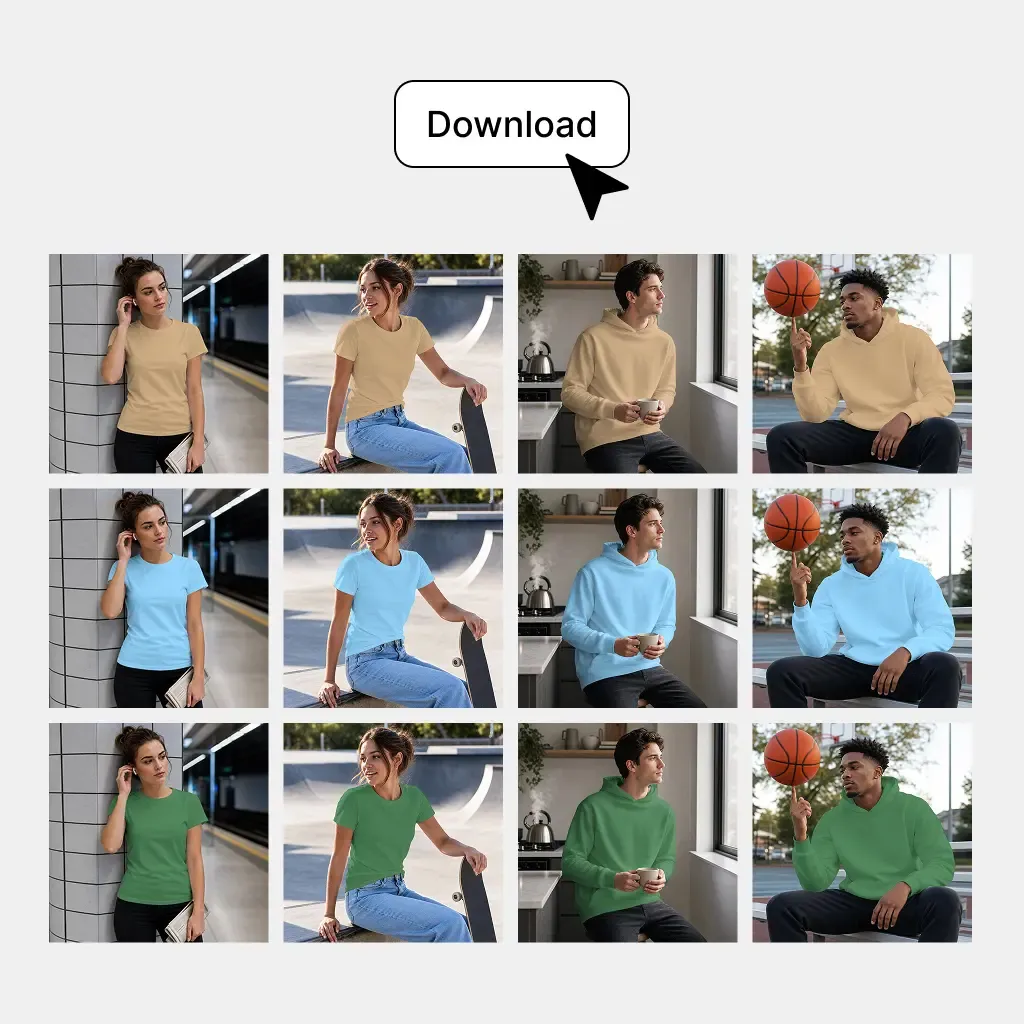
  3. Generate Your Variants

    Click Generate Variants to apply all selected colors across your product photos and generate the complete set in one batch.

    Generate Your Variants

Built for Product Launches, Catalog Updates, and Everyday Ecommerce Work

Use Batch Recolor anywhere an existing product image needs to support a new variant, listing, campaign, or business decision.

Launch New Product Variants From Existing Photography

Launch New Product Variants From Existing Photography

When a product is introduced in additional permanent, seasonal, limited-edition, or regional colors, the existing photography can become the starting point for the new SKU imagery. There is no need to rebuild the entire visual library simply because the product color changed.

  • Best for: Fashion, Apparel, Accessories, Footwear, Bags, Home goods

Recolor Products at Scale Without Losing the Original Photography

Keep the product, composition, and visual details consistent while reducing the repeated editing required across large ecommerce catalogs.

Setup required

Mockuplabs

Uses your existing product images as the reusable source

Typical Recolor / Editing Tools

Repeated selection, masking, and individual editing

General-Purpose AI Tools

Prompt-based editing or regeneration

Batch Recolor FAQs

See the Fashion Brands for the complete job, or visit the Help Center for help.

Batch Recolor lets you recolor product photos in bulk and apply new product colors across complete ecommerce image sets. It is useful when the same product needs multiple variants, product views, or catalog updates.
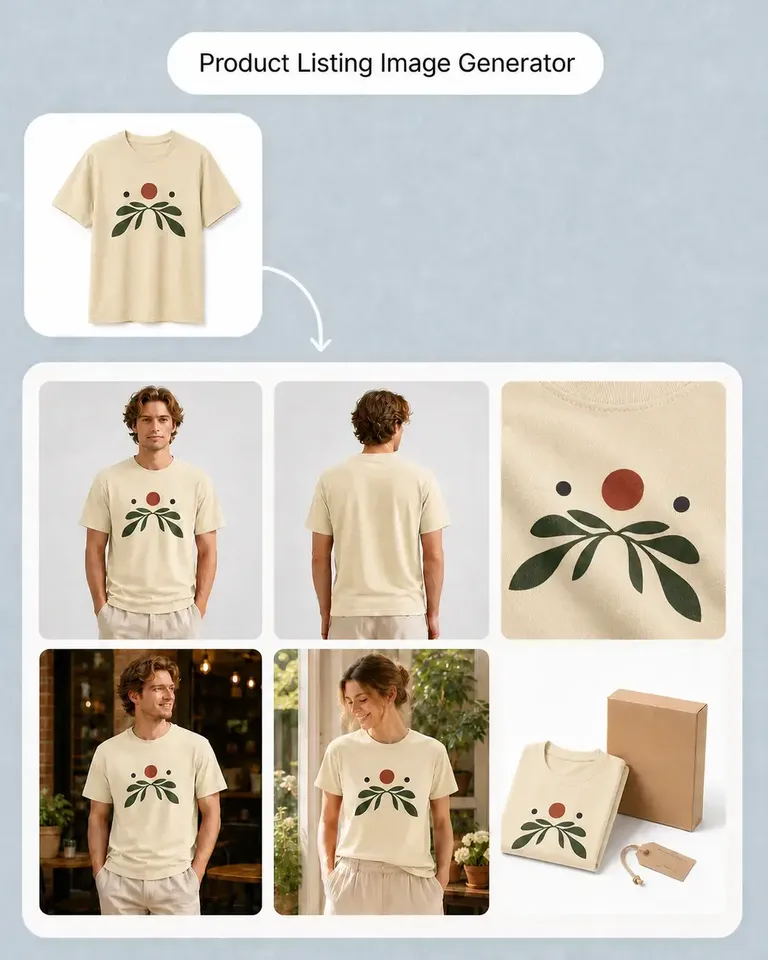
Turn the Product Photos You Already Have Into More Sellable Variants

Reuse your existing photography across new SKUs, complete galleries, catalog updates, and ecommerce campaigns.