Mockuplabs

Turn Each Approved Product into a Reusable POD Visual System

Apply new designs across products and colors, build complete listing content, and keep reusing approved product setups as your design library grows.

  • Use Your Own Product Sources
  • Built for Design-Heavy Catalogs
  • Reuse Approved Product Setups
POD Sellers product-content workflow

Scale Your POD Catalog Without Rebuilding Every Product

Turn your own product photos into reusable sources for new designs, colorways, and listing content—while keeping every mockup tied to the blank you actually sell.

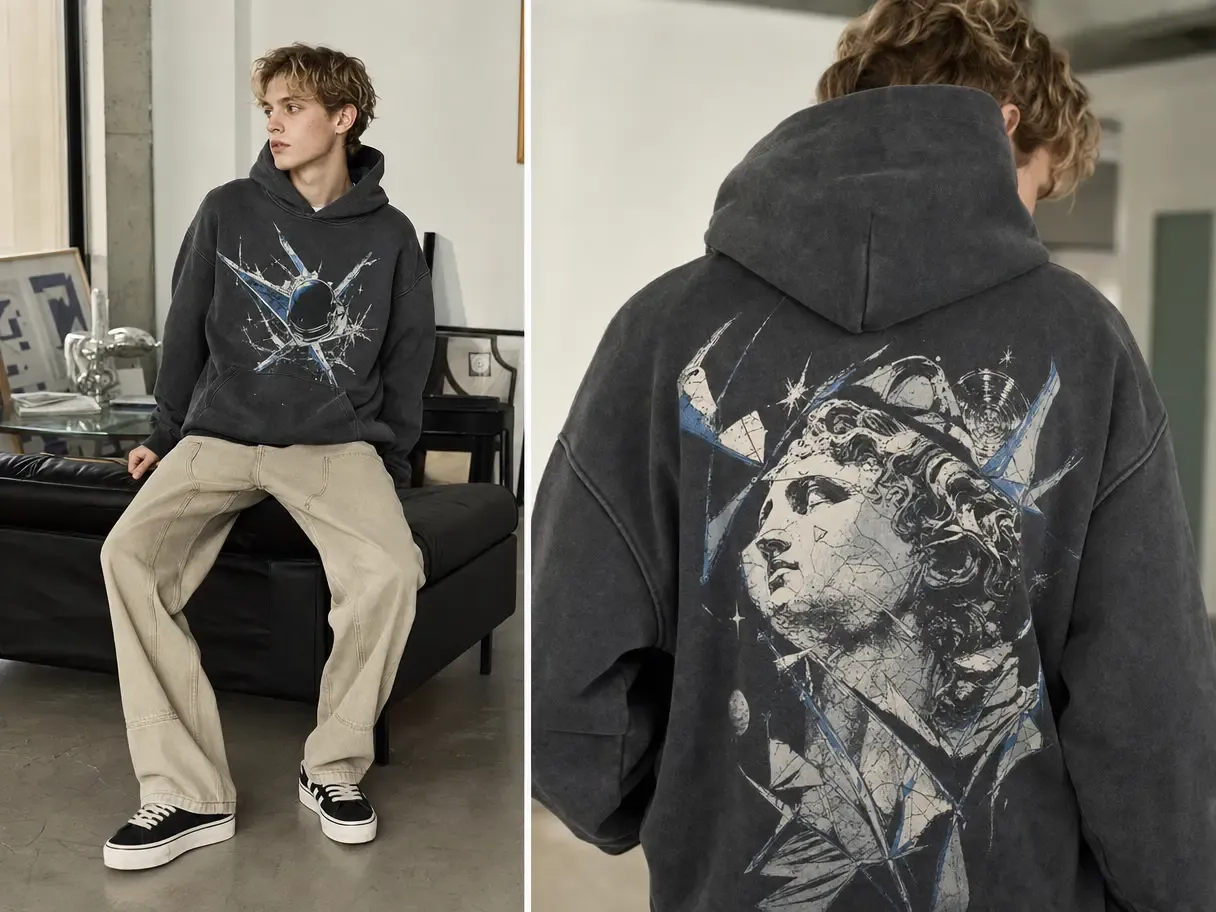
Turn New Artwork Into Products, Not New Setup Work

POD catalogs grow through artwork, but each new design can trigger the same placement, color, and export work all over again.

Mockuplabs lets you prepare the product once, then reuse that approved setup as new designs arrive—so more of the work goes into the collection, not rebuilding the blank.

Turn New Artwork Into Products, Not New Setup Work

Keep Every Mockup True to Your Actual Blank

Generic templates can change the silhouette, fabric, folds, or construction details customers will receive.

By starting with your own product photo, Mockuplabs keeps the real blank at the center while artwork and color change around it, giving buyers a more credible view of the finished item.

Keep Every Mockup True to Your Actual Blank

Grow Designs and Colorways Without Capping Your Catalog

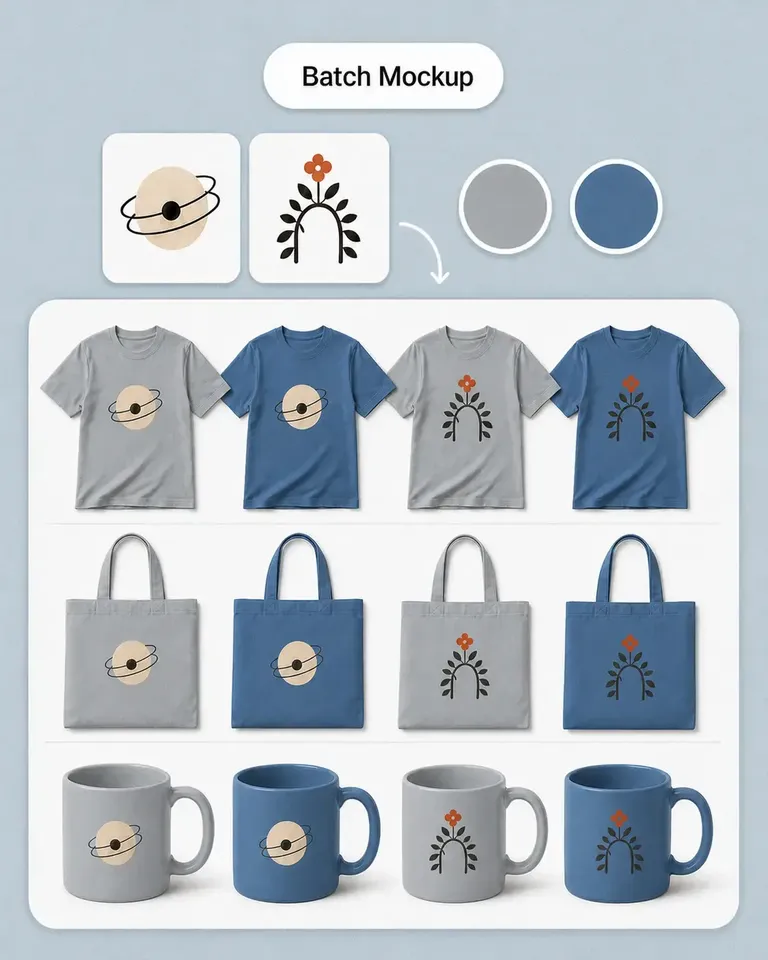
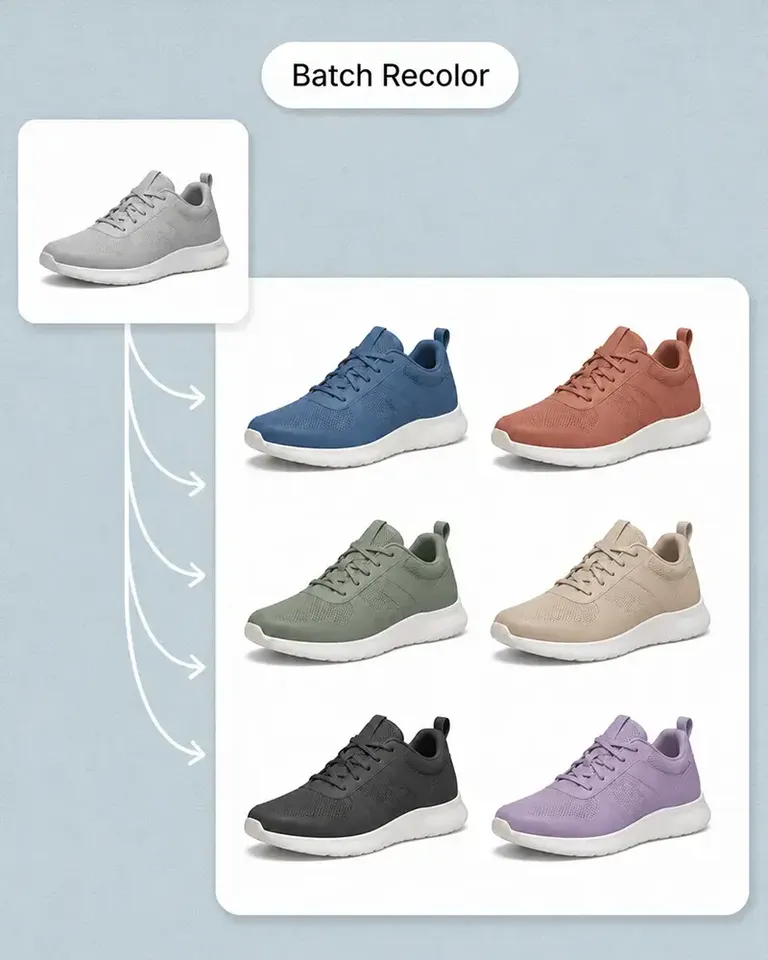
One blank can support dozens of designs, several colors, and multiple listing images. Produced manually, those combinations quickly become the limit on what a store can publish.

Reusable and batch workflows turn that variation into a manageable system, helping you launch more sellable combinations and keep seasonal drops moving.

Grow Designs and Colorways Without Capping Your Catalog

What You Can Do for Your POD Store

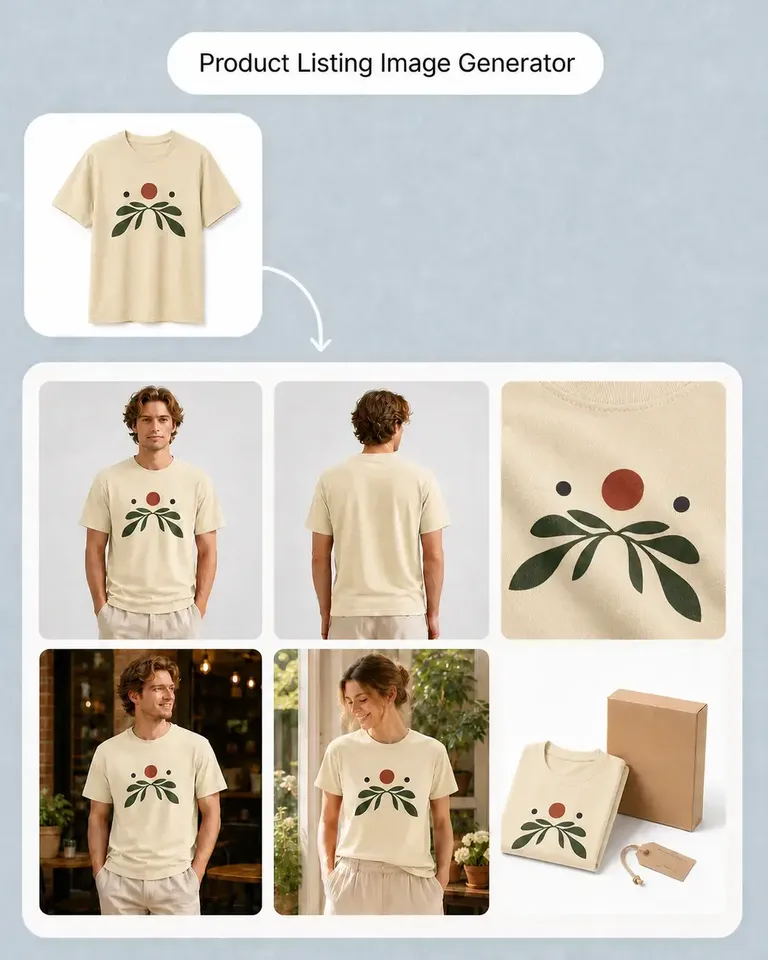
Move from a real blank to design previews, product variants, and complete selling content in one reusable workflow.

Prepare One Blank for Every Future Drop

Turn a photo of the actual garment or product you sell into an editable mockup source.

Once the product is approved, reuse its shape, texture, folds, and lighting for future artwork instead of choosing a new generic template for every collection.

Build a Repeatable POD Content Workflow

  1. Prepare the Product Sources and Artwork

    Add the blank-product images, design files, and product colors required for the current collection.

  2. Approve Product Placement and Presentation

    Fit the designs, adjust product-level placement or AOP repeat where needed, and review the required product variations.

  3. Build the Listing Set and Reuse the Setup

    Create the listing and launch assets, then keep the approved product setup ready for the next design drop.

Connect the Features Behind a Repeatable POD Workflow

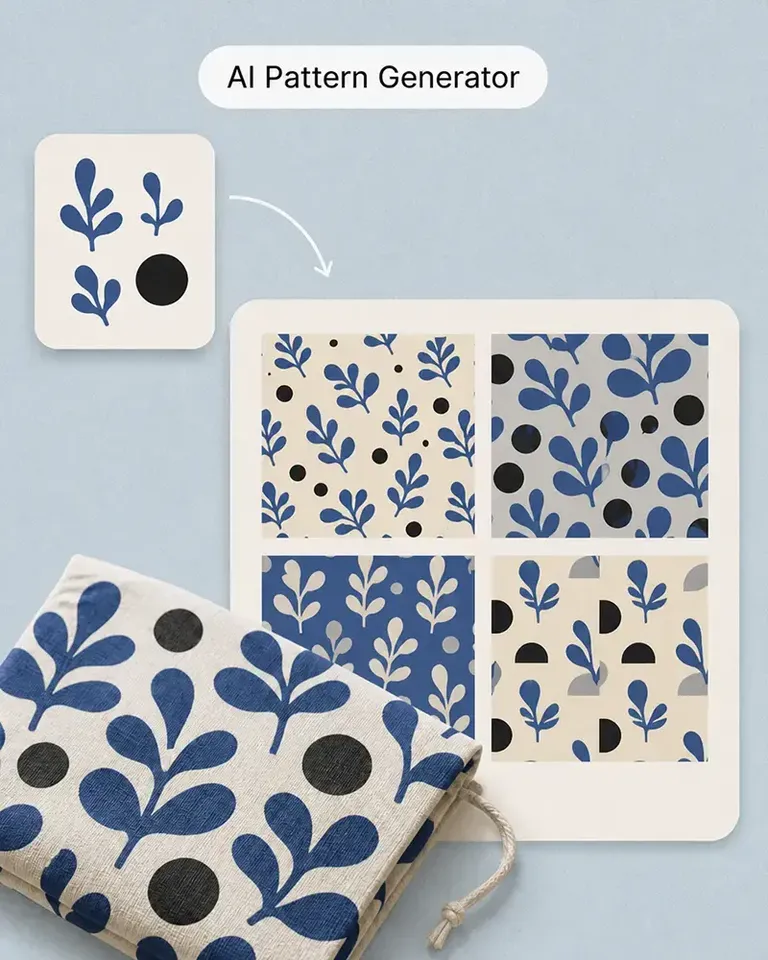
Combine only the tools required for your product type, design style, catalog size, and listing needs.

POD Sellers FAQs

Need product help? Visit the Help Center.

Use reusable product setups rather than building every mockup independently. Once product placement is approved, the same setup can support additional artwork and colors.

Turn Every Approved POD Product Into a Reusable Design Workflow

Prepare the product once, then keep building new designs, listings, and launch content from the setup you already trust.