MockuplabsMockuplabs

Keep Ecommerce Product Content Consistent Across Listings and Campaigns

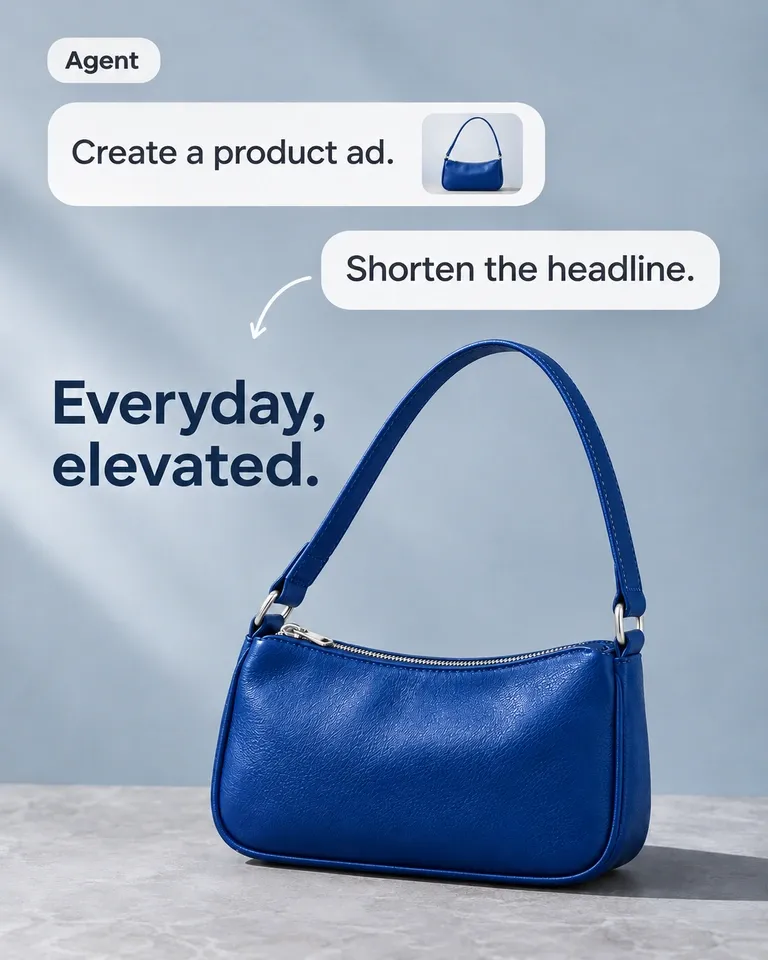
Connect design, merchandising, content, and growth around approved product sources and repeatable workflows for listings, variants, campaigns, and video.

  • Keep Product Sources Connected
  • Reduce Repeated Production
  • Reuse Approved Creative Work
Ecommerce Teams product-content workflow

Build a Content System That Scales With the Catalog

Give ecommerce, merchandising, and marketing teams one reusable product source for variants, channel assets, and campaigns—without letting speed weaken product accuracy.

Replace Duplicate Requests With Reusable Production

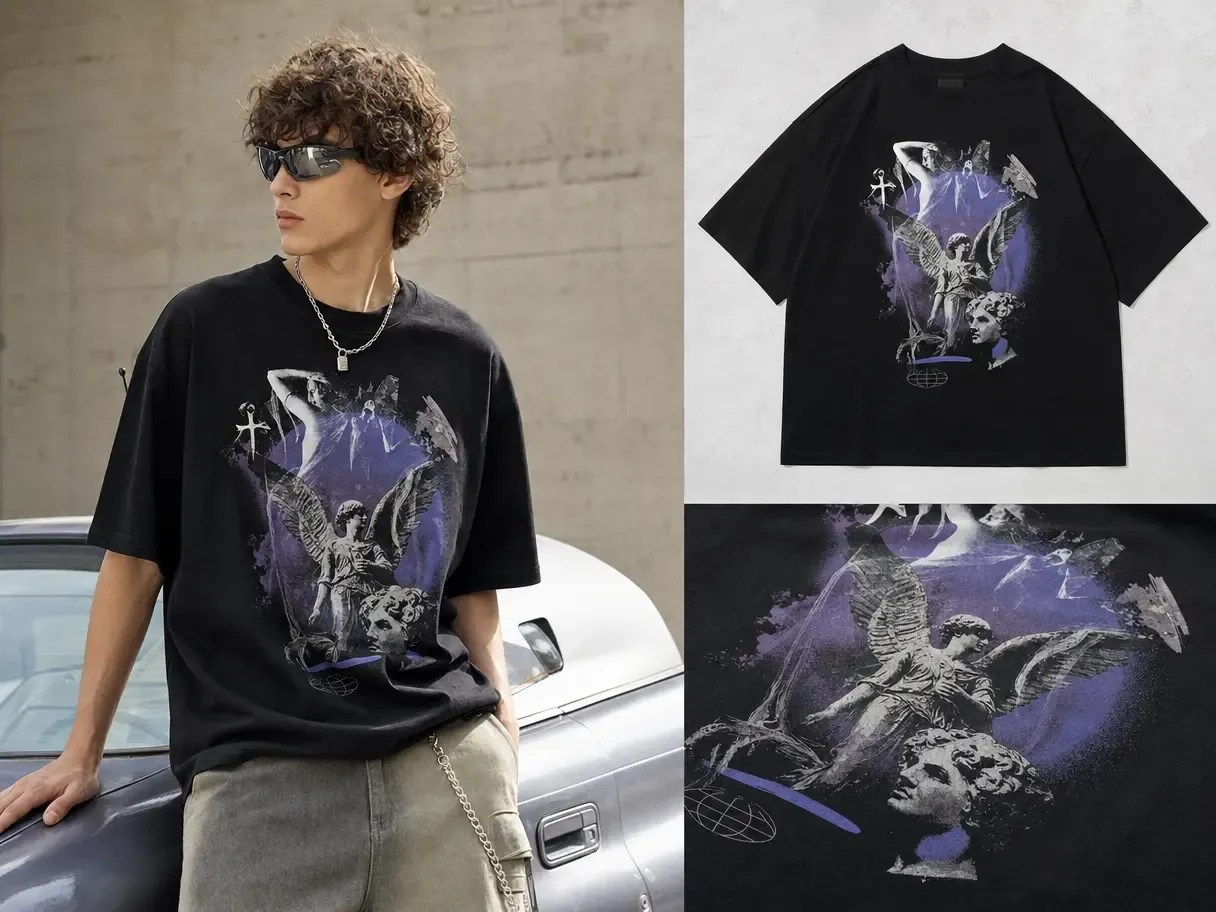
The same SKU is often recreated by several teams for slightly different placements, generating repeated briefs, handoffs, and approvals.

Mockuplabs keeps an approved product source reusable across outputs, reducing the amount of production that has to restart whenever a new request appears.
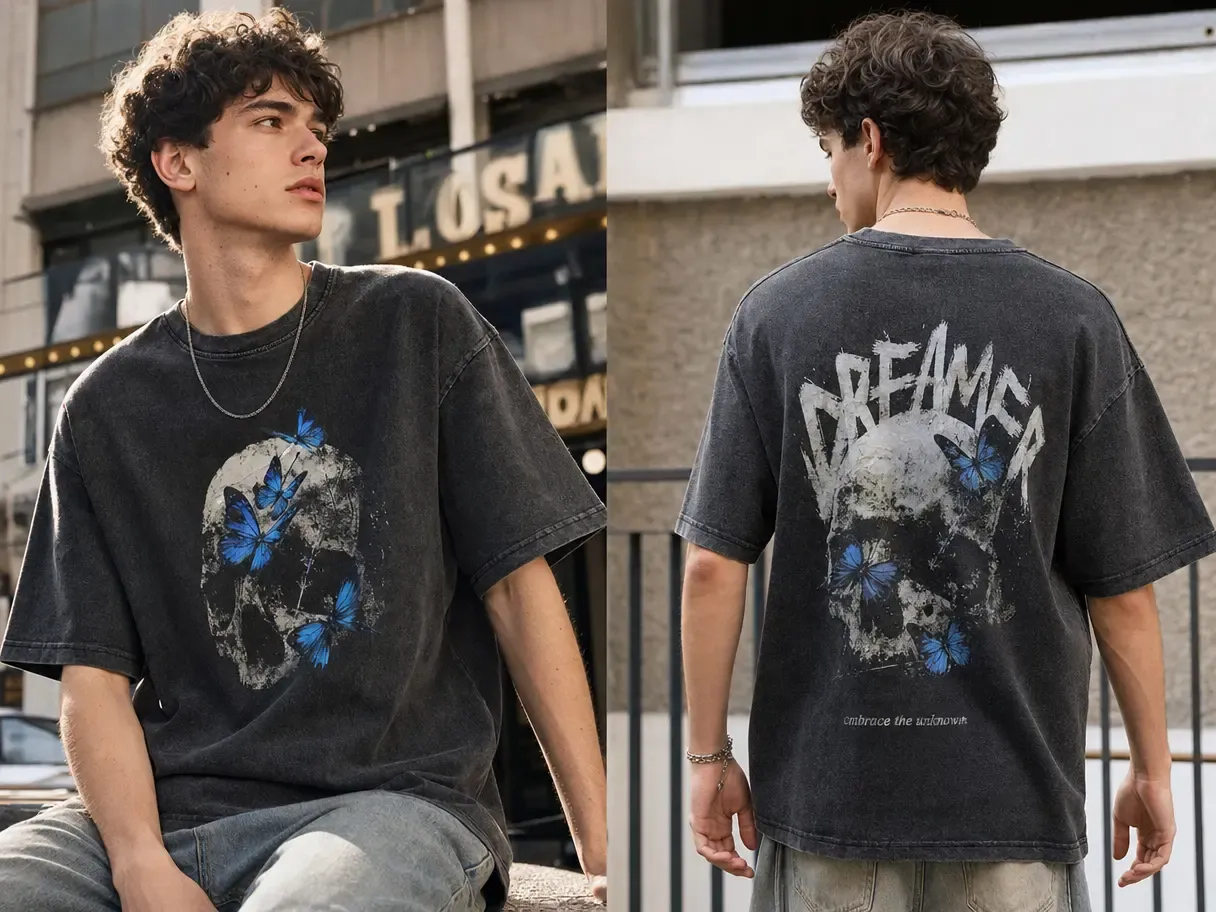
Replace Duplicate Requests With Reusable Production

Keep High-Volume Output Close to the Source of Truth

At catalog scale, small changes in color, placement, proportion, and product detail can accumulate across independently built assets.

Working from approved product photography gives teams a common visual foundation, making accuracy easier to maintain as SKUs and variants multiply.

Keep High-Volume Output Close to the Source of Truth

Increase the Output of Every Approval Cycle

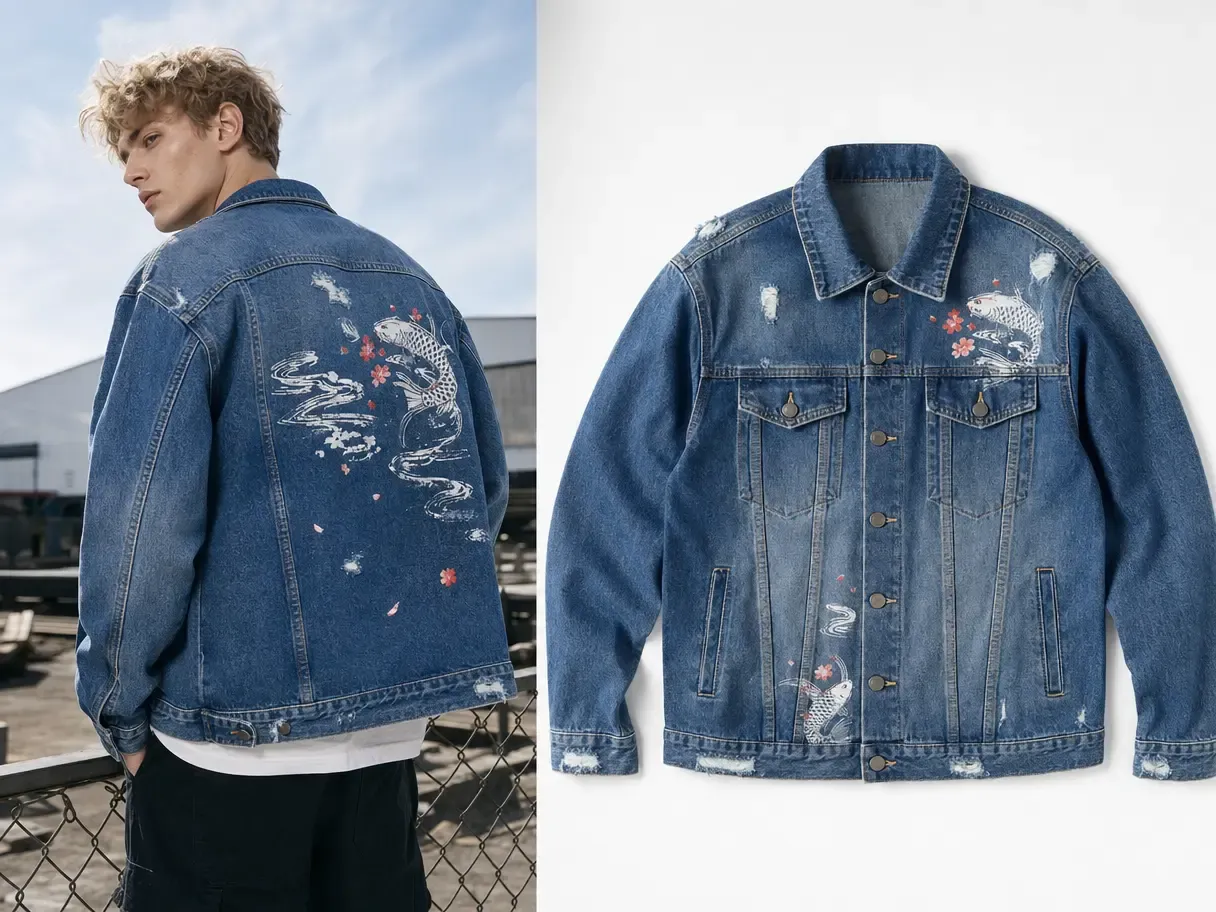
The real efficiency gain is not one image produced more quickly; it is one approved product producing more useful assets.

That source can continue into mockups, variants, listing galleries, lifestyle scenes, ads, and video—raising content output without a matching increase in product setup.

Increase the Output of Every Approval Cycle

What Your Content Team Can Do

Create a repeatable path from approved product photography to the asset sets required by ecommerce and marketing teams.

Establish a Reusable Product Source of Truth
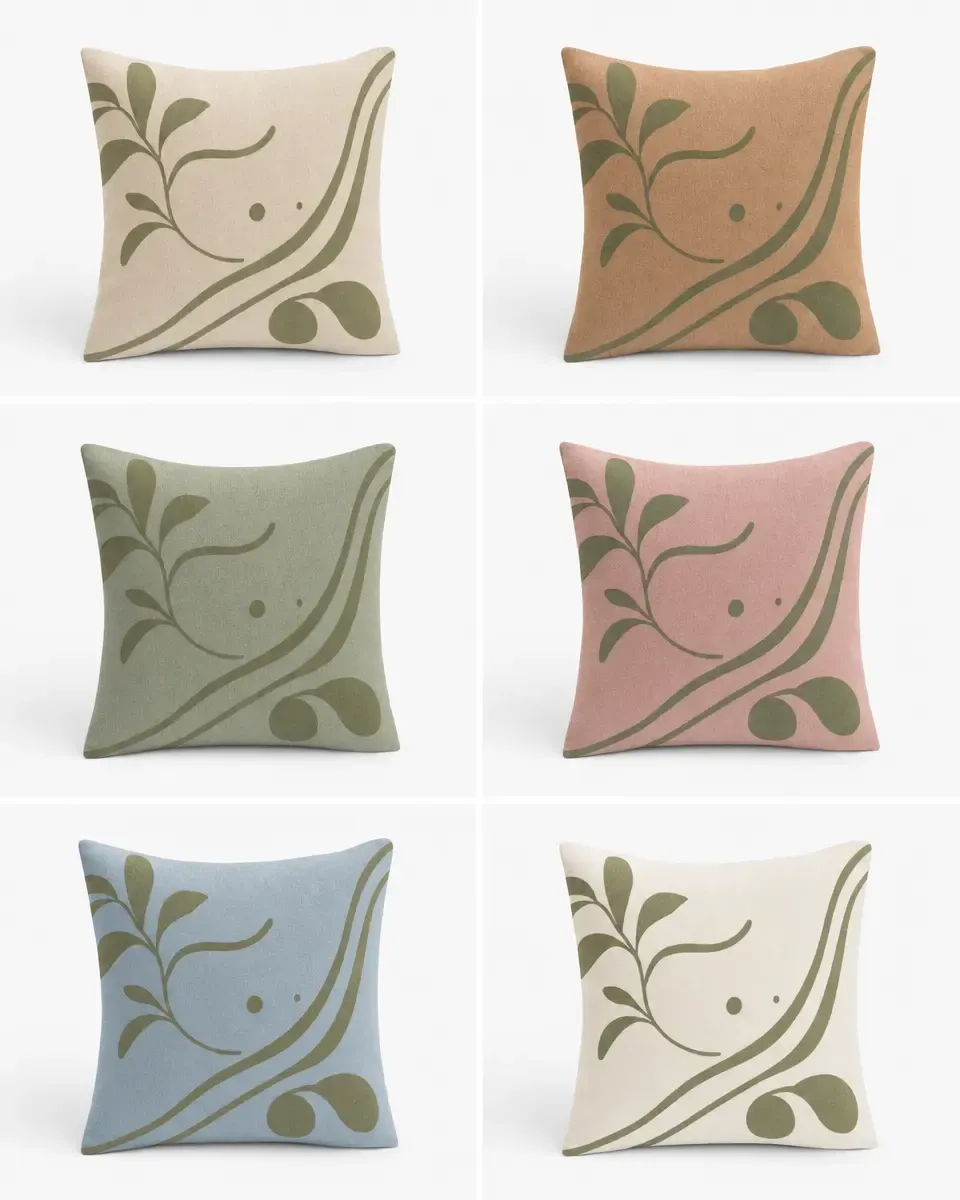
Build Complete Variant Families
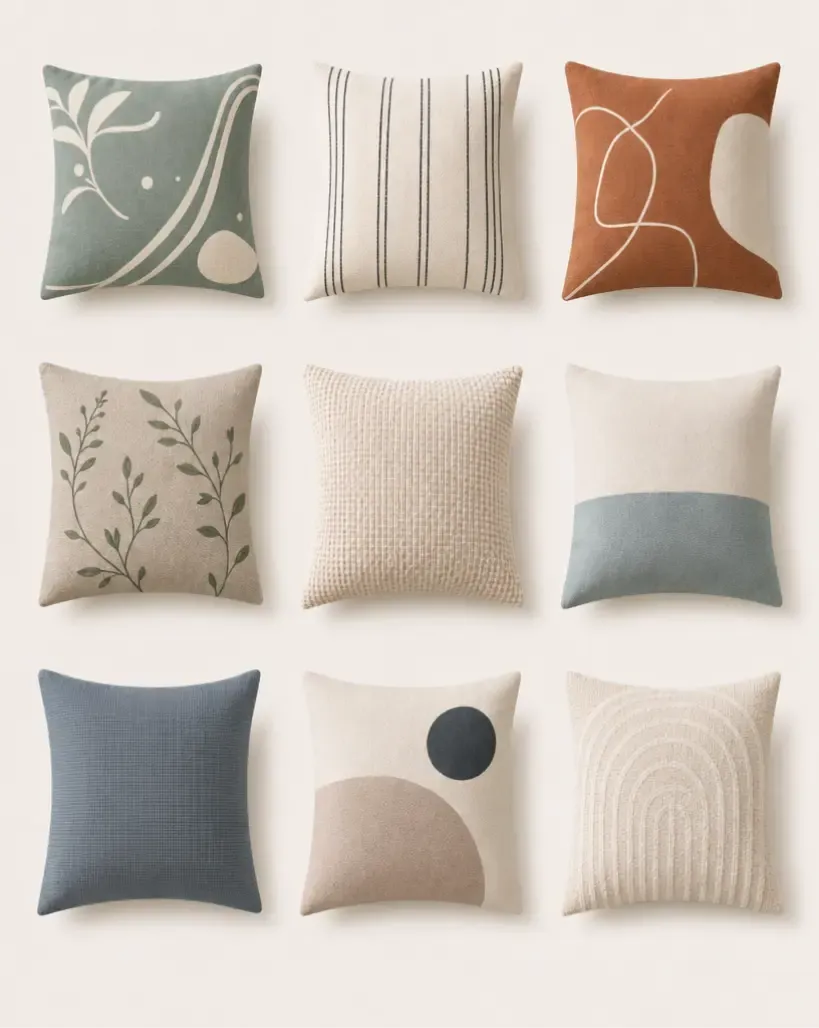
Produce Large Asset Sets for Drops and Updates
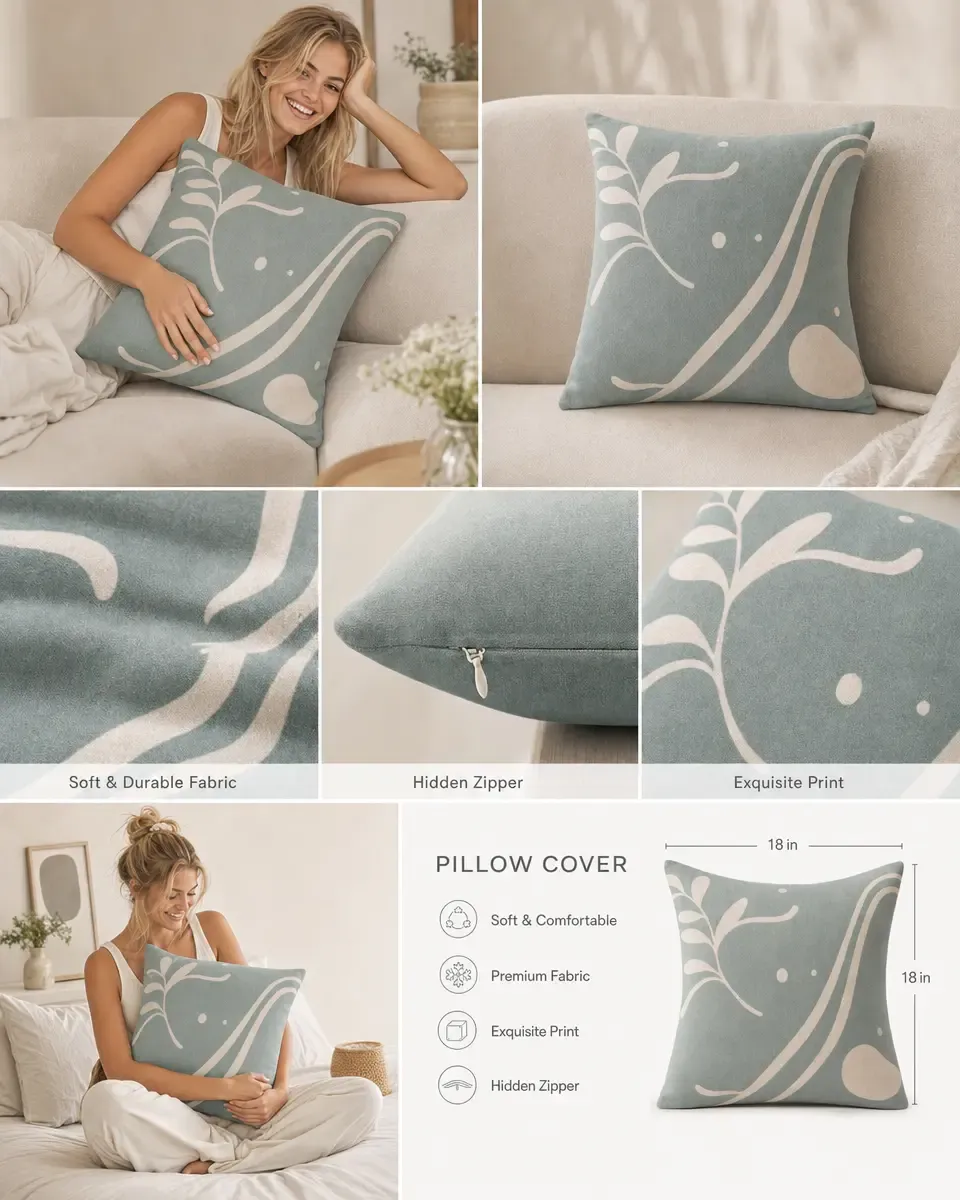
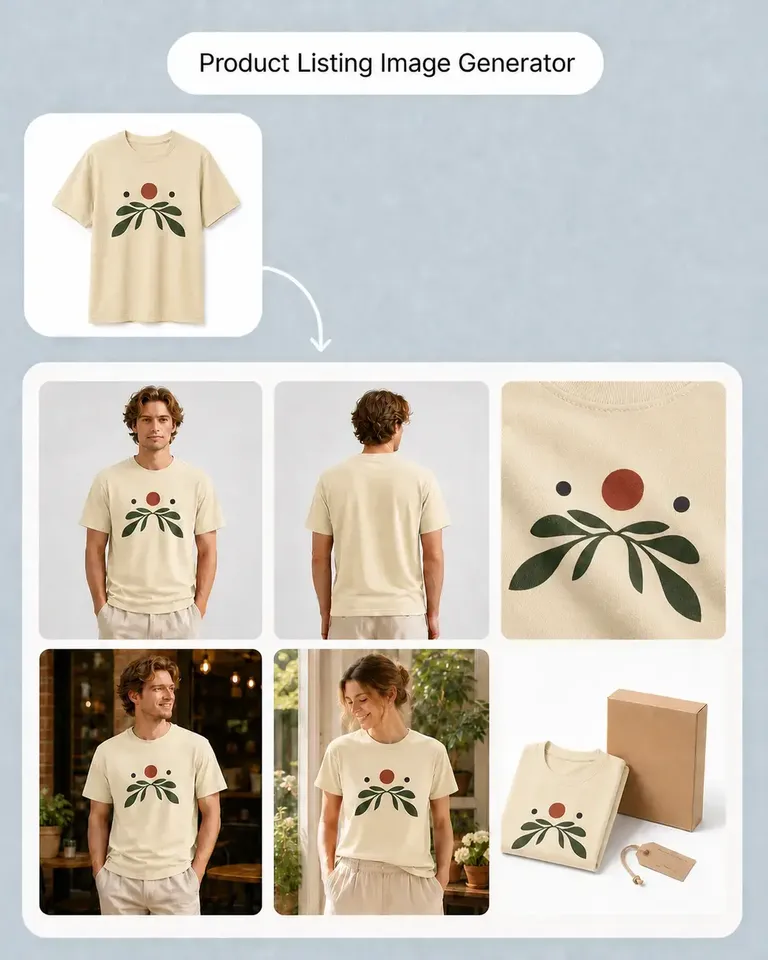
Assemble Channel-Ready Ecommerce Galleries
Review and reuse approved motion assets

Start with approved photography and turn each priority SKU into a reusable visual foundation.

That source keeps the real product connected to downstream work, giving teams a more dependable starting point than isolated files or generic templates.

Build a Repeatable Ecommerce Content Production Path

  1. Establish the Approved Source and Requirements

    Bring together the product imagery, design references, and channel requirements required for the current job.

  2. Produce the Connected Asset Set

    Create listings, variants, campaign imagery, format adaptations, and motion using the appropriate workflows.

  3. Review the Set and Reuse Approved Decisions

    Check product consistency across the outputs, publish what is ready, and carry accepted source and visual decisions into the next request.

Build a Feature Stack Around the Work Your Team Actually Repeats

Combine the smallest set of product, listing, editing, campaign, and motion tools required for your current production path.
1,317 ratings843 reviews

Product visuals, made easier

Whether you’re launching a product, growing a brand, or creating content at scale, Mockuplabs helps you bring every product to life faster.

Sarah Bennett

Sarah Bennett

Mockuplabs makes the image side of running a small shop feel more manageable. I can put together a decent product visual without turning every update into a separate design job.

Zoe Lawson

Zoe Lawson

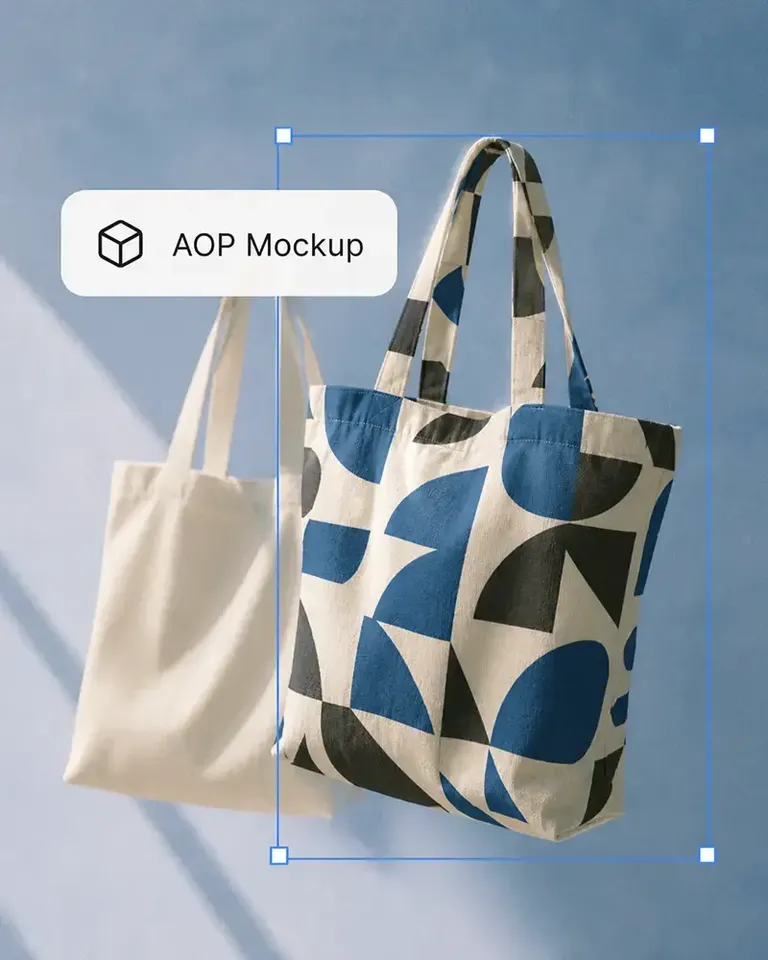
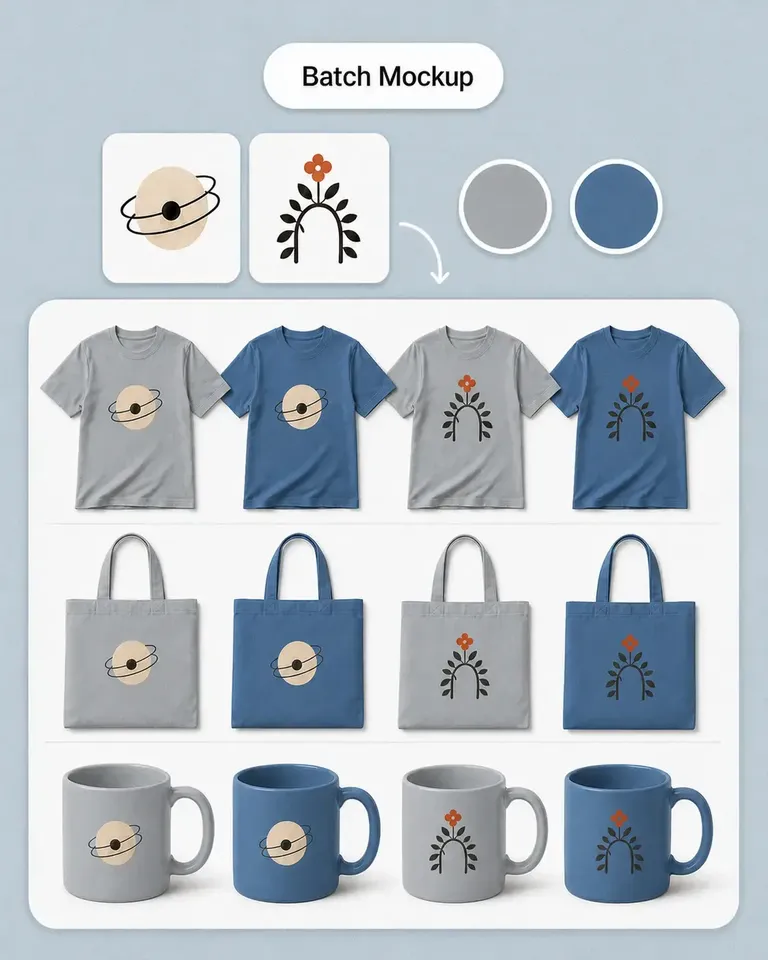
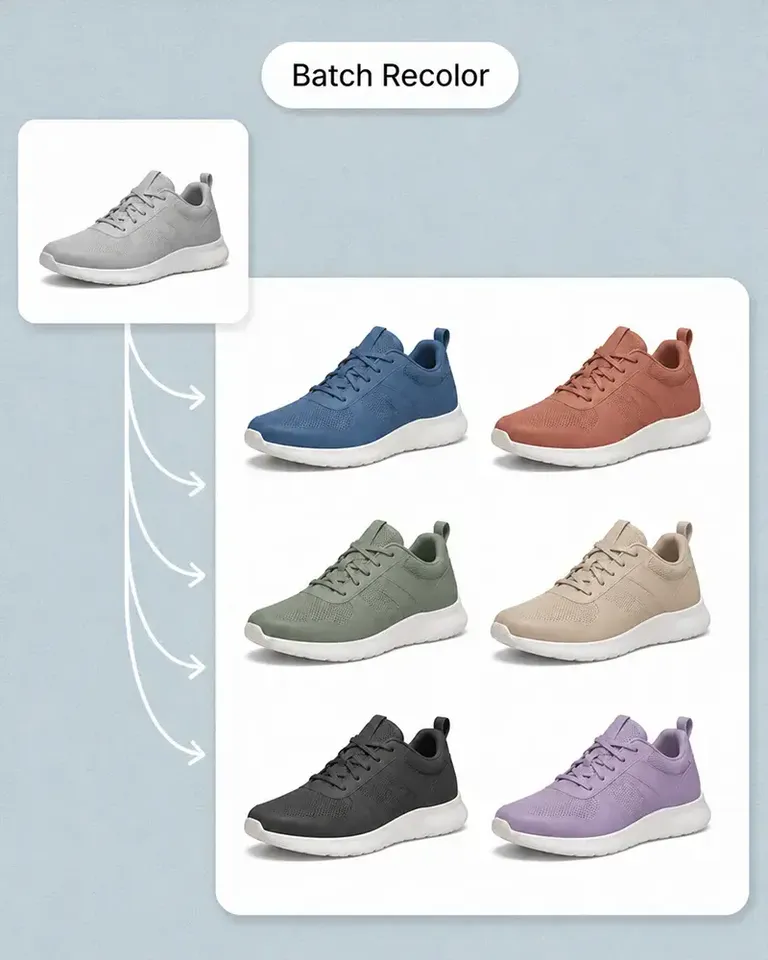
Our store has a growing mix of products and designs. Batch mockups in Mockuplabs make those updates more manageable, and reusing the setups helps the new images feel like part of the same catalog.

northside.mia

northside.mia

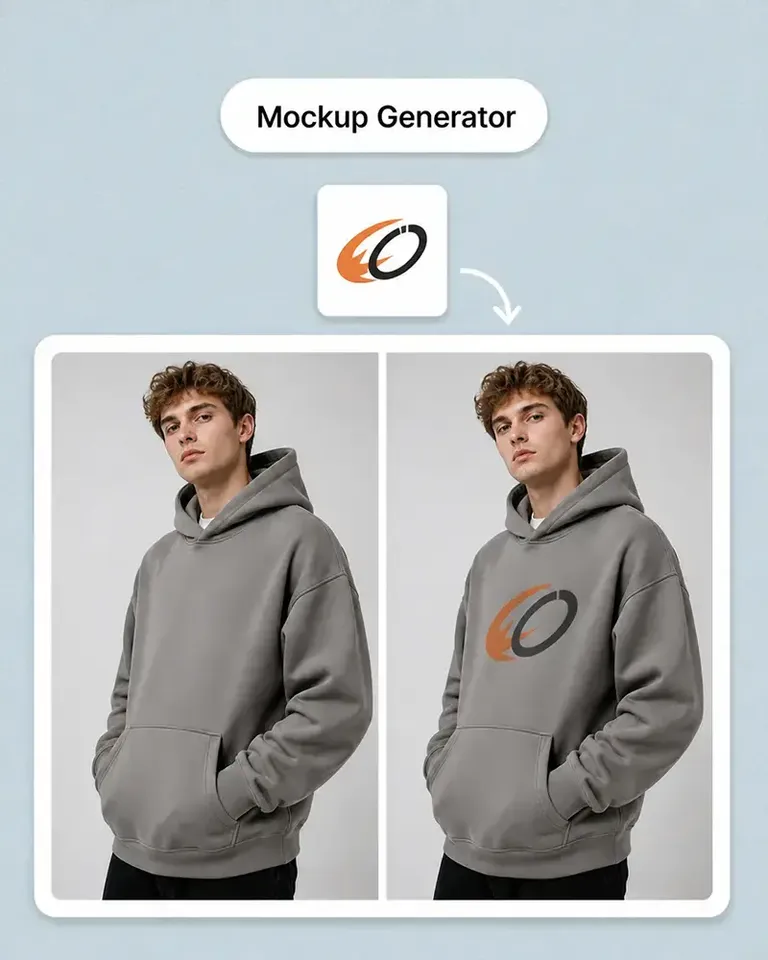
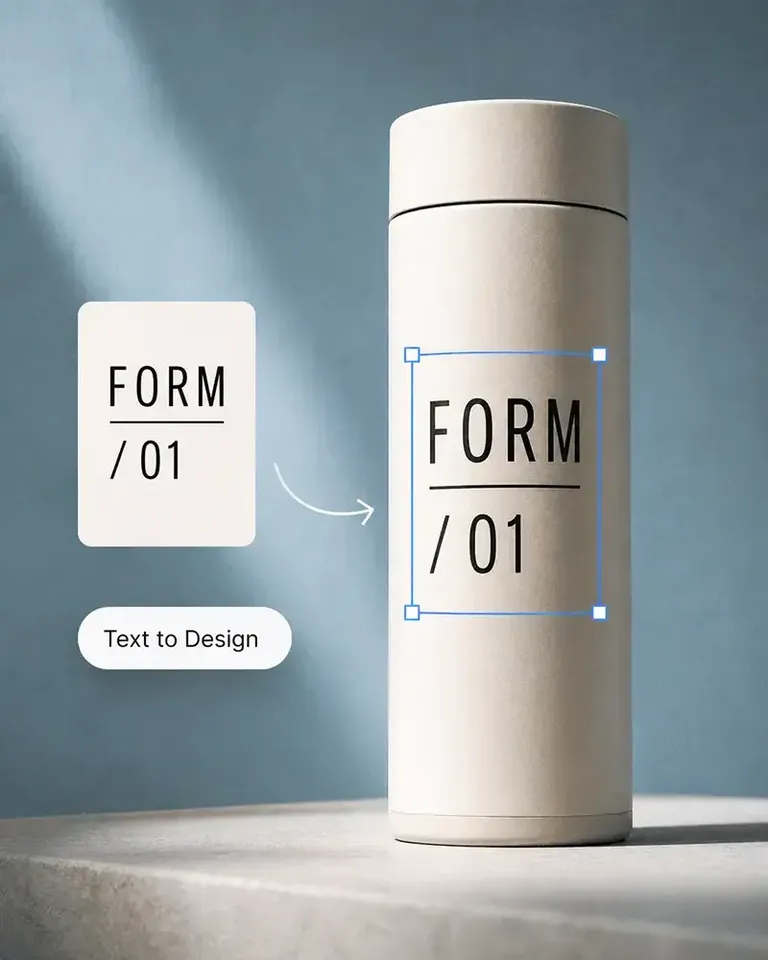
Client feedback is much clearer with the mockups I make in Mockuplabs. People can judge the artwork's size and placement on the actual product instead of trying to imagine it from the design file.

Omar Hassan

Omar Hassan

Mockuplabs is useful for getting more out of photos I already have. A new layout or setting can give an existing product image another job without needing a completely new shoot.

Aaron Davies

Mockuplabs is good for getting product visuals ready when the design work is done but the marketing images aren't. That gap used to hold things up for me.

Ellen Brooks

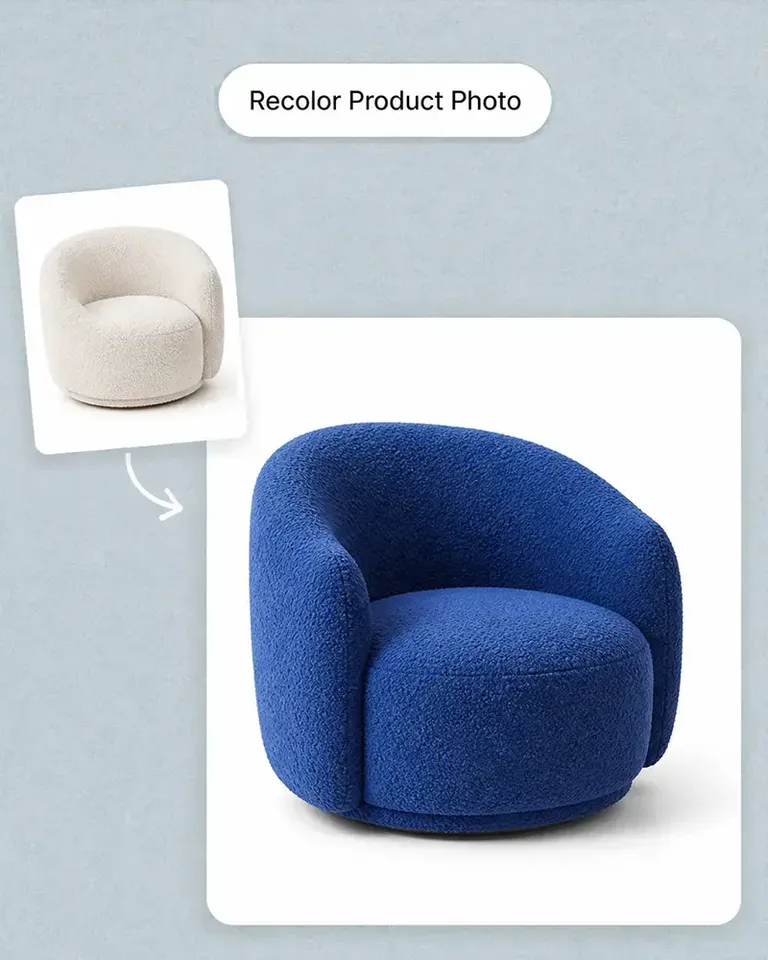
When we add a color option, we need the other product views as well as the main image. Batch recolor in Mockuplabs is useful for that whole set. We're not left with one updated picture and the rest still showing the old color.

Freya Nielsen

I'm the person who ends up doing the images as well as everything else. This is approachable enough for me to use without asking a designer to handle every small adjustment.

Mei Chen

Mei Chen

The previews I make in Mockuplabs give my ideas a much more finished presentation. They're easier to share with a client than a flat logo and a description of where it should go.

samir.creates

samir.creates

A practical tool for the ordinary image work behind a store. Not every picture needs to be an elaborate campaign visual; sometimes clean and consistent is exactly what I need.

Diego Ramos

Diego Ramos

I prepare product images for clients with several designs and views to show. Mockuplabs' batch mockups are useful when an approved product setup needs to support the rest of the collection, rather than just one presentation image.

James Porter

The scene options are useful for deciding on a direction before committing to new photography. Some ideas look much better in my head than they do around the actual product.

Anika Sharma

This suits the day-to-day image jobs I do for our shop. I'd like more complete examples of product-image sets, but the tools themselves have already been useful.

Ecommerce Teams FAQs

Need product help? Visit the Help Center.

It is the production system used to move approved products and creative direction into listings, variants, campaigns, and other customer-facing content.

Give Your Team a Product Content Workflow Worth Reusing

Keep approved product sources connected and carry more of the work forward into the next SKU, channel, and campaign.