Mockuplabs

Expand Product Photos Without Cropping the Product

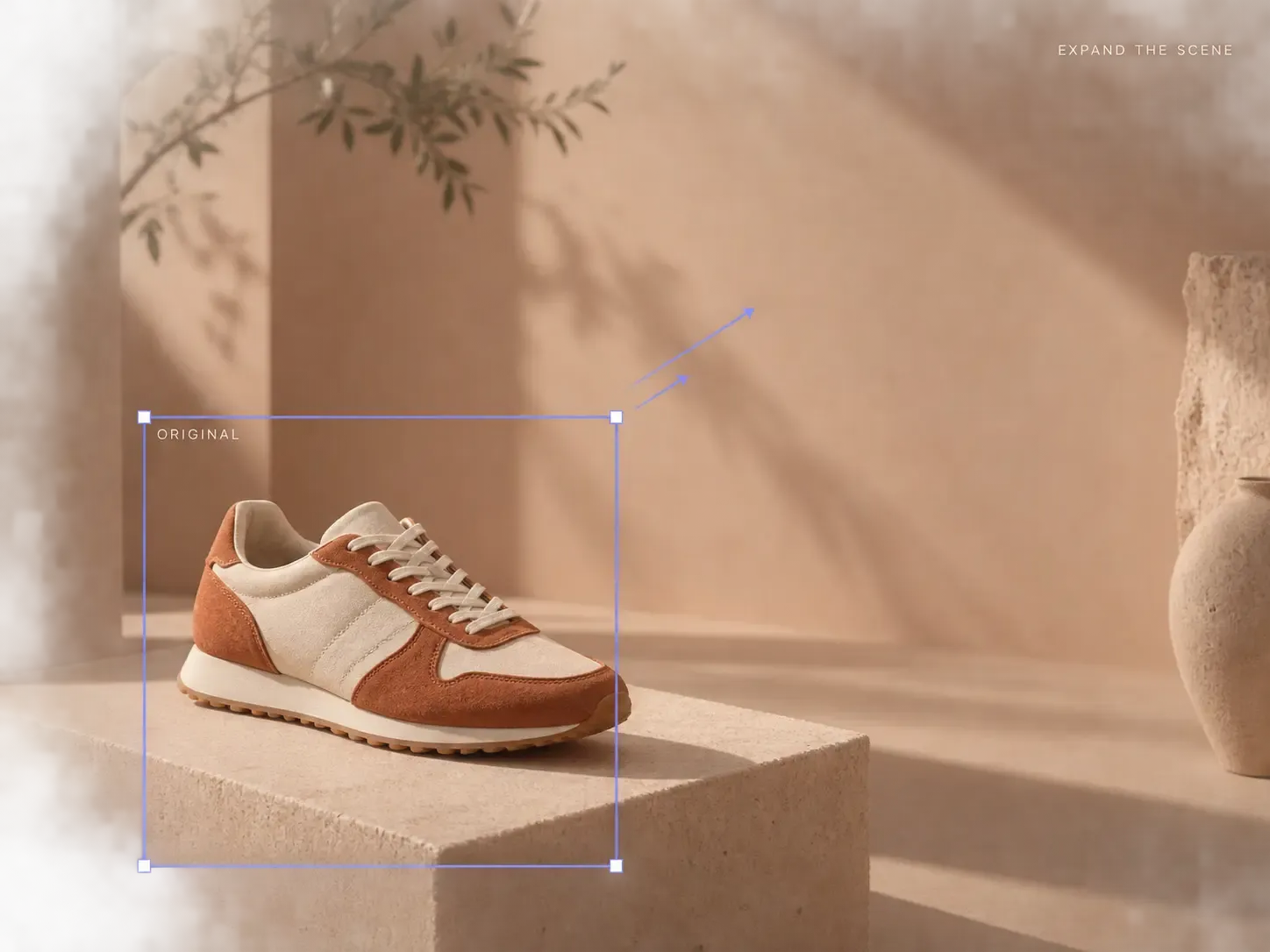
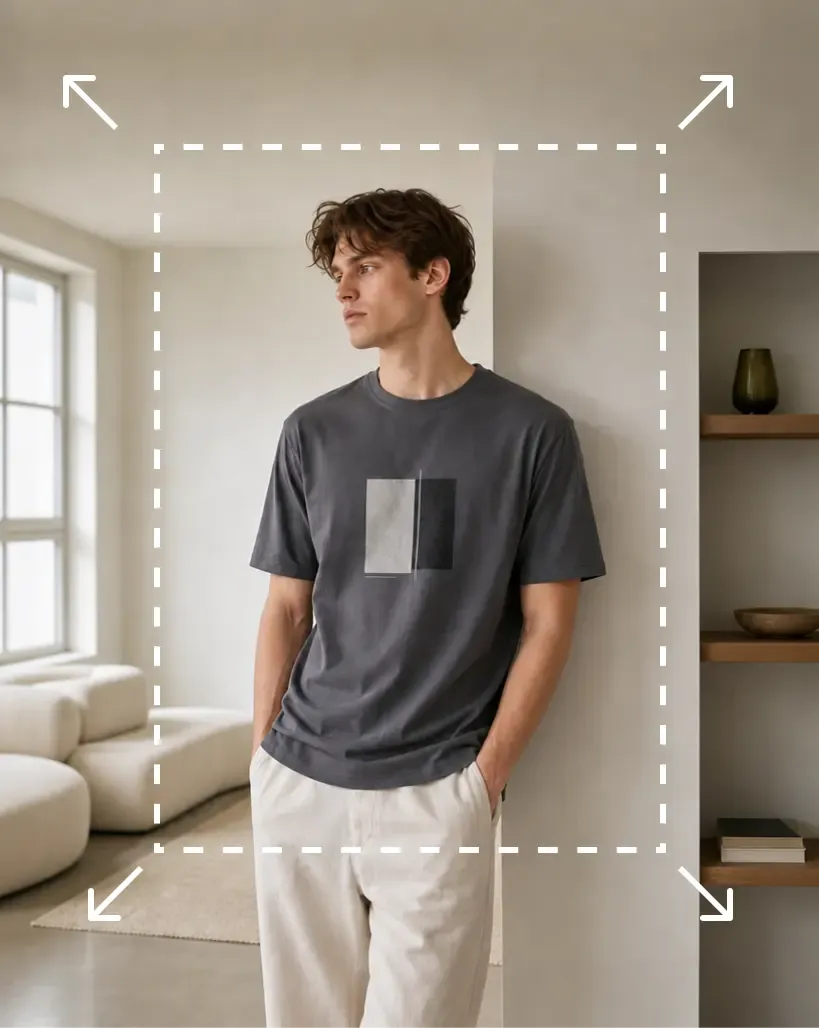
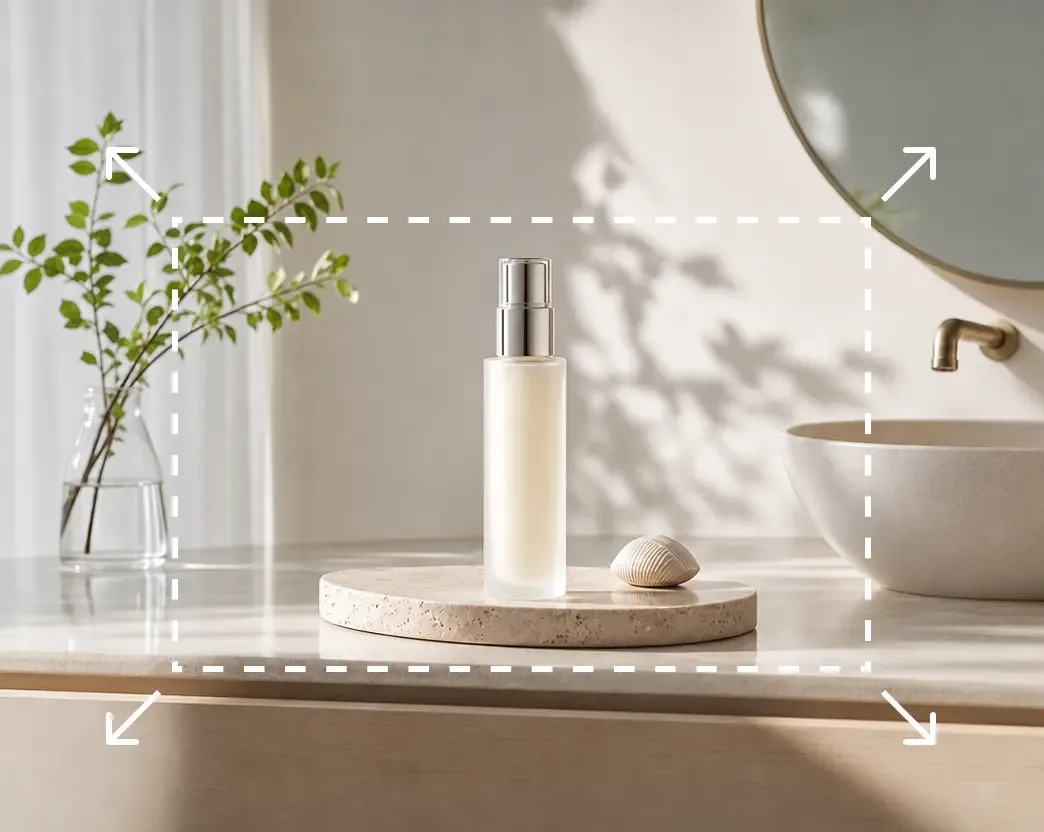
Adapt existing photos to new ratios and layouts without cropping the product, while keeping the expanded area visually connected to the original scene.

  • Use Your Own Product Photos
  • Natural Scene Expansion
  • Adapt image proportions

Create More Space Without Sacrificing the Product

Extend the image around the original subject so one approved photo can work across more aspect ratios, layouts, and channels.

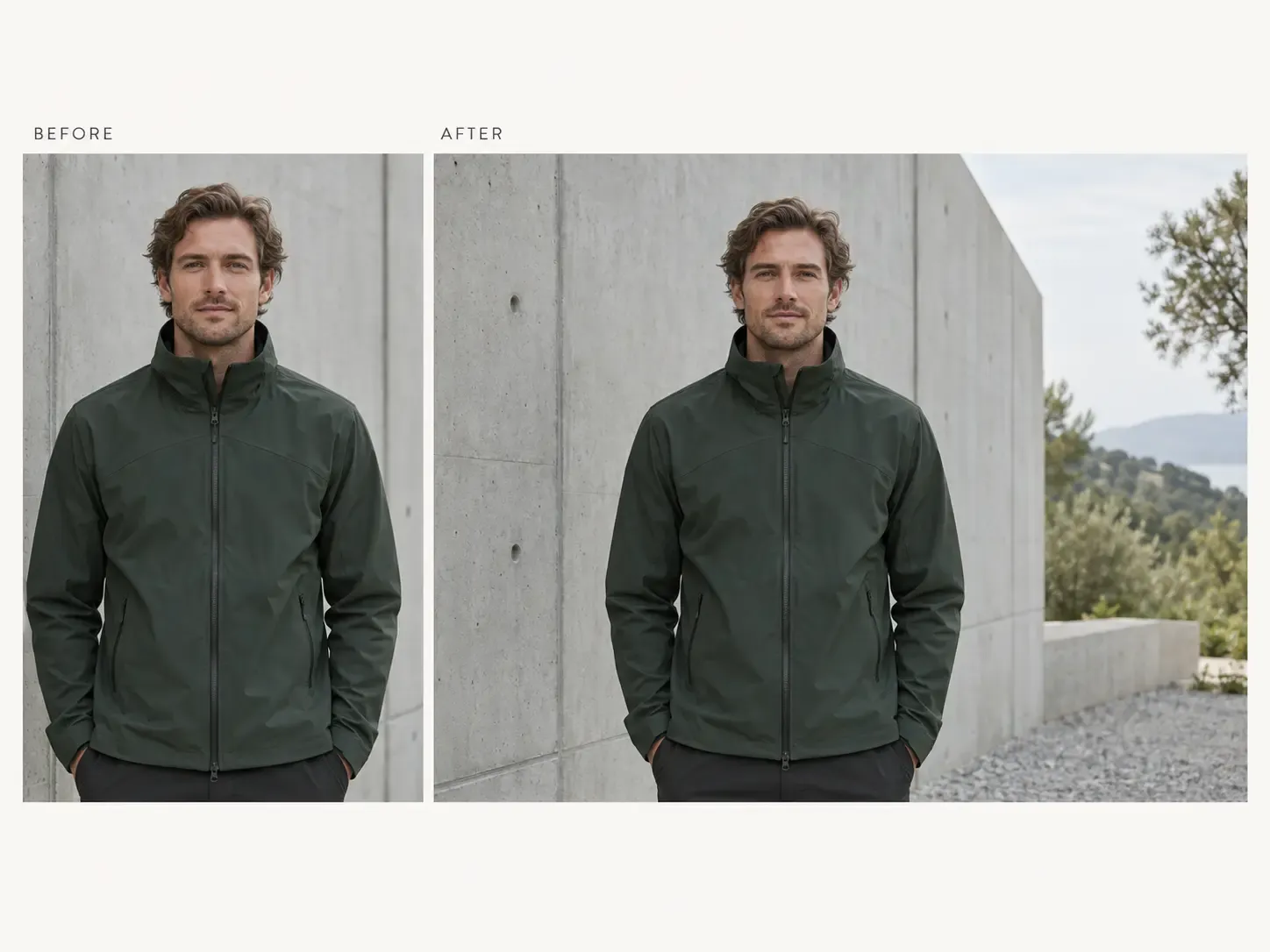
Change the Aspect Ratio Without Cropping Into the Product

A strong product image may be too tall, too narrow, or too tightly framed for the next place you need to use it.

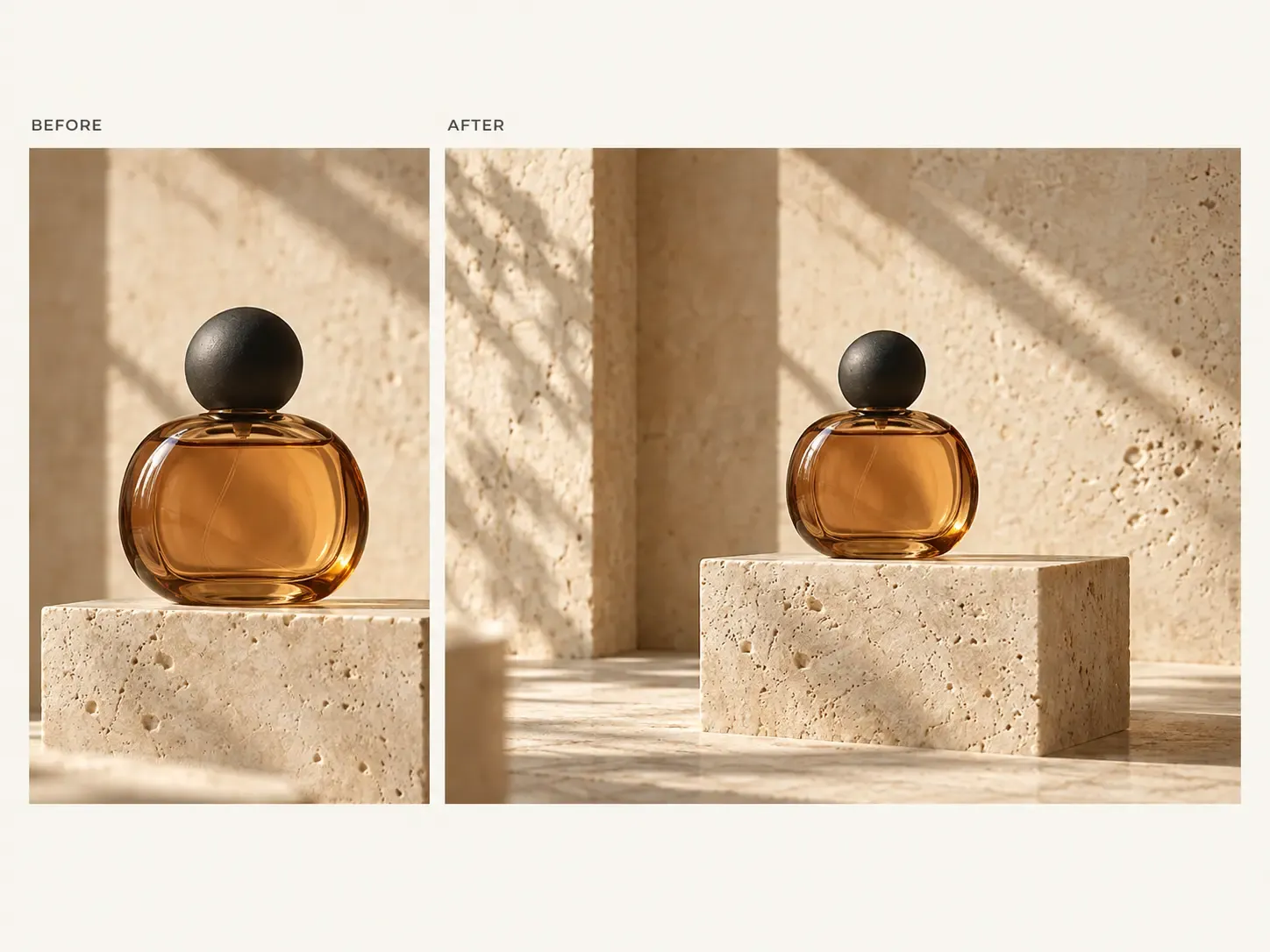
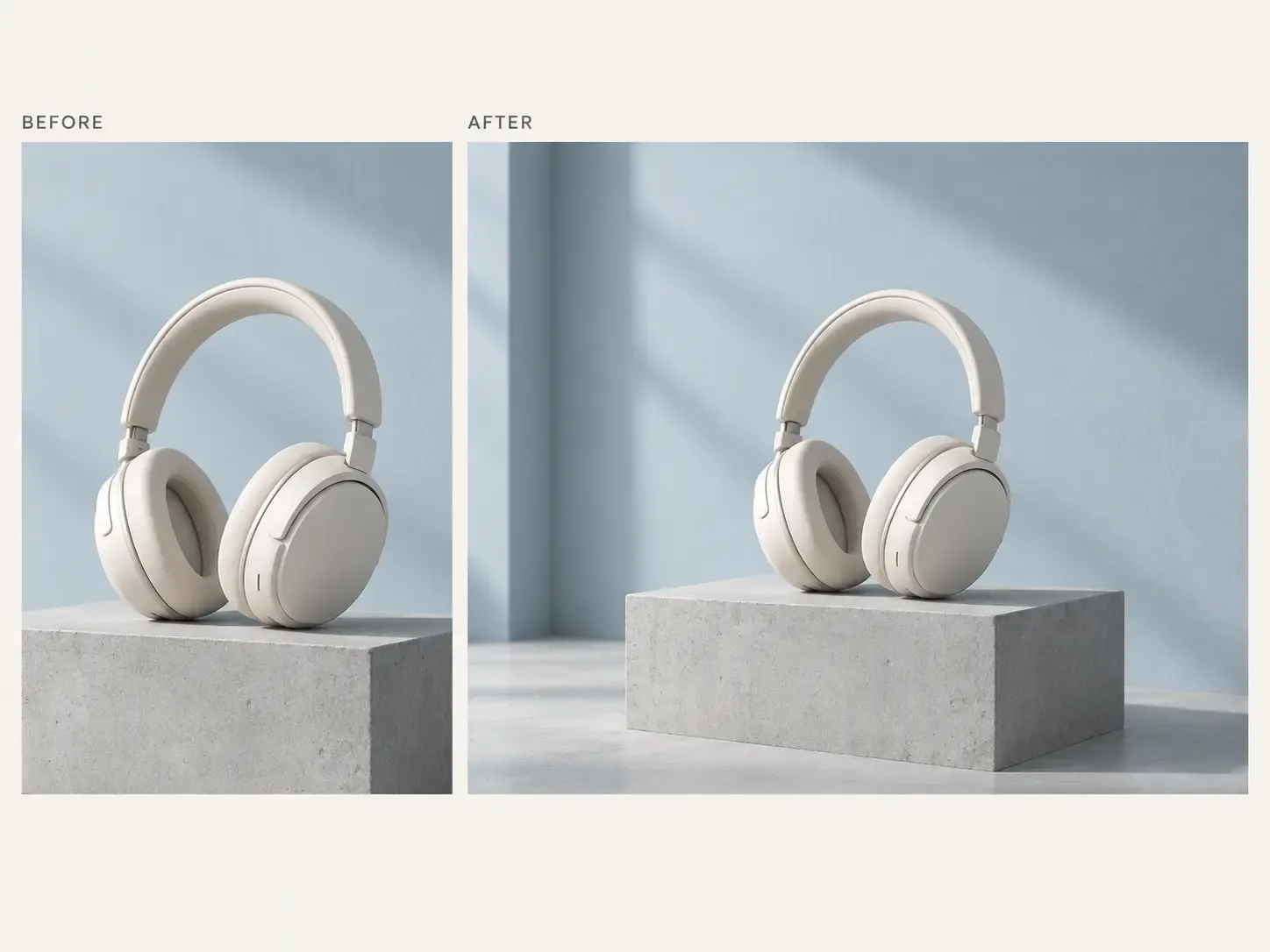
Expand the surrounding area instead of cutting into the subject simply to force the image into another ratio.

The original product stays as the anchor of the composition while the canvas gains the space required for wider, taller, or differently proportioned formats.
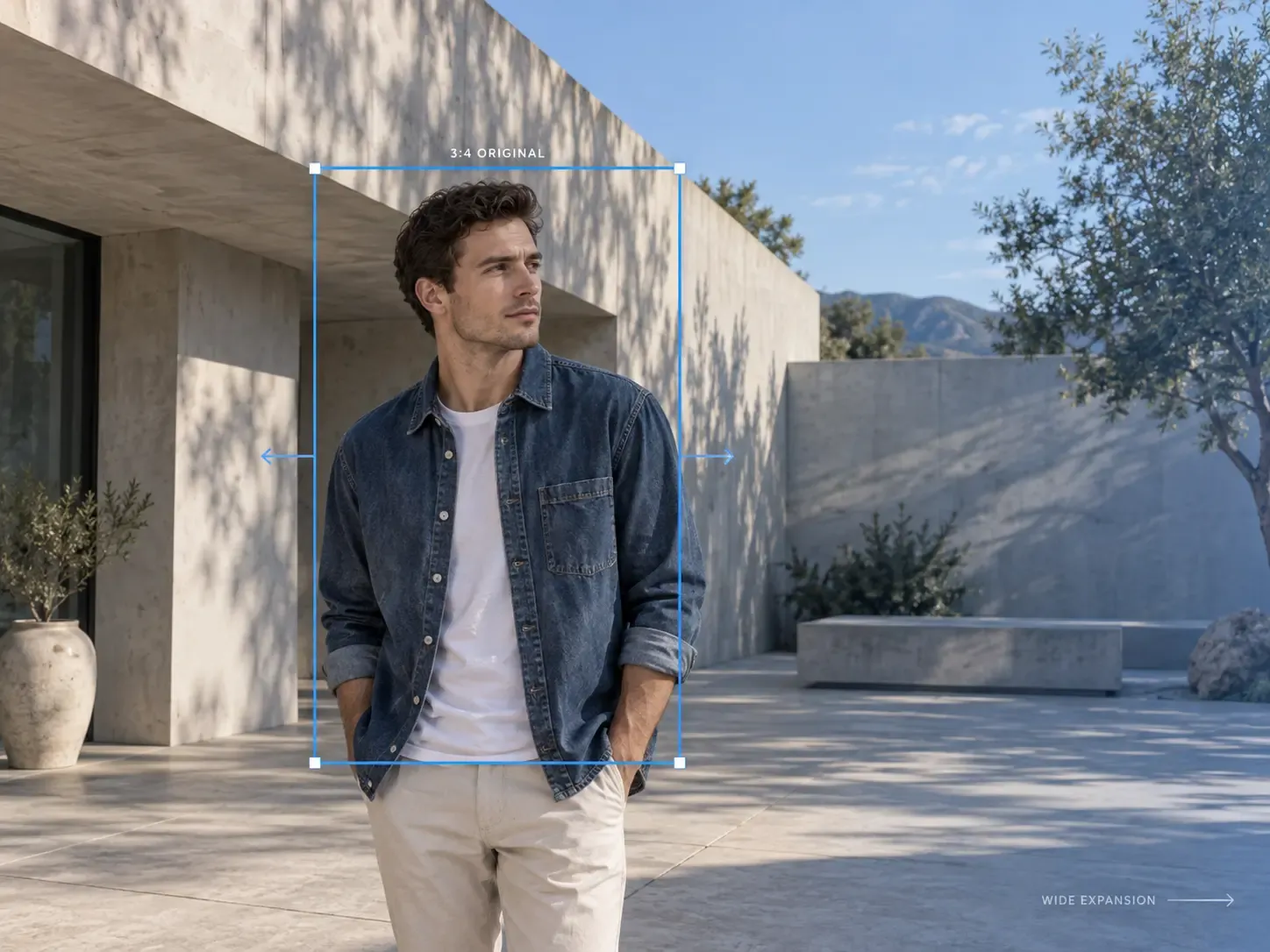
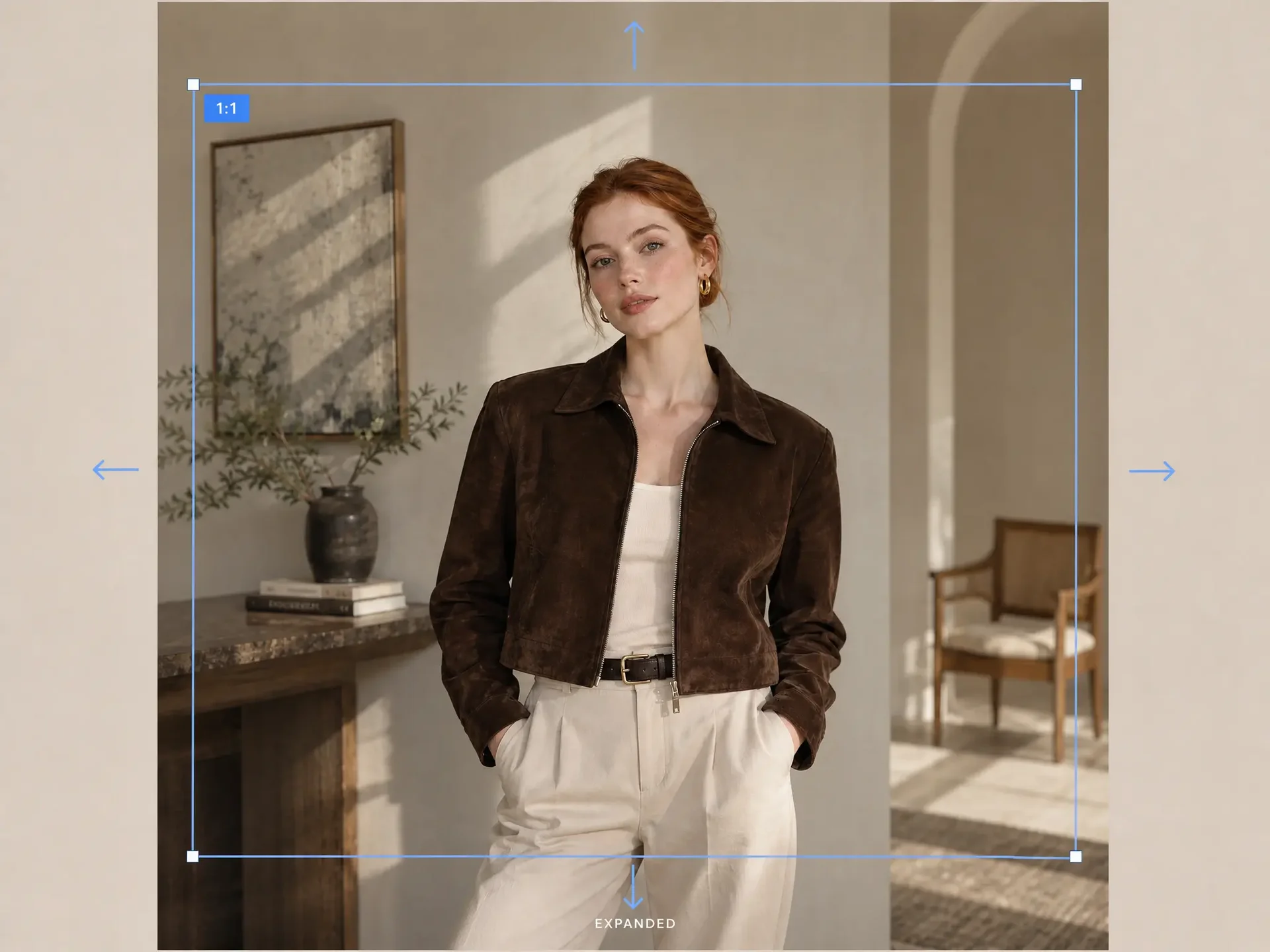
Change the Aspect Ratio Without Cropping Into the Product

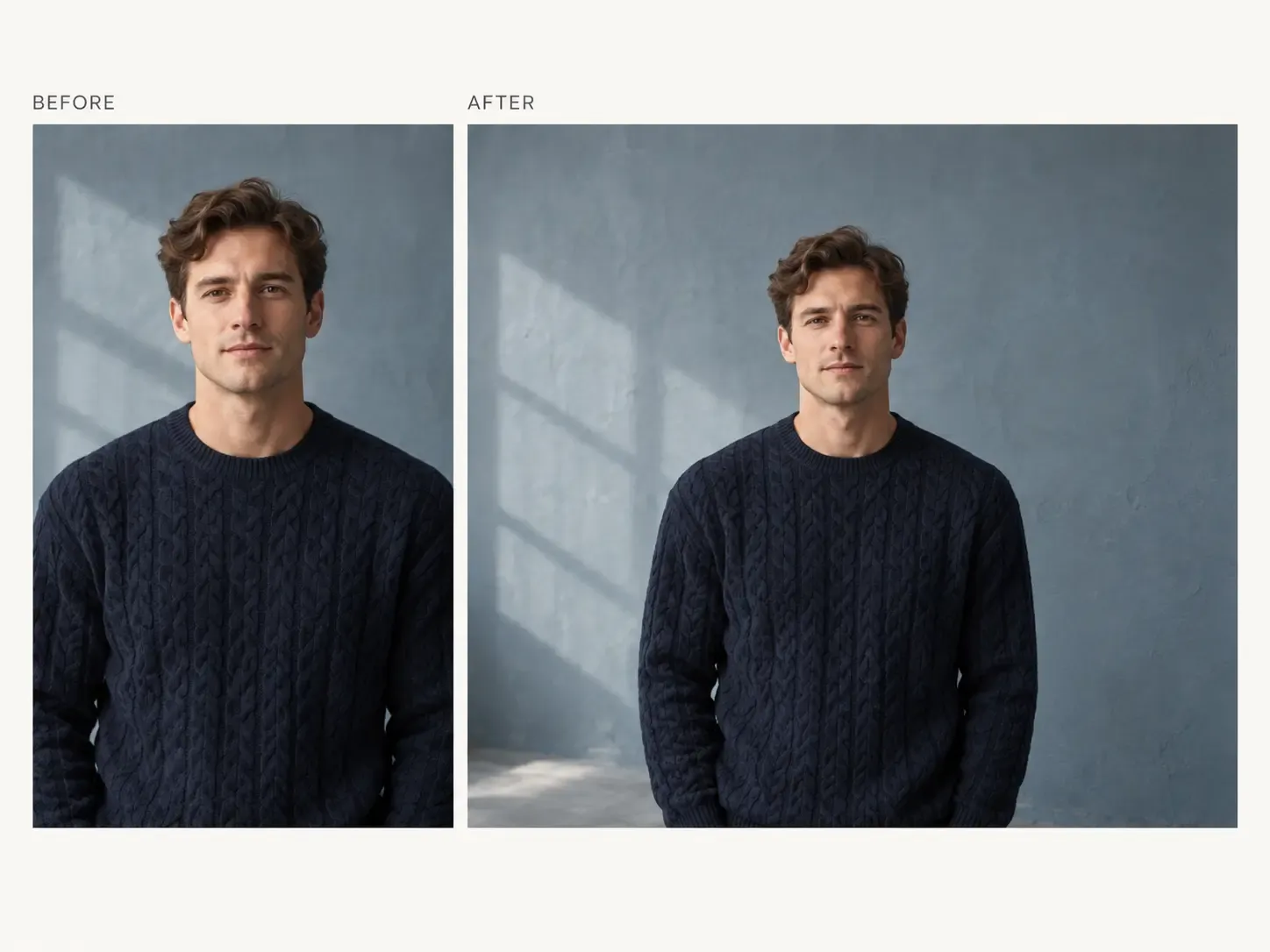
Extend the Scene So It Feels Like Part of the Original Photo

A useful image expansion should not look like new content was simply attached to the edge of the original photo.

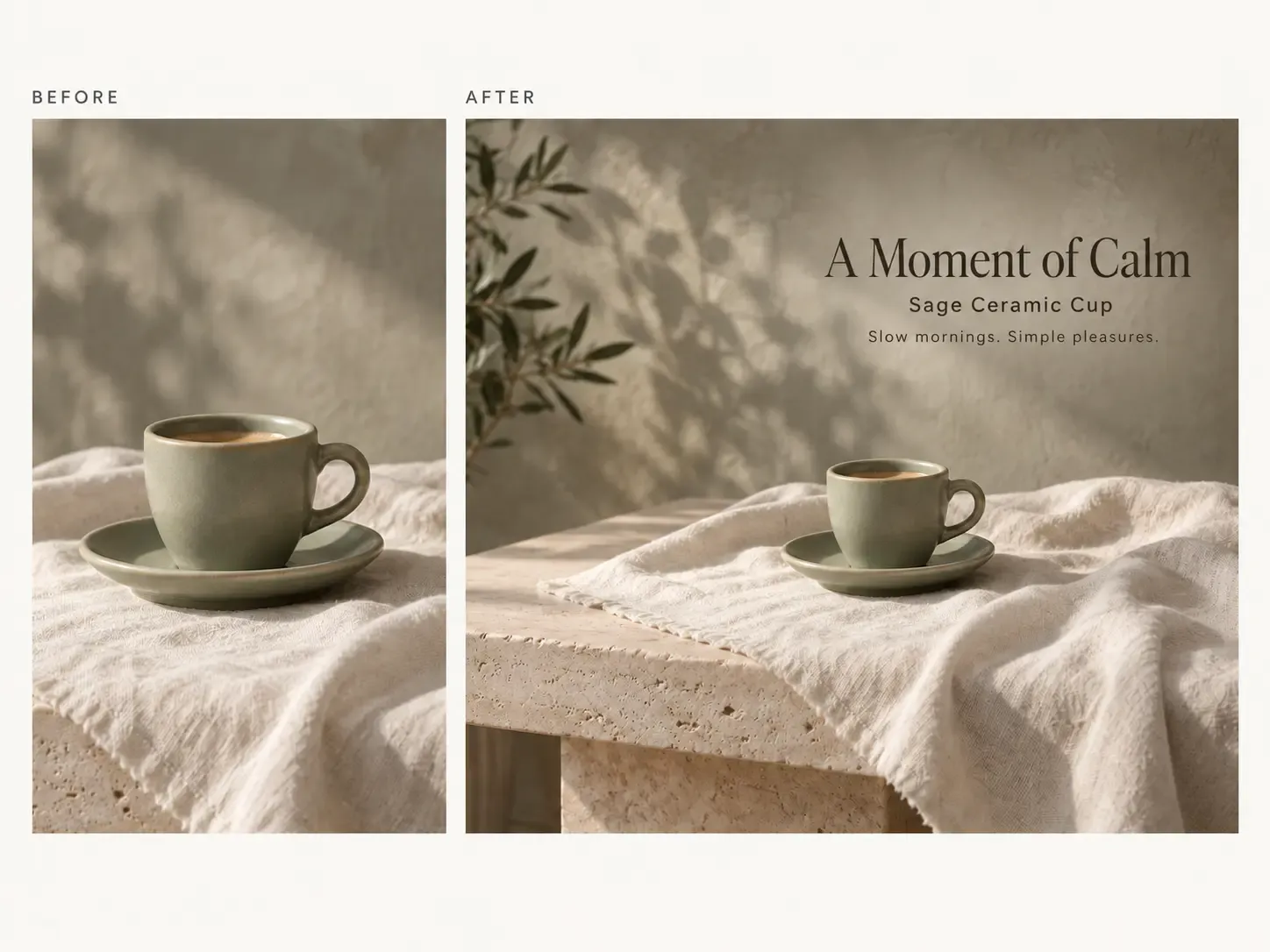
Mockuplabs is designed to continue surrounding backgrounds, surfaces, lighting, and visual structure more naturally, helping reduce obvious seams, repeated elements, or inconsistent areas.

This gives the expanded image stronger continuity when it is used in polished ecommerce, campaign, or brand layouts.

Extend the Scene So It Feels Like Part of the Original Photo

Expand Online or Continue Designing in Canvas

Use Expand directly online when you only need to extend an image, or access the same capability while working inside the Mockuplabs canvas.

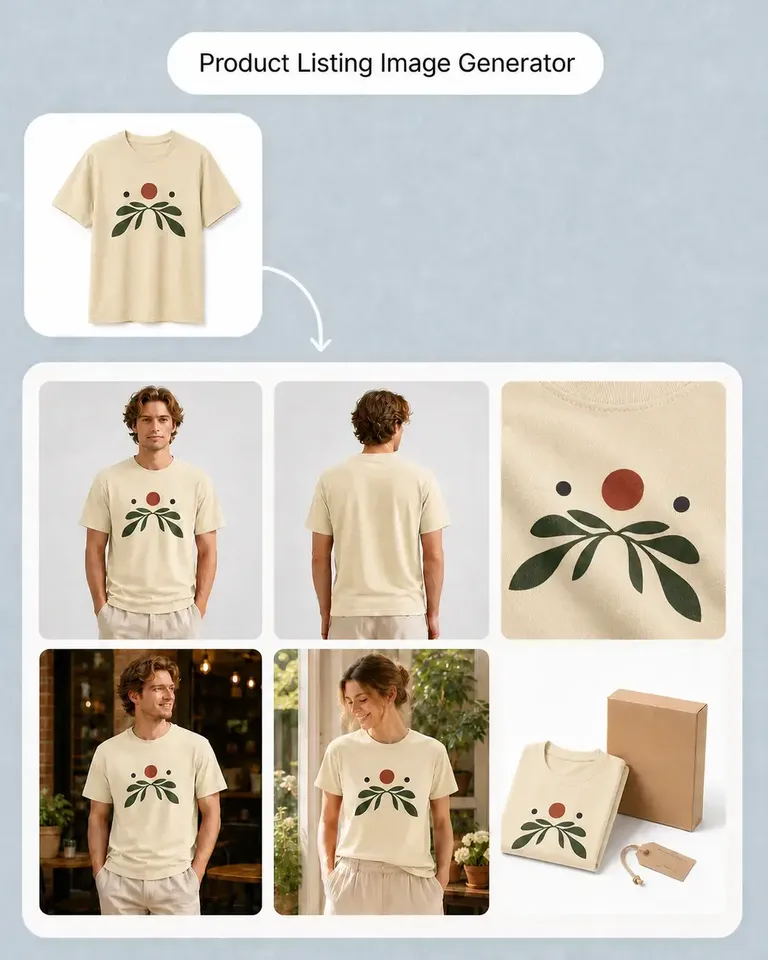
After expanding the composition, continue directly into Object Remover, Background Remover, Product Listing Images, AI Lifestyle Scenes, and other tools without rebuilding the image elsewhere.

Expand Online or Continue Designing in Canvas

Built for Every Place the Same Product Image Needs a Different Shape

Adapt approved photography to PDPs, banners, campaigns, marketplaces, ads, and social formats without sacrificing the product to the crop.

Turn a Portrait Product Photo Into a Wider Layout

Turn a Portrait Product Photo Into a Wider Layout

A vertical product photo may work perfectly on a PDP but leave no usable option for a wide landing-page hero or campaign section. Expand the surrounding environment to create a wider composition while keeping the original product intact.

  • Best for: Homepage heroes, Landing-page banners, Campaign pages, Email headers, Display creatives

Expand FAQs

See the Launch New Products for the complete job, or visit the Help Center for help.

AI image expansion extends the area around an existing photo, creating additional visual space or adapting the image to a different aspect ratio.

Make One Product Photo Fit More Places

Extend the scene naturally, protect the original product, and adapt approved photography to the formats your ecommerce content needs.