Mockuplabs

Create Etsy Listing Galleries That Tell the Whole Product Story

Show the product, details, scale, lifestyle context, personalization, and available variations in one connected gallery.

  • Built for Handmade & POD
  • Show Details & Options
  • Reuse Across Related Listings
Etsy Listing Images product-content workflow

Turn More Designs Into Etsy-Ready Listings Without Rebuilding the Product

Reuse the product you actually make or fulfill across new artwork, personalized options, seasonal collections, and cohesive listing galleries.

Publish New Designs With Less Repeated Setup

For many Etsy shops, the design library grows much faster than the number of base products.

Mockuplabs lets one approved product source support future artwork, so each new design can move toward a listing without restarting product production.


Publish New Designs With Less Repeated Setup

Make the Shop Feel Cohesive and Credible

Generic mockups from different sources can make one shop look like several unrelated sellers—and may not represent the fulfilled item accurately.

Starting with your own product photo keeps the real item and a recognizable presentation at the center of the collection.

Make the Shop Feel Cohesive and Credible

Get More Listing Value From Every Design

A new design can support multiple colors, personalized versions, lifestyle images, and seasonal promotion rather than ending as one hero mockup.

That broader asset set helps each idea contribute to both the listing gallery and the marketing needed to bring shoppers to it.

Get More Listing Value From Every Design

What You Can Do for an Etsy Shop

Take a design from preview to a polished listing while keeping product presentation consistent across the whole shop.

Show Designs on the Product You Actually Sell

Turn a real product photo into a reusable mockup source for future listings.

Mockup Generator keeps the item's shape, texture, folds, and lighting visible, helping the final image feel specific to your product rather than borrowed from a generic catalog.

Move From the Product to a Complete Etsy Listing Workflow

  1. Upload the Product or Blank You Actually Sell

    Start with the handmade item, POD blank, or product source that should remain recognizable in the listing.

  2. Build the Core Listing Set

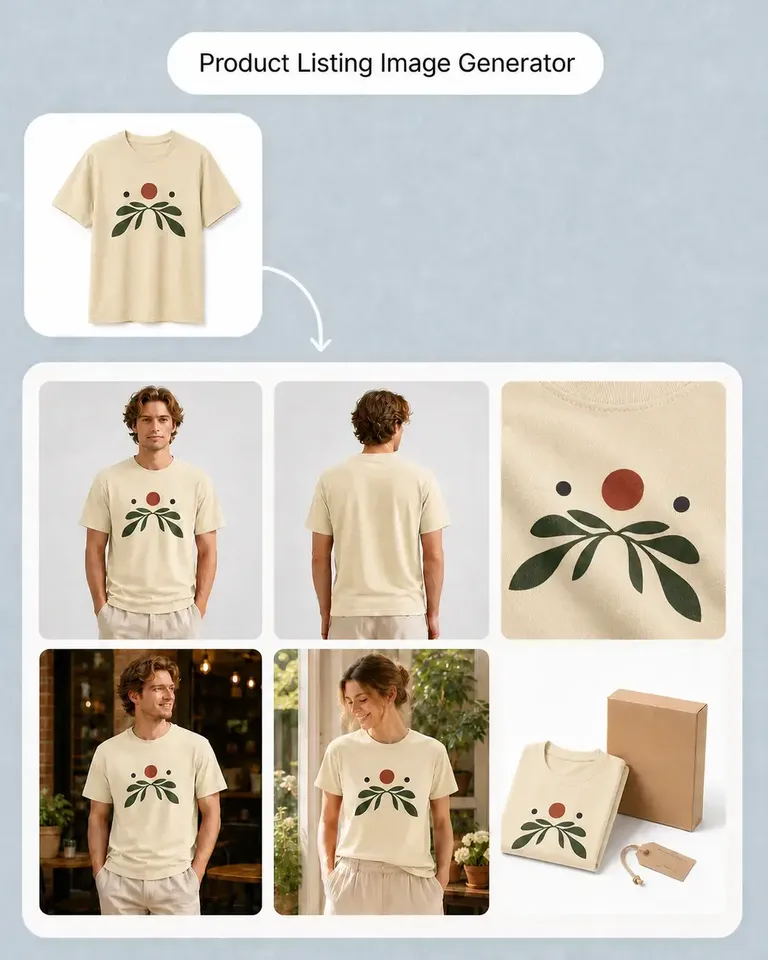
    Use Product Listing Image Generator to create the product-first, supporting-view, lifestyle, detail, and explanatory visuals.

  3. Add the Design or Personalization

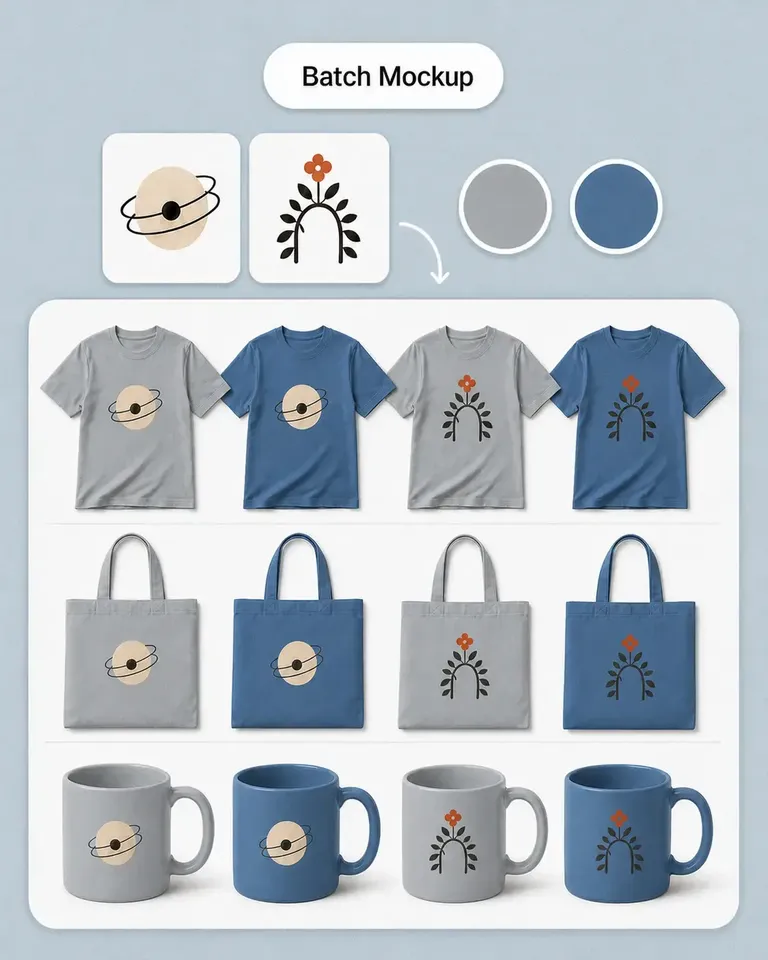
    For artwork, use Mockup Generator or Batch Mockup when many designs are involved.

    For wording and personalized text concepts, use Text to Design.

  4. Add Additional Context or Product Options

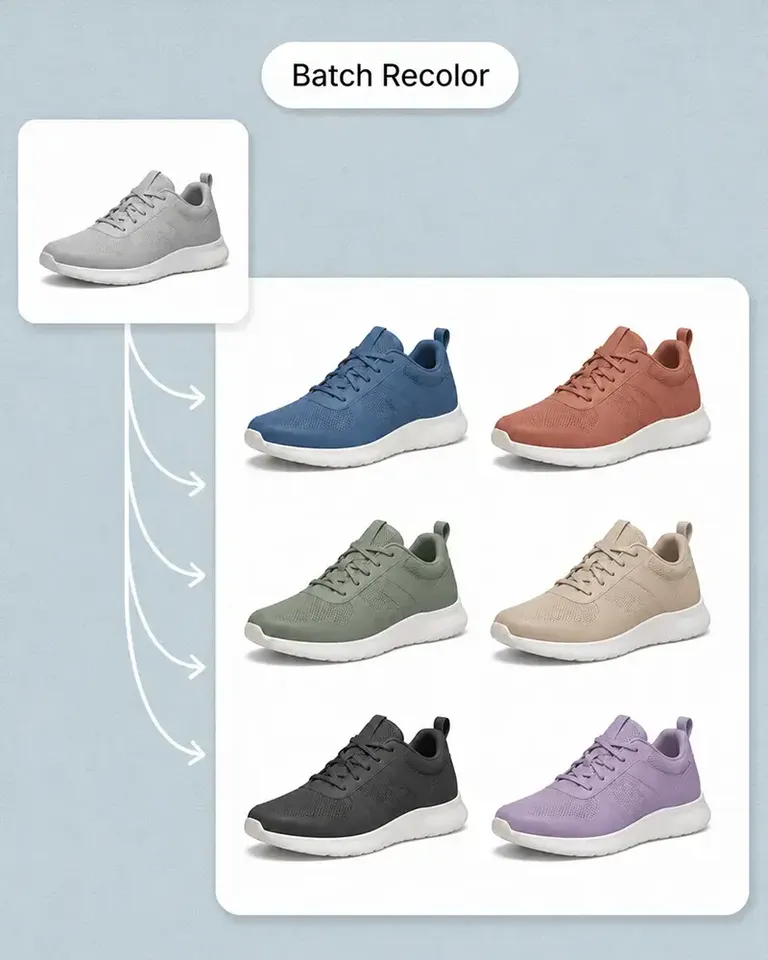
    Use AI Image Generator for additional lifestyle directions, or product-color workflows when the listing contains multiple sellable options.

  5. Refine and Reuse the Approved Listing

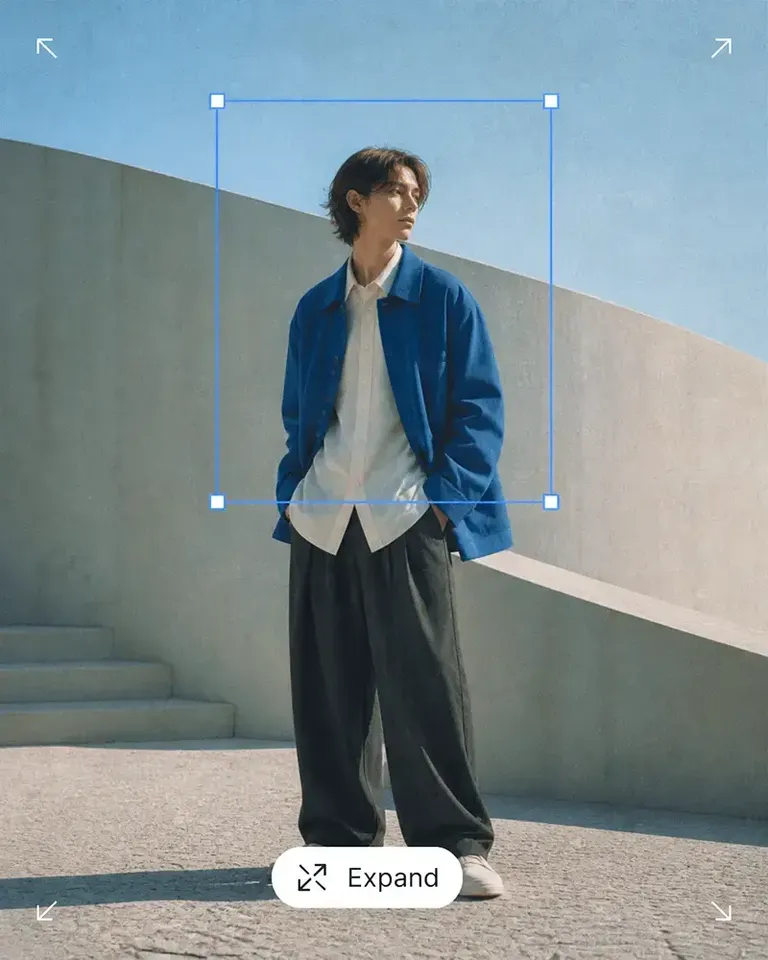
    Use Canvas tools when an image needs cleanup, expansion, or enhancement, then keep the approved product setup available for related designs and future listings.

Connect the Features Behind Your Etsy Listing Workflow

Choose the smallest combination of listing, mockup, personalization, scene, and editing tools required for the products your shop actually sells.

Etsy Listing Images FAQs

Need product help? Visit the Help Center.

The exact set depends on the product, but sellers can use different image roles to introduce the item, show details and materials, communicate scale, add lifestyle context, and present available options.

Turn Each Product Into an Etsy Listing Buyers Can Understand Faster

Build the product story, details, context, and options once, then reuse more of that work across the next listing.