Mockuplabs

Create a Product Listing Image Set from One Photo

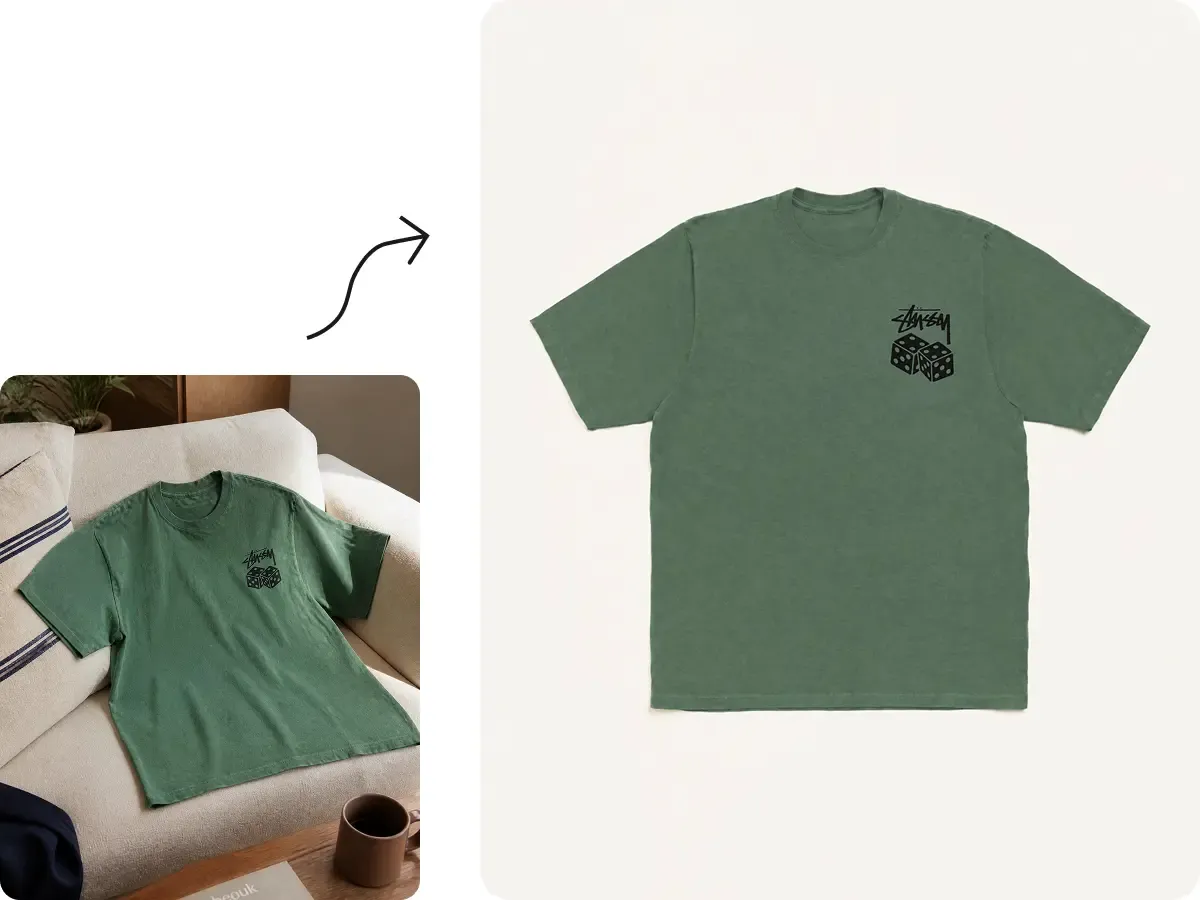
Upload one product photo and generate white-background, alternate-view, lifestyle, detail, and infographic images for review for your product listing.

Generate listing images
  • Start With One Product Photo
  • Review the complete image set
  • Refine individual images
Product Listing Image Generator feature preview

Create a Complete Product Listing From One Photo

Generate the different images your product page needs in one workflow, with finished results ready for ecommerce listings and marketplaces.

Generate the Full Listing Set, Not Just Individual Images

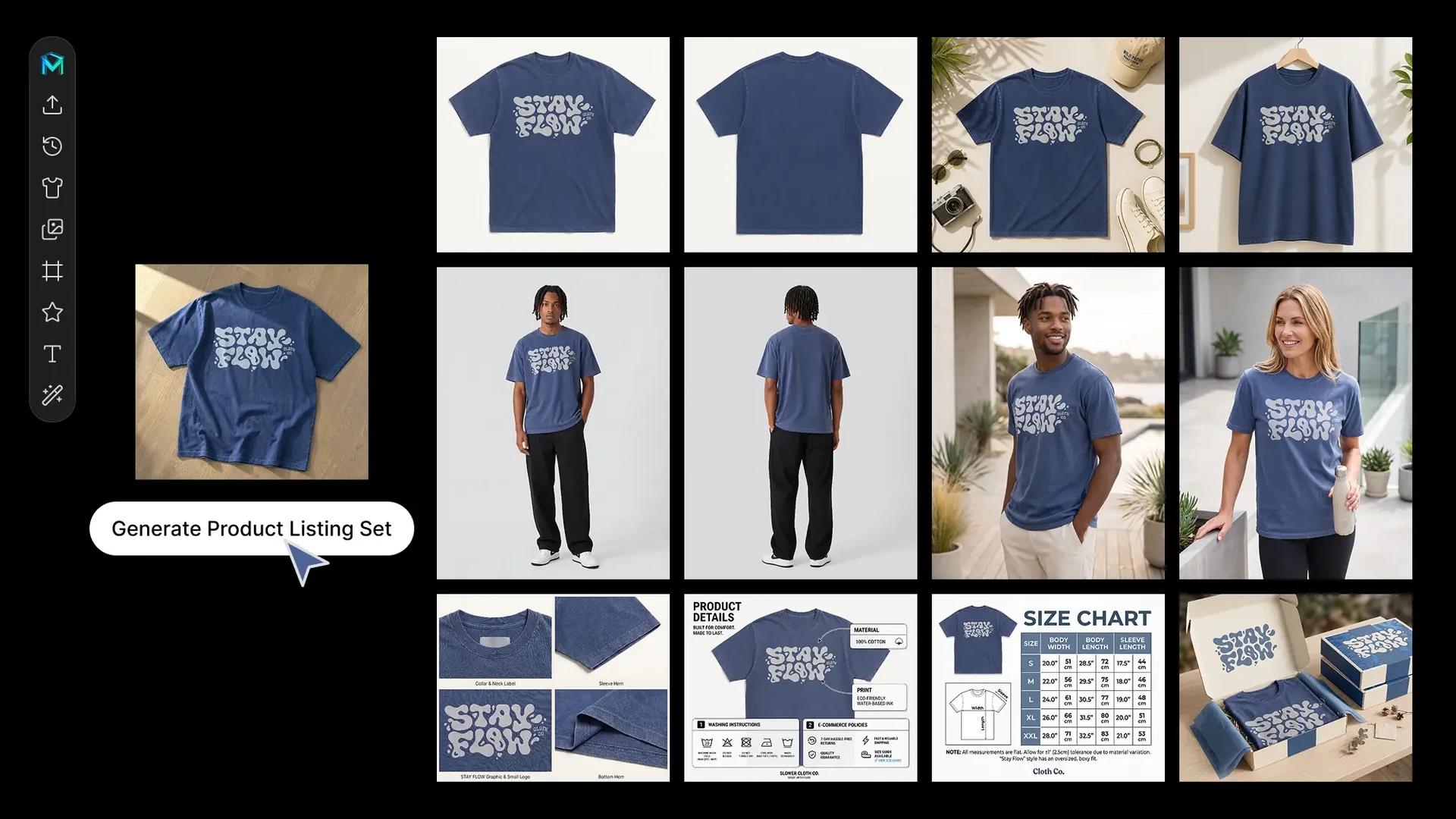
Start with one product photo and turn it into a coordinated set of ecommerce visuals, including:

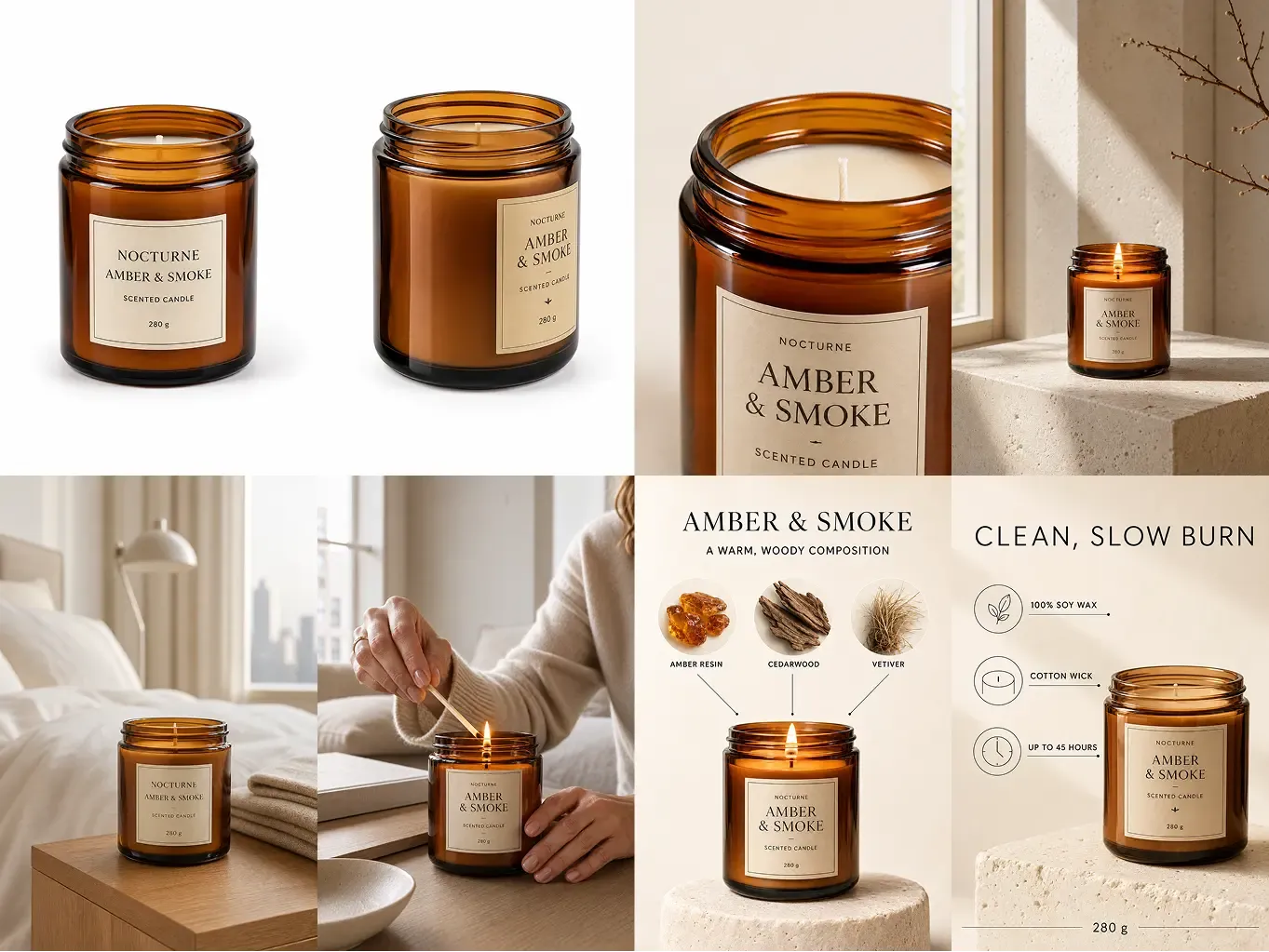
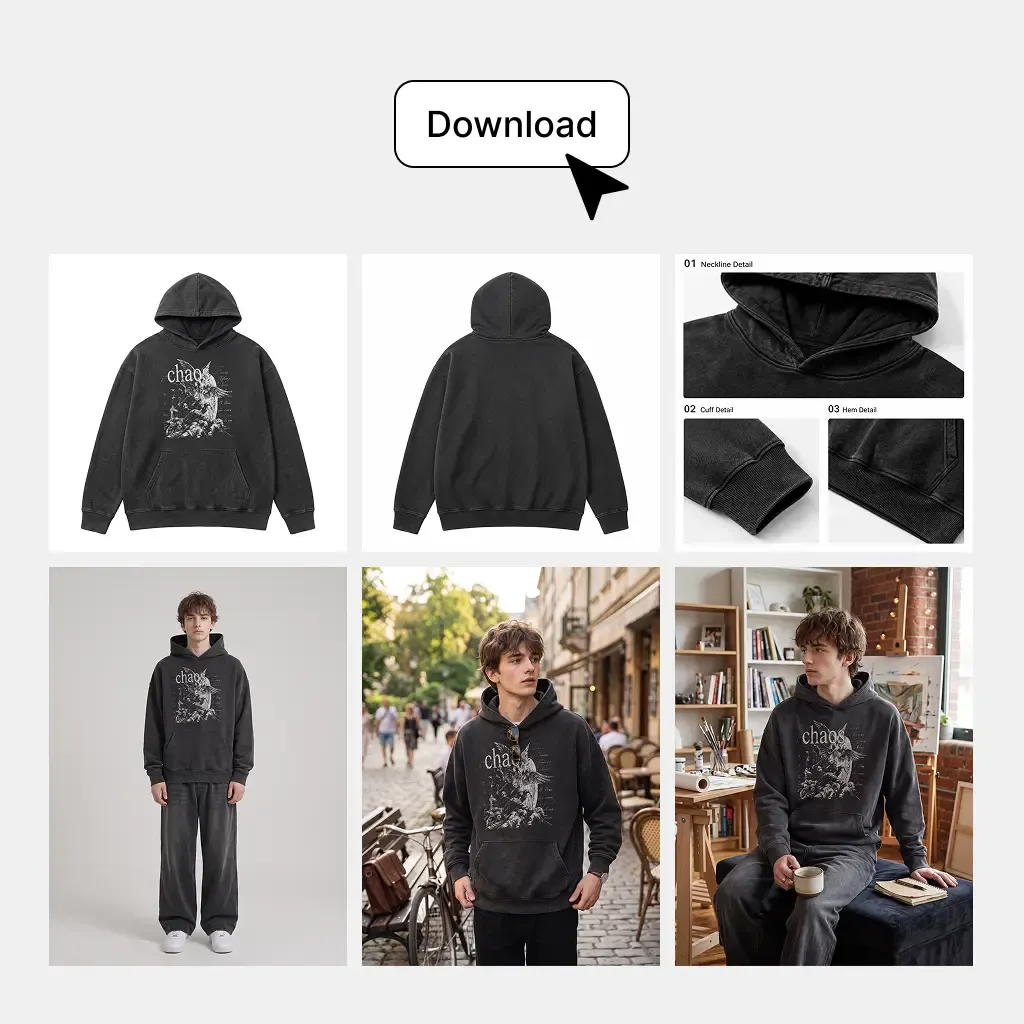
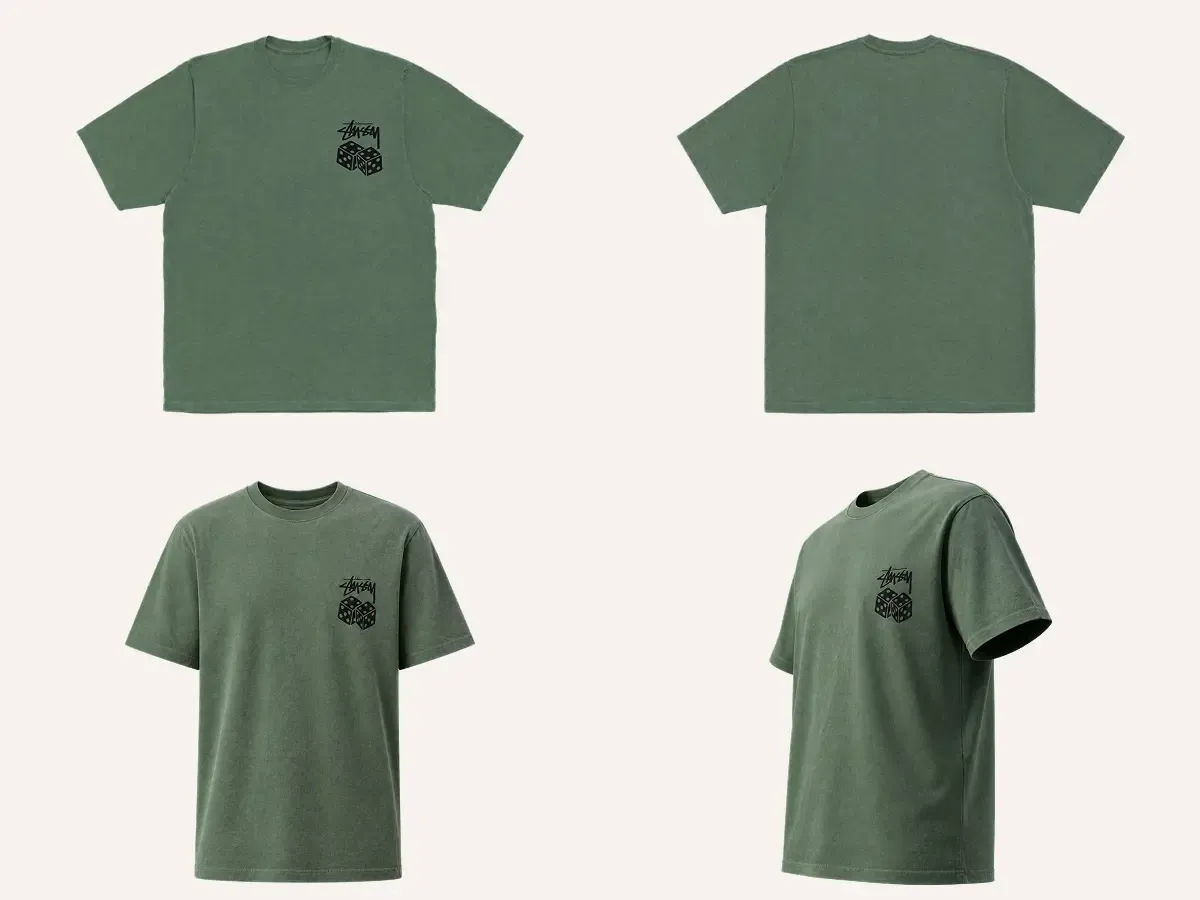
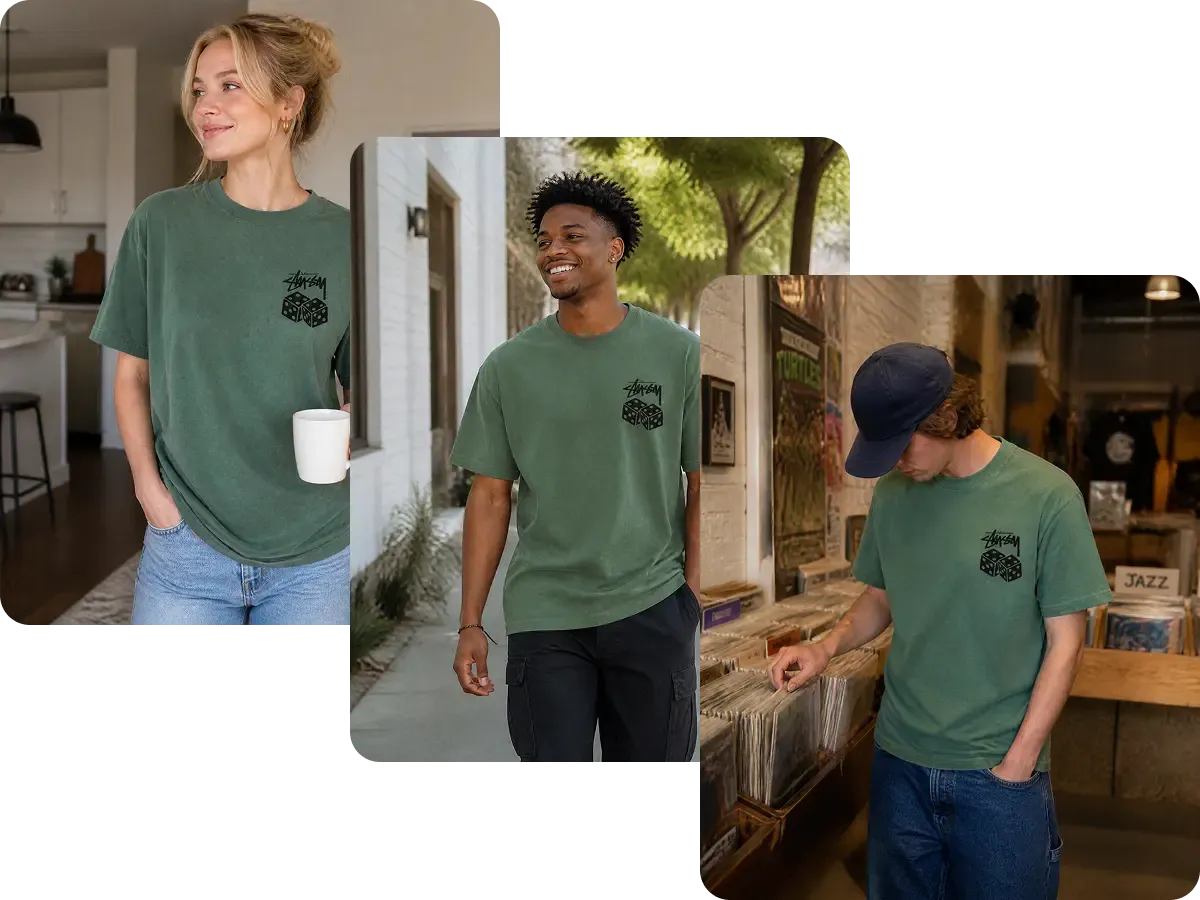
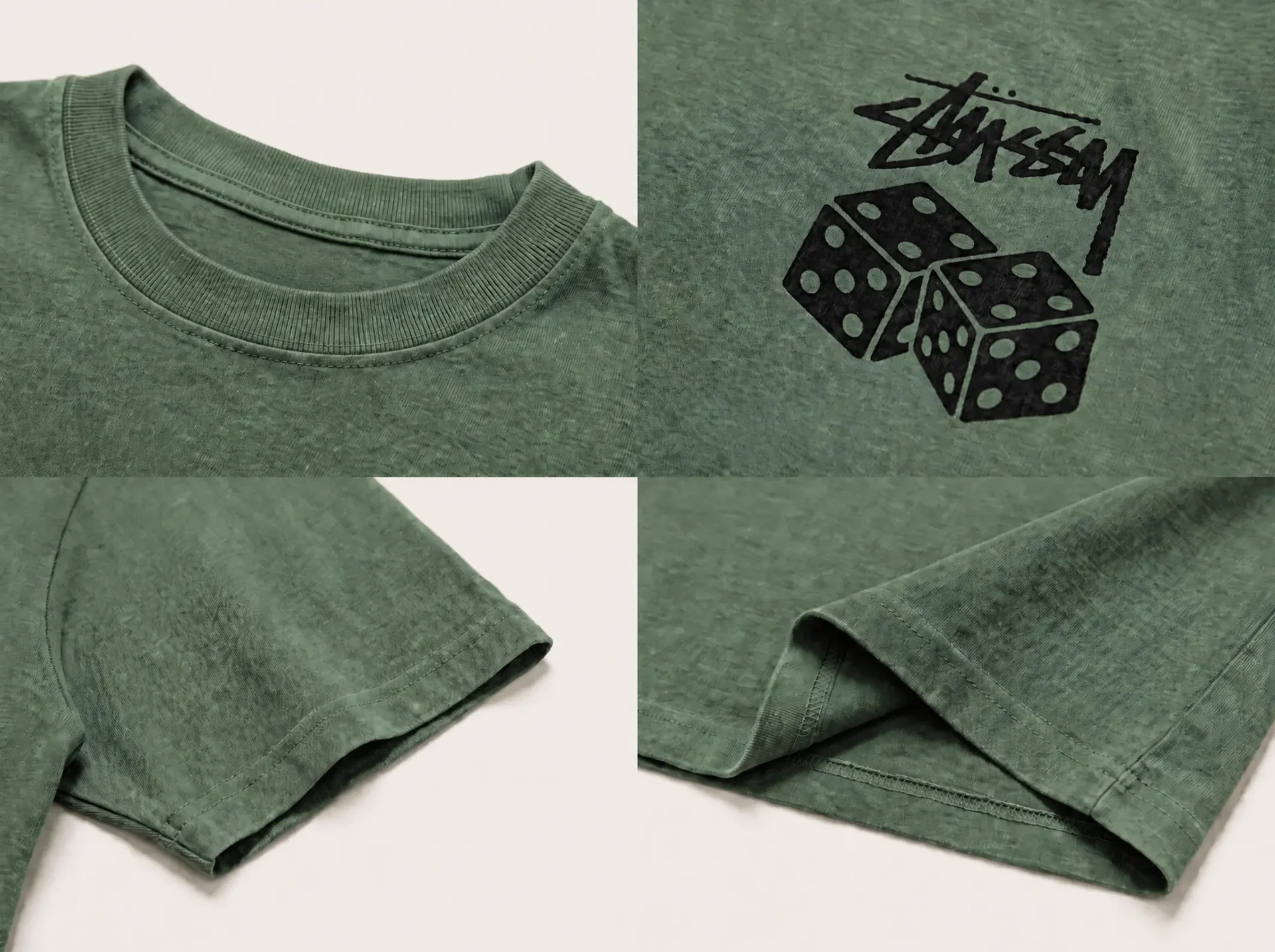
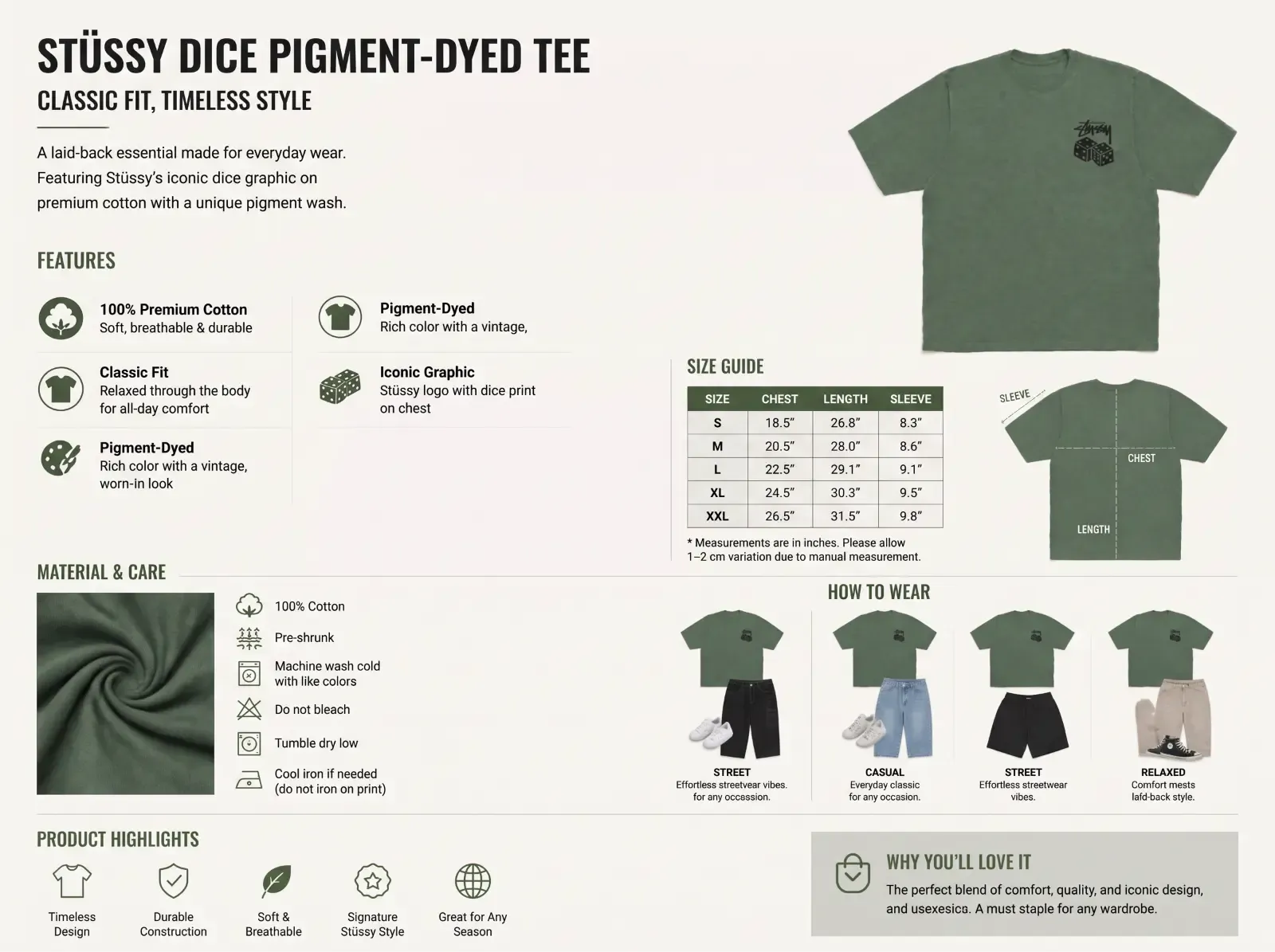
White-Background Images for a clean product-first presentation; Multi-Angle Images to show more of the product; Lifestyle Images to show the product in real-world use; Detail Images to highlight materials, construction, and important features; and Infographic Images to explain key selling points visually.

Each image is created for a specific role in the product listing.

Instead of generating disconnected assets one by one, you get a complete visual set that can move directly into your PDP or marketplace listing.
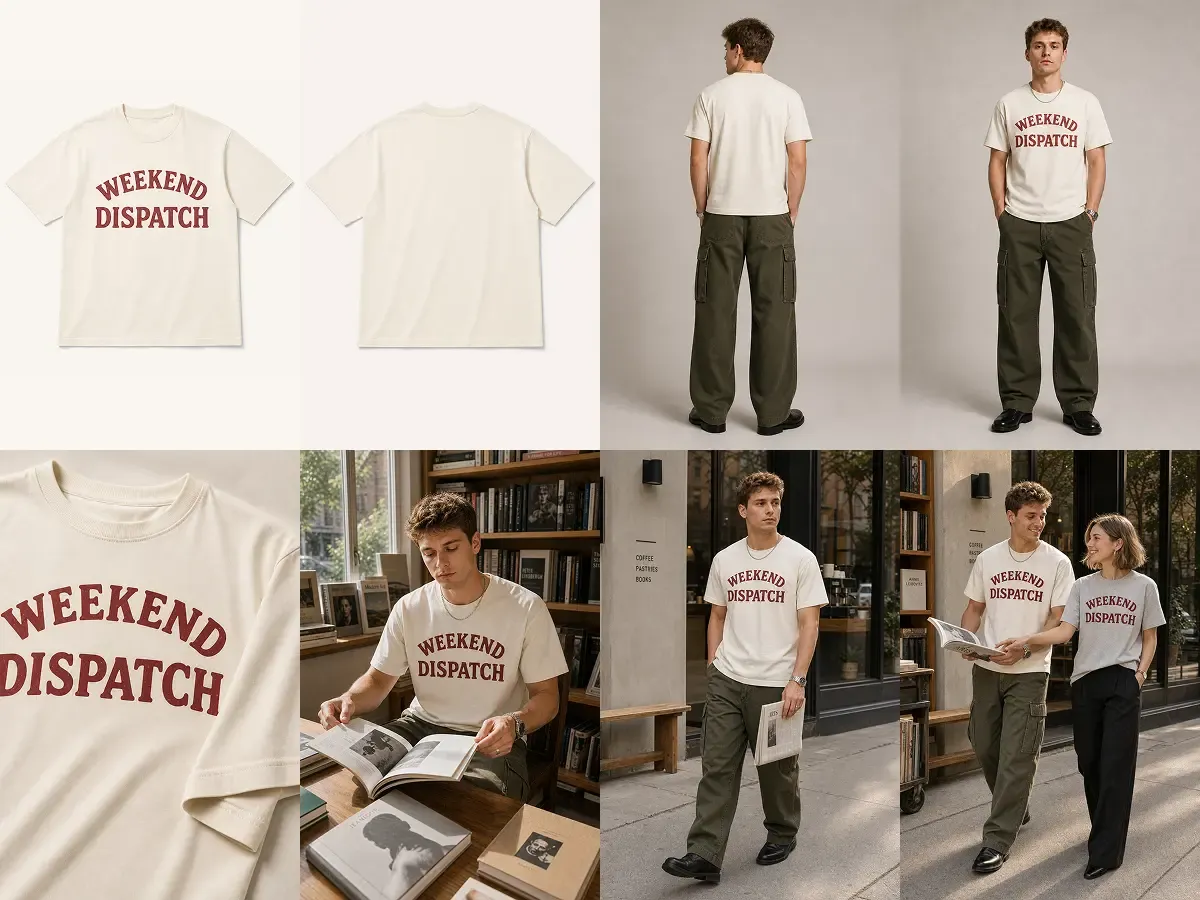
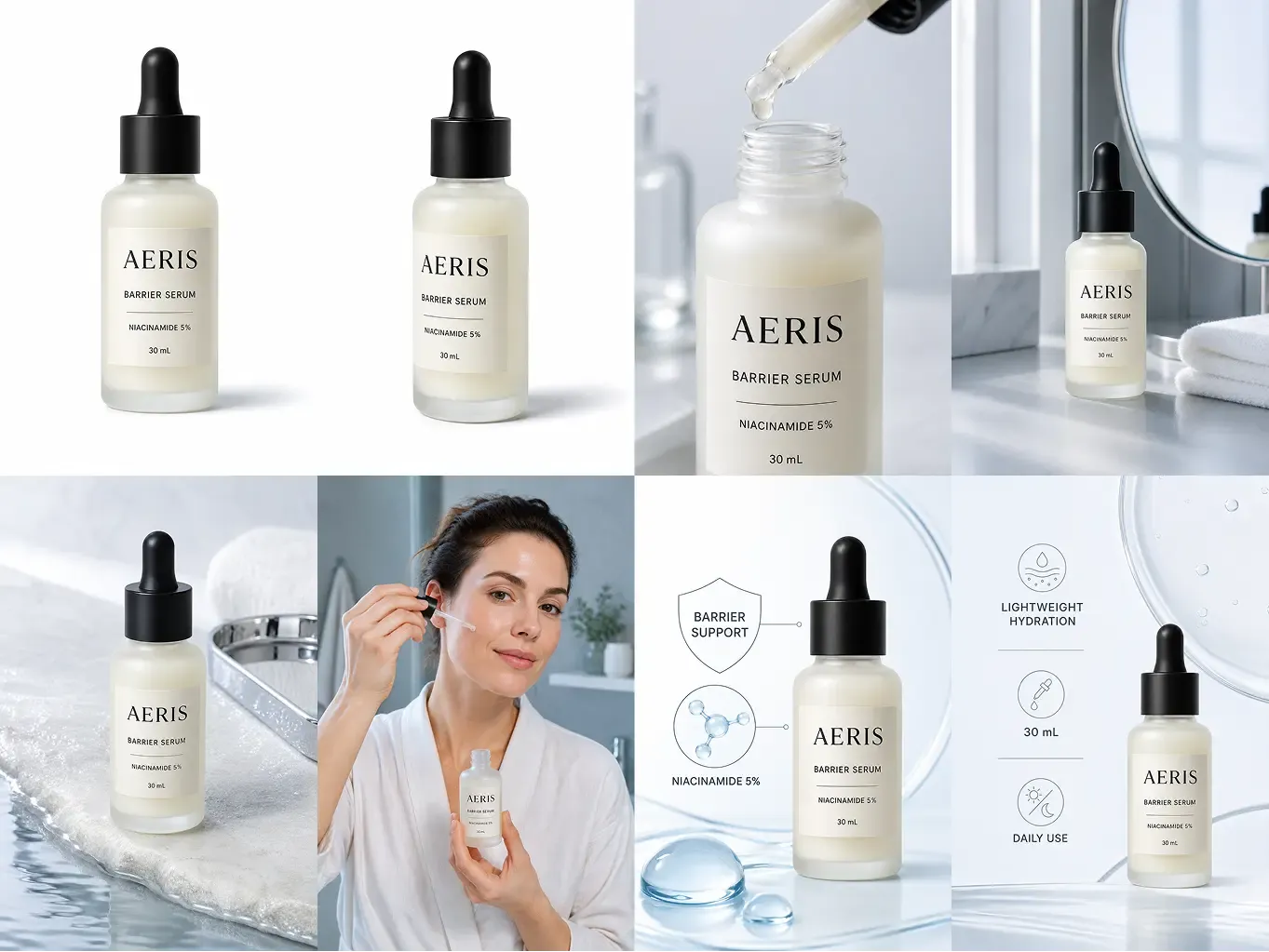
Generate the Full Listing Set, Not Just Individual Images

Keep the Same Product Consistent Across the Entire Gallery

A strong listing needs different types of images without making the product look different every time the customer swipes.

Mockuplabs uses your uploaded product as the visual source across the set, helping the main image, alternate views, lifestyle scenes, detail shots, and infographic visuals feel like they belong to the same SKU.

The result is a cohesive product gallery that can be used together without manually rebuilding every image to make the product look consistent.

Keep the Same Product Consistent Across the Entire Gallery

Use the Results Directly—or Refine Any Image in Canvas

After reviewing product accuracy, text, and destination requirements, use the approved images in your listing.

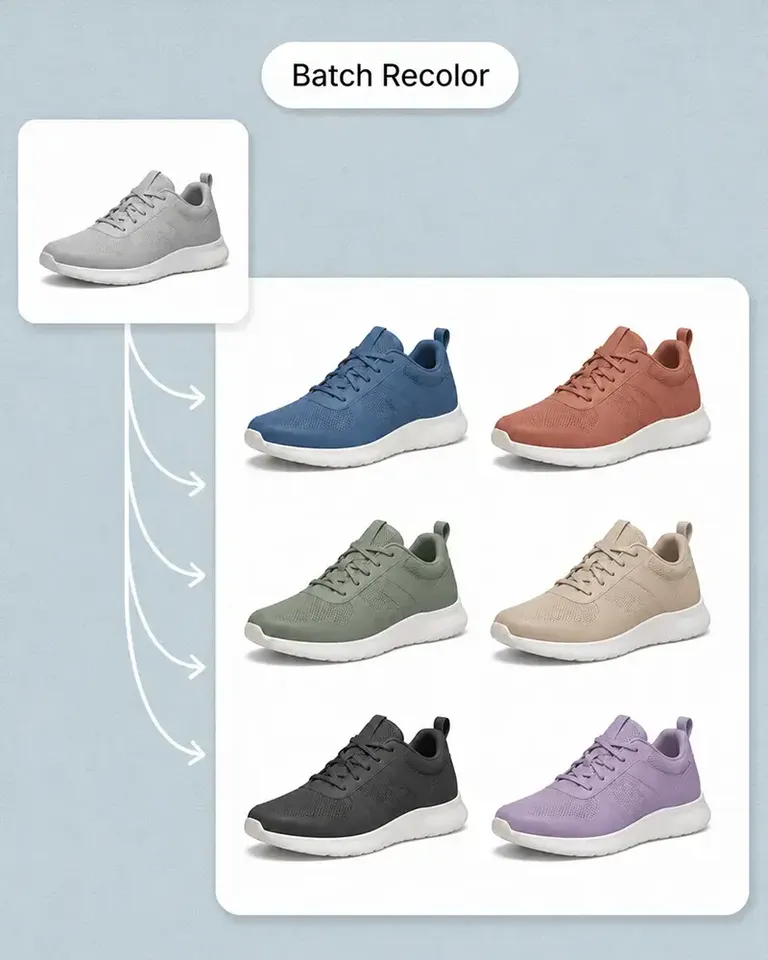
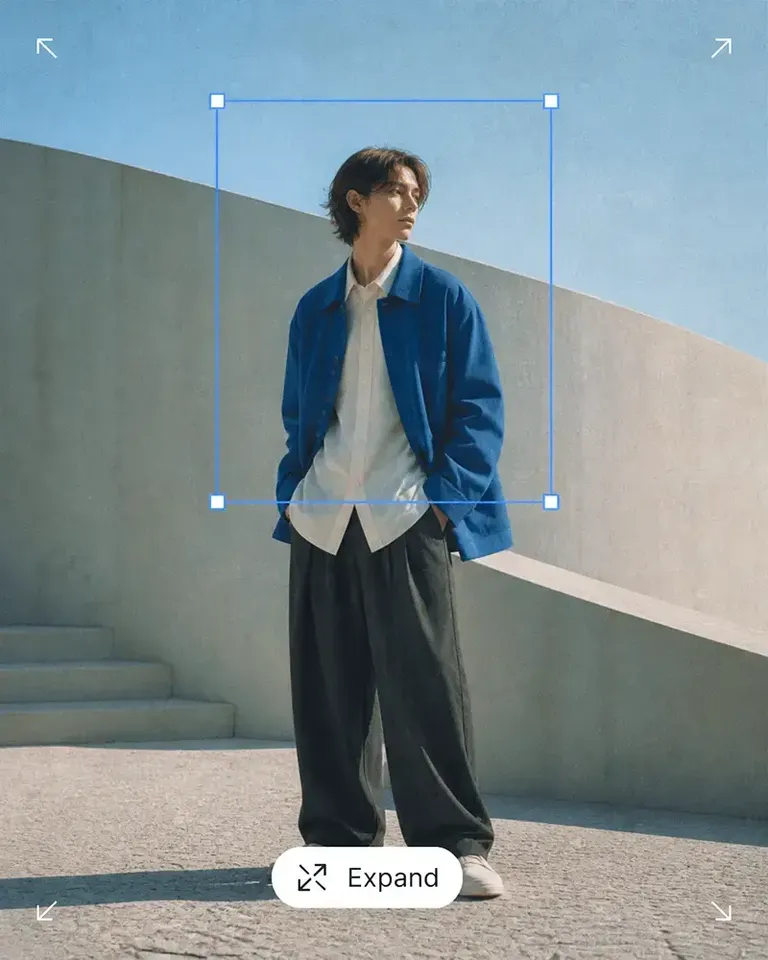
If one image needs a different crop, cleaner background, more space, higher resolution, recoloring, or another adjustment, open only that asset in the Mockuplabs canvas and continue editing.

You can use tools such as Background Remover, Object Remover, Expand, Image Upscaler, Recolor Product Photo, and other product-content features without recreating the source product.

Use the Results Directly—or Refine Any Image in Canvas

Create a Listing Product Image Set in Three Steps

Move from one source product image to a complete set of finished ecommerce visuals with far less production work.

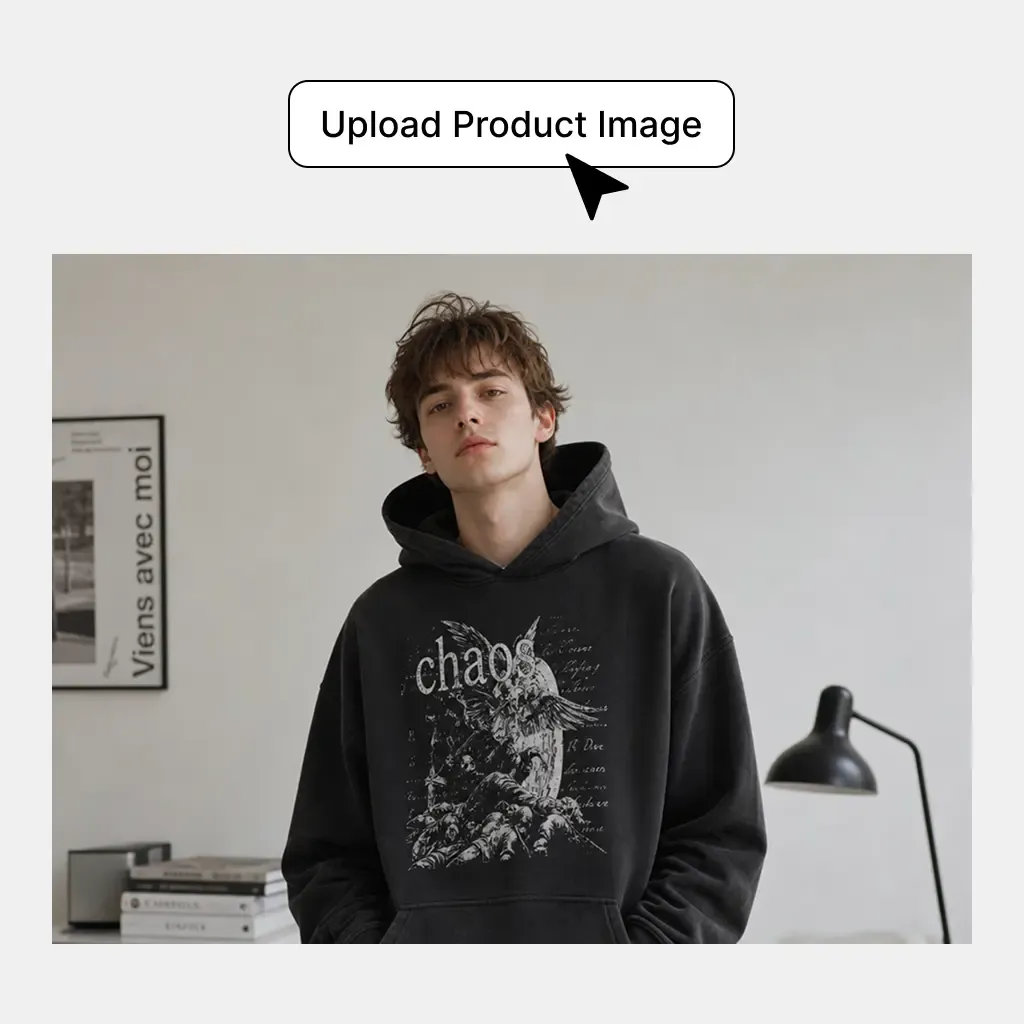
  1. Upload Your Product Photo

    Add one clear image of the product you want to build the listing around.

    Upload Your Product Photo
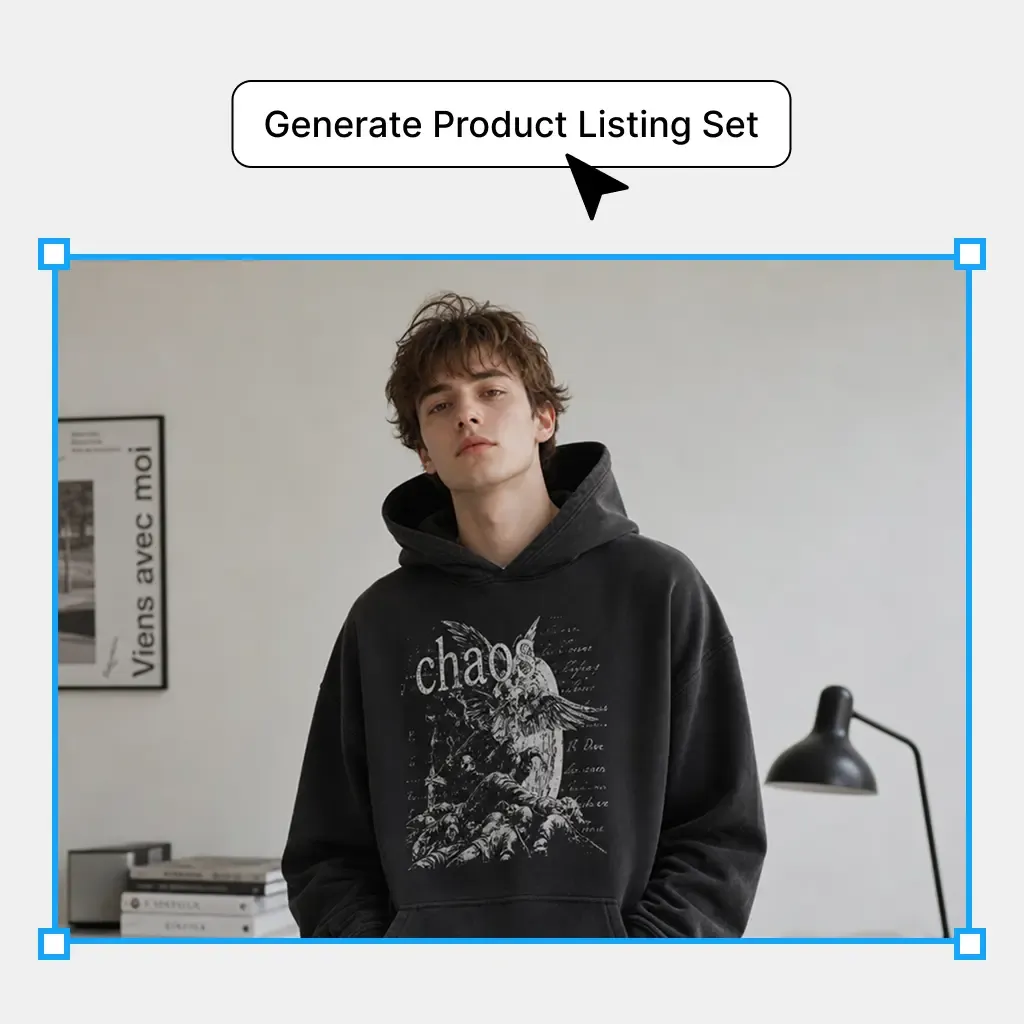
  2. Generate the Complete Listing Set

    Create white-background, alternate-view, lifestyle, detail, and infographic images around the same product source.

    Generate the Complete Listing Set
  3. Review and Publish

    Check product details, text, and channel requirements across the complete set. Correct individual images in the canvas before publishing.

    Review and Publish

Built to Produce the Images Your Product Page Actually Needs

Create a complete visual buying journey—from the first product view to the images that explain details, use cases, and key selling points.

Create a Listing Main Product Image

Create a Listing Main Product Image

Generate a clean, product-first image that can serve as the visual anchor of the listing. The main image gives shoppers an immediate understanding of what the product is and provides a consistent starting point for the rest of the gallery.

  • Best for: Amazon, Shopify, DTC stores, Marketplace listings, Product catalogs

A Complete Listing Workflow, Not Just Another AI Image Generator

Start with one real product image and create the different finished assets required across a complete ecommerce listing.

Starting point

Mockuplabs

One existing product photo

Traditional Product Photography

Physical product, shoot planning, and production

General-Purpose AI Image Tools

Prompt or reference image

Product Listing Images FAQs

See the Amazon Sellers for the complete job, or visit the Help Center for help.

An AI product listing image generator creates the different visuals required for an ecommerce product page from an existing product source. Mockuplabs turns one product photo into a coordinated listing set rather than generating only one standalone image.

Turn One Product Photo Into a Complete Listing You Can Publish

Prepare and review product images for the customer buying journey, from clean product views to lifestyle, detail, and explanatory visuals.