MockuplabsMockuplabs

Turn Product Photos into Ecommerce Videos

Animate a product photo or finished mockup into short product videos for PDPs, ads, and social without rebuilding the creative from scratch.

  • Start From a Product Photo or Mockup
  • Multiple AI Video Models
  • Start from an approved image

Turn the Product Visual You Already Have Into Motion

Start from approved product photography or a finished mockup and add the movement needed for product pages, campaigns, and social content.

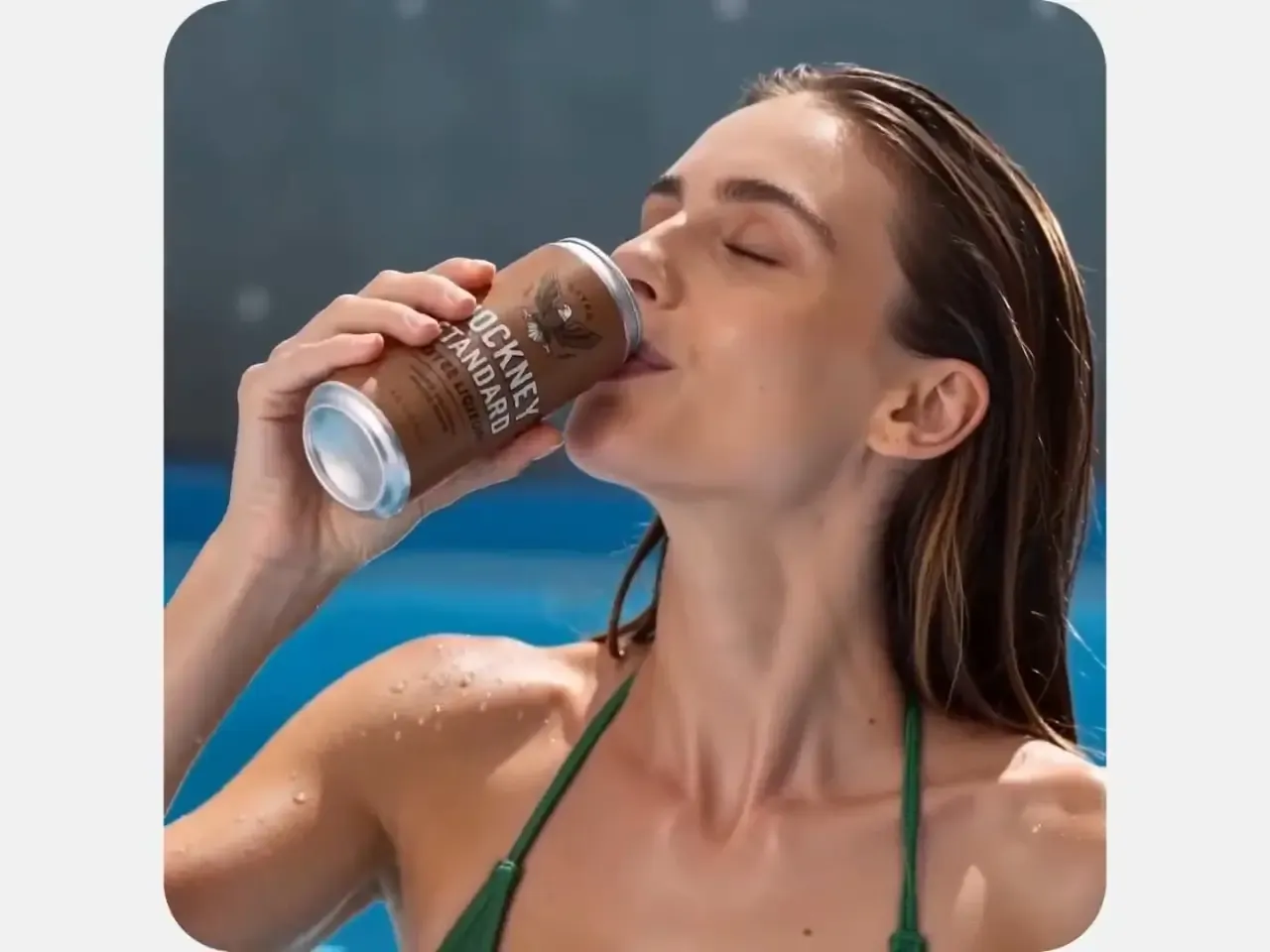
Animate Existing Product Photos and Mockups

A static image can already have the right product, design, lighting, framing, and creative direction.

Instead of rebuilding that work inside a traditional video editor, use the existing image as the starting frame and turn it into motion.

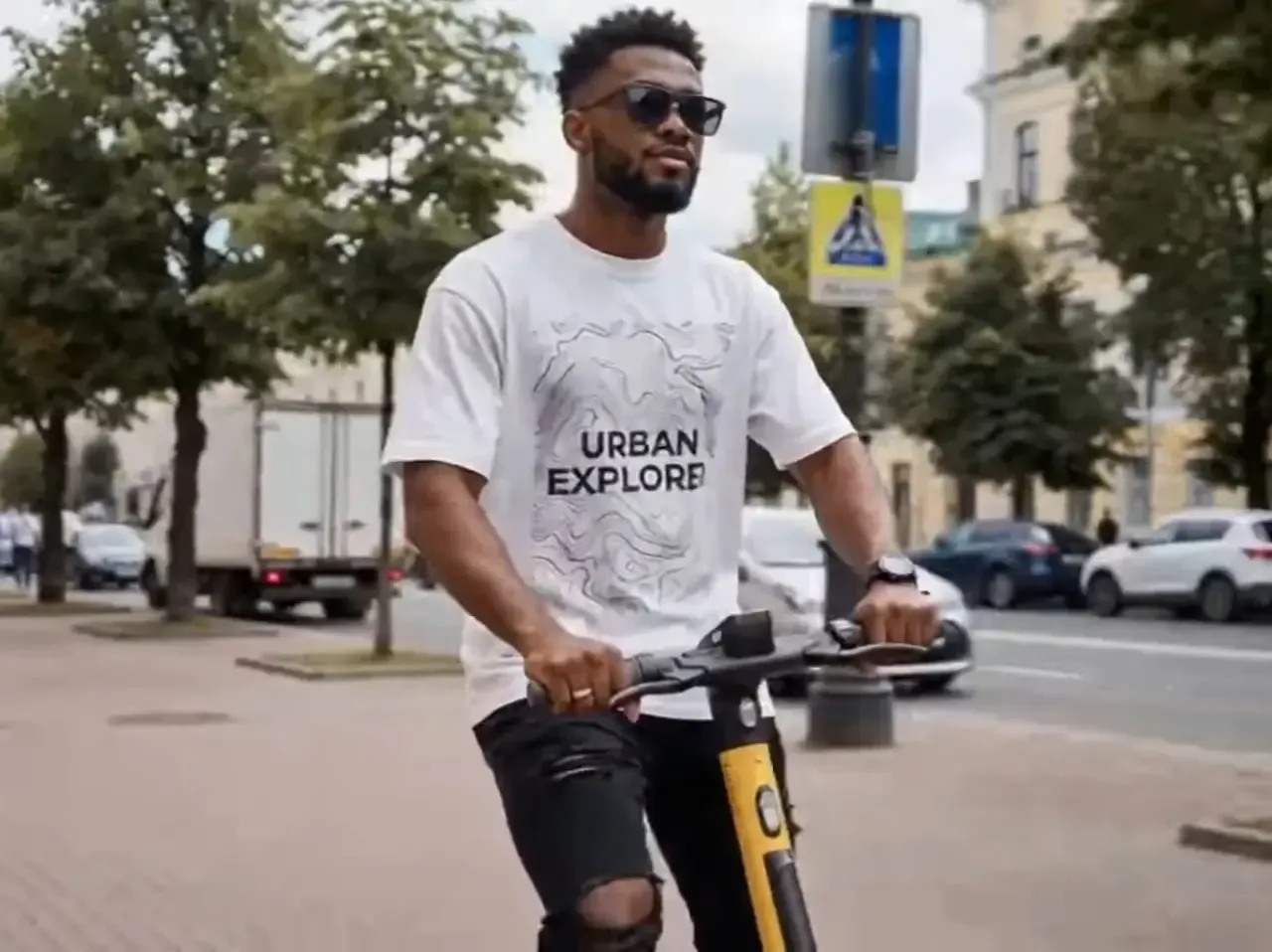
Create product showcases, subtle camera moves, dynamic mockups, campaign clips, and short-form marketing visuals from the product asset you already approved.
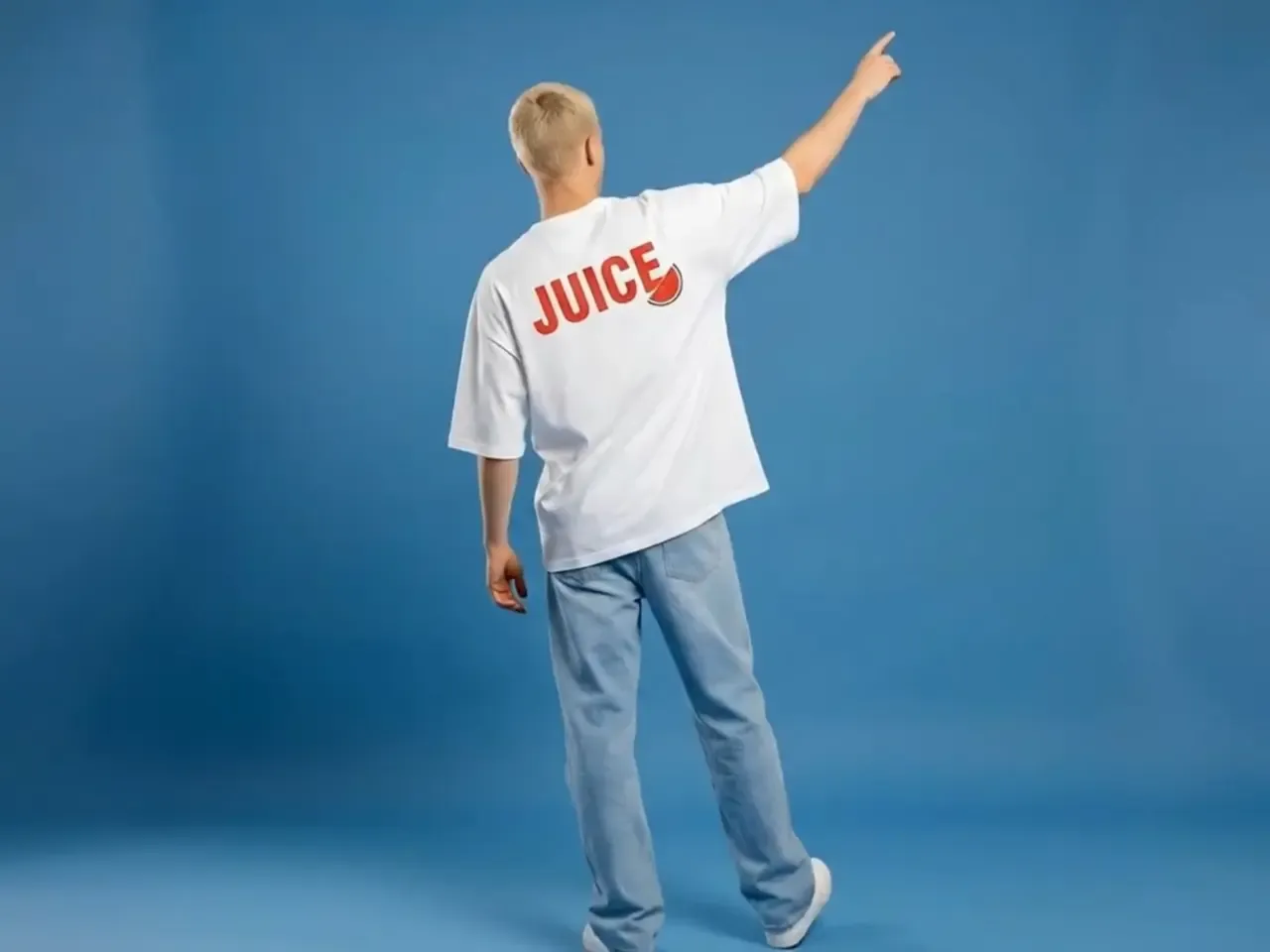
Animate Existing Product Photos and Mockups

Control the Motion Without Becoming a Video Editor

Describe the movement you want in natural language or start from ready-made prompt directions instead of building keyframes on a timeline.

Explore product-friendly motion such as camera movement, subtle rotation, push-ins, reveals, lighting movement, fabric motion, or other effects appropriate to the source image.

Different AI video models can also be selected depending on the visual style, motion, quality, or generation direction you need.

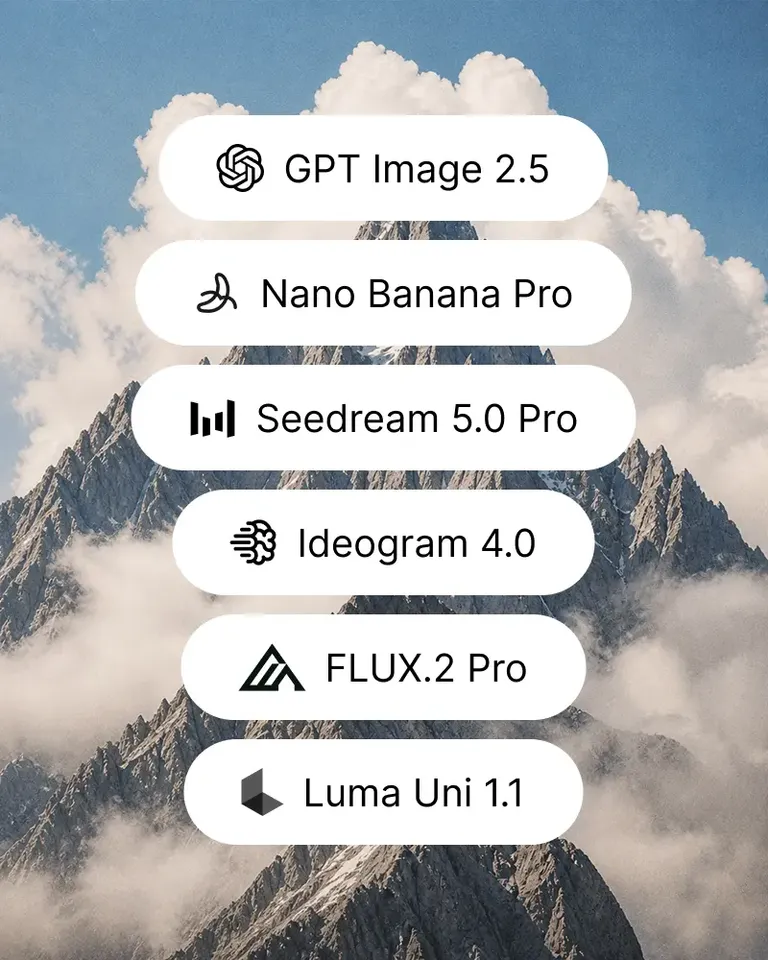
Mockuplabs currently exposes multiple leading video-model families inside the same Image-to-Video workflow.

Control the Motion Without Becoming a Video Editor

Prepare the Product, Animate It, and Keep Everything in One Canvas

Video production does not need to begin with an imperfect first frame.

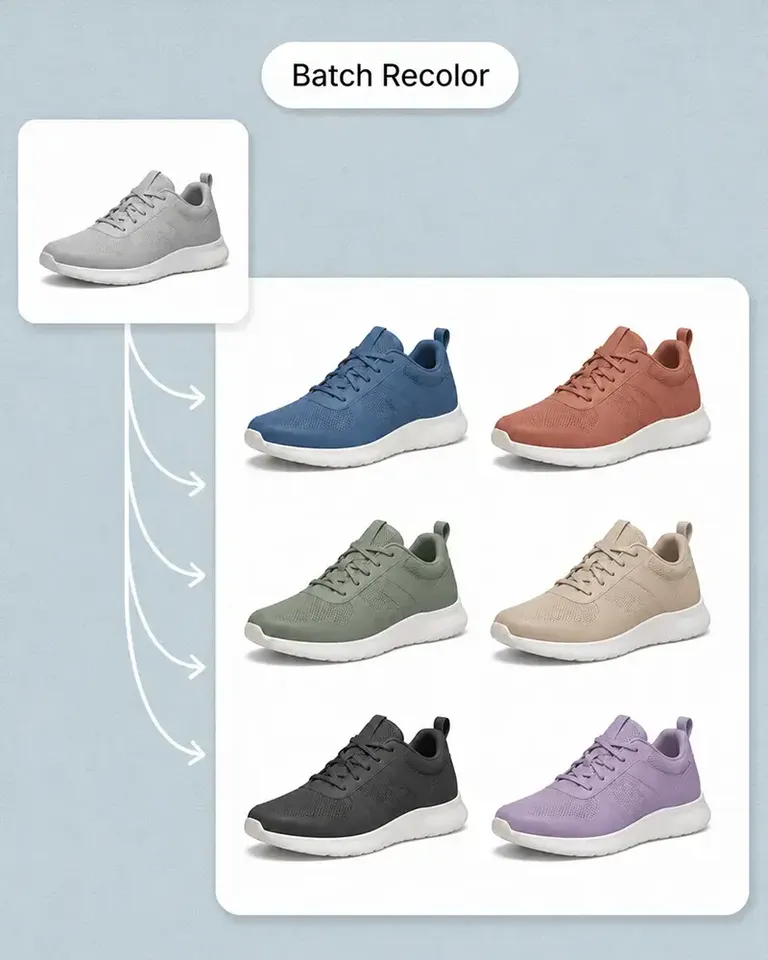
Clean the product with Background Remover, fix distractions with Object Remover, recolor the product, build a Mockup, or create the starting visual first—then move directly into Image to Video.

This gives the video generator a stronger starting asset and keeps the image and video workflow connected instead of forcing the team to move through several separate tools.

Prepare the Product, Animate It, and Keep Everything in One Canvas

Turn a Product Image Into Video in Three Steps

Move from an approved ecommerce image to a finished motion asset without building a traditional editing timeline.

  1. Choose Your Starting Image

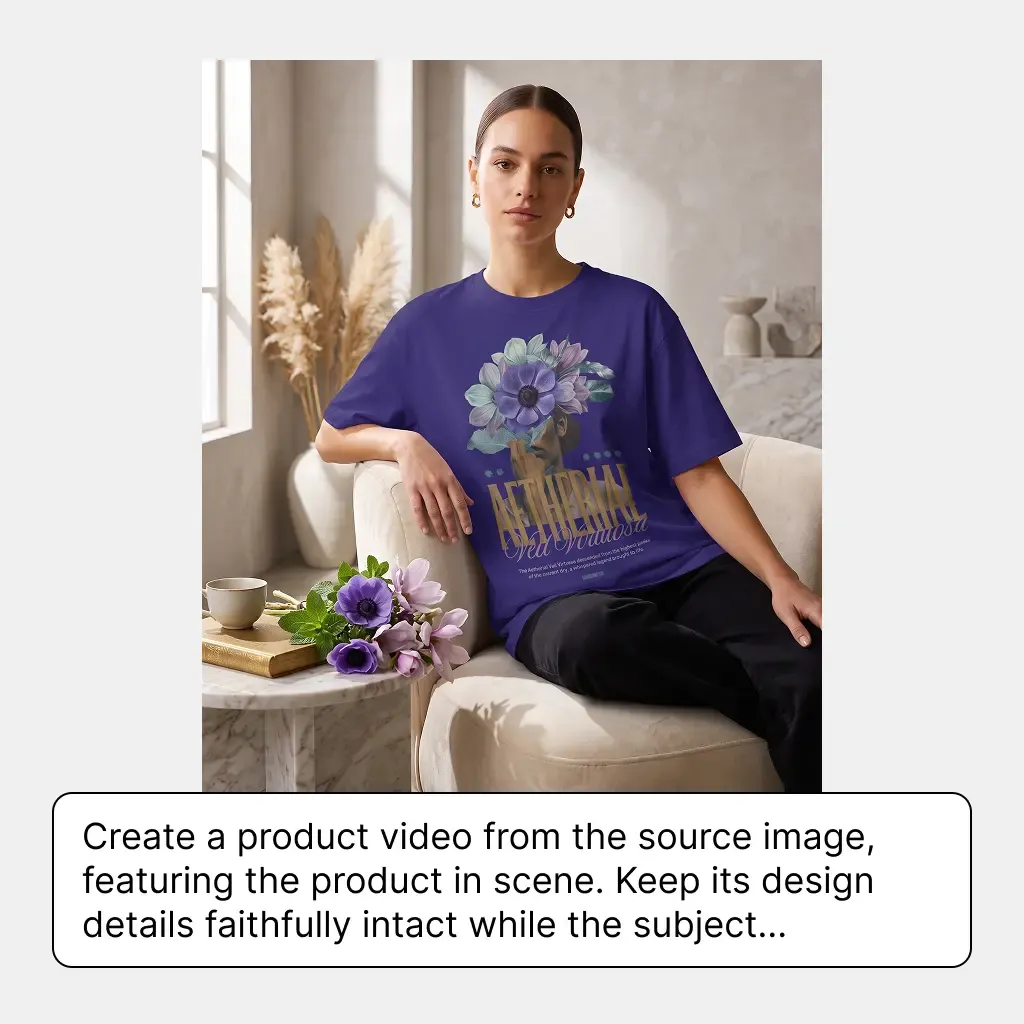
    Upload a product photo or select an existing product image or mockup from the Canvas. Use a prompt, prompt suggestion, or ready-made template to describe how the product or camera should move.

    Choose Your Starting Image
  2. Select Your Video Settings

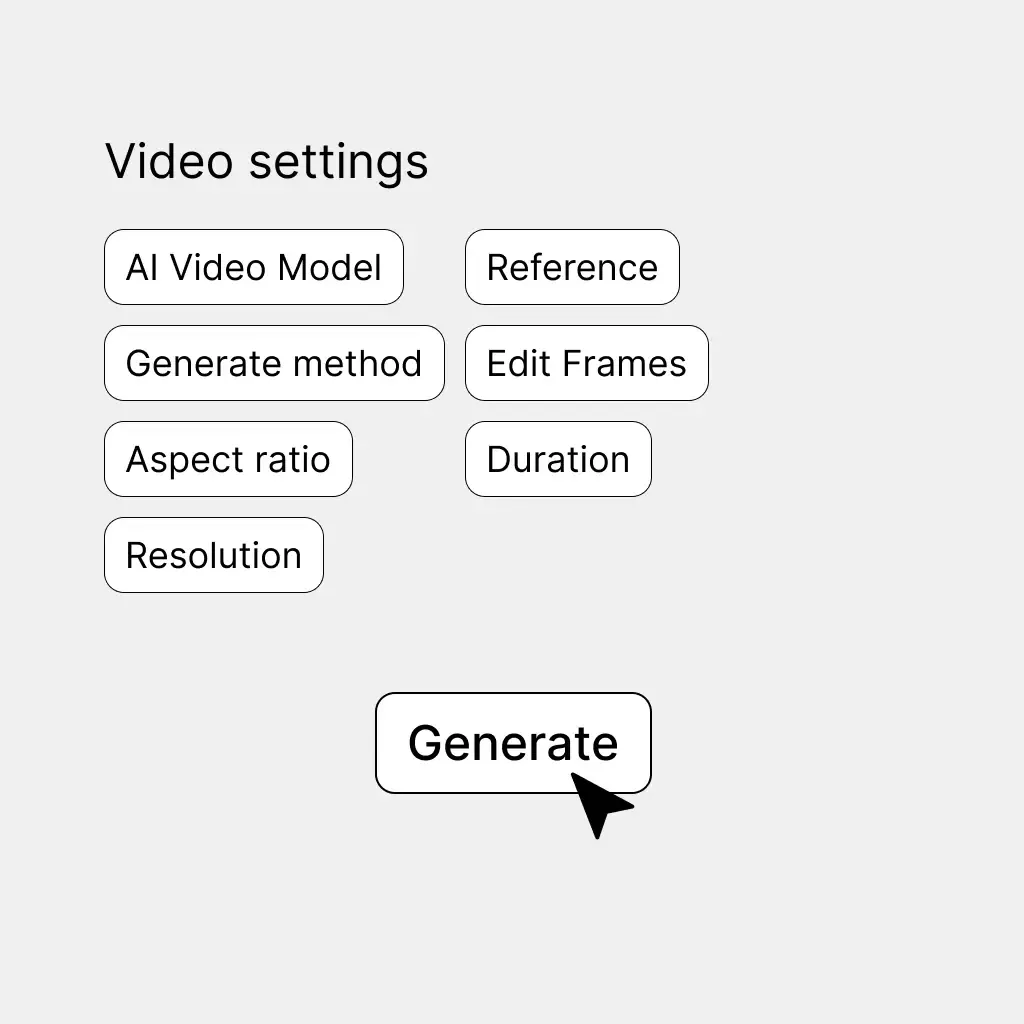
    Choose the available AI video model and adjust supported options such as motion direction, duration, or resolution depending on the model.

    Select Your Video Settings
  3. Generate, Preview, and Refine

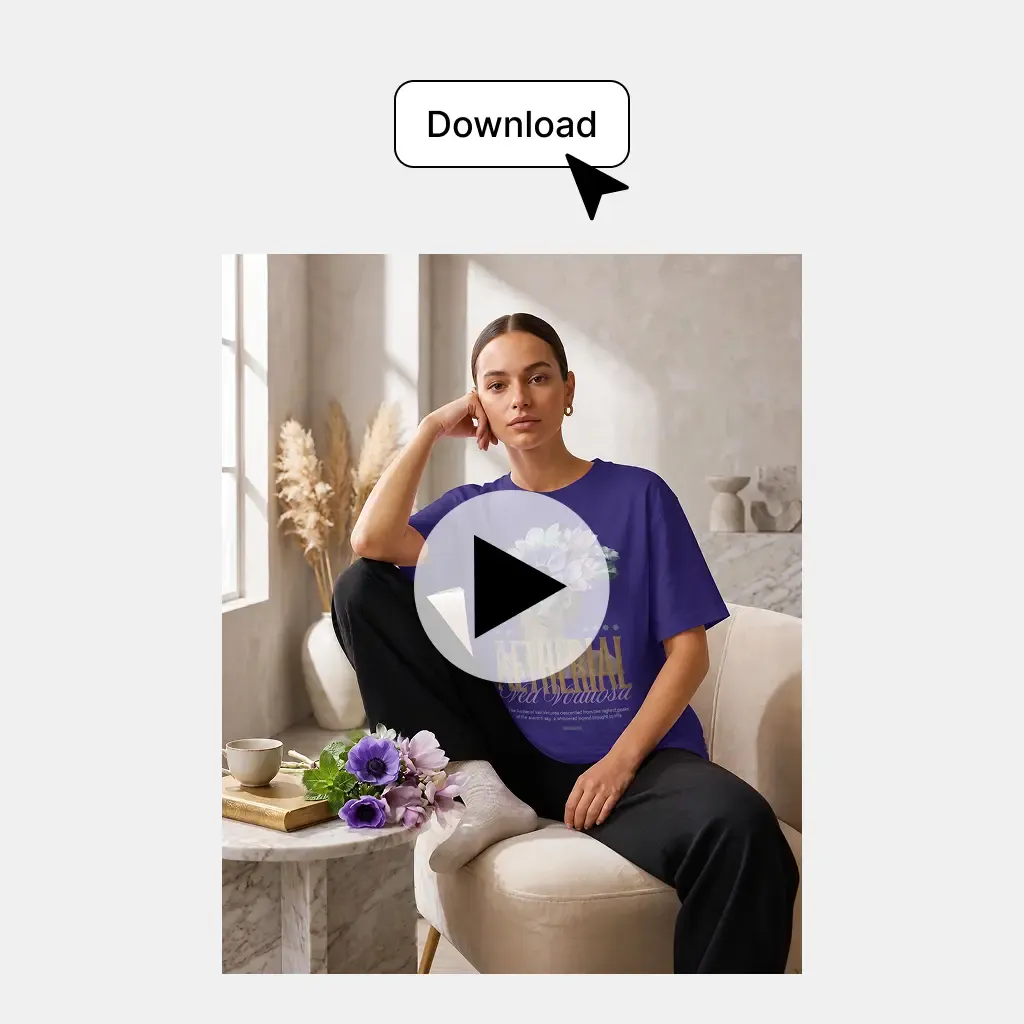
    Generate the clip, review the result, and adjust the direction when you want another motion version.

    Generate, Preview, and Refine

Built for the Places Static Product Images Need More Movement

Turn existing product assets into short-form video for product pages, paid campaigns, launches, social commerce, and design showcases.

Add Motion to Product Page Galleries

Add Motion to Product Page Galleries

A product page does not always need a full commercial video production. Turn an existing hero image, product photo, or mockup into a short motion asset that gives shoppers another way to view the product.

  • Best for: Shopify PDPs, DTC stores, Product gallery motion, Product showcase sections, Landing pages

Product Image Preparation and AI Video Generation in One Workflow

The difference is not only turning an image into a video—it is being able to prepare the right product image first and continue directly into motion.

Starting asset

Mockuplabs

Start from a product photo, edited asset, or finished Mockuplabs mockup

Traditional Video Production

Requires shoot planning, footage, or a full editing project

Standalone Image-to-Video Tools

Upload a static image

AI Image to Video FAQs

See the Create Product Videos for the complete job, or visit the Help Center for help.

An AI product image-to-video generator turns an existing product photo, ecommerce image, or mockup into a short video using AI-generated motion. It is useful for product pages, ads, social content, launches, and other ecommerce placements.

Turn the Product Images You Already Have Into Motion

Start from a product photo or finished mockup and create ecommerce video content without rebuilding the creative from scratch.

AI Image to Video Generator

Score
4.7 / 5
Rating events
458
Written reviews
111
As of