In the competitive world of publishing, a stunning book mockup is often the deciding factor for a potential reader. Whether you are launching a digital novel or a physical workbook, high-quality visuals build immediate trust and professional credibility. This guide will explore how to leverage a free book mockup generator to elevate your marketing materials and drive more sales for your latest project.
Table of Contents
- What is a Book Mockup and Why Do You Need One
- Types of Book Mockups for Every Genre
- How to Use the Free Book Mockup Generator
- Advanced Customization: Colors, Text, and Materials
- Maximizing Your Marketing with High-Resolution Visuals
- Conclusion
- FAQs
What is a Book Mockup and Why Do You Need One
A book mockup is a digital representation of what your final physical book or digital ebook will look like in a real-world setting. According to recent industry data, books with professional-looking covers are significantly more likely to be picked up by readers in digital marketplaces. For example, WordsRated notes that self-publishing is growing rapidly, making it harder to stand out without elite visuals. Visual representation is the cornerstone of modern e-commerce and digital publishing. Therefore, having a realistic and high-resolution image is essential for catching the eye of your target audience.
Types of Book Mockups for Every Genre
Different genres and formats require specific visual styles to resonate with their respective audiences. A comic book mockup, for example, needs to emphasize vibrant colors and dynamic angles that reflect the energy of the interior art. On the other hand, a workbook mockup might focus on a top-down, "flat lay" view to show off its practical, interactive layout.
Mockuplabs offers a massive library of over 20,000 high-quality mockups to suit these varied needs. You can choose from 1:1 white-background templates for clean product listings or 3:4 scene-based mockups for social media lifestyle posts. Specifically, you can find options for:
- Ebook mockups for digital-only launches.
- Children's book mockup templates with playful, colorful backgrounds.
- Open book mockup styles to showcase internal page layouts or illustrations.
- Yearbook cover design previews for educational institutions.
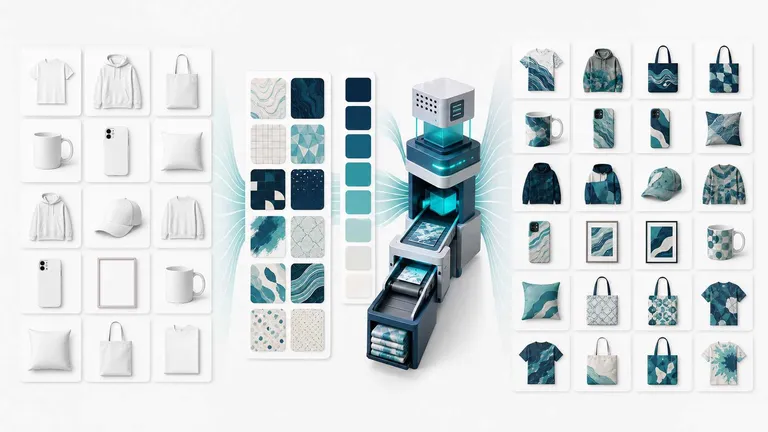
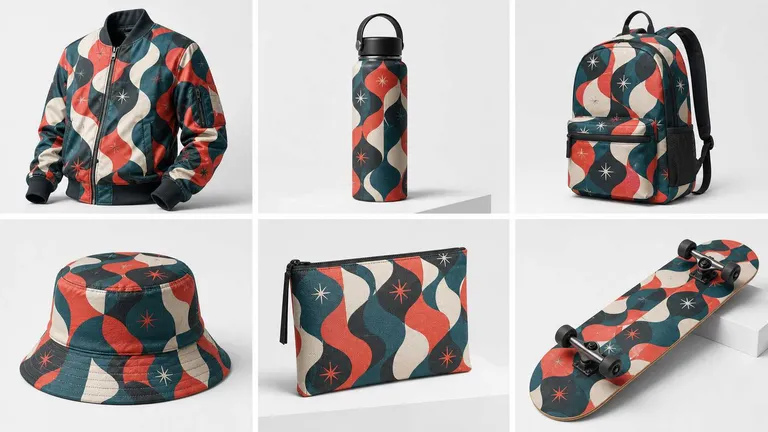
Furthermore, the platform is unrestricted by product type, allowing you to create any product mockup you can imagine. This flexibility is vital for authors who want to branch out into branded merchandise or unique promotional materials. To explore the full range of options, you can visit the all mockup templates section to find your perfect fit.
How to Use the Free Book Mockup Generator
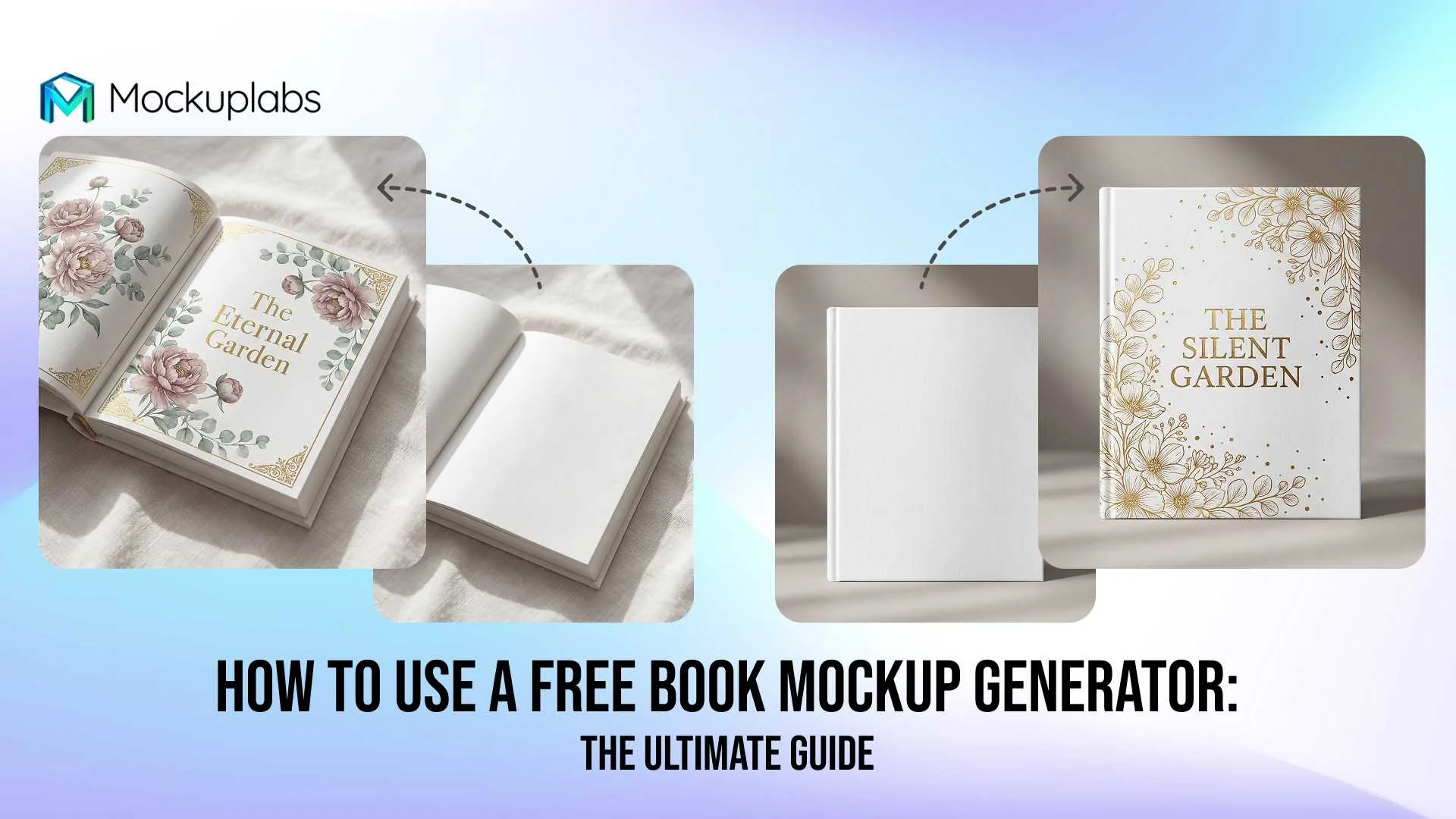
Creating a professional free book mock up does not require years of graphic design experience or expensive software like Photoshop. Mockuplabs.ai allows you to turn any image into an editable mockup with just a single click. This process is streamlined to save you time and effort while maintaining professional standards.
Step-by-Step Guide to Your First Mockup
- Upload Your Base Image: Start by clicking the "Upload" button to bring in your book cover design in PNG or JPG format.
- Convert to Mockup: Select your image and click the "Mockup" button to transform it into a 3D-ready object.
- Place Your Design: Drag and drop your book cover mockup free design directly onto the template.
- Automatic Adaptation: The system will automatically adjust your design to fit the book's curves and lighting.
- Refine and Download: Adjust the placement or rotation, then click "Download" to save your high-quality PNG, JPG, or WEBP file.
Note: Clicking the "Mockup" button is a crucial step; only after this conversion will your design integrate seamlessly with the product.
Advanced Customization: Colors, Text, and Materials
While many tools offer basic templates, Mockuplabs allows for deep customization that truly differentiates your free book mockups. For instance, if you want to change the color of a book's spine or back cover, the AI color-changing feature is incredibly efficient. This tool automates manual processes that used to take hours.
Changing Product Colors
To change the color of your book mockup, you simply upload your image and enter the "Color" mode. You can then click specific areas of the book to apply new colors in real time. However, for the best results, it is recommended to use blank product images without existing designs to avoid color bleeding.
Adding Custom Text
If you need to add a slogan or brand name directly to the scene, the text design feature is invaluable.
- Input your text and choose from various fonts and styles.
- Click the "Flatten text" button to convert it into a vector graphic.
- Drag the vector text onto your mockup where it will automatically stretch to fit the surface.
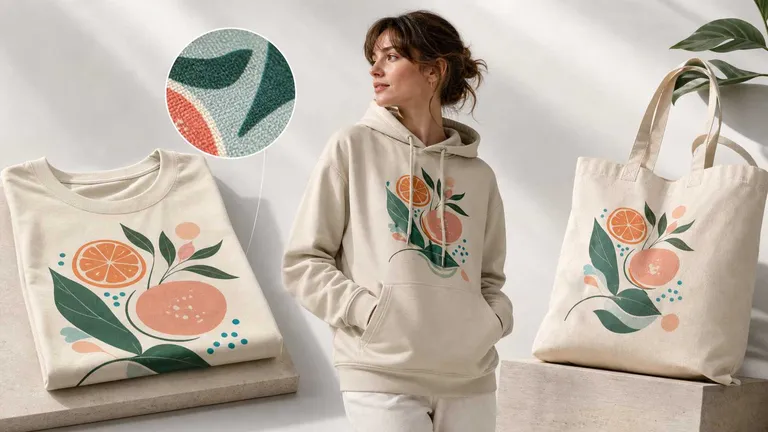
Additionally, you can even replace the material of the book cover. By providing a texture image, you can change a standard paper cover into a leather-bound or matte finish. This accelerates the workflow from design to marketing significantly.
Create Your Book Mockup Today
Transform your flat cover designs into professional mockups in just a few clicks. Access our library and start building your brand for free.
Maximizing Your Marketing with High-Resolution Visuals
Once you have generated your book cover mockups, the next step is strategic distribution. High-resolution images are required for professional advertising on platforms like Facebook, Instagram, and Pinterest. Since Mockuplabs allows you to adjust resolution before downloading, you can ensure your images never look pixelated.
Furthermore, the platform provides a universal license for all personal and commercial projects worldwide. This means you can use your free book cover mockup in your promotional emails, website banners, and even print catalogs without ongoing fees. This "no strings attached" policy is ideal for indie authors and small publishing houses.
Conclusion
In conclusion, creating a high-quality book mockup is a vital step in the modern publishing process. By using a free book mockup generator, you save time, reduce costs, and gain total creative control over your brand's presentation. From ebook mockups to workbook mockups, the ability to visualize your product in high resolution ensures you are ready for the market.
Frequently Asked Questions(FAQs)
1. Can I use these mockups for my Amazon KDP listing?
Yes, Mockuplabs.ai provides high-resolution downloads in PNG and JPG formats. These are perfect for Amazon KDP, social media marketing, and author websites. Furthermore, the universal license allows for commercial use.
2. Is there a way to add my name to the spine of the book mockup?
Absolutely. You can use the "Text Design" feature to input your name and then use the Flatten Text tool to apply it to the mockup. Using the "Area Selection" tool will help you place the text specifically on the spine area.
3. What file formats are supported for my designs?
You can upload your cover designs in PNG or JPG format. Once your book cover mockup free design is finished, you can download the final result as a PNG, JPG, or WEBP file.