Table of Contents
- What Makes a Logo Iconic? Lessons from Popular Brands
- The Revolution of AI in Logo Design
- Step-by-Step Tutorial: Creating Custom Mockups with AI
- Enhancing Designs with Smart Tools
- Conclusion
- Frequently Asked Questions
In the competitive world of digital branding, visual identity is everything. Whether you are an e-commerce seller or a graphic designer, mastering the art of the logo mockup and ai pattern generator workflows can set you apart. A strong logo doesn't just sit on a page; it lives on products, merchandise, and digital assets. However, creating these assets manually can be time-consuming and expensive.
Fortunately, modern tools have democratized design. By combining the principles behind the best logos of all time with cutting-edge AI, anyone can launch a professional brand. In this guide, we will explore how to design impactful logos and apply them to realistic mockups seamlessly.
What Makes a Logo Iconic? Lessons from Popular Brands
Before diving into creation tools, it is essential to understand what makes a logo successful. Popular logos often share a few key traits: simplicity, memorability, and relevance. For instance, many of the famous logos without words rely entirely on visual associations that transcend language barriers.
1. Simplicity is Key
Think of the Apple logo. It started as a complex illustration of Isaac Newton but evolved into a simple, bitten apple. This evolution highlights a crucial lesson for logo design: less is often more. A clean design scales better across different mediums, from tiny mobile screens to massive billboards. Consequently, when you use a logo generator, aim for clean lines and distinct shapes.
2. Visual Shorthand
Famous logos without words, like Nike’s Swoosh or Target’s Bullseye, use symbols that act as visual shorthand. The Swoosh implies motion and speed, while the Bullseye represents precision. When you create your own ai generated logo, consider symbols that instinctively communicate your brand's value proposition without needing text.
3. Adaptability
The best logos of all time are versatile. They look just as good in black and white as they do in color. Moreover, they fit perfectly on a mockup design for a t-shirt as well as they do on hoodie or sweatpants. Adaptability ensures your branding remains consistent regardless of the product.
The Revolution of AI in Logo Design
The landscape of design has shifted dramatically with the advent of the ai logo generator. These tools allow users to input simple text prompts and receive professional-grade concepts in seconds. Whether you are looking for a free ai logo generator or a premium logo maker, the efficiency is undeniable.
Speed and Innovation
Traditionally, designing a logo required weeks of back-and-forth with designers. Now, an ai logo generator free of complex hurdles can churn out dozens of iterations in minutes. This speed allows for rapid A/B testing, ensuring you find a design that resonates with your audience before committing resources.
Pattern Generation
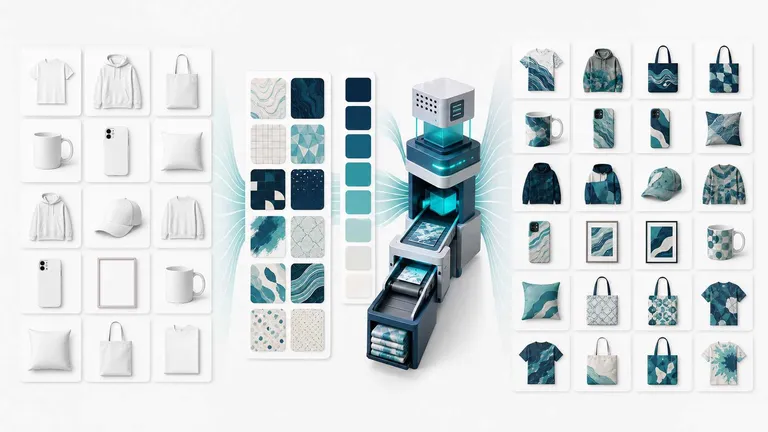
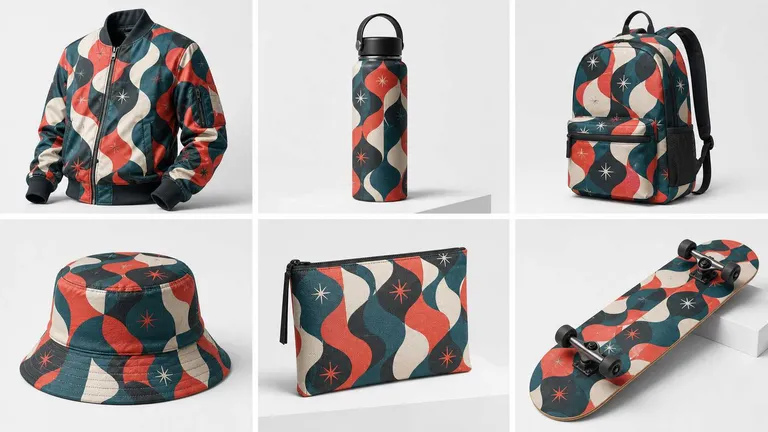
Beyond logos, the ai pattern generator is a game-changer for print-on-demand businesses. Instead of hunting for stock textures, you can generate unique, seamless patterns tailored to your brand's aesthetic. These patterns can then be applied to logo mockup templates to create full-coverage designs, known as All-Over-Prints (AOP).
Step-by-Step Tutorial: Creating Custom Mockups with AI
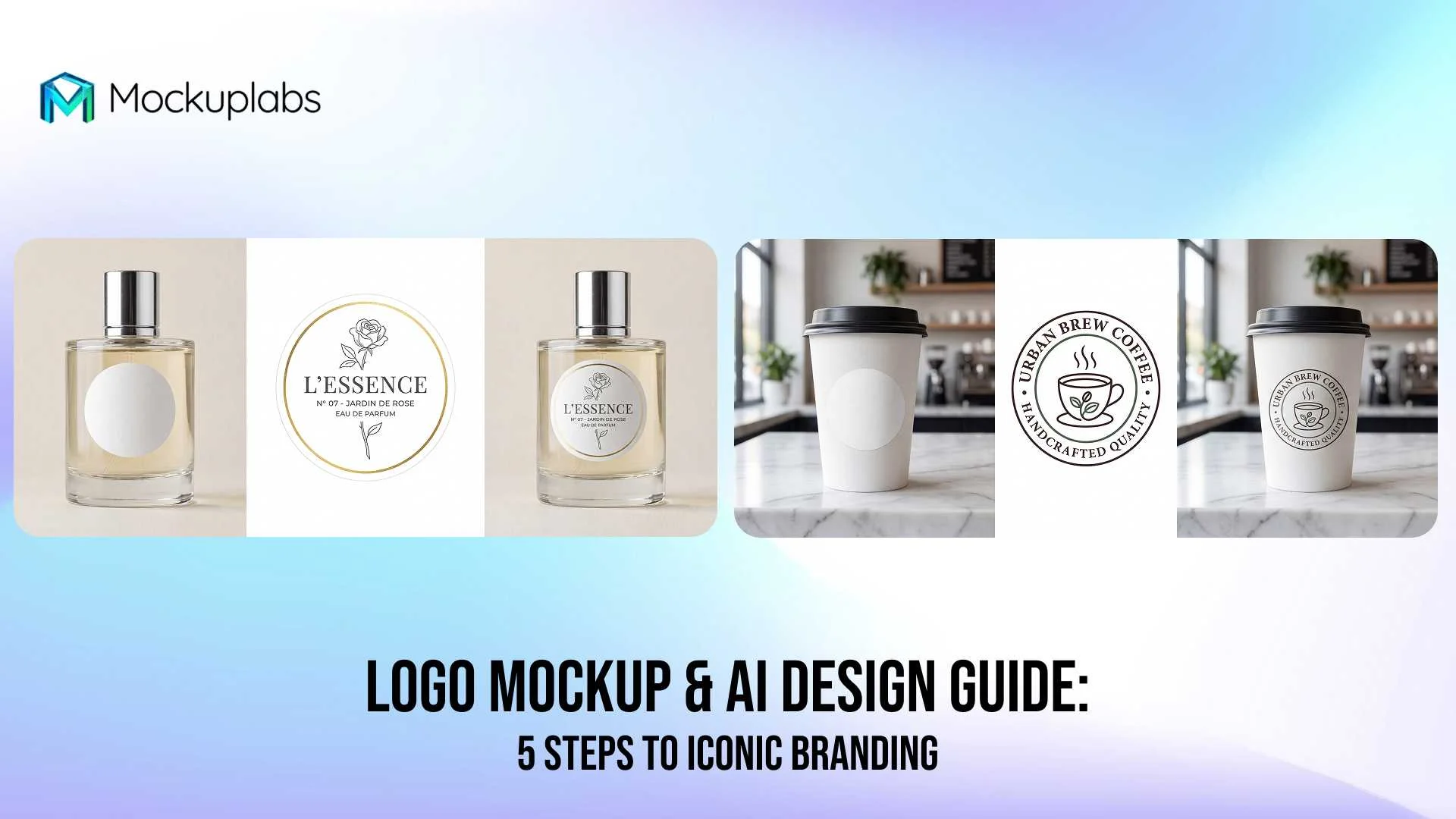
Once you have your logo or pattern, the next step is visualization. A static image is fine, but a realistic logo mockup sells the dream. Below is a guide on how to use Mockuplabs to bring your designs to life, based on its powerful "Design Custom Product Mockups" and "Image to Video" features.
1. Launch Mockuplabs.ai and describe logo concept or use reference
Enter the editor and choose "AI Image Generator" from the left sidebar. And enter your brand or club name, specify style or upload a reference image.
2. Generate and download logo or proceed to mockup
Let the AI generate several round logo variations for you to choose from.Pick your favourite design, customize as needed, then download the logo file or apply it into a mockup.
3. Apply Your Design
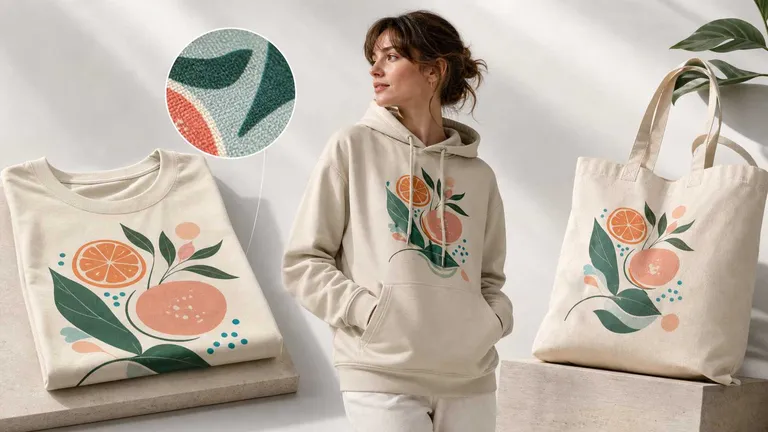
Drag and drop your ai generated logo or pattern onto the newly created mockup. For standard logos, simply position it where you want—the chest, the sleeve, or the center. The tool automatically adjusts lighting and shadows to make it look photorealistic.
4. Animate Your Mockups: From Static to Dynamic in 4 Steps
- Select Your Asset: Choose the high-resolution mockup you’ve created on the canvas.
- Activate AI Motion: Locate and click the ‘Image-to-Video’ button in the secondary toolbar.
- Define the Movement: Enter a descriptive prompt to guide the AI.
- Generate & Export: Click generate to render your animation and download your high-quality video file.
5. High-Quality Export
Finally, once your mockup design looks perfect, click the Download button. You can select your desired format (PNG, JPG, WEBP) and adjust the resolution. This ensures your logo mockup is crisp and ready for your online store or marketing campaign.
Create Your Unique Pattern Today
Unlock your creativity with our advanced AI tools. Generate seamless, high-resolution patterns that elevate your brand's aesthetic instantly.
Enhancing Designs with Smart Tools
Great design often requires iteration. Sometimes the logo is perfect, but the product color clashes. In the past, this meant re-shooting the product or hours of Photoshop work.
Smart Color Changer
With the smart color changer, you can modify product colors instantly. The AI automatically segments the product image, allowing you to click any area and select a new color. This is incredibly useful for creating variants. For example, you can take a single white t-shirt photo and generate a catalog of 10 different colors in minutes.
Text Design Integration
If your logo needs a tagline, you don't need external software. Use the "Add Text Design" feature to input your brand name or slogan directly onto the mockup. You can choose fonts, adjust sizes, and then "Flatten" the text to convert it into a vector. This ensures it behaves just like an uploaded image, wrapping perfectly around the product's surface.
Conclusion
In conclusion, creating a brand identity that rivals the best logos of all time is no longer reserved for companies with massive budgets. By leveraging an AI generator for initial concepts and a robust logo mockup tool for visualization, you can produce professional assets quickly and effectively. Tools like the AI pattern generator and smart color changers further streamline the process, giving you total creative control and ensuring simplicity and adaptability across all mediums. Whether you are launching a new product line or rebranding an existing one, these cutting-edge technologies empower you to design with confidence. Don't just visualize your brand—bring it to life. Start experimenting with our AI tools and professional mockups today.
Frequently Asked Questions
1. Can I use an AI logo generator for commercial purposes?
Yes, most reputable ai logo generator platforms allow for commercial use, but it is crucial to check the specific licensing terms. Some free versions may require attribution or have limitations, while paid plans typically offer full commercial rights for your ai generated logo.
2. How does a logo mockup help my business?
A logo mockup helps customers visualize how your brand looks in the real world, which increases trust and conversion rates. Instead of showing a flat 2D image, a mockup design displays your logo on products like t-shirts, signage, or packaging, making the offer more tangible.
3. What makes a logo mockup effective for presentations?
An effective logo mockup places your design in a realistic context (like on a storefront, apparel, or digital screen). This helps clients visualize how the logo design will look in the real world, increasing the likelihood of approval. High-resolution images and accurate lighting are key factors.