
Features


Use cases

Upload custom designs and instantly generate professional mockups with AI. Upload, adjust, change colors and download for free.
 Upload your design
Categories
Accessories
Home Decor
Packaging
Print
Tech
How to Make a Mockup?
1、Choose a Mockup Template
Launch Mockuplabs' mockup page, select a template from the mockup library.2、Upload Your Designs
Upload your logo, artwork, or graphics to the blank mockup using the "Upload Design" button.3、Adjust Designs & Download
Your mockup is ready for preview. Adjust placement, change colors and download HD mockups in the editor for free.
Simply select a mockup, upload your design, and download the result — no Photoshop needed.
Yes, you can use all downloaded mockups for your online store, ads, and social media.
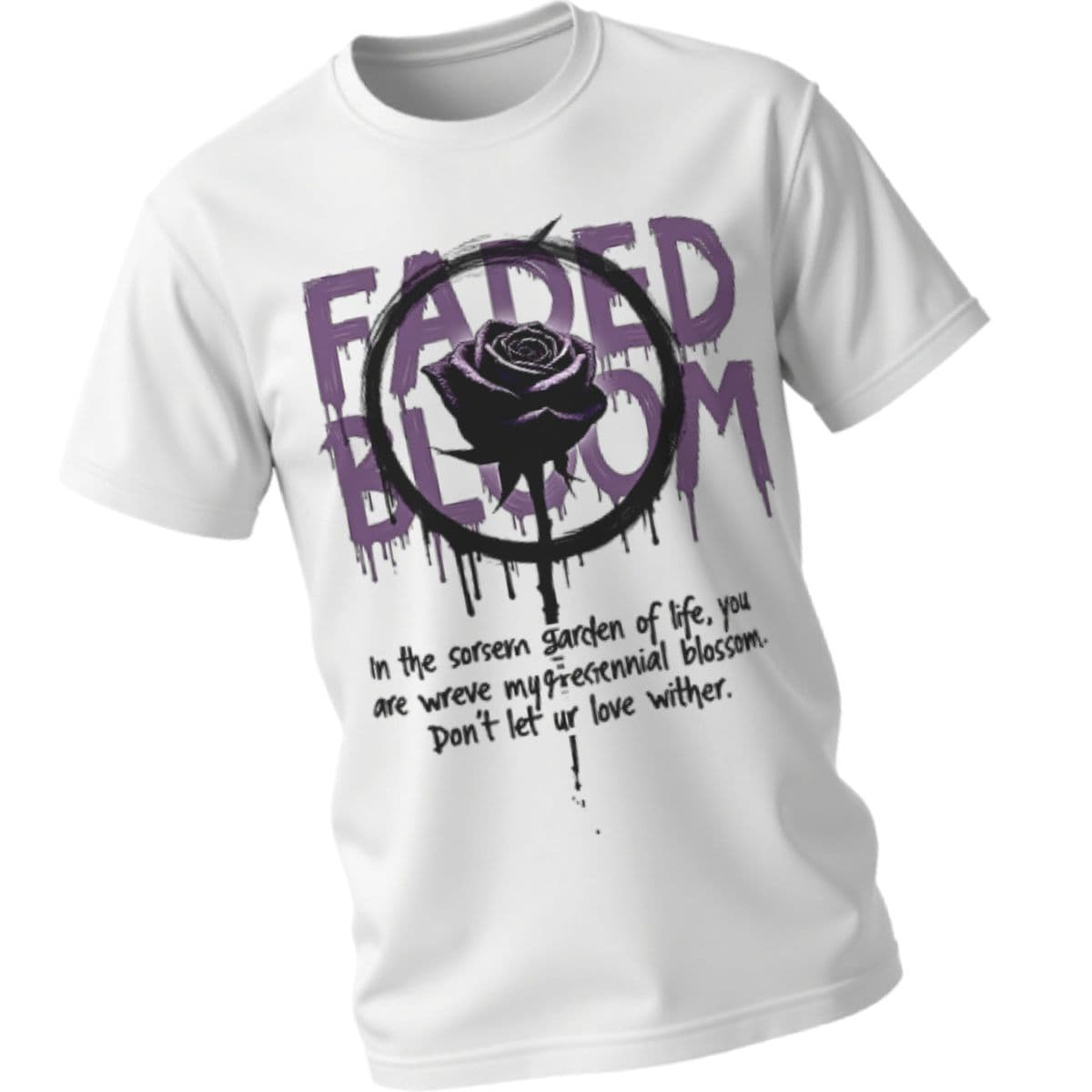
Absolutely. Choose from U Neck T-Shirt,Polo T-Shirt,V Neck T-Shirt,Crew Neck T-Shirt,Oversized T-Shirt,Short Crop T-Shirt and more.
Yes, all templates are free, ensuring creative freedom for ecommerce businesses and designers.
Loading...