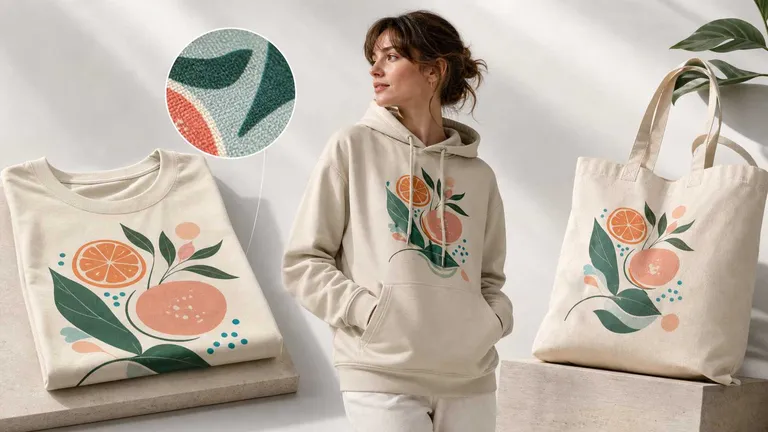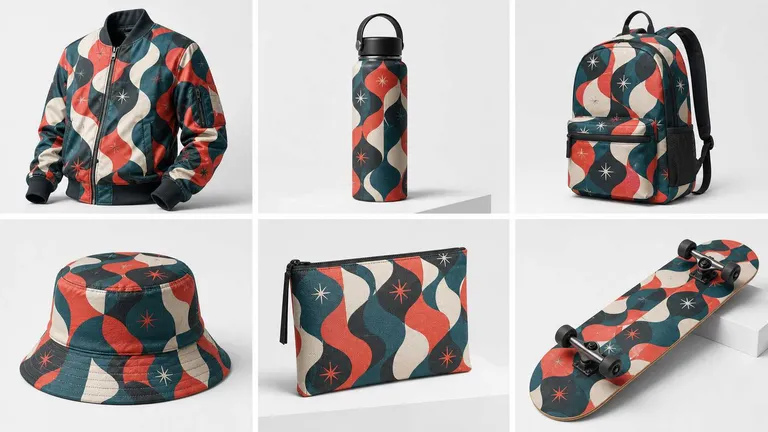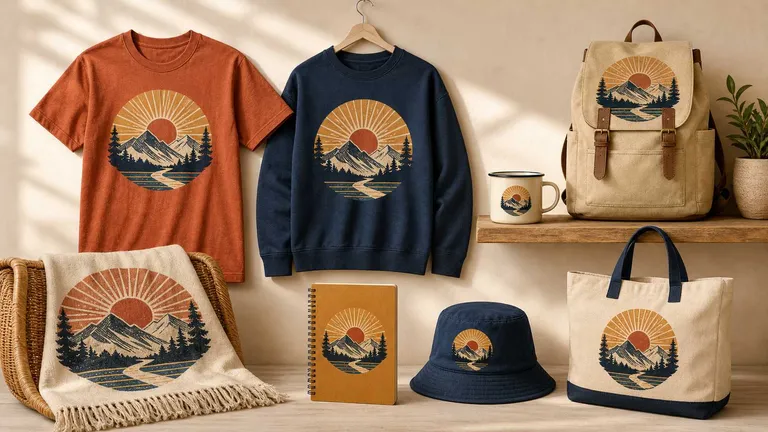
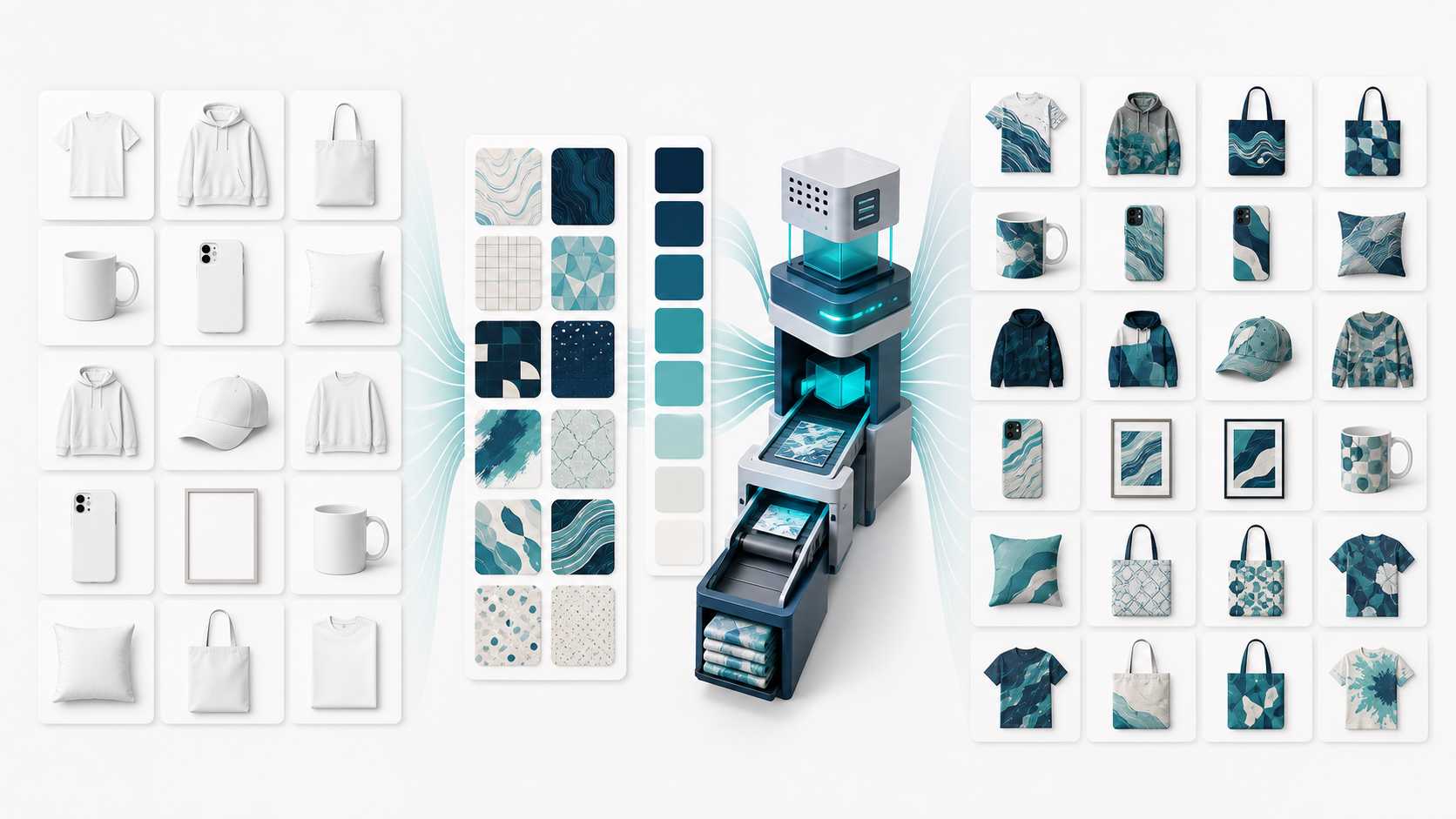
The hardest part of scaling a print-on-demand business is often not creating more designs. It is turning those designs into accurate, listing-ready product images fast enough.
Every design may need to appear on multiple products. Every product may have several color variants. Every combination needs consistent placement, recognizable product details, and images ready for its listing.
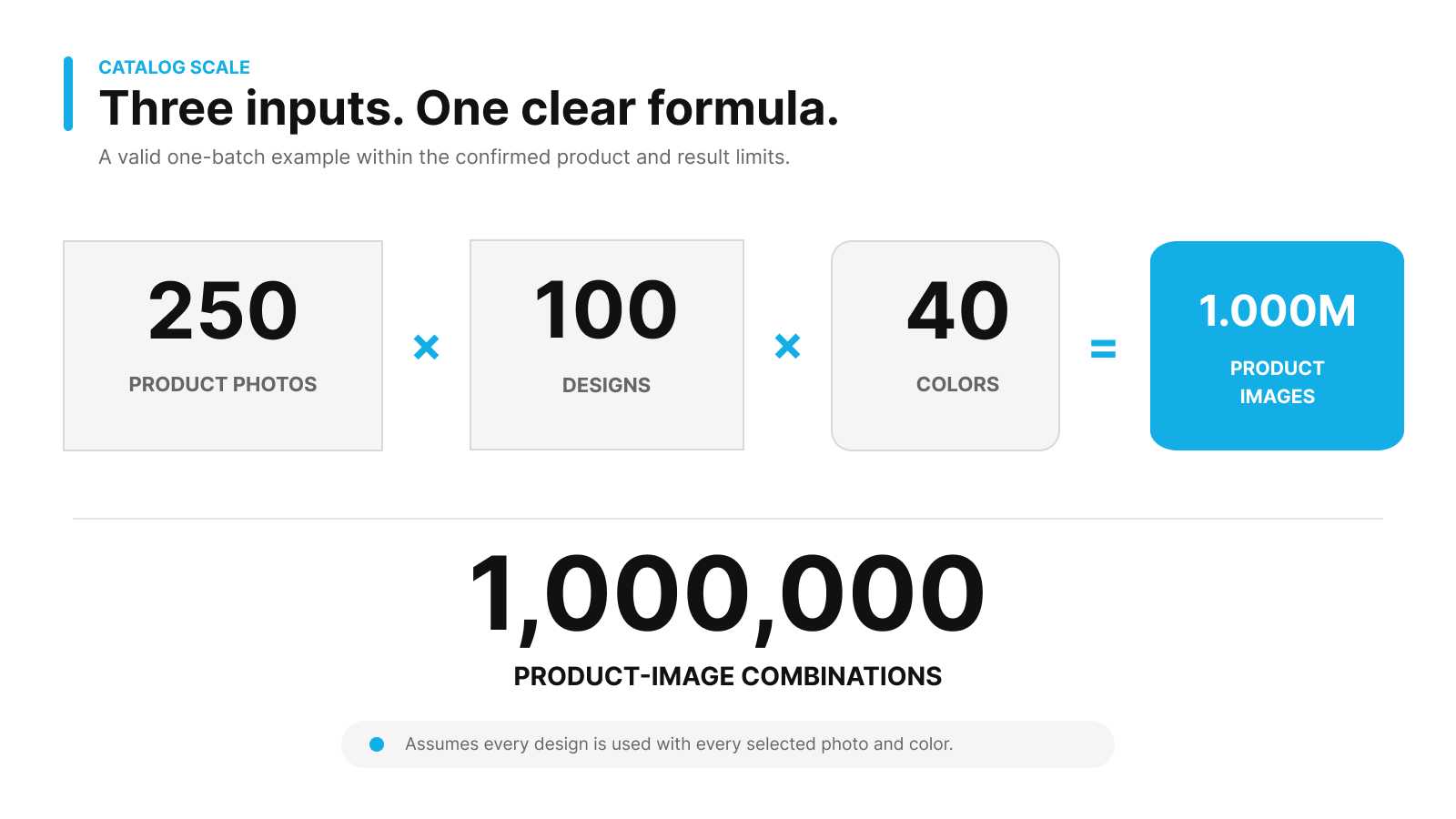
The total grows quickly because every selected input is combined:
Total product images = Designs × Product photos × Product colors
- 300 product photos × 1 design × 10 colors = 3,000 mockup variations
- 300 product photos × 100 designs × 10 colors = 300,000 mockup variations
- 250 product photos × 100 designs × 40 colors = 1,000,000 mockup variations
That is the logic behind creating up to one million POD mockup variations in one batch. The example remains within the confirmed limits of 300 product photos, 100 designs, and 1,000,000 generated results. The challenge is building a controlled system that keeps products recognizable, designs accurately placed, and colors consistent at that scale.
One million results are mockup variations—not one million SKU records.
SKU IDs, inventory, pricing, and listings remain in your commerce system.
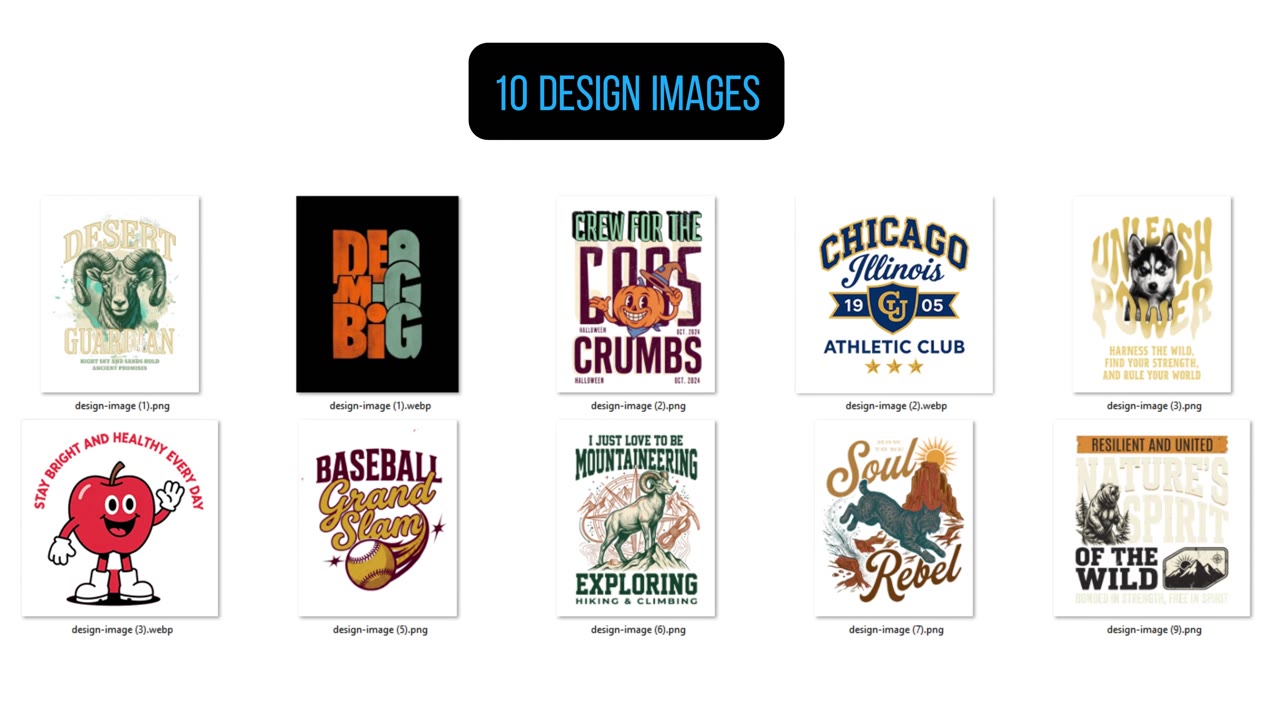
Why Traditional Mockup Workflows Break at Scale
A traditional workflow requires someone to open each product photo, import the artwork, resize and position it, create the required color variants, and export every result.
Even at only two minutes per image, producing one million images would require more than 33,000 hours of repetitive work.
PSD files and Smart Objects can automate parts of the process, but teams still need to find or build templates, manage layers, and repeat the workflow for different products, angles, and colors. Direct AI generation creates another problem: products can change shape, artwork can move, logos can become distorted, and results may vary across the same catalog.
As the catalog grows from dozens of SKUs to thousands, mockup production becomes the bottleneck.
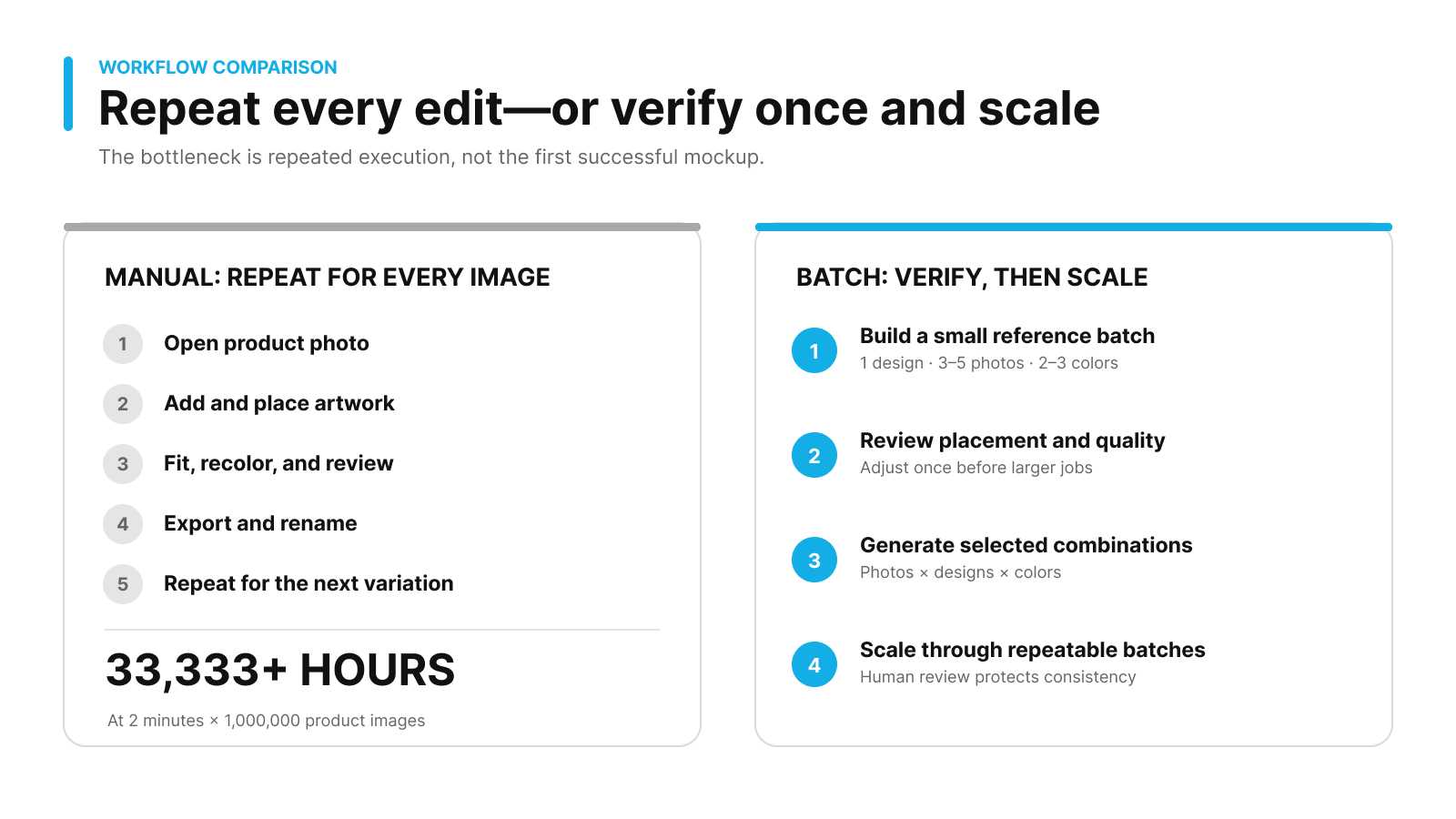
At only two minutes per image, a manual workflow would require more than 33,000 hours;
a controlled workflow instead verifies a small reference batch before scaling through repeatable batches.
How Batch Mockup & Recolor Changes the Workflow
MockupLabs Batch Mockup & Recolor starts with the seller’s own product photos rather than requiring a matching PSD template..
1. Turn Your Product Photos Into Editable Mockups
Upload real product photos and convert their product surfaces into editable mockups. Your original product shape, camera angle, materials, and recognizable brand details remain part of the workflow.
2. Fit Designs Automatically, Then Fine-Tune the Result
Upload the artwork and automatically fit it to the product surface. When a photo includes perspective, folds, unusual cropping, or a difficult print area, you can continue adjusting the design’s size, position, and coverage.
Automation provides scale. Editing control protects quality.
3. Create Multiple Product Colors
Once the mockup is configured, add the required product colors without photographing or manually editing every variant. The same design can be applied across different product photos and color combinations.
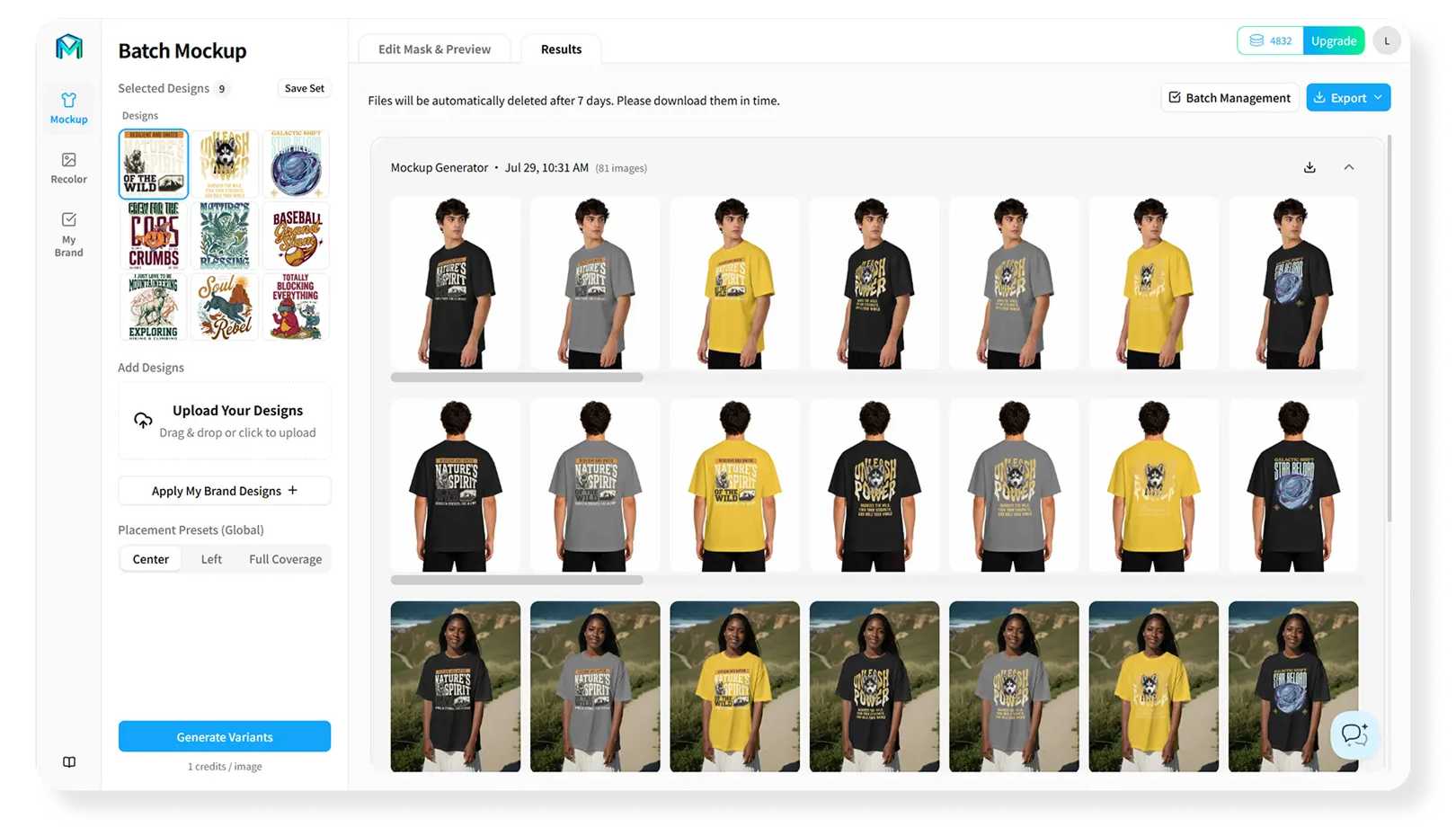
4. Generate the Selected Combinations in One Batch
Batch Mockup combines every selected product photo with every selected design and color. A paid batch can include up to 300 product photos and 100 designs, while colors can be added without a fixed count limit. The final result count has an independent maximum of 1,000,000 variations.
Preview the combinations first: previews do not consume credits. Final generation uses credits according to the same Product Photos × Designs × Colors formula.
Bulk Production Should Not Mean Lower Quality
The best batch workflow does not begin by generating the largest possible job. It begins by creating one accurate reference batch.
Start with one design, three to five product photos, and two or three colors. Check:
- Whether the artwork sits inside the correct print area
- Whether its scale remains consistent across products
- Whether perspective, folds, and edges look natural
- Whether recoloring preserves materials, shadows, and product details
- Whether logos, text, and important design elements remain clear
- Whether the final output works as a listing image and color-variant image
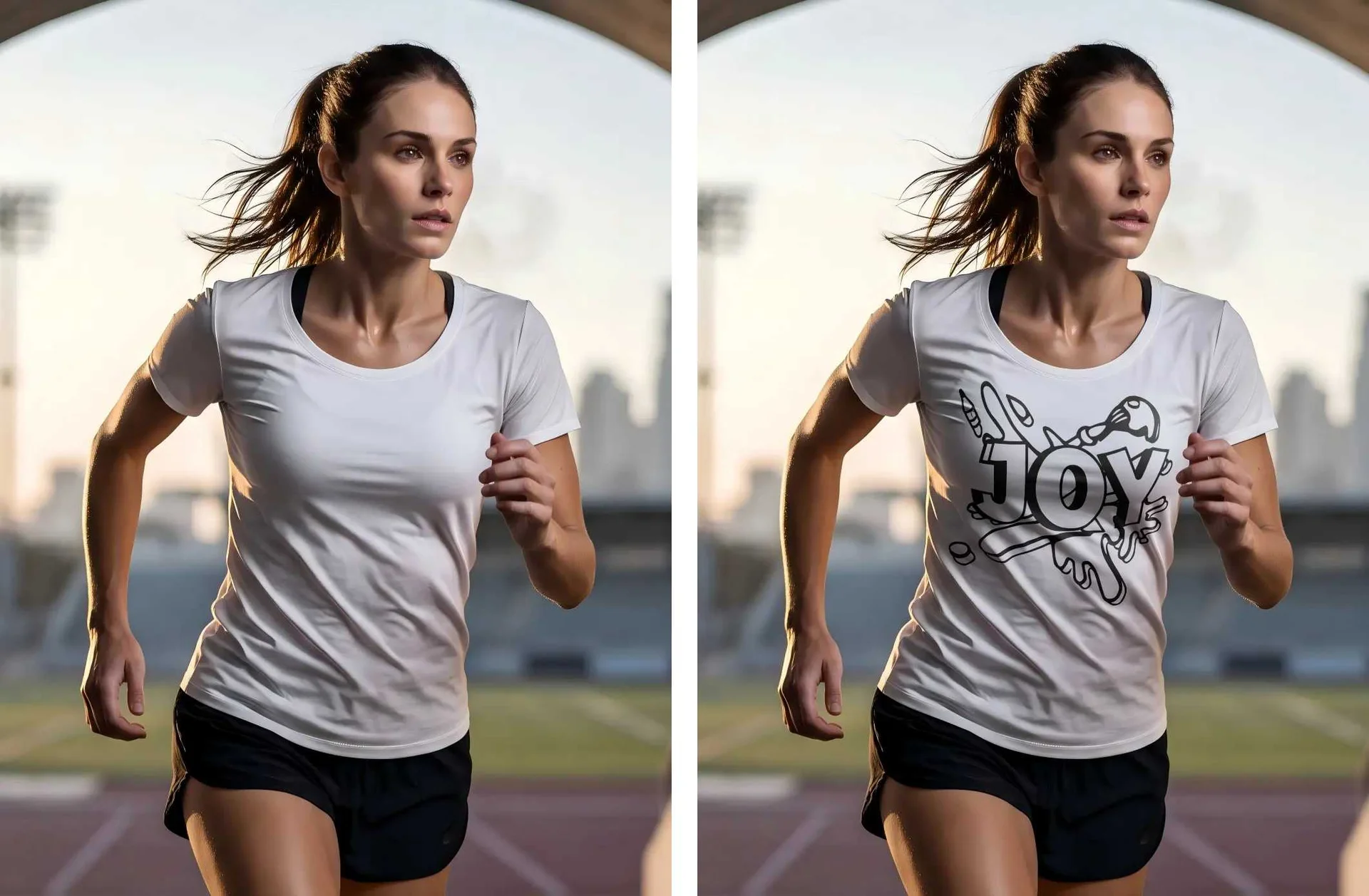
The same model, pose, design size, and placement remain consistent across both color variants, while folds, lighting, and fabric texture stay natural.
Once the reference batch is correct, apply the same verified setup across dozens or hundreds of product photos. This combines automation with human quality control.
Plan Large Batches Without Losing Operational Control
Before starting a major batch, define a filename convention that connects each result to its product, design, color, and image role—for example, product-design-color-angle.ext.
Then organize generation around checkpoints:
- Confirm input naming before upload
- Preview representative products, colors, and difficult camera angles
- Approve a reference batch before final generation
- Export results into folders that match the listing workflow
- Sample-check every product family
- Record exceptions that need refinement or regeneration
This turns a large batch into a traceable production job instead of an unstructured folder containing thousands of files.
What About SKUs?
Batch Mockup & Recolor creates product-image variations for selected product, design, and color combinations. These files can then be mapped to planned SKU variants; the tool does not create or manage SKU records. Inventory, prices, and listings remain in your ecommerce platform, ERP, or PIM system.
With consistent file naming and an external product-mapping process, your team or commerce system can connect generated images to the appropriate SKUs and move them into the listing workflow.
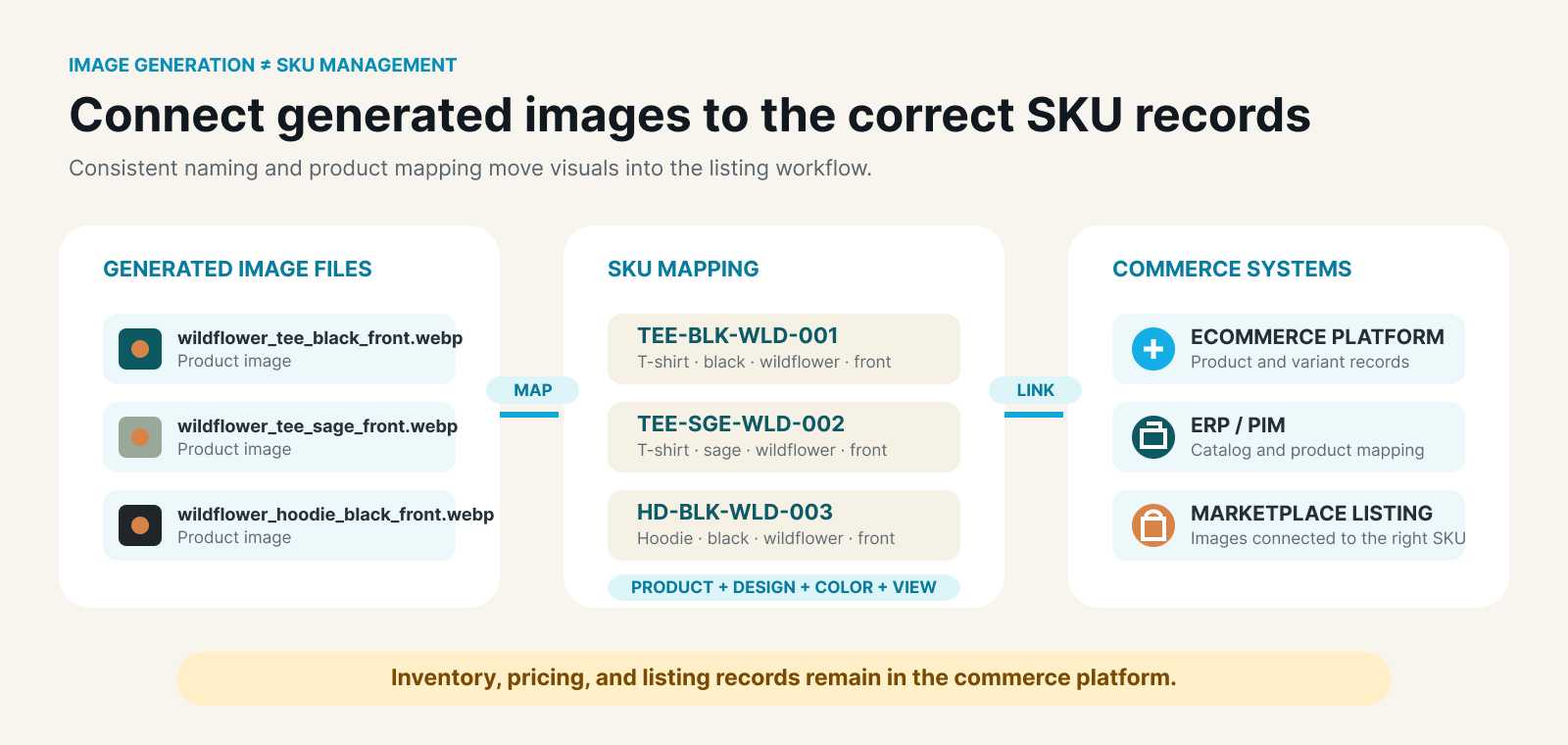
Workflow mapping generated product-image filenames to SKU records and commerce systems while inventory and pricing remain in the commerce platform.
Consistent file naming and product mapping connect generated images to SKU records without confusing image generation with inventory management.
Who Is This Workflow For?
Batch Mockup & Recolor is built for:
- POD sellers managing large design libraries
- Etsy and Shopify stores expanding winning designs
- Ecommerce teams managing many products and color variants
- Operators who do not want to depend on Photoshop or PSD templates
- Design teams that need consistent catalog imagery
- Independent brands reducing photography and repetitive editing work
Frequently Asked Questions
Can Batch Mockup generate one million results in one batch?
Yes. The generated-result cap is 1,000,000 variations, provided the selected Product Photos × Designs × Colors combination stays within that limit. Paid users can upload up to 300 product photos and up to 100 designs per batch.
Does one million mockups mean one million SKUs?
No. One SKU may use several angles or lifestyle images. Batch Mockup creates image variations; your ecommerce platform, ERP, or PIM manages SKU records, prices, and inventory.
Should I generate the largest possible batch immediately?
No. First preview and approve a small reference batch containing representative products, colors, and difficult image types.
Continue With the Right Workflow
- Learn how to verify realistic POD mockup quality.
- See the workflow for creating AOP product mockups in bulk.
- Use the winning POD design expansion guide to prioritize products and colors.
Create POD Mockups in Bulk
Preview a controlled reference batch, verify the setup, and generate the approved product, design, and color combinations at catalog scale.