
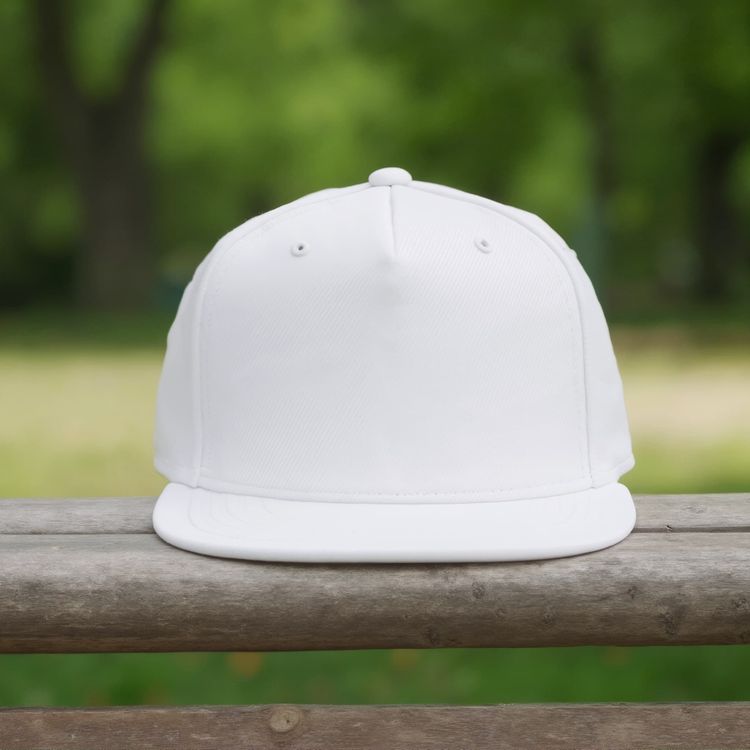
Present Your Designs with Snapback Cap Mockups
Find snapback cap mockup templates for cap branding and team merchandise. Add your artwork to an editable template, adjust its placement, and download your image.
83 mockups

Snapback hat mockup on a circular display stand in a store

Snapback hat mockup a man is wearing a cap on a city street
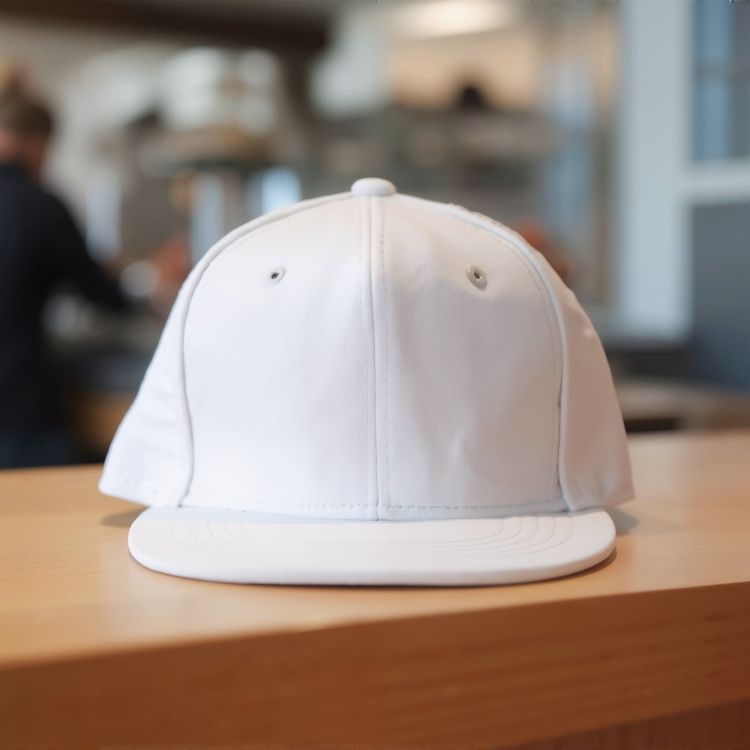
Snapback hat mockup on a wooden table in a cafe setting
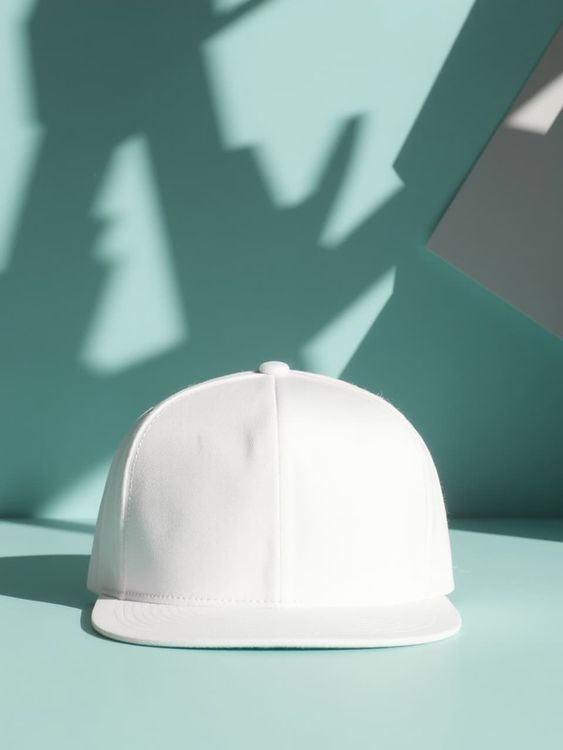
Lifestyle snapback hat mockup bright orange cap with shadows on blue background

Snapback hat mockup a man is wearing a cap against a brick wall
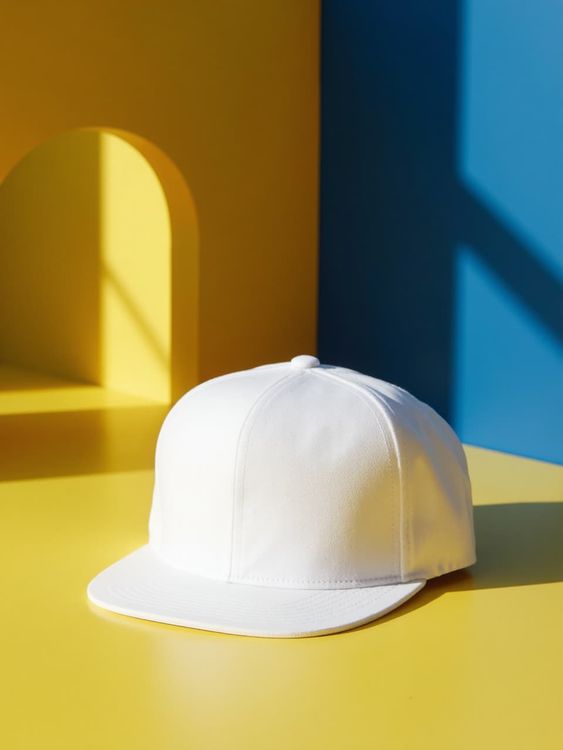
Lifestyle snapback hat mockup bright yellow cap on yellow and blue backdrop
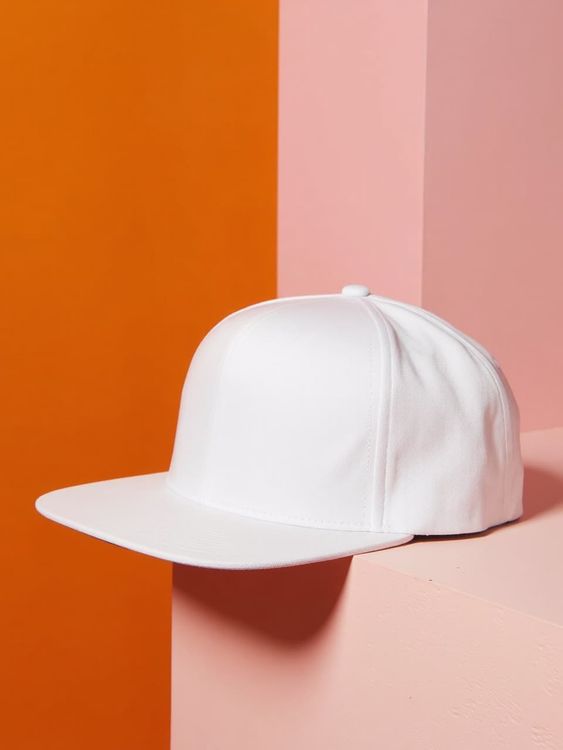
Lifestyle snapback hat mockup bright blue cap on pink and orange background
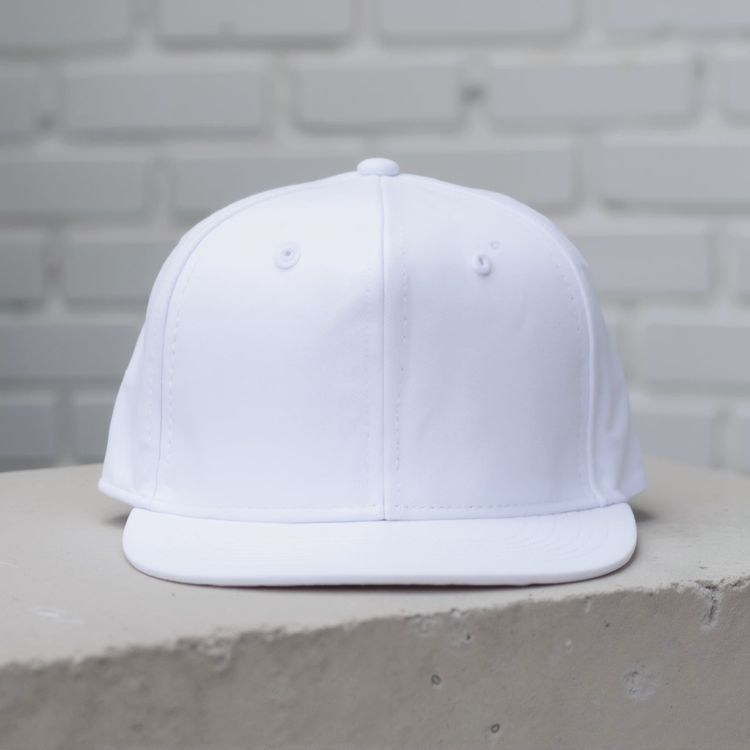
Snapback hat mockup on a light gray concrete surface 1
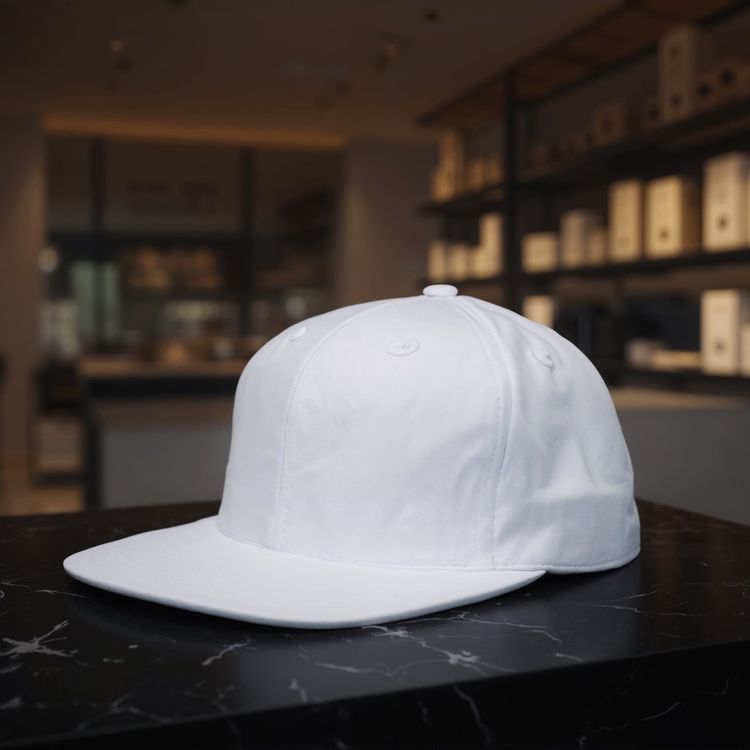
Snapback hat mockup the product is placed on a black table

Snapback hat mockup on green grass under natural light
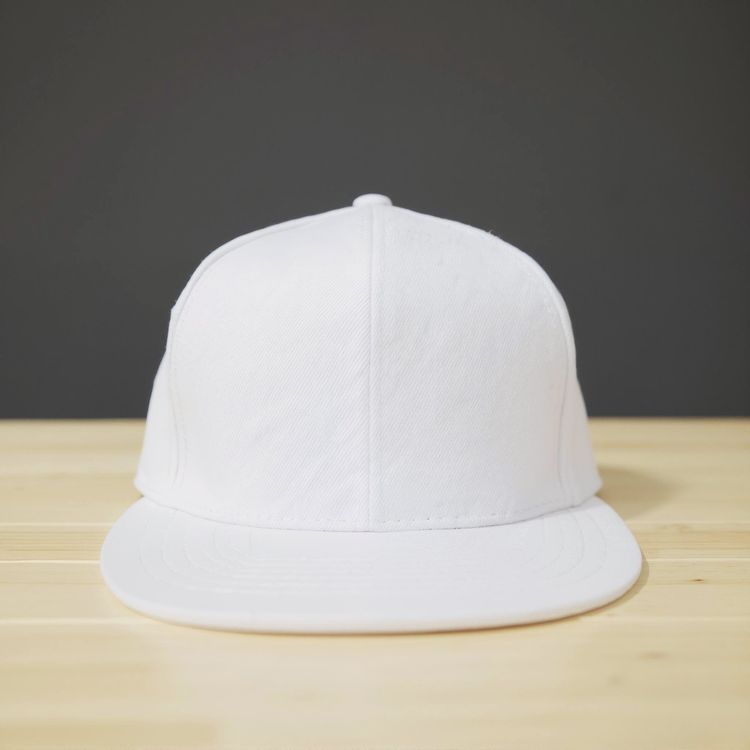
Snapback hat mockup on a light wooden table surface
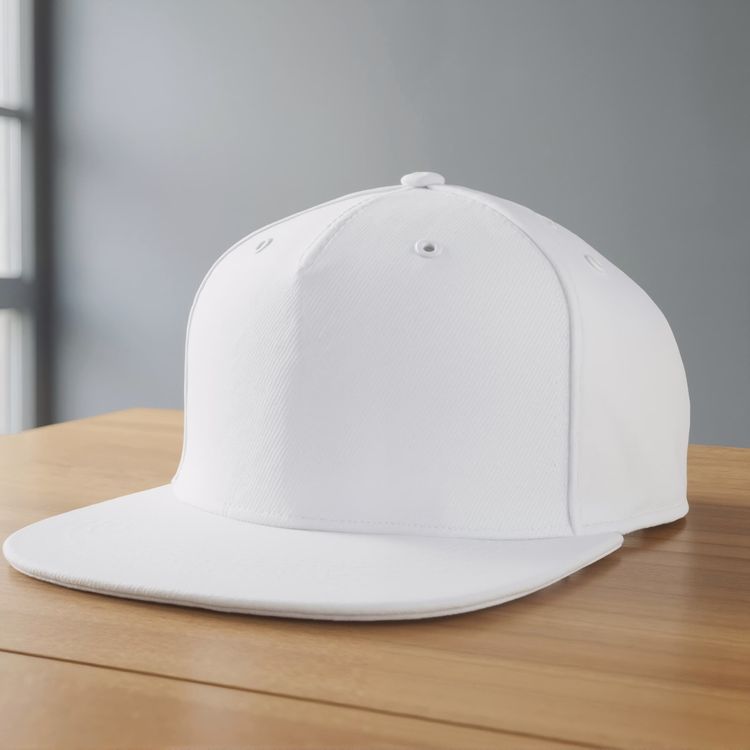
Snapback hat mockup on a wooden table in a bright room
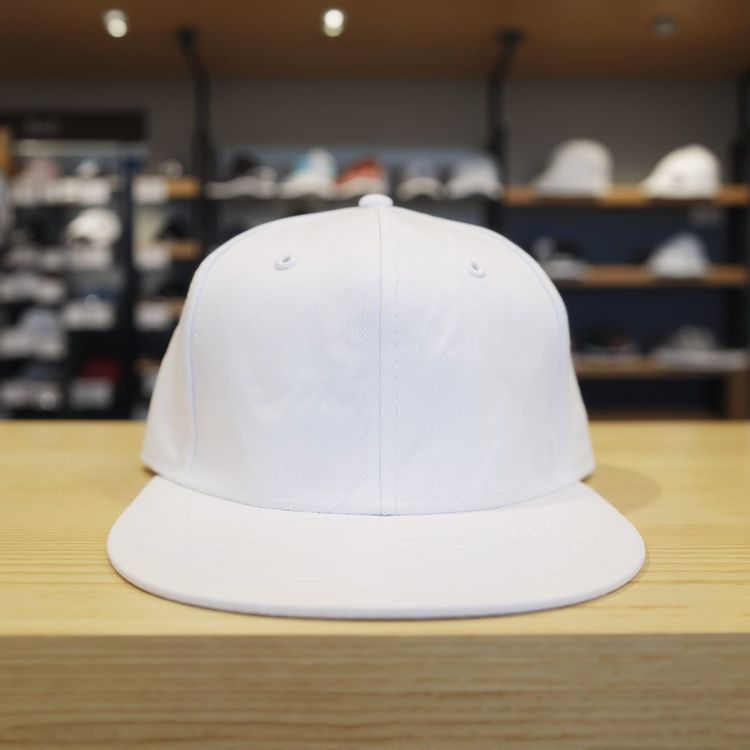
Snapback hat mockup on a wooden table in a store
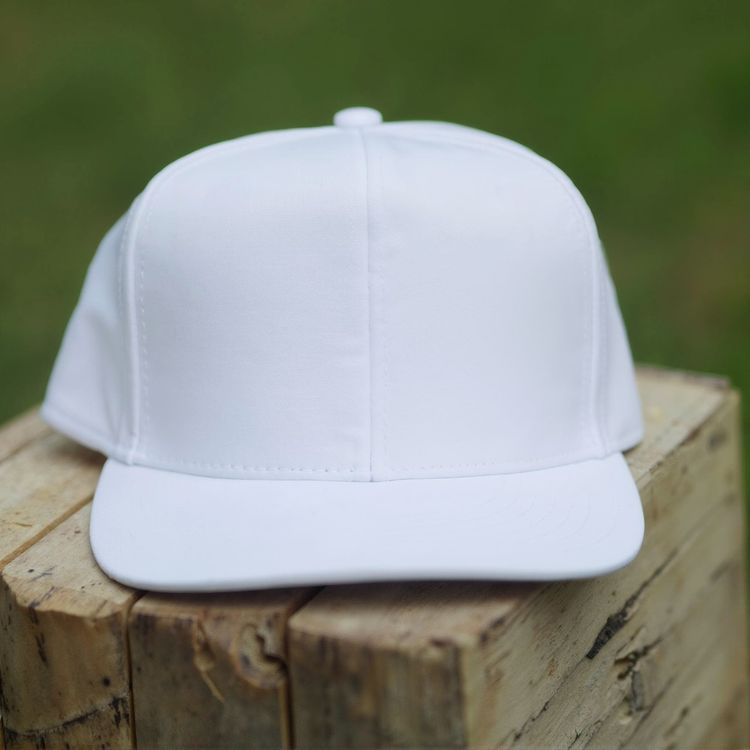
Snapback hat mockup on a wooden surface in natural light
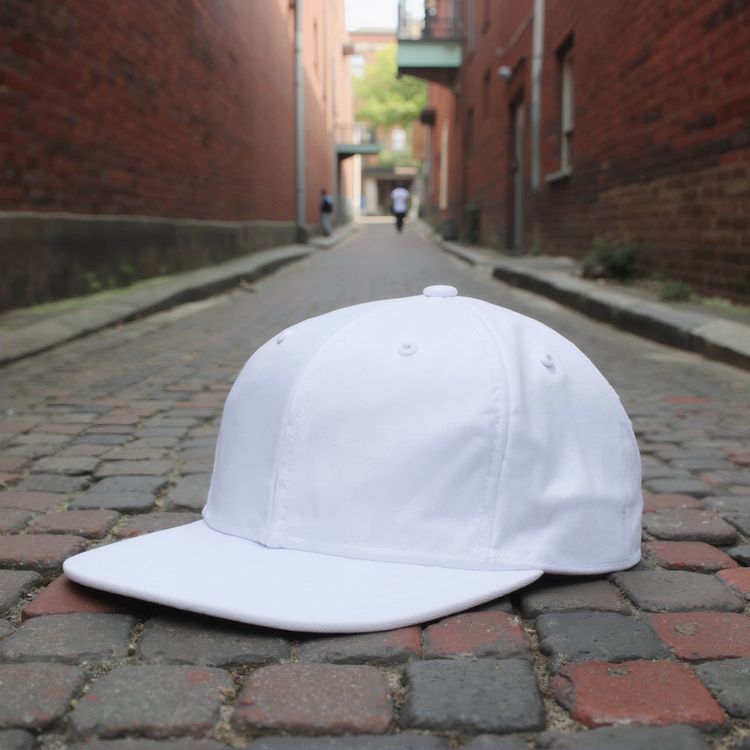
Snapback hat mockup on a cobblestone alleyway near brick buildings
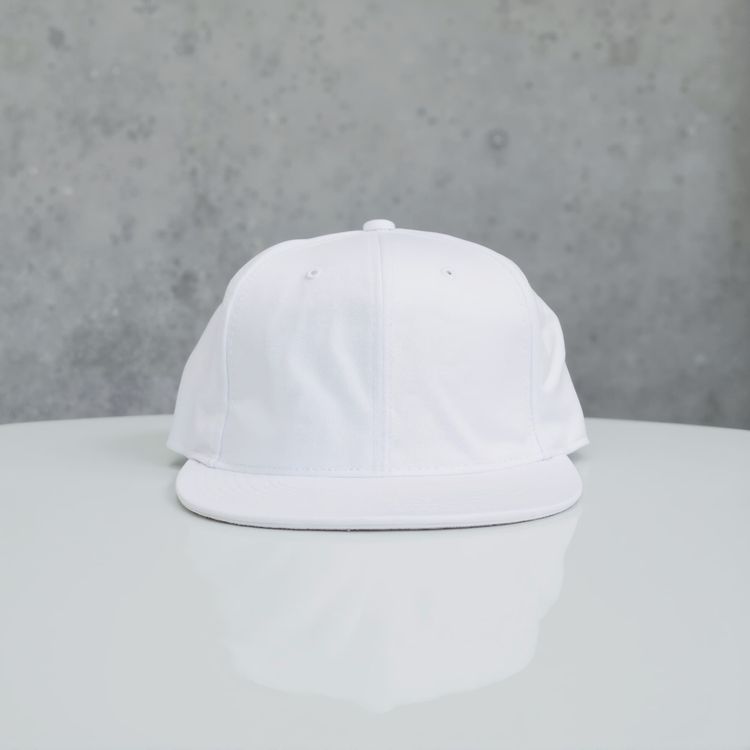
Snapback hat mockup on a round glossy table

Snapback hat mockup a woman is wearing a cap in an art gallery
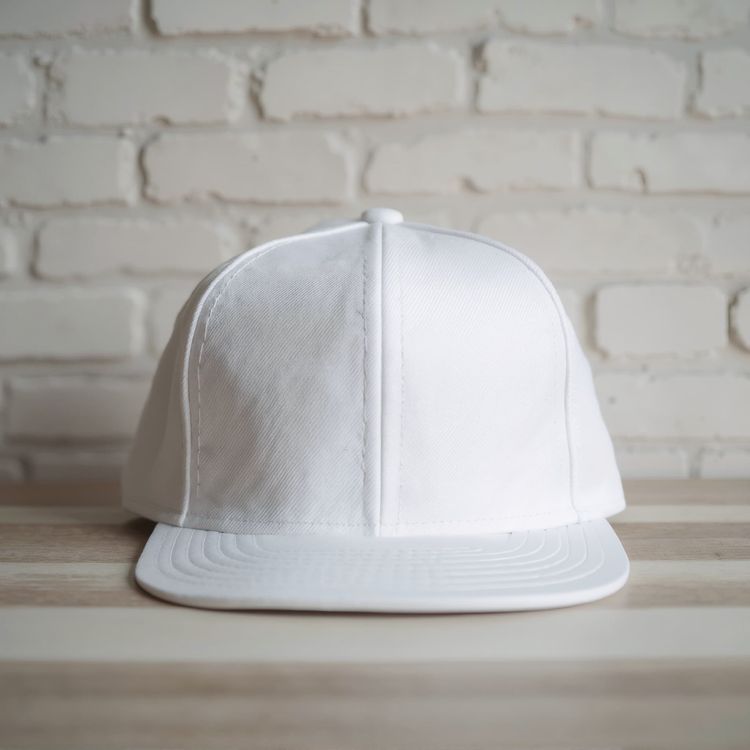
Snapback hat mockup cap resting on a wooden table
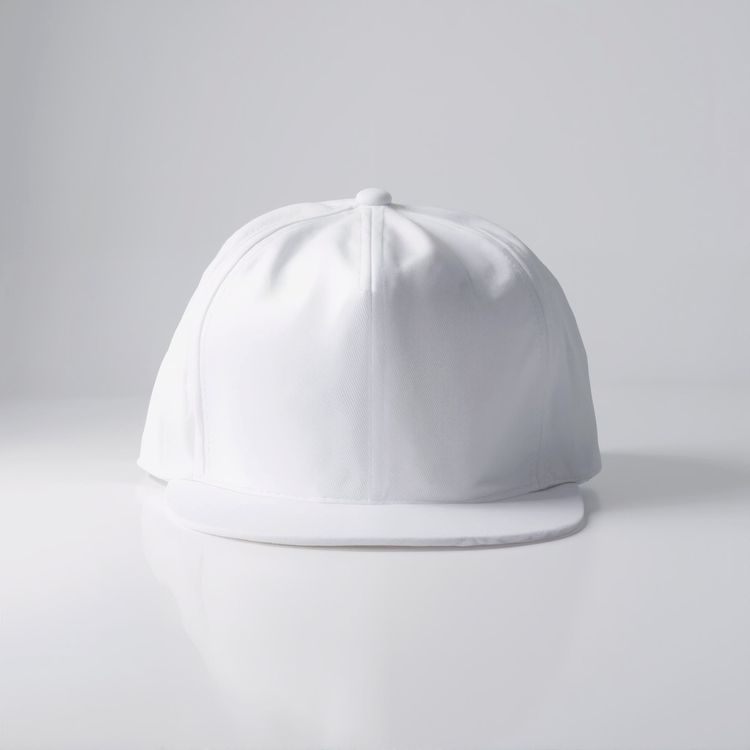
Snapback hat mockup on a clean white surface
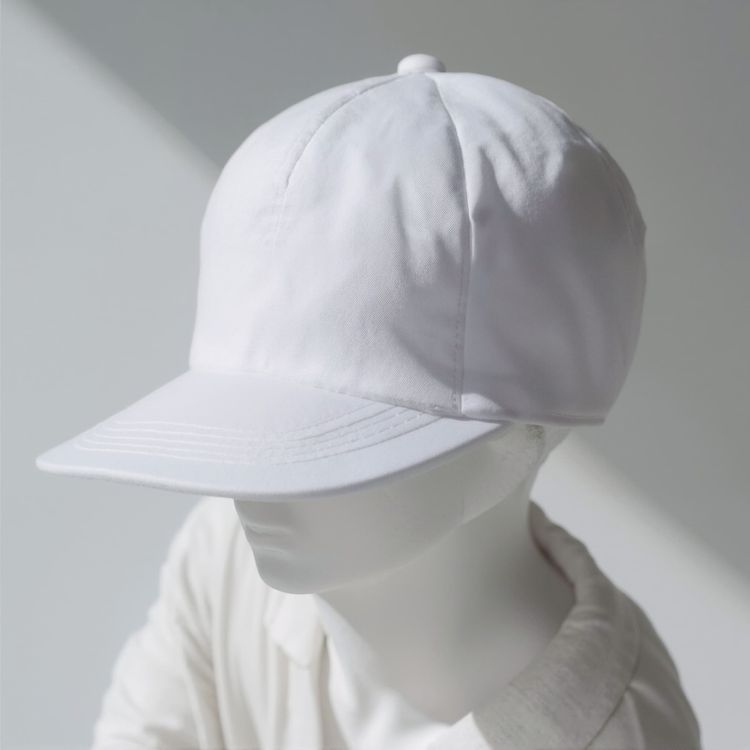
Snapback hat mockup a character is wearing a cap indoors
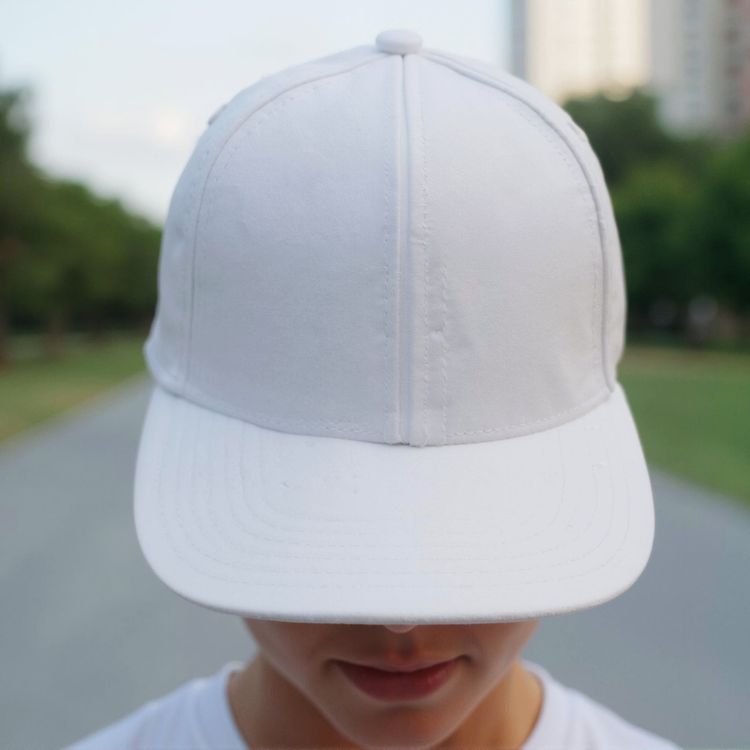
Snapback hat mockup a person is wearing a hat while walking
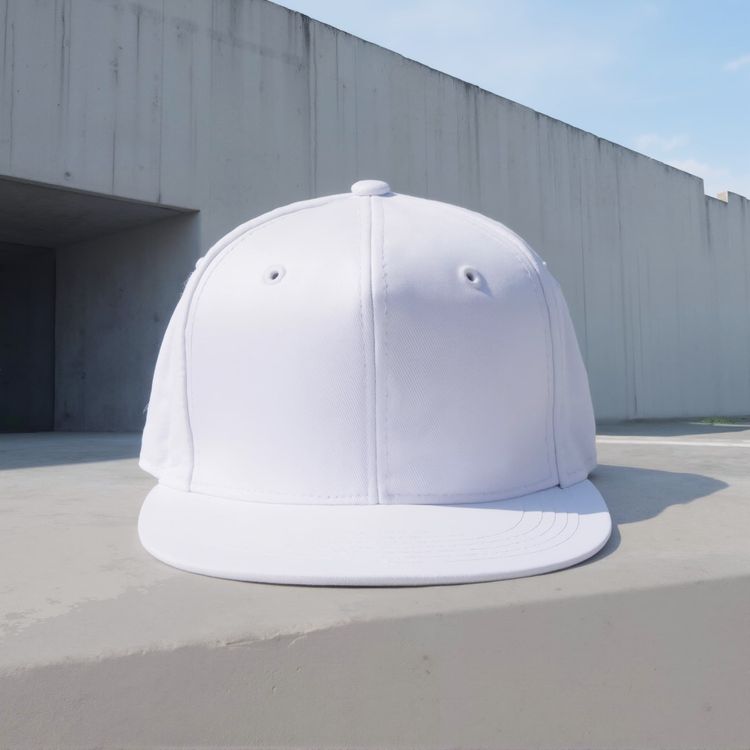
Snapback hat mockup on a flat concrete surface in daylight
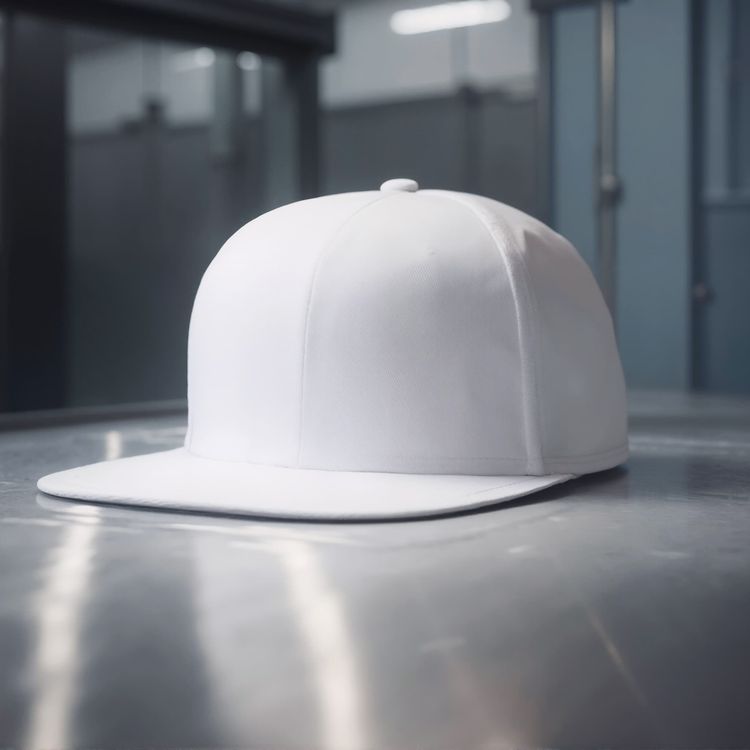
Snapback hat mockup on a stainless steel surface in a workshop
Review the details that make a mockup usable.
A good template does more than hold artwork. It protects product shape, leaves intentional design space, and fits the channel where the result will appear.
Believable artwork placement
Lighting, folds, seams, and perspective remain visible around the design.
Room for the product story
Choose a clean hero, detailed close-up, or lifestyle frame based on the image role.
Built for commerce formats
Start with a crop that can travel to listings, campaigns, social, and storefronts.
Preview your design, then choose a template
- 01
Browse or add your design
Browse the templates, or use the design upload above to compare previews on supported cards.
- 02
Open a template to adjust it
Open your chosen template to see its editing options. Supported templates let you position your artwork and use the available color controls.
- 03
Download or keep creating
Download your finished image, or open an editable template in the Mockuplabs online editor to keep creating on its infinite canvas.
Snapback cap mockup FAQs
Need help preparing artwork or exporting a final image? Visit the Help Center.
Make your next snapback cap mockup your own.
Return to the templates above to compare scenes and choose one for your design.
Snapback cap mockup templates
- Score
- 4.8 / 5
- Rating events
- 28
- Written reviews
- 9
- As of
