The Print-on-Demand (POD) market is surging toward a $100B valuation, with custom jerseys driving a 67% increase in average order value. If you’ve been searching for the best Placeit alternatives or struggling with how to design team logos, you know that standard templates often feel generic and restrictive.
As the creators of Mockuplabs.ai, we’ve empowered over 10,000 sellers to break free from rigid Photoshop files. We understand the designer's struggle: you need visuals that look authentic, not AI-generated. Our "Mock Up Anything" technology moves beyond basic overlays, allowing you to:
- Transform Any Image: Turn a simple photo or AI generation into a professional product listing instantly.
- Color Changer: Use AI image color changer to easily recolor any area of your image.
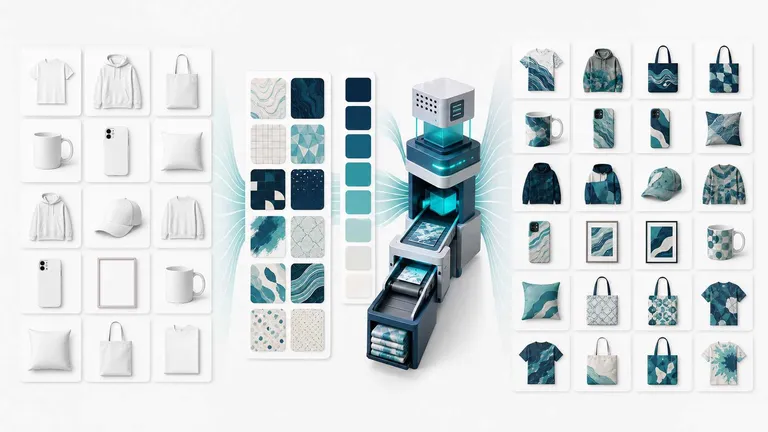
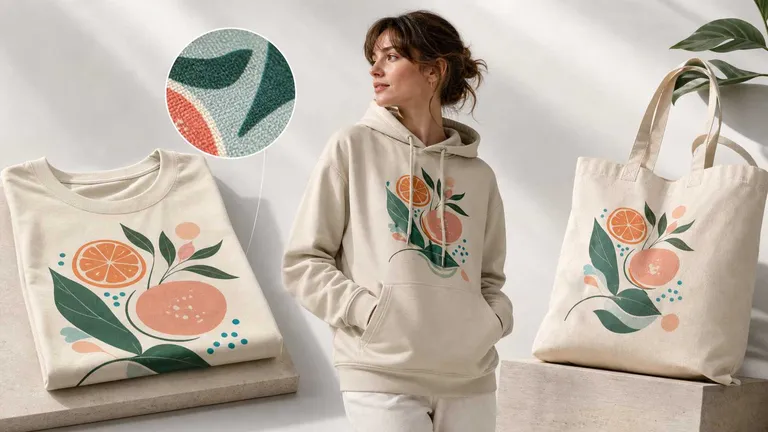
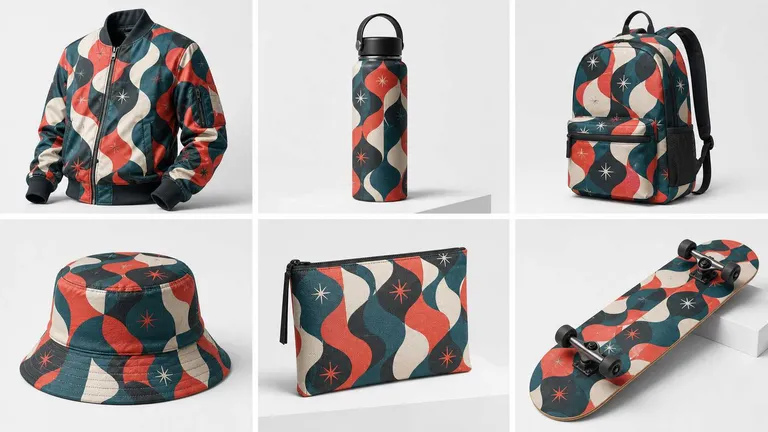
- Seamless All-Over Prints (AOP): Realistically wrap designs around textures and materials without distortion.
- Boost Conversions: Create high-end visuals for Shopify, Etsy, and Amazon in minutes.
In this guide, we’ll share our insider expertise on generating hyper-realistic jersey mockups that turn scrollers into shoppers.
Visualize the $100B opportunity.
[View Jersey Mockup Use Cases]
and see why 10,000+ sellers have ditched generic templates for Mockuplabs.ai.
Table of Contents
- Step-by-Step: Designing Custom Logos & Elements for Jerseys
- How to Create Jersey Mockup with AI
- Pro Tips for Jersey Mockup
- Conclusion
- Frequently Asked Questions (FAQs)
Step-by-Step: Designing Custom Logos & Elements for Jerseys
Address common searches like "how do I design custom logos for select team jerseys?" Start with basics, then leverage AI for speed.
Basics in Canva or Illustrator
- Create logos with bold sans-serif fonts (trends: minimalist text, groovy patterns).
- Add numbers/sponsors: Use vector formats (SVG) for scalability.
- File prep: CMYK, 300 DPI, include bleed.
AI Generation with Mockuplabs.ai
With Mockuplabs.ai, you can generate blank mockups, design patterns, logos, and more with our powerful AI image generation capabilities. And handle text design and logo integration directly within the tool:
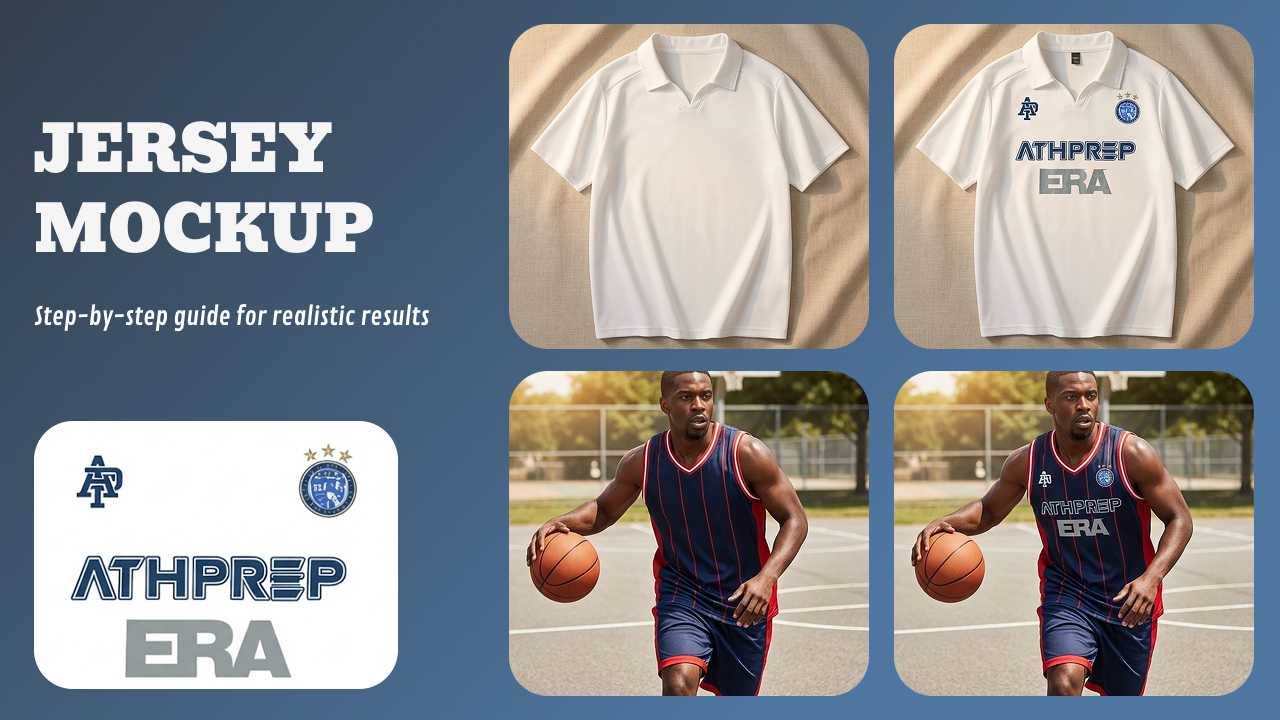
- Integrated Text Design: You can effortlessly add brand names, slogans, or player numbers directly onto any mockup. Input your text, choose from a wide range of fonts, and adjust styles to match your team identity.
- Vectorization for Realism: To ensure your text looks like a printed part of the jersey rather than a floating layer, use the "Flatten text" button. This converts your text into vector graphics.
- Why this matters: Only after converting text to vectors will it successfully integrate with the jersey's fabric texture, curves, and lighting.
How to Create Jersey Mockup with AI
Whether you need a football jersey mockup, basketball jersey mockup, or hockey jersey mockup, the goal is realism. Mockuplabs.ai is an all-in-one platform that allows you to turn any image into an editable mockup with a single click.
Method A: The "Mock Up Anything" Technique (Best for Unique Photos)
If you have a specific photo of a jersey (e.g., a flat lay or a model shot) and want to put your design on it:
- Upload: Click the "Upload" button to upload your product image (PNG, JPG).
- Convert: Select the image and click the "Mockup" button. In seconds, the AI converts it into a functional mockup.
- Apply: Drag and drop your design or logo onto the jersey. The AI automatically adapts the design to the product's curves, folds, and lighting.
🚀 New Release: Generate Professional Product Sets with Next-Gen AI Integration
We are excited to announce a major upgrade to our AI engine! Mockuplabs now integrates the industry's most advanced image models: Nano Banana Pro, Seedream 4.0, and Seedream 4.5. This upgrade transforms the way Amazon and Shopify sellers handle product photography.
From One Idea to a Full Series of Listing Images
By leveraging these Pro-grade models, you can now Generate Professional Product Sets in seconds. Instead of booking expensive photoshoots, use AI to generate a full series of high-conversion listing images—from clean studio shots to dynamic lifestyle scenes.
The "Mock Up Anything" + AI Synergy
This new feature works seamlessly with our "Mock Up Anything" technique. You can now:
- Generate the Jersey First: Use Seedream 4.5 to generate a high-fidelity jersey image that perfectly matches your physical product's silhouette and fabric texture.
- Design & Map Instantly: Once the AI generates the product base, drag and drop your team logos or custom patterns directly onto the canvas. Our engine will map them realistically across the AI-generated folds and shadows.
- Maintain Truth-to-Product: Ensure your AI-generated jersey matches the technical specifications (neckline, sleeve cut, fabric grain) of the actual item you are selling. Use our Mockup engine and Real-time Color Changer to align the AI's output with your specific fabric swatches for 100% accuracy.
By combining AI-generated bases with your real design assets, you save hours of post-production while delivering a consistent, professional brand experience across your entire storefront.
Method B: Using AI Jersey Templates
If you don't have a source image, you can browse over 30,000 high-quality mockups. Specific categories include: Football Jersey,
Basketball Jersey, Hockey Jersey, Baseball Jersey, Soccer & Cycling Jerseys.
Advanced: Changing Jersey Colors
- Select Mode: Upload your jersey image and click the "Color" button to enter color-changing mode.
- One-Click Swap: The AI automatically segments the image. Click the area you want (e.g., sleeves or torso) and select a new color.
- Cost Savings: This eliminates the need for physical samples or professional photography for each color variant.
Pro Tips for Jersey Mockup
To dominate the market with your ai jersey designs, follow these expert tips:
- Master the Lighting: If the auto-generated lighting isn't perfect, or if your logo overlaps unwanted areas (like a zipper or collar), use the "Area Selection" tool. You can use the Eraser or Daub tools to manually paint precise regions where the design should—and shouldn't—appear.
- Vectorize for Clarity: Always use the "Flatten text" feature before finalizing your mockup. This ensures the text distorts correctly with the jersey's ripples.
- Preview Instantly: When browsing templates, upload your design first. The website will automatically apply your design to all available mockups in the preview stage, helping you find the perfect football jersey mockup or baseball jersey mockup faster.
Conclusion
Creating professional jersey mockups doesn't require expensive software or hours of Photoshop work anymore. By leveraging AI tools like Mockuplabs.ai, you can generate mockups from any image, replace colors instantly. Whether you are designing a football jersey mockup for a local team or a basketball jersey template for your POD store, AI gives you the speed and realism required to compete in 2026.
Frequently Asked Questions (FAQs)
Q: How do I generate product mockups with AI images?
Upload any jersey image (real photo or AI-generated blank mockup our Nano banana Image model) to Mockuplabs.ai. Click "Mockup" to make it editable, drag designs/logos, and use AOP for full coverage. AI handles folds, lighting, and shadows automatically—no Photoshop needed.
Q: How to replace color in an image online free with AI?
In Mockuplabs.ai, upload your jersey, click "Color" for auto-segmentation, select areas like sleeves or body, and swap hues (e.g., team colors). It's free on basic plans with credits, precise, and real-time—pair with "Enhancer" for realistic finishes.
Q: How do I create a mockup from an image?
Simple: Upload PNG/JPG to Mockuplabs.ai, click "Mockup" to convert (adds top-left indicator), use "Area Selection" with Daub/Eraser for precision, drag designs (they auto-adapt to curves), and download high-res. Works for any product, unrestricted by templates.
Q: Can I use AI to generate blank jersey mockups?
Absolutely -- Mockuplabs.ai's AI image generation (Nano Banana, GPT Image, Qwen Image) lets you prompt "blank black football jersey on diverse model" for custom blanks. Then convert to editable mockup and add elements like text or patterns.
Q: How does AOP work for jerseys in Mockuplabs.ai?
For all-over-print, upload your image, convert to mockup, select full areas, drag patterns (simple motifs auto-repeat seamlessly), choose types like half-drop for natural flow, and preview lighting/folds. It's available on all plans with credits—ideal for gradient or retro jersey designs.