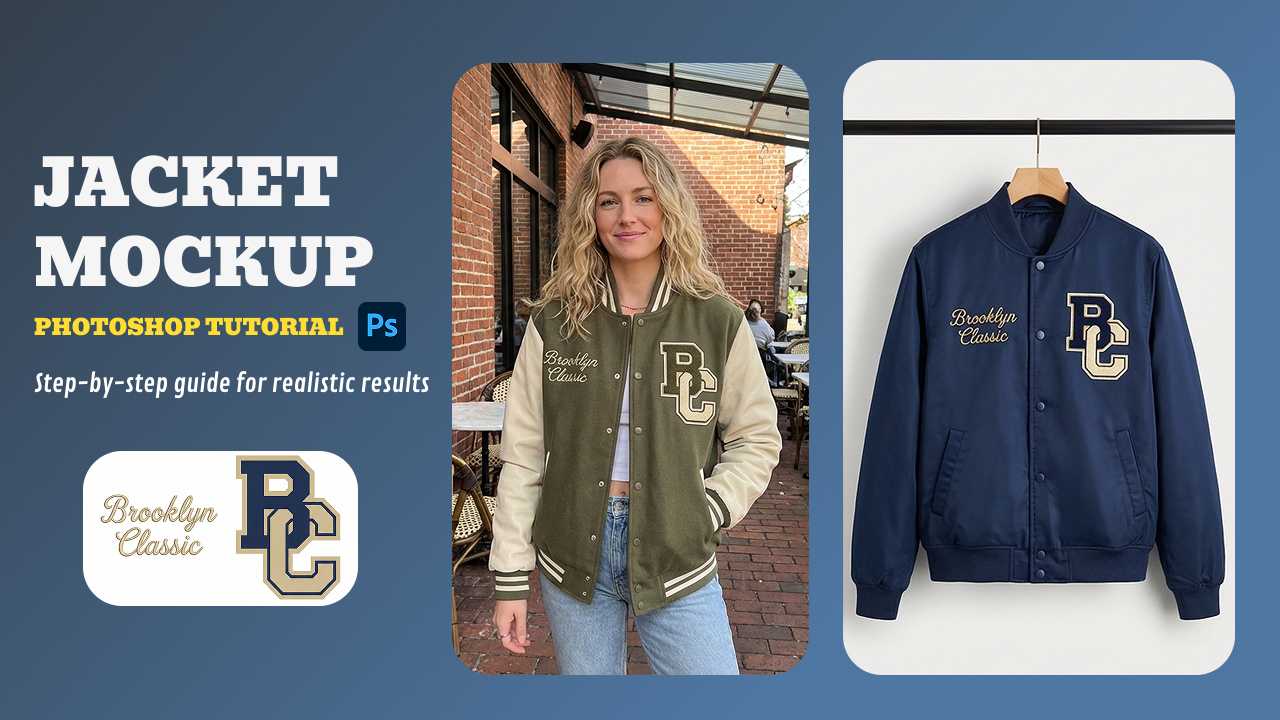
In 2026, static flat lays no longer satisfy savvy consumers who demand to see how a varsity jacket drapes or a puffer reflects light before buying. While traditional photography remains cost-prohibitive for rapid prototyping, leveraging a professional mockup generator provides the visual proof needed to build customer trust. According to Shopify's latest e-commerce visual trends, high-quality product imagery is the primary driver of conversion in the fashion niche. Consequently, this guide offers expert-level workflows for both Photoshop and AI-driven design.
Table of Contents
- How to Make a Jacket Mockup in Photoshop?
- Traditional Photoshop vs. AI Mockup Generators
- How to Create a Jacket Mockup in Mockuplabs.ai (Step-by-Step Guide)
- Advanced Customization: Color Changer and AOP
- Top Jacket Styles for E-Commerce
- Conclusion
- Frequently Asked Questions (FAQs)
How to Make a Jacket Mockup in Photoshop?
While AI tools offer unmatched speed, many designers still appreciate the granular control found in Adobe's flagship software. Creating a professional jacket mock up in Photoshop traditionally involves intricate masking and the use of Displacement Maps to ensure your graphics follow the natural folds and shadows of the fabric.
If you’re looking to master the technical execution of a high-end bomber or varsity jacket mockup, visual learning is often the most effective route. I’ve found that seeing the layering process in real-time helps clarify complex steps like "Smart Object" placement and blending mode adjustments.
To help you get started with a professional workflow, I recommend following this comprehensive video guide:
Watch: Bomber Jacket — Photoshop Mock-up Tutorial
However, as the tutorial demonstrates, manual execution is a meticulous process. If you are managing a high-volume storefront and need to generate dozens of variations for a puffer jacket mockup or denim line, the manual Photoshop route can quickly become a bottleneck.
Traditional Photoshop vs. AI Mockup Generators
The choice between Photoshop and an automated mockup generator depends on your production scale. Photoshop is the industry standard for artistic control; however, it requires significant time to adjust lighting for every new colorway.
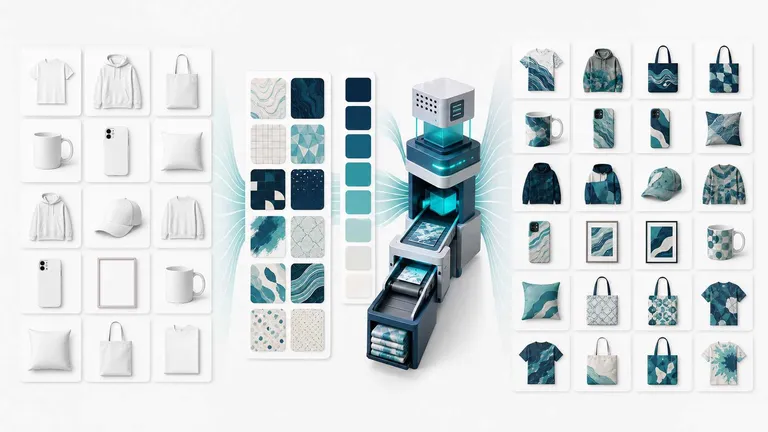
On the other hand, AI platforms like Mockuplabs specialize in efficiency. These tools use neural networks to wrap designs around fabric fibers automatically. Therefore, you can preview a hundred different jacket template variations in the time it takes to render one in Photoshop. For fast-fashion brands, this speed is a competitive necessity.
How to Create a Jacket Mockup in Mockuplabs.ai (Step-by-Step Guide)
If you want to skip the steep learning curve of Adobe, follow this streamlined workflow using Mockuplabs. This process is designed for maximum efficiency without sacrificing photorealism.
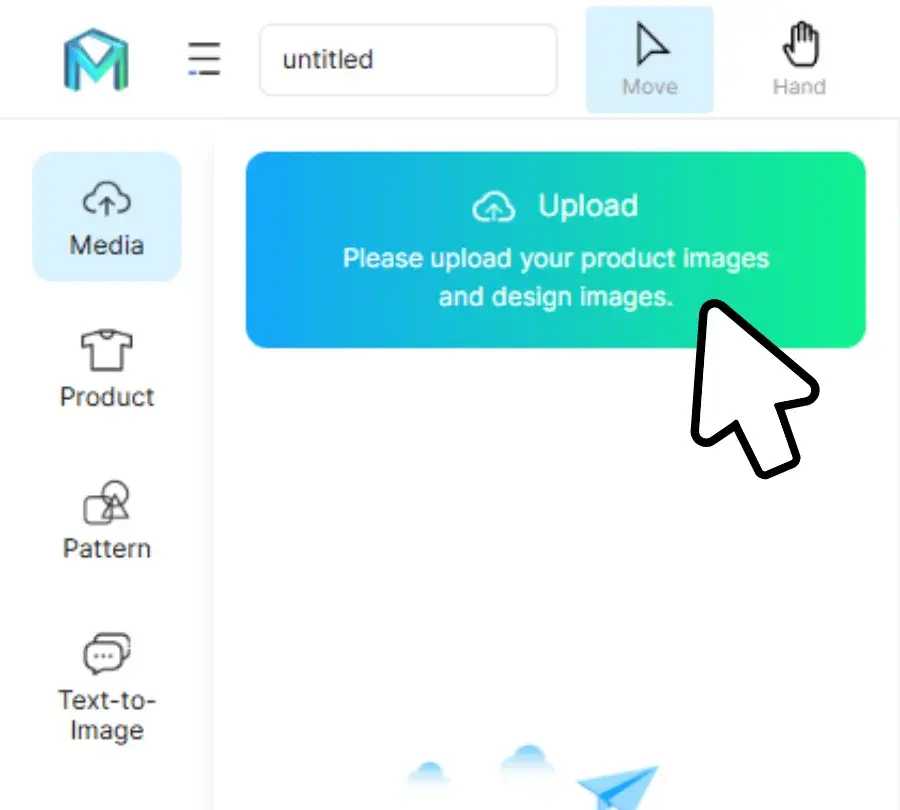
- Upload Your Base: Start by uploading any jacket image. It can be a blank jacket template or a photo of a physical sample.
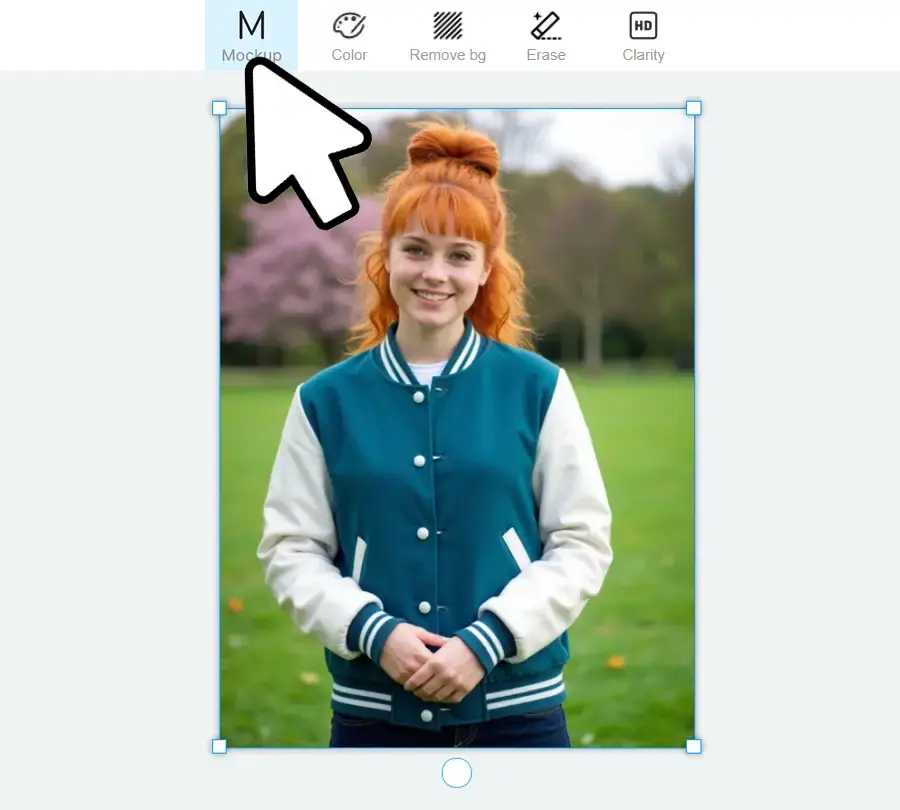
- Convert to Mockup: Select the image and click "Mockup." This step is vital as it "reads" the garment's topology, allowing designs to blend naturally with the material.
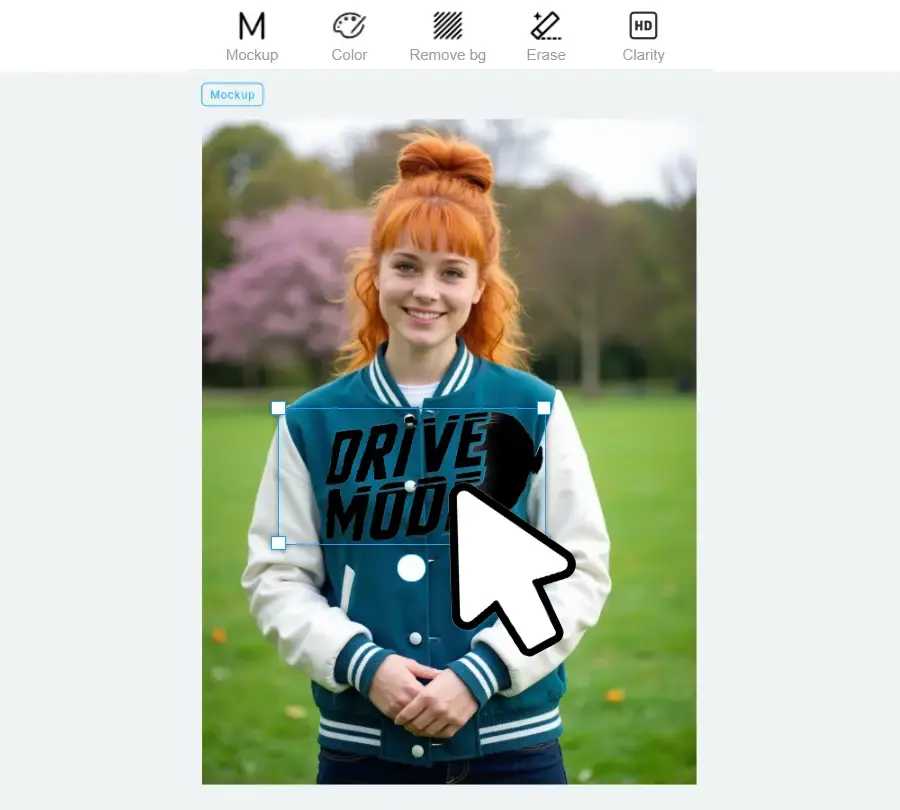
- Apply Your Artwork: Drag your logo or pattern onto the canvas. The AI automatically warps the design to match the jacket's curves and lighting.
- Download High-Res Assets: Export your final look in PNG, JPG, or WEBP format. You can customize the resolution to ensure your product pages remain crisp and professional.
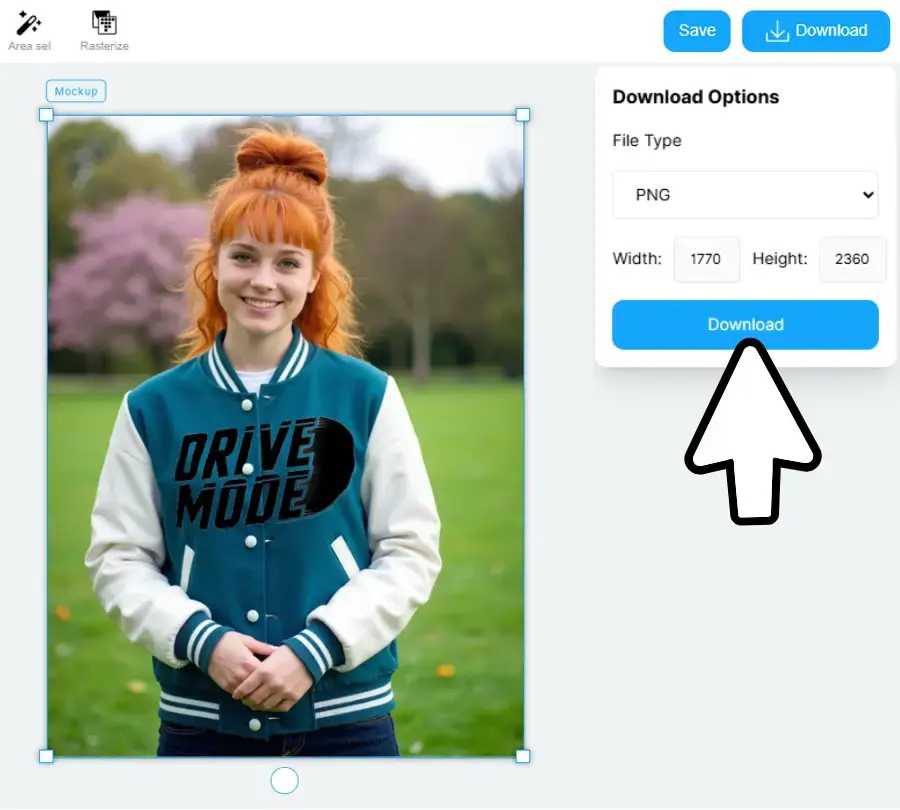
Expert Tips for Professional Jacket Mockups
To achieve a result that looks like a real photoshoot rather than a digital edit, consider these professional tips using advanced features:
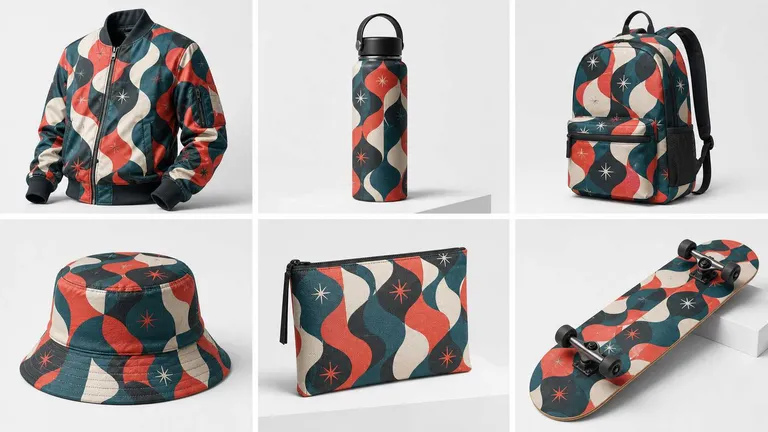
- Master the All-Over-Print (AOP): For complex designs, use the "Area Select" tool to apply patterns to specific segments like sleeves or hoods. This creates a high-end, custom-manufactured look.
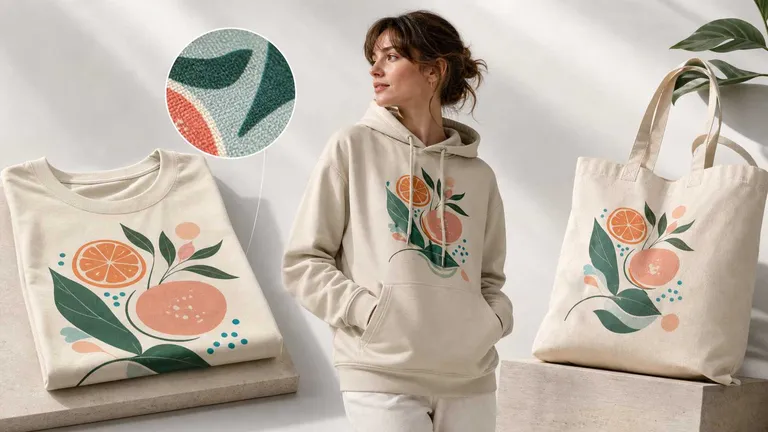
- Leverage Smart Recoloring: Instead of re-uploading photos, use the Smart Color Changer. This allows you to click on any part of the garment and swap colors in real-time while maintaining fabric texture. For a detailed walkthrough on perfecting this process, refer to our tutorial on creating sweatshirt mockups with AI color changer—the same logic applies perfectly to nylon and wool jacket materials.
- Mind the Material: If you’re designing a puffer jacket mockup, ensure your design reflects the "puff" by not placing small logos over deep seams. Use the "Rasterize" function to fine-tune placement before finalizing.
- Check the Lighting: Always ensure your design's opacity matches the base photo's lighting. A logo that is "too bright" will look fake; luckily, AI tools usually auto-calibrate this for you.
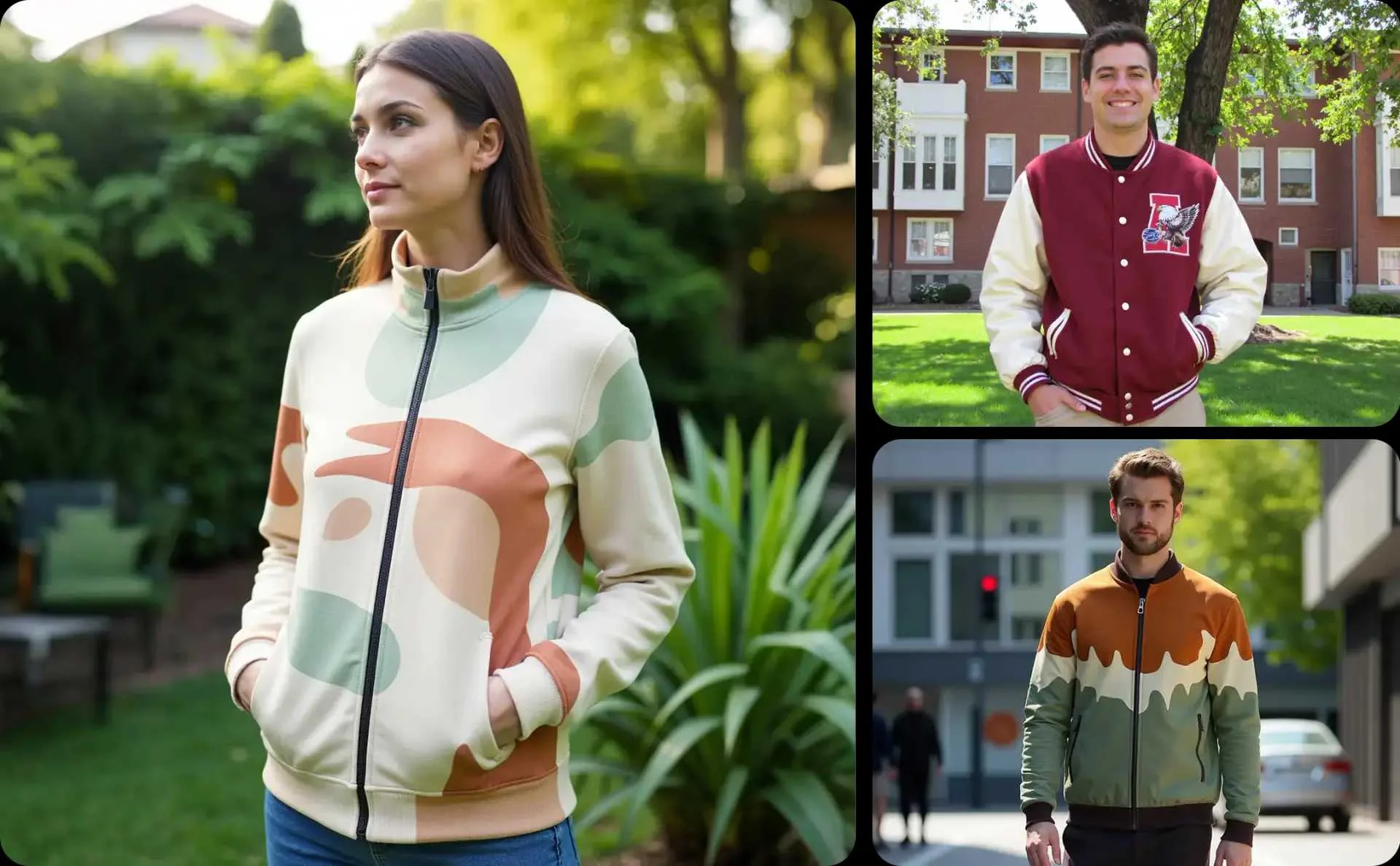
Create Unlimited Colorways Instantly
Use our Smart Color Changer to visualize your jacket designs in every possible hue. No more repetitive Photoshop tasks—just pure design freedom.
Explore Smart Customization Tools
Top Jacket Styles for E-Commerce
When building your collection, it is important to diversify your jacket mock up portfolio. Based on current market data, these are the most profitable styles to showcase:
- Varsity Jackets: Perfect for the "varsity/collegiate" trend. Focus on the contrast between the torso and the sleeves.
- Puffer Jackets: These are visual-heavy items. Use high-resolution puffer jacket mockup assets to show off the quilting and volume.
- Denim Jackets: Highlight the rugged texture. These are great for vintage-inspired back-panel graphics.
- Windbreakers: Ideal for bright, neon, or sublimation-style AOP patterns.
Conclusion
Navigating the world of apparel visualization has never been easier. Whether you stick with the technical precision of a Photoshop jacket mockup or embrace the rapid efficiency of an AI mockup generator, the goal remains the same: building consumer confidence through realism. By following the expert tips outlined above and utilizing tools like Mockuplabs, you can ensure your brand stands out in a crowded marketplace. In conclusion, high-quality mockups are an investment in your brand's authority. Start experimenting today and watch your engagement metrics soar.
Frequently Asked Questions (FAQs)
1. What is the best resolution for a jacket mockup?
For e-commerce, a minimum of 2000 x 2000 pixels is recommended. This allows customers to zoom in on design details without seeing pixelation, which is crucial for high-ticket items like premium jackets.
2. Can I use these mockups for commercial advertising?
Yes, as long as you have the rights to the base image. Using a tool like Mockuplabs allows you to create unique marketing assets that are legally safe for use on Instagram, Facebook, and your own web store.
3. Can I use my own photos as a jacket template?
Yes. Modern AI tools allow you to upload any custom photo and convert it into a workable mockup, removing the need to buy pre-made PSD files.
4. How do I handle designs that go over zippers or pockets?
In Photoshop, this requires complex masking. In an AI generator, you can use the "Eraser" or "Area Select" tool to ensure the design only appears on the fabric, not the hardware.
5. What file format is best for jacket mockup designs?
Always use high-resolution PNGs with transparent backgrounds for your logos. This ensures that the jacket mock up engine can blend the colors and textures without any white "boxes" around your artwork.