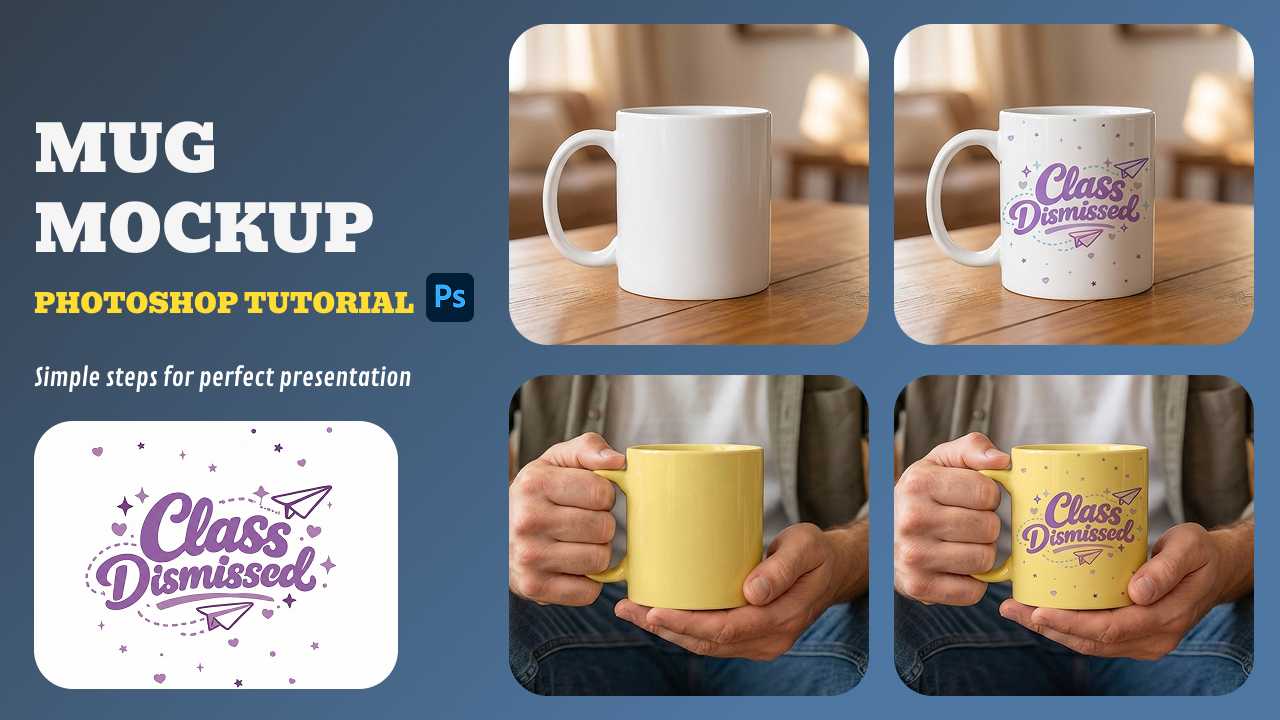
Whether you are designing a classic ceramic coffee mug mockup for Etsy or a branded enamel cup for a corporate client, the quality of your presentation matters. The professional-quality mockups can nearly double conversion rates compared to poor visuals, as they help buyers visualize ownership in a realistic context. While traditional graphic design skills are valuable, new AI-powered tools are revolutionizing the workflow. This guide will walk you through the technical steps of how to make a mug mockup in Photoshop, while also introducing a faster, AI-driven alternative that is changing the game for e-commerce sellers.
Table of Contents
- How to Make a Mug Mockup: Top 3 Methods
- How to Make a mug Mockup in Photoshop
- Step-by-Step: Creating Custom Mug Mockups with Mockuplabs
- 2026 Mug Design Trends to Watch
- Conclusion
- Frequently Asked Questions (FAQs)
How to Make a Mug Mockup: Top 3 Methods
Before diving into complex software, it is essential to understand the landscape of mug mockup generator options available today.
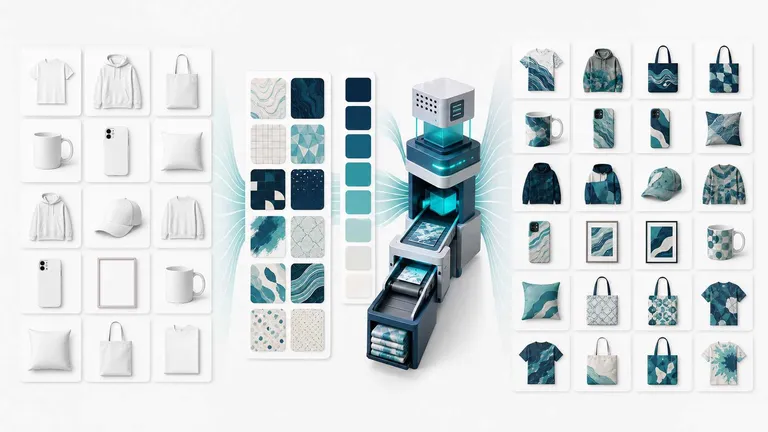
- The AI Generator (Mockuplabs): The fastest method for 2026. This mockup generator allows you to turn any static image into a 3D-like editable surface. With this technology, you can mock up any image and transform it into a professional asset within seconds.
- Adobe Photoshop: The industry standard for designers who need granular control. It utilizes "Smart Objects" and "Warp" tools to wrap flat designs around curved surfaces. While powerful, it requires a steep learning curve and a monthly subscription.
- Template Sites (Canva/Placeit): These offer pre-made scenes where you simply drag and drop an image. However, these tools often limit users to preset scenes, restricting designers and merchants from fully customizing details such as lighting, materials, and pattern positioning for their unique products.
How to Make a mug Mockup in Photoshop
Choosing the traditional route by creating a mockup in Photoshop offers unparalleled control over lighting and texture. This approach is ideal for designers looking to build bespoke, reusable .PSD templates from scratch.
For those who prioritize granular control over every shadow and highlight, Photoshop remains the industry standard. Although it presents a steeper learning curve than AI generators, mastering a few core techniques yields far more professional results.
The process revolves other smart objects, which allow you to create a reusable template where you can double-click to update the design instantly. You will need to use the warp tool to bend your flat design to match the cylindrical curvature of the cup. Crucially, changing the layer’s Blending Mode to Multiply or Linear Burn ensures the texture of the ceramic shows through your artwork. For advanced realism, using the "Blend If" sliders helps recover natural highlights that might get covered by dark designs.
For a visual step-by-step guide, we recommend these tutorials:
- The Essentials: Learn how to build a reusable Smart Object template and change handle colors easily.
- Advanced Realism: Deep dive into mastering "Blend If" and inner-cup coloring to make your mockups look indistinguishable from a photo.
Step-by-Step: Creating Custom Mug Mockups with Mockuplabs
For those who find Photoshop time-consuming or expensive, Mockuplabs offers a specialized AI solution. Unlike generic tools, it is an "e-commerce AI mockup design efficiency tool" designed specifically to help sellers and designers improve listing effectiveness.
Here is how to create a professional coffee mug mockup in seconds:
1. Upload and Convert
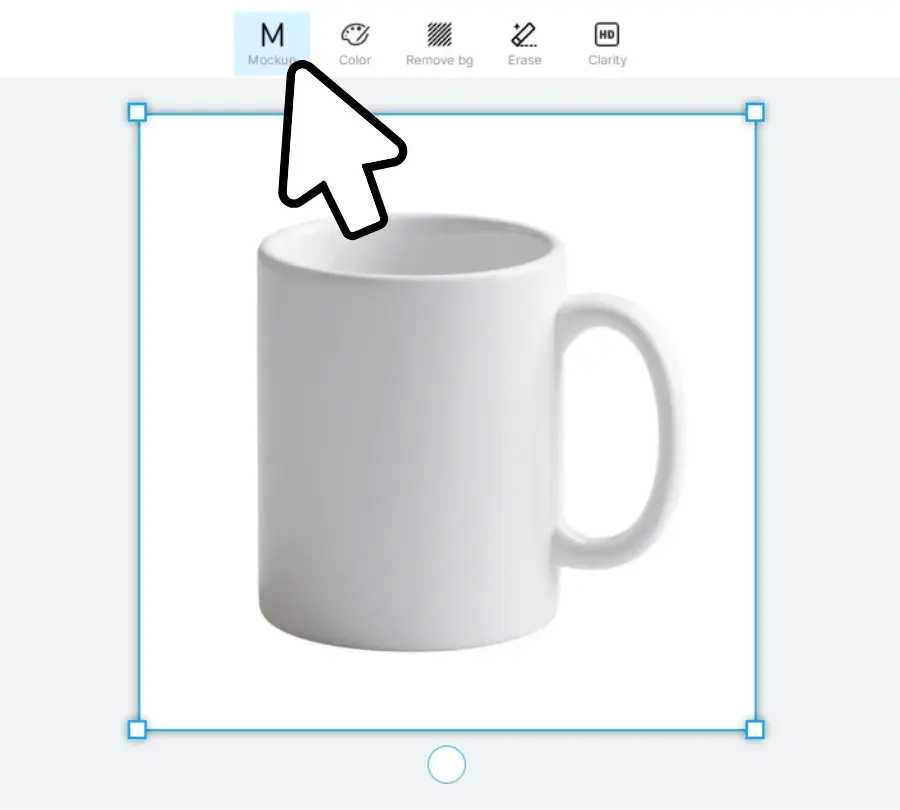
Start by clicking the "Upload" button to import your product image (PNG or JPG). Once uploaded, select the image and click the "Mockup" button. This is a crucial step; the tool automatically converts your static photo into an editable surface, indicated by a mockup icon in the top-left corner.
2. Apply Your Design
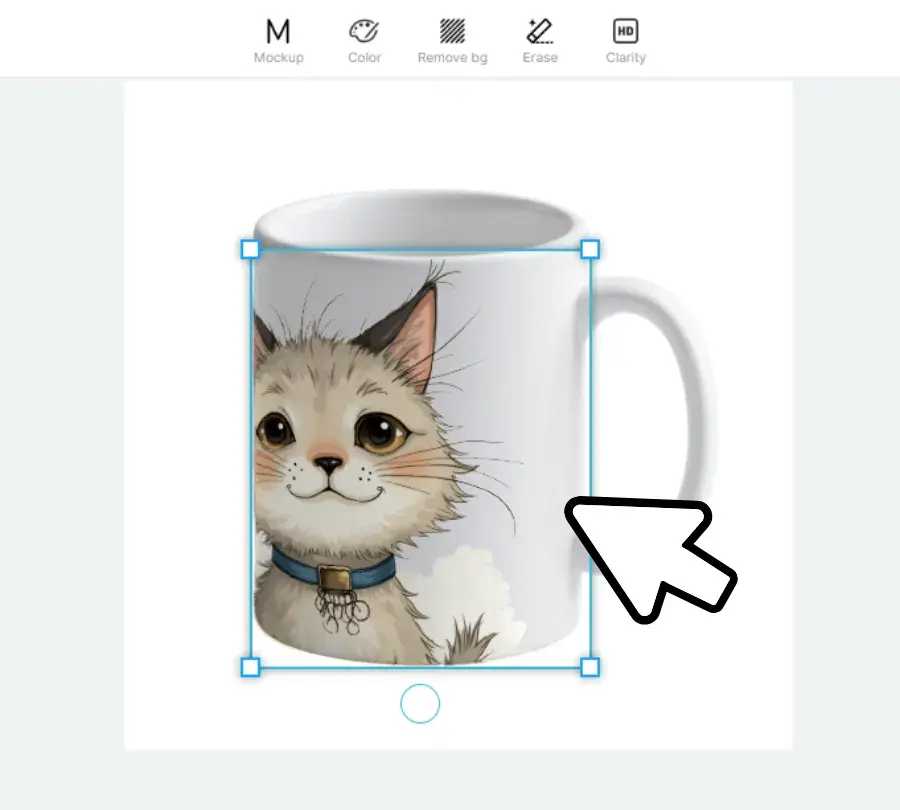
Drag and drop your logo or artwork onto the newly created mockup. The AI automatically adapts the design to the mug's curves, lighting, and folds.
3. Master the All-Over-Print (AOP)
One of the standout features for 2026 is the ability to do "All-Over-Print" designs.
- Click "Area select" to enter edit mode.
- Highlight the entire mug surface (or specific sections like the handle).
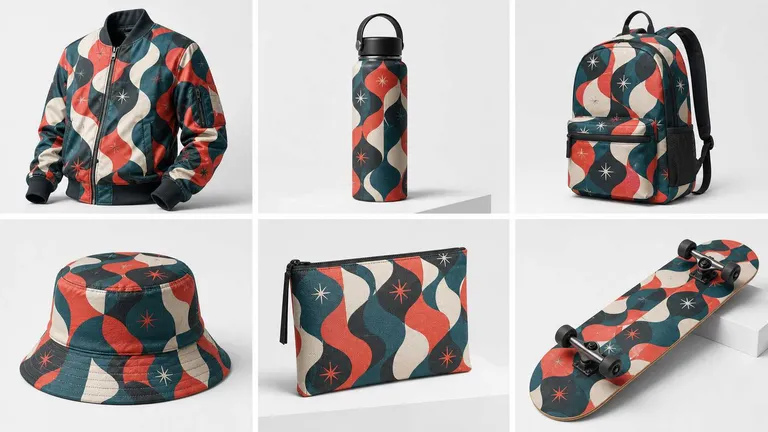
- Your design will now wrap seamlessly around the product, unlocking creative possibilities that standard templates cannot offer.
4. Customize and Download
If you need to add text, use the built-in text tool. Crucial Tip: Click the "Text" button to convert your typography into vector graphics so it integrates perfectly with the mug's texture. Finally, click "Download" and choose your preferred format (PNG, JPG, WEBP).
2026 Mug Design Trends to Watch
To maximize sales, your mug mockup needs to feature trending aesthetics. In 2026, the market is shifting towards hyper-personalization and bold minimalism.
Trend 1: Retro Revival & Earth Tones
Nostalgia is back. From 70s groovy fonts to 90s neon gradients, vintage aesthetics are dominating. Combined with the rise of sustainable branding, "Earth Tones" like forest green and terracotta are in high demand. To master this trend, using a generator that supports full-product color customization is essential.
Trend 2: Hyper-Personalization & Micro-Niches
Generic designs are out; micro-niches (specific pet, zodiac signs) are in.
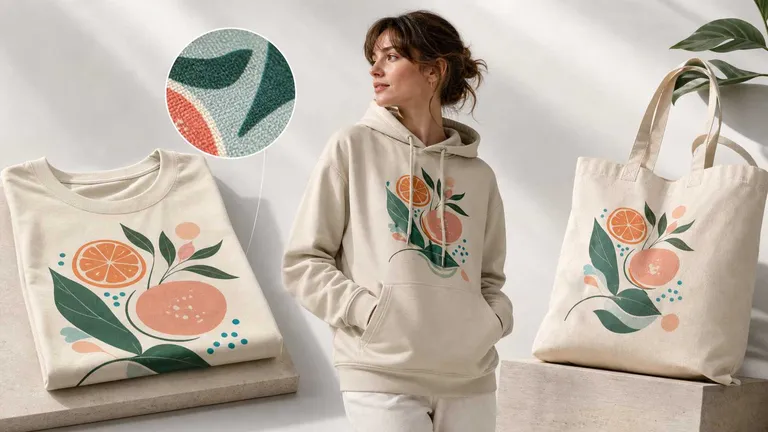
- Botanical AOP: Intricate florals designed for All-Over Print appeal to those seeking "aesthetic" home decor.
- Custom Giftables: Adding names or birth charts transforms a simple mug into a high-value, personalized gift.
Summary: Success in 2026 depends on the synergy between on-trend aesthetics and the technical flexibility to execute them perfectly.
💡 Pro Tip: Don’t Just Design, Innovate with Trends
To ensure your product collection hits the mark, combine the predictive power of WGSN or Pinterest Predicts with Mockuplabs' AI capabilities.
-- Identify the Vibe: Check Pinterest Predicts for trending patterns (e.g., "Maximalist florals").
-- Generate the Art: Use Nano Banana within Mockuplabs to generate unique versions of those trending patterns.
-- Perfect the Palette: Reference Pantone’s latest seasonal hues and apply them instantly using our Real-time Color Changer.
By referencing data-driven platforms, you move from "guessing" what customers want to "knowing" what will sell.
Create Professional Mockups in Seconds
Skip the complex Photoshop tutorials. Use our AI-powered tool to generate realistic, high-converting mug mockups instantly.
Conclusion
While Photoshop provides the ultimate manual control, it often creates a bottleneck in your workflow due to its complexity. Tools like Mockuplabs bridge the gap, offering the realism of professional software with the speed of AI. As we move into 2026, the ability to rapidly iterate on trends will define the winners in the e-commerce space.
Frequently Asked Questions (FAQs)
1. Do I need Photoshop to make a professional mug mockup?
No, you do not. While Photoshop is a powerful tool, it is no longer the only option.
- The Alternative: Modern AI platforms like Recraft, Mockuplabs, allow you to generate photorealistic mockups directly in your browser.
- The Advantage: These tools automate complex tasks—such as warping, lighting, and texture blending—delivering results that are often indistinguishable from manual edits in a fraction of the time.
2.How can I create a mug mockup for free?
You can easily create high-quality mockups using a free online generator.
- Step 1: Visit a tool like Mockuplabs.
- Step 2: Upload your design (PNG or JPG).
- Step 3: Use the "Mockup" feature to visualize your design on an editable mockup.
- Note: Basic features are typically available without a credit card, making it ideal for quick prototyping.
3.What is the best resolution for a mug mockup?
For platforms like Amazon, Etsy, or Shopify, high resolution is critical for customer trust.
- Recommended Size: At least 2000 x 2000 pixels.
- Format: Use PNG for maximum clarity or JPG for faster loading.
- Pro Tip: Mockuplabs allows you to export in multiple resolutions to ensure your product looks crisp on both mobile and desktop screens.
4. Where can I find video mug mockups?
Static images are great, but video mockups drive higher engagement.
- Traditional Method: Requires complex 3D software (Blender/C4D) or some platforms offer basic video templates.
- The AI Shortcut: Mockuplabs integrates advanced AI image-to-video models—such as Kling and Runway. You can transform your static mug mockup into a dynamic, cinematic video with just a few clicks, bypassing the need for expensive video editing skills.