Present Your Designs with Bucket Hat Mockups
The crown and brim affect how a hat illustration is perceived. Check where the artwork sits within that outline before using the scene in a merchandise proposal.
168 mockups
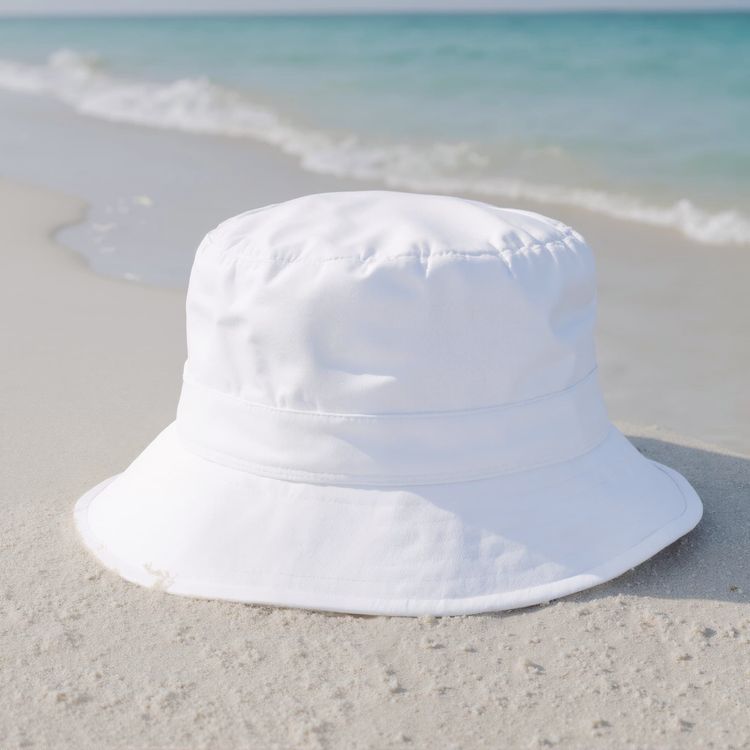
Bucket hat mockup on the sandy beach beside the ocean

Bucket hat mockup a woman is wearing a hat on the beach 01

Bucket hat mockup on the sandy beach near the waves
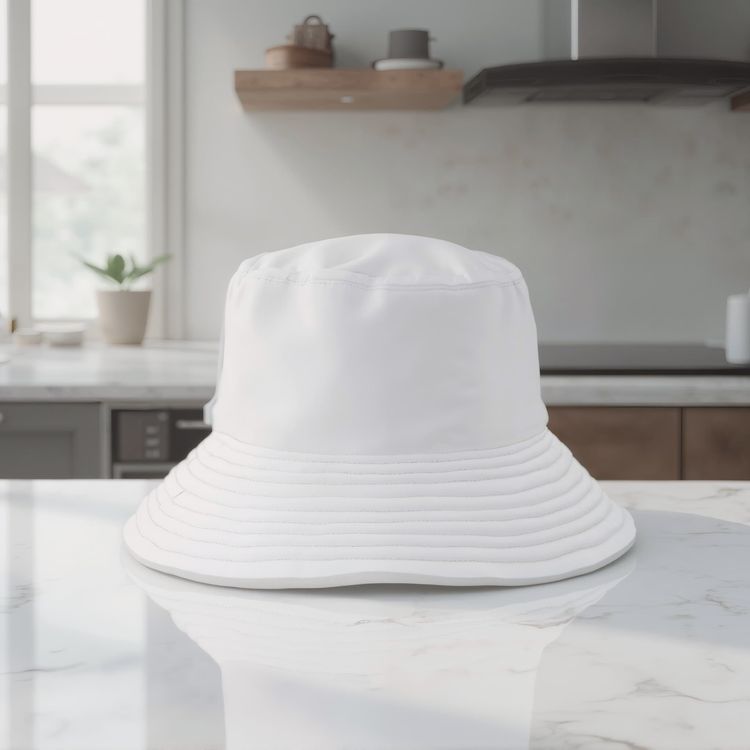
Bucket hat mockup on a marble countertop in a kitchen

Bucket hat mockup a man is smiling while standing in a kitchen

Bucket hat mockup a woman is standing in front of graffiti
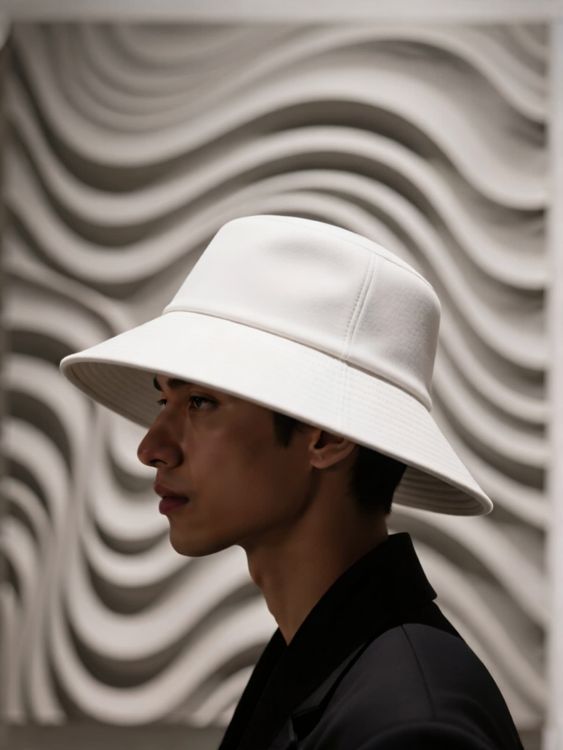
Lifestyle bucket hat mockup model wearing leaf patterned hat with wavy background

Lifestyle bucket hat mockup man wearing pastel purple hat studio background abstract shapes

Bucket hat mockup a woman is smiling while facing the camera
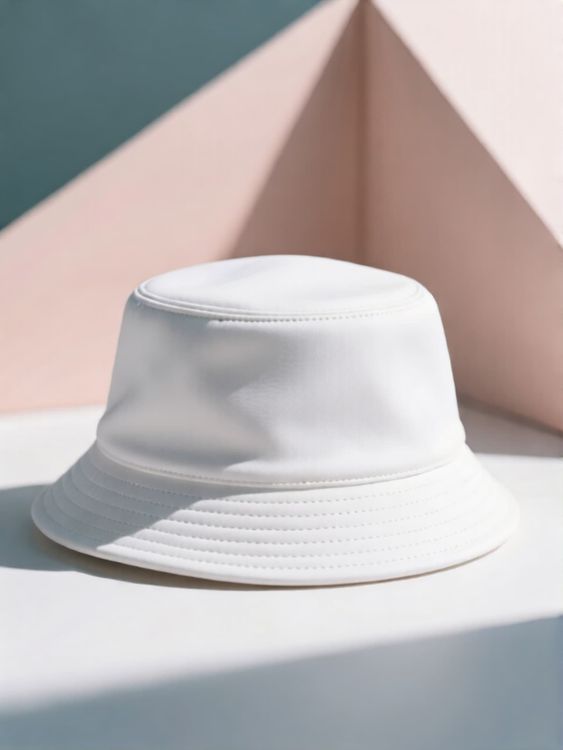
Lifestyle bucket hat mockup soft blue hat on white geometric shadowed background

Bucket hat mockup a woman is smiling while wearing a hat indoors

Bucket hat mockup of white bucket hat on stone and driftwood

Bucket hat mockup a man is standing by a city skyline
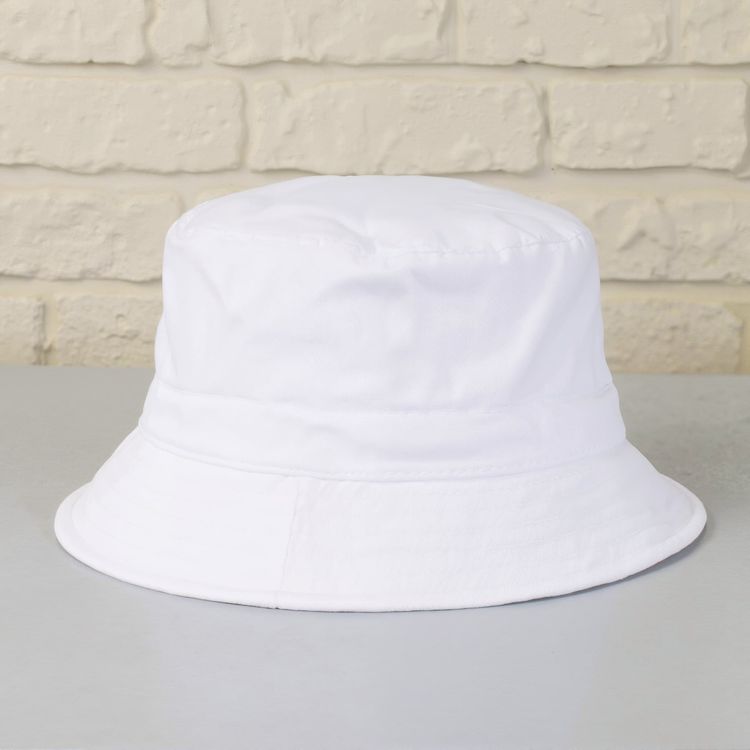
Bucket hat mockup on a smooth gray table surface

Bucket hat mockup on a soft light colored fabric surface

Bucket hat mockup of white bucket hat in desert sand dunes scene

Bucket hat mockup of white bucket hat on sandy surface with desert arch background

Bucket hat mockup of white bucket hat on wooden surface with metal background

Bucket hat mockup a woman is walking with a backpack in the city

Bucket hat mockup a woman is smiling while walking along the beach

Bucket hat mockup of white bucket hat on abstract wooden stand in beige fabric scene
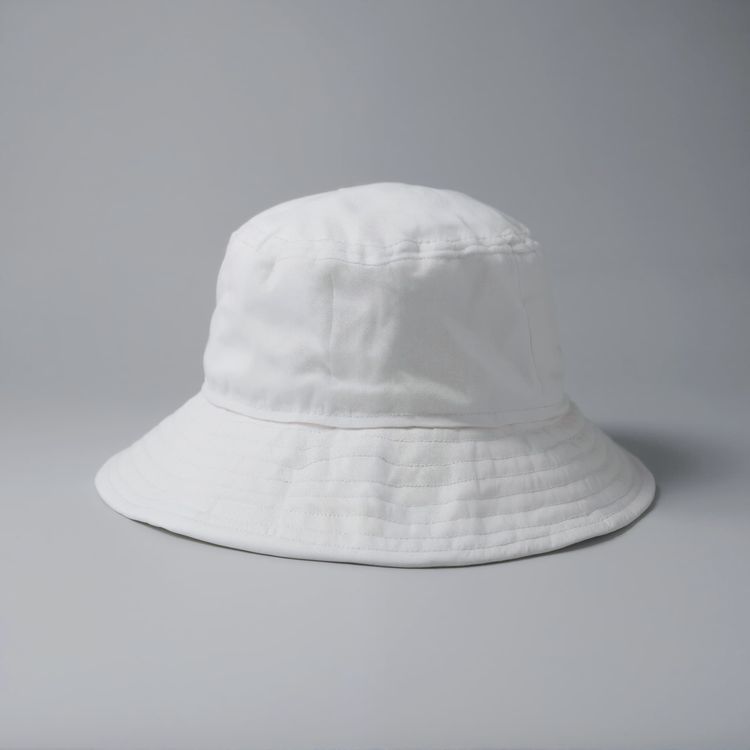
Bucket hat mockup on a smooth gray surface 1

Bucket hat mockup on a smooth dark wooden floor
Review the details that make a mockup usable.
A good template does more than hold artwork. It protects product shape, leaves intentional design space, and fits the channel where the result will appear.
Believable artwork placement
Lighting, folds, seams, and perspective remain visible around the design.
Room for the product story
Choose a clean hero, detailed close-up, or lifestyle frame based on the image role.
Built for commerce formats
Start with a crop that can travel to listings, campaigns, social, and storefronts.
Preview your design, then choose a template
- 01
Browse or add your design
Browse the templates, or use the design upload above to compare previews on supported cards.
- 02
Open a template to adjust it
Open your chosen template to see its editing options. Supported templates let you position your artwork and use the available color controls.
- 03
Download or keep creating
Download your finished image, or open an editable template in the Mockuplabs online editor to keep creating on its infinite canvas.
1,317 ratings843 reviews


Product visuals, made easier
Whether you’re launching a product, growing a brand, or creating content at scale, Mockuplabs helps you bring every product to life faster.

Callum Hayes
The Mockuplabs templates look polished without taking attention away from my design. The lighting and product details make the finished mockup feel like something I can actually use in a presentation.
Bianca Lopez
Seeing my design across a batch of templates in Mockuplabs makes the choice much easier. A few options I liked in the library didn't suit the artwork, so the previews are more useful to me than the thumbnails.

drewandco
For a basic mockup, the simple Mockuplabs editor is a good fit. I can get the design looking right without feeling like I need to learn a whole design app first.

Aisha Bennett
The cleaner Mockuplabs scenes are my favourites. The product is well presented, and the background doesn't compete with the artwork I'm trying to show.

Mateo Garcia
The simple editor in Mockuplabs covers most of my mockups. When a client needs a fuller layout around the product, having the main editor canvas available makes the template feel like a useful starting point.
sophie.makes
I usually need a few mockup options for a client, not just one image. The batch template previews in Mockuplabs let me compare the same design in different settings. It's easier to pick a set that works together.
Jordan Brooks
The artwork sits naturally on the product instead of looking like a flat overlay. That's the part that makes these templates useful for showing a design to someone else.

Eva Novak
Good-looking templates, and the little editor is easy to get along with.

Theo Baker
I like the range of product categories in Mockuplabs. I can find different ways to present my designs without every mockup ending up on the same kind of product.
Mina Cho
The templates I keep coming back to have clear product views and backgrounds that leave the design room to stand out. A mockup can look impressive on its own and still be wrong for the artwork.
Ruby Ellis
I don't need all the editing tools for every preview, so the smaller editor suits me. Being able to continue in the main canvas is handy when a quick mockup turns into a bigger piece of work.

alexd_23
Mockuplabs feels approachable when all I want is to put a design on a template. The editor stays focused on that job, which is a big part of why I'd use it again.
Bucket hat mockup FAQs
Need help preparing artwork or exporting a final image? Visit the Help Center.
Make your next bucket hat mockup your own.
Return to the templates above to compare scenes and choose one for your design.