Create and approve the first motion direction
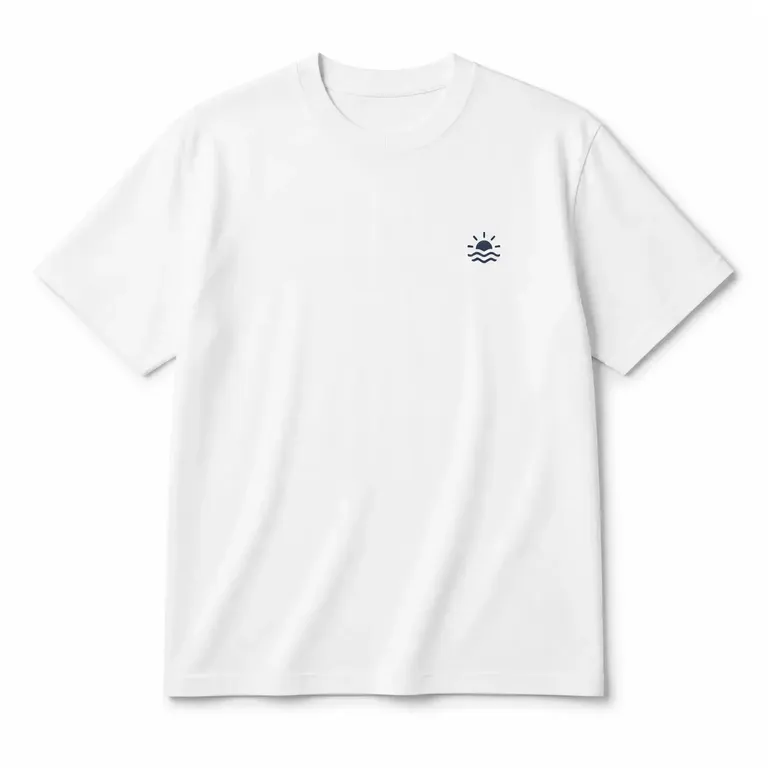
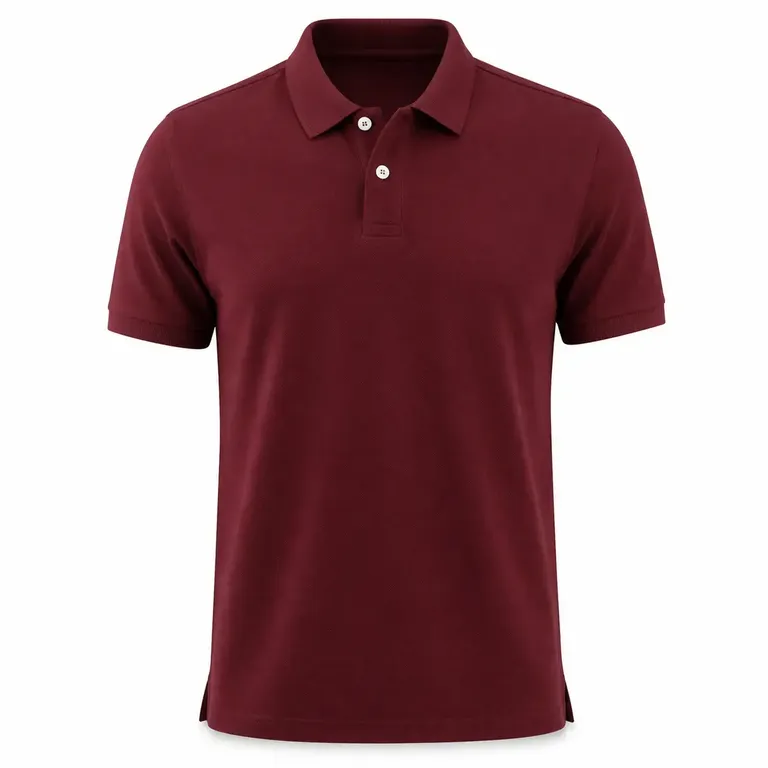
Start with an approved T-shirt image and define the first motion treatment. Review the product, composition, and important details throughout the clip before creating more versions.
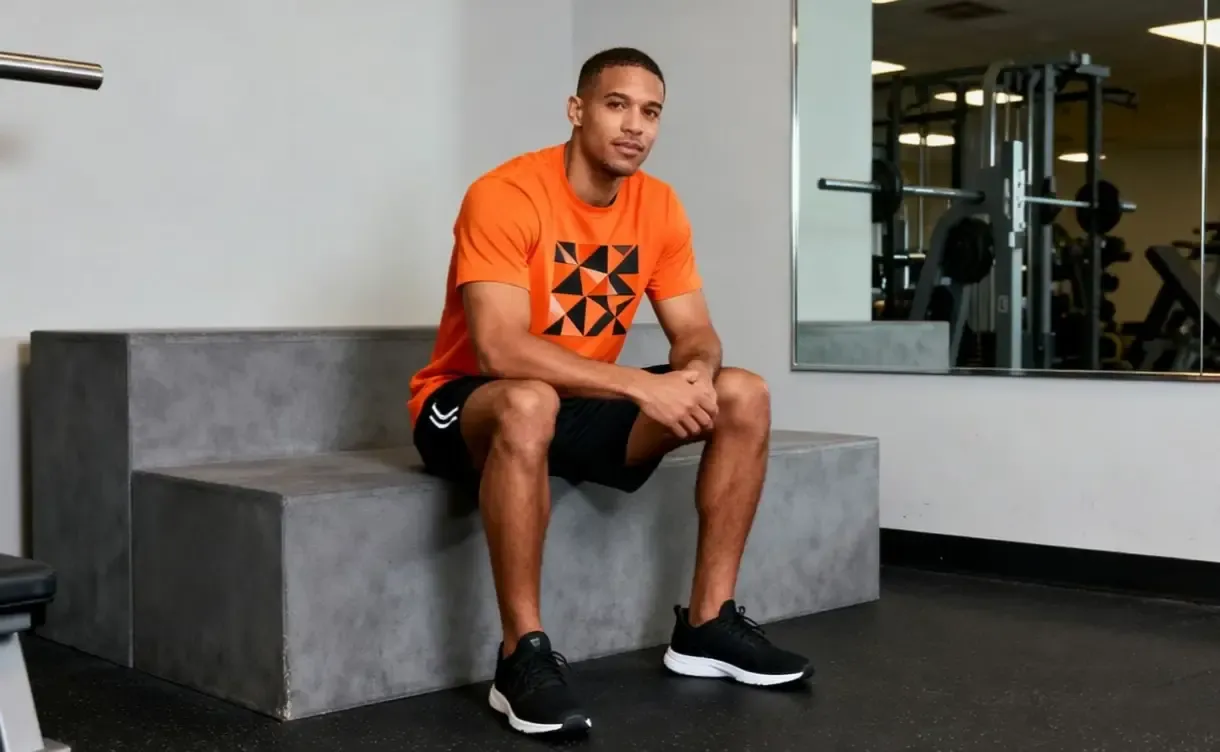
Start from the T-shirt photo or design mockup you already trust and extend it into short video for product drops, listings, campaigns, and social content.
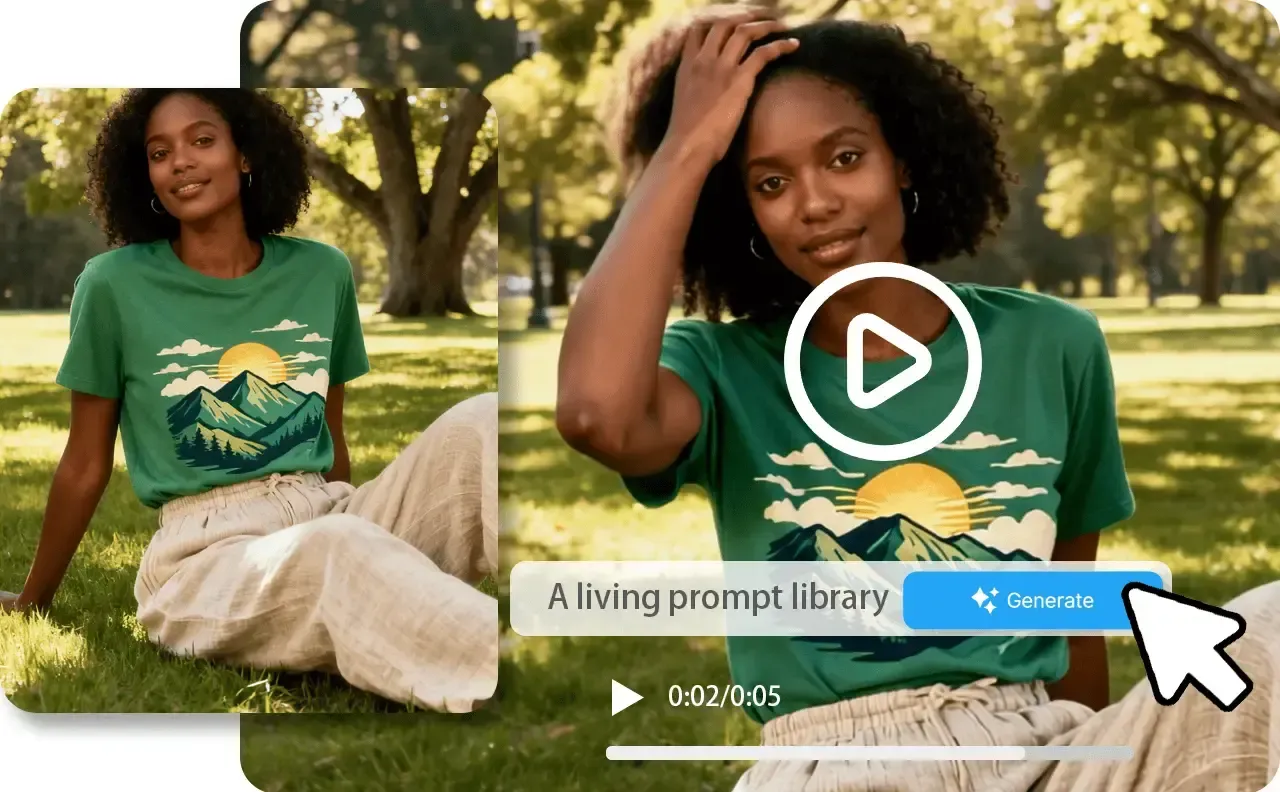
Start with the approved T-shirt image and review the first motion direction. The same product presentation can then support more clips, formats, launches, and campaign creative.
Start with an approved T-shirt image and define the first motion treatment. Review the product, composition, and important details throughout the clip before creating more versions.
Keep the same approved T-shirt presentation while changing the motion direction, campaign context, format, or message. Build a related set without recreating the starting product visual.
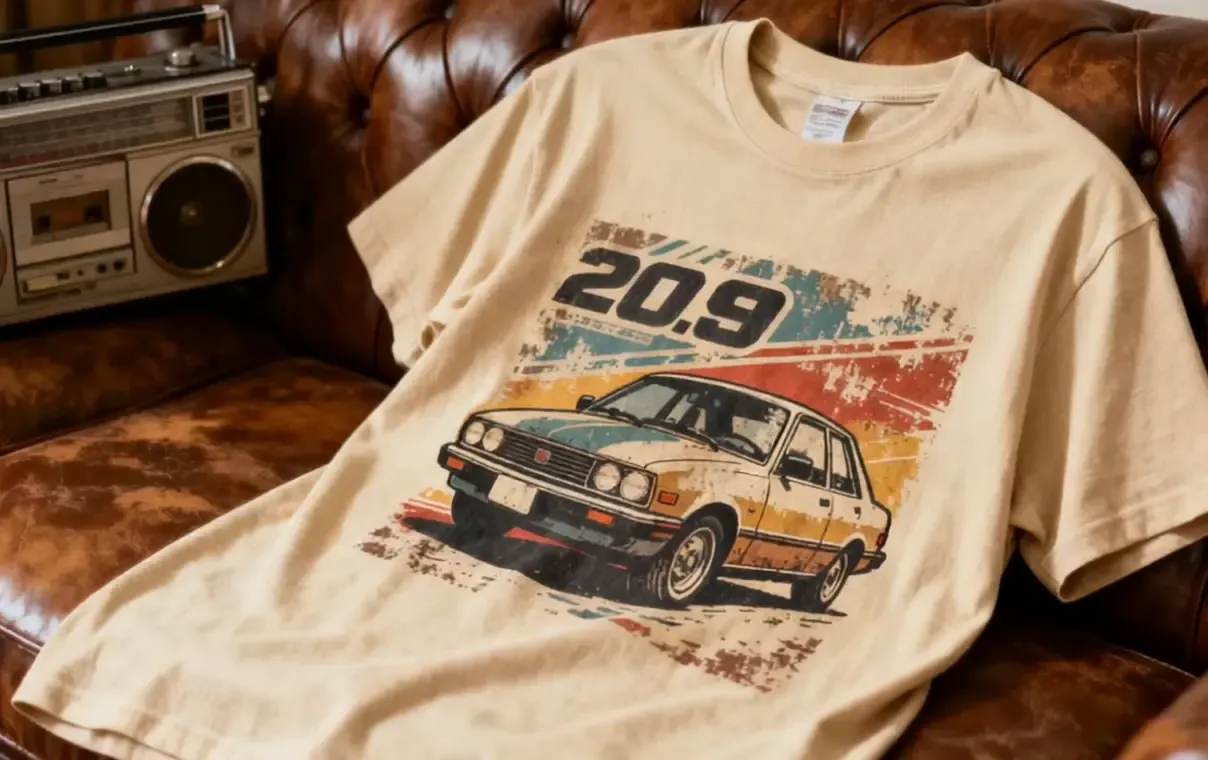
Continue from the approved product motion into launch clips, social formats, campaign creative, and supporting still images without starting from a disconnected workflow.
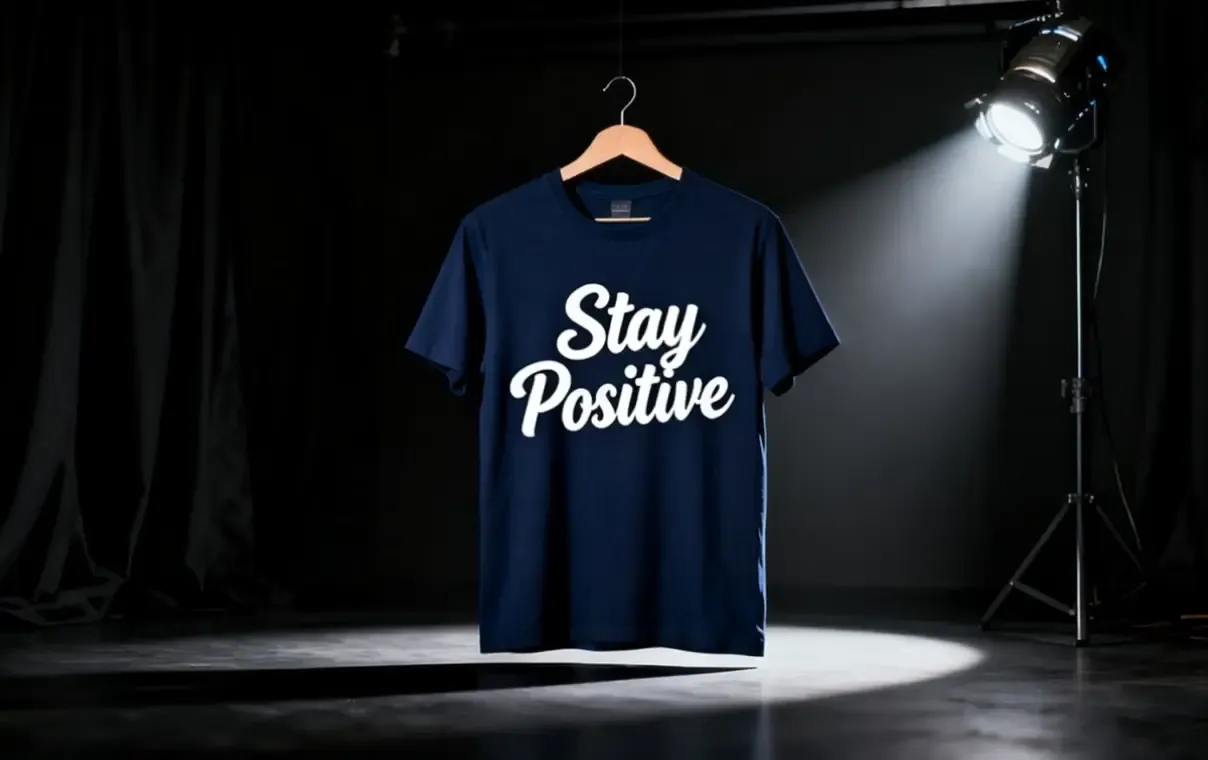
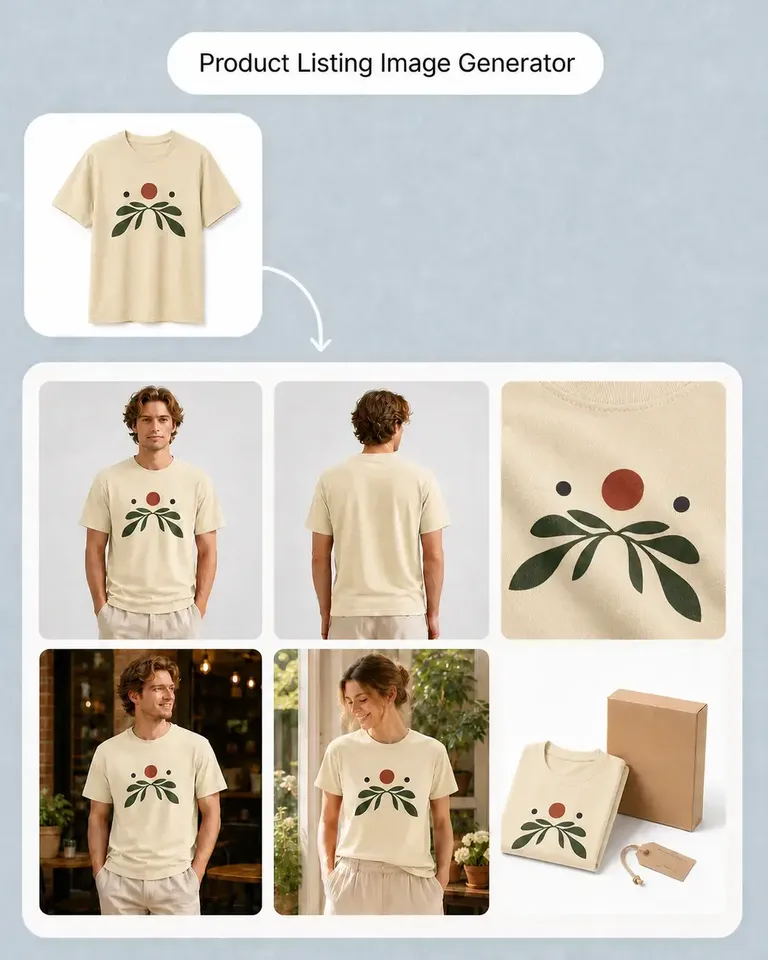
Continue from the approved source into the mockups, variations, and marketing content required for the current product or campaign.
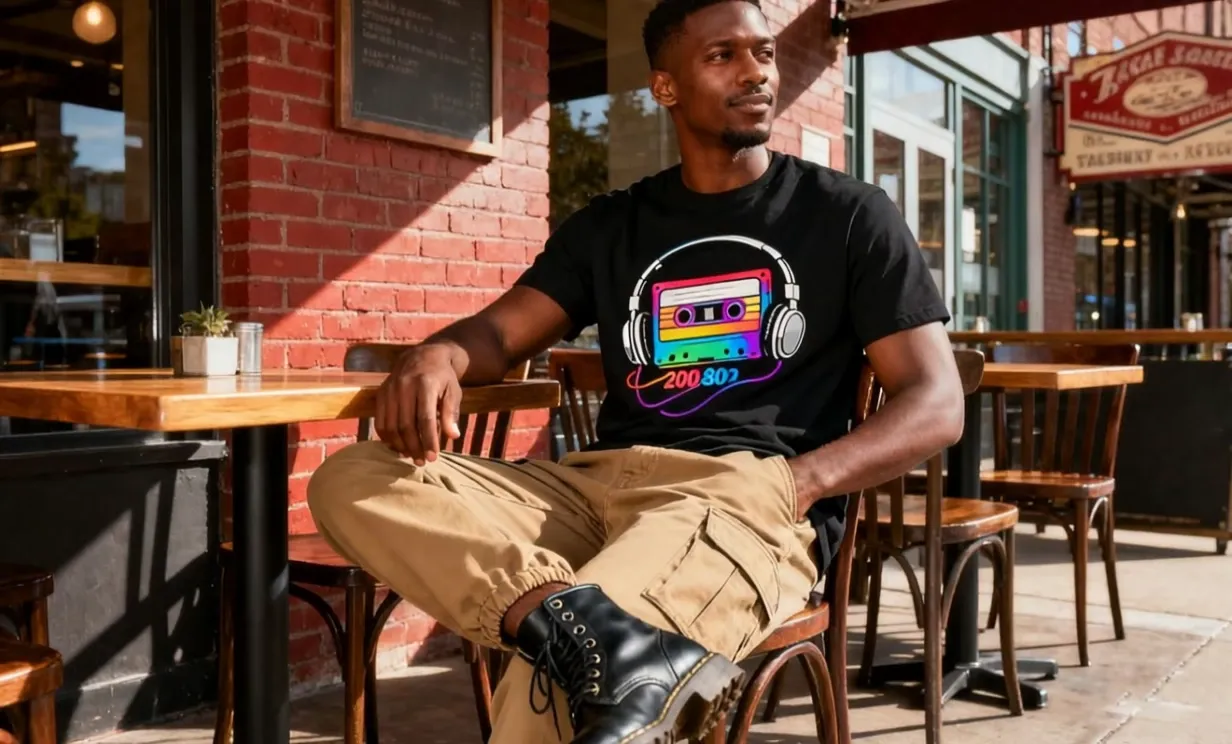
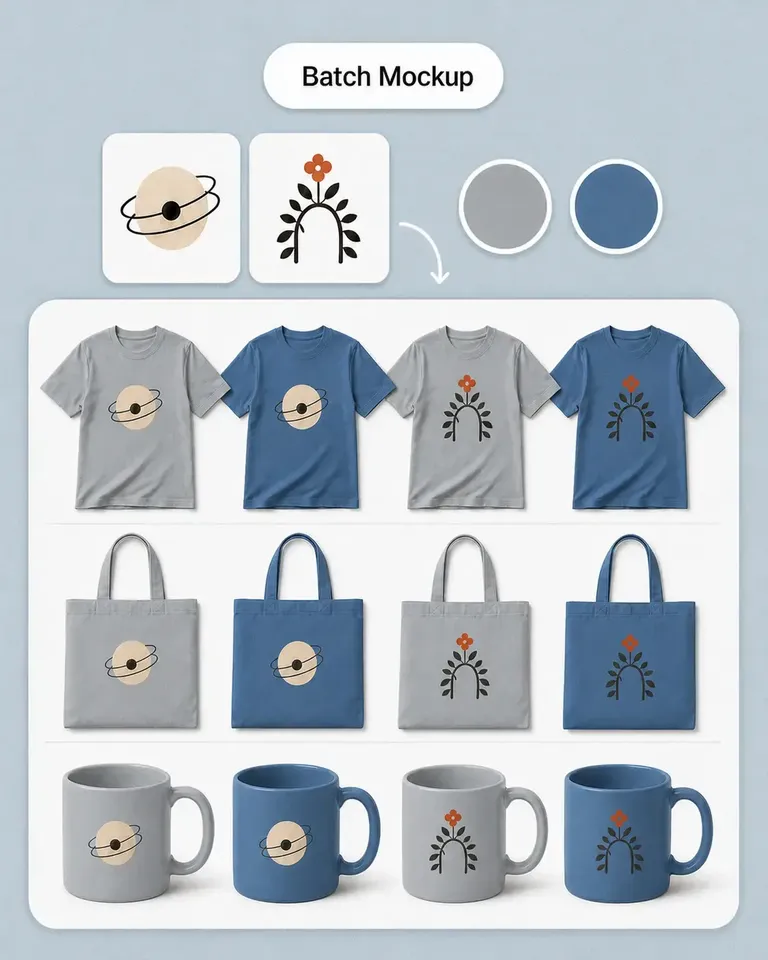
Keep the garment, artwork placement, and color aligned with the static PDP and product-drop creative. Establish the garment and design presentation first.
Approve the product image once, then reuse it as the motion and campaign set grows.
Start with the T-shirt visual that already presents the product, composition, and important details correctly.
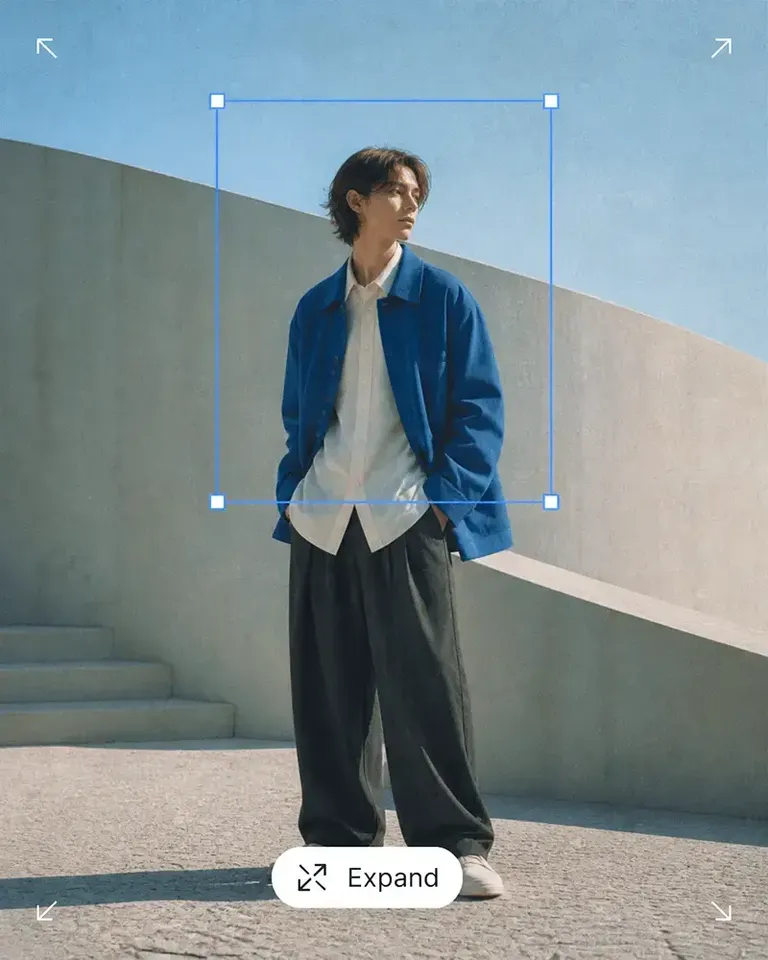
Clean, expand, or refine the starting image when needed, then confirm the product and composition before adding motion.
Define the motion direction, then review product consistency, visible details, text legibility, and crop throughout the clip.
Keep the approved starting visual ready for new launch, social, and campaign versions instead of rebuilding the product presentation.
Continue with the most relevant product categories while keeping the same source-led approach to design, variations, and marketing content.
Approve the starting T-shirt image and motion direction, then reuse the same product visual across more clips, formats, and campaigns.